YouTube Shorts Just Got Redesigned: Clear Screen Mode, 2x Speed, and What Every Creator Should Fix

Written by
Aerin Kim

YouTube redesigned the Shorts player with Clear Screen mode, 2x speed, tap-to-mute, and a new heart icon. Here is exactly what changed and how to adjust your Shorts workflow.
If you have opened YouTube Shorts recently and noticed the player feels different, you are not imagining it. YouTube rolled out a genuine redesign of the Shorts player, a distraction-free "Clear Screen" mode, 2x playback speed, tap-to-mute controls, a viewer-facing timer, and a new heart icon replacing the thumbs-up, alongside the quiet retirement of the dislike button on Shorts entirely [1]. YouTube's own blog post framed this as the biggest change to how viewers actually watch and interact with Shorts since the format launched, not a cosmetic tweak.
For creators, this is not a "nice to know" platform update you can skim past. Every one of these changes touches how your captions get seen, how your hook performs, and how viewers decide whether to keep watching or swipe away, and a few of them create real new risks if your Shorts are not built with them in mind. This post covers exactly what changed, why it matters for your retention and captions specifically, and how to adjust your production workflow so the redesign works in your favor instead of quietly working against you.
What Actually Changed in the Shorts Player
YouTube's update bundled several distinct changes into one rollout, and it is worth knowing all of them individually since a few get lost in the headline.
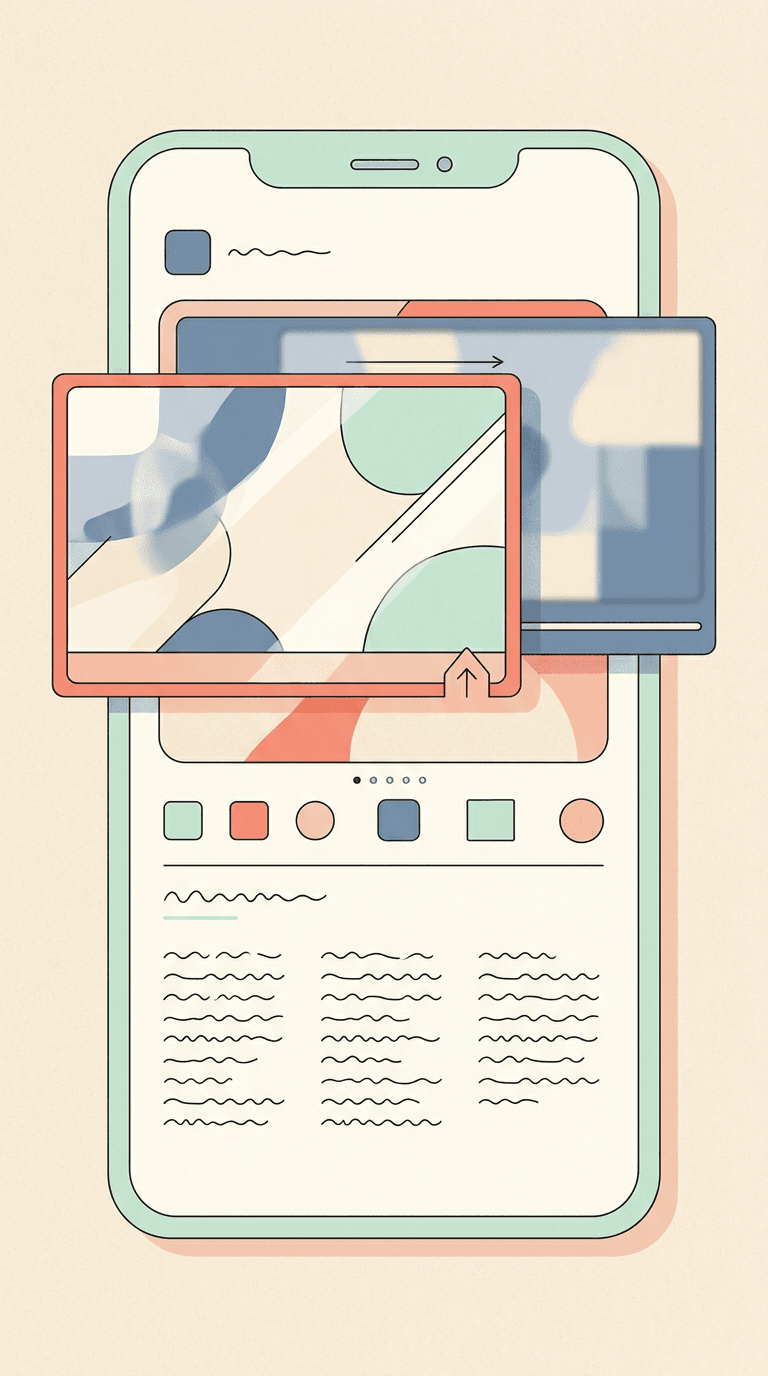
Clear Screen mode. A single tap now hides every on-player element, text overlays, the like button, the channel name, the progress bar, everything, leaving just the video itself. This is the headline feature, and it exists specifically so a viewer who wants to watch without visual clutter can do that on demand [1].
2x playback speed. Viewers can now double the playback speed on any Short, a control that has existed on long-form YouTube for years but was never available on Shorts until this update. YouTube's stated reasoning is letting viewers absorb information faster or quickly find a specific part of a video they want to rewatch [1].
Tap-to-mute. A new, more direct way to silence audio: tap once to pause, tap the mute icon to silence, without needing to dig into a settings menu. YouTube pitched this specifically around moments when a viewer cannot have sound on but still wants to keep watching [1].
A viewer-facing timer. Viewers can now set a timer on their Shorts session, including setting it to zero, giving them a built-in way to cap how long they scroll [1].
Heart icon replaces thumbs-up, and dislikes are gone. YouTube is swapping the thumbs-up for a heart icon on Shorts specifically, and retiring the dislike button on the format entirely, a change multiple outlets covering the rollout noted as one of the more consequential shifts, since it changes what a "negative" engagement signal even looks like on Shorts going forward [2] [3].

Why Clear Screen Mode Is the One That Actually Matters for Creators
Of everything in this update, Clear Screen mode is the one with the most direct production impact, because it strips away exactly the elements a lot of Shorts rely on to communicate.
Think about what typically sits on top of a Short: a hook line as text overlay in the first two seconds, captions running throughout, maybe a call-to-action graphic near the end. Clear Screen mode hides all of it with one tap. A viewer who taps into Clear Screen mode part way through your video, maybe to focus on a visual detail, loses your captions, your on-screen hook, everything except the raw footage, for as long as they stay in that mode.
This does not mean on-screen text stops mattering. Most viewers will never toggle Clear Screen mode on for most videos, and captions remain one of the strongest tools for holding attention in a sound-off scrolling environment. What it means is that a Short whose story only works with the text overlay, where the visual alone communicates nothing without a caption explaining it, now has a real failure mode it did not have before. A Short that is visually self-explanatory even with the text stripped away is more resilient to this specific viewer behavior than one that depends entirely on captions to make sense.

The practical takeaway is not to abandon captions, it is to make sure the underlying footage or animation tells at least a partial story on its own. If you are generating your Shorts with Text2Shorts in Miraflow AI, this is worth thinking about at the visual-generation step, not just the caption step, since Text2Shorts generates the scene visuals separately from the script and voiceover, giving you a natural point to check whether a scene communicates something even without its caption on screen.
What 2x Speed Means for Retention Metrics
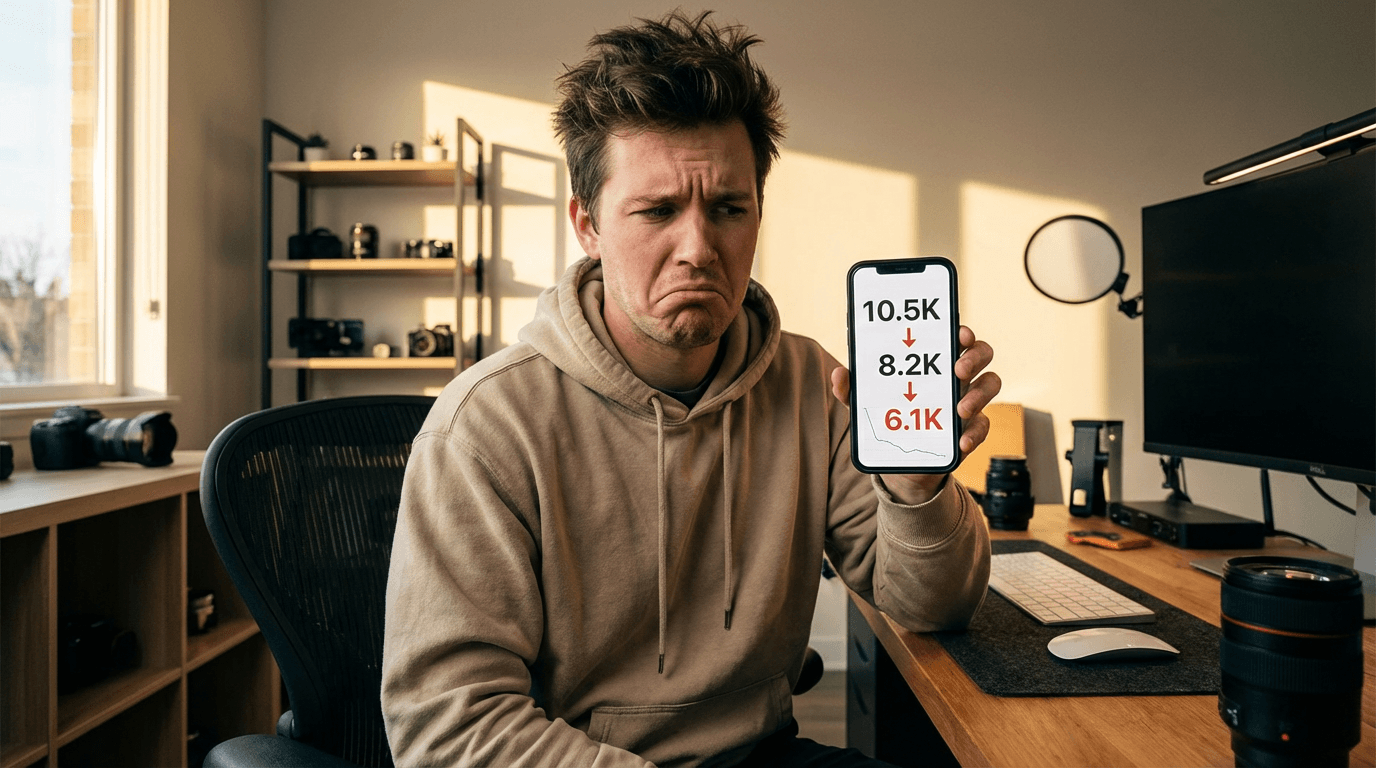
2x playback speed is the update most likely to quietly distort your retention data if you are not aware it exists. YouTube Studio's average view duration and retention graphs are built around real time, not adjusted for playback speed, which means a viewer who watches your entire 30-second Short at 2x speed in 15 real seconds registers differently than a viewer watching the same 30 seconds at normal speed.
This matters most for pacing decisions. If you have historically used your retention graph to identify exactly where viewers drop off and pace your hook or reveal around that data, a meaningful chunk of 2x-speed viewing sitting inside that same graph makes the signal noisier than it used to be. It does not make retention data useless, but it is one more reason to look at retention trends over many videos rather than reacting hard to any single video's graph shape.
There is also a more direct creative implication. A Short edited with fast cuts and quick pacing already reads fine at 2x speed, since the underlying rhythm survives being compressed. A Short that relies on a slower reveal, a held shot, or a moment that needs real time to land emotionally can lose exactly the effect it was built around if a viewer chooses to watch it sped up. This is not a reason to abandon slower pacing when a video calls for it, but it is a new variable worth being aware of when you are cutting for a specific emotional beat rather than pure information delivery.

Tap-to-Mute and the Sound-Off Assumption
YouTube's stated reasoning for tap-to-mute, easier silencing for moments when a viewer cannot have sound on, is a reminder of something creators have known for a while but that this update reinforces directly: a meaningful share of Shorts viewing already happens with sound off, in public, at work, in bed next to someone sleeping, and making muting even easier will likely increase that share further, not decrease it.
This is not new advice, captioning for sound-off viewing has mattered since Shorts launched, but a feature that makes muting a single tap away rather than a menu dig raises the cost of getting captions wrong. A caption that is too small, too briefly on screen, or missing entirely for a key line of dialogue now competes against an audience that YouTube itself just made it easier to mute mid-video.

If caption quality across a backlog of videos has been inconsistent, AI Clipping in Miraflow AI applies animated karaoke-style captions automatically to clips pulled from long-form video, in over 50 auto-detected languages, which is a faster fix than manually recaptioning older Shorts one at a time.
The Heart Icon and the End of Shorts Dislikes
Replacing the thumbs-up with a heart and retiring the dislike button on Shorts is a smaller UI change with a real signal-quality implication worth understanding. Coverage of the rollout has noted that this shifts how negative sentiment shows up in the data creators and YouTube itself can see, dislikes previously gave both viewers and creators an explicit negative signal, and Shorts no longer collects it the same way long-form video still does [2] [3].
Practically, this means engagement rate on Shorts leans even more heavily toward a pure positive-signal read, hearts, comments, shares, watch time, than it already did. It is one more reason not to over-index on any single vanity metric and to keep watching completion rate and rewatch rate as the more reliable signals of whether a Short is actually working, since those were never dependent on the dislike button in the first place.

How to Adjust Your Shorts Workflow for This Update
A few concrete changes are worth making now rather than waiting to see how the data shakes out.
Front-load your hook visually, not just textually. Since Clear Screen mode can strip your on-screen hook text, make sure the first frame or two of actual footage communicates something on its own, a strong facial expression, an unusual object, motion that creates a question, rather than relying entirely on a text overlay to do that work.
Caption for a muted, sped-up viewer, not an ideal one. Assume some share of your audience is watching muted at 2x speed, and make sure key captions are legible at that pace, meaning large enough text, high contrast, and not so many words on screen at once that a fast viewer cannot read them before the cut.
Stop treating retention graphs as literal-time truth for every single video. Use retention data as a trend across many uploads rather than a precise second-by-second diagnostic for one video, since 2x-speed viewing compresses that data in a way it did not used to.
Design pacing intentionally for videos meant to be watched at normal speed. If a specific emotional beat genuinely needs real time to land, consider whether your edit signals that clearly enough that a viewer chooses not to speed through it, since nothing stops them from doing so now.

Common Mistakes Creators Are Making With This Update
- Assuming Clear Screen mode is rarely used and ignoring it entirely. Even a minority of viewers using it regularly is enough to matter if your hook only works with text on screen.
- Panicking over a single video's retention graph looking different than usual. A shift in playback-speed distribution across your audience can change graph shape without your content actually performing worse.
- Leaving captions unchanged after years of the same style. A caption style built for a sound-on assumption from years ago is worth revisiting now that muting is a single tap away.
- Chasing hearts as a direct replacement for the old thumbs-up benchmark. The underlying interaction changed enough that comparing heart counts directly against historical like counts is not a clean comparison.
- Not testing your own Shorts in Clear Screen mode before publishing. Toggling it on for your own upload takes a few seconds and shows you exactly what a viewer using that mode will and will not see.
Producing Shorts Built for the New Player
If you are building Shorts from scratch, Text2Shorts in Miraflow AI generates the script, scene visuals, and voiceover from a single topic, and because the visuals are generated as a distinct step from the caption and script, it is a natural place to check whether a scene still communicates its idea with the text stripped away, exactly the resilience Clear Screen mode now rewards. For Shorts pulled from a longer video instead of scripted from scratch, AI Clipping finds and ranks the most engaging moments automatically and applies auto-captions in the process, useful for making sure caption quality stays consistent across a whole backlog rather than just your newest uploads. And once a Short is ready, the YouTube Thumbnail Maker can produce a dedicated vertical thumbnail for it, worth pairing with our coverage of YouTube Shorts custom thumbnails, the feature that gave creators control over that exact image for the first time.
This redesign sits alongside a run of other 2026 Shorts and Studio changes worth tracking together. We covered the new view-counting rule tied to the first frame, why Shorts views changed after that update, the doubled Partner Program watch-hour requirement, and the Studio Insights redesign. You can find all of our YouTube growth coverage on the Miraflow AI blog, and every tool referenced above lives at Miraflow AI.

Frequently Asked Questions
Is Clear Screen mode on by default, or does a viewer have to turn it on? It is a toggle a viewer activates with a single tap while watching, not a default setting, so most viewers will only see it engaged when they specifically choose to use it.
Does 2x playback speed change how YouTube counts a view? YouTube has not indicated that playback speed changes view-counting rules directly. It primarily affects how time-based metrics like average view duration and retention graphs read, since those are measured in real elapsed time.
Can I bring back the dislike button for my own Shorts? No. The retirement of the dislike button on Shorts is a platform-wide change, not a per-creator or per-channel setting.
Should I redesign all my old Shorts thumbnails and captions because of this update? Not urgently for every past upload, but it is worth applying the adjustments in this post, bolder captions, a visually self-explanatory hook, to new Shorts going forward, and prioritizing a recaption pass on your best-performing older Shorts if their captions are especially small or sparse.
Does this update affect long-form YouTube videos too? No. This redesign is specific to the Shorts player. Long-form video already had features like variable playback speed and had never had a Shorts-style Clear Screen mode to begin with.
Where did YouTube officially announce this? Directly on the official YouTube Blog, in a post specifically covering the Shorts experience updates [1].
Conclusion
This is not a small visual refresh. Clear Screen mode, 2x speed, tap-to-mute, and the shift from thumbs-up and dislikes to a single heart icon all change something real about how viewers experience and interact with your Shorts, and a couple of them create genuine new production considerations if you have not adjusted for them yet. The core fix is simple even if the update itself has several moving parts: build hooks that survive with the text stripped away, caption for a viewer who might be muted and watching at double speed, and stop reading any single retention graph as a literal, unambiguous truth. Build that into your next upload with Text2Shorts in Miraflow AI, and you will already be ahead of most creators still producing Shorts exactly the way they did before this redesign shipped.