
Nano Banana Pro vs Seedream 5.0 Pro: Which AI Image Editor Wins for Creators in 2026

Written by
Aerin Kim
ByteDance just shipped Seedream 5.0 Pro with region-precise editing and image layers. Here is how it actually compares to Nano Banana Pro for creators in 2026.
If you have spent any time this week inside AI creator communities, you have probably seen the same question over and over. Should you switch from Nano Banana Pro to Seedream 5.0 Pro. ByteDance just released Seedream 5.0 Pro with region based editing and independent image layers, and that single update is enough to make a lot of creators rethink their workflow.
This comparison is not about which brand has more hype. It is about what each model actually does differently, where each one still wins, and which one fits the way you actually work. We tested prompts, editing patterns and text heavy layouts across both to put together a clear, practical answer.
What Changed With Seedream 5.0 Pro
Seedream 5.0 Pro is ByteDance's professional tier image model, built specifically for controllable production work rather than one shot generation. The headline feature is grounded, region based editing. Instead of describing a change in words and hoping the model finds the right spot, you can point, lasso or sketch the exact area you want changed.
Once you mark a region, the model only touches that region. Lighting stays where it was. Shadows do not shift. Composition and camera angle stay locked. That precision is a real answer to one of the most common complaints creators have had with AI image editing, which is losing an otherwise perfect image because one small edit changed something else in the frame.
Seedream 5.0 Pro also introduces layer separation. A single image can be split into independent, editable pieces, such as the subject, the background, text elements and effects. Each layer can be moved, replaced or refined without touching the rest of the composition. For creators who build a lot of composite thumbnails or product mockups, this behaves closer to a design tool than a typical prompt in, image out generator.
On top of that, Seedream 5.0 Pro supports native text generation in 14 languages and can blend up to 10 reference images into a single new scene. You can read ByteDance's own breakdown of the release on the official Seedream 5.0 Pro announcement.
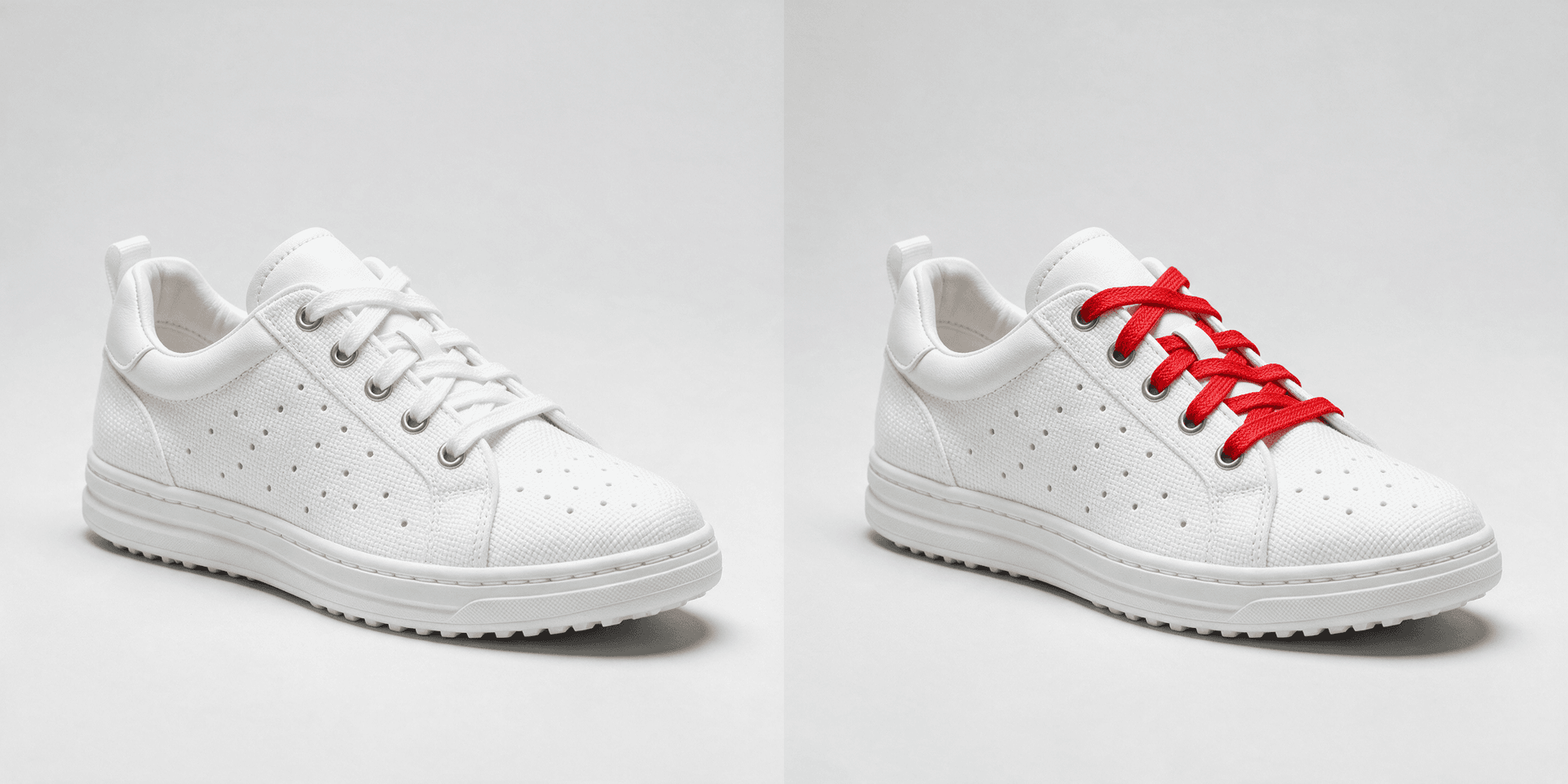
The image above was generated directly with Seedream 5.0 Pro, using a regional edit prompt similar to the ones later in this post, to show what its region based editing actually produces.
Where Nano Banana Pro Still Wins
Nano Banana Pro, the Gemini 3 Pro Image model from Google DeepMind, is not standing still either. Its biggest strength is still speed combined with accuracy. It uses a thinking mode that analyzes composition, subject hierarchy and text placement before it renders, which is a big part of why text inside Nano Banana Pro images comes out legible instead of garbled.
That matters more than it sounds. Text heavy visuals like YouTube thumbnails, sale banners and poster mockups have historically been the weak point of AI image generation. Nano Banana Pro closes that gap without extra steps. You can see Google DeepMind's own model page for the full breakdown of capabilities on the Gemini 3 Pro Image model page.
Nano Banana Pro also supports output up to 4K, multiple aspect ratios, and grounding through Google Search for visuals that need to reflect real information, like a current weather scene or a recognizable landmark. If your workflow leans on fast iteration and a lot of variations per session, Nano Banana Pro still feels quicker to work with for that specific use case.
Creators who want to try both editing styles side by side can generate variations directly with the AI image generator in Miraflow AI, including masking a specific region of an existing photo and replacing only that part, similar in spirit to the region based editing described above.
Region Based Editing vs Prompted Editing: Why This Works
The difference between these two tools comes down to how each one interprets an edit instruction.
A prompted edit relies on the model correctly identifying what you meant by a phrase like change the shirt color. Most of the time this works well, but on a busy image with multiple similar objects, the model can guess wrong.
A region based edit removes the guessing entirely. You are pointing directly at pixels, not describing them. That is why Seedream 5.0 Pro's region tools feel more predictable on complex images, while Nano Banana Pro's prompt based approach feels faster on simpler ones.
Neither approach is universally better. The right one depends on how cluttered your source image is and how much control you need over one specific area.
| Capability | Nano Banana Pro | Seedream 5.0 Pro |
|---|---|---|
| Maker | Google DeepMind (Gemini 3 Pro Image) | ByteDance |
| Precision editing | Prompt-described edits with a thinking mode for complex compositions | Point, lasso and sketch based region selection |
| Layers | Not exposed as separate layers | Subjects, backgrounds, text and effects as independent layers |
| Text rendering | Strong, built for readable in-image text | Native multilingual text in 14 languages |
| Reference images | Supports multiple reference images | Up to 10 reference images with fusion |
| Output resolution | 1K, 2K and 4K | High resolution production output |
| Best for | Fast iteration, factual visuals, thumbnails | Precise regional edits, layered composites, multilingual campaigns |
5 Prompts to Test the Difference Yourself
The fastest way to understand the gap between these tools is to run the same edit through both. These five prompts are built to expose exactly where region control and layering matter most.
Prompt 1: Change one product detail
Product color and material swaps are the clearest test of regional precision, since everything outside the target object needs to stay identical.
bashproduct photo of a ceramic coffee mug on a wooden table, keep the mug shape, table, background and lighting exactly the same, change only the glaze color from white to matte sage green, soft natural window light, high resolution commercial photography
Prompt 2: Replace only the background
This tests whether the subject stays sharp and untouched while the background changes completely.
bashportrait of a person sitting on a plain gray studio backdrop, keep the person, pose, and lighting completely unchanged, replace only the background with a blurred golden hour city street, subject stays in sharp focus, natural rim light
Prompt 3: Generate readable poster text
This is where text rendering quality becomes obvious immediately.
bashbright minimalist product poster on a soft peach background, bold clean headline text at the top that reads SUMMER SALE in a modern sans serif font, product bottle centered below with soft shadow, plenty of empty space around the text, commercial advertising style
Prompt 4: Fuse multiple references
This checks how well a model blends a person, an outfit and a location into one believable photo.
bashcombine these three references into one photo, the person from image one, the jacket from image two, and the rooftop background from image three, keep the person's face and pose accurate, natural sunset lighting, realistic photographic blending, no text
Prompt 5: Build a reaction style thumbnail
This one is useful for anyone testing thumbnails specifically. For more prompt ideas built just for thumbnails, see 50 Nano Banana prompts that look like real photos and best AI prompts for YouTube thumbnails in 2026.
bashYouTube thumbnail, 16:9, close up of a creator with a shocked expression pointing at a floating product mockup, keep the creator's face and expression exactly as in the reference photo, bright colorful gradient background, bold empty space on the left for text, no added text in the image itself
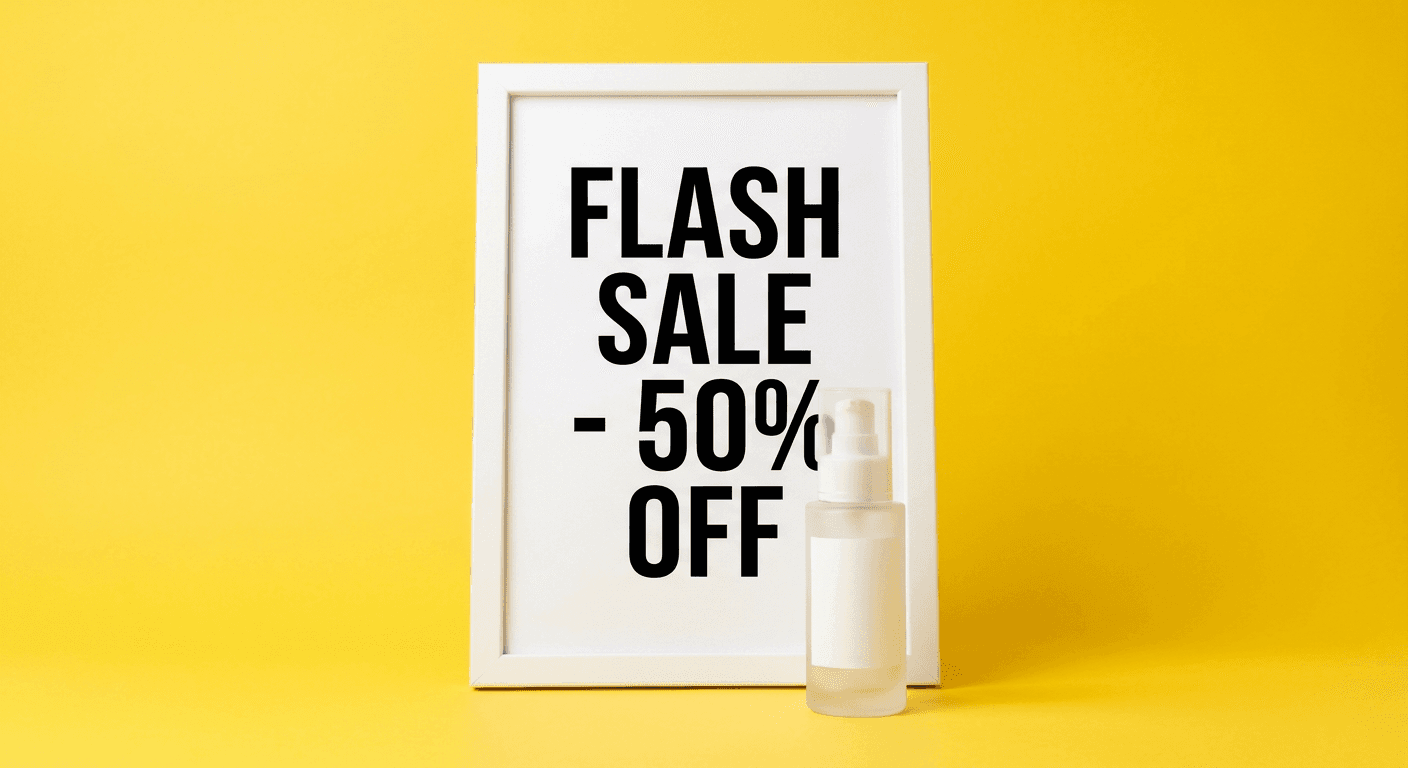
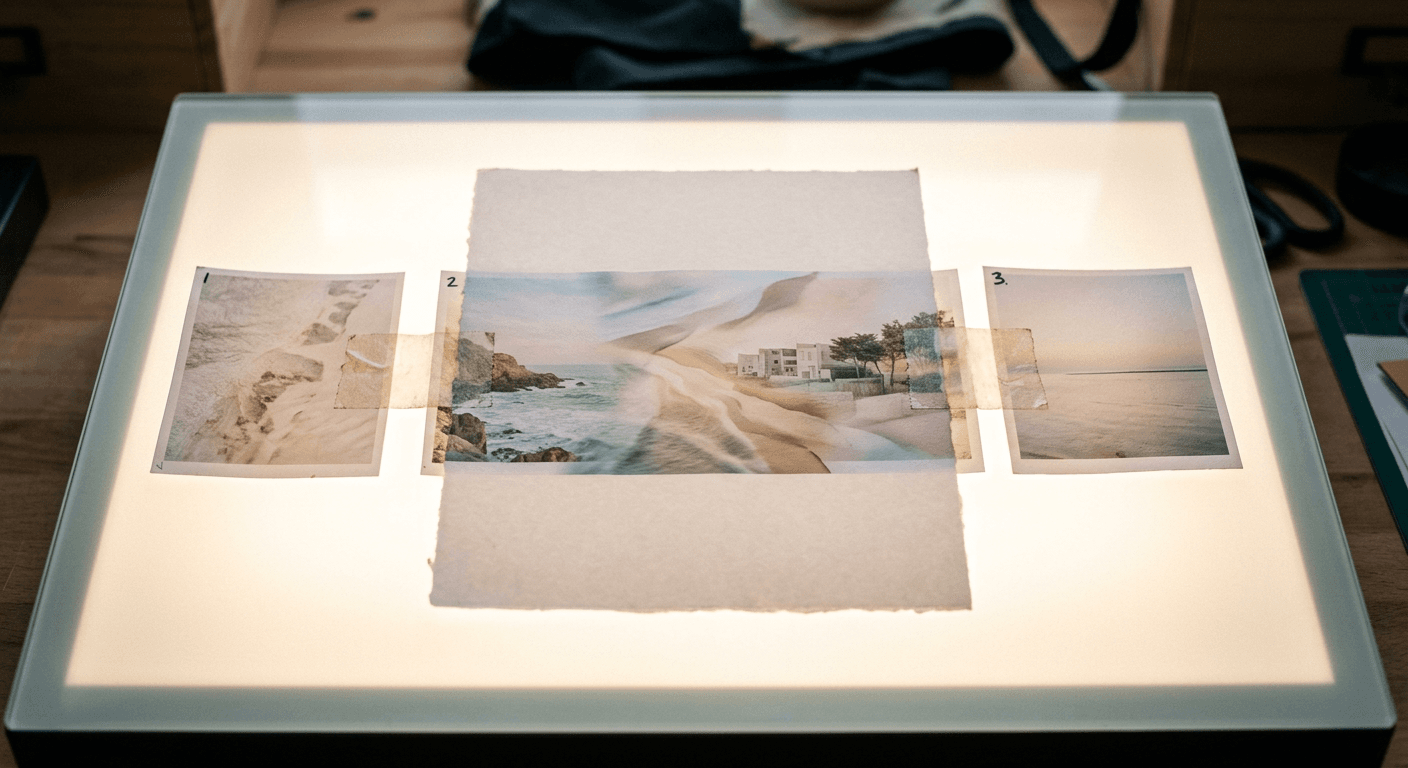
The poster above was generated directly with Nano Banana Pro, using a text heavy prompt like the ones above, to show its in-image text rendering without any extra retouching.
Common Mistakes Creators Make When Comparing AI Image Tools
A few patterns show up again and again when creators try to pick a winner between models like these.
- Judging a model on one bad output instead of five or six variations
- Comparing default settings on one tool against fine tuned prompts on the other
- Ignoring output resolution requirements for the final platform, since a thumbnail needs different specs than a print asset
- Skipping negative prompts entirely, which increases the chance of unwanted objects or extra limbs
- Assuming the newest model is automatically the better fit, instead of testing it against the actual task
If you are building thumbnails specifically, pairing either model with a dedicated workflow like the YouTube Thumbnail Maker in Miraflow AI helps you skip a lot of this trial and error, since the tool is already tuned for thumbnail composition and safe text placement.
What Most People Misunderstand About Better AI Models
There is a common assumption that a newer model is a strict upgrade over the previous one. In practice, Seedream 5.0 Pro and Nano Banana Pro are optimized for different jobs, not competing on the exact same axis.
Seedream 5.0 Pro is closer to a precision editing tool for people who already have a good image and need a specific, controlled change. Nano Banana Pro is closer to a fast generation and iteration tool for people producing a high volume of new visuals with readable text. Picking a winner without naming your actual task is where most comparisons go wrong.
That walkthrough shows Seedream 5.0 Pro's region editing running inside a real workflow, which is worth watching if you have not seen the point and sketch based selection in action yet.
Which One Should You Actually Use
If most of your work is thumbnails, social visuals or fast iteration on new concepts, Nano Banana Pro's speed and text accuracy will likely save you more time. If you regularly need to make one precise change to an existing image without disturbing anything else, or you build layered composites for campaigns, Seedream 5.0 Pro's region tools are worth the switch.
A lot of creators end up using both, generating a first pass quickly and then doing a precision cleanup pass on the result. Inside Miraflow AI's image generator, the same masking and inpainting approach lets you replace one region of a photo, whether that is changing clothing color, swapping a food item or restyling a single object, without leaving the browser or juggling multiple tools.
Once your visuals are locked, the same idea extends past static images. If your next step is turning a still concept into a short video, the cinematic AI video generator and Text2Shorts in Miraflow AI carry the same idea, script to visual to finished video, in one place. And if you are repurposing a long video into shorts afterward, AI Clipping can pull the best moments out automatically.
If you are also weighing AI video models this week, we broke down the newest contender in MiniMax H3 vs Veo 3.1. You can find the rest of these breakdowns, along with prompt packs and workflow guides, on the Miraflow AI blog, and everything in this piece was tested using the tools available on miraflow.ai.
Frequently Asked Questions
Is Seedream 5.0 Pro better than Nano Banana Pro for YouTube thumbnails? Not necessarily. Nano Banana Pro's text rendering and speed usually make it the faster choice for thumbnails, while Seedream 5.0 Pro is stronger when you need to precisely edit one region of an existing thumbnail without changing anything else.
Can I use reference images with both models? Yes. Nano Banana Pro supports multiple reference images, and Seedream 5.0 Pro supports up to 10 reference images with layered fusion.
Do I need to learn a new prompting style to switch between them? Mostly no. Descriptive, specific prompts work well on both. The main adjustment is that Seedream 5.0 Pro rewards pointing at a specific region instead of describing its location in words.
Which one handles multilingual text better? Seedream 5.0 Pro is built for native text generation across 14 languages, which makes it a strong pick for international campaigns.
Can I test both without subscribing to two separate tools? You can generate and edit images, including masked regional edits, directly inside Miraflow AI, which keeps the workflow in one place while you figure out which editing style fits your content.
Conclusion
Seedream 5.0 Pro and Nano Banana Pro are not really fighting over the same job. One is built for fast, text accurate generation. The other is built for precise, layered editing. The smartest move in 2026 is not picking a permanent winner, it is knowing which one to reach for based on what you are actually trying to fix or create that day. Start with whichever tool matches today's task, and keep both in your back pocket for everything else.