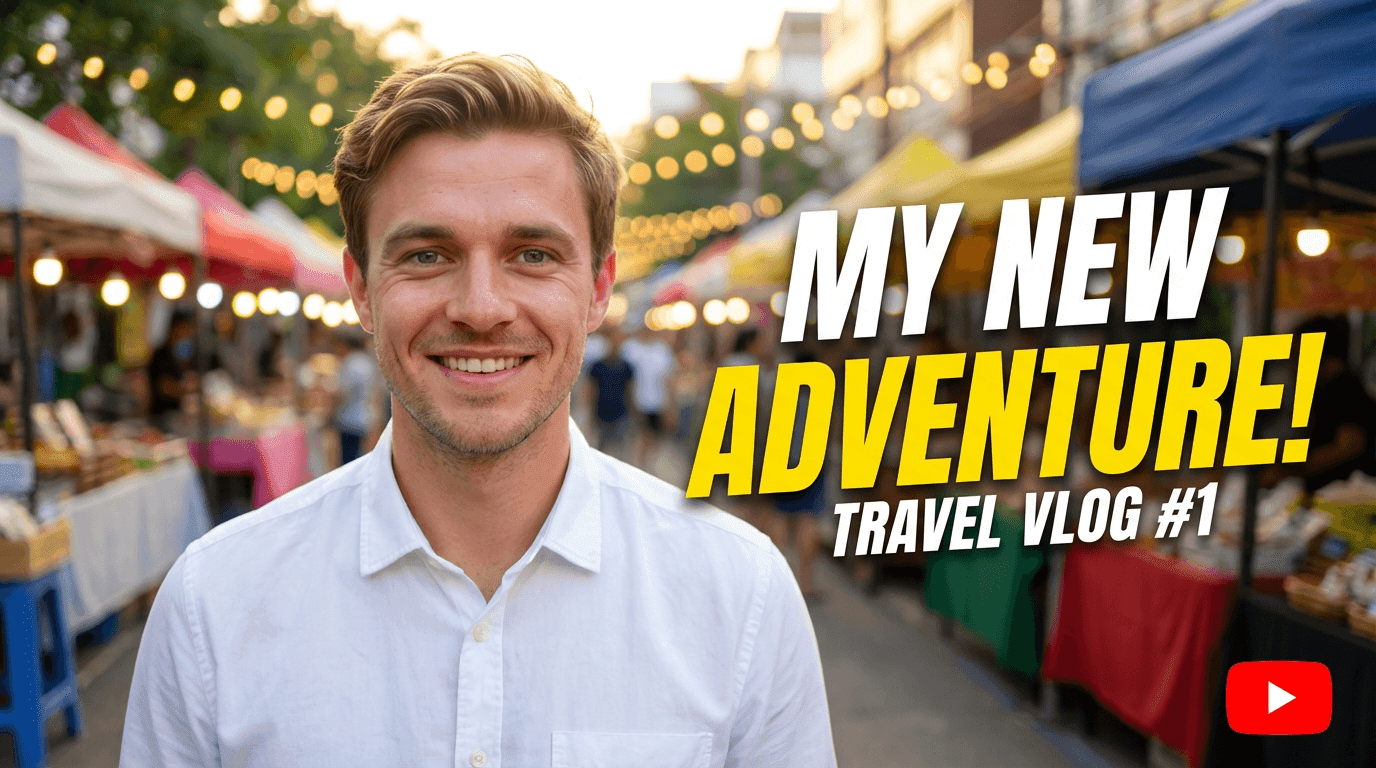
Best AI Prompts for YouTube Thumbnails in 2026

Written by
Jay Kim
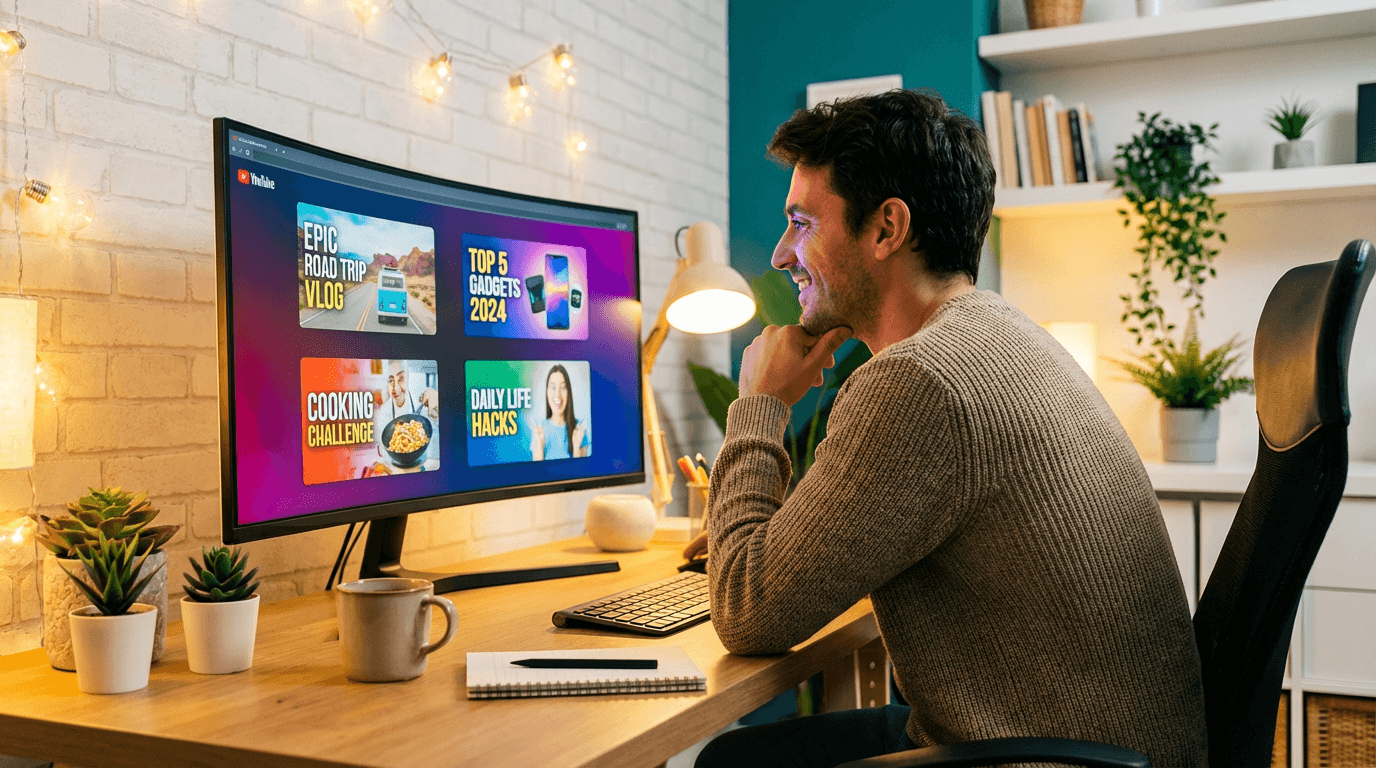
30+ copy-paste AI prompts for YouTube thumbnails across every niche. Generate click-worthy gaming, cooking, tech, fitness, and travel thumbnails with AI in 2026.
Your thumbnail is the first thing viewers see. If it does not grab attention in the feed, your video gets skipped no matter how good the content is.
The problem most creators run into is not the AI tool. It is the prompt. A weak or vague prompt produces a generic thumbnail that blends into every other video in the feed. A specific, well-structured prompt produces something that actually competes with the top creators in your niche.
This post gives you 30+ ready-to-use AI prompts for YouTube thumbnails across every major niche. Every prompt is designed to produce clean, high-contrast, click-worthy thumbnails that stand out in 2026. Copy them, customize them, and start generating thumbnails that actually get clicks.
Why Your Thumbnail Prompt Matters More Than the Tool
Most creators blame the AI model when their thumbnails look off. But in almost every case, the real issue is the prompt.
AI thumbnail generators work by interpreting your text description and turning it into an image. If your prompt says "cooking thumbnail," the output will be generic. If your prompt says "close-up of golden crispy fried chicken on a wooden cutting board, steam rising, warm kitchen lighting, bright yellow background, shallow depth of field," the output will look like it belongs on a professional food channel.
The difference is specificity. In 2026, AI image models are powerful enough to handle detailed prompts with lighting, composition, color, and mood instructions. The creators who get the best results are the ones who treat their prompts like creative briefs.
The right prompt can mean the difference between a thumbnail that blends in and one that stops the scroll. If you're new to using AI for thumbnails, our step-by-step guide to generating YouTube thumbnails with AI walks through the full workflow from start to finish.
A strong thumbnail directly impacts your click-through rate, which is one of the most important signals YouTube uses for recommendations. To understand what a good CTR looks like and how AI thumbnails can improve it, read our breakdown of YouTube CTR in 2026 and what counts as a good click-through rate.
What Makes a Great YouTube Thumbnail Prompt
Before jumping into the prompt library, here are the elements that separate a good prompt from a great one.
Subject clarity. The main subject of your thumbnail should be obvious in your prompt. Tell the AI exactly what should be in the center of the frame.
Lighting direction. Specify the type of lighting you want. Studio lighting, golden hour, neon glow, dramatic side lighting. This one detail controls the mood of the entire image.
Color palette. YouTube thumbnails need to pop in a crowded feed. Mention specific colors or describe a high-contrast color scheme.
Composition style. Close-up, wide shot, over-the-shoulder, bird's eye view. The framing changes how the thumbnail feels and how quickly the viewer reads the image.
Background context. A blurred background keeps focus on the subject. A detailed background tells a story. Choose based on your content.
Emotional tone. Words like "dramatic," "cheerful," "intense," or "calm" guide the overall feel of the generated image.
Thumbnail prompts follow many of the same principles as other AI image prompts. If you want a deeper foundation in prompt writing, our Nano Banana prompt guide covers proven structures, reusable formulas, and common mistakes to avoid across all types of AI image generation.
Once you have a prompt you like, you can generate the thumbnail for free directly in your browser. Our guide on how to use Nano Banana for free on Miraflow AI shows exactly how to paste your prompt, choose settings, and download the result.
Common Thumbnail Prompt Mistakes
These are the mistakes that produce weak results almost every time.
Being too vague. Prompts like "fitness thumbnail" or "tech review" give the AI almost nothing to work with. You will get a generic stock-photo-looking result every time.
Overloading with text instructions. AI image generators are not great at rendering readable text inside images. Keep text overlays separate and use your thumbnail tool's text feature for that.
Ignoring contrast. If your prompt describes a dark subject on a dark background, the thumbnail will disappear in the YouTube feed. Always think about contrast between the subject and the background.
Skipping lighting details. Lighting is what separates amateur-looking thumbnails from professional ones. Always include at least one lighting descriptor in your prompt.
Not thinking about format. YouTube video thumbnails are 16:9. YouTube Shorts thumbnails are 9:16. Your prompt composition should match the format you are creating for.
30+ AI Prompts for YouTube Thumbnails by Niche
Every prompt below is ready to copy and paste. Use them exactly as written or tweak them to match your specific video topic.
Gaming Thumbnails
Epic boss fight moment
intense gaming scene showing a warrior character facing a massive dragon boss in a dark fiery arena, dramatic red and orange lighting, cinematic camera angle from below, glowing weapon effects, high contrast, 16:9 thumbnail composition, vibrant colors
Shocked gamer reaction
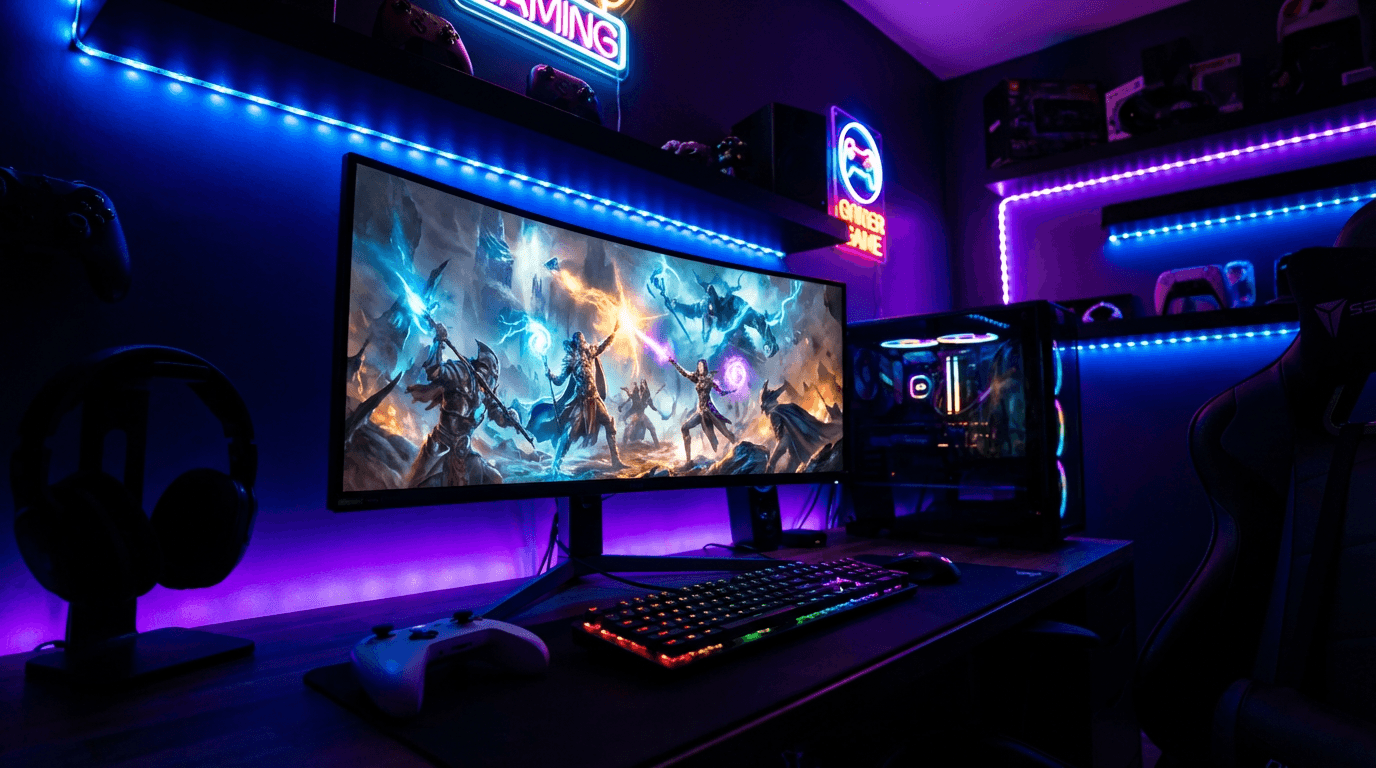
shocked gamer sitting at a desk with RGB keyboard and dual monitors, mouth open in surprise, screen showing an explosion scene, purple and blue neon lighting from the monitors, dark room with colorful LED strips, close-up framing, high energy
Game review or unboxing
hands holding a glowing video game controller floating above a futuristic console, bright teal and magenta lighting, clean minimalist desk setup, soft bokeh background with gaming posters, centered composition, studio lighting, vibrant and modern feel
Cooking and Food Thumbnails
Delicious recipe showcase
close-up of golden crispy fried chicken on a rustic wooden cutting board, steam rising from the meat, fresh herbs scattered around, warm kitchen lighting, bright yellow background wall, shallow depth of field, appetizing food photography style
Taste test or food challenge
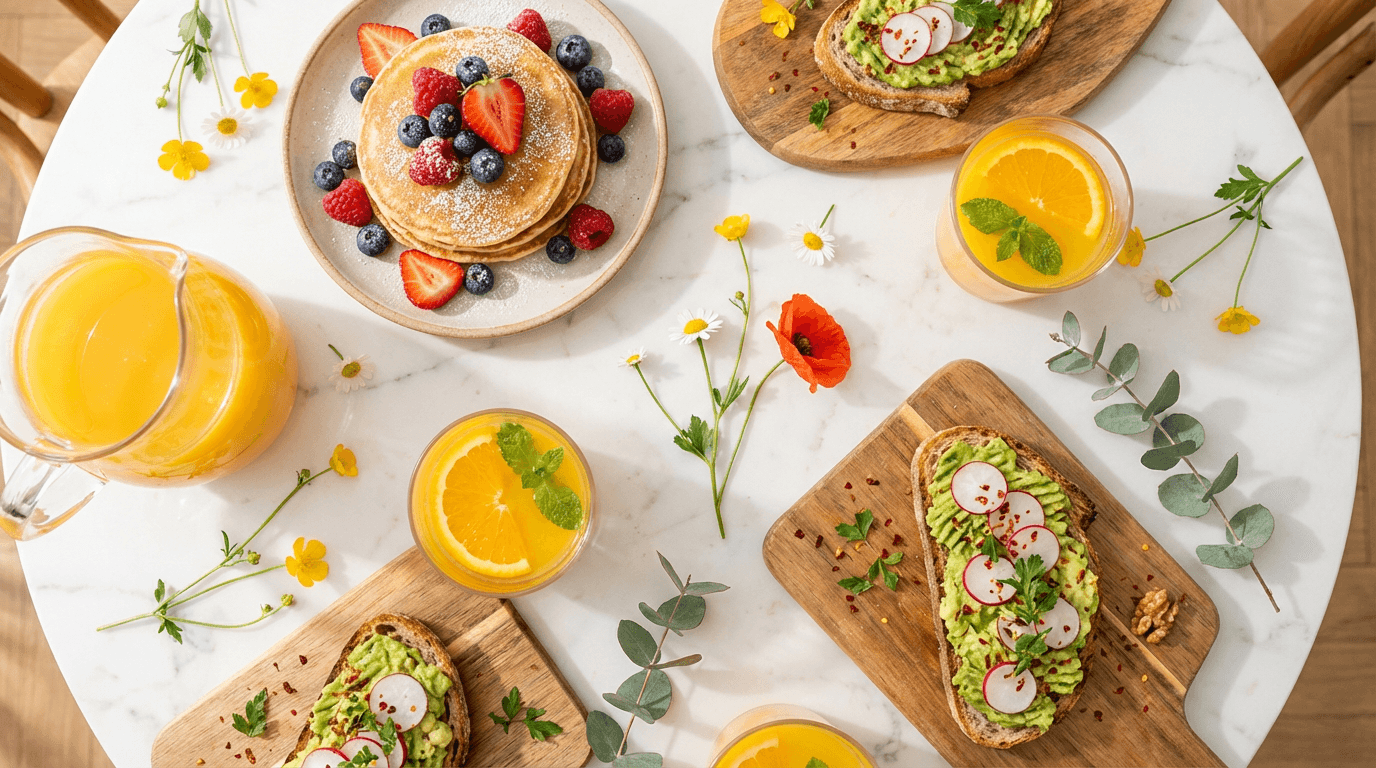
a long table covered with 10 different colorful dishes from around the world, overhead bird's eye view, bright natural lighting, white marble table surface, each dish vibrant and distinct, clean composition, food magazine photography style
Baking tutorial
freshly frosted chocolate cake with dripping ganache on a white cake stand, colorful sprinkles mid-air falling onto the cake, bright pastel kitchen background, soft studio lighting, warm tones, close-up with slight tilt, inviting and cheerful mood
Tech and Tutorial Thumbnails

Product review
latest smartphone floating at an angle with screen glowing, surrounded by small floating tech icons and particles, clean gradient background shifting from deep blue to purple, studio lighting with reflections on the phone surface, centered composition, modern and sleek
How-to tutorial
laptop screen showing code editor with colorful syntax highlighting, person's hands on keyboard, desk with coffee cup and notebook, warm overhead lamp lighting, bright clean workspace, slightly angled shot, educational and inviting atmosphere
Before and after transformation
split screen composition showing a before and after transformation on a computer monitor, left side messy unedited photo, right side polished professional result, bright workspace background, clean lighting, clear visual contrast between both sides
Fitness and Health Thumbnails
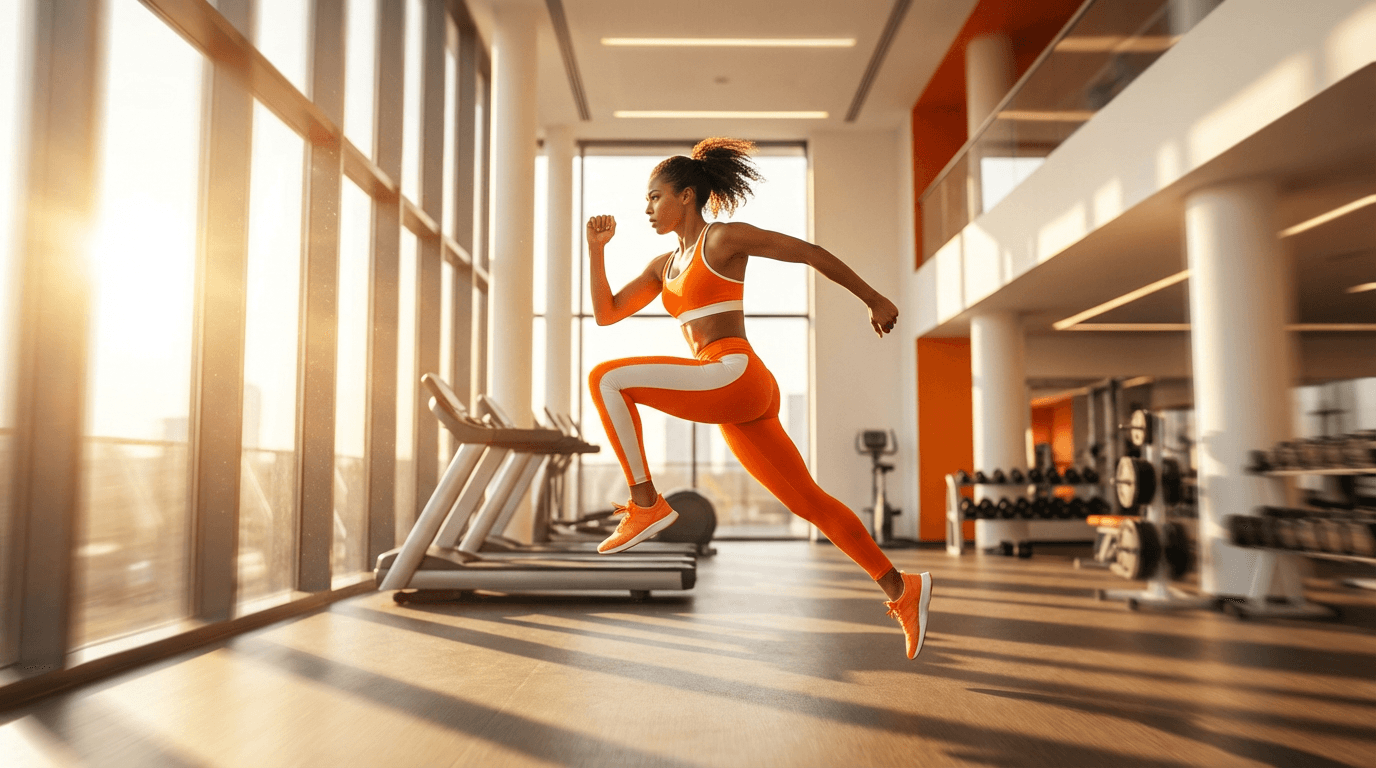
Workout routine
athletic person mid-jump in a bright modern gym, dynamic action pose frozen in motion, dramatic side lighting creating sharp shadows, bright orange and white color scheme, gym equipment softly blurred in background, low angle shot, high energy and motivational
Transformation or results
confident person standing in a bright studio with arms crossed, wearing workout gear, soft rim lighting highlighting physique, clean white background with subtle warm tones, centered portrait composition, motivational and empowering mood, professional fitness photography style
Meal prep
colorful meal prep containers arranged in a grid on a bright white countertop, each container filled with vibrant healthy food, overhead flat lay composition, natural daylight, fresh greens and lean proteins visible, clean and organized aesthetic
Travel Thumbnails
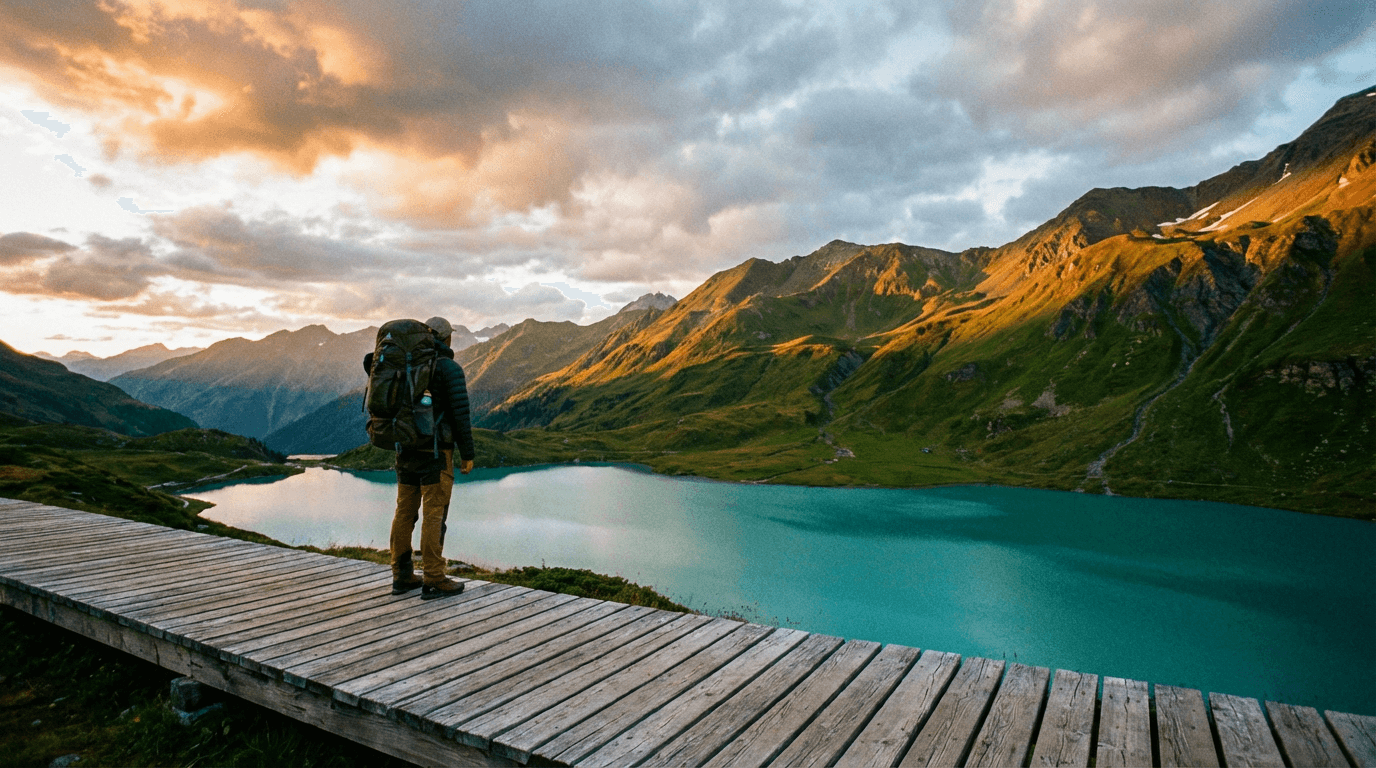
Destination reveal
person standing at the edge of a scenic cliff overlooking turquoise ocean water, golden sunset lighting from behind, dramatic clouds in the sky, wide shot showing the vast landscape, vibrant warm colors, adventurous and breathtaking mood, travel photography style
Travel tips or guide
suitcase open on a hotel bed with neatly arranged travel essentials inside, passport and sunglasses on top, bright window light streaming in from the side, cozy hotel room with warm tones, slightly overhead angle, organized and aspirational feel
Hidden gem or secret spot
mysterious entrance to a glowing blue cave with crystal clear water inside, lush green tropical plants framing the entrance, bright natural daylight, person in silhouette standing at the opening, cinematic wide shot, sense of wonder and discovery
Personal Vlog Thumbnails
Day in my life
person sitting in a cozy coffee shop by a large window, warm morning light streaming in, latte and journal on the table, soft bokeh of the street outside, natural relaxed expression, warm color palette with browns and creams, candid photography style
Story time
person sitting cross-legged on a bright colorful couch, animated hand gesture mid-conversation, living room with plants and warm lighting, cheerful and engaging expression, bright background wall in soft coral or yellow, medium shot, authentic vlog aesthetic
Life update
person walking down a sunny city street with tall buildings and blue sky, casual outfit, confident stride, golden hour side lighting, shallow depth of field blurring the background, warm and optimistic mood, urban lifestyle photography
Finance and Business Thumbnails
Money tips or financial advice
clean desk with a laptop showing upward trending green graph, stack of coins beside the laptop growing in height, bright white workspace, soft overhead lighting, minimalist composition, professional and trustworthy mood, slight overhead angle
Side hustle or income stream
person working on a laptop in a bright modern home office, multiple screens showing different dashboards and analytics, natural window light, plants on the desk, organized and productive workspace, warm and aspirational tone, medium wide shot
Investing or stock market
dramatic close-up of a glowing stock chart with green candlesticks rising sharply, dark background with soft blue ambient light, digital particles floating around the chart, futuristic and data-driven aesthetic, high contrast, cinematic financial visual
Entertainment and Reaction Thumbnails
Reaction video
person with an exaggerated shocked expression, hands on cheeks, bright solid colored background in vivid red or yellow, dramatic front-facing studio lighting, slightly zoomed in close-up of face, bold and eye-catching, high energy reaction style
Challenge video
two people facing each other across a table filled with mystery items under cloches, dramatic overhead lighting, colorful confetti frozen mid-air, bright studio background, competitive energy, wide shot showing both participants, fun and exciting mood
Movie or show review
cozy home theater setup with a large screen showing a dramatic cinematic scene, person sitting in the foreground with popcorn, warm ambient lighting from the screen, comfortable sofa and blankets, slightly dark room with screen glow, relaxed entertainment mood
Education and How-To Thumbnails
Explainer video
bright whiteboard with colorful diagrams and flowcharts drawn on it, hand holding a marker mid-drawing, clean classroom or studio background, soft even lighting, educational and clear composition, straight-on camera angle, informative and approachable feel
Study tips
organized study desk with open textbooks, highlighters, sticky notes, and a tablet, bright desk lamp lighting, cozy room with bookshelf in background, warm tones, overhead angle showing the full desk layout, productive and motivating academic aesthetic
Online course or skill tutorial
person pointing at a floating holographic interface showing step-by-step diagrams, bright futuristic background with soft gradients, confident expression, studio lighting with soft shadows, tech-forward educational visual, centered composition
YouTube Shorts Thumbnails (9:16 Vertical)
Quick tip or hack
vertical composition close-up of hands demonstrating a life hack with a common household item, bright kitchen background, top-down lighting, vibrant colors, clean and simple framing optimized for 9:16 format, punchy and immediate visual impact
Motivational short
vertical composition of a person standing at the top of a mountain summit at sunrise, arms raised in victory, golden light flooding the scene from behind, dramatic clouds below, inspiring and powerful mood, 9:16 format optimized for YouTube Shorts
Comedy or trending short
vertical composition of a person with a hilarious confused expression holding a bizarre oversized prop, bright pink and green studio background, ring light reflection in eyes, bold and playful energy, centered framing for 9:16 Shorts format
How to Customize These Prompts for Your Brand
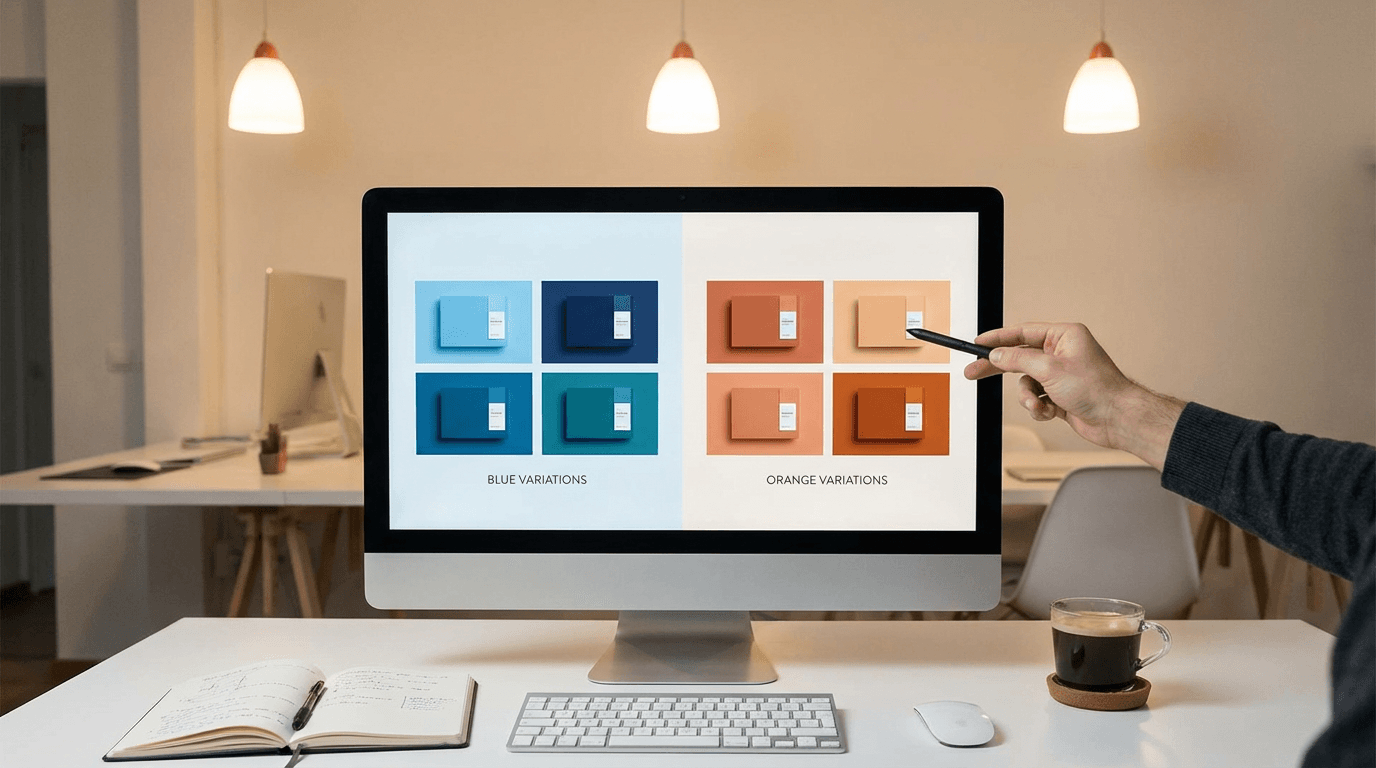
These prompts are starting points. To make them work specifically for your channel, adjust a few key elements.
Swap the color palette. If your channel brand uses blue and white, replace any color references in the prompt with your brand colors. Consistency across your thumbnails builds recognition in the feed over time.
Change the setting. A cooking prompt set in a rustic kitchen can easily become a modern minimalist kitchen or an outdoor BBQ setup. Match the environment to your content style and what your audience expects.
Adjust the mood. If your channel has a calm educational tone, swap words like "intense" and "dramatic" for "clean," "soft," and "professional." The mood descriptors shape the entire output more than most creators realize.
Add your own face. Many AI thumbnail tools let you upload a reference image of yourself. Combine that with these prompts to create thumbnails that feature your face, which consistently drives higher CTR on YouTube. Viewers click more when they see a real person.
The style of your thumbnail matters just as much as the content inside it. We tested which visual approaches actually drive more clicks and broke down the results in our guide to AI YouTube thumbnail styles that get more views in 2026.
Using AI prompts also makes it easier to build a consistent visual brand. If every thumbnail looks different, viewers struggle to recognize your content in the feed. Our post on how to create a consistent YouTube thumbnail style with AI explains how to reuse prompt templates to keep your channel looking cohesive.
Advanced Prompt Tips for Better Thumbnails
Once you are comfortable with basic prompts, these techniques will push your results further.
Layer your lighting. Instead of saying "bright lighting," try "warm key light from the left with cool blue fill light from the right and soft rim light from behind." Multiple light sources create depth and dimension that flat lighting cannot match.
Use photography terminology. Words like "shallow depth of field," "85mm lens," "f/1.8 aperture," and "bokeh" trigger the AI to produce more photographic results rather than illustrated ones. If you want your thumbnail to look like a real photo, speak the language of photography.
Specify what you do not want. If the tool supports negative prompts, use them. Common negative prompt additions include "no text, no watermark, no blurry, no distorted faces, no cluttered background." This is especially useful for cleaning up common artifacts.
Think about the feed. Before generating, open YouTube and look at the thumbnails in your niche. Notice what colors dominate. Then design your prompt to contrast with those colors. If everyone uses red, go with bright teal or green. Standing out in the feed is what drives CTR.
If you want to see the real difference AI prompts can make, our YouTube thumbnail makeovers post shows side-by-side before-and-after examples of thumbnails redesigned with AI, along with the prompts used for each.
How to Generate These Thumbnails
You can use these prompts inside any AI image generator that supports text-to-image with aspect ratio controls. If you want a streamlined workflow built specifically for YouTube thumbnails, Miraflow AI has a dedicated YouTube Thumbnail Maker where you can paste your prompt, upload a reference image of your face, add text overlays, and generate thumbnails in both 16:9 and 9:16 formats.
The platform also includes pre-built thumbnail templates for common niches like gaming, cooking, fitness, and vlogs. You can load any template and modify the prompt to match your specific video topic. For creators who want to go beyond thumbnails, the AI Image Generator supports image editing, inpainting, and style transformations. This is useful when you want to take an existing thumbnail and modify specific parts of it without regenerating the entire image.
Sometimes the AI gets 90% of the thumbnail right but one element needs adjusting. Instead of regenerating the whole image, you can use Nano Banana image inpainting on Miraflow AI to mask and replace just the part that needs work while keeping everything else intact
Conclusion
The biggest shift in YouTube thumbnails in 2026 is that you no longer need design skills or expensive software. You need good prompts. The creators who learn to write specific, detailed, and intentional prompts will consistently produce thumbnails that compete with channels 10 times their size.
Bookmark this page and come back whenever you need fresh prompt ideas. Update the colors, swap the subjects, and keep testing. Your thumbnail is the ad for your video. Treat the prompt like the creative brief for that ad, and your CTR will reflect the effort.