YouTube's Face Likeness Detection Is Coming to Mobile: What Creators Need to Know (2026)

Written by
Aerin Kim
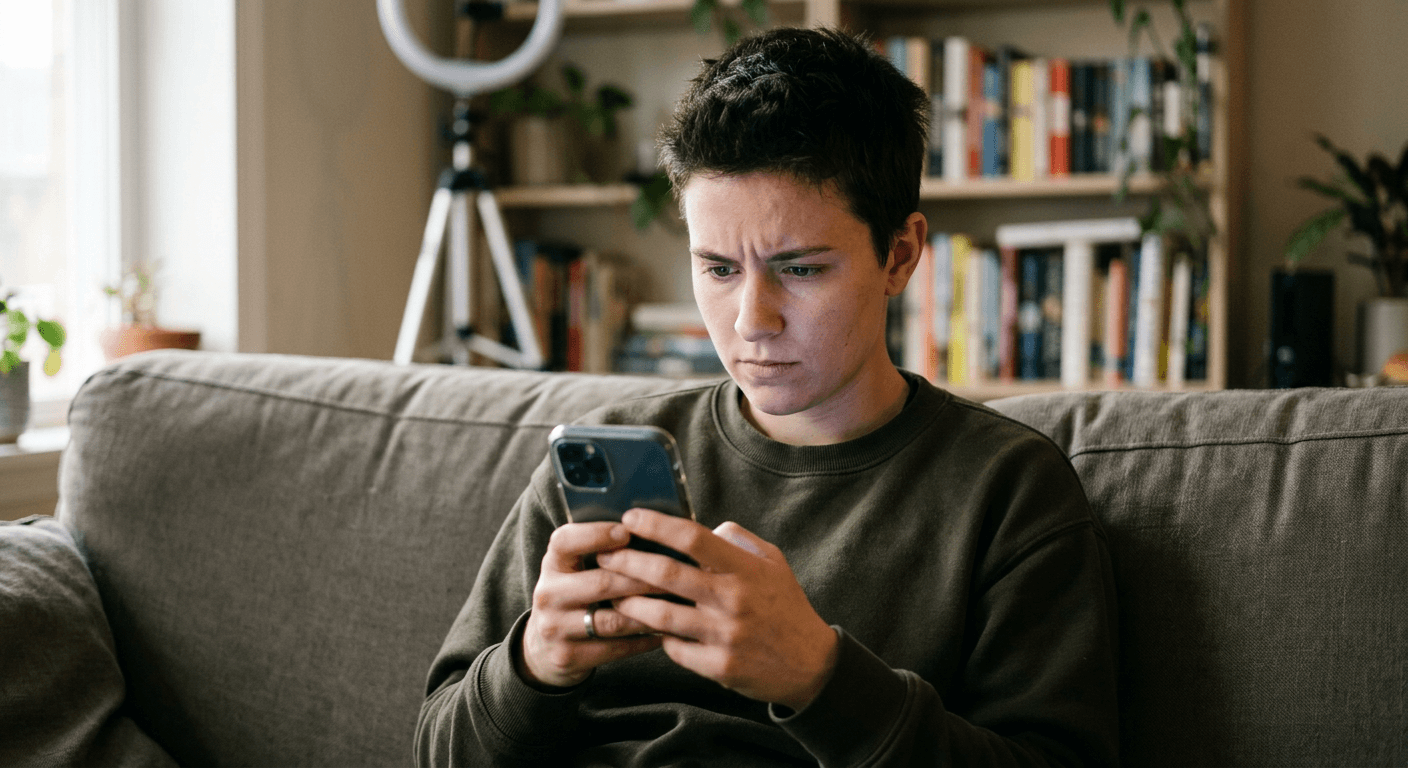
YouTube's likeness detection now works from your phone, with enrollment, match alerts, and voice matching added in September 2026. Here's how it works and how to actually use it.
If you create video for a living, your face is now part of your brand in a way that is genuinely exploitable. Someone can take a few seconds of your footage, run it through an AI video tool, and put your face into a scam ad, a fake endorsement, or a political clip you never made, and until recently there was no fast, built-in way to even find out that was happening, let alone do something about it.
YouTube has been chipping away at that problem since late 2025 with a Content ID style system for your face, and at Made on YouTube 2026 on September 23, 2026, the platform announced the next real step: likeness detection is coming to your mobile phone, letting you enroll, get match alerts, and take action on the go, and YouTube is also starting to combine voice detection with facial detection to make matches more accurate [1]. This post walks through what the existing system already does, exactly what is changing with the mobile rollout, how to actually enroll, and what creators should realistically expect once they do.
What Likeness Detection Already Does
YouTube's likeness detection technology officially launched in October 2025, modeled directly on the same logic as Content ID, except instead of scanning uploads for a matching piece of copyrighted audio or video, it scans uploads for a matching face [2]. Once you enroll, the system continuously scans new uploads across the platform looking for your face. If it finds a likely AI-generated match, it sends that video to you or your authorized representative for review, rather than flagging it to the uploader or the public.
Access expanded in careful stages through 2026 rather than opening to everyone at once. YouTube piloted the tool in March 2026 with government officials, political candidates, and journalists, groups that are disproportionately targeted by deepfakes for disinformation purposes. In April, access extended to talent agencies and the celebrities they represent. By May 2026, the tool opened to any creator 18 or older [1].
This staged rollout matters for context because it tells you something about how YouTube is treating the tool: not as a blanket content filter, but as a deliberately reviewed, opt-in protection system, closer to how copyright claims work than to how a spam filter works. Nothing gets automatically removed just because a match is found.
Likeness detection was one of more than 30 updates YouTube announced at Made on YouTube 2026, alongside a conversational AI editing assistant for Shorts, an Ask Studio feedback tool, and expanded creator collaboration features. If you missed the rest of that announcement, we broke down the Gemini-powered Shorts editing assistant, the new Ask Studio AI assistant, and the Collaborators feature in separate posts.
What's Actually New: Mobile Enrollment and On-the-Go Match Alerts
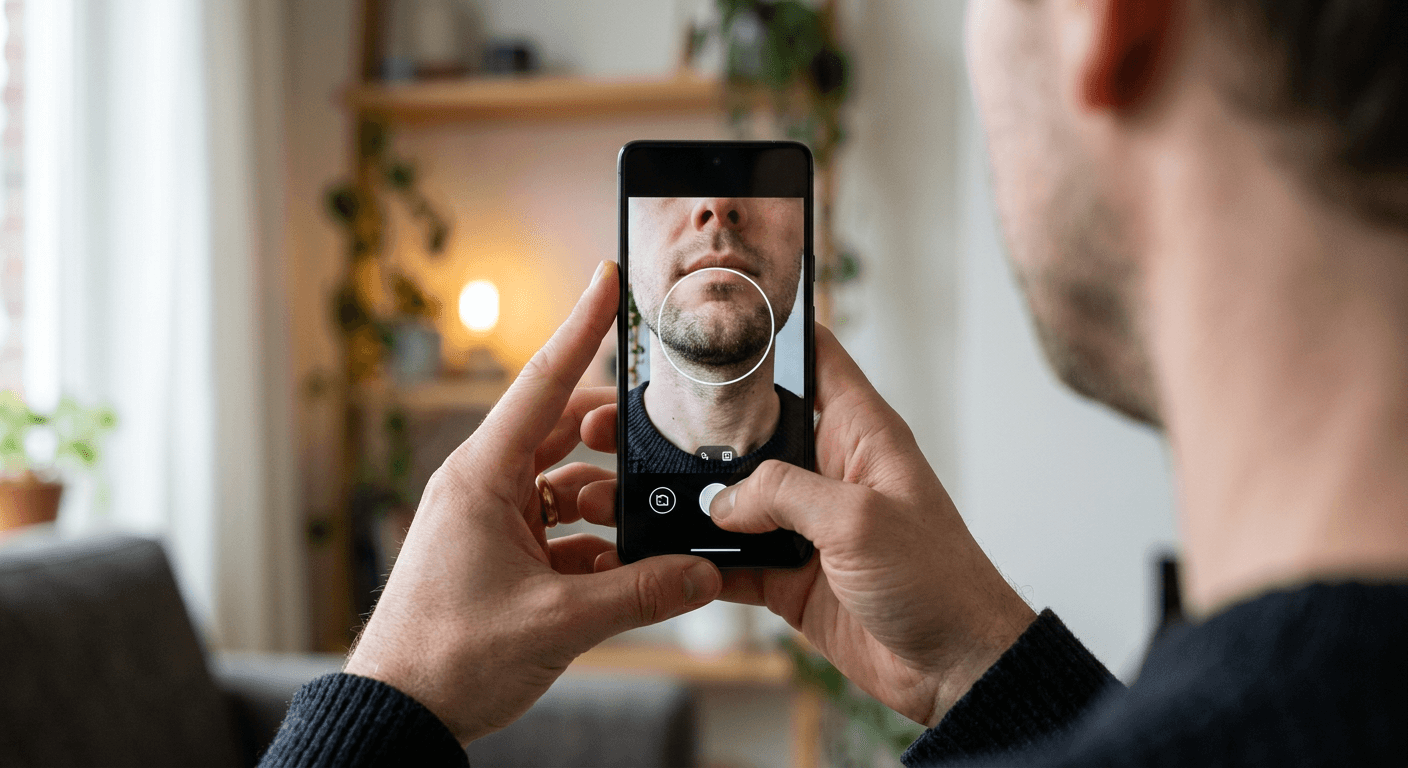
Before the September 2026 update, enrolling and managing likeness matches meant going through YouTube Studio on desktop, which is a real friction point for creators who manage their channel mostly from a phone, which is most creators. The mobile expansion removes that friction directly: you can now enroll your face, receive match alerts, and take action on a match, meaning review it and decide whether to request removal, entirely from your phone [1].
This sounds like a small convenience update, but the timing matters for how useful the tool actually is in practice. A likeness match that surfaces three days after a fraudulent video has already been shared across group chats and reposted to three other platforms is a much weaker protection than one you can act on from a phone notification within minutes of upload. Mobile-first alerting is what turns likeness detection from a monthly-check-in tool into something closer to real-time protection, the same shift toward phone-first creator tooling we have seen in YouTube's dynamic thumbnail testing and the YouTube Partner Program's updated 8,000 watch hours path.
Voice Detection Joins Facial Detection
The second piece of the September 2026 announcement is less visible but arguably more important for creators specifically: YouTube is starting to integrate speaking voice detection with facial detection to improve overall match accuracy [1]. Independent reporting on this expansion confirms the same core mechanic, that YouTube is layering voice matching on top of the existing face-matching system specifically to catch cases the face-only system misses [3].
Why this combination matters: a lot of the most damaging impersonation content right now is audio-first, not video-first. Someone clones a creator's voice, generates new dialogue that voice never actually said, and pairs it with an existing or lightly altered video clip of that creator's face. A face-only detector can miss this entirely if the visual itself is not heavily manipulated, since the actual deception is happening in the audio track. Combining the two signals closes that specific gap, and it mirrors a broader pattern across the industry this year of voice cloning becoming the faster-moving, harder-to-catch half of the impersonation problem, something we cover in more depth in our guide to AI voice cloning for content creators.
It is worth being precise about what "integrating voice detection" does not mean here. Reporting on the rollout is explicit that adding voice matching does not make removal automatic. A likely match, whether caught by face, voice, or both, still routes to a human review step with the enrolled creator or their representative before any action is taken against the uploaded video [4].
How to Actually Enroll From Your Phone
The enrollment flow follows the same core pattern YouTube has used since the October 2025 launch, now accessible from the YouTube mobile app instead of requiring a desktop session:
- Open YouTube Studio from the mobile app and look for the likeness detection or "manage your likeness" setting, typically under your channel's privacy or copyright-adjacent settings.
- Verify your identity and submit reference material of your actual face, following the platform's enrollment flow, which is designed to confirm you are enrolling your own likeness rather than someone else's.
- Set your notification preferences so match alerts actually reach you as push notifications rather than sitting unread in an email inbox.
- When a match alert arrives, review the flagged video directly from the alert. YouTube's review flow lets you confirm whether the match is accurate and whether the use falls under a protected category like parody, satire, or commentary before deciding whether to request removal.

Parody, Satire and Commentary Stay Protected
This is the detail creators most often get wrong about likeness detection, so it is worth stating plainly: a likeness match does not automatically trigger a takedown, and parody, satire, and other public-interest uses remain protected under YouTube's existing policies [2]. The system finds potential matches and routes them to you for a human decision, it does not act as an automated censor of anyone who happens to resemble you or who is making legitimate commentary using your likeness.
This matters because the realistic failure mode of a tool like this is not that it catches too little, it is that creators assume it catches everything and stop being careful about their own content and licensing practices as a result. Likeness detection is a safety net for AI-generated impersonation specifically, not a general content moderation system, and it will not flag things like a fan edit that clearly identifies itself as a parody or an unrelated creator who happens to look similar.
Why This Actually Matters for Working Creators
The deepfake impersonation problem for creators breaks down into a few distinct, real risks, and it is worth separating them because the tool protects against some much more directly than others.
Fraudulent endorsements and scam ads. This is the most financially damaging version: a scammer clones a creator's face and voice to promote a fake crypto platform, a counterfeit product, or a phishing giveaway, trading on the audience trust that creator spent years building. Likeness detection with voice matching is built almost exactly for this case.
Reputational and relationship damage. A fabricated clip putting words in a creator's mouth, especially anything political, inflammatory, or sexually explicit, can do lasting damage to brand deals and audience trust even after it is removed and even if most viewers eventually learn it was fake. Speed of detection and removal matters enormously here, which is exactly what the mobile alert expansion targets.
Dilution of a creator's actual content. Less dramatic but still real: AI-generated lookalike content competing for the same search terms and recommendation slots as a creator's genuine uploads, confusing viewers about what is actually theirs. This is a newer concern and one likeness detection addresses only partially, since the system is tuned around impersonation and misuse rather than simple competitive overlap. If your actual, authentic uploads are getting buried, pairing strong YouTube thumbnails and a consistent posting rhythm with tools like YouTube's own title A/B testing helps your real content keep winning the click over a lookalike.
Picture a concrete version of the scam-ad scenario to see why speed specifically is the point of this update. A mid-sized creator with a loyal audience in a financial literacy niche gets cloned: a bad actor lifts a 20-second clip from an old sponsored video, clones the voice, and generates a new "investment opportunity" pitch that gets uploaded and starts circulating through recommendation slots and reposts. Under the pre-mobile version of likeness detection, that creator might not check YouTube Studio on desktop for a day or two, by which point the clip has already been screen-recorded and reposted to three other platforms, and removing the original YouTube upload does nothing about those copies. Under the mobile version, a push notification can reach that creator within minutes of the fraudulent upload, while it is still contained to a single video on a single platform and before it has been meaningfully redistributed. The underlying detection technology did not change here, the time-to-action did, and for impersonation content specifically, time-to-action is most of what determines how much damage actually gets done.
How This Differs for Independent Creators vs Agency-Represented Talent
The staged rollout history matters for a second reason beyond timeline trivia: it created two meaningfully different starting points for how creators experience this tool today. Talent represented by an agency, celebrities and creators who gained access back in April 2026 through their representatives, often have a team member whose job already includes monitoring for unauthorized use, so likeness detection slots into an existing workflow as one more monitoring channel among several, usually managed on their behalf rather than directly by the talent.
Independent creators, who only gained access in May 2026, are much more likely to be the only person responsible for monitoring their own likeness, which makes the mobile enrollment and real-time alerts proportionally more valuable for this group specifically. An agency can staff around a desktop-only tool. A solo creator editing, posting, and managing community response from their phone cannot realistically add a daily desktop check to that workload, so the mobile-first version of this feature is less of a convenience and more of a precondition for the tool actually getting used consistently.
What to Do Beyond Enrolling in Likeness Detection
Enrolling is the single highest-leverage step, but it is reactive by design, it tells you after a problematic video exists rather than preventing one from being made convincingly in the first place. A few additional habits meaningfully reduce your exposure:
Be deliberate about what raw footage you make publicly downloadable. High-resolution, well-lit, front-facing clips of you speaking directly to camera are exactly the kind of source material that makes a convincing face or voice clone easier to build. This does not mean hiding your face from your own content, it means being thoughtful about what unedited, high-fidelity source clips you post publicly outside your actual finished videos.
Keep your own AI tool usage clearly licensed and disclosed. If you use AI video or voice tools yourself for legitimate production, generating short-form cuts with Text2Shorts, dubbing, or voice cleanup, keeping that usage disclosed and using tools with clear content provenance protects you if someone later tries to claim your own real content was itself AI-generated or manipulated. Tools like Miraflow AI that keep editing, captioning, and clipping transparent and attributable to your own source footage make that distinction easier to demonstrate than opaque, unlabeled AI editing. If you repurpose long-form videos into shorts, running them through AI Clipping instead of an unlabeled third-party tool keeps a clear link back to your own original upload.
Watch for impersonation beyond YouTube itself. Likeness detection currently protects YouTube's own platform. A clip impersonating a creator can still originate or spread primarily on a different platform before it ever touches YouTube, so cross-platform monitoring, including just periodically searching your own name and face-adjacent terms, remains a useful habit even with enrollment active.
Common Mistakes Creators Make With Likeness Detection
Assuming enrollment alone stops impersonation from happening. Enrollment gets you notified and gives you a removal path, it does not prevent someone from creating the content in the first place. Treat it as a response tool, not a prevention tool.
Not checking notification settings after enrolling. A match alert buried in an unread email folder defeats the entire point of the mobile, real-time version of this feature. Confirm push notifications are actually enabled for likeness match alerts specifically, not just general channel notifications.
Requesting removal on anything that resembles you without checking context first. Acting on every match without checking whether it falls under parody or commentary protections can create unnecessary disputes and slow down your own queue of genuinely harmful matches that need faster action.
Treating this as a replacement for watermarking and provenance tools. Likeness detection scans YouTube uploads. It does nothing for content circulating in private group chats, other platforms, or ad networks outside YouTube, so it should sit alongside other protective habits, not replace them.
Waiting until something already happened to enroll. The system only scans for matches after you are enrolled, it does not retroactively protect you for the gap before enrollment. Enrolling before you have any reason to suspect misuse, the same way you would set up two-factor authentication before an account breach rather than after, is the version of this that actually works.
Sharing enrollment or review access broadly across a team without clear ownership. For creators who do work with an editor or manager, likeness match review involves genuinely sensitive judgment calls about parody, satire, and context. Decide in advance who on your team actually reviews and acts on a match, rather than leaving it ambiguous, so a real match does not sit unreviewed because everyone assumed someone else was handling it.
Frequently Asked Questions
Is likeness detection available to every creator now? Yes, as of May 2026 the tool opened to any creator 18 or older, after an earlier staged rollout that started with government officials, political candidates, and journalists in March 2026, then expanded to talent agencies and celebrities in April [1].
Does a likeness match automatically remove the flagged video? No. A match routes to you or your representative for a human review. Parody, satire, and other protected uses are not automatically removed, and you decide whether to request removal after reviewing the context [2].
What is actually new as of September 2026? Two things: you can now enroll, receive match alerts, and act on matches directly from your phone instead of needing YouTube Studio on desktop, and YouTube is starting to combine voice detection with facial detection to catch more audio-first impersonation cases [1].
Does likeness detection cover content on other platforms? No, it scans uploads on YouTube. Impersonation content that originates or spreads primarily on another platform is outside its scope, which is why cross-platform awareness still matters even after enrolling.
Will this flag legitimate AI editing tools I use myself? Likeness detection is built to catch unauthorized use of your face by other uploaders, not to monitor your own account's use of editing tools. Using a transparent, disclosed AI workflow for your own content, the kind of editing and clipping workflow available in Miraflow AI, is a separate best practice from likeness detection itself, but the two work well together as part of a broader approach to protecting your identity online.
What happens if YouTube rejects my enrollment? Enrollment is designed to confirm you are enrolling your own face, so a rejection usually means the reference material you submitted did not clearly match your channel's identity verification. Resubmitting with clearer, well-lit reference footage of your face, matching the identity already associated with your channel, resolves most cases.
Does this work for creators who frequently appear in collaborations with other creators? Yes, each creator in a collaboration can enroll their own likeness independently. A video featuring multiple enrolled creators can surface a match against any of them, and YouTube's existing Collaborators feature is a separate system for managing shared credit and does not interfere with individual likeness enrollment.
Conclusion
Likeness detection moving to mobile, paired with voice matching, is a genuine upgrade to how fast a creator can actually act once their face or voice has been misused, and the staged, human-reviewed rollout shows YouTube is trying to balance real protection against the risk of over-removing legitimate parody and commentary. It is not a complete solution on its own: it protects YouTube specifically, it works after the fact rather than before, and it still depends on a creator actually enrolling and keeping notifications on to be useful. Treat it as one layer in a broader practice that includes being thoughtful about your own source footage, keeping your own AI tool usage clearly disclosed, and staying aware of how your likeness circulates beyond YouTube's own platform.