25 AI Prompts for TikTok Cover Images That Get Clicks (Copy & Paste)

Written by
Jay Kim
25 ready-to-use AI prompts for generating professional TikTok cover images. Copy, paste, and create scroll-stopping covers for every niche in seconds.
Your TikTok videos might be incredible, but if the cover image looks like a random blurry frame grabbed mid-sentence, most people will scroll right past without ever tapping play. Your profile can be a major traffic source, so having engaging, high-quality thumbnails is incredibly important.[2] Your video cover images are key to establishing your brand, leveling up your professionalism, and making your account more memorable.[2]
The problem most creators face is that designing a custom cover for every single TikTok video is time-consuming. You need to open a design tool, find or create the right image, add text, format it for vertical, make sure the safe zones are respected, and export. Multiply that by three to five posts per week and you have hours of design work piling up on top of filming, editing, and posting.
AI image generation solves this entirely. With the right prompt, you can generate a professional, on-brand TikTok cover image in seconds, ready to upload without touching a design tool. This guide gives you 25 copy-and-paste prompts organized by niche and style, along with the technical specs, design principles, and optimization strategies you need to make every cover image drive more profile visits and video plays.
Why Custom TikTok Cover Images Matter More Than Most Creators Think
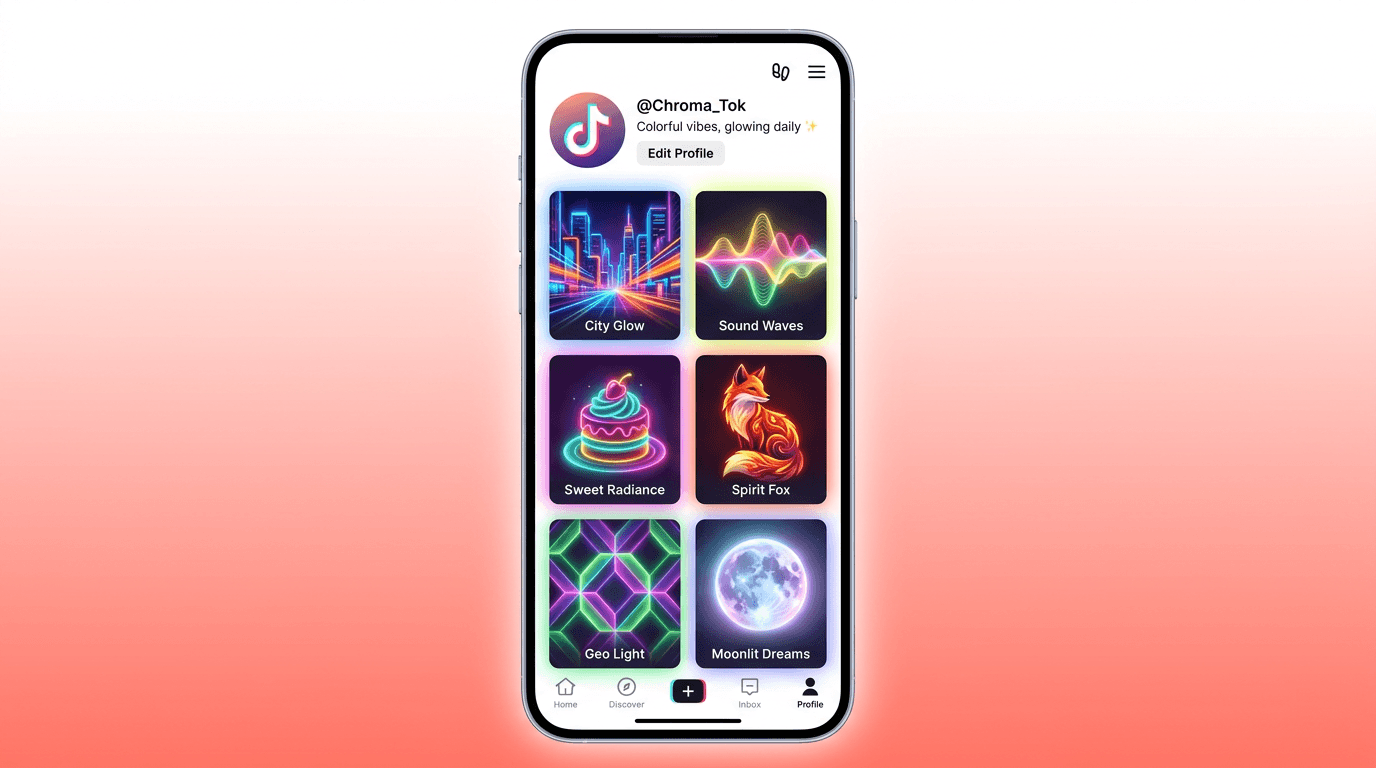
When someone lands on your TikTok profile after discovering one of your videos on the For You Page, the first thing they see is your grid. Your TikTok grid is letting you down. Most creators treat their grid like a messy photo album. But if you want sales, clients, or credibility, you need to treat it like a visual sales page.[3]
According to recent social media marketing studies, adding clear, readable text to custom thumbnails can increase your video click-through rate (CTR) by up to 30%.[3] That is a massive difference for the same video content, just from changing the cover image.
Thumbnail images with text had a 19.5% higher engagement rate than those without text.[7] Text in the middle of the image had the most engagement (12.9%). And while TikTok viewers prefer text with their images, they're looking for snippets, not dissertations.[7] The amount of text in thumbnail images also had a big impact on viewer engagement, with 5-10 words being the sweet spot.[7]
These numbers make it clear that investing in custom cover images is one of the highest-return activities you can do for your TikTok presence. And when you combine AI-generated visuals with smart text placement, you create a profile grid that converts casual scrollers into followers and viewers.
For creators already producing short-form video content, the AI prompts for TikTok content: 20 templates that get views guide covers the content side of the equation. This post focuses specifically on the visual cover images that determine whether people tap on your videos in the first place.
TikTok Cover Image Specs You Need to Know in 2026
Before generating any cover images, you need to understand the technical requirements. Getting these wrong means blurry, cropped, or misaligned covers that undermine your professionalism.
The recommended TikTok video cover dimensions are 1080 x 1920 px, which matches the full vertical video frame. This is also the most dependable response when teams inquire about the size of the TikTok cover or the size of the TikTok thumbnail.[1]
Your TikTok profile grid shows a 1:1 (square) crop centered on the original 9:16 cover. The top 420 px and bottom 420 px get cut off in grid view.[7] This means you need to place all important visual elements, including faces, text, and key objects, in the center 1080 x 1080 area so they remain visible in both the full cover view and the profile grid.
TikTok automatically overlays the first line of your video caption on top of the cover at the bottom ~270 px. Don't put logos, faces, or important text in the bottom area because it will be invisible behind the auto-title.[7]
Use PNG for covers with sharp text or logos to keep text readable. Use JPG for photo-heavy covers to keep file size small. Save in sRGB color mode at under 5 MB.[7]
When generating AI cover images, always set your aspect ratio to 9:16 and your resolution to 1080 x 1920. The AI Image Generator on Miraflow supports the 9:16 aspect ratio directly, so your generated images are already formatted correctly for TikTok covers without any cropping or resizing needed.
What Makes a High-CTR TikTok Cover Image
Before diving into the prompt library, understanding what visually drives clicks on TikTok will help you pick the right prompts for your niche and customize them effectively.
High-CTR covers share four traits: (1) clear focal point recognizable at 200 x 350 px (profile thumbnail size), (2) bold text in the center area (above the auto-title overlay), (3) strong color contrast, and (4) face or character with clear emotion.[7]
Color choice matters more than you might expect. Of all the crayons in the box, brown isn't often picked as a favorite. On TikTok, however, videos with primarily brown thumbnails got the most views, likes, and shares. They also had the fourth-highest engagement rate.[7] When it came to engagement alone, orange won the top prize with a 12.3% engagement rate, barely edging out purple's 12.2%.[7]
Emotional expression in the cover image also plays a significant role. Videos with thumbnails that made viewers happy earned the most likes and shares, while those with humorous thumbnail images got the most comments. Both types of thumbnails also led to a lot of engagement, at 12.1% and 11.4%, respectively.[7]
Text placement is equally critical. It's easy to see why 93% of TikTok thumbnails with text have it centered somewhere along the vertical axis. But text in the middle or bottom center of the thumbnail image led to the most engagement, close to 13%. Text centered at the top had slightly less: just 11.2%.[7]
These insights should guide how you structure your AI prompts. Include warm, engaging colors, emotional facial expressions or expressive characters, and clear compositional focus in every prompt you use.
25 AI Prompts for TikTok Cover Images (Copy & Paste)
Each prompt below is designed to generate a vertical 9:16 image at 1080 x 1920 pixels. You can paste these directly into the AI Image Generator on Miraflow, set the aspect ratio to 9:16, and generate immediately. Every prompt is structured to keep key visual elements in the center safe zone and leave the bottom area free of important details.
Fitness and Workout Content
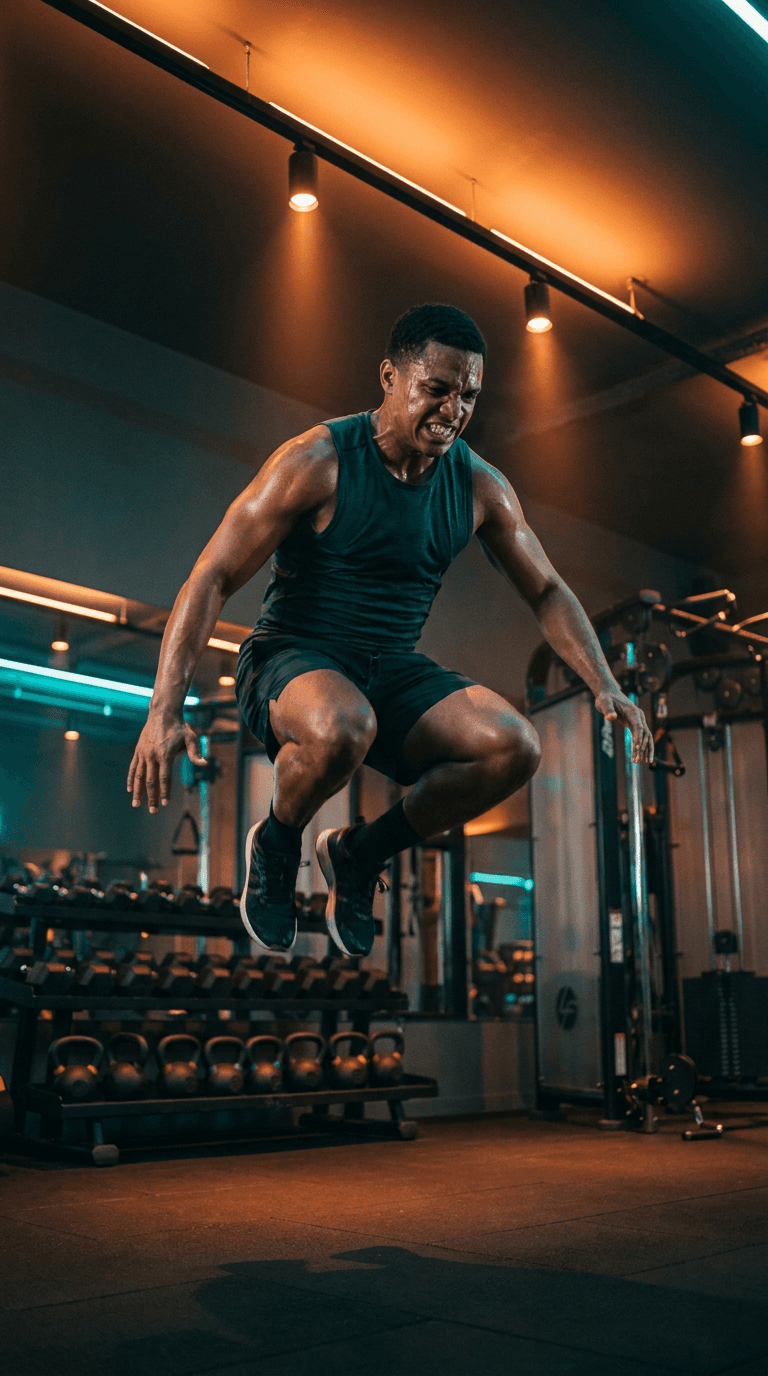
1. High-energy workout freeze frame
Prompt:
athletic person mid-jump in a modern gym with dramatic overhead lighting, sweat visible, intense focused expression, bright orange and teal color grading, dumbbells and gym equipment softly blurred in background, vertical composition with subject centered in middle third, cinematic sports photography style
2. Before and after transformation split
Prompt:
split-screen vertical composition showing a silhouette figure on the left side in cool blue tones and a strong confident fitness figure on the right side in warm golden tones, dramatic center dividing line with glowing light, gym environment with soft bokeh, motivational energy, centered composition for vertical crop
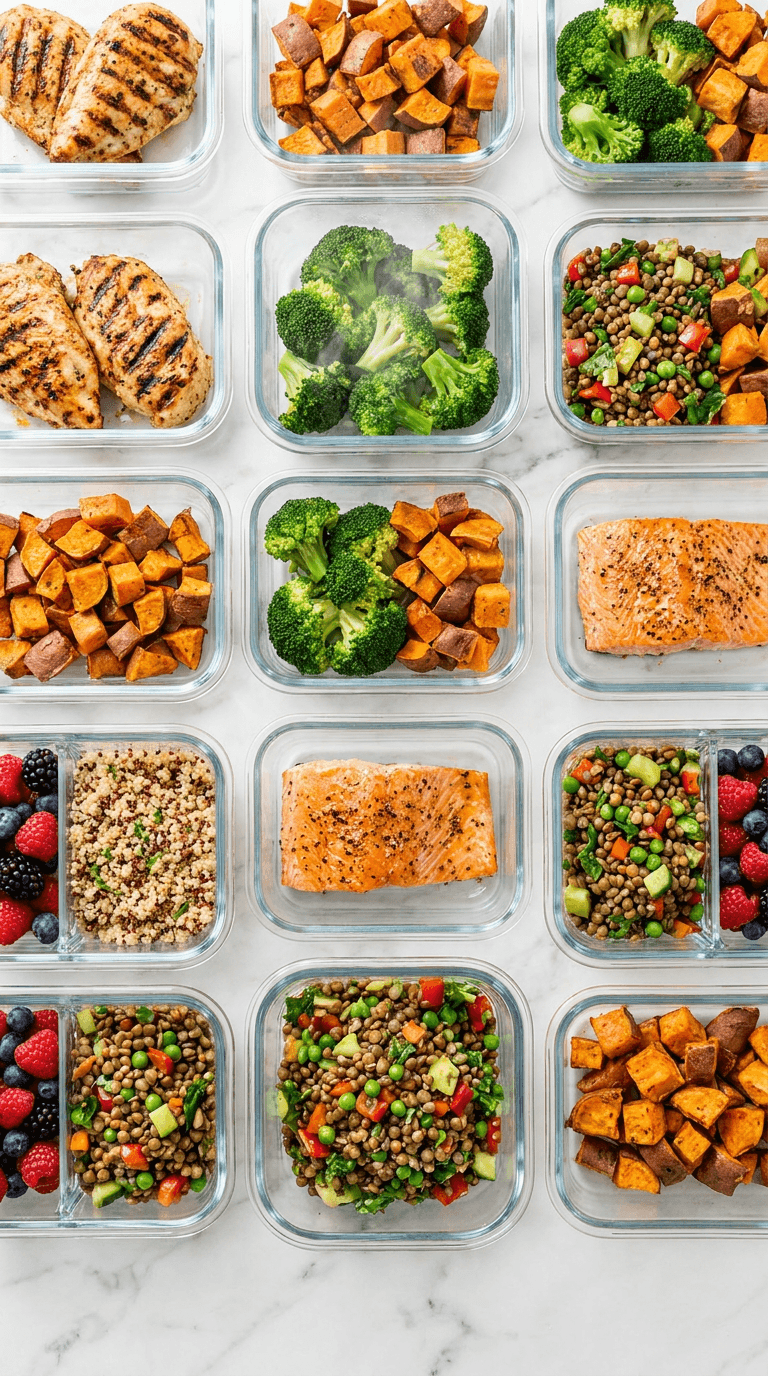
3. Meal prep flat lay
Prompt:
overhead flat-lay of colorful healthy meal prep containers arranged in a grid pattern on a clean white marble counter, bright natural lighting, vibrant vegetables and proteins visible, steam rising from one container, warm color palette with greens and oranges, centered vertical composition, food photography style
Cooking and Food Content
4. Dramatic cooking action shot
Prompt:
close-up of a chef tossing vegetables in a flaming wok, fire dramatically visible, ingredients frozen mid-air, warm orange and red lighting from the flames, dark moody kitchen background with copper pots, centered vertical composition with action in the middle third, cinematic food photography
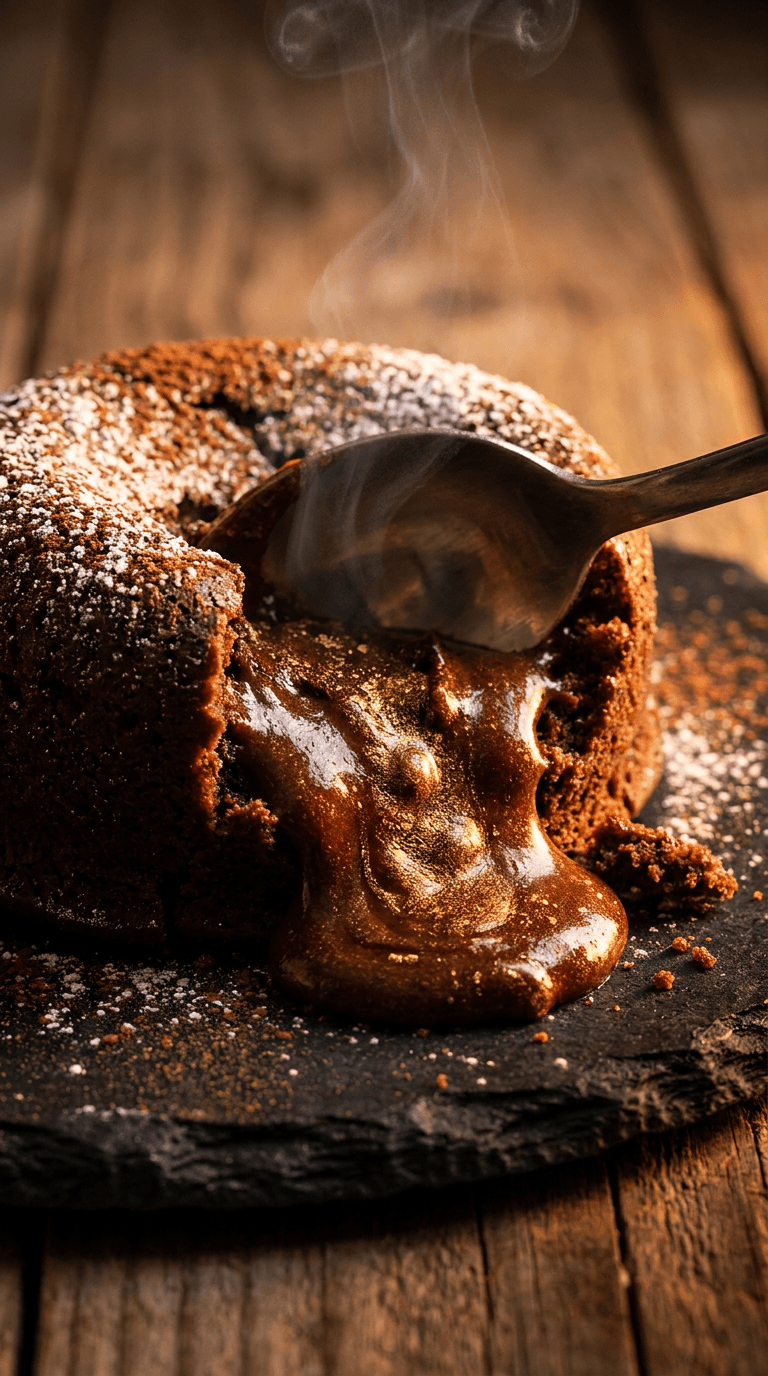
5. Mouth-watering dessert hero shot
Prompt:
extreme close-up of a chocolate lava cake being cut open with warm molten chocolate flowing out, rich brown and gold tones, steam rising, dark slate plate on wooden table, dramatic side lighting with warm amber glow, shallow depth of field, centered in middle of vertical frame, professional dessert photography
6. Recipe ingredients arrangement
Prompt:
beautiful knolling arrangement of fresh cooking ingredients on a warm wooden cutting board, fresh herbs and spices arranged symmetrically, colorful peppers and tomatoes and garlic, soft natural window lighting from the side, overhead camera angle, warm rustic kitchen setting, centered composition for square crop compatibility
These food cover prompts pair well with the visual styles discussed in the 20 AI prompts for e-commerce product images guide, which covers similar principles of lighting and composition that apply to food photography.
Tech and Tutorial Content
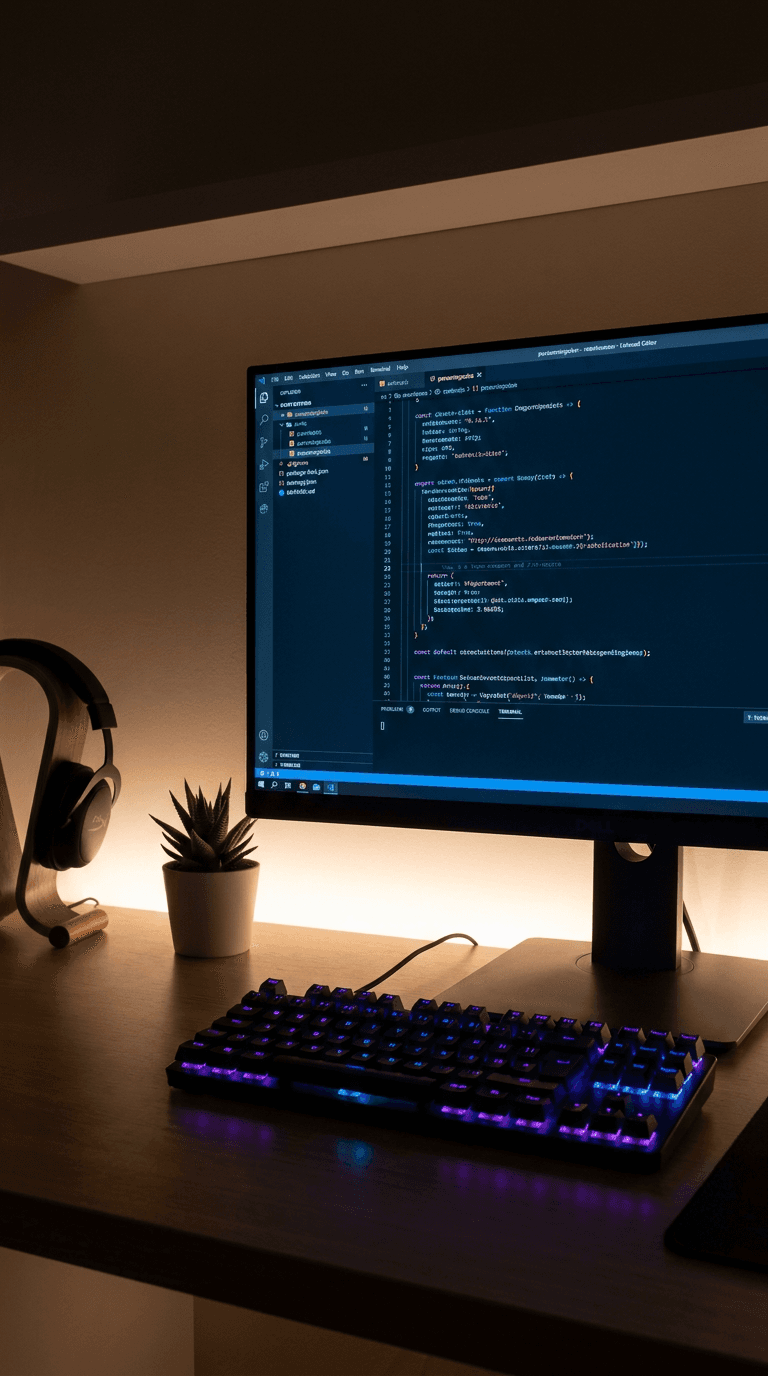
7. Clean desk setup with glowing screen
Prompt:
modern minimalist desk setup with a large monitor displaying colorful code on screen, RGB keyboard lighting in purple and blue, clean desk with one plant and headphones, soft ambient room lighting, centered vertical composition with monitor in the middle third, tech lifestyle photography
8. Hands-on product unboxing
Prompt:
close-up of hands lifting a sleek gadget out of premium packaging, dramatic top-down lighting with warm spotlight on the product, clean white and silver color palette, subtle bokeh from packaging materials, excited energy conveyed through hand positioning, centered vertical composition, product photography style
9. App or software comparison visual
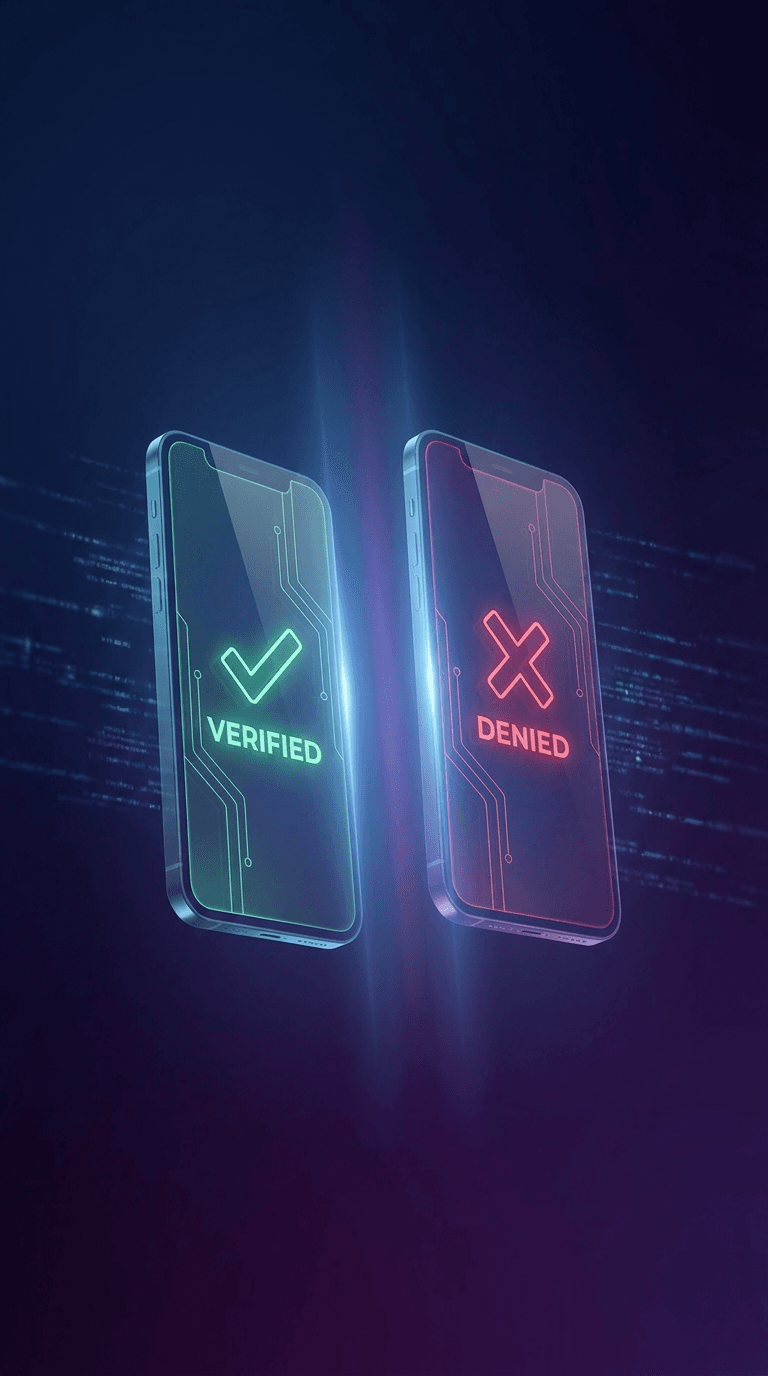
Prompt:
two glowing smartphone screens floating side by side at a slight angle, one with a green checkmark interface and one with a red x interface, dark gradient background from deep blue to purple, soft light rays between the phones, futuristic tech aesthetic, centered in middle of vertical frame, 3D render style
Beauty and Fashion Content
10. Glowing skincare routine close-up
Prompt:
close-up portrait of a person with glowing dewy skin applying skincare serum, soft pink and gold lighting, water droplets and product visible on fingertips, clean minimal bathroom background with soft bokeh, natural and fresh expression, subject centered in vertical frame with space above and below, beauty editorial photography
11. Outfit of the day flat lay
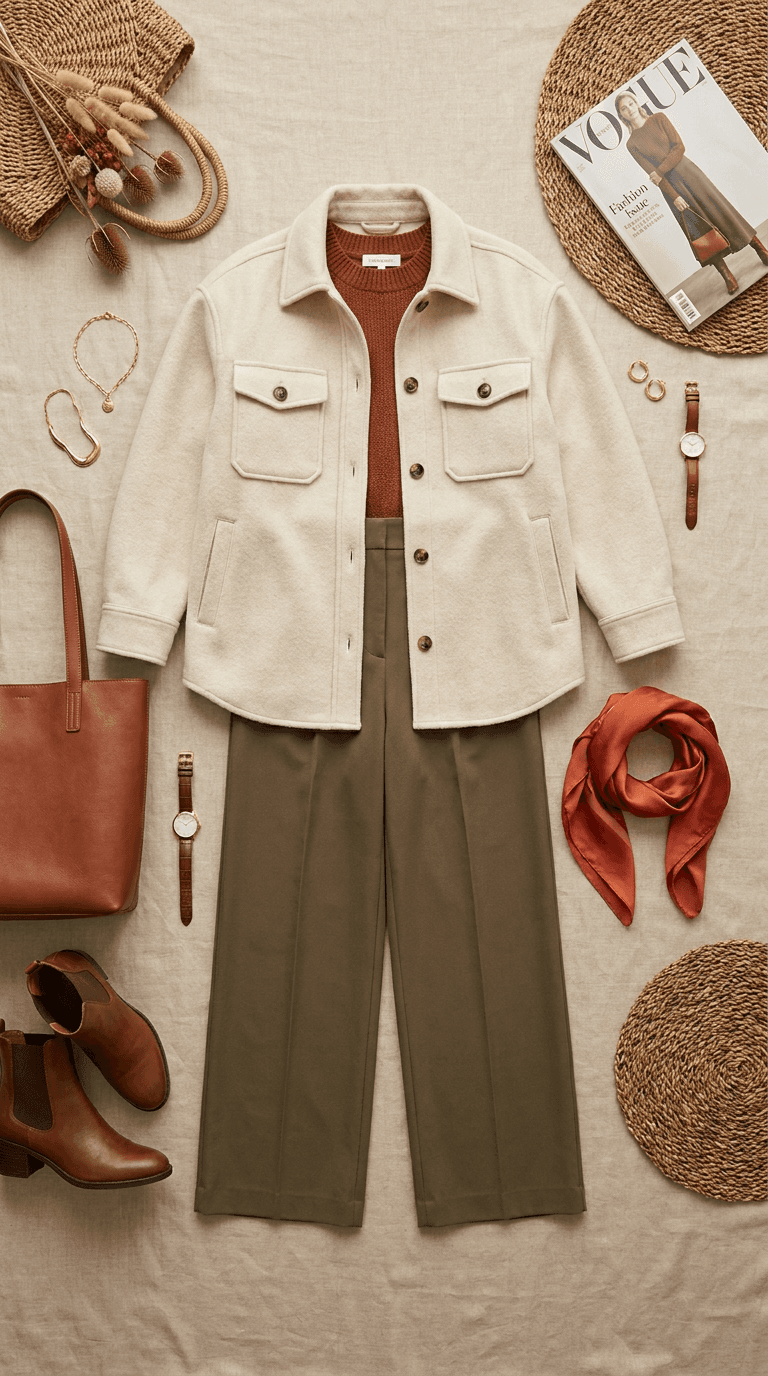
Prompt:
carefully styled flat-lay of a trendy outfit on a clean beige linen background, shoes and accessories arranged symmetrically around the clothing, soft natural overhead lighting with gentle shadows, warm earthy tones with one pop of color from an accessory, centered vertical composition, fashion editorial flat-lay style
12. Dramatic makeup transformation
Prompt:
split composition with the same face showing natural bare skin on the left half and glamorous full makeup on the right half, dramatic studio lighting with soft shadows, sparkle and shimmer visible on the glam side, deep purple and gold color palette, face centered in the middle third of vertical frame, beauty editorial photography
For creators who also produce YouTube content, the YouTube Thumbnail Maker on Miraflow has templates specifically designed for beauty and fashion niches that can be adapted for TikTok covers as well.
Finance and Business Content
13. Money and growth visual metaphor
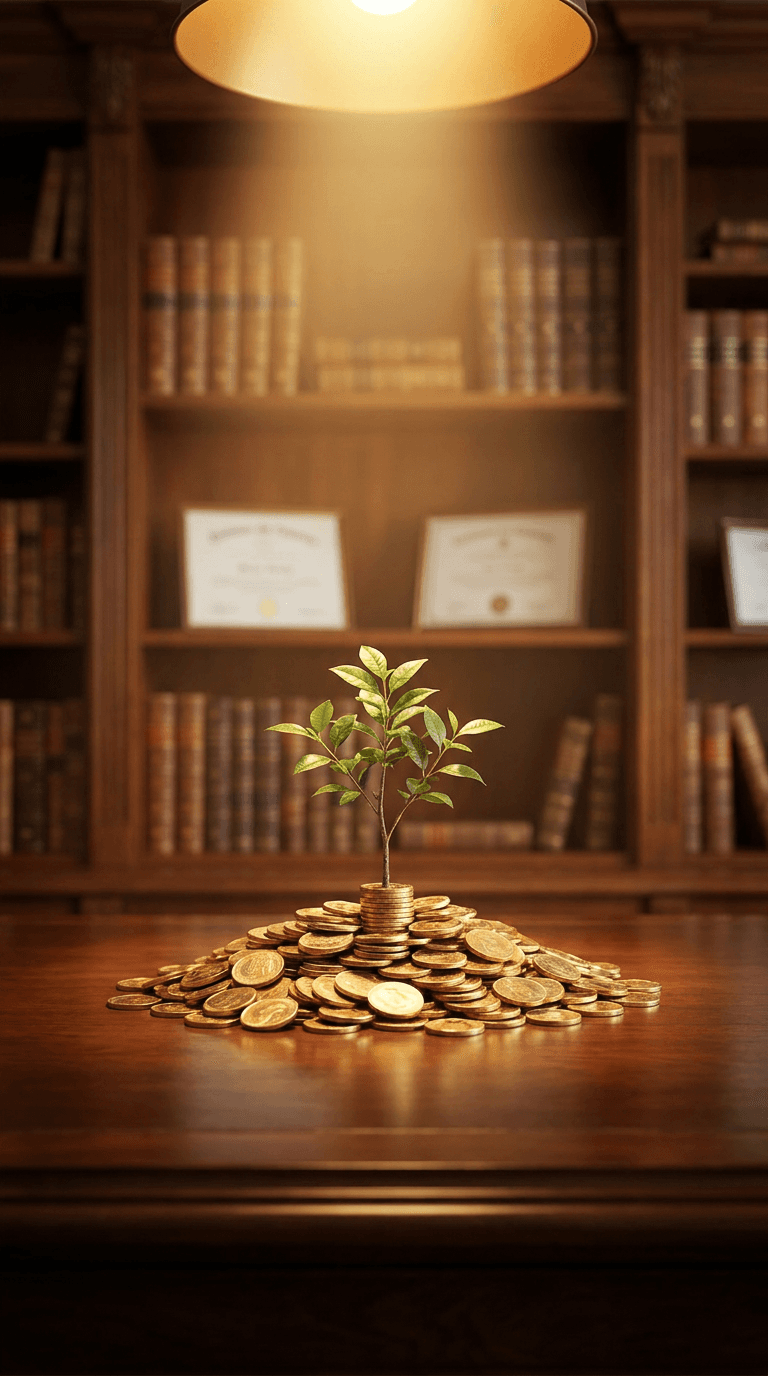
Prompt:
a small green plant growing from a pile of gold coins on a polished wooden desk, dramatic spotlight from above with warm golden light, office environment softly blurred in background with bookshelves, rich brown and gold color palette, plant centered in middle of vertical frame, cinematic depth of field, aspirational business photography
14. Confident presenter in professional setting
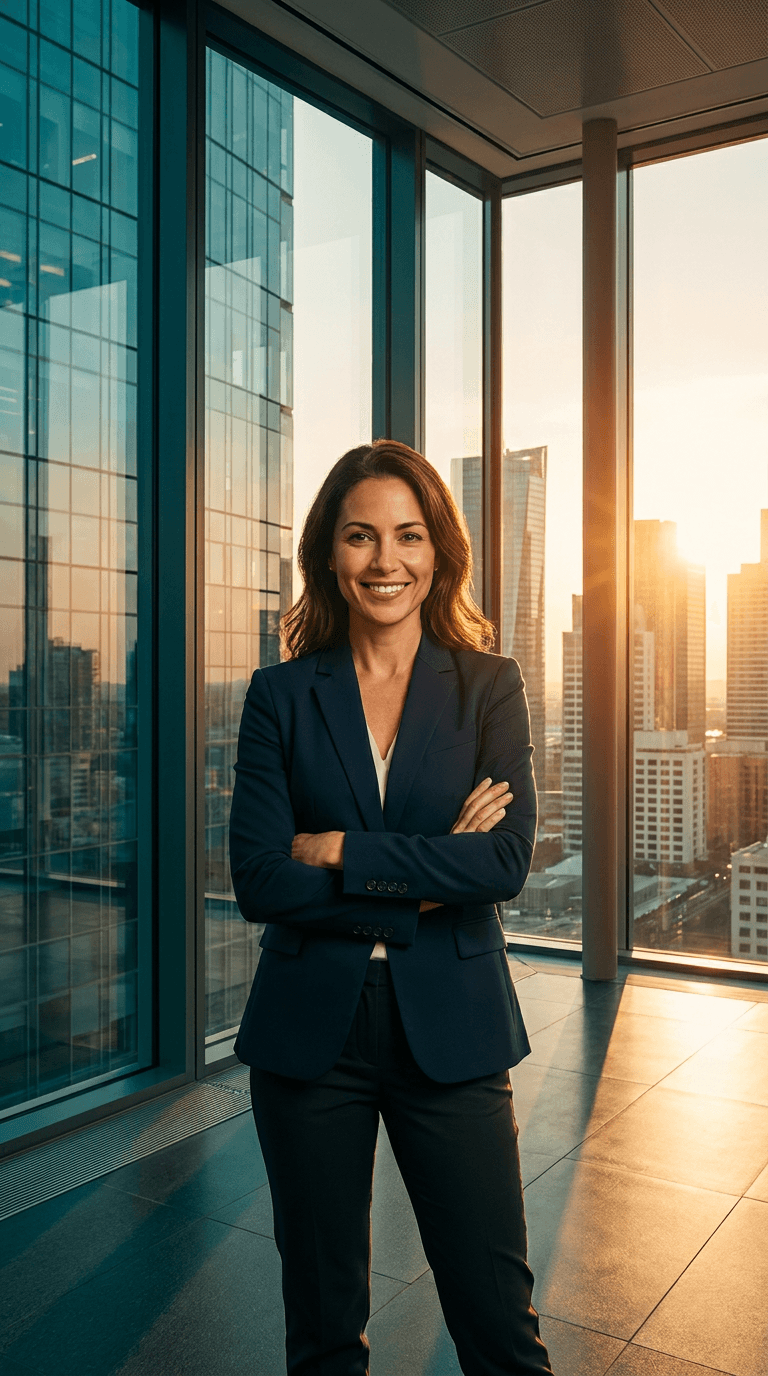
Prompt:
confident professional person in business attire standing in a modern glass office with city skyline visible through windows, arms crossed with confident expression, warm golden hour light streaming through the windows, teal and amber color grading, person centered in the middle third of vertical frame, corporate lifestyle photography
15. Chart and data visualization background
Prompt:
abstract upward-trending glowing green line chart floating in a dark navy blue space, subtle grid lines and data points visible, holographic effect with soft light particles, futuristic financial technology aesthetic, chart centered in the middle of vertical frame, cinematic 3D render
The financial theme prompts work perfectly for creators who also want to create matching YouTube thumbnails. The AI prompts for before-after YouTube thumbnails pack includes similar visual comparison concepts that translate well to TikTok covers.
Education and Explainer Content
16. Lightbulb moment concept visual
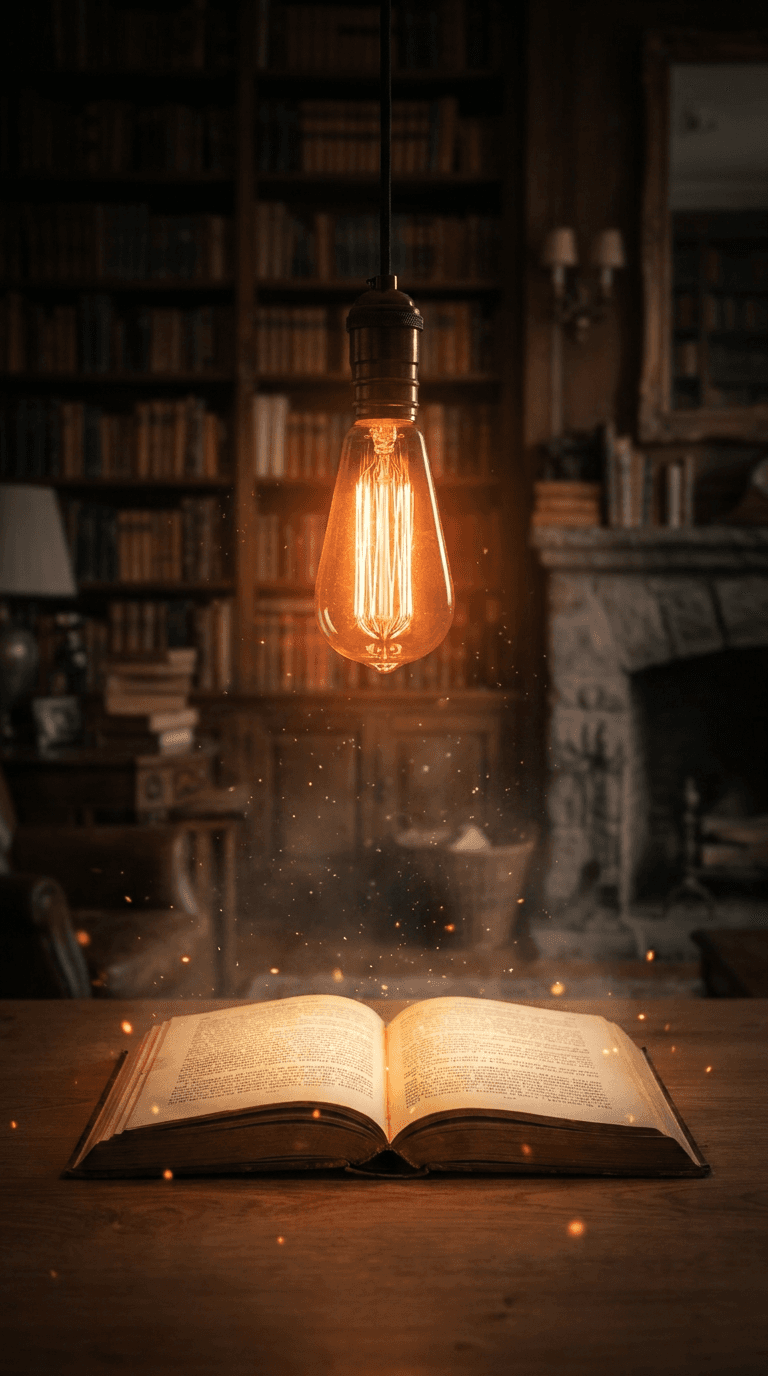
Prompt:
a bright glowing lightbulb floating above an open book in a cozy study room, warm orange light radiating from the bulb with soft particles floating around it, dark moody background with bookshelves, the glow illuminating the pages of the book, centered vertical composition with the lightbulb in the upper middle and book in the lower middle, conceptual photography
17. Science and curiosity visual
Prompt:
colorful chemical reaction in a glass beaker with vibrant purple liquid bubbling and green smoke rising, laboratory setting with test tubes and equipment softly blurred in background, dramatic side lighting creating long shadows, rich jewel tones of purple green and amber, beaker centered in the middle third of vertical frame, science photography
18. Brain and learning concept
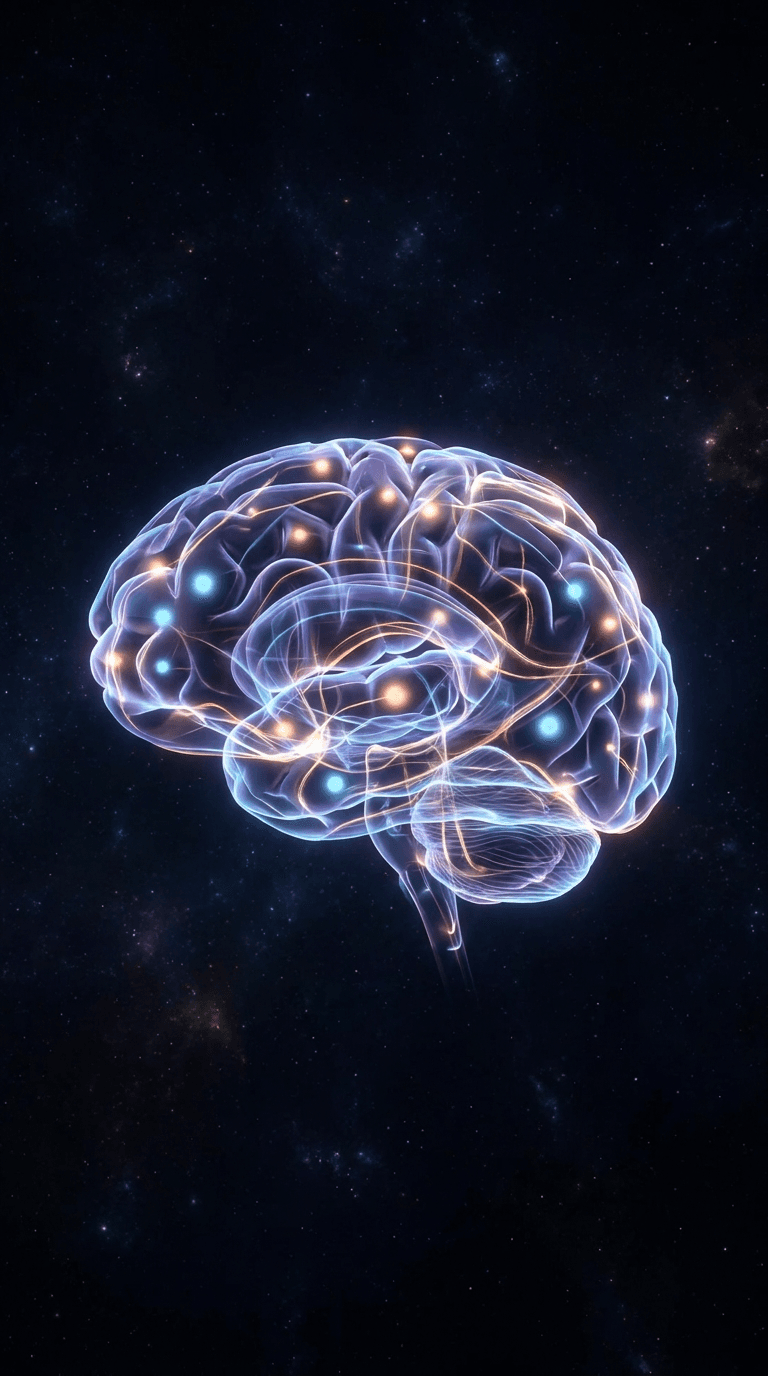
Prompt:
artistic 3D render of a human brain made of colorful interconnected light paths and neural networks, glowing nodes pulsing with soft light, dark cosmic background with subtle stars, warm orange and cool blue light paths crossing, brain centered in the middle of vertical frame, futuristic digital art style
Creators producing educational short-form videos can combine these cover images with AI-generated educational content using the Text2Shorts generator on Miraflow, which handles the full workflow from topic to finished vertical video with script, visuals, and voice.
Travel and Lifestyle Content
19. Stunning destination reveal shot
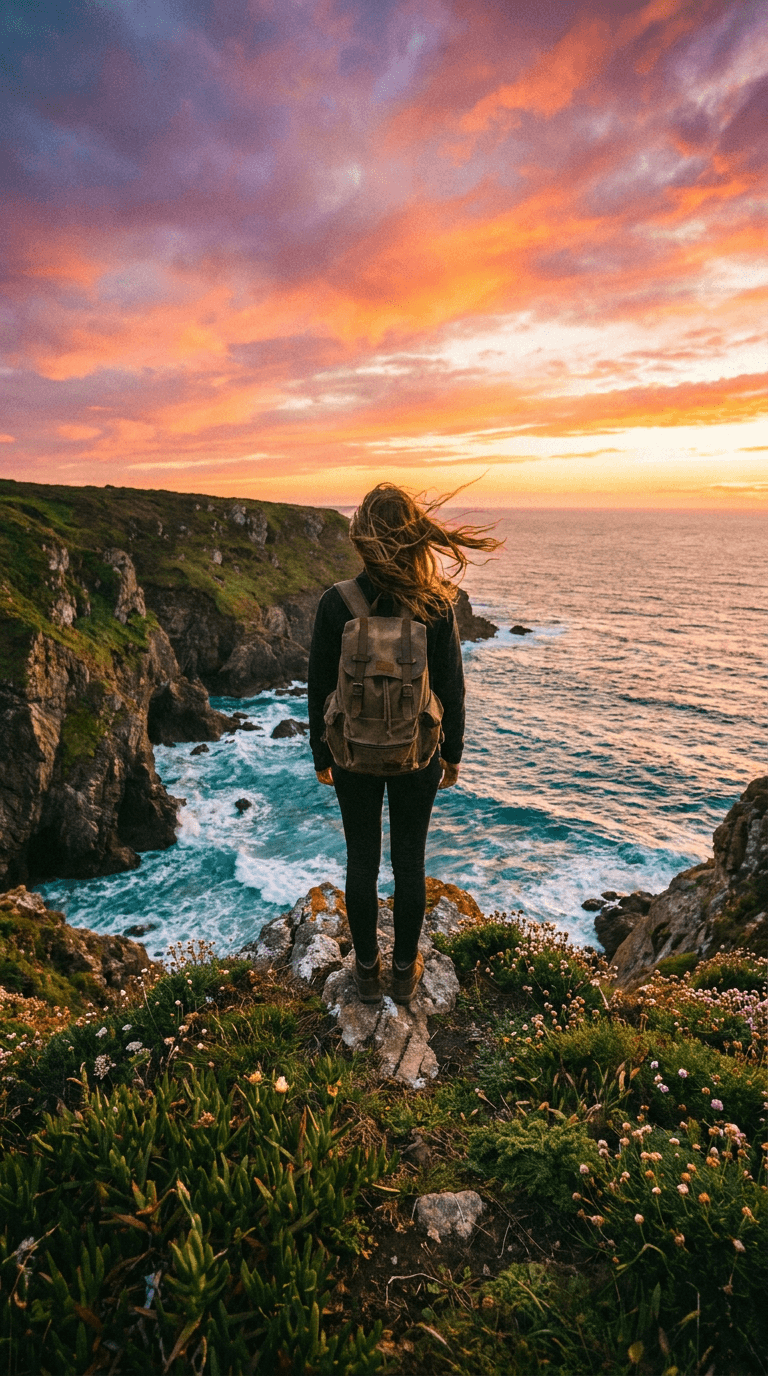
Prompt:
person from behind standing at the edge of a dramatic cliff overlooking a turquoise ocean at golden hour, wind blowing through their hair, warm sunset colors of orange pink and purple filling the sky, lush green vegetation on the cliff edges, person positioned in center of vertical frame, travel adventure photography with cinematic color grading
20. Cozy lifestyle flat lay
Prompt:
overhead view of a cozy reading setup with an open book, a steaming cup of coffee, autumn leaves scattered around, chunky knit blanket texture visible, warm amber and brown tones with soft natural light filtering in from the side, items arranged in the center of the frame, lifestyle flat-lay photography
21. Street food exploration
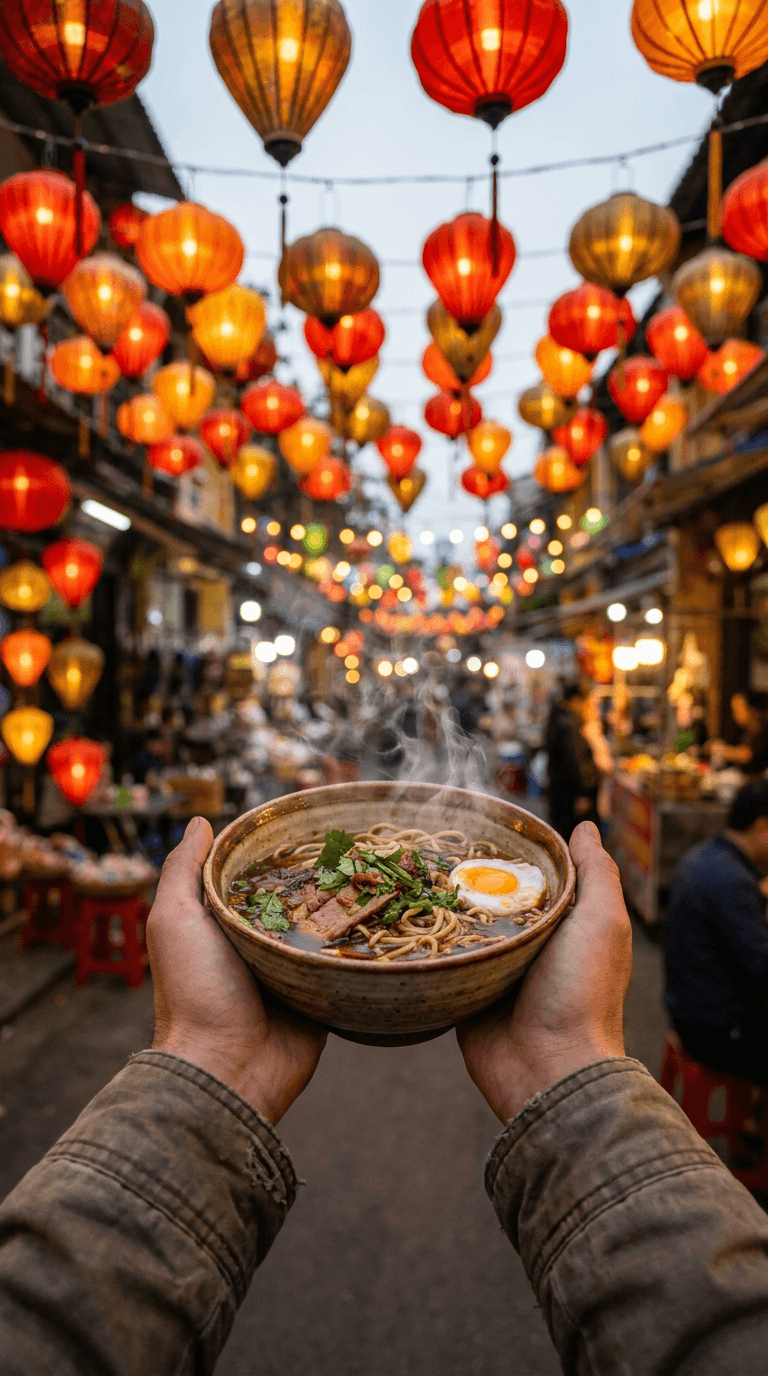
Prompt:
vibrant street food market scene with colorful lanterns hanging overhead, hands holding a beautiful bowl of steaming noodles in the center, bokeh lights from the market stalls in background, warm evening light with orange and red tones, steam rising from the food, centered vertical composition with the food bowl in the middle third, travel food photography
Motivation and Self-Help Content
22. Power pose silhouette
Prompt:
dramatic silhouette of a person standing with arms raised in victory pose on a hilltop at sunrise, rays of golden light bursting from behind the figure, warm orange and purple sky with dramatic clouds, landscape stretching into the distance below, figure centered in the middle of vertical frame, inspirational photography with high contrast
23. Journal and mindfulness setup
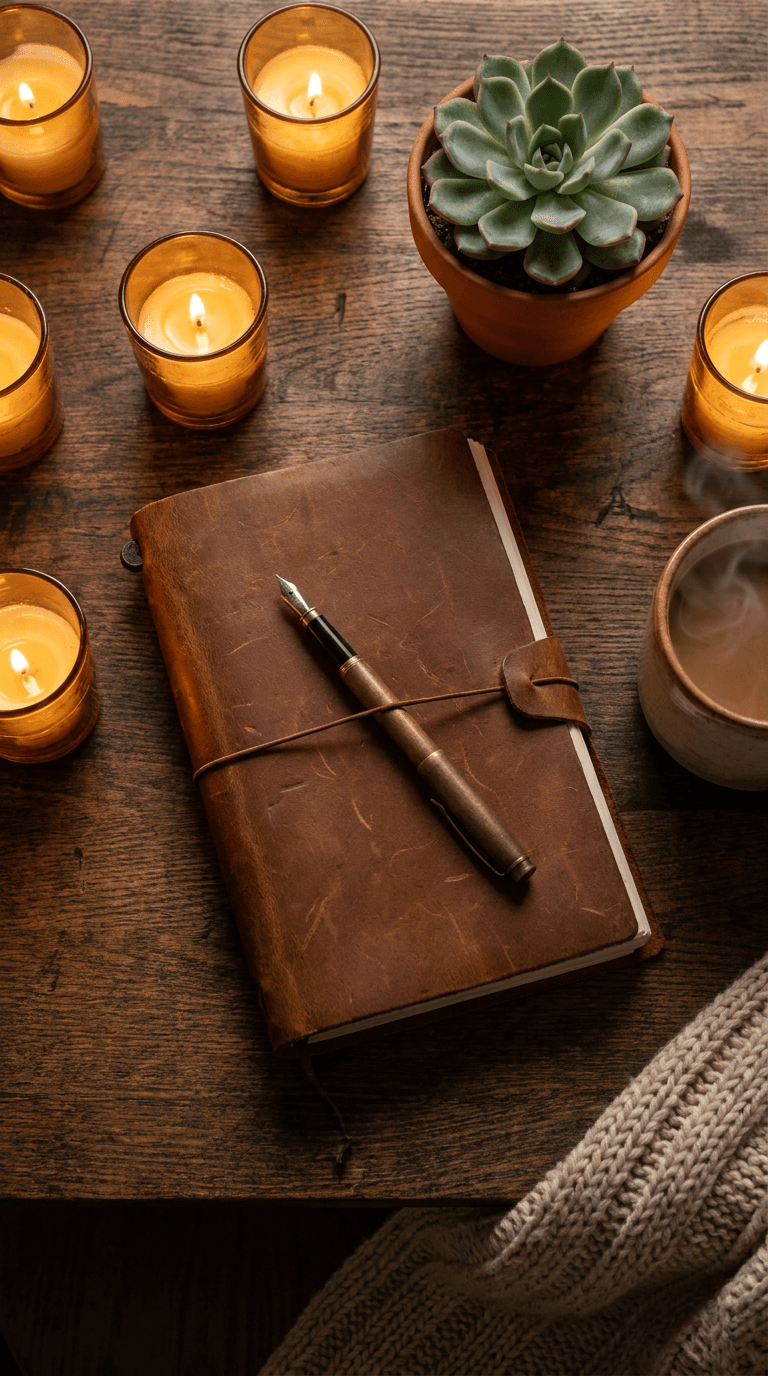
Prompt:
beautiful overhead shot of a leather journal with a fountain pen resting on top, surrounded by soft candles and a small succulent plant, warm golden candlelight creating intimate atmosphere, clean wooden desk surface, rich brown and amber tones, items centered in the vertical frame, mindfulness lifestyle photography
Gaming and Entertainment Content
24. Epic gaming atmosphere
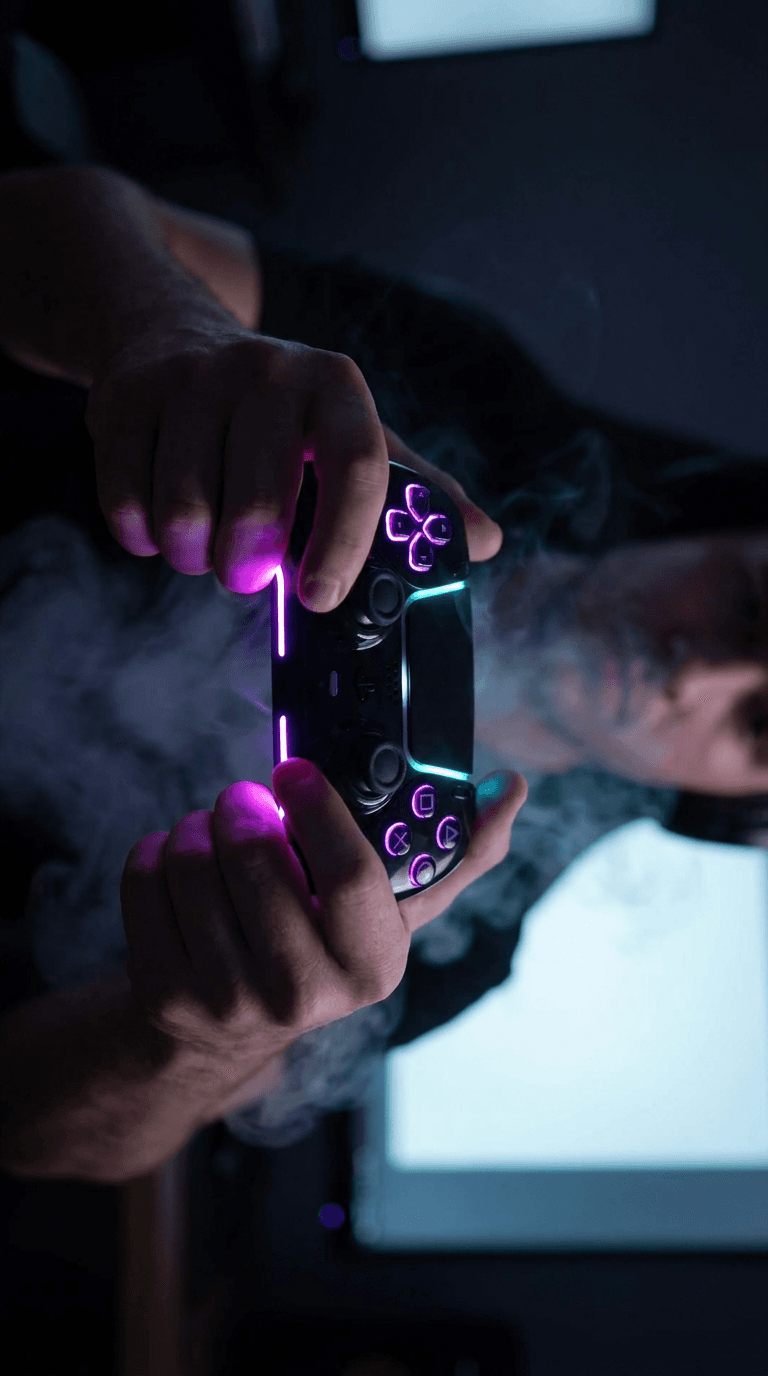
Prompt:
dramatic close-up of hands gripping a gaming controller with intense RGB lighting reflecting off the controller surface, dark room with screen glow visible on the person's face, purple and cyan color palette from LED lights, smoke or haze effect adding atmosphere, controller centered in the middle third of vertical frame, gaming lifestyle photography
25. Reaction face composition
Prompt:
animated 3D character with an exaggerated surprised expression, mouth wide open and eyes bulging, bright colorful explosion of confetti and sparkles behind the character, vibrant yellow and orange background gradient, cartoonish and fun energy, character face centered in the middle of vertical frame, 3D render Pixar-style quality
How to Customize These Prompts for Your Brand
The prompts above are designed as starting points that you can adjust to match your specific brand identity and content style. Here are several ways to customize them effectively.
Swap the color palette to match your brand colors. If your TikTok brand identity uses specific colors, replace the color descriptors in any prompt. For example, change "orange and teal color grading" to "coral pink and deep navy color grading" to align with your visual identity. Keep your cover image style consistent across videos to build recognizable visual branding on your profile grid.[9]
Adjust the setting to match your niche. A fitness prompt set in a gym can become a home workout prompt by changing "modern gym" to "bright home living room with yoga mat." The composition and lighting structure stays the same, but the context shifts to match your content.
Add reference images for personal touches. When using the AI Image Generator on Miraflow, you can upload reference images alongside your text prompt. This means you can upload your own photo and have the AI incorporate your face or personal style into the generated cover, creating covers that feel authentically yours while maintaining professional quality.
Maintain consistency across your grid. One of the most effective TikTok branding strategies is to use a consistent visual template across all your cover images. Grid planning involves strategically arranging your TikTok posts in a way that creates a harmonious and visually appealing feed. By planning the layout and content of your posts in advance, you can ensure that your profile maintains a consistent theme, colour scheme, and overall look. This not only enhances the visual appeal of your profile but also helps to establish a strong and recognizable brand identity.[4] Pick two or three prompts from this list that match your brand and use variations of them consistently, rather than using a completely different style for each video.
How to Add Text to Your AI-Generated Cover Images
The prompts in this guide are designed to produce clean images without text, because AI-generated text in images often looks distorted or contains spelling errors. Instead, you should add text overlay after generating the image, using TikTok's built-in cover editing tool or a separate design tool.
By adding text to your covers or choosing images that clearly reflect the content of your video, you can help users quickly find videos that interest them. Here are two ways to create an effective video cover that highlights your key information: Choose a clear picture of the person or object as the visual focus. Summarize the core video information into text.[2]
Match your font style to your content's aesthetic. For example, if your videos are professional in nature (like tech, knowledge, or legal niches), stay away from funky fonts and choose something that reflects your account style accurately.[2]
When designing text for your covers, keep these guidelines in mind based on what the engagement data tells us. Use 5 to 10 words maximum, place text in the center or slightly below center of the image, use bold high-contrast typography that remains legible at small thumbnail sizes, and stick to the same font across all your covers for brand recognition.
You can also create covers with text baked in using the YouTube Thumbnail Maker on Miraflow, which supports the 9:16 Shorts format and lets you enter thumbnail text as part of the generation process. Although designed for YouTube, the 9:16 output works perfectly as a TikTok cover image at the same 1080 x 1920 dimensions.
Building a Cohesive TikTok Grid with AI-Generated Covers
A well-planned grid transforms your TikTok profile from a random collection of videos into a curated brand experience that builds trust instantly. Creating a cohesive and visually appealing profile is no longer optional; it is a necessity for growth. Gone are the days when users could simply pick a random, blurry frame from their video. Today, your TikTok grid layout ideas need to reflect your niche, personality, and brand.[3]
Here are three grid strategies that work well with AI-generated covers.
The consistent template approach.
Choose one prompt style from this guide and create variations of it for every video. For example, a cooking creator might use variations of the flat-lay ingredient prompt for every recipe, changing only the specific ingredients and colors. The result is a grid where every cover feels cohesive while each individual video is clearly distinct.
The alternating pattern approach.
Select two complementary prompt styles and alternate between them. A fitness creator might alternate between workout freeze-frame covers and meal prep flat-lay covers, creating a checkerboard effect on the grid that visually communicates both the training and nutrition sides of their brand.
The color-coded category approach.
Use the same prompt structure but change the dominant color based on content category. A business educator might use warm amber tones for mindset videos, cool blue tones for strategy content, and green tones for money-related topics. Viewers can instantly identify what kind of content each video contains just from the color of the cover.
Use a custom cover image rather than a video frame whenever possible; designed thumbnails consistently earn higher click-through rates.[9]
Avoiding Common TikTok Cover Design Mistakes
Even with great AI-generated images, certain mistakes can reduce the effectiveness of your covers. Here are the ones to avoid.
Placing important elements in the bottom 20% of the image.
Avoid placing important elements in the bottom 20% of the cover because this area is obscured by the video title on the profile grid.[9] Every prompt in this guide deliberately centers the key visual elements in the middle of the frame, but if you customize the composition, keep this safe zone in mind.
Using blurry or low-resolution images.
Don't use blurry images.[2] Always generate at the full 1080 x 1920 resolution. If an AI-generated image looks slightly soft, try regenerating with a more specific prompt or upscaling the result before uploading.
Mixing too many visual styles on your grid.
Don't mix and match styles and aesthetics.[2] A profile that jumps between wildly different cover styles looks disorganized and unprofessional. Commit to two or three visual approaches maximum and maintain them consistently over time.
Forgetting to check the grid crop.
Design your cover with the key visual element centered both horizontally and vertically so it looks good both as a full cover and as the profile grid square.[9] After generating a cover, mentally crop it to the center square and verify that the most important visual still reads clearly at that smaller size.
Overloading covers with text.
While text on covers increases engagement, the data is clear about limits. Keep it to 5 to 10 words placed in the center of the image, and make sure the text contrasts strongly against the background so it remains readable at thumbnail size.
The 15 AI prompts for LinkedIn post images that get clicks guide covers similar principles of text placement and visual hierarchy that apply across social platforms.
Using AI Cover Images Across Multiple Platforms
One of the biggest advantages of generating AI cover images is that the same visual can often be repurposed or adapted across multiple platforms. A cover image generated for TikTok at 1080 x 1920 is already the correct size for Instagram Reels covers and YouTube Shorts thumbnails.
If you are posting the same short-form video across TikTok, Instagram Reels, and YouTube Shorts, the AI Clipping tool on Miraflow can automatically generate clips from long-form videos with smart face-tracking and animated captions. Pairing those clips with AI-generated cover images from the prompts in this guide gives you a complete system for short-form content production across all three platforms.
For YouTube Shorts specifically, the YouTube Shorts best practices 2026 guide covers platform-specific optimization including thumbnail strategy, titles, and descriptions that maximize the impact of your AI-generated cover visuals.
Creators who want to go beyond cover images and generate full original short-form video content can use the Text2Shorts generator on Miraflow to handle the entire process from topic to finished video, or the Cinematic Video Generator to create visually stunning clips from text prompts.
Advanced Prompt Techniques for Better Results
As you get comfortable with the basic prompts, these advanced techniques will help you generate even more polished and effective cover images.
Specify the lighting direction explicitly. Lighting is the single most important factor in photographic quality. Adding phrases like "dramatic side lighting from the left," "soft overhead diffused light," or "rim lighting from behind" gives the AI much clearer direction and produces more professional-looking results.
Include depth of field instructions. Adding "shallow depth of field with background bokeh" or "sharp focus on subject with blurred background" creates a more professional, editorial feel that separates the subject from the background and draws the eye to the focal point.
Reference specific photography styles. Phrases like "editorial fashion photography," "National Geographic travel photography," or "cinematic film still" help the AI understand the overall aesthetic you are targeting and produce results that match professional standards.
Use negative descriptions to avoid unwanted elements. If you find that generated images include elements you do not want, adding phrases like "no watermarks, no borders, no text, no logos, no filters" helps keep the output clean and ready for your own text overlay.
Layer multiple emotional descriptors. Instead of just saying "happy expression," try "genuine warm laughter with crinkled eyes and relaxed shoulders, joyful and approachable energy." The more specific your emotional descriptors, the more authentic the generated expressions will look.
For creators who also generate product images, the 15 AI prompts for product photos that look like studio shots guide goes deeper into lighting and composition prompt techniques that apply equally well to cover image generation.
Batch Generating Cover Images for a Consistent Content Calendar
The most efficient way to use these prompts is to batch-generate all your cover images in a single session. Here is a workflow that saves time while maintaining quality and consistency.
Step 1: Plan your content calendar for the next two weeks. List out the topics for each video you plan to post, along with the general category each falls into.
Step 2: Select your prompt templates. Choose two or three prompts from this guide that match your niche and brand aesthetic. You will use variations of these same prompts for all your covers.
Step 3: Customize each prompt. For each video, adjust the specific details in the prompt to match the video topic. Change the objects, colors, or scene details while keeping the overall composition and lighting structure consistent.
Step 4: Generate all covers in one session. Open the AI Image Generator on Miraflow, set the aspect ratio to 9:16, and generate all your covers back to back. This takes minutes and produces a cohesive set of images with consistent quality.
Step 5: Add text overlays. Use TikTok's built-in cover editor or a quick design tool to add your 5 to 10 word text overlay to each cover. Keep the font, size, and color consistent across all covers.
Step 6: Save to your media library. Store all finished covers in the My Media section on Miraflow so they are organized and easily accessible when you are ready to post each video.
This batch approach means you spend 30 minutes generating covers once every two weeks instead of 10 minutes per cover scattered across individual posting sessions. The time savings compound quickly, and the consistency of your grid improves dramatically when all covers are designed in the same session with the same creative mindset.
Adding AI Music to Your Cover Image Workflow
If you are creating original short-form content rather than just covers, pairing your AI-generated visuals with original background music creates a fully differentiated content package. The AI Music Generator on Miraflow lets you generate copyright-free tracks by describing the mood, style, and instruments you want.
For example, a fitness creator could generate an upbeat electronic track to use as their signature background music across all TikTok videos. Combined with a consistent set of AI-generated cover images, this creates a brand identity that viewers recognize instantly, even before they tap play.
The AI music for YouTube: copyright-free tracks in seconds guide covers how to generate tracks that match specific video types and moods, and the same principles apply to TikTok content.
Measuring the Impact of Your New Cover Images
After you start using custom AI-generated cover images, you need to track whether they are actually improving your performance. Here are the metrics to monitor.
Profile visits from the For You Page. TikTok analytics shows how many people visited your profile after seeing your content in the feed. An increase in this metric after switching to custom covers indicates that your covers are making people curious enough to explore more of your content.
Video plays from the profile grid. Track how many views each video gets from profile visits versus the For You Page. Videos with stronger cover images should get a higher proportion of views from profile visits, because people who land on your grid are tapping the covers that catch their eye.
Follower conversion rate. Compare the ratio of profile visits to new followers before and after implementing custom covers. A cohesive, professional-looking grid should increase this conversion rate because it signals authority, consistency, and quality.
Average engagement rate per video. A good TikTok engagement rate is 6 to 9%. The platform average is 5.7%, far higher than Instagram (1.22%) or Facebook (0.6%).[1] If your engagement rate is below the platform average, improving your cover images is one of the fastest ways to increase it, because more relevant viewers will tap on your videos when the cover clearly communicates what the video is about.
Track these metrics for at least two weeks after implementing new covers before drawing conclusions. Short-form content performance varies naturally from day to day, so you need a meaningful sample size to see real trends.
TikTok Cover Image Prompts by Content Emotion
Since emotional resonance is one of the biggest drivers of TikTok cover engagement, here are additional prompts organized by the emotion they are designed to evoke.
Curiosity and surprise (best for views)
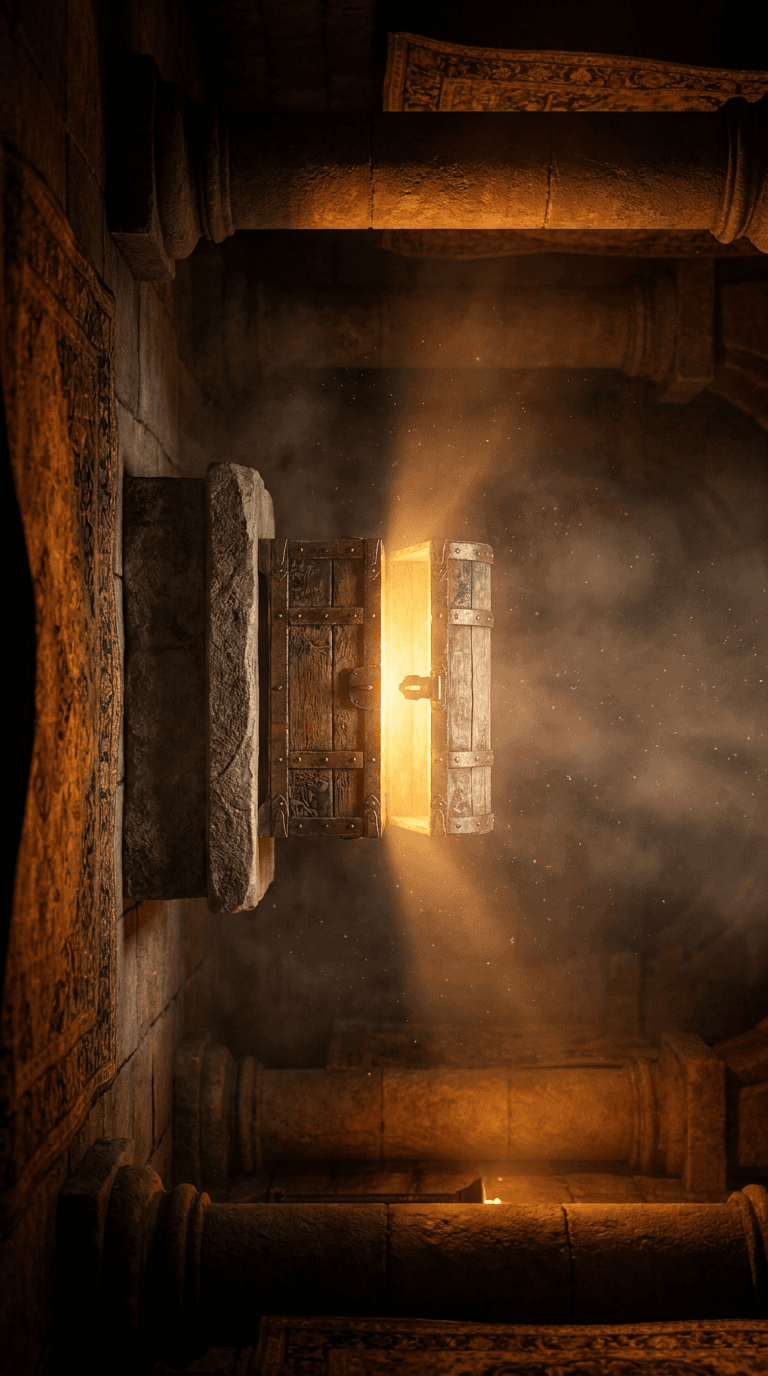
Prompt:
mysterious glowing box slightly open with bright golden light spilling out from inside, dark atmospheric room with dust particles visible in the light beams, rich amber and deep shadow contrast, the box centered in the middle of vertical frame, dramatic cinematic lighting, fantasy photography style
Happiness and warmth (best for likes and shares)
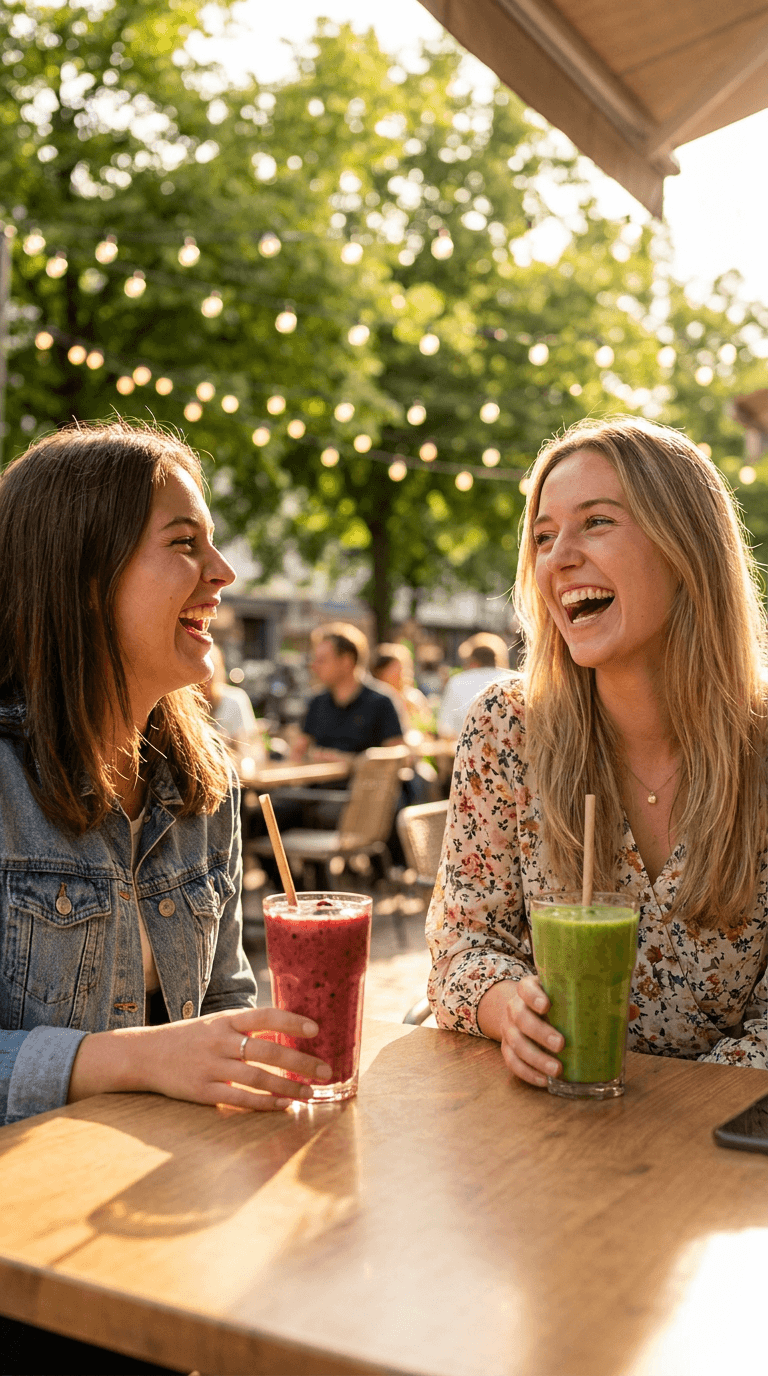
Prompt:
two friends laughing together at a sunlit outdoor cafe, genuine joyful expressions with natural smiles, warm golden afternoon light creating long soft shadows, colorful smoothie drinks on the table, background with soft bokeh of trees and fairy lights, friends centered in middle third of vertical frame, lifestyle photography
Awe and wonder (best for saves)
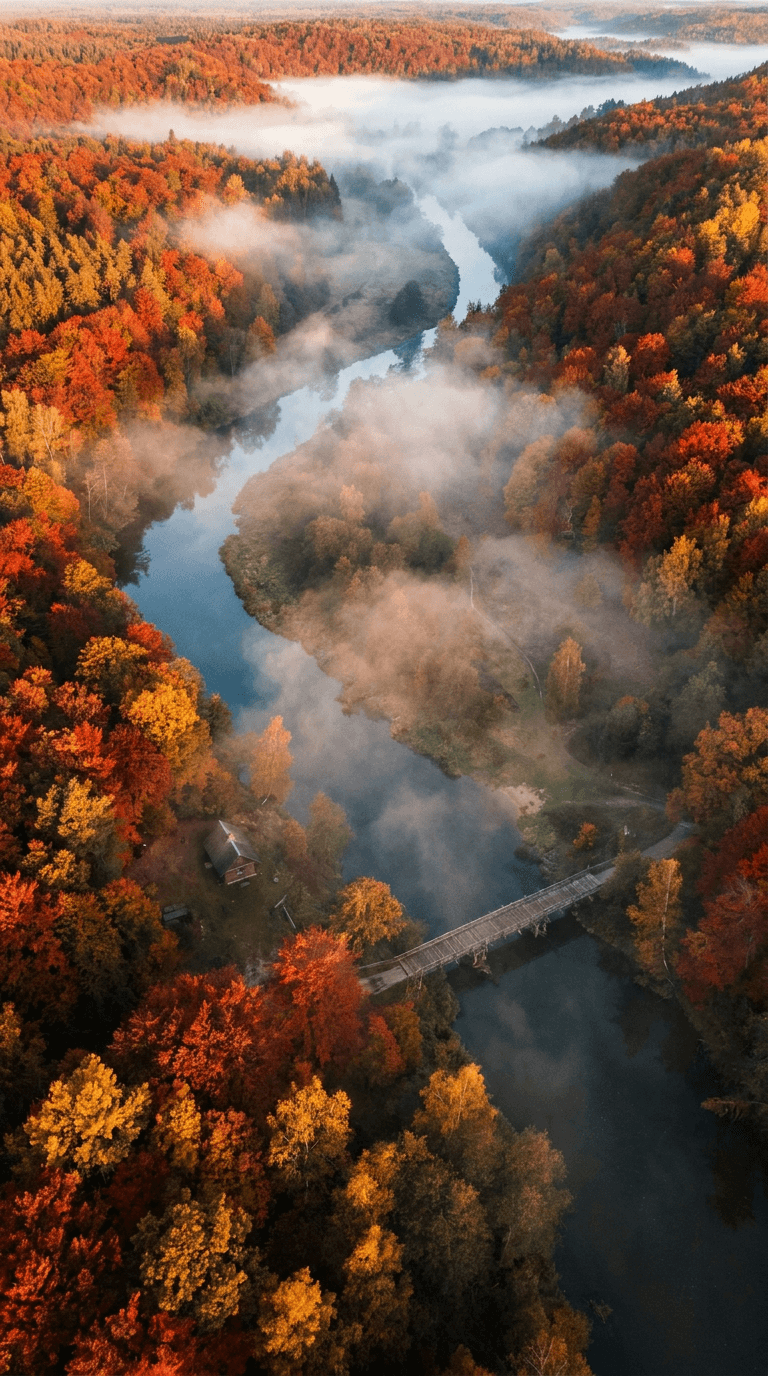
Prompt:
breathtaking aerial view of a winding river through an autumn forest with trees in brilliant red orange and gold, morning mist hovering over the water, dramatic depth creating a sense of scale, rich warm earth tones, river path centered in vertical composition, nature landscape photography with drone perspective
These emotion-driven prompts can be combined with the can you monetize faceless YouTube channels made entirely with AI strategies for creators who produce content without showing their face on camera.
Conclusion
Your TikTok cover images are the first thing people see on your profile grid, and they are the deciding factor in whether someone taps play or scrolls past. They establish your brand identity, increase your video click-through rates, and turn casual scrollers into dedicated followers. A messy profile is a missed opportunity, but a curated, high-quality grid builds instant authority in your niche.[3]
The 25 prompts in this guide give you a ready-to-use library of cover image templates covering every major TikTok niche, from fitness and food to tech, beauty, education, travel, and business content. Each prompt is formatted for the correct 1080 x 1920 dimensions, designed with TikTok's safe zones in mind, and structured to produce images that look professional at both full-screen and thumbnail sizes.
The fastest way to start is to pick three prompts that match your niche, generate a batch of cover images using the AI Image Generator on Miraflow, add your text overlays, and upload them as custom covers for your next several TikTok videos. Within two weeks, you should see measurable improvements in profile visits, video plays from your grid, and follower conversion rates.
Stop letting the algorithm randomly select a blurry mid-sentence frame as your cover. Start generating covers that represent your brand, communicate your value, and drive the clicks your content deserves. Head to Miraflow and generate your first set of TikTok cover images today.
Frequently Asked Questions
What is the correct size for a TikTok cover image in 2026?
The recommended TikTok video cover size is 1080 x 1920 pixels in a 9:16 aspect ratio. This matches the full vertical video frame and ensures your cover displays correctly on both the For You Page and your profile grid. The profile grid crops the cover to a centered 1080 x 1080 square, so keep all key visual elements in the center of the image.
Can I upload a custom cover image on TikTok instead of using a video frame?
Yes. When posting a video on TikTok, you can choose "cover editing" and then "upload local cover" to use a custom image instead of selecting a frame from the video. Custom covers consistently earn higher click-through rates than auto-selected video frames.
How many words should I put on a TikTok cover image?
Research shows that 5 to 10 words is the optimal range for text on TikTok cover images. Covers with text in this range have nearly 20% higher engagement than covers without text. Place the text in the center of the image for maximum visibility and impact.
What colors work best for TikTok cover images?
Warm tones like brown, orange, and green tend to perform best for views, likes, and shares on TikTok. Orange thumbnails had the highest overall engagement rate at 12.3%, followed closely by purple at 12.2%. Strong color contrast is more important than any specific color, as it helps your cover stand out in the feed and at small thumbnail sizes.
Can I use the same AI-generated cover image on TikTok, Instagram Reels, and YouTube Shorts?
Yes. All three platforms use the same 9:16 vertical format at 1080 x 1920 pixels, so a cover image generated for TikTok works perfectly on Instagram Reels and YouTube Shorts without any resizing or reformatting.
How often should I update my TikTok cover image style?
Consistency is more important than novelty for cover images. Pick two or three prompt templates that match your brand and use them for at least 30 to 60 days before making changes. This gives your profile grid time to develop a cohesive look and allows you to measure the impact on your metrics before adjusting your approach.
Do AI-generated cover images look too polished for TikTok?
TikTok's audience values authenticity, but this applies primarily to video content, not cover images. Custom-designed covers signal professionalism and intentionality, which builds trust with potential followers. The key is to make the cover visually compelling while ensuring the video content itself feels natural and genuine.
Where should I place my face or main subject in a TikTok cover image?
Center all important visual elements both horizontally and vertically. The top 420 pixels and bottom 420 pixels get cropped on the profile grid, and the bottom 270 pixels are covered by TikTok's auto-title overlay. The center 1080 x 1080 area is the only zone guaranteed to be visible in all display contexts.