
16 AI Prompts for Tattoo Studio and Artist Content (Copy & Paste)

Written by
Aerin Kim
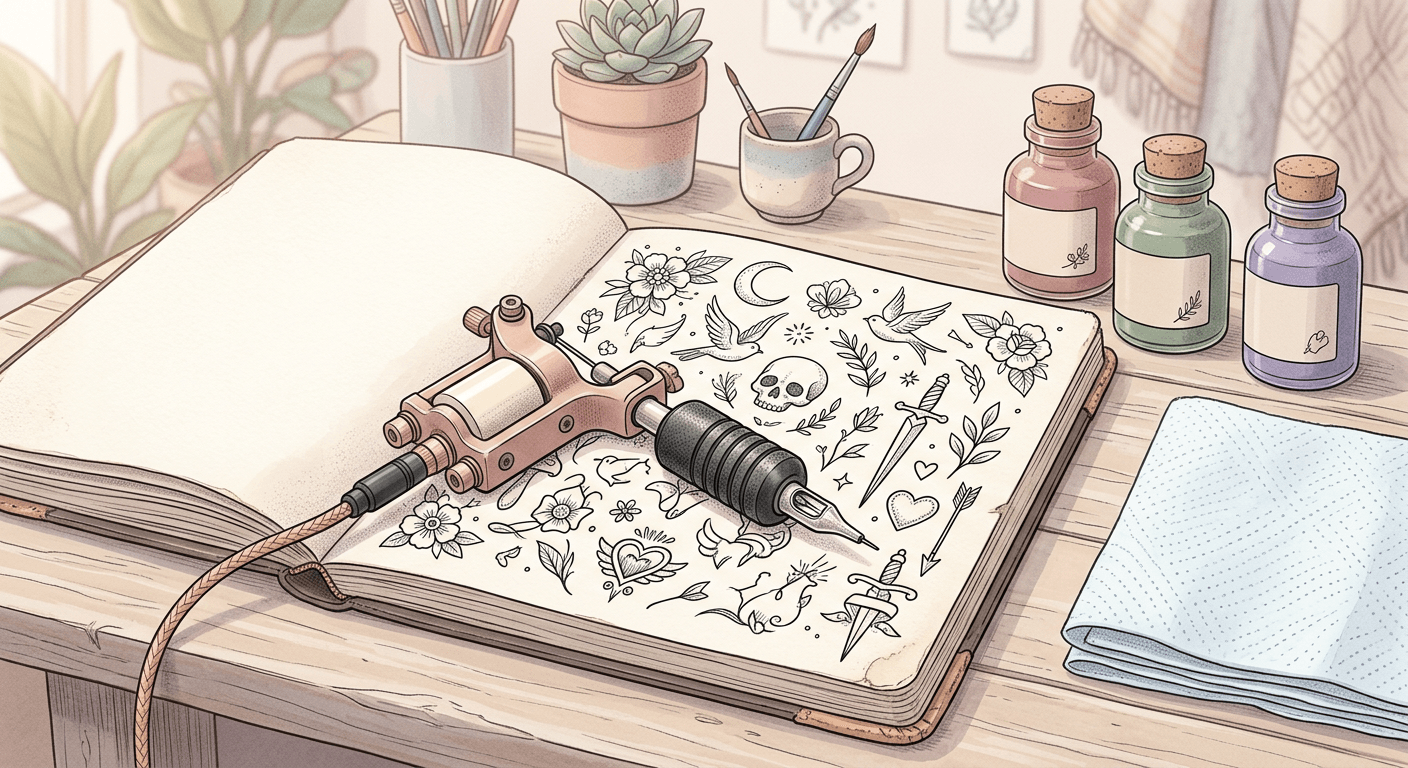
16 copy-and-paste AI prompts for tattoo studios and artists, covering portfolio shots, studio atmosphere, flash sheets, and booking promos, without a photographer.
If you run or work at a tattoo studio, you already know the problem. Great tattoo work does not sell itself without great photos, and good tattoo photography is expensive, slow to schedule, and hard to get consistent across every artist's chair. A rushed phone photo under bad lighting can make excellent linework look muddy, and that photo is often the only thing a potential client sees before booking.
Modern AI image models have gotten specifically good at one thing that used to be their weakness: realistic skin texture and fine line detail, which happens to be exactly what tattoo photography needs. This post is 16 ready-to-use prompts covering portfolio shots, studio atmosphere, flash sheets, and booking promos, built so you can copy, paste, and adjust the details to match your own studio.
TL;DR: How to Use These Prompts
Each prompt below is written to be descriptive enough to work on its own. Swap in your specific tattoo style, color palette, or studio details where relevant, and keep the lighting and framing instructions as they are, since those are what make an AI generated image look like a real photo instead of an obvious render.
How These Prompts Fit Into a Real Workflow
These prompts are built to work directly with the AI Image Generator in Miraflow AI, which handles both text-to-image generation and targeted editing. If you already have a real photo of a tattoo but the lighting is uneven or the background is cluttered, the same tool's masking feature lets you select and regenerate just that region without touching the tattoo itself, similar to how a studio might retouch a background without altering the actual artwork. The YouTube Thumbnail Maker uses the same underlying image generation, so it works just as well for a studio's channel art or video thumbnails as it does for a standard 16:9 thumbnail.
Portfolio Shot Prompts
These five prompts cover the core of any tattoo studio's marketing, the actual work itself, in the kind of even, flattering light a phone camera in a busy studio rarely captures.
1. Healed forearm close-up
close up photo of a healed fine-line tattoo on a forearm, natural window light, visible skin texture, sharp linework detail, neutral indoor background, realistic photographic style, 4:5 aspect ratio
2. Fresh tattoo detail
macro close up photo of a freshly finished tattoo with slight redness around clean linework, soft studio lighting, visible ink saturation, shallow depth of field, realistic skin texture, clinical but warm tone
3. Full sleeve overview
photo of a full tattoo sleeve on an arm bent at the elbow, even studio lighting from both sides, entire design visible in sharp focus, neutral gray background, realistic photographic style
4. Minimalist tattoo close-up
close up photo of a small minimalist single-line tattoo on the inner wrist, bright natural light, extremely sharp focus on the linework, soft blurred background, realistic photographic style
5. Color tattoo vibrancy
close up photo of a vividly colored traditional style tattoo, bold saturated ink colors, bright even lighting to show true color accuracy, realistic skin texture, neutral background
Studio Atmosphere Prompts
Clients book a studio, not just an artist. These four prompts help show what the space actually feels like.
6. Station overview
wide photo of a clean tattoo artist workstation, adjustable chair, tray of sterilized equipment, overhead task lighting, minimalist studio decor, bright and professional atmosphere, realistic photographic style
7. Ink flat lay
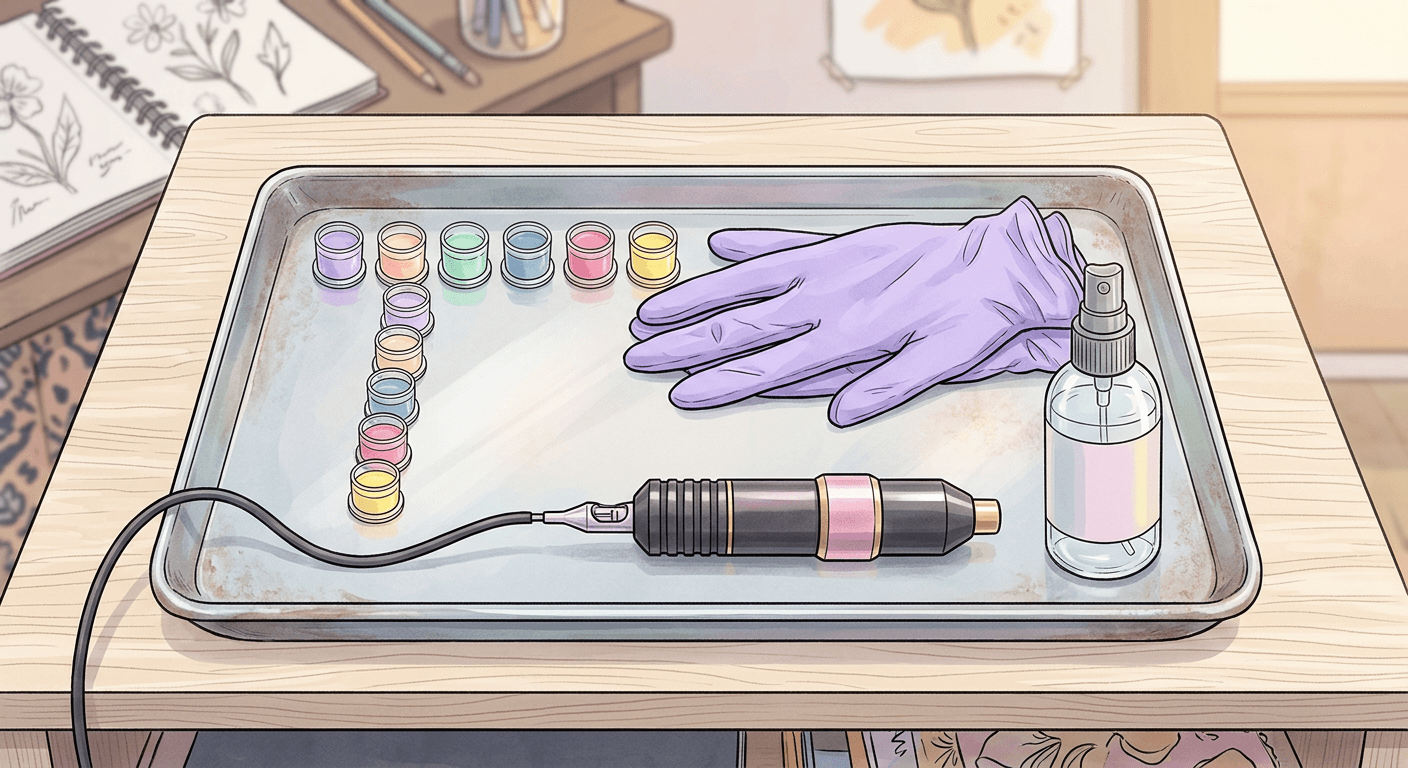
overhead flat lay photo of tattoo ink bottles arranged by color gradient, disposable ink caps, a tattoo machine placed diagonally across the frame, clean white surface, soft even lighting
8. Waiting area
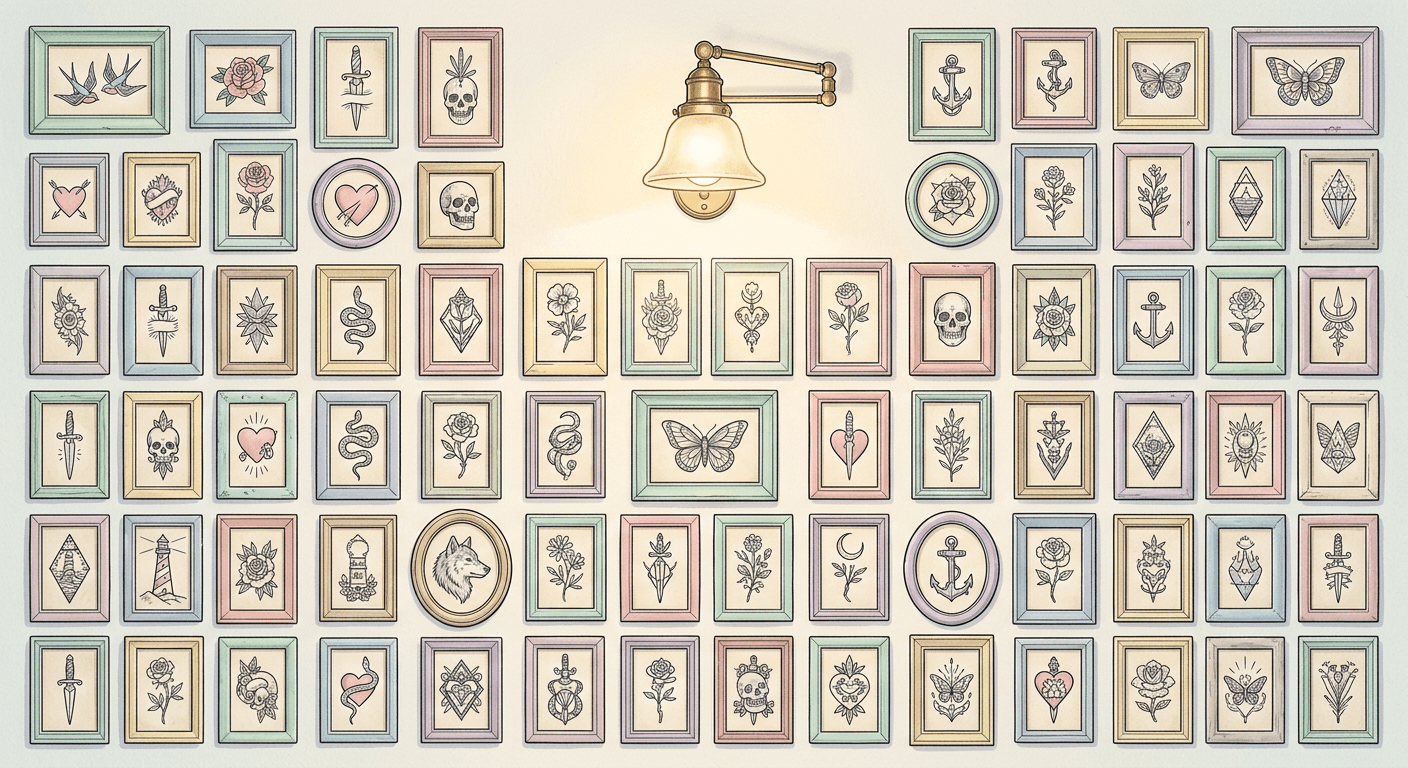
photo of a small tattoo studio waiting area, two chairs, a low table with a portfolio book, framed flash art on the wall, warm ambient lighting, inviting and clean atmosphere
9. Flash sketching
photo of a hand sketching a new flash tattoo design on paper at a wooden desk, pencils and a reference sketchbook nearby, warm desk lamp lighting, focus on the paper and pencil, hand and desk only, no face
Consultation and Process Prompts
Showing the process behind a tattoo, not just the finished result, builds trust with clients who are nervous about their first session.
10. Skin before prep
close up photo of clean bare skin on a forearm before a tattoo session, neutral studio lighting, smooth even skin texture, soft shadow, realistic photographic style, no markings
11. Stencil applied
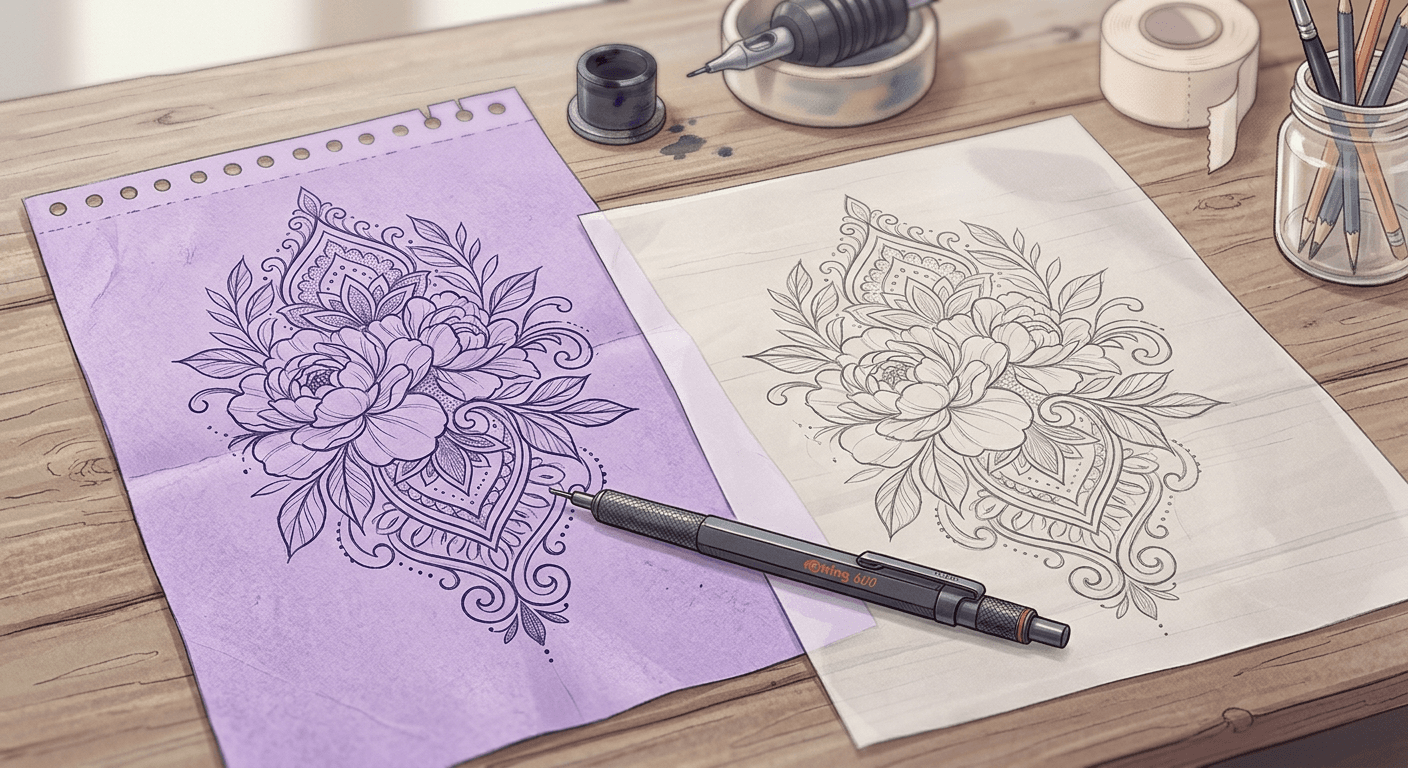
close up photo of a purple tattoo stencil design freshly applied to skin, visible transfer lines, bright clinical lighting, realistic skin texture, neutral background
12. Sketch to finished comparison
split composition photo, left side a hand-drawn tattoo design sketch on paper, right side the same design finished as a healed tattoo on skin, matching angle and lighting on both sides, realistic photographic style
Flash Sheet and Social Prompts
These four prompts are built for the content that actually drives bookings: flash sheet posts, grid-consistent Instagram content, and appointment promos.
13. Flash sheet display
photo of a cork board covered in small printed tattoo flash designs pinned in a grid, warm gallery lighting, shallow depth of field on the center row, realistic photographic style
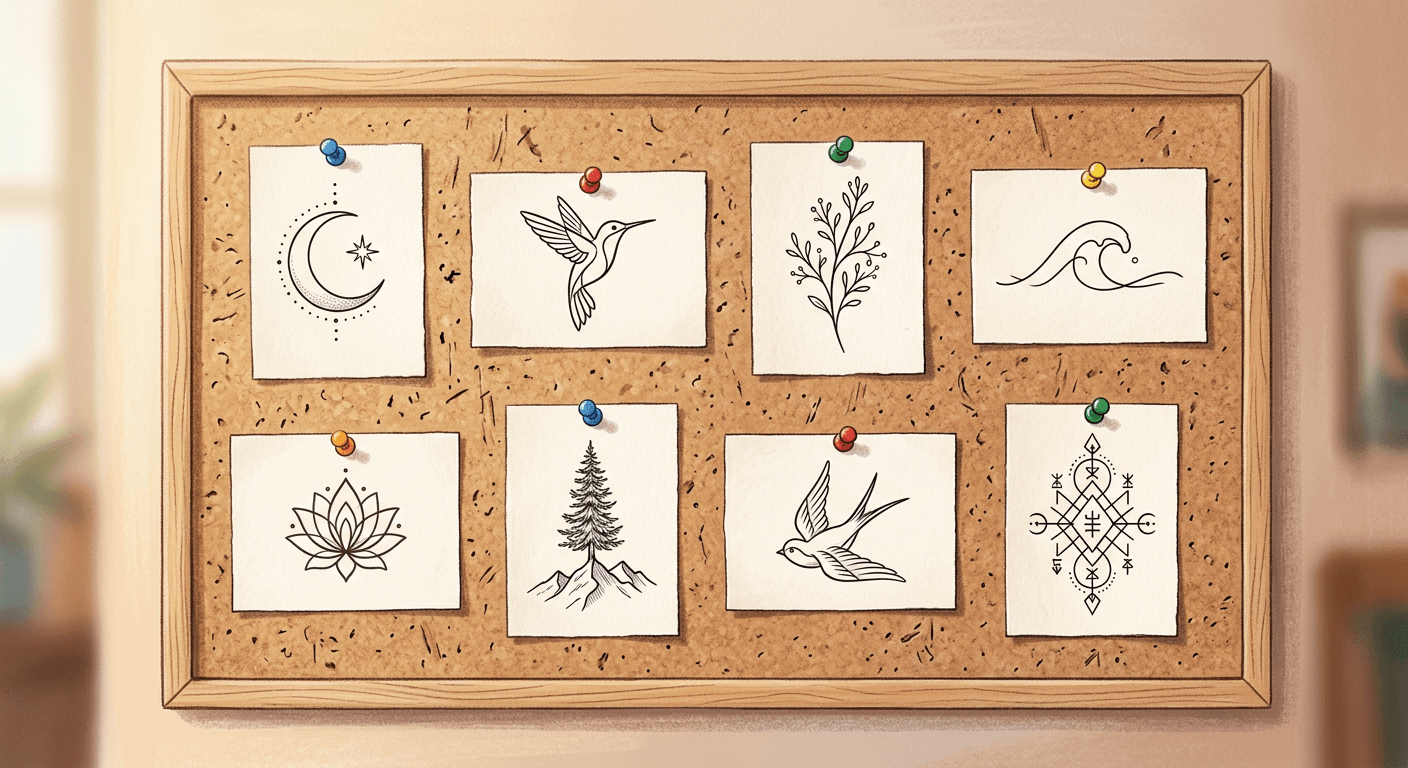
14. Instagram grid tile
square close up photo of a single tattoo detail shot designed for an Instagram grid, centered composition, bright even lighting, clean neutral background, consistent color grading, realistic photographic style, 1:1 aspect ratio
15. Booking promo
photo of an open appointment book on a studio desk next to a small potted plant and a cup of coffee, soft natural window light, warm inviting color tone, empty space in the upper third for text to be added later, realistic photographic style
16. Aftercare flat lay
overhead flat lay photo of tattoo aftercare products, a small tub of healing balm, wrapped bandage, and a clean cloth, arranged neatly on a light wood surface, soft natural light, minimal and clean composition
For more product and flat lay style prompts that work well alongside these, see AI prompts for product photos and studio shots and 50 Nano Banana prompts that look like real photos. If your studio also sells merchandise or aftercare products, AI prompts for ecommerce product images without a photographer covers that side directly, and AI prompts for personal branding photos is useful if individual artists want their own portfolio presence separate from the studio account.
How to Adapt These Prompts for Your Studio
A few small edits make a big difference in how these read once generated.
- Name your actual tattoo style, fine line, traditional American, blackwork, fine dot shading, since generic prompts default to whatever style is most common in a model's training data.
- Keep lighting language consistent across a batch of images if you want them to feel like they belong to the same portfolio.
- Specify skin tone explicitly rather than leaving it to chance, so your portfolio reflects the range of clients you actually work with.
- Avoid over-specifying pose and expression when a client's face is not the point. Framing the shot on the tattoo itself keeps the focus where it belongs and avoids the uncanny look AI faces can sometimes have.
Common Mistakes Tattoo Studios Make With AI Photography
- Generating a tattoo design itself with AI and presenting it as photographed work. Use AI photography for studio and portfolio marketing, not to fabricate tattoo designs that were never actually done.
- Using inconsistent lighting language across a portfolio, which makes a grid of photos feel disjointed even if each individual image looks good.
- Skipping skin texture detail in the prompt, which is often what separates a photo that reads as real from one that reads as an obvious render.
- Forgetting to generate a few variations before picking one. The first result is rarely the best one for something as detail sensitive as tattoo linework.
Turning These Images Into Video Content
A strong photo portfolio is only part of the picture. If you want to turn a set of these images into a short studio tour or a flash sheet reveal, Text2Shorts in Miraflow AI can take a short script and generate a finished vertical video, and AI Clipping can pull the best moments out of a longer studio session video automatically if you already film your sessions. Booking confirmations and appointment reminders are also a natural fit for a quick promotional YouTube Thumbnail Maker style graphic if you post video content around your studio's work. You can browse more niche-specific prompt packs like this one on the Miraflow AI blog, and every tool mentioned here is available at miraflow.ai.
Frequently Asked Questions
Can AI generated tattoo photos look realistic enough for a real portfolio? Yes, when the prompt specifically calls out realistic skin texture, natural lighting, and photographic style, current image models handle fine line detail and skin texture well enough to hold up as marketing content.
Should I disclose that portfolio images were AI enhanced? If an image shows a real tattoo with AI-adjusted lighting or background, that is standard photo editing. If an image was generated to represent work that was not actually done, be transparent about that with potential clients.
Do these prompts work for both black and grey and color tattoo styles? Yes. Adjust the color language in each prompt, replace color vibrancy instructions with grayscale and shading language for black and grey work.
What image size works best for Instagram? Use a 1:1 aspect ratio for grid posts and a 4:5 aspect ratio for standard feed posts, both of which are called out in the prompts above.
Can I use these prompts for a multi-artist studio? Yes. Keep a shared lighting and framing style across prompts so the whole studio's content feels cohesive even with multiple artists contributing work.
Conclusion
Tattoo work sells through photos before a client ever sits in the chair, and the gap between an average photo and a great one is often just lighting, framing, and consistency, all of which a well written AI prompt can control directly. Start with the portfolio prompts for your strongest recent work, build out studio atmosphere shots to round out the feed, and keep the language in this post as a template you can reuse every time a new piece is ready to post.