15 AI Prompts for Product Photos That Look Like Studio Shots (Copy & Paste)

Written by
Jay Kim
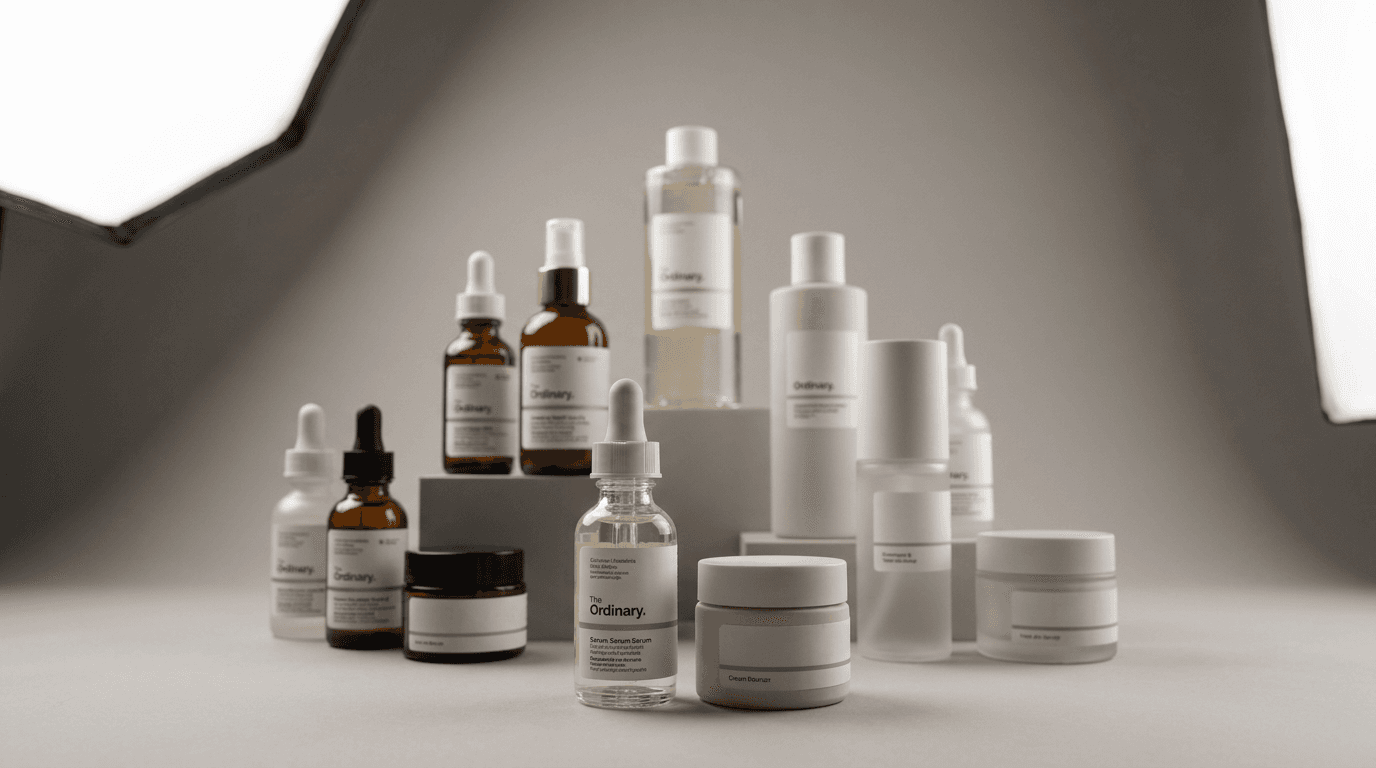
Studio product photography costs thousands. These 15 copy-paste AI prompts generate product images that look professionally lit and styled, with no photographer or studio needed.
Hiring a product photographer and renting studio time costs more than most small brands can justify for every product launch, seasonal refresh, or marketing campaign. The alternative most sellers end up with is smartphone photos against a white wall, which technically shows the product but does nothing for brand perception or purchase confidence.
The gap between a product image that looks professionally shot and one that looks improvised comes down almost entirely to lighting, composition, and surface context. These are exactly the elements that well-written AI image prompts can control precisely. The problem is that most people prompt AI generators the same way they would describe a product to a friend, "a photo of my candle on a nice background," which produces results that look vague and generic rather than studio-quality.
This guide gives you 15 copy-paste prompts engineered specifically to produce product photos that look like they were taken in a professional photography studio, organized by shot type and product category.
What Makes a Product Photo Look Like It Came From a Studio
Before using the prompts, it helps to understand the specific visual qualities that signal professional studio photography so you can recognize them in your outputs and adjust when they are missing.
Studio product photography has four defining characteristics that separate it from amateur or casual product shots.
Controlled, directional lighting Studio photography uses artificial light sources positioned at precise angles to create dimensional shadow and highlight patterns that reveal product shape, texture, and material quality. Natural light is beautiful but unpredictable. Studio lighting is intentional, repeatable, and specifically designed to show the product at its best. When you describe the lighting setup in your AI prompt with the same specificity a photographer would use, the generator applies the same visual logic.
Clean, intentional backgrounds Studio backgrounds are chosen specifically to complement the product without competing with it. The most common choices are white, neutral grey gradients, black, textured neutrals like marble or linen, and dark matte surfaces. Each background choice makes a statement about the product's market position. Premium beauty brands use marble. Tech brands use dark matte. Food products use natural wood or stone. Matching your background to your product's positioning is as important as the lighting.
Sharp focus with controlled depth of field Studio product shots use precise focus to show the product's most important details in sharp clarity while allowing secondary elements and backgrounds to fall into soft focus. This directs the viewer's attention exactly where the photographer intends and creates the professional depth that smartphone auto-focus rarely achieves.
Surface and reflection control High-end product photography uses surfaces that create subtle reflections or shadows beneath the product, adding a sense of three-dimensionality and weight. A product that appears to float without any ground contact looks cheap and unplaced. A product that sits on a surface with a slight reflection or natural shadow looks grounded and real.
All 15 prompts below are built to incorporate these four elements. You can generate them directly inside Miraflow AI's image generator, which supports the detailed prompt structure needed to produce studio-quality results.
The 15 Studio-Style Product Photo Prompts
Group 1: Classic White and Neutral Studio Shots
These are the foundational studio shots every product needs. They are clean, versatile, and appropriate for primary listing images on any e-commerce platform.
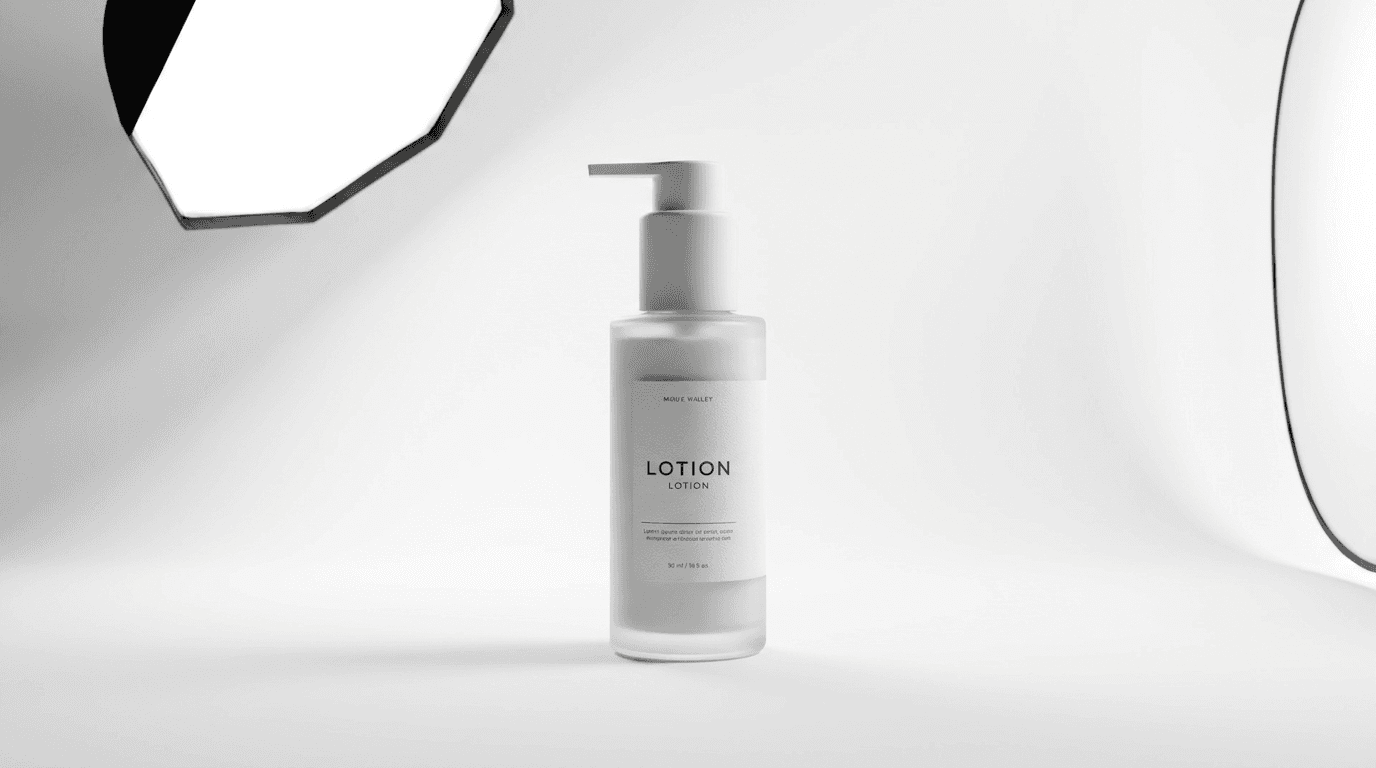
Prompt 1: The Classic White Studio Hero
The essential clean product image for primary listing use. Works for almost any product category.
Prompt
[product name and brief description] centered on a seamless pure white studio background, large octabox softbox light positioned at 45 degrees camera left creating soft directional illumination with dimensional shadow on the right side of the product, secondary fill reflector from camera right softening shadows without eliminating them, sharp focus across the entire product surface revealing texture and material detail, slight soft shadow beneath the product grounding it on the surface, commercial product photography style, photorealistic
Prompt 2: The Neutral Grey Gradient Studio Shot
For products where pure white feels too stark and a slightly warmer professional feel is needed.
Prompt
[product name] centered against a seamless light to mid grey gradient background, single large softbox from upper camera left creating clean directional studio light, subtle highlight along the upper edge of the product from a secondary backlight, sharp product focus with slight vignette at the background edges creating depth, elongated soft shadow beneath the product, premium commercial product photography, photorealistic
Prompt 3: The Dark Matte Studio Shot
For tech products, men's grooming, spirits, supplements, and any product positioned as premium or sophisticated.
Prompt
[product name] centered on a dark charcoal matte surface against a matching dark background, single precision spotlight from directly above creating a pool of clean light focused on the product, rim lighting from behind the product creating a subtle separation edge highlight, sharp focus on product surface revealing any gloss or texture contrast, minimal shadow beneath suggesting the product is resting on a surface, luxury product photography style, photorealistic
Group 2: Textured Surface Studio Shots
Textured backgrounds add tactile context and brand personality while maintaining the controlled quality of studio photography. These are the prompts used most often for beauty, food, lifestyle, and artisan products.
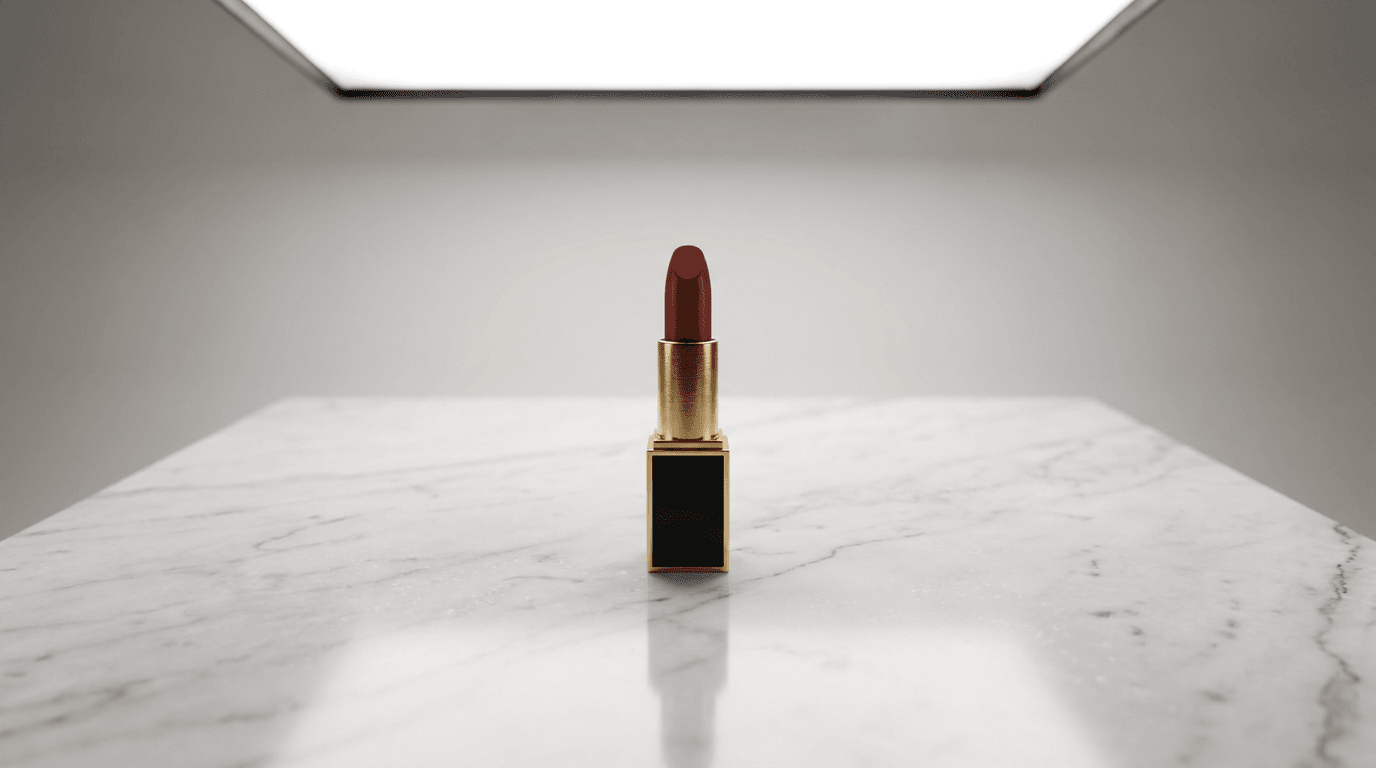
Prompt 4: The Marble Studio Surface
The standard for skincare, beauty, luxury food, and premium lifestyle products.
Prompt
[product name] placed on a white Carrara marble surface in a clean studio environment, overhead studio softbox providing diffused even illumination, subtle marble vein texture visible in the foreground surface, product in sharp focus with material details clearly rendered, soft natural reflection of the product visible on the polished marble surface, negative space behind the product with soft light falloff, luxury commercial product photography, photorealistic
Prompt 5: The Natural Wood Studio Surface
For food, beverage, kitchen products, artisan goods, and organic or natural brand positioning.
Prompt
[product name] placed on a clean light natural oak or maple wood surface, warm directional overhead studio light with slight amber color temperature complementing the wood tones, wood grain texture clearly visible in the foreground leading to the product, product as clear focal point with sharp focus, soft bokeh falloff into a neutral light background behind the product, artisan commercial product photography style, photorealistic
Prompt 6: The Linen and Textile Surface
For fashion accessories, candles, home goods, beauty products, and wellness brands.
Prompt
[product name] resting on a soft cream linen fabric surface in a clean studio setup, large diffused softbox from camera left creating even warm illumination that picks up the subtle texture of the linen weave, product in sharp focus with the linen texture visible in the foreground and softening behind the product, neutral cream background complementing the surface, slight natural shadow beneath the product, soft editorial product photography style, photorealistic
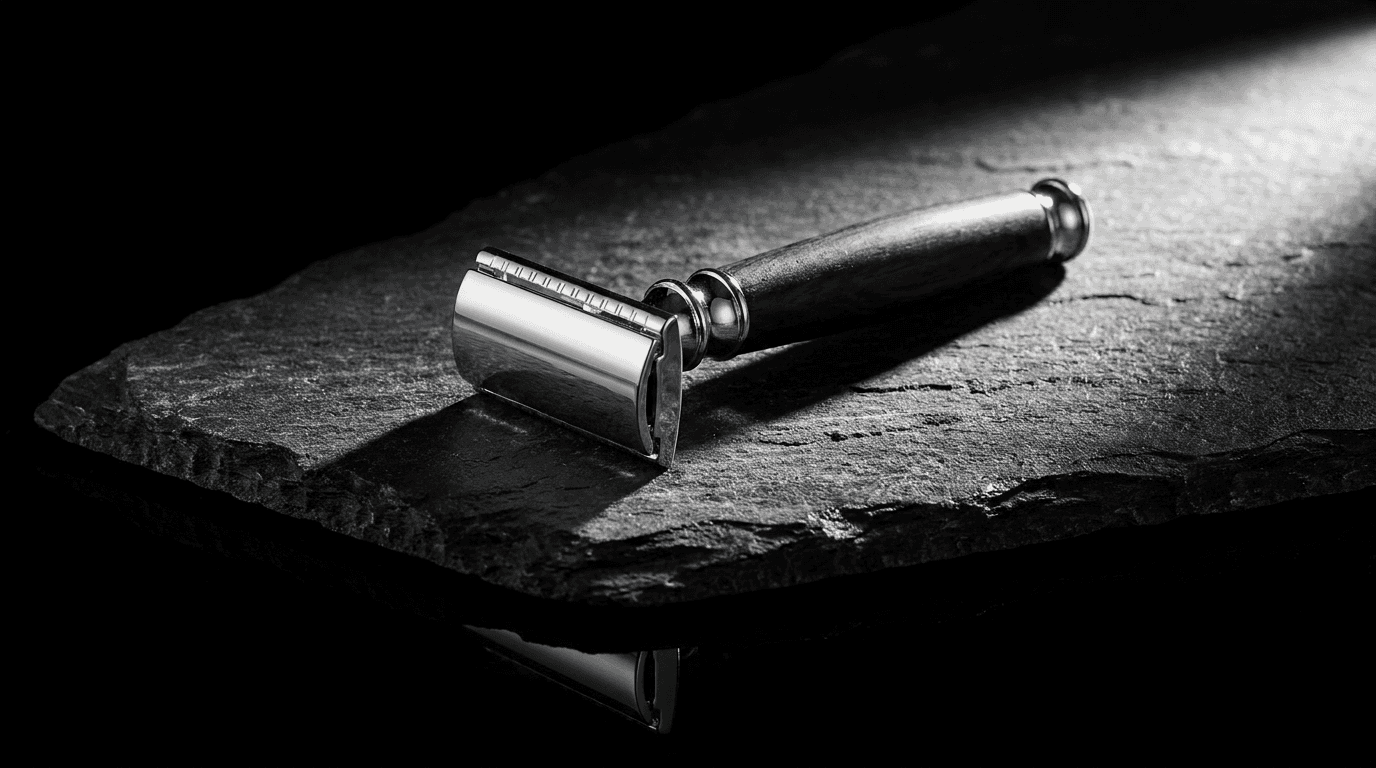
Prompt 7: The Dark Stone or Slate Surface
For coffee, spirits, men's grooming, supplements, and any brand with an edge or premium positioning.
Prompt
[product name] placed on a dark grey slate or granite surface, single precision studio light from camera right creating dramatic directional illumination across the stone texture, strong contrast between the product and the dark surface, slight gloss reflection of the product's base visible in the stone surface, deep shadow areas providing dramatic depth, editorial luxury product photography, photorealistic
Group 3: Multi-Product and Arrangement Shots
These shots work for product bundles, gift sets, collections, and category pages where multiple products need to be shown together in a cohesive, professionally styled arrangement.
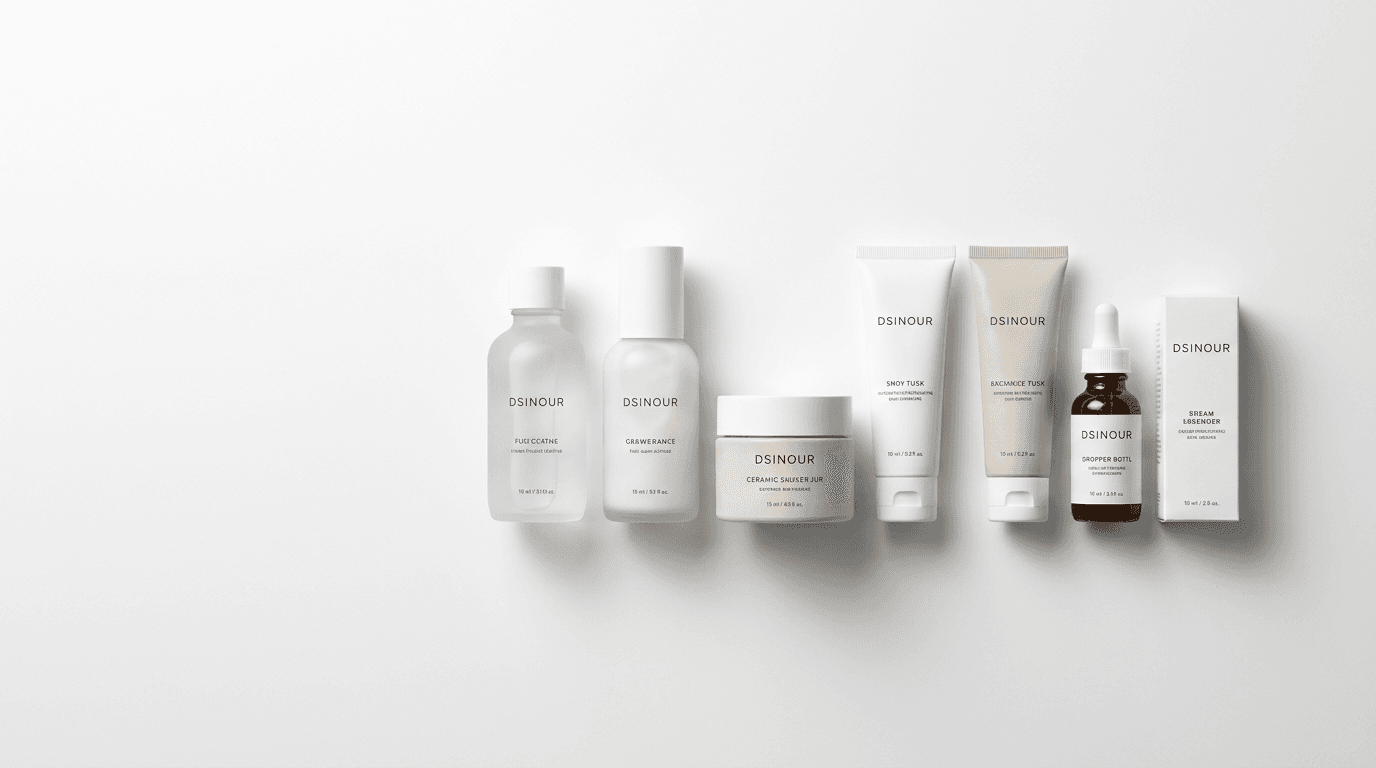
Prompt 8: The Clean Multi-Product Arrangement
For product bundles, skincare sets, gift boxes, and collections.
Prompt
[number] pieces of [product line name] products arranged in a balanced triangular or linear composition on a white studio surface, even overhead softbox illumination eliminating harsh shadows while maintaining product definition, all products in sharp focus with a slight collective shadow beneath grounding the arrangement, pure white seamless background, negative space on one side for text overlay room, commercial product catalog photography, photorealistic
Prompt 9: The Layered Height Composition
For collections of products at different scales, where visual variety adds interest to a multi-product shot.
Prompt
collection of [product line] products arranged at varied heights using subtle risers hidden from view, front products in slightly sharper focus than background products creating a natural depth cascade, clean grey studio background, large softbox from upper left with fill from the right ensuring all products are well-illuminated, each product's surface material clearly rendered, editorial product collection photography for catalog use, photorealistic
Group 4: Detail and Close-Up Studio Shots
Close-up shots communicate material quality, craftsmanship, and functional details in ways that full-product shots cannot. These prompts produce macro-quality detail images that build purchase confidence.
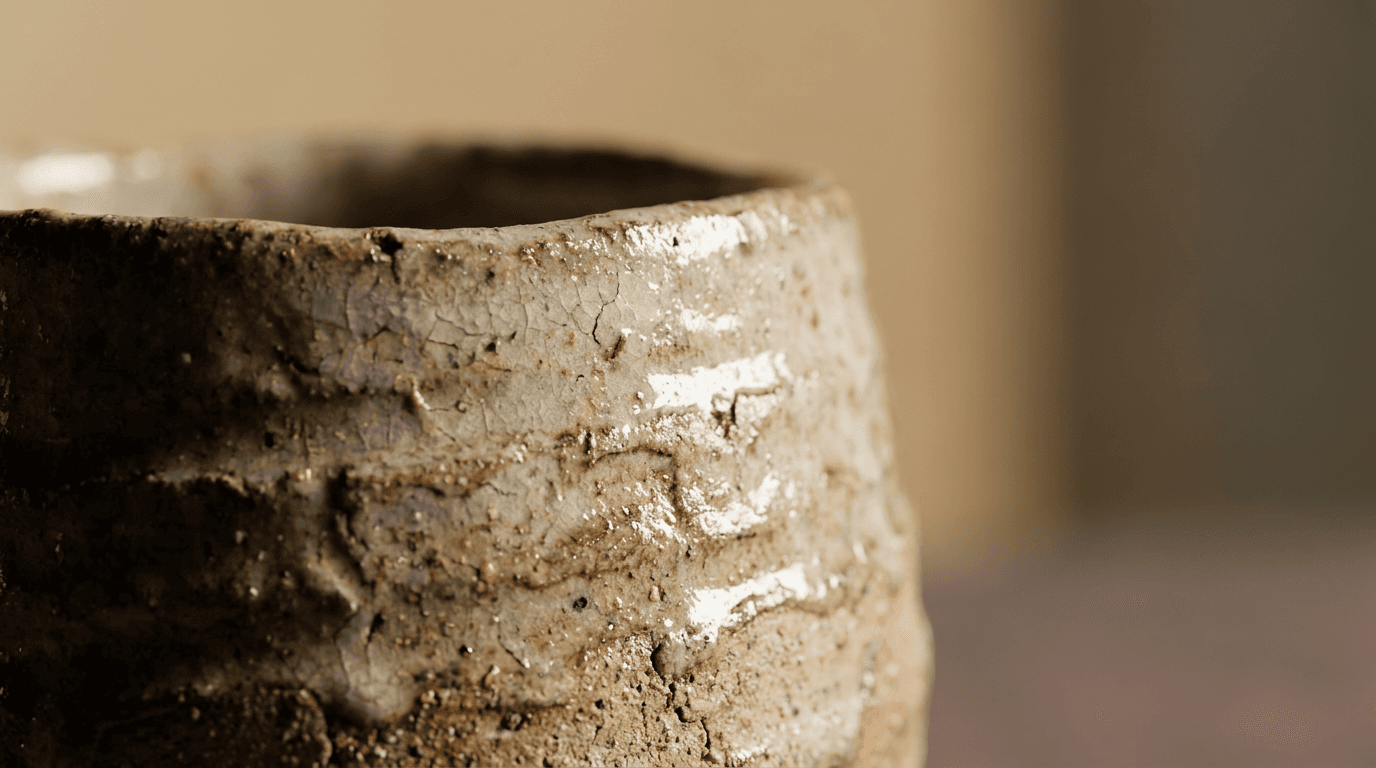
Prompt 10: The Material Texture Close-Up
For leather goods, ceramics, jewelry, textiles, and handcrafted products where material quality is a selling point.
Prompt
extreme close-up studio photograph of the surface of [product name], single precision studio strobe from a raking angle camera left creating dramatic cross-lighting that reveals depth and texture in the material surface, ultra-sharp focus on the texture detail with a very shallow depth of field that softens the edges into smooth bokeh, warm neutral background visible beyond the product edges, premium material detail photography, photorealistic
Prompt 11: The Packaging Label Detail Shot
For packaged goods, cosmetics, food products, and any product where the packaging design communicates brand quality.
Prompt
tight studio photograph of the front face of [product packaging description], clean diffused studio lighting from slightly elevated camera left angle creating dimensional depth on the packaging surface without glare on any glossy elements, perfect focus on the packaging label and material texture, soft neutral grey background visible behind the product edges, premium commercial packaging photography, photorealistic
Prompt 12: The Functional Feature Close-Up
For products with functional mechanisms, unique design details, or quality construction worth highlighting.
Prompt
tight studio detail shot of the [specific feature such as zipper, hinge, texture, hardware, nozzle] of [product name], precision studio lighting from one direction creating defined shadow that emphasizes the dimensional quality of the feature, ultra-sharp focus on the specific detail with bokeh falloff around it, clean neutral background, commercial product photography communicating quality craftsmanship, photorealistic
Group 5: Styled Studio Shots With Props
Styled shots add contextual meaning while maintaining studio quality. These are the images that appear in lookbooks, campaign pages, and premium brand storytelling content.
Prompt 13: The Minimalist Styled Studio Shot
For premium products where a few carefully chosen props add context without cluttering.
Prompt
[product name] as the clear hero in a minimal styled studio composition, two or three carefully selected complementary props arranged naturally at the edges of the composition without competing with the product, clean studio diffused lighting from a large overhead softbox, all elements on a neutral surface against a light neutral background, product in the sharpest focus with slight depth of field fall-off on supporting props, editorial still life photography style, photorealistic
Prompt 14: The Seasonal Campaign Studio Shot
For products being featured in seasonal campaigns, gift guides, or holiday marketing.
Prompt
[product name] styled in a clean studio composition with subtle seasonal contextual elements, warm amber studio lighting creating an intimate atmosphere appropriate to the season, product clearly positioned as the hero with seasonal styling adding context rather than competing, neutral surface showing slight decorative elements at the edges of the composition, premium editorial campaign photography, photorealistic, no text no logos
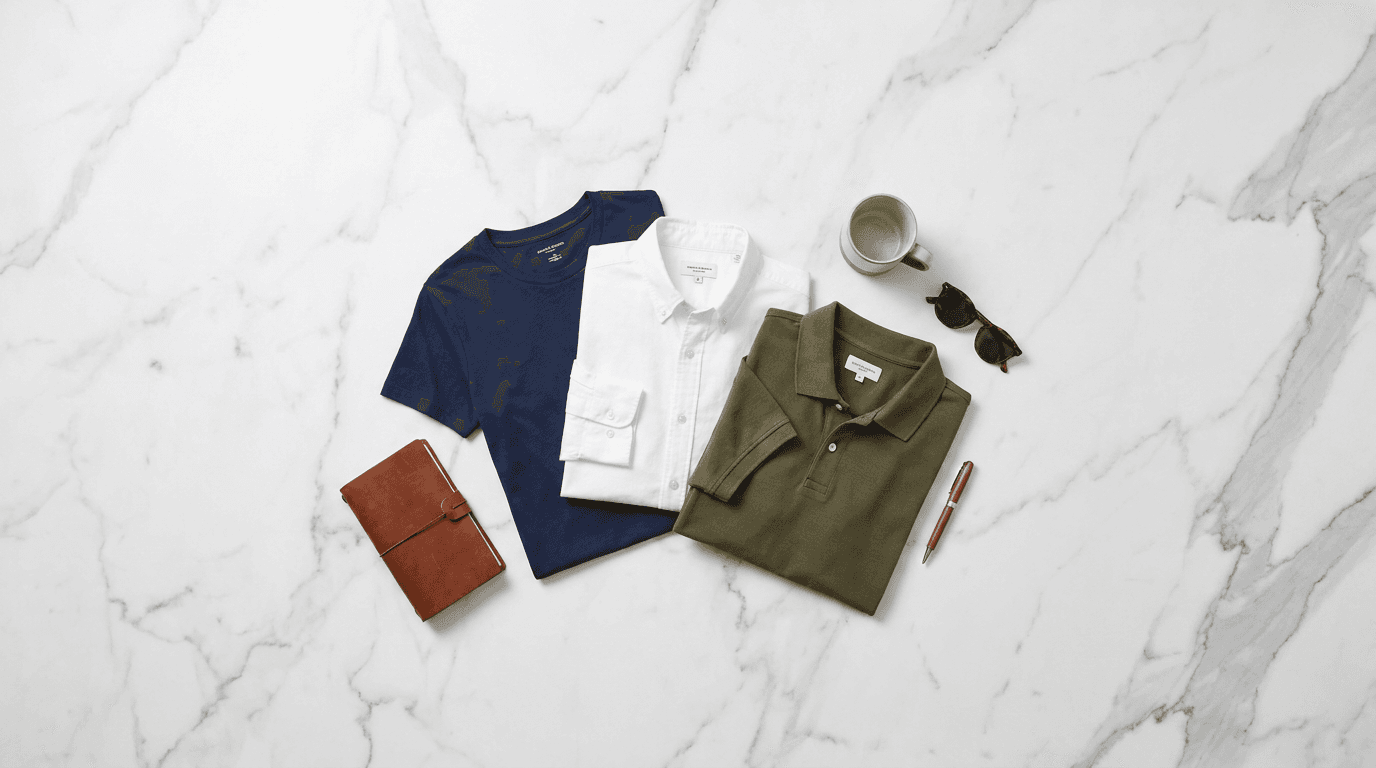
Prompt 15: The Overhead Flat Lay Studio Shot
For products that benefit from a top-down perspective, particularly for social media and Pinterest use.
Prompt
perfectly overhead flat lay studio photograph of [product name] on a [specific surface: white marble, cream linen, dark slate], large diffused overhead studio lighting providing even illumination across all elements in the composition, product centered with intentional negative space around it, a few carefully selected complementary elements arranged with intentional asymmetry around the product, all elements in sharp focus, no shadows from camera or equipment visible, studio flat lay photography, photorealistic
How to Adapt These Prompts for Any Product
The structural elements of each prompt, the lighting description, surface type, focus direction, and photography style references are the parts that produce professional results. The product description is the variable you replace. Here is a practical guide for adapting these prompts across different product types.
For glass or transparent products Transparent and glass products require specific lighting attention because they pick up reflections from everything around them. Add "lighting controlled to minimize unwanted reflections in glass surfaces while maintaining attractive internal light transmission" to any prompt for glass, transparent, or translucent products.
For metallic or highly reflective products Highly reflective surfaces can produce blown-out highlights that lose product detail. Add "controlled studio lighting avoiding hotspots on reflective surfaces while maintaining dimensional shine" to prompts for chrome, polished metal, or lacquered products.
For matte finish products Matte products can look flat without the right lighting direction. Add "directional lighting creating subtle texture depth across the matte surface to avoid a flat appearance" to prompts for products with matte finishes.
For products with text labels When readable label detail is important, add "sharp focus on label typography and design details with no motion blur or focus falloff on the label face" to ensure the label reads clearly in the output.
For food and edible products Food products require appetite appeal beyond technical correctness. Add "food-safe prop elements suggesting the product's flavor or freshness, warm lighting enhancing appetite appeal, and precise focus on the product's most appetizing visual detail" to any food product prompt.
Using Image-to-Image to Transform Existing Product Photos
If you already have product photos taken on a smartphone, a simple home setup, or with flat uninteresting lighting, the image-to-image feature in AI generators gives you a way to transform them toward the studio quality described in these prompts without reshooting.
The workflow is straightforward: upload your existing product photo as the reference image, then apply one of these prompts as the target style. The AI preserves the product's essential appearance including its shape, color, and distinctive features while transforming the lighting, background, and overall aesthetic toward the studio standard described in your prompt.
Miraflow AI's image generator supports this image-to-image workflow alongside text-to-image generation. The inpainting tool adds a further layer of control, letting you select specific regions of a generated image, an imperfect background area, an awkward shadow, or a prop element that did not generate correctly, and regenerate just that region while keeping the rest of the image intact.
For e-commerce sellers working with a large existing product photo library, this combination of image-to-image transformation and inpainting-based refinement is significantly more efficient than reshooting or starting entirely from scratch.
5 Mistakes That Make AI Product Photos Look Amateur
Even with well-structured prompts, certain patterns reliably push AI product photography away from studio quality. Recognizing these patterns helps you spot and correct them before publishing.
Prompting for perfection rather than precision Words like "perfect," "beautiful," and "amazing" in a prompt give the generator no useful technical information and push outputs toward over-idealized, clearly generated aesthetics. Replace vague quality adjectives with specific technical descriptions of what you want to see.
Ignoring the shadow A product with no visible shadow or ground contact looks like it is floating, which reads as cheap and unreal. Every studio product shot includes either a shadow beneath the product or a subtle surface reflection confirming that the product is resting on something real. Add shadow or reflection language to every prompt.
Using generic background descriptions "Nice background" or "clean background" tells the generator almost nothing. Specifying the exact background type, whether that is "seamless white," "light grey gradient," "dark charcoal matte," or "white Carrara marble," gives it the precise visual reference it needs to produce something that looks intentionally chosen rather than default.
Prompting for too many props Props in a product shot should support the hero product without competing with it. When a prompt describes too many props or complementary elements with equal emphasis, the generator often produces images where it is unclear what the product is. Add "product as clear hero" and "complementary elements supporting rather than competing" language to styled shots.
Not specifying photorealism Without explicit photorealism instructions, many AI generators apply a slight illustrative or stylized quality that is immediately visible and undermines the studio photography aesthetic. Adding "photorealistic," "commercial product photography style," or specific camera references anchors the output in photographic reality.
Building a Complete Product Photo Set for Each SKU
For e-commerce sellers building scalable visual libraries, the most efficient approach is batch-generating a complete set of shot types for each product in a single session rather than generating individual images as needed.
A minimum viable product photo set for each SKU covers:
- One clean hero shot on a neutral background for primary listing use
- One lifestyle or styled shot showing the product in a relevant context
- One detail or close-up shot showing material quality or functional features
- One overhead flat lay for social media use
Using the 15 prompts in this guide, you can cover all four shot types for most product categories. Generating three to five variations per prompt type in a single session gives you both a complete set and enough options to choose the strongest image from each batch, which consistently produces better results than iterating on a single generation.
For brands that also produce video content, the same product descriptions used in these image prompts translate directly to video production workflows. Miraflow AI's cinematic video generator produces original video clips from product descriptions that can be used as social media ads, product page videos, or short-form content to accompany your static product imagery.
How Studio-Quality Product Images Affect Marketing Performance
Product image quality has a measurable impact on performance across every channel where products are marketed. Understanding where and how this impact occurs helps justify investing in better product visuals whether they are photographed or AI-generated.
On e-commerce platforms, higher-quality product images are associated with better conversion rates, lower return rates because buyers have more accurate visual expectations, and higher average order values because buyers perceive higher product quality from professional imagery.
On social media, product images that look professionally shot earn more engagement than obviously amateur photos because they signal brand investment and product confidence. This is particularly true on Instagram and Pinterest, where the visual quality of content directly affects how widely it is distributed by the platform's algorithm.
For YouTube channel creators who feature or review products, thumbnail images with professional product photography quality earn higher CTR than amateur product shots. The AI prompts for YouTube thumbnails guide covers how to apply the same visual quality principles to thumbnail generation specifically, and YouTube CTR benchmarks for 2026 shows how much thumbnail quality affects the click-through rates that drive channel growth.
Prompt Variations: 5 Extra Studio Prompts for Specific Product Types
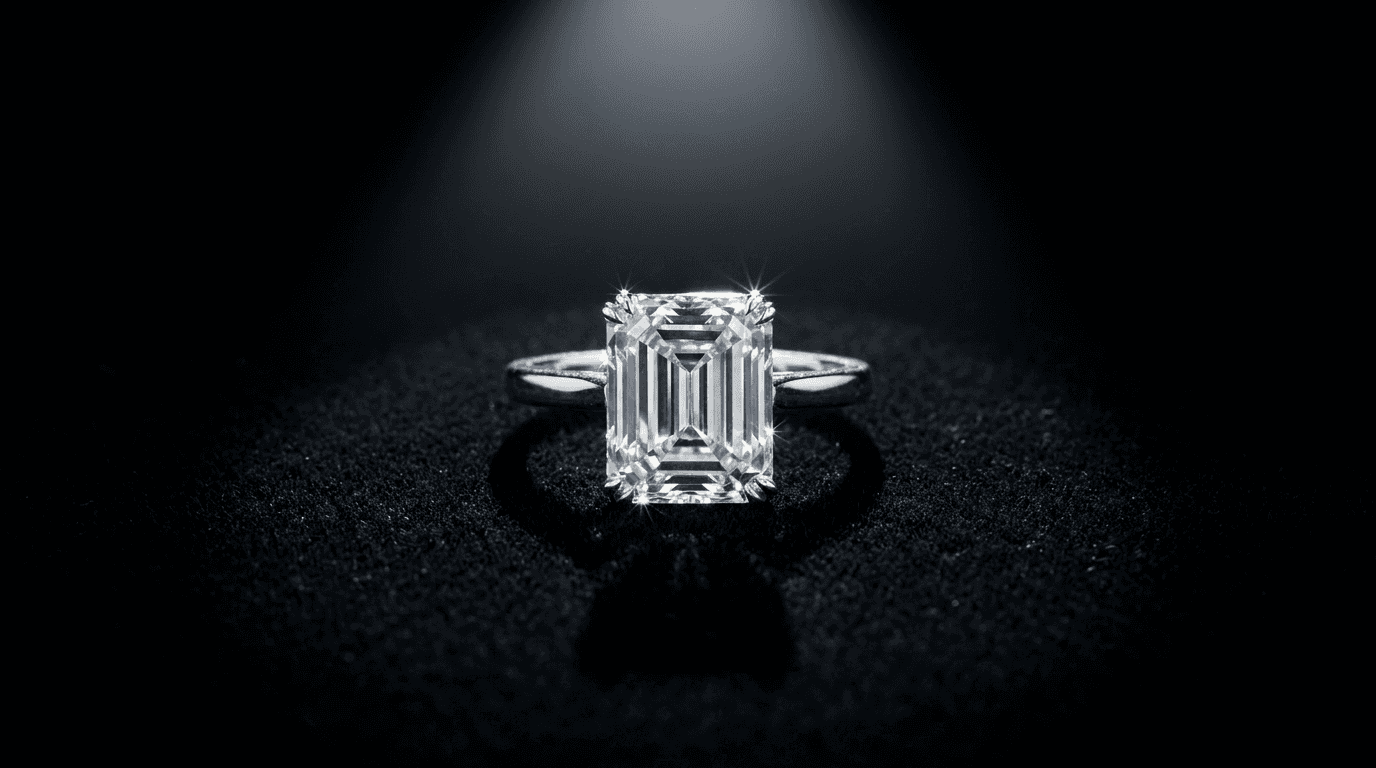
Jewelry and fine accessories
Prompt
premium jewelry piece centered on a soft black velvet studio surface, single precision studio spotlight from directly above creating brilliant point highlights on metal and gemstone surfaces, slight reflection visible in the velvet weave, jeweler's loupe perspective revealing craftsmanship detail in settings and metalwork, deep black background with focused illumination only on the piece, luxury jewelry catalog photography, photorealistic
Luxury candles and home fragrance
Prompt
premium candle or fragrance product on a white marble studio surface, the product lit with the flame visible as a warm amber point of light, single large softbox from camera left providing clean studio base illumination balanced with the warm flame glow, slight haze of warmth visible near the flame suggesting fragrance, marble surface texture visible in foreground, luxury lifestyle product photography, photorealistic
Supplement and wellness products
Prompt
health supplement bottle or jar centered on a clean white or light grey studio surface, bright clean studio lighting from overhead and camera left suggesting clinical quality and product confidence, sharp focus on the product label and container material, crisp professional packaging detail, background clean and uncluttered, slight shadow beneath the product, premium health product commercial photography, photorealistic
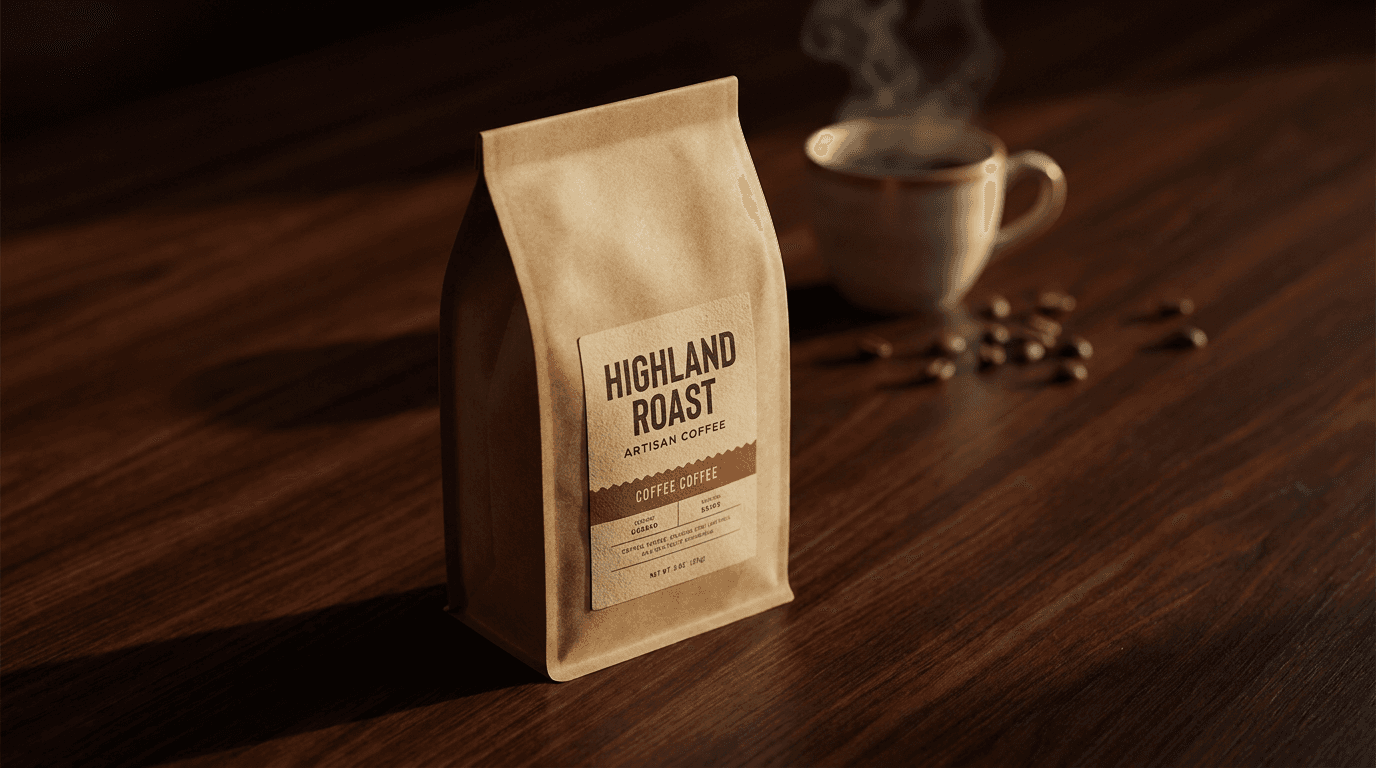
Coffee and specialty beverages
Prompt
specialty coffee or beverage product package placed on a dark espresso wood surface in a clean studio setup, single warm directional studio light from camera left creating rich dimensional shadow across the wooden surface texture, slight steam element near a freshly prepared cup visible in soft focus in the background, product in sharp focus as the hero, artisan food and beverage commercial photography, photorealistic
Pet products and accessories
Prompt
premium pet product centered on a clean neutral studio surface with a warm professional backdrop, bright even studio softbox illumination showing the product's material quality and design clearly, product as clear hero with no distracting elements, sharp focus across all product details, slight soft shadow grounding the product, commercial pet product photography for premium brand catalog use, photorealistic
All five of these can be generated directly in Miraflow AI's image generator alongside the main 15 prompts in this guide.
How Miraflow AI Fits Into a Product Visual Workflow
For brands and sellers who need product images, social media visuals, and video content that all share a consistent visual identity, having everything in a single platform is a meaningful workflow improvement over managing multiple specialized tools.
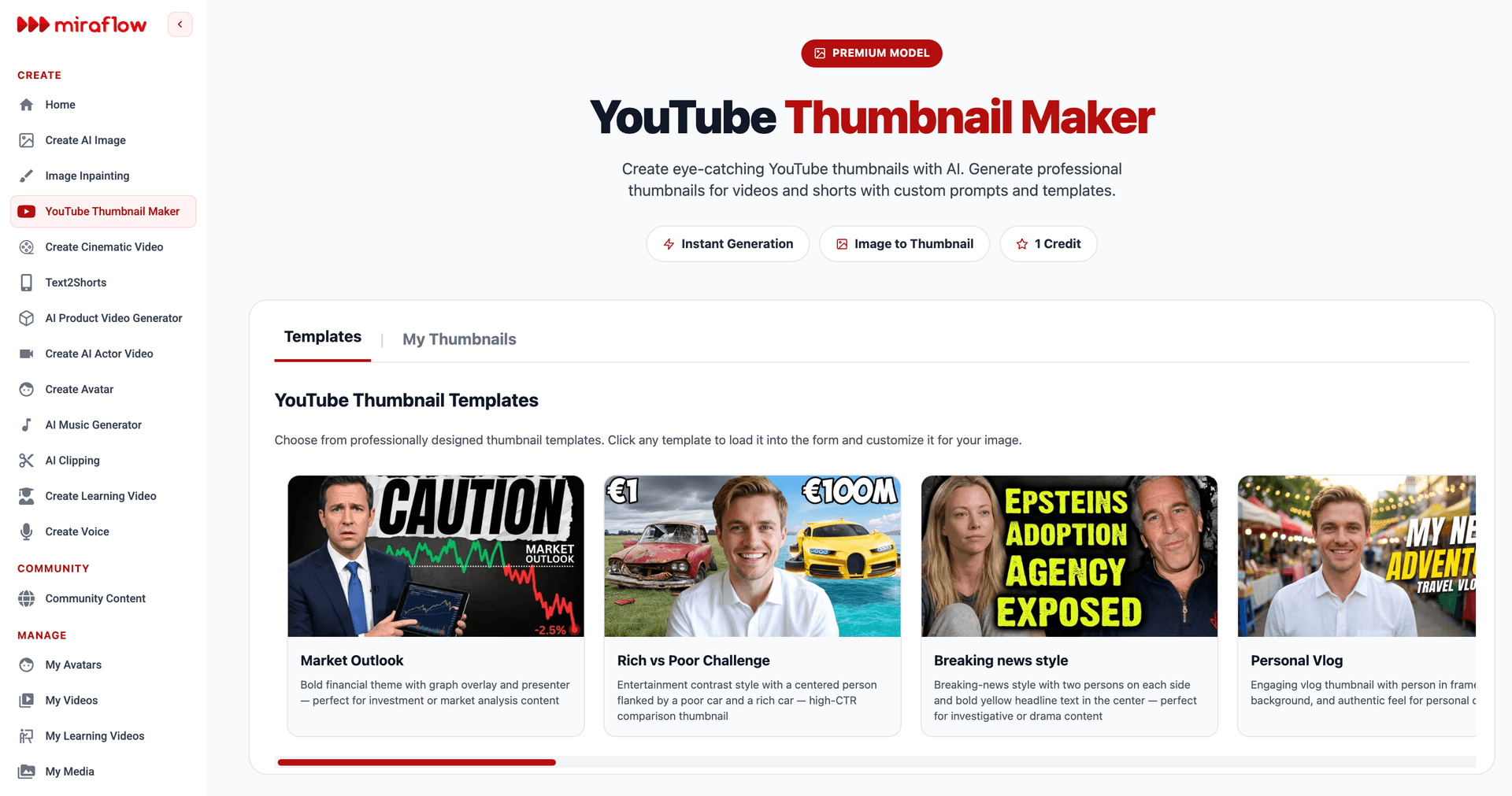
Miraflow AI covers the full product content pipeline. The image generator produces studio-quality product photos using the prompts in this guide. The image-to-image and inpainting features let you refine or transform existing product photos. The YouTube thumbnail maker produces matching visual content for any video marketing you run around the same products. And the Text2Shorts and cinematic video tools let you produce product videos that match the visual style established in your product photography.
For brands building content across multiple platforms simultaneously, this integrated approach means your product images, social media visuals, and video content all pull from the same visual direction rather than looking like they were produced by different teams with different aesthetic sensibilities.
If you want to go deeper on advanced AI prompting techniques beyond product photography, the Nano Banana prompt guide covers viral visual prompting strategies across a broader range of content types, and best AI prompts for YouTube thumbnails in 2026 provides the same copy-paste format applied specifically to thumbnail creation.
Conclusion
The visual quality gap between amateur product photography and professional studio shots used to require a professional photographer, a fully equipped studio, and a significant budget. The 15 prompts in this guide close that gap using AI image generation, giving independent sellers, small brands, and direct-to-consumer businesses access to studio-quality product visuals without any of that infrastructure.
The prompts work because they are built around the same visual logic that professional product photographers use: controlled directional lighting, intentional surface choices, sharp focus with controlled depth of field, and surface or shadow elements that ground the product in physical reality. When you give an AI image generator the same specificity a photographer uses to brief a studio assistant, you get the same quality of result.
Start with the white studio hero prompt for your primary listing image, then work through the lifestyle and detail shots to build a complete visual library for each product. Generate multiple variations of each, select the strongest from each batch, and use the image-to-image workflow to transform any existing product photos you already have.
For a broader look at how AI-generated visuals perform across different marketing contexts including social media, thumbnails, and short-form video, the AI YouTube thumbnail styles that get more views in 2026 guide covers how visual quality choices affect engagement and click-through performance across platforms.
FAQ
Can AI-generated product photos really look like professional studio shots? Yes, when the prompts are written with the same specificity that professional photographers use to brief their studio setups, including lighting position and type, surface material, focus instructions, and photography style references, AI image generators produce outputs that are genuinely difficult to distinguish from studio photography. The 15 prompts in this guide are built around exactly those elements.
What AI tool is best for generating product photos that look like studio shots? A text-to-image generator that supports detailed, technical prompt language and also offers image-to-image editing works best for product photography. Miraflow AI's image generator supports both workflows and includes inpainting for targeted region editing, which is particularly useful for refining specific elements of a generated product image without regenerating the entire composition.
How do I make an AI product photo look more like it was taken in a studio? The most impactful improvements come from specifying your studio lighting setup precisely (softbox position, fill light, backlight), naming the specific surface type your product is resting on, describing the shadow or reflection beneath the product, and adding "photorealistic" and "commercial product photography style" to your prompt. These elements together produce the controlled, intentional visual quality that defines studio photography.
Can I use AI to improve product photos I already have? Yes. The image-to-image feature in AI generators lets you upload an existing product photo and apply studio-quality transformations to it while preserving the product's actual appearance. This is useful for sellers with technically accurate but visually uninspiring existing product photos who want to improve them without reshooting.
Do AI product photos meet Amazon and Shopify listing requirements? Both platforms require that product images accurately represent the actual product being sold. AI-generated product images that use image-to-image generation from your real product photo as the visual input tend to meet this requirement because they preserve the product's actual appearance. Pure text-to-image generation for product listings should be approached carefully to ensure the output accurately matches your specific product's appearance.
How many variations should I generate from each prompt? Generating three to five variations per prompt and selecting the best from the batch is a practical approach. AI generators produce variable outputs even from identical prompts, and having a few options to compare consistently produces better final selections than iterating on a single output. The generation time for multiple variations is minimal compared to the quality improvement that comes from having options to choose from.
What is the best background for AI product photography? The best background depends on your product's market positioning. Pure white seamless works for most primary listing images. Dark matte surfaces (charcoal, black) work for tech, spirits, and premium men's products. Marble works for beauty, skincare, and luxury lifestyle products. Natural wood surfaces work for food, artisan, and organic products. Matching the background to your brand's positioning communicates as much about quality as the product photography itself.