Google Ads Direct Offer Asset: AI Mode Promo Codes Guide (2026)

Written by
Aerin Kim
Google Ads is testing a Direct Offer asset that shows one-time promo codes under sponsored results in AI Mode. Learn the setup steps, how it differs from promotions, and how to budget the discount.
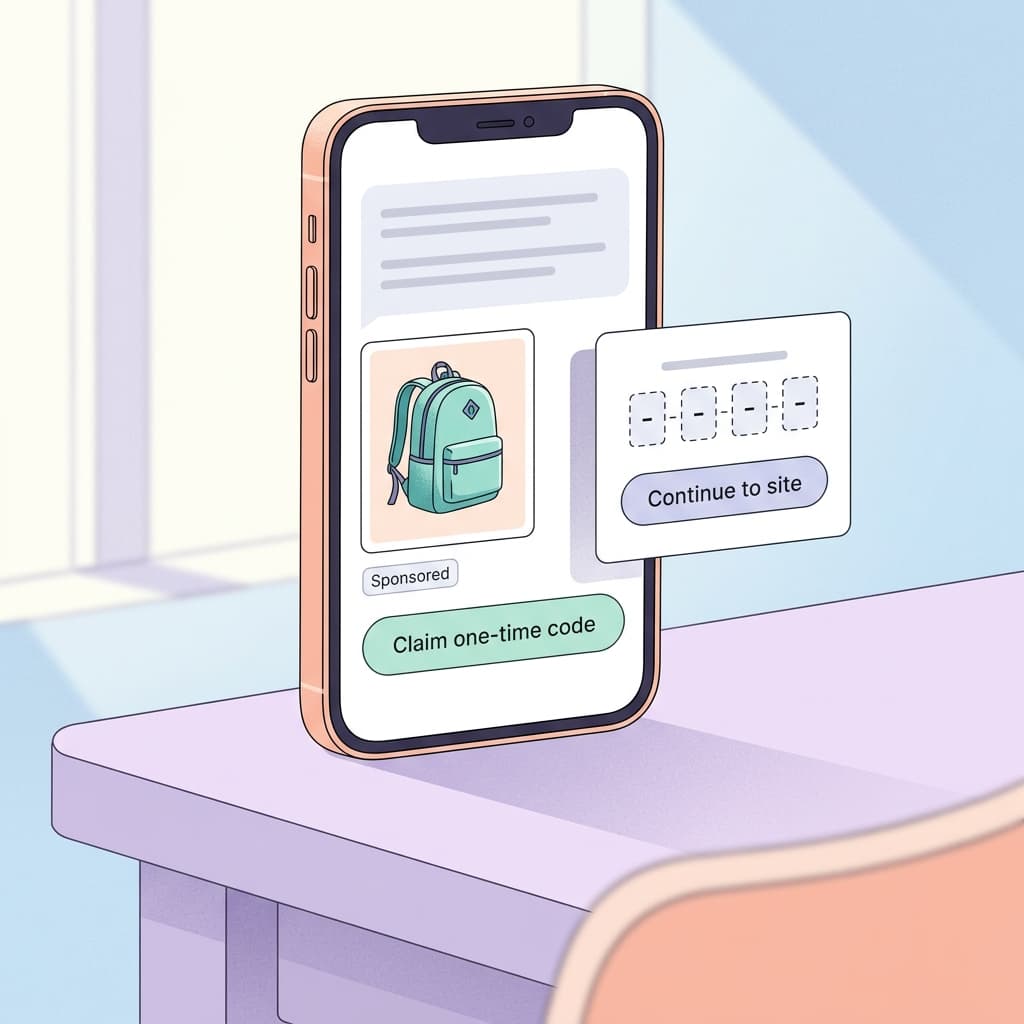
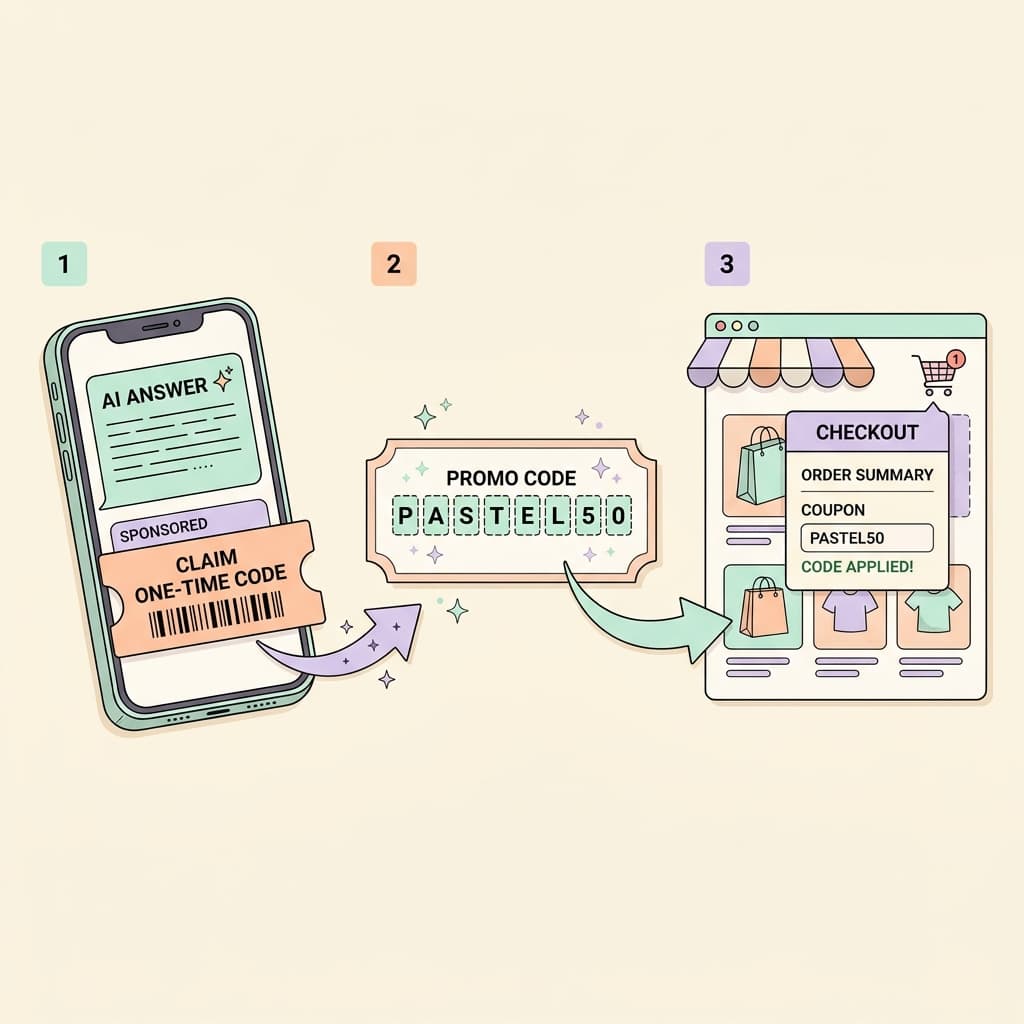
You open Google AI Mode, ask for a waterproof daypack under $100, and under one of the sponsored results there is a small bar that says "Claim one-time code". Tap it, a card opens with a unique promo code, and a button carries you to the retailer's site. For advertisers, that bar is the visible end of a new Google Ads asset called Direct Offer, and it is the first time many of us can put a discount directly inside an AI answer with a code that only one shopper can use.
Search Engine Land reported on October 7, 2026 that Google is testing the Direct Offer asset, and PPC News Feed and others corroborated the same set of setup fields and limits. The timing matters because it lands the week after Google began auto-enrolling accounts in Automated Promotions and about six weeks before Black Friday on November 27, 2026. This guide explains what the asset is, how to set it up step by step, how it differs from the promotion tools you already use, how to budget the discount with real margin math, and how to plan it for the holiday weekend without giving away margin you cannot get back. If you are preparing the visuals that sit around an offer, the Miraflow AI Image Generator is a handy second tab, and I will point out where it fits.
TL;DR: Google Ads Direct Offer in Under a Minute
- What it is: A beta asset type in Google Ads, listed in Assets next to Promotions, Messages and Lead forms, that lets you attach an incentive and optional single-use promo codes to a sponsored result in Google AI Mode.
- Where it runs: Only on campaigns that use AI Max or text customization, and you can create it at the account or campaign level.
- What you provide: An internal offer name, a final URL, a description that Google AI reads (and can use to write the visible offer text), an incentive, optional terms and dates, and optional daily limits by number of claims or total claim value.
- What shoppers see: A "Claim one-time code" bar under a sponsored result that opens a card with the code and a button to your site.
- Budget guardrail: Daily limits are the main protection, so set one before you launch and size your code pool to match it.
- Status: Beta, with no public general availability date, no confirmed countries and no confirmed verticals as of October 13, 2026.
- Planning tip: Treat the first week as a measured test with a low daily cap, because the key question is how many claimants would have bought anyway.
What the Direct Offer Asset Is
A promotion that lives inside an AI answer
A classic Promotion asset adds a line such as "20% off with code SAVE20" beneath a text ad. A Direct Offer is built for a different surface. It sits under a sponsored result in AI Mode, where the shopper is in a conversational, comparison-heavy flow, and it turns the promotion into something the shopper claims on the spot instead of something they read and then have to remember to type at checkout.
The mechanics are the part worth understanding. You tell Google what the incentive is and how many of them you are willing to hand out. Google AI decides when a particular query and shopper context deserves the offer, and it can write the wording that appears on the card based on your description. That makes the description field more important than it looks, a point I come back to in the setup section.
The shopper experience, as described by the reports, is short. A "Claim one-time code" bar appears beneath the sponsored result, tapping it opens a card with the promo code and a "Continue to site" style button, and the shopper lands on your final URL with the code in hand. If you have run affiliate or email codes before, the novelty is that the code is issued inside Google's interface and each one is single use.
Where this comes from: the January pilot and Google Marketing Live 2026
This is not a brand new idea. Google's own Google Marketing Live 2026 announcement post says the Direct Offers pilot began in January 2026 and surfaced deals from retail brands, and that Google was expanding it with offers that Gemini can assemble into a deal for each search, including bundles. The same post describes native checkout for merchants on the Universal Commerce Protocol, and travel partners such as Booking and Expedia surfacing offers during trip planning. You can read the original wording in Google's announcement.
The roadmap items reported alongside the new asset are that Direct Offers expands from the AI Mode product viewer into AI Mode answers, and that AI Max and Performance Max advertisers can create offers directly in the Google Ads interface, with value limits to prevent overspending. The October test is the first time many advertisers see that interface, which is why the beta label and the daily limit controls matter so much.
For context on the broader direction, the agentic commerce and holiday updates post covers how checkout and offers are moving inside Google's AI surfaces, and Direct Offer is one of the pieces that connects those threads.
What Google has not told us yet
Several details are genuinely unknown, and it is better to say so than to guess. Google has not published which countries are included, which verticals can use it, how long the beta will last, or what the reporting will look like. One third party write-up says dedicated Direct Offer reporting columns are coming in the following weeks, but I could not confirm that against a Google source, so plan as if you will be measuring with your own tagging at first. I also could not find a dedicated Google Ads Help Center page for the asset at the time of writing, so the setup details below come from the trade reports that saw the interface.
Eligibility: Which Campaigns Can Serve a Direct Offer
AI Max or text customization only
The setup screen reportedly states that offers only serve on campaigns using AI Max or text customization. In practice that means a standard Search campaign with both features off will not show a Direct Offer even if you create one at the account level. One of the trade write-ups also says Performance Max without text customization and standard Shopping campaigns are not eligible at launch, which fits the same rule, though I would treat that list as unconfirmed until Google documents it.
If you have not yet turned on AI Max features, it is worth reading how text customization behaves before you rely on it for an offer. The post on AI Max text customization asset previews explains what you can inspect before the AI writes live copy, and the DSA to AI Max migration delay to February 2027 post explains why many accounts are being nudged this direction anyway.
Account level versus campaign level
You can attach an offer at the account level, which makes it available to every eligible campaign, or at the campaign level. For a first test I would pick the campaign level on a single AI Max campaign that you can isolate. Account level is convenient, but it spreads claims across campaigns you did not intend, which makes the daily cap harder to reason about and the incrementality question harder to answer.
The brand and policy side
Final URL expansion and text customization can both change what the shopper sees before they reach your site, and that matters for an offer because the landing page has to honor the code. The post on text disclaimers and final URL expansion covers the policy angle, and the practical advice is to make sure the final URL you give the offer is a page where the code works and the terms are visible.
How to Set Up a Direct Offer Step by Step
The interface may change during the beta, so treat the labels below as the ones reported on October 7 rather than permanent names. The rollout is also phased, so if you do not see the option, check again after a few days.
Step 1: Find the asset
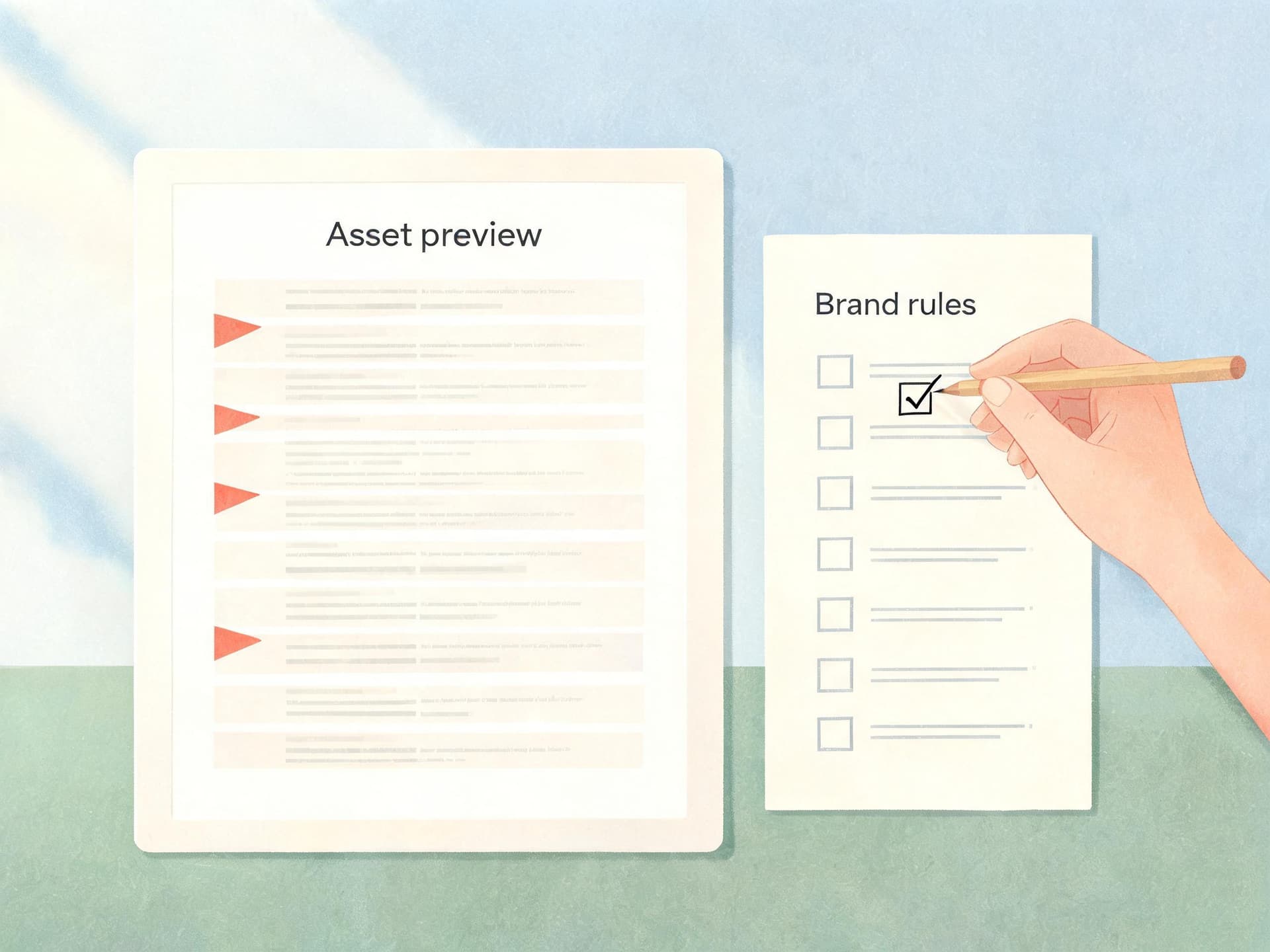
Open Google Ads, go to Assets, and look for the Direct Offer option in the list that includes Promotion, Message and Lead form. If it is missing, confirm that you are inside an account with at least one campaign that uses AI Max or text customization, then recheck later. One write-up suggests waiting 48 to 72 hours, which is a sensible window for a phased rollout, though no one outside Google knows the actual schedule.
Step 2: Prepare everything before you open the form
The form is easier when you arrive with the pieces ready. Gather the following:
- A clear internal name, for example "BFCM26 daypacks 15 off", that will make sense in a report six weeks from now.
- The final URL, ideally a collection or landing page where the code is accepted and the product is in stock.
- A plain description of the offer, written for a reader that is a language model as much as a human.
- The incentive type and value, such as a percentage off, a dollar amount off, free shipping or buy one get one.
- The CSV of single-use codes, created in your ecommerce platform, if you want unique codes.
- Terms, a terms URL, and start and end dates.
- The daily limit you are willing to fund.
Step 3: Fill in the fields
| Field | What to enter | Practical tip |
|---|---|---|
| Offer name | Internal label only | Include the campaign, the incentive and the season so reports stay readable |
| Final URL | Destination for the claim | Use a page where the code is accepted and the product is in stock |
| Description | Plain language brief that Google AI reads and can turn into offer text | Name the product category, the incentive and the conditions |
| Incentive | Type and value, with optional CSV of single-use codes | Only add incentives you are happy to fund, since Google AI picks among them |
| Terms and dates | Terms, terms URL, start and end dates | Match the wording on your own site |
| Daily limit | Cap by number of claims or total claim value | Set it before launch and size the code pool to match |
Step 4: Write the description like a brief
The description is the field that does the most work, because Google AI reads it to judge when the offer is relevant and can generate the shopper-facing offer text from it. A thin description such as "Sale" gives the system nothing to match against a query. A useful one names the product category, the exact incentive and the conditions in ordinary language, for example: "15 percent off waterproof daypacks and travel backpacks for first-time customers, one code per person, valid on full-price items only." That sentence tells the system which searches the offer fits and what the card should be able to say, and it keeps the wording consistent with the terms on your page.
Avoid stuffing the description with superlatives. The shopper-facing text is generated from it, so a boastful description can turn into a boastful card, and a boastful card that cannot be backed by your terms is a support ticket waiting to happen.
Step 5: Upload the codes and set the cap together
Create unique single-use codes in your store platform, export them as a CSV, and upload that file in the incentive step. The key habit is to decide the daily limit and the code pool at the same time, because they are linked: if the cap allows 100 claims a day and the offer runs 14 days, you need at least 1,400 codes. One guide suggests starting a pool at 500 to 1,000, but that falls short for a 14-day window at 100 claims per day, so use the multiplication, not the round number.
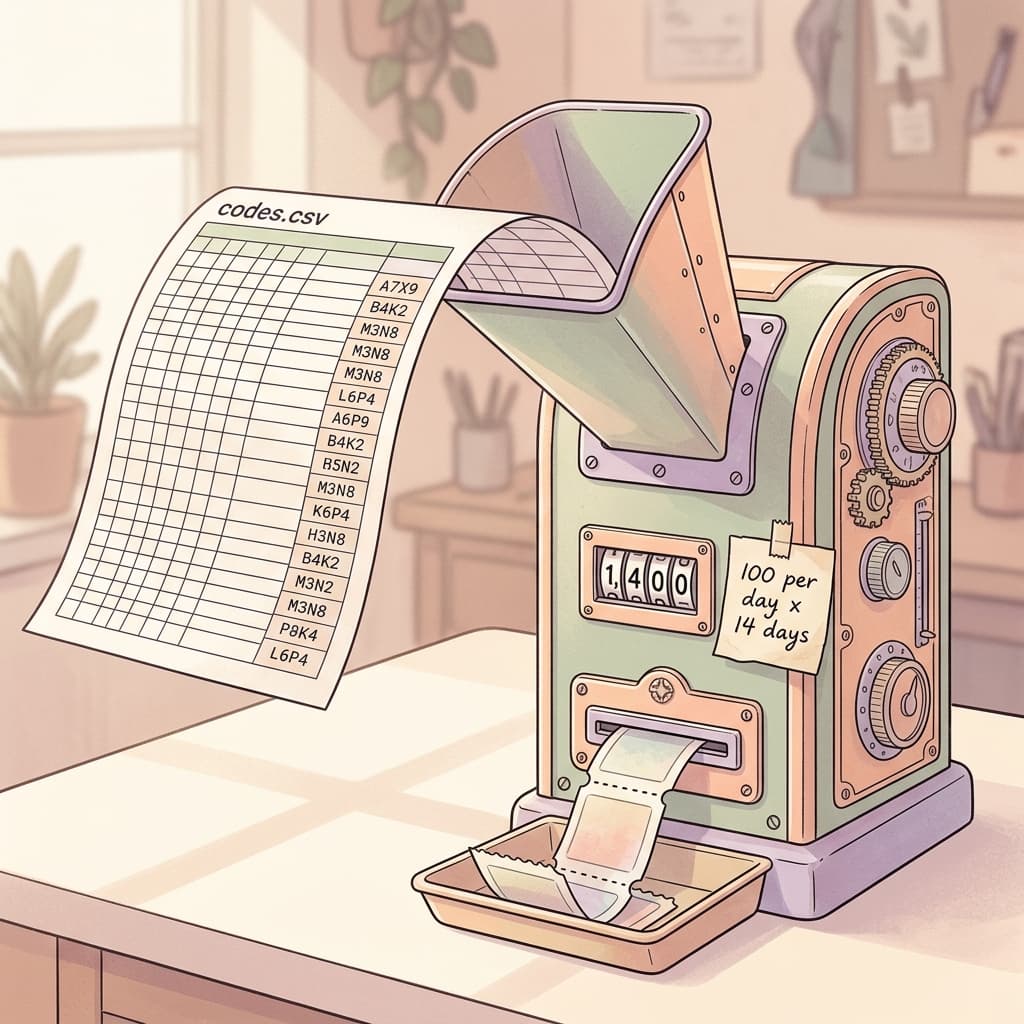
If you run out of codes the offer should stop showing to new shoppers until you upload more, which one report says you can do by refreshing the CSV without resetting campaign data. That is reasonable behavior, but I would still avoid relying on it during a peak hour.
Step 6: Set terms, dates and limits, then save
Add the terms and a terms URL, set a start date and an end date, and choose a daily limit by number of claims or by total value. Without a limit, the offer reportedly runs until the end date or until every code is claimed, which on a busy day can be faster than you expect. Save the asset, confirm that it is attached to the intended campaign, and check the status column for approval before the date you need it live.
Direct Offer vs Promotion Asset vs Automated Promotions
Advertisers now have three different promotion mechanisms in Google Ads, and they behave very differently. Mixing them up is the fastest way to end up with a surprise.
| Feature | Promotion asset | Automated Promotions | Direct Offer (beta) |
|---|---|---|---|
| Who creates it | You | Google, from your website | You, with Google AI phrasing the text |
| Where it shows | Under Search and other ads | Under eligible Search and Performance Max ads | Under a sponsored result in AI Mode |
| Single-use codes | No | No | Optional CSV upload |
| Spend control | Dates you set | Opt out in account settings | Daily limit by claims or value |
| Campaign requirement | Standard eligibility | Active campaign with a location asset, per Google's help page | AI Max or text customization |
| Status | Established | Auto-enrolling from October 12, 2026 | Beta test, no stated availability date |
The most important difference is who writes and approves the offer. With a Promotion asset you write the line and pick the dates. With Automated Promotions Google reads your website and builds the asset, which is why the Automated Promotions auto-enrollment post is worth reading if your site carries sale banners that nobody remembers to remove. With a Direct Offer you define the incentive and codes, while Google AI decides which shoppers see it and can phrase the text.
How they can conflict
Imagine your site shows a banner for 20 percent off, you have a Direct Offer for 15 percent off with a code, and Automated Promotions is still switched on. A shopper can see a promotion line under an ad and a claim bar in AI Mode that disagree with each other. One of the reports recommends turning off auto-promotion in account-level automated asset settings if your site has outdated or margin-sensitive deals, and I agree with that for the test period, at least on the accounts where you cannot guarantee the banner is accurate.
Which one should you use for which job
- Promotion asset: a sale everyone can use, announced in ordinary Search ads, with a date range you control.
- Automated Promotions: a low-effort option for sites that keep accurate offers on the page and review account settings often.
- Direct Offer: a controlled incentive for AI Mode where you want a cap, single-use codes.
Budgeting the Discount: Worked Margin Math
A Direct Offer is a spending decision made on behalf of strangers, so do the math before the first claim. The numbers below are illustrative examples I made up for explanation, not benchmarks, so swap in your own.
The one formula that matters
The cost of a discount depends on who claims it. If the claimant would not have bought without the code, the discount is the price of winning a new order. If they would have bought anyway, the discount is a pure giveaway. The break-even share of truly incremental claims, ignoring ad cost, is simply the discount divided by your pre-discount margin per order.
Example 1: Ecommerce, 15 percent off a daypack
Take an $80 order with a 50 percent gross margin, so $40 of margin before the discount. A 15 percent code costs $12, leaving $28 of margin on a claimed order.
- If 100 claims happen in a day, the maximum discount you could hand out is $1,200.
- Break-even incremental share is $12 divided by $40, or 30 percent. If fewer than 30 in 100 claimants are truly new orders, the offer loses money before you count ad spend.
- Add an ad cost of $6 per incremental order and the margin per incremental order falls to $22. Setting 22x = 12(1 - x) gives about 35 percent, so roughly 35 in 100 claims must be incremental.
That is why a 15 percent code on a high-margin product is usually safer than 15 percent on a thin-margin one. On a product with a 30 percent margin ($24), the same $12 discount needs 50 percent of claims to be incremental, which is a hard standard to meet.
Example 2: Free shipping instead of a percentage
For the same $80 order, suppose free shipping costs you $7. The discount is lower than 15 percent off, so the break-even incremental share is $7 divided by $40, about 17.5 percent. Free shipping is often the cheaper incentive to test when you suspect the shopper is price-sensitive at the checkout step, and it leaves your product price intact, which can protect the perception of value. The tradeoff is that a free shipping threshold is only a cost when the order would otherwise pay for shipping, so check how many of your orders already clear the threshold.
Example 3: Setting the value cap
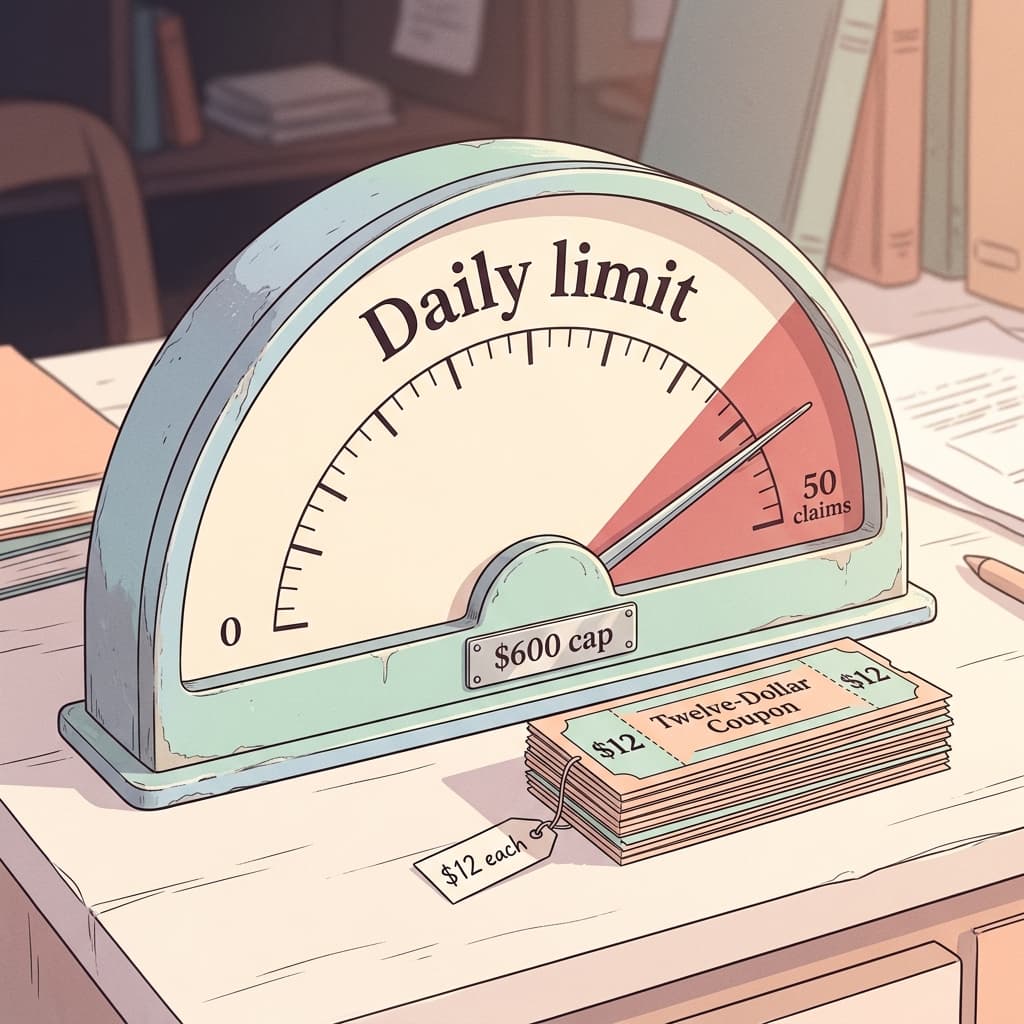
Value limits and claim limits give different protection. If the incentive is $12 and you set a daily value cap of $600, you get at most 50 claims a day. If you set a claim cap of 50 you get the same ceiling today, but if you later change the incentive to $20 the claim cap keeps allowing 50 claims at a higher cost, while the value cap would shrink the claims to 30. For margin protection I prefer the value cap, and for operations that need a predictable number of codes, such as a limited stock item, I prefer the claim cap.
| Scenario (illustrative) | Order and margin | Incentive cost | Break-even incremental share |
|---|---|---|---|
| Ecommerce, 15% off | $80 order, $40 margin | $12 | 30% (about 35% with $6 ad cost) |
| Ecommerce, thin margin | $80 order, $24 margin | $12 | 50% |
| Free shipping | $80 order, $40 margin | $7 | About 17.5% |
| Home services | $400 job, $160 margin | $25 | About 16% |
| Restaurant online order | $40 order, $26 margin | $10 | About 38% |
Lead generation and local businesses
The same arithmetic applies outside ecommerce, with a few extra wrinkles, and because Google has not said which verticals can use the asset, treat these as planning exercises rather than promises.
A home services company with a $400 average job and a 40 percent margin earns $160 per job. A $25 incentive for a new customer is about 16 percent of that margin, so the break-even incremental share is roughly 16 percent. The wrinkle is the close rate, since the code is claimed at the lead stage but the money is earned at the job stage. If 1 in 4 claimants books a job, the true cost per booked job is $100 in incentives, which changes the answer entirely, so apply the discount only at the point the customer completes the job, if your process allows it.
A restaurant offering $10 off a $40 order with a 65 percent margin earns $26 before the discount, so the break-even incremental share is about 38 percent. For a local business the extra question is whether a one-time code can be redeemed in a way your point of sale actually supports, and since the offer sends shoppers to a website, an online order or reservation page is the realistic redemption path.
Black Friday and Cyber Monday 2026 Planning
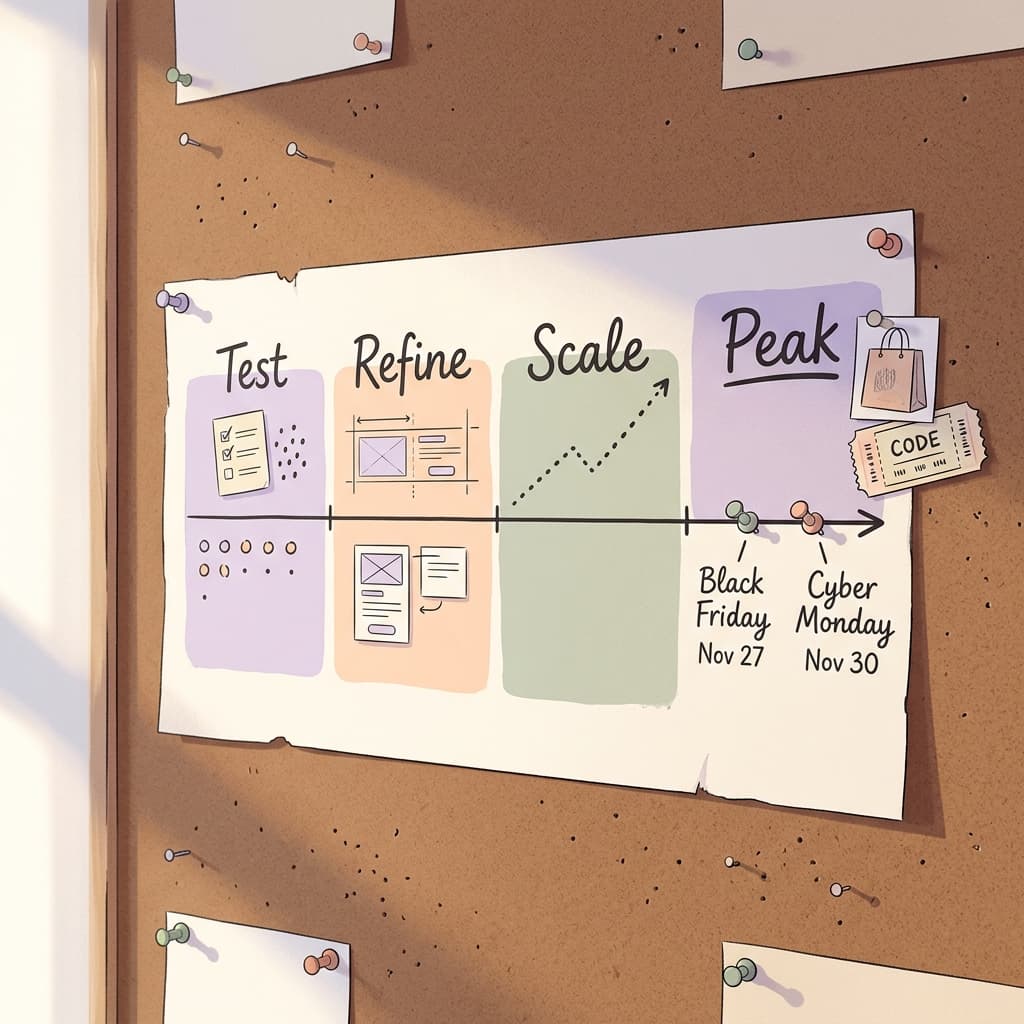
Black Friday is November 27, 2026 and Cyber Monday is November 30, 2026, which leaves a short runway for a beta feature. A sensible plan is to treat the next three weeks as a test, then scale only what the data supports.
A simple timeline
- Now to October 20: Confirm access, build the asset on one AI Max campaign, and set a tight daily cap.
- October 20 to November 10: Run the test, review claims, redemptions and margin each week, and refine the description.
- November 10 to 20: Decide the holiday incentive, create the larger code pool, and check that the landing page and checkout accept the codes.
- Thanksgiving week: Raise caps in steps rather than all at once, and keep a person on call to pause the asset.
- After Cyber Monday: Export results, remove expired offers and note the redemption rate for next year.
Choose the offer for the moment
Holiday shoppers see discounts everywhere, so a plain percentage off is the least distinctive option. A threshold offer such as a dollar amount off above a basket size can protect average order value. A free gift or a bundle is harder to compare against rivals. If you are able to feed Google a few incentives, the reports say Google AI picks which to show based on behavior and context, so make sure every incentive you add is one you are happy to fund, not just the one you prefer.
Prepare the landing page and the creative
The offer card is brief, so the page it leads to does the persuading. The page should repeat the incentive, show the product that the query implied, and make clear where to enter the code. Building matching seasonal visuals is a good use of the Miraflow AI Image Generator, and a short product clip made with Miraflow's cinematic video tool can sit on the landing page or in your other holiday campaigns. If your promotions also run on YouTube, the YouTube Thumbnail Maker helps you keep the visual language consistent across placements.
Measurement: Was the Claim Worth It?
What you can measure on day one
Because dedicated reporting is unconfirmed, build your own measurement from the start. Add UTM parameters to the final URL, for example utm_source=google, utm_medium=direct-offer and utm_campaign=bfcm2026, so GA4 and your ecommerce platform can tell you which orders came through the offer. In your store, report on each code: how many were issued, how many were redeemed, the order value and the discount applied.
The incrementality question
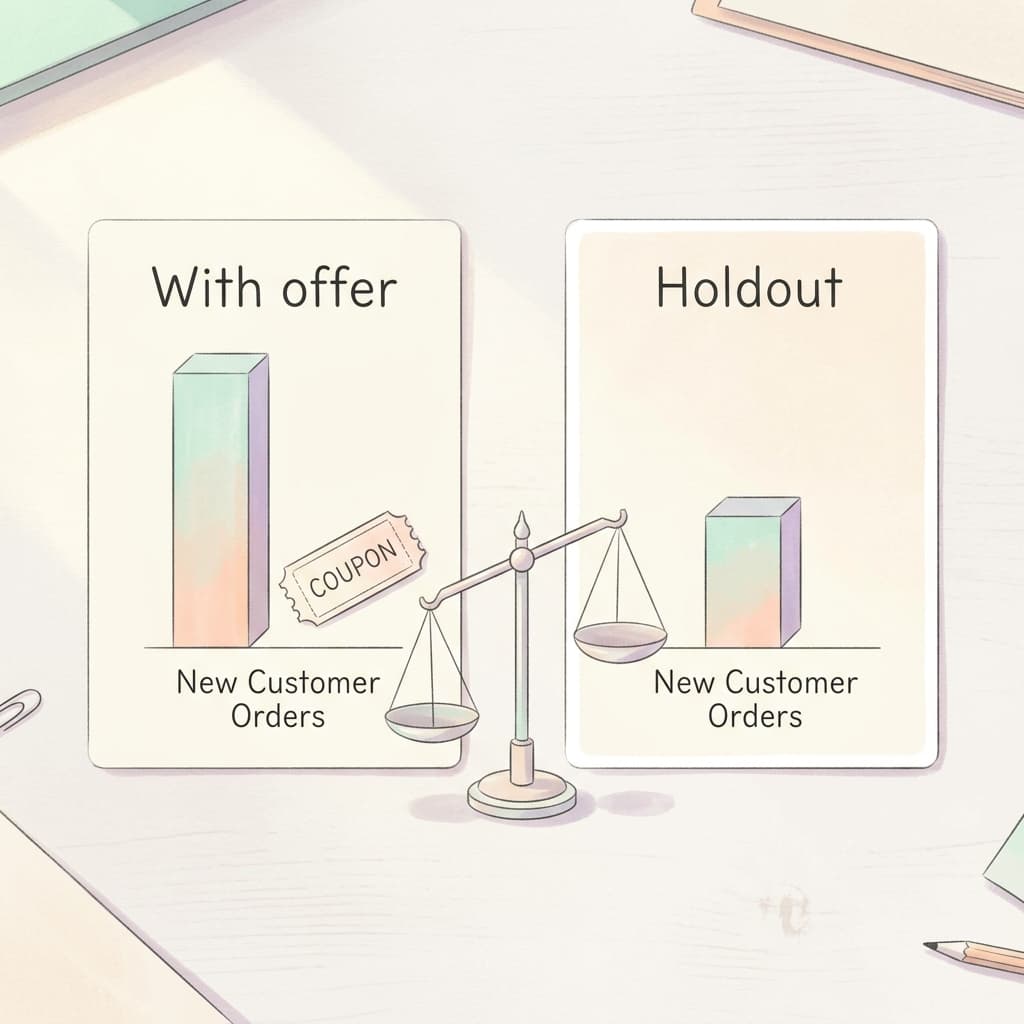
The central risk, flagged in several of the reports, is that claimed codes may simply discount conversions that would have happened anyway. You can estimate that without special tools. Run the offer on one campaign and keep a comparable AI Max campaign without it for two weeks, then compare new customer orders per day, average order value and margin per order. If the offer campaign does not produce meaningfully more new-customer orders, the break-even math above tells you whether the lift is enough to cover the discount.
Which metrics to put in the weekly review
- Claims per day against the cap, since a cap that is hit by noon tells you the demand is greater than your budget.
- Redemption rate, meaning redeemed codes divided by claims, because a low rate suggests the code is being claimed and forgotten.
- Margin per order after the discount, shown next to the same figure for non-offer orders.
- New customer share of redeemed orders, from your store or CRM.
- Refund and return rate for offer orders, because discount buyers can behave differently.
Interpretation matters as much as collection. A day with 100 claims and 30 redemptions is not necessarily a failure, since shoppers may redeem later, so wait for the code's full window before judging.
Common Mistakes to Avoid
- Launching with no cap. Without a daily limit the offer reportedly runs until the end date or until every code is claimed, which can burn through a holiday budget on one lucky day.
- A code pool that does not match the cap. A 14-day offer at 100 claims a day needs 1,400 codes, and a pool of 500 will stop the offer in about five days.
- Forgetting the interaction with Automated Promotions. Having an auto-built promotion and a Direct Offer disagree on the discount confuses shoppers and support teams.
- A vague description. Google AI uses it to decide relevance and write the text, so a thin description produces thin matching.
- Sending the claim to a page that does not accept the code. Check the final URL, the cart, and any exclusions before launch.
- Measuring only claims. A claim is not a sale and a sale is not an incremental sale, so measure the margin per order and the new customer share.
- Stacking with other discounts. Make sure the platform rules prevent a single-use code from stacking with sitewide sales unless you mean it to.
- Assuming availability. It is a phased beta, so do not build a campaign calendar that depends on access you have not yet confirmed.
- Ignoring the support team. Tell customer service what the offer is and what the code looks like before the first claim arrives.
Where Miraflow Fits for Offer Creative
A Direct Offer is mostly text and code, but the offer works best when everything around it feels consistent. The page the shopper lands on, the product photo, the seasonal banner and the video in your other placements all carry the same promise. Miraflow is a browser-based AI content platform that covers that visual layer in one place.
- Use the AI Image Generator to produce seasonal landing page banners, offer badges and product lifestyle images, and to edit or inpaint an existing product photo for a holiday background.
- Use the Cinematic Video Generator for short product clips that explain the offer on the page or in a social ad.
- Use Text2Shorts to turn a short script about the sale into a vertical video for Shorts, Reels and TikTok, which can drive shoppers back into the same offer funnel.
- Use the YouTube Thumbnail Maker when the same promotion appears in a YouTube video, so the thumbnail and the offer wording match.
Reusing one visual identity across these placements means a shopper who sees the sale in AI Mode, then on a landing page, then in a Short, recognizes the same deal each time. You can start from the Miraflow home page and pick the tool that matches the placement.
Frequently Asked Questions
What is the Google Ads Direct Offer asset?
It is a beta asset in Google Ads that lets advertisers attach an incentive, and optionally single-use promo codes, to a sponsored result in Google AI Mode. Shoppers see a "Claim one-time code" bar under the result.
Who can use Direct Offers right now?
It is being tested, and the reports say it serves only on campaigns that use AI Max or text customization. Google has not said which countries or verticals are included, so availability varies by account.
Is a Direct Offer the same as a Promotion asset?
No. A Promotion asset adds a promotional line to ads that you write, while a Direct Offer issues a claimable, optionally single-use code in AI Mode, with caps on claims or value. They can coexist, but their wording should agree.
How is it different from Automated Promotions?
Automated Promotions is an account-level feature where Google reads your site and builds a promotion asset for you, and it began enrolling eligible accounts on October 12, 2026. Direct Offer is manually defined by you, as covered in the Automated Promotions guide.
Do I need to upload promo codes?
The CSV upload is optional. Without it you can still set an incentive, but unique single-use codes are what give you per-shopper control and redemption tracking, so most ecommerce advertisers will want them.
How many codes should I upload?
Multiply the daily claim limit by the number of days the offer runs, then add a buffer. At 100 claims a day for 14 days you need at least 1,400 codes.
What happens if the codes run out?
Reports say the offer stops showing to new shoppers until you upload a new CSV, and that refreshing the file does not reset campaign data. Verify this behavior in your own account before relying on it.
Can Google AI change my offer text?
Google AI can generate the shopper-facing offer text from your description, which is why the description should be accurate and consistent with your terms. Review how it appears once the offer is live.
Can paying more make the AI favor my product?
According to one report, advertisers cannot pay to make the AI favor their product, and placement depends on contextual relevance and deal quality. Google has not published a full explanation, so treat that as a reported claim.
Does it work for lead generation or local businesses?
Google has not said which verticals are supported. The mechanics, a final URL and a code, suit online orders and bookings best, so test with a small cap first if you are outside ecommerce.
How do I track results?
Use UTM parameters on the final URL and track each code in your store. Dedicated reporting columns have been mentioned by one source but are not confirmed, so do not wait for them.
Is it worth using before Black Friday 2026?
If you have access, a capped test in the next few weeks is reasonable, and the break-even math above tells you what lift you need. Scale only if the test shows a healthy share of new customers.
Conclusion
The Direct Offer asset gives advertisers a controlled way to put a real incentive inside Google AI Mode, with a claim bar for shoppers and caps, dates and single-use codes for you. The setup is simple enough to finish in an afternoon, yet the decisions that decide profit are the ones around it: a description Google AI can use, a code pool that matches the cap, and a discount sized to your margin.
Before Black Friday on November 27, run a small, capped test on a single AI Max campaign, tag the traffic yourself, and compare it with a holdout so you can see how many claimants were new customers. Use the break-even share from the examples above as your decision line. Keep your other promotion tools consistent by reviewing the Automated Promotions settings, and keep the visual side tidy with the Miraflow AI Image Generator or the rest of the tools at miraflow.ai. Because this is a beta with a moving interface, recheck Google's documentation as it appears, and update your plan as the details become official. For a related look at the AI Mode side of Google Ads, see the AI Mode exact and phrase match test.