20 AI Motion Blur Photo Prompts for the 2026 Trend (Copy & Paste)

Written by
Aerin Kim
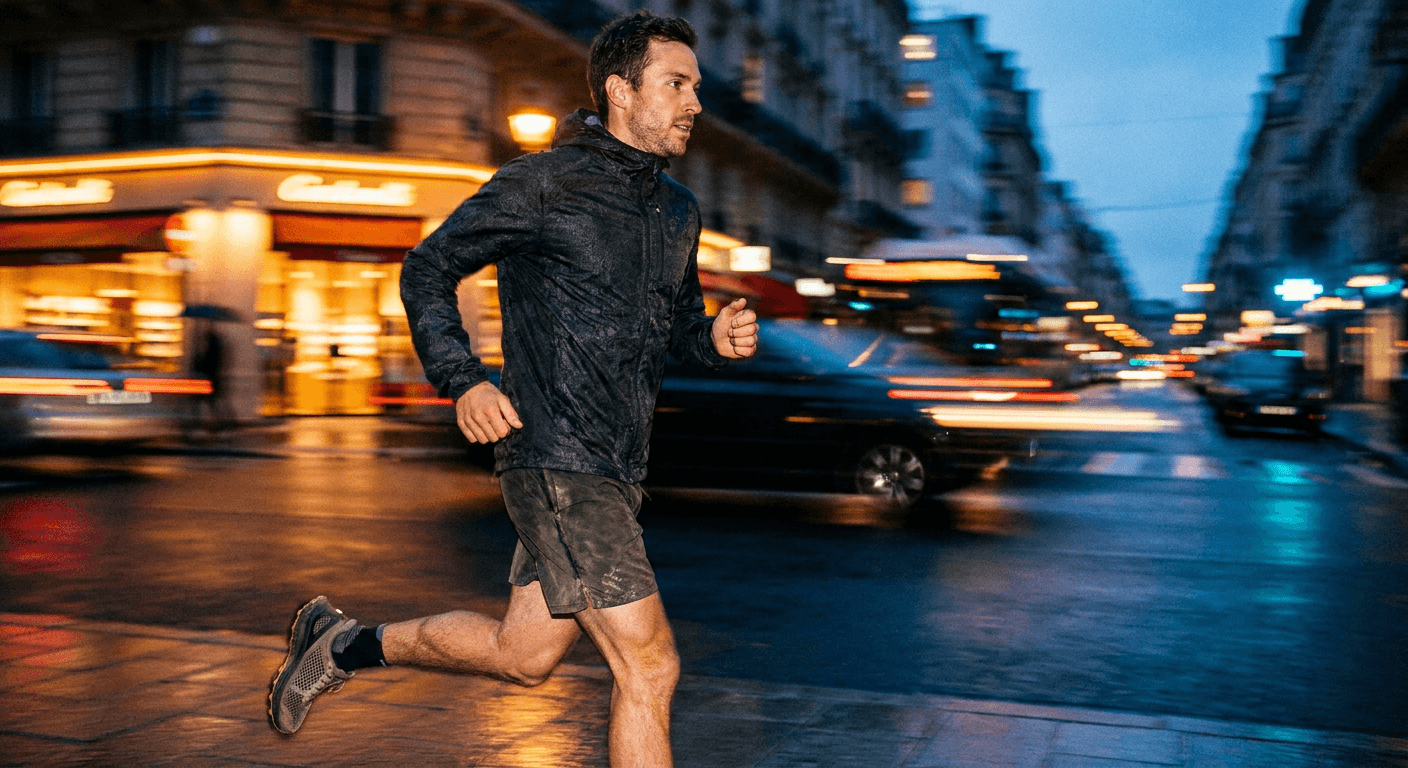
Sharp subject, streaking background, cinematic energy. Here are 20 copy-paste AI motion blur prompts for sports, fashion, concert and street photography creators to try in 2026.
Scroll through any sports, fashion, or music creator's feed right now and you will start noticing the same visual trick repeating: the subject is razor sharp, and everything around them dissolves into streaking light and color, like the camera caught one frozen instant inside a world still moving at full speed. It is the AI motion blur trend, and it has become one of the most shared AI photo styles on Instagram, TikTok, and Pinterest heading into the back half of 2026, driven heavily by sports creators, fashion accounts, and musicians using it to add cinematic energy to a still photo without shooting a single frame of actual video.
The technique itself is not new. Photographers have used panning shots and long exposures to convey speed for decades. What changed is that you no longer need a fast lens, a tripod, and a lot of trial and error to get the effect. A well-written AI prompt can recreate the same sharp-subject, blurred-background look from a single reference photo, which is exactly why it exploded the way it did once AI image tools got good enough to keep faces and hands sharp while convincingly blurring everything else. You can browse the rest of Miraflow's growing library of trend breakdowns on the Miraflow AI blog if you want to see how this compares to other AI photo trends we have covered.
Below are 20 ready-to-use prompts, grouped by the four areas where this trend is getting the most traction right now: sports, fashion, live music, and street photography. Each one is written to be copied directly into an AI image tool like Miraflow's AI Image Generator, where you can also upload your own reference photo and apply these as image-to-image edits to keep a specific subject's face and outfit intact while the AI reworks the background around them.
Why This Trend Actually Works
The reason motion blur photos perform so well is not just novelty. A sharp subject against a blurred background does two things at once that plain static photos do not. It tells the viewer's eye exactly where to look in under a second, since contrast between a crisp focal point and a soft, chaotic background is one of the strongest visual cues a photo can use. And it implies a story, speed, energy, a moment that just happened or is about to happen, without needing a single word of caption to explain it. That combination is a big part of why this style keeps showing up disproportionately in sports and music content specifically, since both genres are fundamentally about capturing a moment of physical intensity that a plain static portrait tends to flatten out.
1) Sports and Action Motion Blur Prompts
Action sports content lives or dies on a sense of momentum, and this is the category where the sharp-subject, blurred-background technique reads most naturally, since it mimics exactly what a $3,000 sports lens with a fast burst mode is trying to capture anyway.
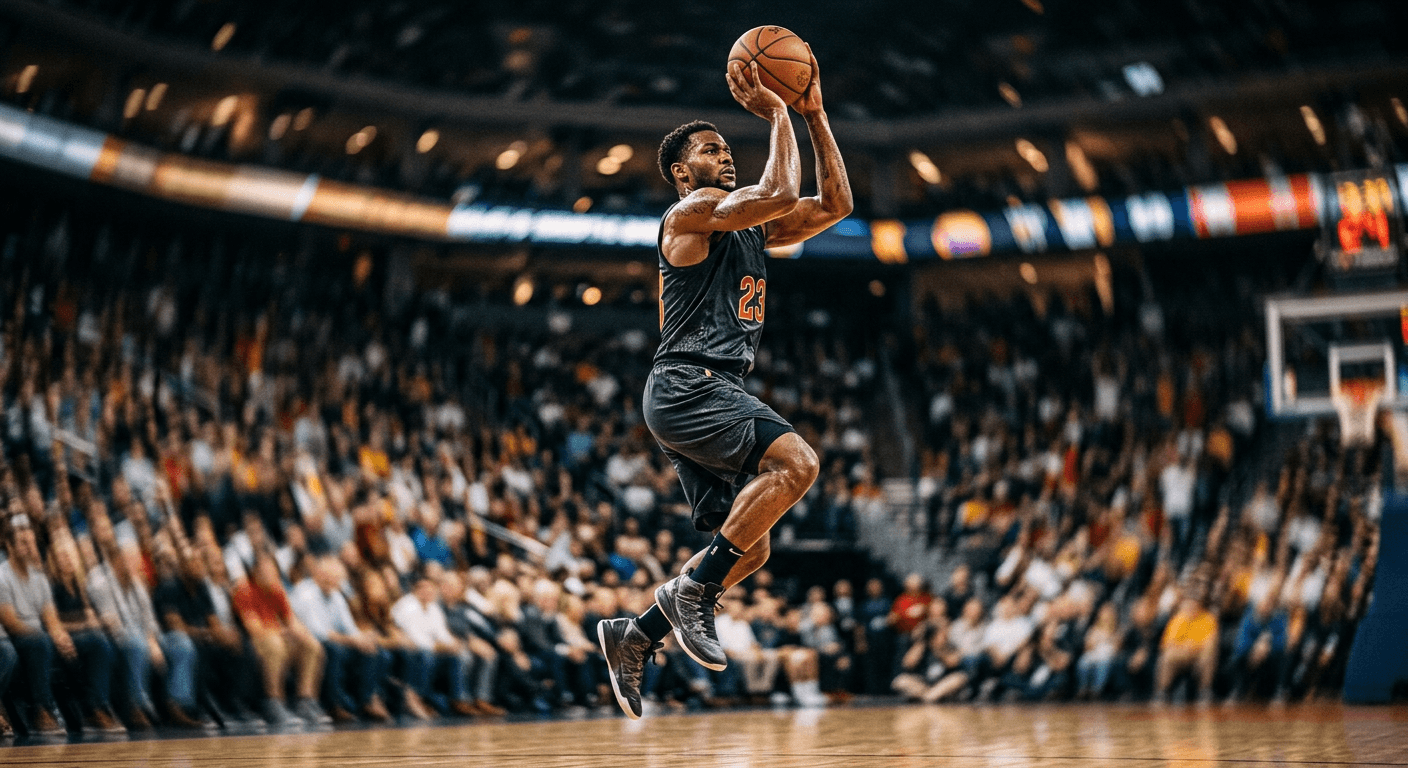
Prompt 1: Sprinter at the starting blocks
photorealistic action photograph of a sprinter bursting out of the starting blocks on a track, the sprinter's face and leg muscles perfectly sharp with visible sweat and fabric texture, the stadium seats and track lane markers behind them stretched into horizontal motion blur streaks, warm stadium floodlight, shallow depth of field, high shutter speed freeze on the subject only, authentic sports photography grain, no text
Prompt 2: Skateboarder mid-trick
photorealistic action photograph of a skateboarder mid-trick above a concrete ramp, the skateboarder and board perfectly sharp with visible grip tape and shoe detail, the surrounding skate park and onlookers rendered as soft circular motion blur and streaking light, late afternoon sun flare, shallow depth of field, dynamic low camera angle, no text
Prompt 3: Soccer player striking the ball
photorealistic action photograph of a soccer player striking a ball mid-air on a stadium field, the player's body and the ball perfectly sharp with visible grass stains and fabric texture, the stadium crowd and floodlights behind them rendered as smeared light trails and soft color blur, dramatic evening stadium lighting, shallow depth of field, no text
Prompt 4: Boxer throwing a punch
photorealistic action photograph of a boxer throwing a punch inside a gym ring, the boxer's arm, gloves and face perfectly sharp with visible sweat droplets frozen in the air near the fist, the ropes and background gym equipment rendered as soft motion blur, harsh single overhead light source, high contrast shadows, gritty authentic gym photography style, no text
Prompt 5: Mountain biker on a trail
photorealistic action photograph of a mountain biker riding down a dirt trail, the rider and bike perfectly sharp with visible mud spray frozen mid-air near the tires, the surrounding forest and dust cloud behind them rendered as horizontal streaking motion blur, golden hour backlighting, shallow depth of field, no text
2) Fashion and Portrait Motion Blur Prompts
Fashion accounts use this same effect for a different reason: it turns a plain outfit photo into something that feels like it belongs in a magazine spread rather than a catalog listing. Keeping the face and the garment closest to the body sharp while letting loose fabric, hair, or the background trail into blur is what separates a convincing result from one that just looks smudged.
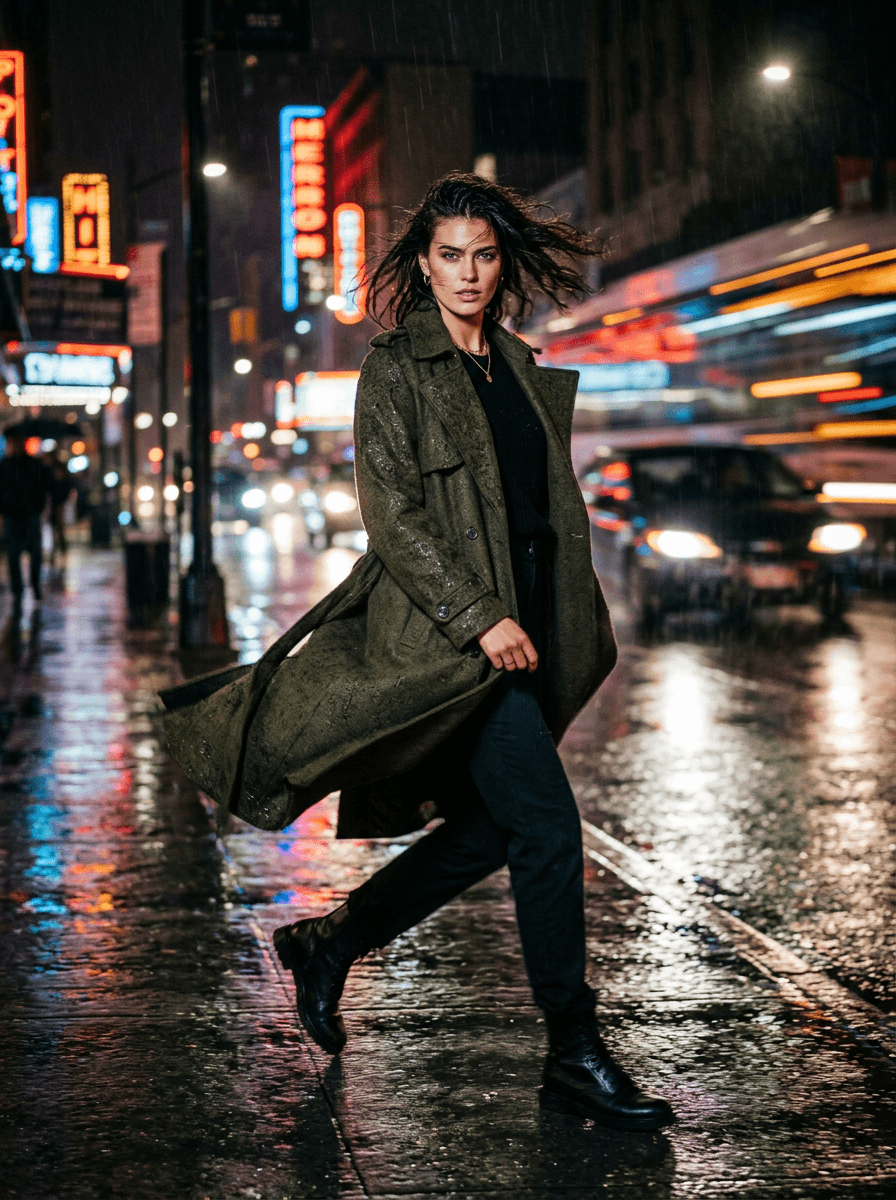
Prompt 6: Spinning in a flowing dress
photorealistic fashion editorial photograph of a model spinning in a flowing dress on an empty city rooftop at sunset, the model's face and upper body perfectly sharp with visible fabric texture, the lower half of the dress caught mid-spin rendered as soft fabric motion blur trailing behind, warm golden backlighting, shallow depth of field, vertical 3:4 composition, no text
Prompt 7: Walking past an arriving train
photorealistic fashion photograph of a model walking through a subway platform, the model's face and outfit perfectly sharp with visible texture and detail, an arriving train behind them rendered as horizontal streaking motion blur with blurred window lights, cool fluorescent platform lighting mixed with warm train light, cinematic color grading, no text
Prompt 8: Hair toss under a spotlight
photorealistic fashion editorial photograph of a model tossing their hair back under a single spotlight, the model's face perfectly sharp with visible skin texture, the hair itself captured with dynamic motion blur trailing through the frame, plain dark studio background, dramatic single light source, high fashion magazine photography style, no text
Prompt 9: Umbrella walk in the rain
photorealistic fashion photograph of a model walking briskly through a rain-soaked city street at night carrying an open umbrella, the model and umbrella perfectly sharp with visible water droplet detail, neon storefront signs and passing headlights behind them rendered as vivid streaking motion blur, reflective wet pavement, cinematic night photography, vertical 3:4 composition, no text
Prompt 10: Studio leap shot
photorealistic fashion editorial photograph of a model leaping across a plain white studio backdrop, the model's face and the clothing closest to the body perfectly sharp with visible fabric texture, loose fabric and accessories caught in dynamic motion blur trailing the movement, bright even studio lighting, high fashion catalog photography style, no text
3) Live Music and Concert Motion Blur Prompts
Concert and performance photography has always leaned on this look out of necessity, since low light and fast-moving performers force real photographers into slow shutter speeds whether they want the effect or not. These prompts recreate that authentic look for musicians, podcasters, or any creator who wants a performance photo with genuine stage energy.
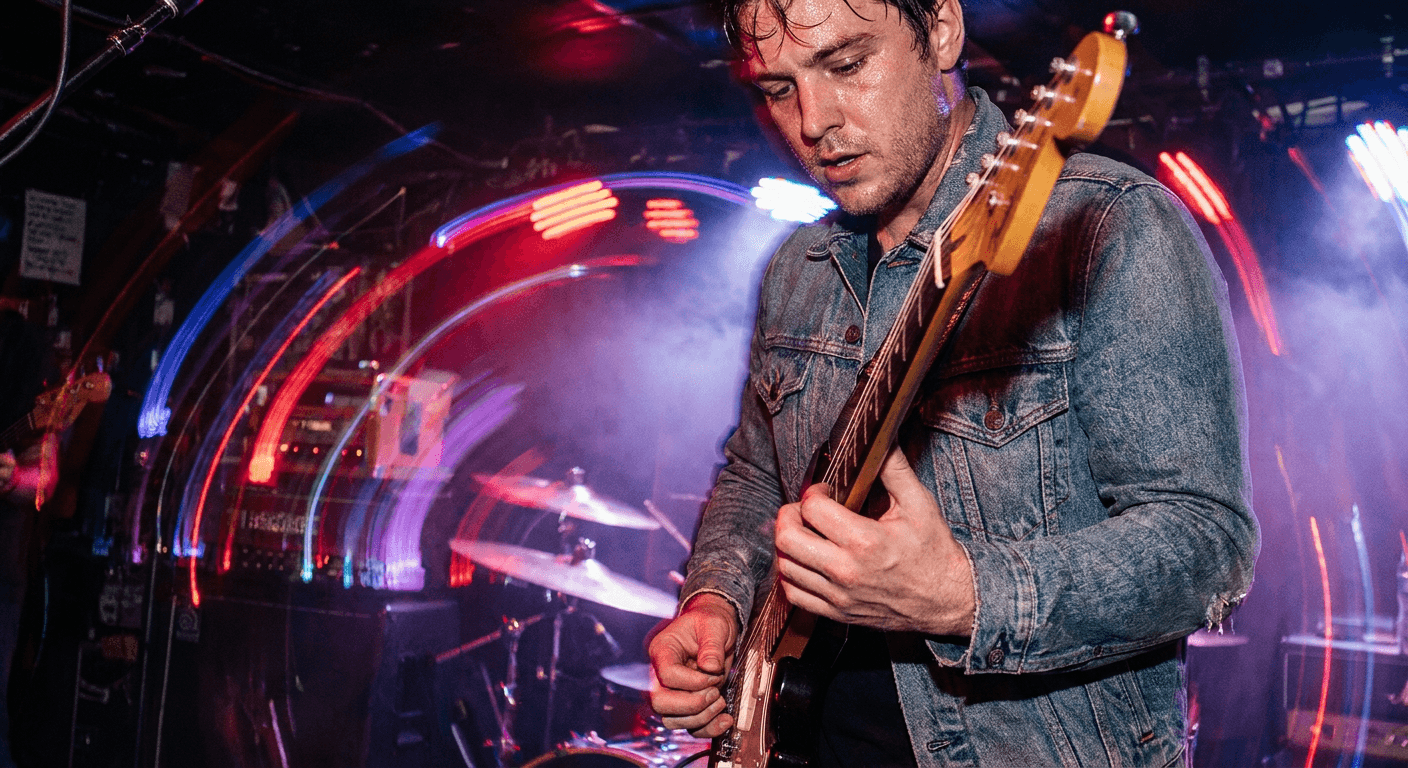
Prompt 11: Guitarist mid-solo
photorealistic live concert photograph of a guitarist mid-solo under a single spotlight, the guitarist's hands, face and guitar perfectly sharp with visible string and fret detail, the surrounding crowd and stage lights behind them rendered as sweeping colored light trails, visible atmospheric haze, authentic concert photography grain, no text
Prompt 12: Drummer mid-hit
photorealistic live concert photograph of a drummer captured mid-hit, the drummer's arms and drum kit perfectly sharp with the drumstick frozen at the point of impact, the surrounding stage lighting and haze rendered as streaking colored blur, dramatic red and purple stage wash, authentic live music photography style, no text
Prompt 13: Singer at the microphone
photorealistic live concert photograph of a singer leaning into a microphone under a bright spotlight, the singer's face and hands perfectly sharp with visible skin texture, the crowd below rendered as a soft blurred sea of raised hands and phone lights, dramatic backlit spotlight with visible haze, authentic arena concert photography, no text
Prompt 14: DJ from the crowd's view
photorealistic live concert photograph taken from the crowd's perspective looking toward a DJ on stage, the DJ and turntables perfectly sharp with visible equipment detail, the surrounding strobe lights and crowd rendered as dramatic streaking motion blur and light trails, dark club lighting with visible haze, no text
Prompt 15: Saxophonist at a festival
photorealistic live concert photograph of a saxophonist mid-performance on an outdoor festival stage, the saxophonist's face and instrument perfectly sharp with visible brass reflections, the festival crowd and string lights behind them rendered as warm bokeh streaks and soft motion blur, golden hour festival lighting, no text
4) Street and Urban Motion Blur Prompts
Street photography is where this trend gets its most cinematic results, since a sharp subject against a genuinely chaotic urban background, traffic, crowds, rain, neon signage, produces the kind of frame that looks like it was pulled from a film rather than a phone camera roll.
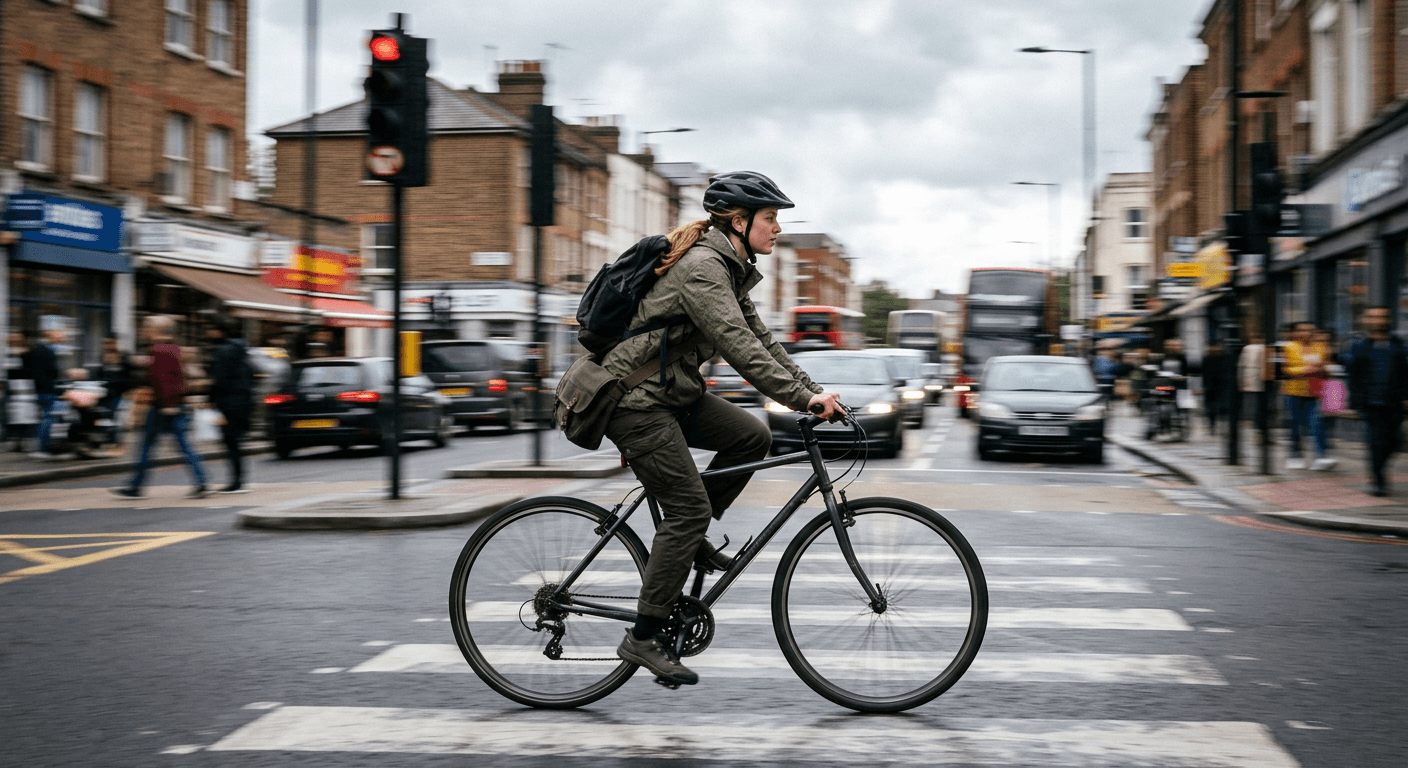
Prompt 16: Skateboarder through a plaza
photorealistic street photography image of a skateboarder weaving through a crowded plaza, the skateboarder perfectly sharp with visible clothing and board texture, the surrounding pedestrians and pigeons rendered as soft streaking motion blur, overcast midday light, candid documentary photography style, no text
Prompt 17: Taxi through a rainy intersection
photorealistic street photography image of a taxi driving through a rain-soaked city intersection at night, the taxi perfectly sharp with visible reflections on its wet paint, the surrounding traffic lights and other cars behind it rendered as long vivid light trail streaks, cinematic night city photography, no text
Prompt 18: Subway platform commuter
photorealistic street photography image of a subway train pulling into a station with a commuter standing sharply in focus on the platform in the foreground, the train itself rendered with strong horizontal motion blur and streaking window lights, cool fluorescent platform lighting, documentary photography grain, no text
Prompt 19: Night market food vendor
photorealistic street photography image of a food cart vendor tossing ingredients in a sizzling pan, the vendor's hands and the pan perfectly sharp with visible steam and ingredient detail, the busy night market crowd behind them rendered as soft warm motion blur from string lights and passing people, authentic street food photography style, no text
Prompt 20: Rainy crosswalk
photorealistic street photography image of a person crossing a rain-soaked crosswalk holding an umbrella, perfectly sharp with visible reflections on the wet ground beneath them, the surrounding city buses and pedestrians blurred into soft vertical streaks suggesting heavy rain and motion, moody overcast city lighting, no text
How to Customize These Prompts
These 20 prompts are written to work as-is, but a few small edits make a noticeable difference depending on what you are trying to produce.
Swap the subject description first. Every prompt above is written generically (a runner, a model, a guitarist) specifically so you can drop in your own subject details, hair color, outfit, skin tone, body type, without breaking the rest of the prompt structure. If you are using an image-to-image tool with a reference photo, you generally do not need to describe the subject at all beyond "keep the person in the reference photo exactly as shown," since the reference image is already doing that work.
Control the blur direction with a specific phrase. "Horizontal motion blur streaks" reads as a side-to-side panning shot, which suits runners, cyclists, and passing vehicles. "Circular motion blur" or "radial blur" suits a spinning subject or a rotating light source, like a DJ booth or a carnival ride. Being specific about direction is the single biggest lever for making the effect look intentional rather than like a rendering glitch.
Adjust how much of the frame stays sharp. The prompts above focus sharpness tightly on the face, hands, or a single key detail. If a result comes back too blurry overall, add "keep the entire subject and their clothing in sharp focus, blur only the background" to push the AI toward a cleaner subject-background split. If you want more control over the exact region that stays sharp versus blurred, the masking tools inside Miraflow's AI Image Generator let you select a specific area of a reference photo and edit only that region, which is a more precise way to isolate a subject than prompt wording alone.
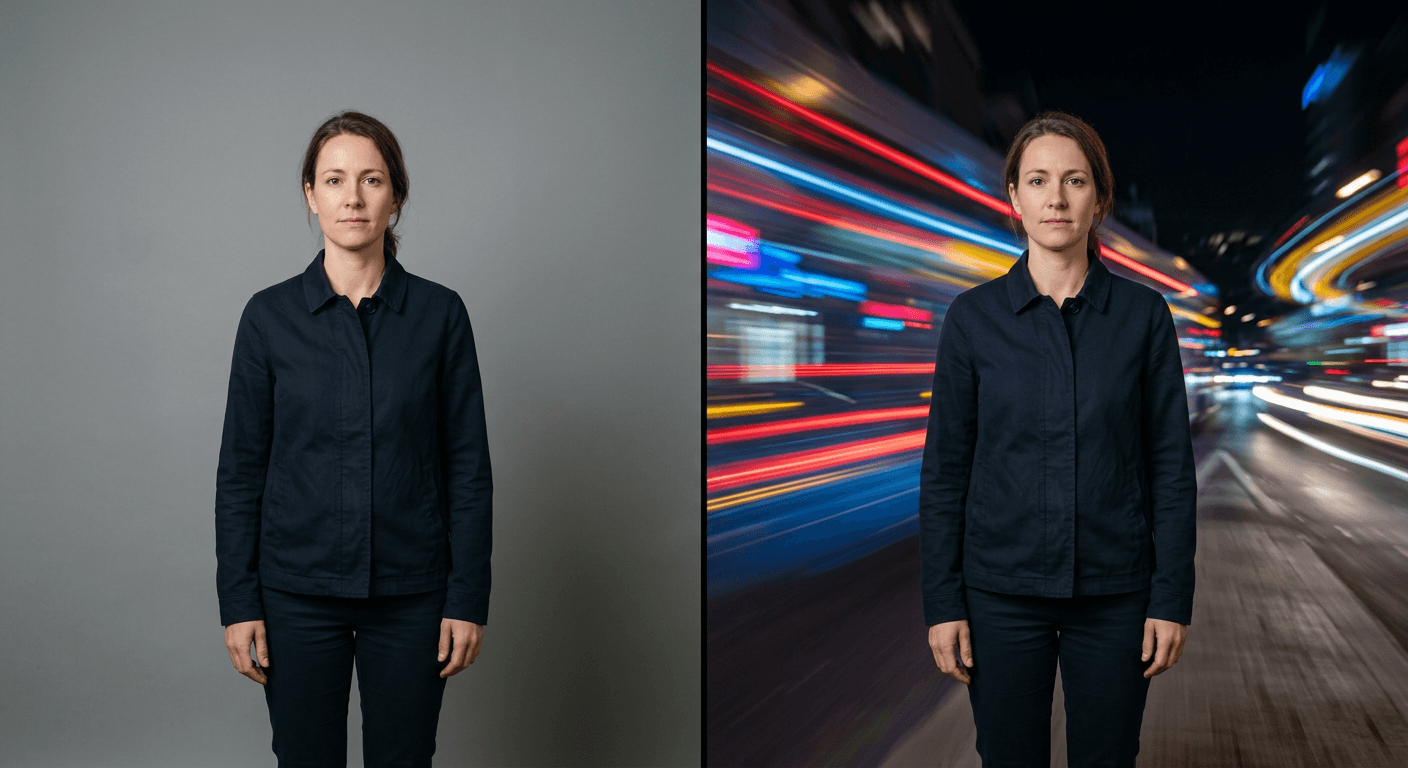
Common Mistakes Creators Make With This Trend
A few patterns separate a convincing motion blur photo from one that reads as an obvious AI edit at a glance.
- Blurring the subject's face along with the background, which is the fastest way to make a result look like a rendering error rather than an intentional photography technique. Always specify that the face and key details stay sharp.
- Using the same blur intensity for every subject regardless of implied speed. A sprinter should have more dramatic streaking than someone walking casually, and matching blur intensity to the actual implied motion makes a huge difference in believability.
- Ignoring lighting consistency between the sharp subject and the blurred background. If the subject is lit warm and the background streaks are lit cool with no logical light source connecting them, the composite reads as fake even if both halves individually look good.
- Overusing the effect across an entire content grid. Motion blur is a strong, attention-grabbing style precisely because it is used selectively. A feed where every single photo has streaking light trails stops feeling dynamic and starts feeling like a preset applied without thought.
- Skipping a negative prompt. Adding something like "no distorted limbs, no warped facial features, no extra fingers" to your negative prompt settings meaningfully reduces the odds of a subject coming back with an anatomical error hidden inside an otherwise convincing blur effect. Our guide on prompt tricks for realistic AI images covers negative prompting in more depth if this keeps happening across your generations.
Bringing This Into Your Content Workflow
Once you have a set of motion blur photos you like, they tend to work best as part of a larger sequence rather than a single standalone post, a hook photo to open a Reel, a thumbnail to pull someone into a longer video, or a cover image for a highlight reel. Miraflow's AI Image Generator supports both text-to-image generation from these prompts directly and image-to-image editing if you already have a real reference photo and just want the background reworked around your actual subject, which is the more reliable path if keeping a specific person's face accurate matters for your content. If your next step after the photo is building out a full video around the same energy, Text2Shorts can turn the same concept into a short vertical video for Reels, TikTok, or YouTube Shorts, and the YouTube Thumbnail Maker is worth pairing with a motion blur hero shot if the destination is a longer YouTube upload rather than a short.
For more prompt packs built around a single trending visual technique, see our guides to AI double-exposure travel poster prompts and AI flash filter prompts, both of which use a similar sharp-subject, stylized-background approach applied to a different visual effect. And if fashion and portrait content specifically is your focus, our breakdown of prompt tricks for making AI images look like real photos covers the texture and lighting details that make any AI photo, motion blur included, look genuinely photographic instead of synthetic.
Frequently Asked Questions
What AI tools work best for the motion blur trend? Any modern AI image generator that supports detailed prompt control over depth of field and motion effects can produce this look, including Nano Banana Pro and similar models available inside Miraflow's AI Image Generator. Image-to-image editing tends to produce more reliable results than pure text-to-image generation when you need a specific person's face to stay accurate.
Can I use my own photo instead of generating one from scratch? Yes, and it is usually the better option if you want a specific person's likeness preserved. Upload your reference photo and describe the background change you want, keeping the person exactly as shown in the reference, rather than describing the subject from scratch.
Why do my motion blur results sometimes look distorted? This usually happens when the blur effect spreads into the subject itself rather than staying confined to the background. Being explicit in your prompt about which parts of the frame should stay sharp, and adding a negative prompt against distorted limbs or facial features, fixes most of these cases.
Is this trend only for sports and music creators? No. While sports, fashion, and music content show the effect most naturally, it works for any content where implying speed or energy helps the photo, including travel content, pet content, and product photography for anything associated with movement.
How many of these prompts should I use before it feels repetitive? Treat motion blur as one tool in a rotation rather than a default style for every post. Using it for a hook photo or a key highlight once every several posts keeps the effect feeling intentional and attention-grabbing rather than like an overused filter.
Conclusion
The AI motion blur trend works because it borrows a real photographic technique that has always signaled energy and speed, and makes it accessible without a fast lens or years of shutter-speed practice. Start with the prompt closest to your niche, adjust the blur direction and intensity to match how much implied motion the moment actually has, and keep the subject's face and key details sharp every time. Used selectively across a content grid instead of on every single post, it is one of the more reliable ways to make a still photo feel like it is still moving.