18 AI Flash Filter Prompts for the Viral 2007 Digicam Photo Trend (Copy & Paste)

Written by
Aerin Kim
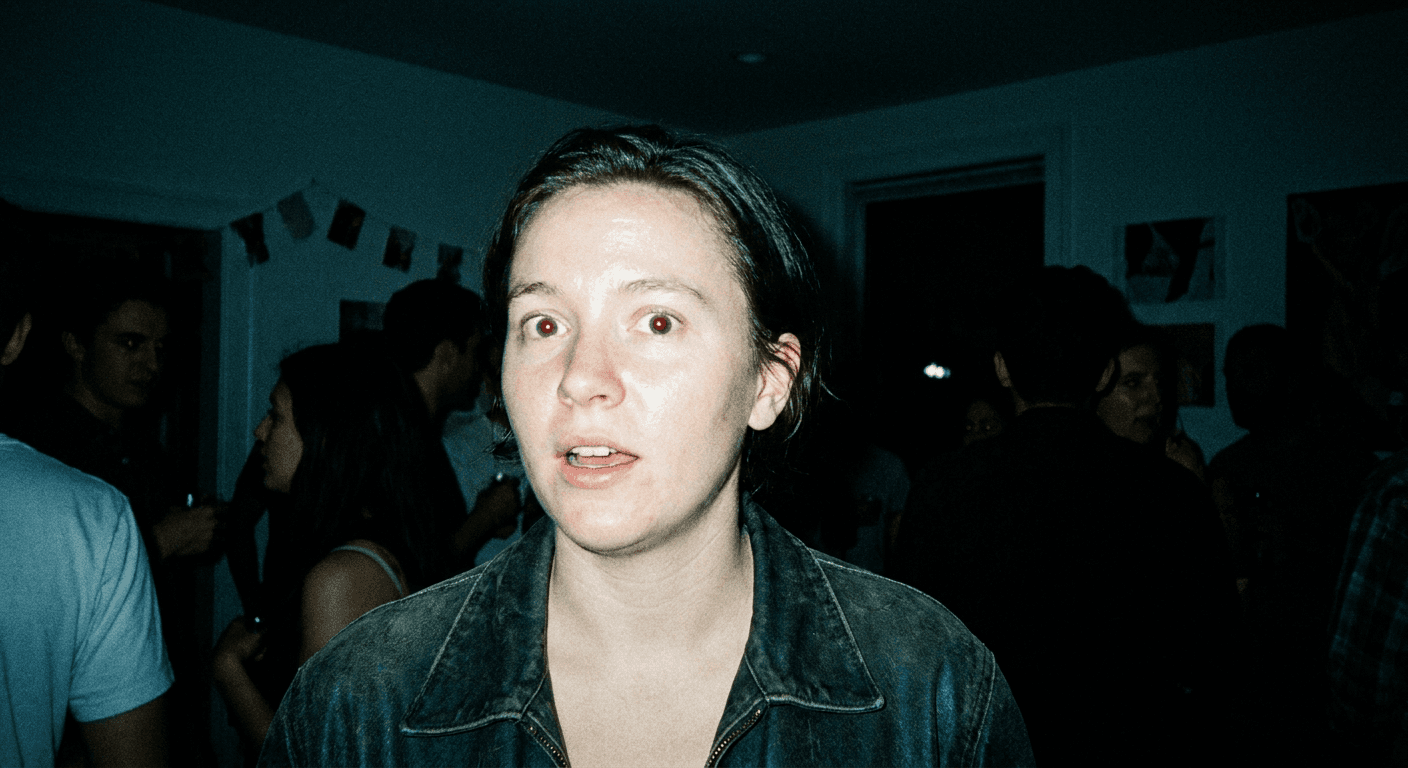
Instagram's AI flash filter turned every photo into a 2007 digicam flash shot overnight. Here are 18 copy-paste prompts to recreate that harsh-flash, crushed-background look with Miraflow's AI Image Generator.
If your Instagram feed this month is suddenly full of harsh, overexposed, half-blown-out flash photos that look like they were pulled off a 2007 digital camera, you are not imagining it. Instagram shipped a new AI-powered Stories effect in August 2026, tucked inside the "Create with AI" option, that regenerates any uploaded photo with a very specific, very recognizable look: direct front flash, glowing overexposed skin, a background that drops into near-black past the flash's reach, and the slightly noisy, cool-toned color response of a cheap point-and-shoot digicam. Coverage from Digital Camera World, Creative Bloq, and Yahoo Tech all picked it up within days of each other, and the format has since spread well past Instagram into Reels, TikTok, and regular feed posts.
It works best on the kind of photo it was clearly trained on, night-out shots, mirror selfies, and group party pictures, and it visibly struggles with busier, more cluttered scenes. Some accounts only get one use per day, which press coverage noted adds a real sense of urgency around posting while the trend is hot. There has also been legitimate, non-sensational criticism worth knowing about before you rely on it: several outlets documented cases where the filter altered a person's face, skin tone, or perceived ethnicity in ways the user never asked for, which is a good reason to always review your own output carefully before posting it, not a reason to avoid the look entirely.
This post is not a guide to Instagram's built-in filter itself. It is a copy-paste prompt pack, 18 prompts across five categories, for recreating this exact look yourself with an AI image generator, starting from your own photo. Every prompt below is written for Miraflow's AI Image Generator, which supports text-to-image, image-to-image, and inpainting, so you can upload a real photo of yourself or your friends and regenerate it in this style directly, the same underlying workflow the Instagram effect itself uses.
To see the trend in action before diving into the prompts, this video walks through how the effect looks and how creators are using it across Stories and Reels right now.
Why the Flash Filter Actually Works, Photographically
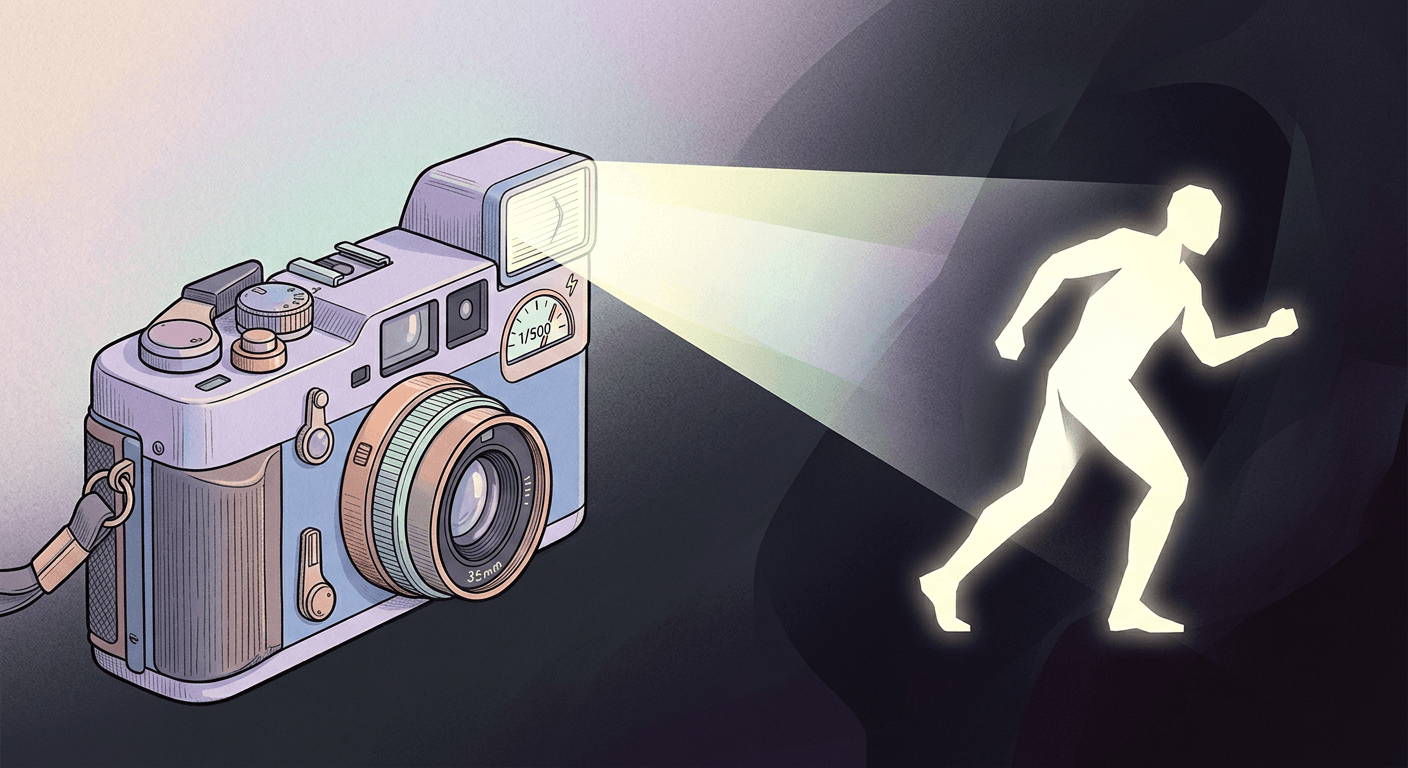
The reason this look is so instantly recognizable is that it is not really a filter in the Instagram-color-overlay sense. It is a simulation of a specific real photographic technique, and understanding that technique is what makes the AI prompts below actually work instead of producing a vague "vintage" wash. A photographer's breakdown on Digital Camera World lays out exactly what produces the look with a real camera: a direct, undiffused on-camera flash pointed straight at the subject, a high shutter speed that freezes motion and lets very little ambient light reach the sensor, a slight underexposure of everything the flash does not directly hit, and a color grade with a cool, slightly greenish-blue cast layered over fine digital grain.
That is a genuinely different recipe than the film-grain trend from earlier this year. Our anti-AI film grain prompt pack covers a warmer, softer, 35mm-film aesthetic built around named film stocks and gentle light leaks. This flash-filter look is the opposite mood: harsher, cooler, more clinical in its overexposure, and built entirely around one hard light source and a background that disappears into black. If you have tried film grain prompts before, expect these to read very differently.
How These Prompts Work Inside Miraflow's AI Image Generator
Every prompt in this pack assumes you are starting from a real photo, not generating a person from scratch. The AI Image Generator on Miraflow supports image-to-image generation directly in the browser, so you upload your own photo, drop in one of the prompts below, and the model regenerates it with the flash-filter treatment while keeping your actual likeness, clothing, and setting intact. That matters a lot for this specific style, since the whole point is that it looks like a real photo of you, not a generic AI-generated person standing in a flash-lit room.
If a result needs a small fix, a blown-out patch that went too far, or a background element that should stay dark but did not, the same tool's inpainting feature lets you mask just that region and regenerate it without touching the rest of the image. You can browse the full toolset behind this workflow at Miraflow.
1) Solo Portrait and Selfie Flash Prompts
Solo shots are the easiest starting point, since there is only one subject for the flash to overexpose and only one face for the model to keep sharp against the crushed background.
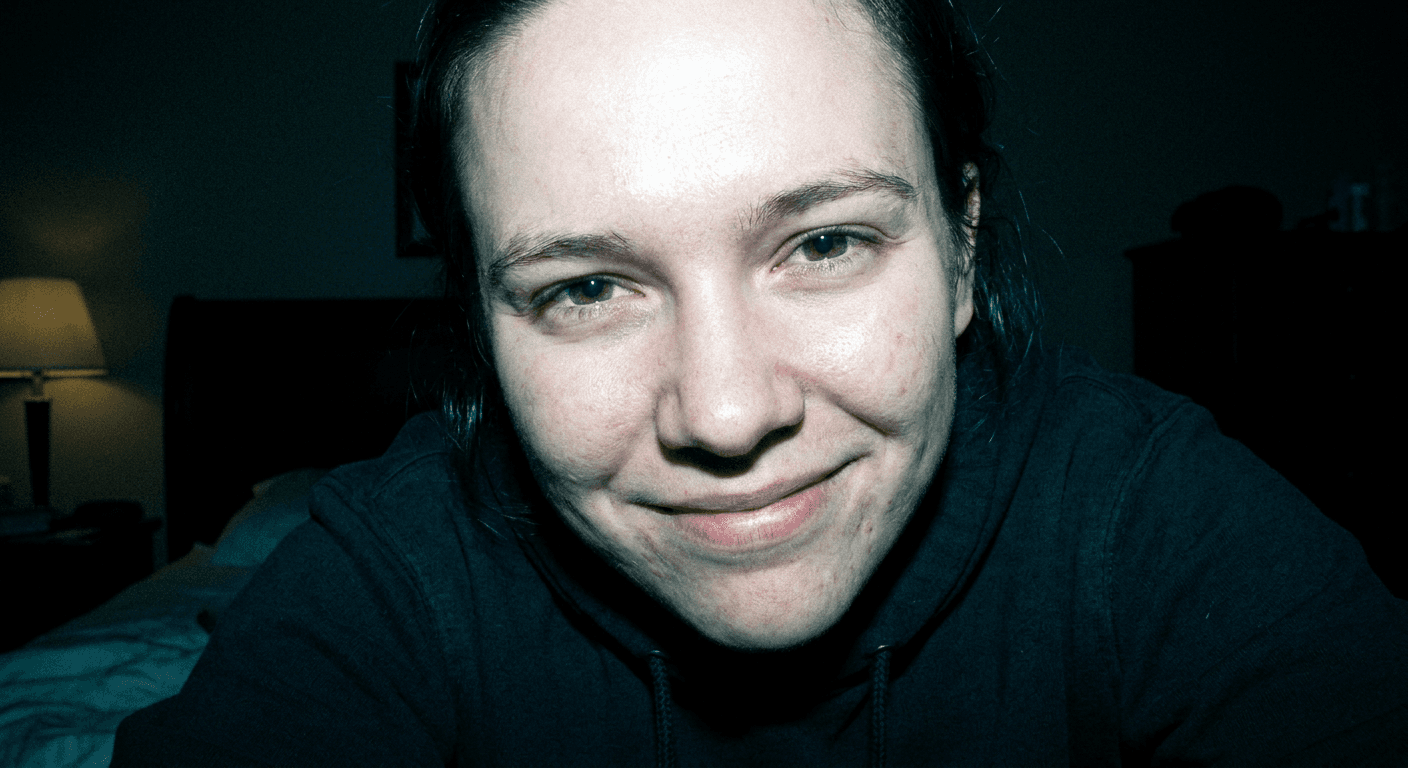
Prompt 1: Bedroom, getting ready before a night out
Direct on-camera flash portrait of a person sitting on the edge of a bedroom bed, camera held at arm's length or by a friend just off to the side, harsh frontal flash blasting the face and shoulders with a slightly overexposed glow on the skin, background falls into a near-black crushed void past the flash's short range with only a sliver of a lamp visible, fine digital grain and mild chromatic noise across the image, cool blue-green white balance typical of a 2005 point-and-shoot sensor, high shutter speed freezes the subject sharp while ambient room light reads slightly underexposed, candid unposed half-smile, small red-eye glint in the pupils.
Prompt 2: Front porch before leaving for the night
Direct flash photograph of a person standing on a front porch at night, taken with a compact digital camera's built-in flash, skin glowing with slight overexposure especially across the forehead and cheekbones, the porch railing and yard behind them collapsing into deep crushed black past the flash's reach, visible grain and soft edge softness typical of a cheap mid-2000s zoom lens, ambient porch light barely registering because the exposure is set for the flash and not the scene, cool color cast on the whites, candid mid-laugh expression, slight motion blur on one hand gesturing.
Prompt 3: Backseat of a car on the way to the party
Flash photograph taken inside a car at night, subject in the back seat leaning toward the camera, direct on-camera flash overexposing the nose and forehead while the car interior behind them drops into near-total black, faint reflection of the flash visible in the window glass, fine sensor grain, slightly cool white balance with a touch of magenta in the shadows, high shutter speed freezing the moment sharply despite the low ambient light, candid unguarded expression, seatbelt strap visible across the shoulder.
Prompt 4: Close-up at the bathroom counter
Close-up flash portrait shot in a bathroom, subject leaning toward a handheld point-and-shoot camera, direct flash blowing out the bridge of the nose and cheeks with a glowing overexposed sheen, the tile wall and mirror edge behind them crushed into dark shadow outside the flash's throw, visible fine grain and a faint halo bloom around the brightest highlight, cool digicam color response with slightly desaturated skin midtones, high shutter speed keeping the expression sharp, a hairbrush blurred softly in the extreme foreground.
Prompt 5: Walking out the apartment hallway
Candid flash photograph of a person walking out of an apartment doorway toward the camera, direct on-camera flash lighting only the closest few feet of the scene with the hallway beyond collapsing into crushed black, soft motion blur trailing off one foot mid-step while the face stays flash-frozen and sharp, visible digital noise and grain, cool-toned whites with a faint green tint in the shadow areas, slight underexposure in the ambient hallway light, candid expression caught mid-sentence.
2) Group and Party Scene Prompts
Group shots are where this trend gets tested the hardest, since more faces means more chances for the flash exposure and the crushed background to look inconsistent from one person to the next. Keep every subject roughly the same distance from the camera for the most convincing result.
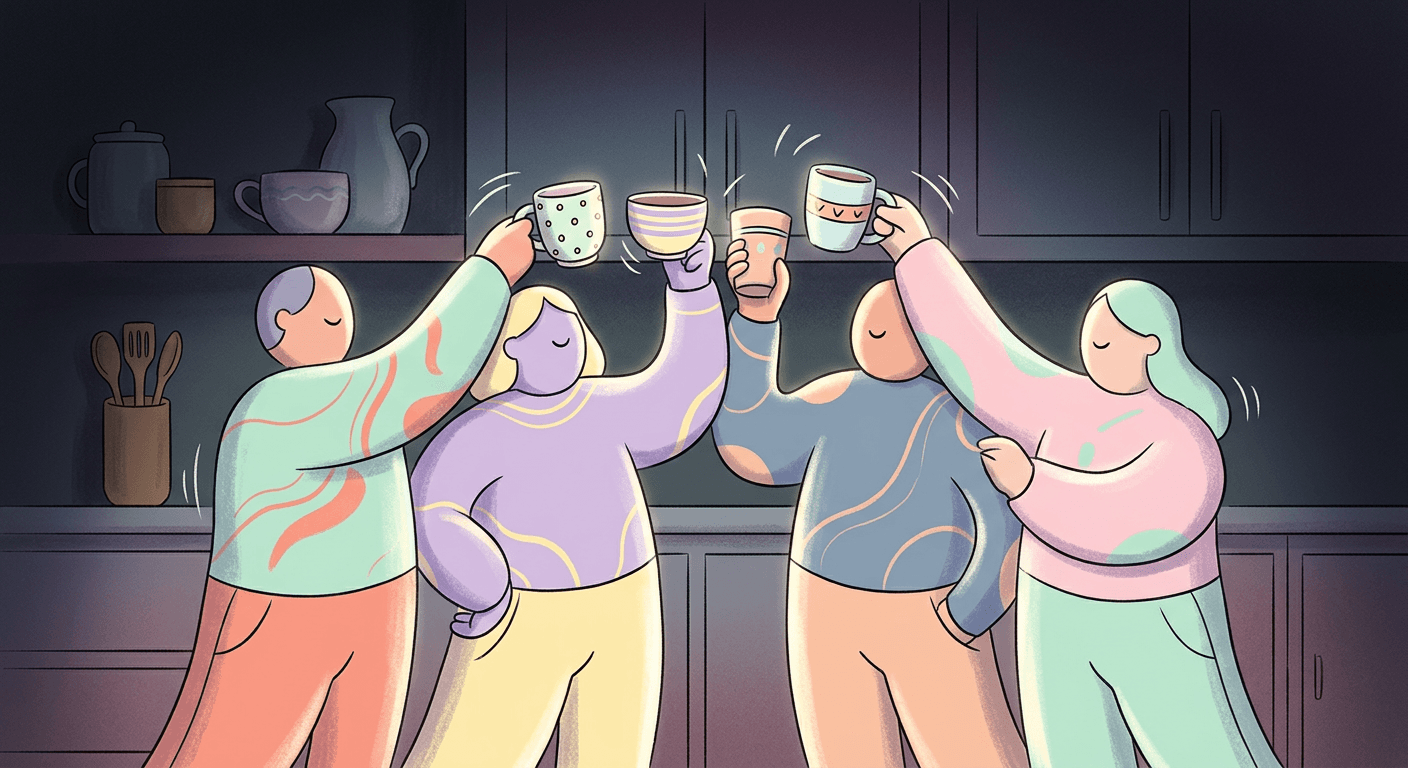
Prompt 6: Cups raised in the kitchen
Direct flash group photograph in a kitchen, three or four people raising cups toward the camera, harsh on-camera flash overexposing the closest faces while people further back fall into deeper shadow, countertop clutter and cabinets behind them crushed into near-black past the flash's short range, visible grain and slight red-eye glow in a couple of the eyes, cool blue-toned white balance typical of a 2006 compact camera, high shutter speed freezing the raised cups mid-motion, candid unposed laughter, slight lens flare bloom at the frame edge.
Prompt 7: Backyard fire pit at night
Flash photograph of a small group gathered around a backyard fire pit at night, direct flash lighting the two or three closest people with a glowing overexposed sheen on their skin while the fire itself reads as a soft warm blur in the crushed dark background, visible fine grain, mixed color temperature between the cool flash and the warm firelight bleeding into the frame edges, high shutter speed keeping the group sharp despite the near-total darkness beyond them, candid mid-conversation poses, one figure slightly motion-blurred stepping into frame.
Prompt 8: Mid-jump on a dark dance floor
Flash photograph of a group of friends caught mid-jump on a dark dance floor, direct on-camera flash freezing them sharply with overexposed highlights on raised arms and faces while the room behind them collapses into crushed black with only faint colored stage lights bleeding through, visible grain and motion blur trailing off hands and hair, cool digicam color cast, high shutter speed capturing the jump without smearing the main subjects, candid chaotic energy, slight flash bloom in the corner of the frame.
Prompt 9: Packed onto a couch at a house party
Direct flash group photograph of several people packed onto a couch at a house party, closest faces overexposed and glowing under the flash while people at the edges of the group fall into shadow, the room behind the couch crushed into near-black with only a sliver of a lamp or string lights visible, visible fine grain, cool-toned skin highlights typical of a 2007 point-and-shoot, high shutter speed keeping the group sharp, candid overlapping poses and genuine laughter, slight red-eye in a couple of the eyes closest to the lens.
3) Mirror Selfie Prompts
Mirror selfies are one of the two setups Instagram's own version of this effect is reportedly best at, largely because the flash bouncing directly off the mirror is exactly the kind of hard, close light source the technique depends on.
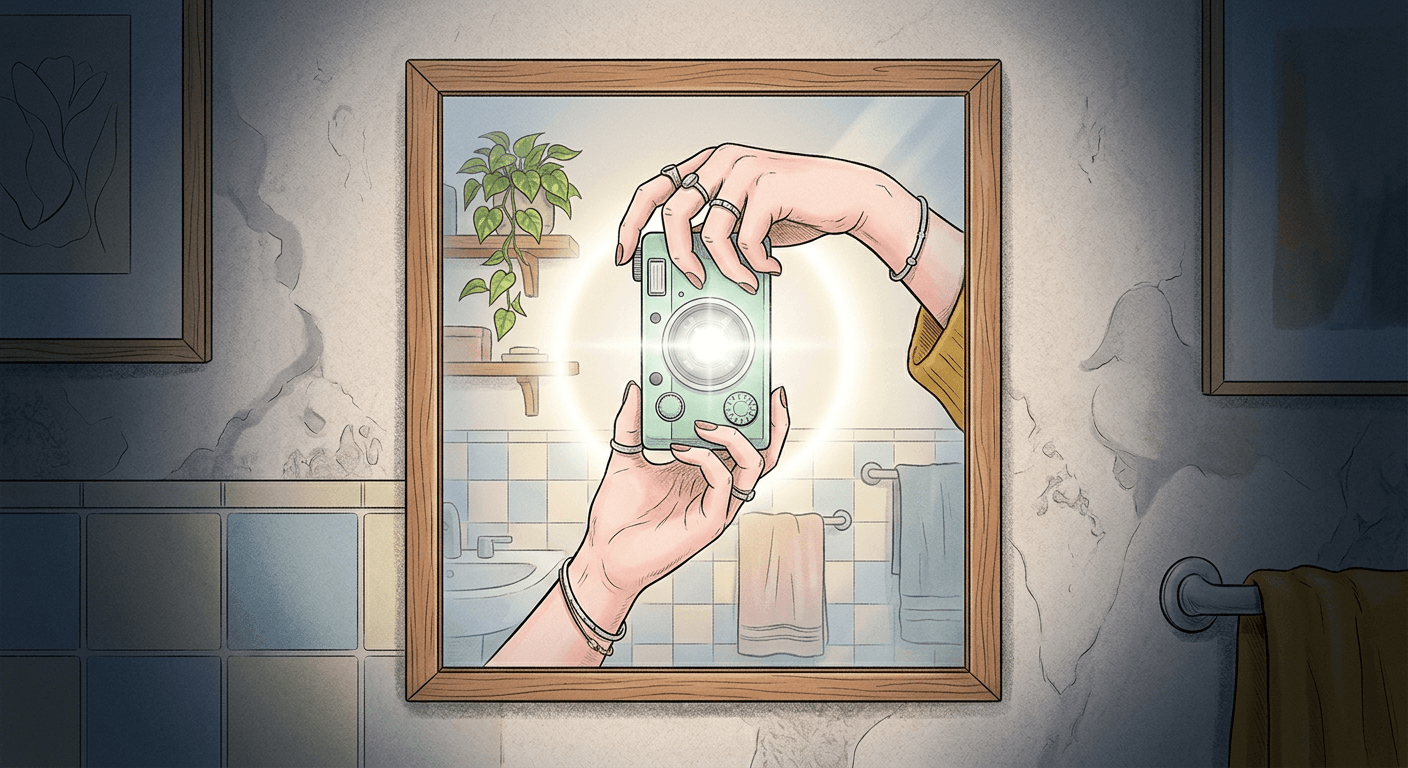
Prompt 10: Full-length bathroom mirror outfit check
Full-length mirror selfie taken with a compact digital camera, subject holding the camera up to their face so it partially blocks the lower half, direct flash bouncing off the mirror and overexposing the front of the body while the bathroom behind the reflection crushes into dark shadow at the edges, visible grain and a bright hotspot bloom where the flash reflects directly back into the lens, cool white balance with slightly blown highlights near the mirror's edge, high shutter speed freezing the pose sharp, candid outfit-check expression, faint reflection smudges visible on the mirror glass.
Prompt 11: Closet door mirror before leaving
Mirror selfie taken in front of a closet door mirror, subject angled slightly to show an outfit, direct on-camera flash creating a bright overexposed glow across the chest and shoulders while the bedroom reflected behind them falls into crushed near-black shadow, visible fine digital grain, a small visible reflection of the camera and flash unit in the mirror, cool-toned digicam color response, high shutter speed keeping the pose sharp despite the dim room, candid unposed expression, clothes on hangers blurred softly in the dark background.
Prompt 12: Elevator mirror on the way to a rooftop party
Mirror selfie taken inside an elevator on the way to a rooftop party, direct flash bouncing hard off the metal mirror surface and overexposing the face and chest, the elevator interior behind the reflection crushed into near-black except for a thin strip of ceiling light, visible grain and a sharp circular flash bloom reflected in the mirror corner, cool blue-toned white balance, high shutter speed freezing the pose despite motion, candid excited expression, elevator buttons faintly visible in the dark corner of the frame.
4) Product and Still-Life Flash Prompts
The same harsh-flash, crushed-background technique works just as well on objects as it does on people, and it is a fast way to give product or lifestyle content the same nostalgic, candid energy without a person in frame at all.
Prompt 13: Drinks and cups on a party table
Direct flash photograph of a cluster of drinks and cups on a table at a party, harsh on-camera flash overexposing the closest glass with a bright glowing highlight while the table's far edge and the room behind fall into crushed near-black, visible fine grain, cool digicam color cast on the liquid and condensation, high shutter speed freezing a pouring splash mid-motion, candid unstaged arrangement, faint reflection of the flash visible in the glass surface.
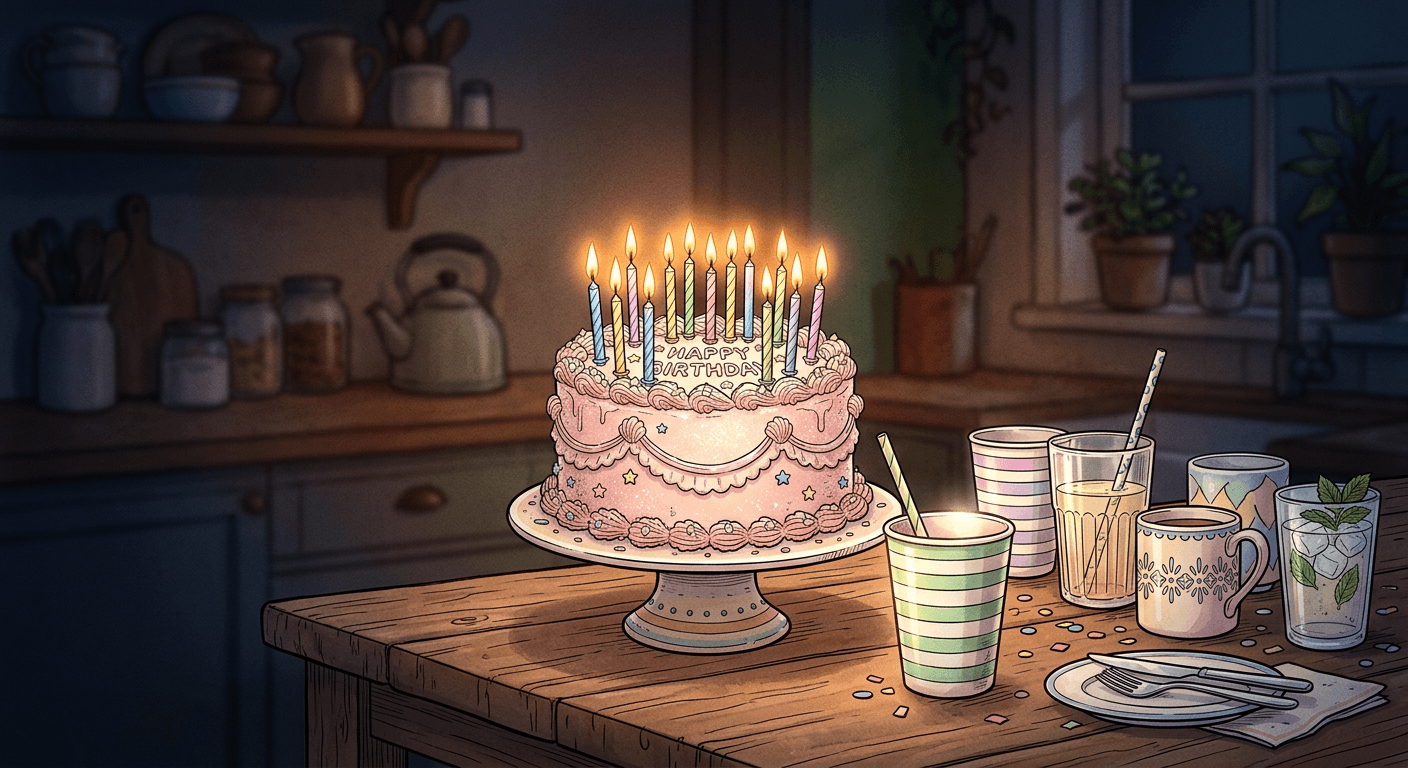
Prompt 14: Birthday cake on the kitchen table
Flash photograph of a birthday cake on a kitchen table at night, direct on-camera flash blowing out the top of the frosting with a bright overexposed glow while the kitchen behind it collapses into near-black shadow, visible grain and a soft halo bloom around the lit candles, cool-toned white balance typical of a 2006 compact camera, high shutter speed keeping the candle flames and frosting texture sharp, candid slightly off-center framing as if grabbed quickly before everyone gathered around.
Prompt 15: Outfit laid out on the bed before going out
Flash photograph of an outfit laid out on a bed before a night out, direct on-camera flash overexposing the fabric closest to the lens with a glowing bright patch while the far side of the bed and the room behind fall into crushed dark shadow, visible fine grain, cool digicam color response slightly desaturating the fabric tones, high shutter speed keeping the fabric texture sharp, candid unstyled arrangement with shoes and an open jewelry box just visible at the shadow's edge.
5) Stylized and Edgy Variations
Once the base look is working, these three variations push it in a slightly different direction for creators who want something that stands out a bit more from the default version everyone else is posting.
Prompt 16: Black and white version
Black and white direct flash photograph of a person against a plain wall, harsh on-camera flash overexposing the skin into a bright glowing highlight while the background crushes into deep near-black shadow with strong contrast, visible heavy grain, high shutter speed freezing the expression sharp, candid unguarded look directly into the lens, small red-eye glow retained even in monochrome for authenticity.
Prompt 17: Colored gel over the flash
Direct flash photograph with a colored gel over the flash unit casting a magenta or teal tint across the overexposed skin highlights, background still crushed into near-black past the flash's short throw, visible fine grain, high shutter speed freezing the pose sharp despite the dim concert-like setting, candid energetic expression, a thin rim of colored ambient stage light bleeding faintly into the crushed dark edges of the frame.
Prompt 18: Scanned digicam print with a timestamp
Direct flash photograph styled like a scanned mid-2000s digicam print, a small orange date and time stamp printed in the bottom right corner, harsh overexposed flash on the subject's face with the background crushed into near-black, visible grain, slight scan-line softness across the whole image, cool digicam white balance, high shutter speed keeping the subject sharp, candid party snapshot framing with a slightly tilted horizon as if grabbed in a hurry.
How to Customize These Prompts
Swap the setting description in any prompt above without touching the lighting language, that is the fastest way to adapt these to your own photos. The phrases doing the real work are the ones describing the flash itself (direct, harsh, overexposing the closest surfaces), the background (crushed into near-black past the flash's reach), and the color response (cool-toned, fine grain, slight desaturation). Keep those three elements intact and you can drop in almost any subject, a pet, a dorm room, a concert crowd, and still get a convincing result.
If you are generating a full batch of these for a content calendar rather than one photo at a time, our batch generation prompt guide covers how to queue up multiple variations efficiently instead of running each one individually.
Common Mistakes Creators Make With This Trend
- Trying it on a busy, cluttered scene. Press coverage of Instagram's own version of this effect specifically flagged that it struggles with complex backgrounds, and the same limitation applies to prompting your own version. Simple settings with a clear subject work far better than a crowded room full of competing detail.
- Over-editing the result until skin tone shifts. This is the same issue that drew real criticism toward Instagram's filter, where some outputs altered a person's face, skin tone, or perceived ethnicity in ways the user never asked for. Always check your generated result against the original photo before posting, and regenerate or inpaint a fix rather than accepting a result that does not actually look like you.
- Using a group prompt's exposure logic on a solo shot, or the reverse. A single subject can sit close enough to the flash for even, edge-to-edge overexposure, while a group needs everyone at a similar distance or the people at the back will look wrong, either too dark to read or oddly untouched by the flash entirely.
- Skipping the background instruction. If a prompt does not explicitly say the background should crush to near-black past the flash's short range, the model will often default to a normally lit scene, which immediately breaks the illusion.
- Forgetting the grain and cool color cast. A harsh flash alone reads as a badly lit photo. The fine digital grain and cool, slightly desaturated color response are what make it read specifically as a mid-2000s digicam rather than just an overexposed phone photo.
Recreating the Look With Miraflow's AI Image Generator
The core workflow here is simple: open the AI Image Generator in Miraflow AI, upload a real photo, paste in one of the 18 prompts above, and generate. Because this uses image-to-image generation rather than text-to-image from scratch, your actual face, outfit, and setting carry through, and only the lighting, color, and background treatment change. For a themed content batch, generating the same person or group across several prompts in this pack, solo, mirror selfie, and a group shot, gives you a consistent set that reads as one coherent night rather than three unrelated images.
This same reference-photo, image-to-image approach is behind a lot of the other trend formats we have covered recently. If you want to keep the momentum going after this one, our meet your younger self prompt pack and our pet-to-human transformation prompts both use the same single-photo upload workflow, just applied to a completely different outcome. For something more illustrative than photoreal, the knitted world trend prompt pack and the how different our lives are trend prompts are both worth a look, and the AI action figure and toy box prompt pack remains one of the most consistently shared formats if you want a second viral direction to rotate alongside this one.
If you are covering this trend on a channel rather than just posting a single photo, Text2Shorts can turn a quick script about the trend into a finished vertical video, and the YouTube Thumbnail Maker in Miraflow AI can apply the same harsh-flash look to a thumbnail so the video's cover image matches the content inside it. You can browse the rest of the prompt packs and trend breakdowns on the Miraflow AI blog.
Frequently Asked Questions
Is this the same thing as Instagram's built-in AI flash filter? No. This post is a set of prompts for recreating the same visual look using an AI image generator, starting from your own uploaded photo. It produces a comparable result without depending on Instagram's daily usage limit or requiring the effect to be available on your account.
Why does this look struggle on busy or cluttered scenes? The technique depends on a clear separation between what the flash directly hits and everything else, which needs to fall into shadow. A cluttered scene with a lot of competing light sources and detail makes that separation much harder for the model to render convincingly, the same limitation reporters noted with Instagram's own version.
Should I be worried about the filter changing my face or skin tone? It is worth being aware of, and worth checking. Reports on Instagram's version of this effect documented cases where a person's face, skin tone, or perceived ethnicity shifted in ways they did not intend. Always compare your generated result to the original photo before posting, and regenerate or use inpainting to fix anything that does not look right.
Does this work better on solo photos or group photos? Both work, but they need slightly different handling. Solo and mirror selfie prompts tend to produce the most consistent results first try, since there is only one subject's distance from the flash to manage. Group prompts benefit from keeping everyone roughly the same distance from the camera.
Can I use this on a photo of a pet or an object instead of a person? Yes. The product and still-life prompts in section four apply the exact same lighting and background logic to objects, and the same flash and grain language works on pets or any other subject if you swap the setting description.
What is the best starting photo for these prompts? A clear, well-lit, reasonably simple photo where the subject is not too far from the camera. A blurry, dark, or extremely cluttered original photo gives the model far less to work with and usually produces a less convincing result.
Conclusion
The 2007 digicam flash look went viral because it taps into a very specific kind of nostalgia, the exact visual signature of a house party photo from the mid-2000s, and because the actual photographic technique behind it is simple enough to describe precisely: a direct hard flash, a background that disappears into black, and a cool, grainy color response. The 18 prompts above give you a working set across solo shots, group photos, mirror selfies, product shots, and a few stylized variations, built around that real technique rather than a vague "retro" instruction. Upload a photo you actually like, pick the prompt that matches the scene, and try it inside Miraflow's AI Image Generator to see how close you can get to the look everyone is posting right now.