
16 AI Prompts for Gaming Setup and Streamer Content (Copy & Paste)

Written by
Aerin Kim
16 copy-and-paste AI prompts for gaming and streaming creators, covering desk setups, stream overlays, channel art, and thumbnails, ready to generate today.
If you make gaming or streaming content, you already know that the channel needs to look as sharp as the gameplay. Clean stream overlays, a good looking desk setup shot, and consistent channel art all signal to a viewer that this is a real, active channel worth following, and none of that requires a studio budget or a graphic designer on retainer.
This post is 16 ready-to-use AI prompts covering desk and setup photography, stream overlays, channel art, and thumbnails, built so you can copy, paste, and adjust to match your own brand colors and style.
TL;DR: How to Use These Prompts
Every prompt below is written to be complete on its own. Swap in your channel's actual color palette wherever a prompt mentions pastel tones or a generic accent color, and keep the composition and lighting instructions intact, since those are what make an overlay or graphic look intentional instead of generic.
How These Prompts Fit Into a Real Workflow
The photography style prompts in this post work directly with the AI Image Generator in Miraflow AI. The overlay, banner, and thumbnail style prompts are built specifically for the YouTube Thumbnail Maker in Miraflow AI, which also supports adding your own thumbnail text directly on top of a generated background, so the no-text instructions in these prompts are intentional, add your text as a separate step once the background is generated.
Gaming Setup Photography Prompts
These five prompts cover the physical setup itself, the kind of desk tour or gear showcase content that performs well as standalone posts or B-roll in longer videos.
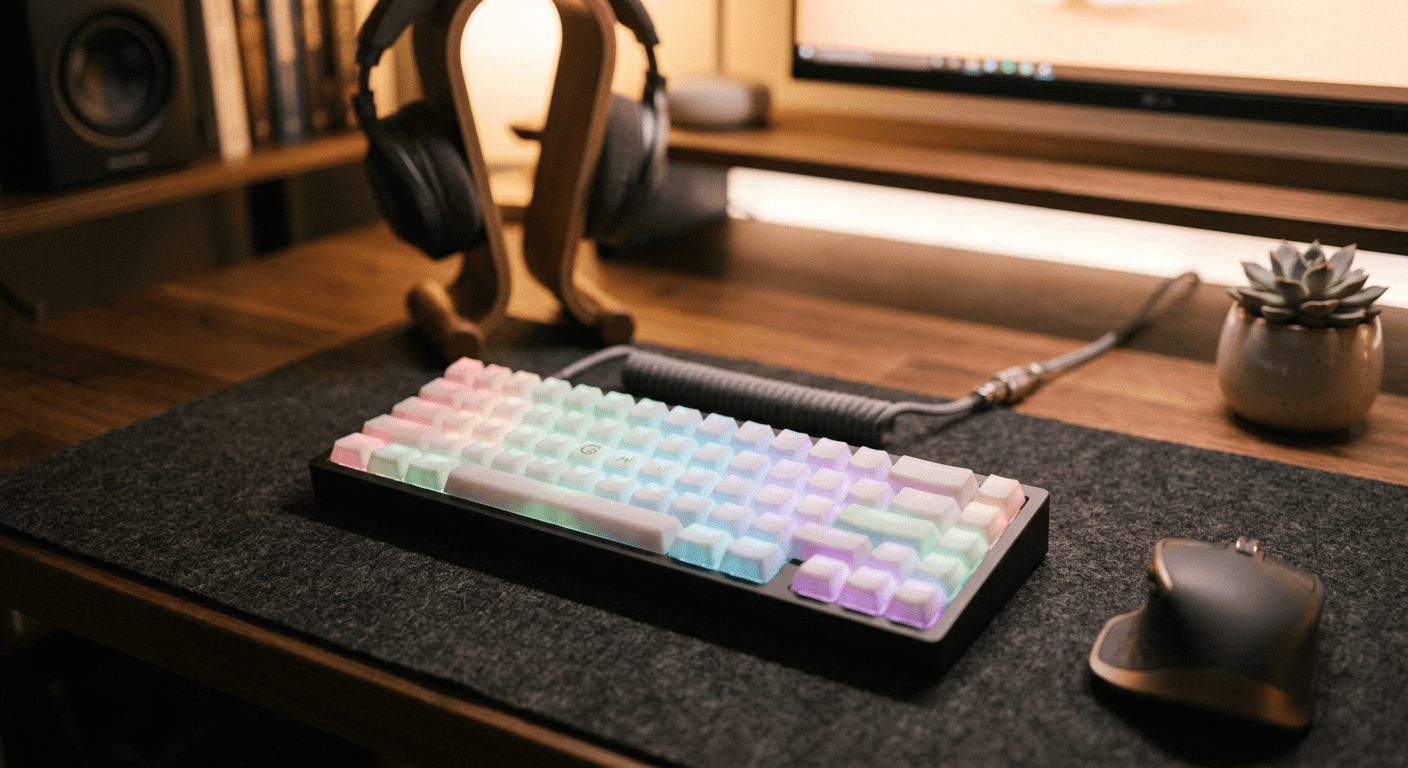
1. RGB keyboard close-up
close up photo of a mechanical keyboard with vividly lit RGB backlit keys, shallow depth of field, dark desk mat background, sharp focus on the keycaps, realistic photographic style, dramatic side lighting
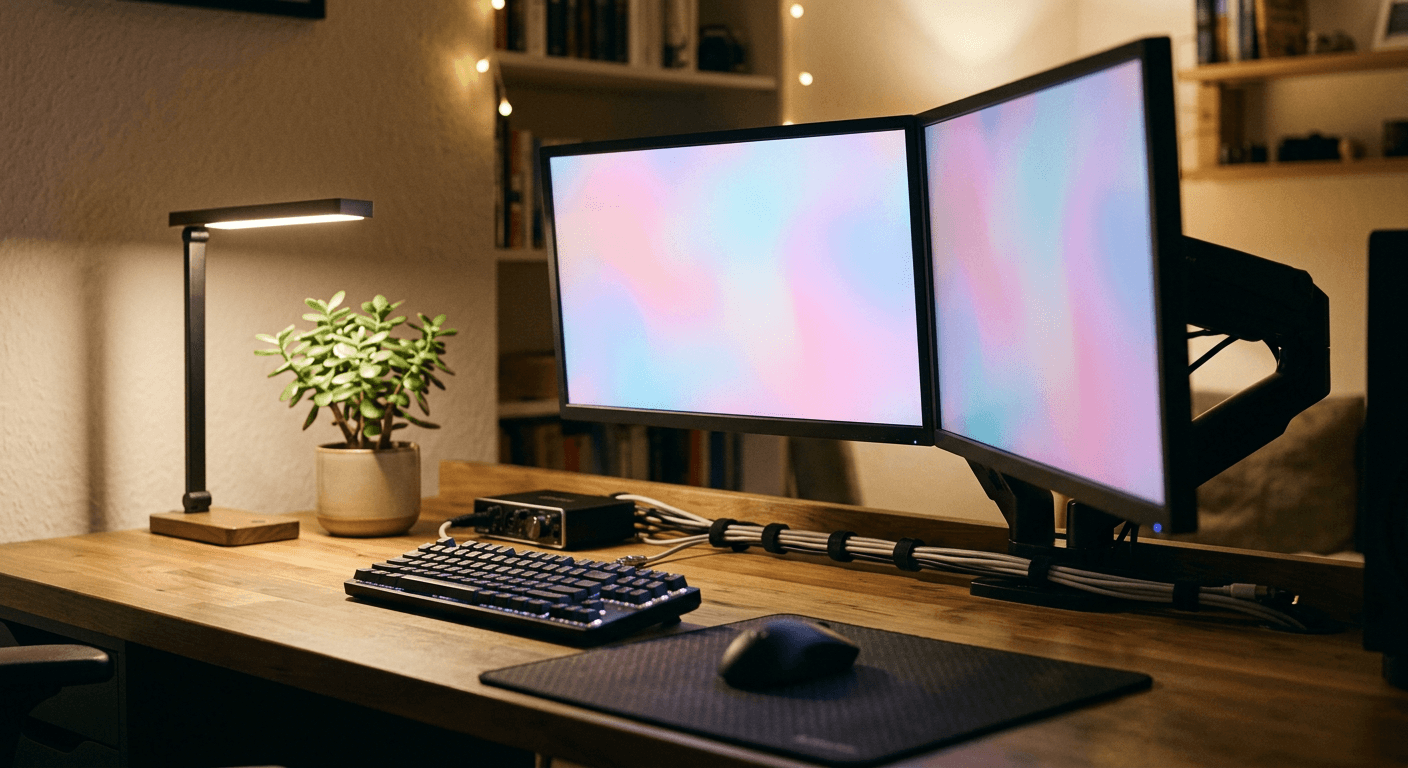
2. Dual monitor desk setup
wide photo of a gaming desk setup with two monitors, ambient bias lighting glowing behind each screen, clean cable management, minimalist desk accessories, moody evening lighting, realistic photographic style
3. Gaming chair wide shot
wide angle photo of an empty gaming chair facing a desk with a glowing monitor, soft ambient room lighting with colored accent lights in the background, clean modern setup, realistic photographic style
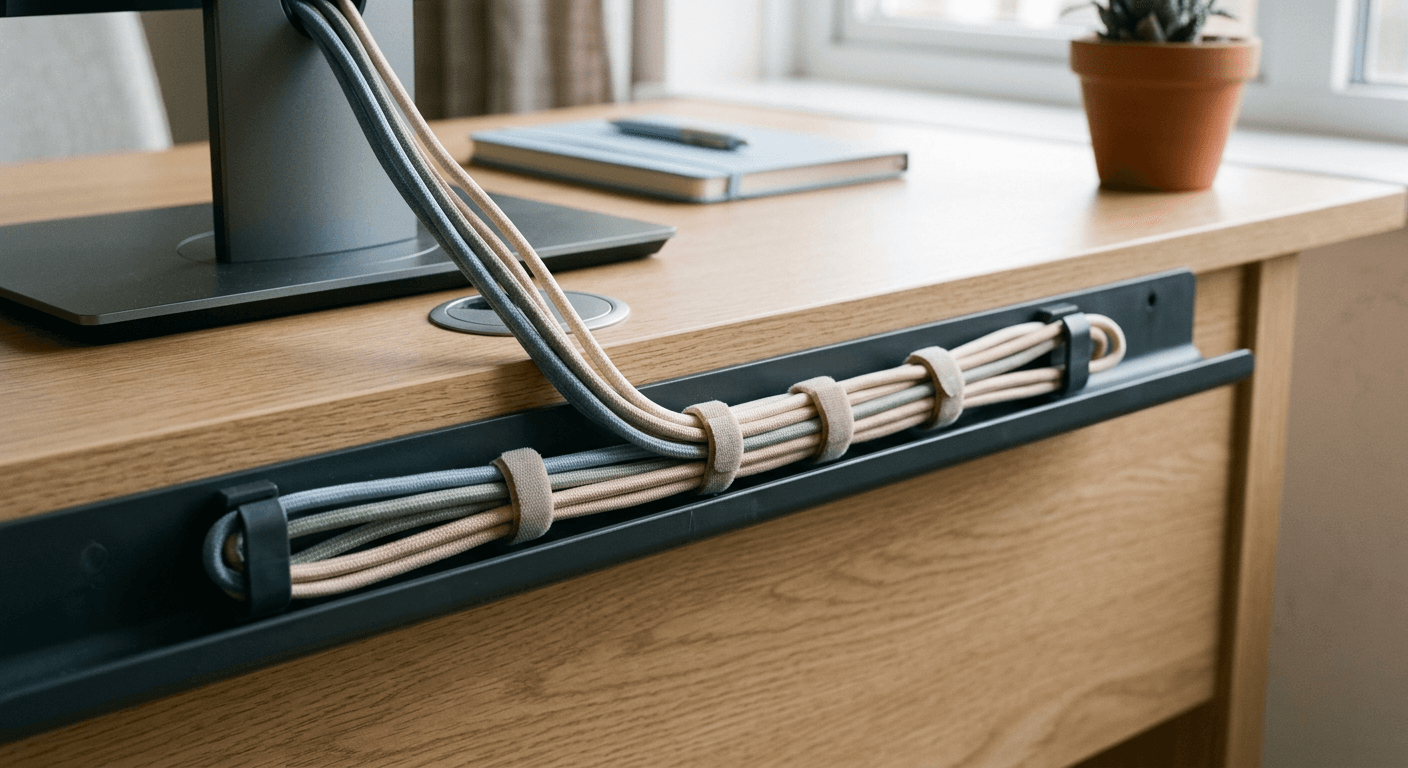
4. Cable management flat lay
overhead flat lay photo of neatly coiled cables, a mechanical keyboard, and a mouse arranged on a dark desk mat, soft even studio lighting, minimalist composition, realistic photographic style
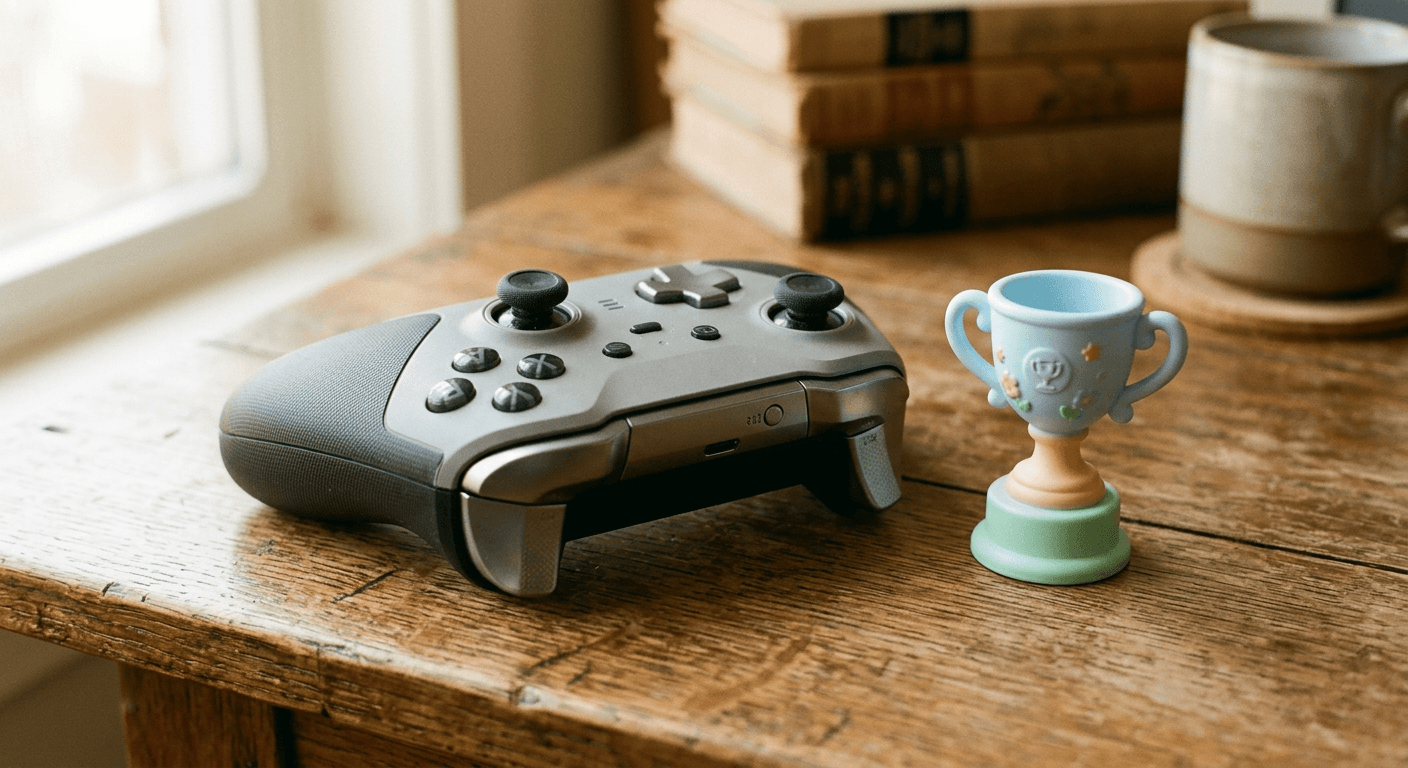
5. Controller detail shot
close up photo of a game controller resting on a wooden desk, dramatic side lighting highlighting the texture of the grips and buttons, shallow depth of field, realistic photographic style
Stream Overlay Prompts
These four prompts generate the backgrounds behind the most-used graphics in any live stream setup. Each one is written with empty space reserved for text or a webcam frame, since that gets added separately in your streaming software.
6. Webcam overlay frame
clean webcam overlay frame mockup, simple rounded rectangle border in a soft pastel gradient, transparent center, minimal corner accents, no readable text, designed for streaming software overlay use
7. Starting soon background
stream starting soon background graphic, soft gradient in muted pastel tones, abstract geometric shapes in the corners, empty central space reserved for text, clean minimalist design, no readable text
8. Stream schedule background
stream schedule background graphic, soft pastel gradient with a subtle grid pattern, empty rows of space for a weekly schedule to be added, clean minimalist design, no readable text
9. Be right back background
be right back stream background graphic, calm pastel gradient, a simple abstract hourglass icon centered, generous empty space around it, clean minimalist design, no readable text
Channel Art Prompts
Banner art, panel backgrounds, and avatars rarely get updated because they feel like a bigger task than they need to be. These four prompts make a full refresh a five minute job.
10. YouTube banner background
YouTube channel banner background, wide horizontal composition, soft pastel gradient with abstract geometric accents concentrated on the left and right edges, large empty safe zone in the center for text and logo, no readable text
11. Twitch panel background
Twitch channel panel background graphic, soft pastel gradient, subtle abstract pattern along one edge, clean empty space for panel text to be added later, no readable text
12. Avatar background
circular profile picture background, soft radial pastel gradient, simple abstract shapes, centered empty space reserved for a logo or photo to be layered on top, clean minimalist design, no readable text
13. Merch mockup
product mockup photo of a plain hoodie folded neatly on a wooden surface, soft natural lighting, empty chest area reserved for a logo to be added later, realistic fabric texture, minimalist styling
For more channel branding ideas, see YouTube channel banner art templates and AI prompts for personal branding photos.
Thumbnail and Promo Prompts
The last three prompts are built specifically for high-CTR thumbnail composition, bold color, clear empty space for text, and a dynamic focal point.
14. Reaction-style thumbnail
YouTube thumbnail, 16:9, dramatic close up of a gaming controller mid-action with motion blur, bold colorful gradient background, bright empty space on one side for text, no added text in the image itself
15. Highlight-reel thumbnail
YouTube thumbnail, 16:9, dynamic composition of a glowing trophy icon with light rays radiating outward, vibrant saturated background gradient, empty space reserved for text, no added text in the image itself
16. Tournament announcement
tournament announcement graphic, bold dynamic background with diagonal color blocks in energetic tones, empty central space for event details, clean modern esports style design, no readable text
For a deeper breakdown of what actually drives clicks, 10 AI prompts for viral YouTube thumbnails and how to increase YouTube CTR in 2026 go into the mechanics behind why these compositions work.
How to Adapt These Prompts for Your Channel
- Replace every mention of pastel tones with your channel's actual brand colors once you find a combination that works, then reuse those exact color names across every graphic for consistency.
- Keep the same lighting style, warm ambient versus bright even, across your desk setup shots and your overlay graphics so the whole channel feels visually connected.
- Generate a few variations of any overlay graphic before picking one, since small compositional differences matter a lot once your webcam or text is layered on top.
- Save your final prompt versions somewhere you can find them again, refreshing channel art seasonally is much faster when you are editing an existing prompt instead of starting over.
Common Mistakes Gaming Creators Make With AI Graphics
- Forgetting to leave empty space for text or a webcam frame, which forces awkward cropping later.
- Using a different color palette for the banner, panels, and thumbnails, which makes a channel look unfinished even when every individual asset looks good.
- Over-cluttering an overlay with too many decorative elements, which competes with the actual gameplay or webcam feed instead of framing it.
- Skipping the desk and setup photography entirely. Viewers connect with creators who feel like real people with a real setup, not just a floating gameplay window.
Turning These Assets Into Video Content
Once your visuals are locked in, Text2Shorts in Miraflow AI can turn a highlight script into a finished vertical short with your branding carried through, and AI Clipping can automatically pull the most exciting moments out of a full stream VOD and turn them into short clips with captions already applied, which is often the fastest way to get consistent short-form content out of gaming footage you already have.
You can browse more creator-focused prompt packs like this one on the Miraflow AI blog, and every tool mentioned above is available directly at miraflow.ai.
Frequently Asked Questions
What image size should a YouTube banner be? Generate the background in a wide format and crop to YouTube's recommended banner dimensions afterward, since the safe zone for text and logo is narrower than the full banner image.
Can I add my webcam feed over one of these overlay prompts? Yes. The overlay prompts here are deliberately built with empty center space, so you can layer your webcam feed or a transparent frame on top inside your streaming software.
Do these prompts work for both YouTube and Twitch? Most of them do. The banner and thumbnail prompts are sized for YouTube, and the panel background prompt is specifically for Twitch, but the desk photography and stream screen prompts work on either platform.
How often should I refresh my channel art? A seasonal refresh, three to four times a year, keeps a channel feeling active without requiring a constant redesign cycle.
Can I use these prompts if I do not show my face on camera? Yes. Every prompt in this post is written around setup, gear, and graphics rather than a person, so they work equally well for faceless gaming channels.
Conclusion
A gaming channel's visual identity is built from dozens of small assets, overlays, banners, panels, thumbnails, that most creators either never get around to or pay too much to have made one at a time. If music is part of your stream identity too, the AI Music Generator can round out the same branding pass with a custom intro track or background loop. Generating them from a consistent set of prompts, with your own brand colors swapped in, gets a whole channel looking cohesive in an afternoon instead of a month. Start with the overlay and banner prompts since those touch every stream and every video, then work through the thumbnail prompts as new content goes out.