20 AI UGC Ad Prompts for Product and Lifestyle Content (Copy & Paste)

Written by
Aerin Kim
UGC-style ads are outperforming polished brand spots across Meta, TikTok, and Google Ads in 2026. 20 copy-paste AI prompts for unboxing, testimonial, and lifestyle-style ad content.
If your paid ads still look like a studio photo shoot while everything performing well in your feed looks like it was filmed on someone's phone, you are running into the exact shift that has reshaped ad creative in 2026. UGC-style content, the raw, handheld, testimonial-feeling ads that look like they came from a real customer instead of a brand's marketing team, is now baseline creative for Meta Ads, TikTok Ads, and increasingly Google Ads too, not a niche indie-brand tactic. Video ads built in that style are consistently reported to cut cost-per-click compared to polished, studio-shot alternatives, and audiences reliably prefer quick, human-feeling content over anything that reads as an obvious commercial.
The problem most small and mid-sized teams run into is not understanding that UGC-style ads work. It is producing enough of them, fast enough, without hiring a rotating cast of creators for every product angle and every seasonal push. That is exactly the gap AI image and video generation closes. This post is 20 ready-to-use prompts across the four UGC ad formats that are actually converting right now, unboxing and first impression, testimonial and routine-style, before-and-after, and everyday lifestyle context, plus how to adapt them for your own product.
Every prompt here is written to run directly in the AI Image Generator in Miraflow AI for still frames, or the cinematic AI video generator for short-form video, both of which work entirely in the browser with no shoot, no studio, and no waiting on a creator's schedule.
Why UGC-Style Ads Are Working Right Now
A few real shifts are driving this, not just a passing aesthetic preference. Creator-style content is increasingly used as the actual creative running inside paid campaigns, not just organic posts, which means the same handheld, low-production look that performs well on TikTok and Reels organically is now the format brands are deliberately building their Meta Ads, TikTok Ads, and Google Ads creative around. Audiences have also gotten sharper at spotting and scrolling past anything that reads as an overproduced commercial, which pushes performance toward content that looks like it came from a real person's camera roll rather than a brand's studio.
That does not mean quality does not matter. It means the kind of polish that matters shifted, from lighting rigs and studio backdrops toward a specific, product-focused clarity that still reads as authentic. The prompts below are built for exactly that target: specific, product-accurate, and framed the way a real customer would actually shoot it, not a generic stock-photo stand-in.
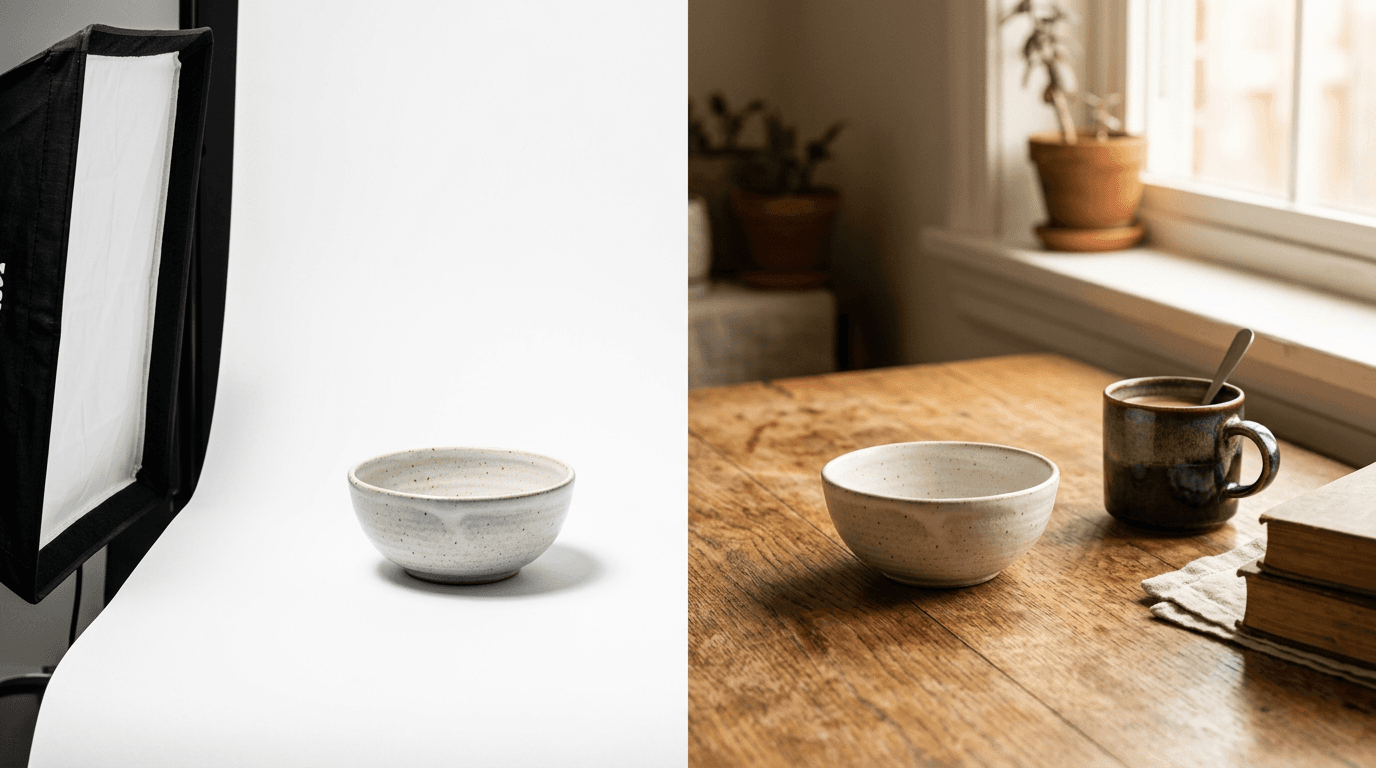
1) Unboxing and First-Impression Prompts
Unboxing is still one of the highest-performing UGC ad formats because it mimics the exact moment of anticipation a real buyer feels, and it gives you a natural first few seconds to show packaging, branding, and the product itself before any pitch begins.
Prompt 1: Hands opening the box
Vertical 9:16 smartphone-style video, handheld and slightly shaky camera motion, a person's hands opening a small shipping box on a kitchen table, natural indoor lighting, casual unstyled background with everyday clutter visible, no visible face, no text overlay, looks like a genuine customer filming themselves, product packaging plain and unbranded
Prompt 2: First look at the product on a table
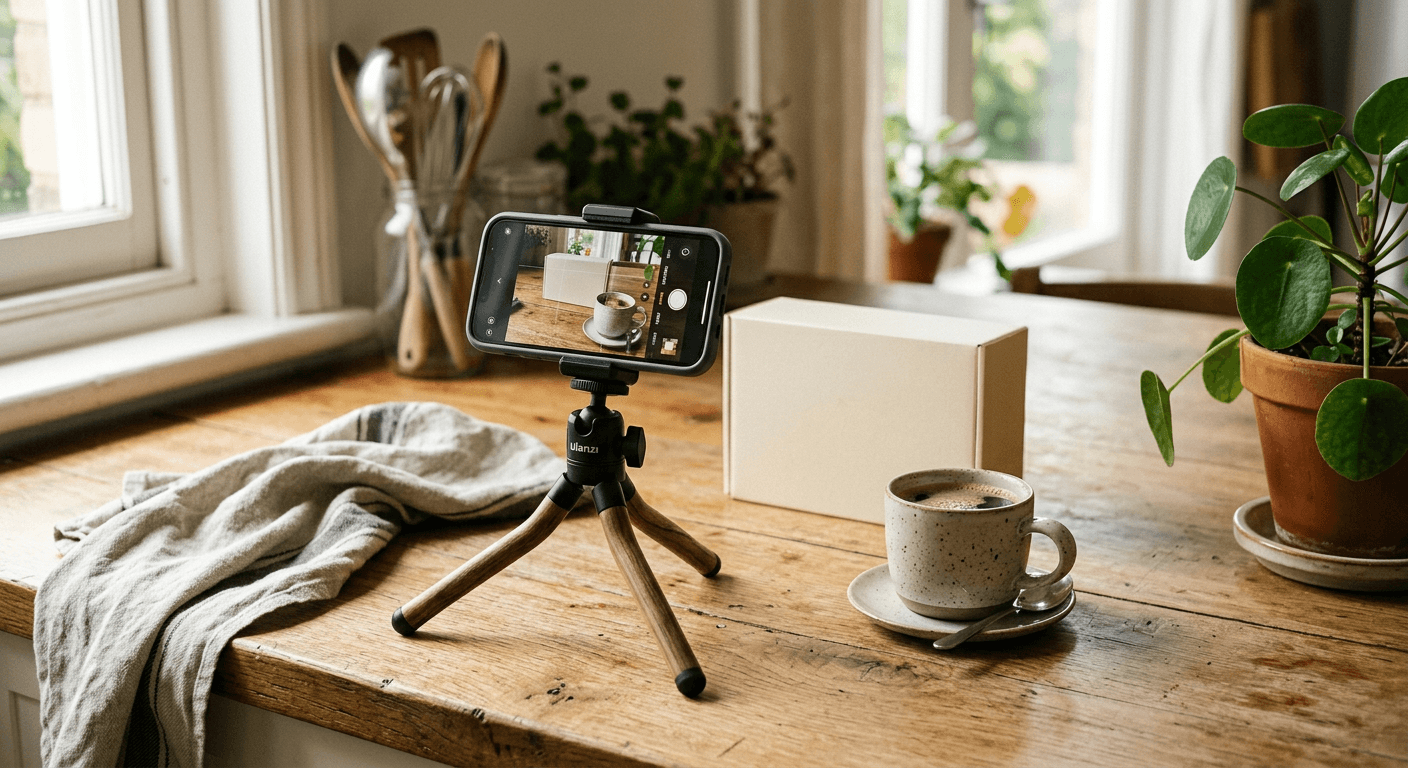
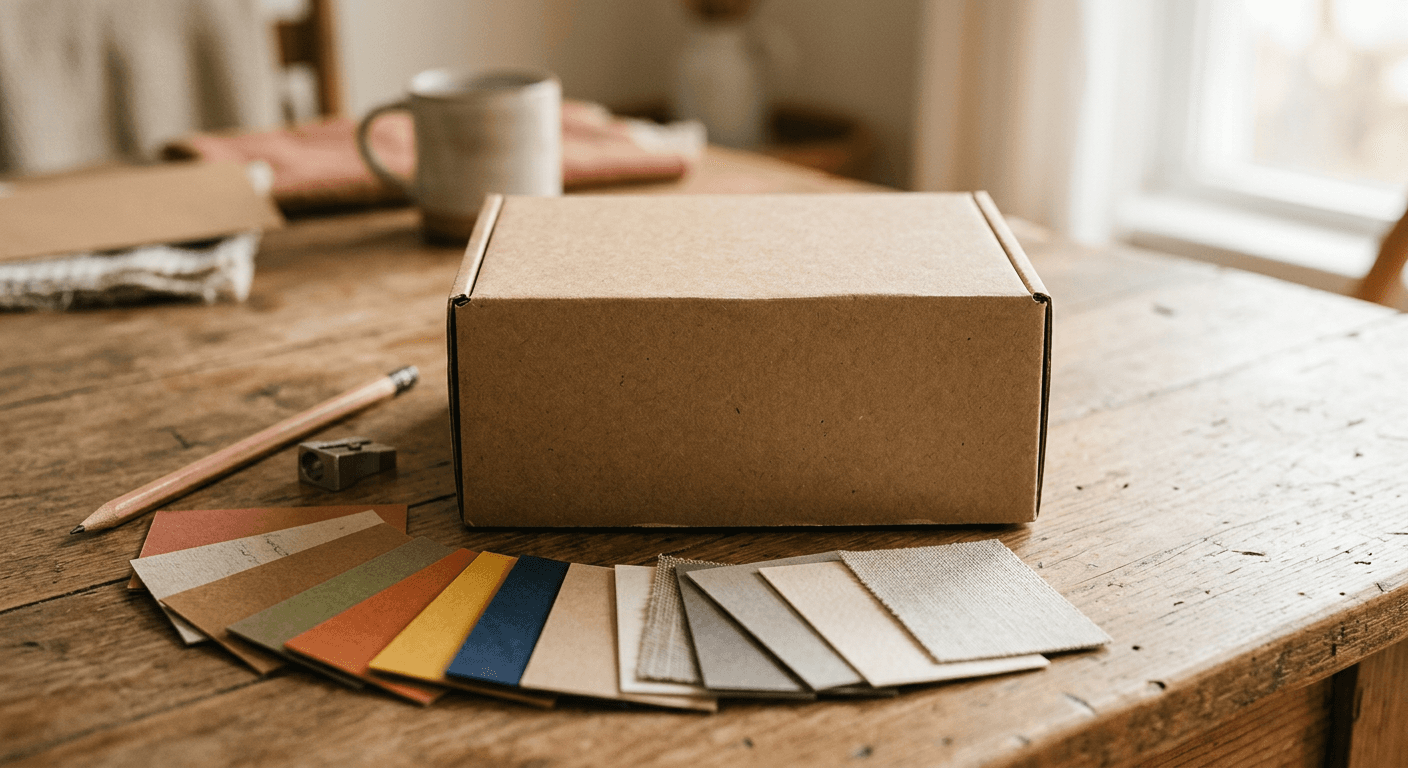
Vertical 9:16 photo, product placed on a real wooden table just after unboxing, natural window light from the side, slightly off-center casual framing rather than a centered product shot, a coffee mug and phone visible at the edge of frame, no studio lighting, no text overlay, authentic amateur photography feel
Prompt 3: Close-up product detail shot
Vertical 9:16 close-up photo, a hand holding the product up close to show texture and detail, soft natural light, shallow depth of field with background softly blurred, slightly imperfect framing as if filmed in one continuous take, no text overlay, no studio lighting
Prompt 4: Reading the included card or instructions
Vertical 9:16 photo, a person's hands holding a small included card or instruction insert close to camera, natural indoor lighting, casual candid framing, slight motion blur suggesting a real handheld shot, no visible face, no text overlay
Prompt 5: Reacting to the product for the first time
Vertical 9:16 video, a person's genuine surprised or pleased reaction while looking at a product just unboxed, natural indoor lighting, handheld camera angle from slightly below eye level as if propped on a table, authentic unposed expression, no text overlay, gender neutral casual clothing
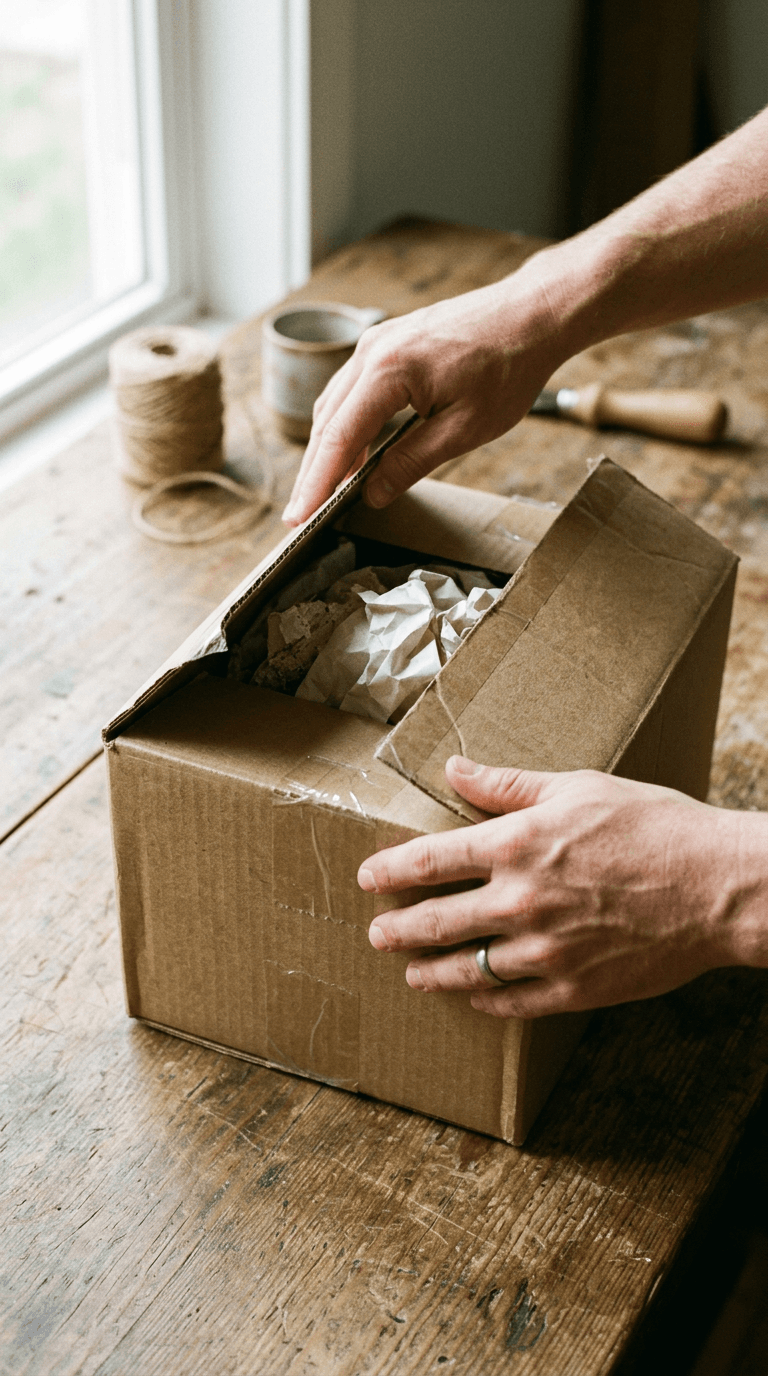
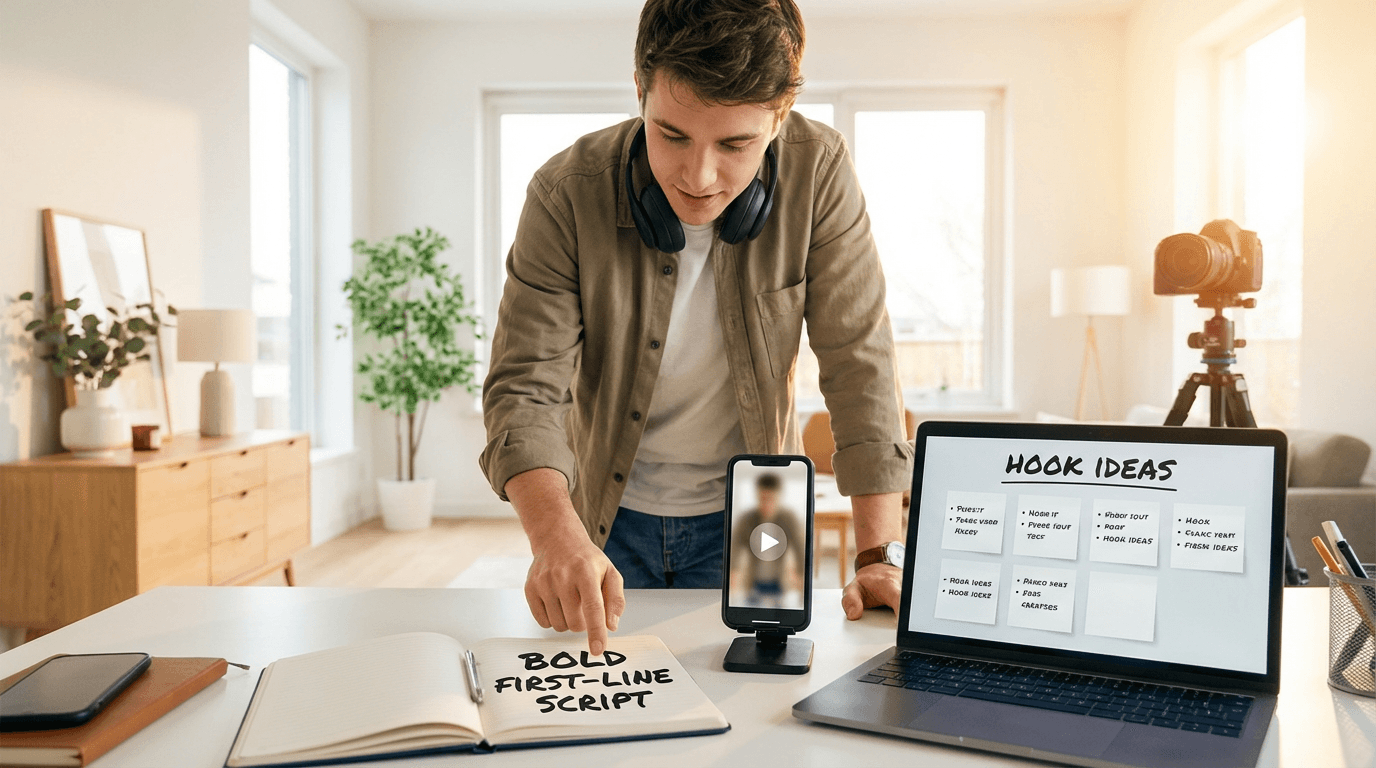
These work especially well as the opening three seconds of a Text2Shorts-style vertical video, since the hook has to land immediately or the scroll continues. If you are building a full script around this moment, AI Prompts for YouTube Hooks has more on writing the line that plays over this exact kind of opening shot.
2) Testimonial and Routine-Style Prompts
Testimonial-style content, someone talking directly about why they use a product, or folding it naturally into a routine, is what makes an ad feel like a recommendation instead of a pitch. The framing has to stay casual and specific, never staged.
Prompt 6: Talking-to-camera testimonial setup
Vertical 9:16 video, a person sitting casually and talking directly to the camera about a product resting on the table in front of them, natural window light, plain home background with visible everyday objects, no ring light or studio setup, authentic talking-head framing, no text overlay
Prompt 7: Product folded into a morning routine
Vertical 9:16 photo, a product naturally placed on a bathroom counter as part of a morning routine, toothbrush and other everyday items visible nearby, soft natural morning light, slightly cluttered authentic counter rather than styled flat lay, no text overlay, no people
Prompt 8: Casual bathroom counter or desk setup shot
Vertical 9:16 photo, casual desk or counter setup with a product resting among everyday items, natural indoor lighting, slightly imperfect arrangement, shallow depth of field, no studio backdrop, no text overlay, no people
Prompt 9: Mid-use, natural candid moment
Vertical 9:16 video, a person using the product naturally mid-task without looking at the camera, natural indoor lighting, handheld camera angle, authentic unposed body language, casual everyday clothing, no text overlay, gender neutral styling
Prompt 10: "Why I switched" comparison framing
Vertical 9:16 video, a person holding up two products side by side while talking to camera, natural window light, casual home setting, authentic comparison gesture, no studio lighting, no text overlay
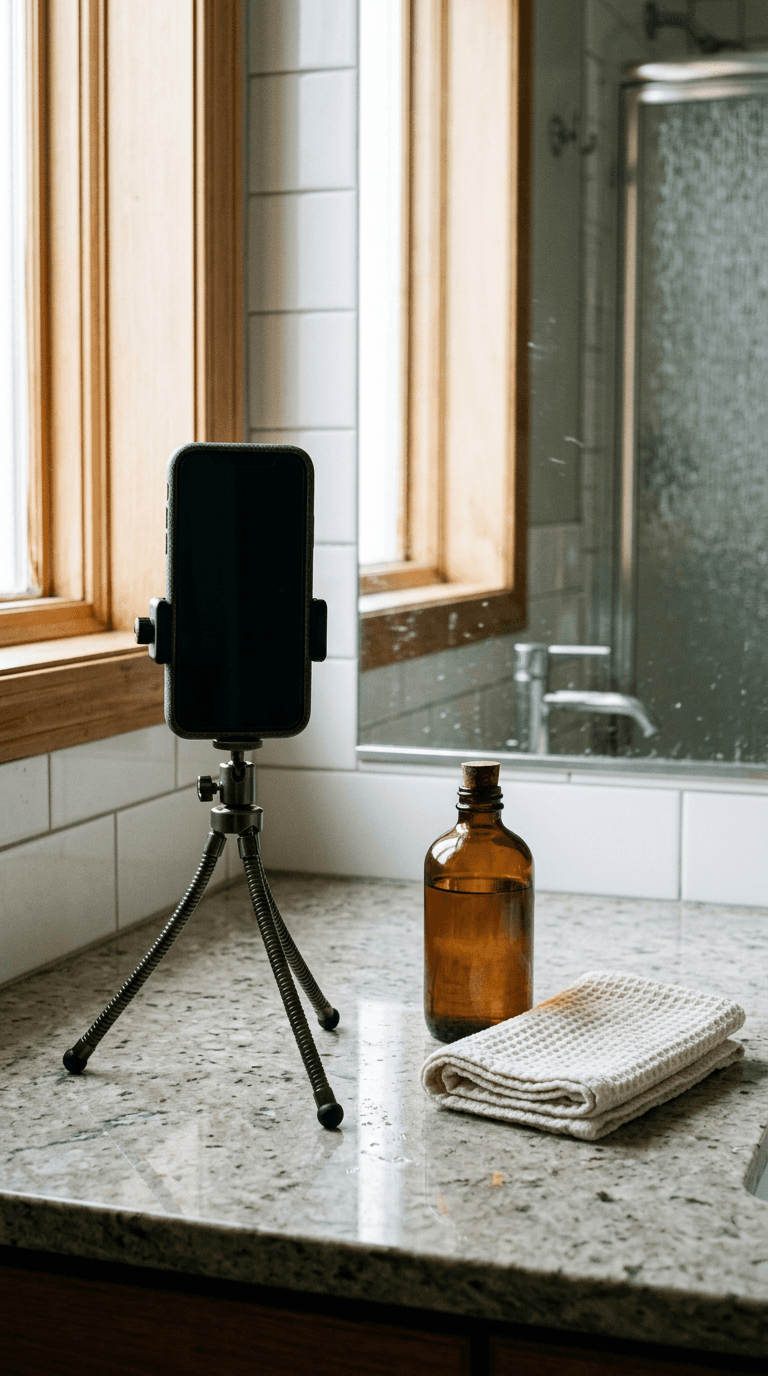
Keep faces gender-neutral and avoid defaulting to one specific look for your "customer," since real UGC creator pools are visibly diverse and an ad that looks like it was cast from a single type reads as staged immediately.
3) Before-and-After and Problem-Solution Prompts
Before-and-after framing works because it makes the value proposition visible instead of stated, and it is one of the easiest formats to storyboard directly from a product's actual claim.
Prompt 11: The "before" problem moment
Vertical 9:16 photo, a candid shot showing the everyday problem or frustration a product solves, natural lighting, authentic unstaged setting, slightly messy or imperfect composition, no text overlay, no people
Prompt 12: The "after" resolved moment
Vertical 9:16 photo, the same setting as a before shot now shown resolved and improved after using the product, matching natural lighting and camera angle for continuity, authentic unstaged feel, no text overlay, no people
Prompt 13: Split-screen style before and after composition
Horizontal 16:9 photo, a single frame divided into two halves showing a clear before and after contrast of the same subject, matching lighting and camera angle across both halves for a believable comparison, no text overlay, no people, realistic detail on both sides
Prompt 14: Problem-solution demo sequence, first frame
Vertical 9:16 video, first frame of a short demo sequence showing a product being used to solve a specific everyday problem, natural handheld camera movement, authentic home or workspace setting, no text overlay, no people speaking to camera
Prompt 15: Relief or satisfaction reaction shot
Vertical 9:16 video, a person's relieved or satisfied reaction after seeing a problem resolved, natural indoor lighting, handheld camera angle, authentic unposed expression, casual clothing, no text overlay, gender neutral styling
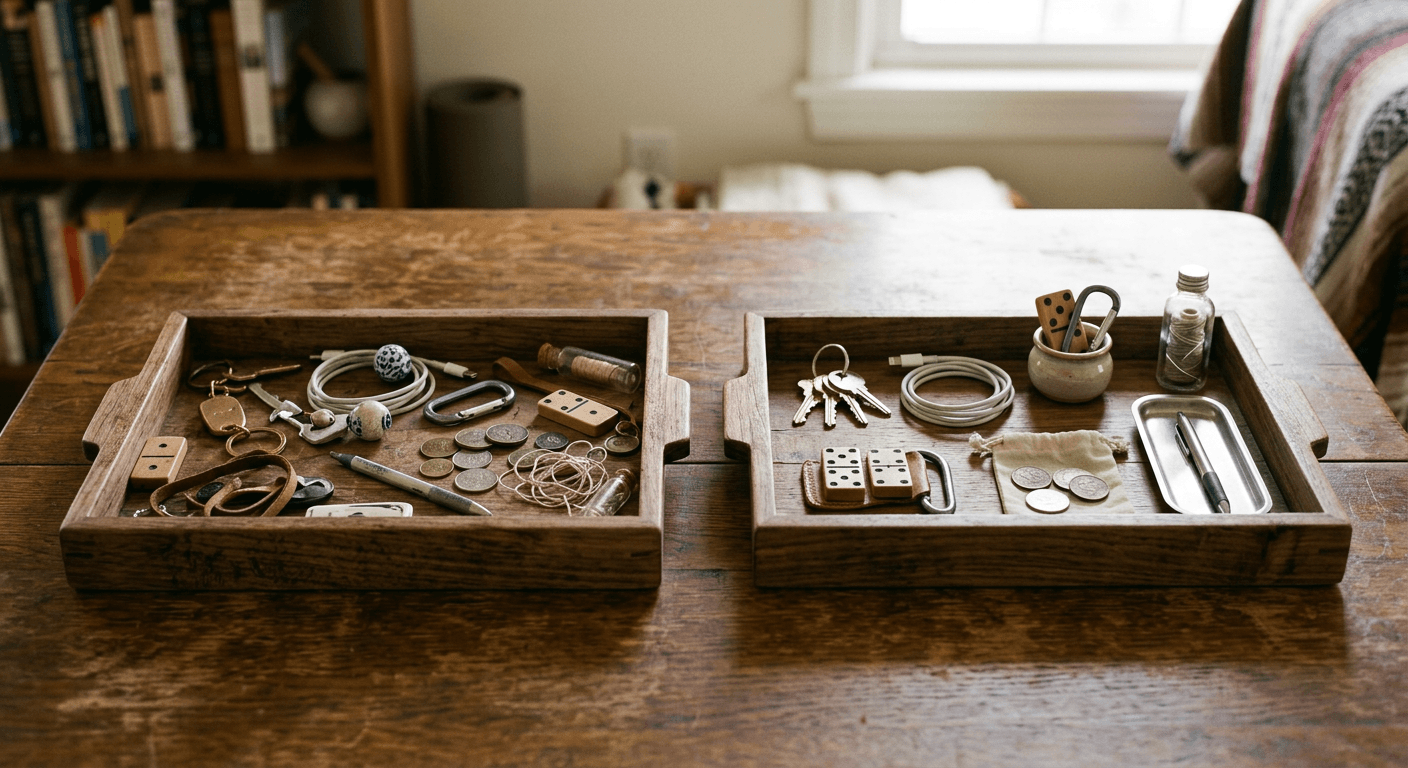
If your product's before-and-after claim is visual and specific, this format tends to outperform testimonial-only content, since it does not ask the viewer to trust a claim, it shows the claim directly. Our guide on AI prompts for product visuals that sell has more detail on framing transformation-style shots specifically for products where a visible before-and-after applies.
4) Everyday Lifestyle and In-Use Context Prompts
The last category is the broadest and often the most reusable: the product shown naturally inside a real moment of someone's day, with no direct pitch at all, just context.
Prompt 16: Product in a real kitchen or living space
Vertical 9:16 photo, a product resting naturally in a real living space or kitchen, warm ambient home lighting, authentic lived-in background details visible, no styled flat lay, no text overlay, no people
Prompt 17: On-the-go, out-and-about context
Vertical 9:16 photo, a product being carried or used out and about in a real outdoor or public setting, natural daylight, authentic candid framing as if filmed while walking, no text overlay, gender neutral casual styling, no readable signage or logos in background
Prompt 18: Shared or gifting moment
Vertical 9:16 video, a candid moment of a product being given as a gift or shared between two people, natural indoor lighting, authentic warm interaction, casual home setting, no text overlay, gender neutral styling
Prompt 19: Product on a desk or workspace, in-use
Vertical 9:16 photo, a product resting naturally on a real work desk beside a laptop and everyday work items, soft natural window light, authentic slightly cluttered desk rather than a styled flat lay, no text overlay, no people
Prompt 20: End-of-day, wind-down context
Vertical 9:16 photo, a product placed naturally in a calm evening wind-down setting, warm dim ambient lighting, authentic cozy home details visible, no styled flat lay, no text overlay, no people
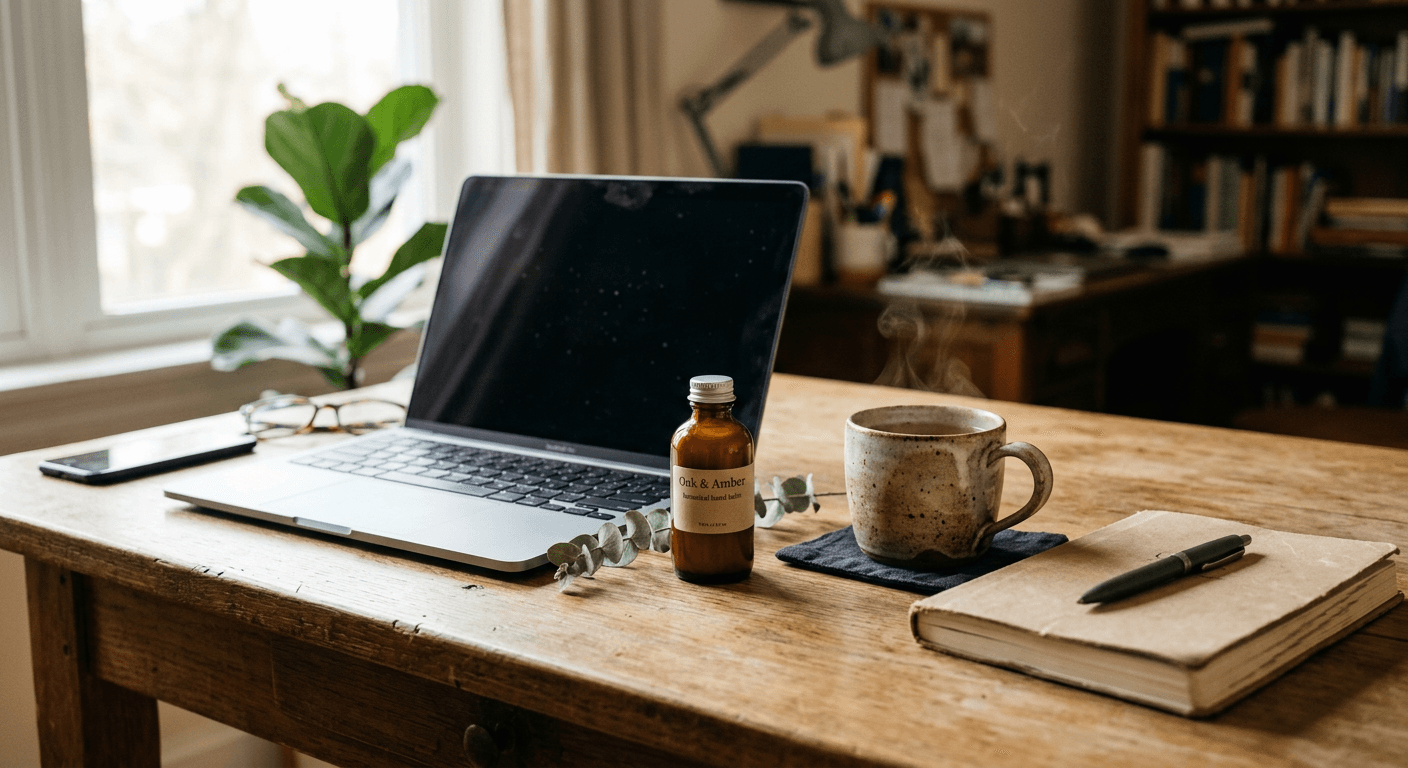
Lifestyle context shots are the ones worth generating in the most variety, since they are what fills out a full Meta Ads or TikTok Ads asset group across multiple placements and aspect ratios without repeating the same single hero shot everywhere.
How to Customize These Prompts for Your Product
Every prompt above is written as a template, not a finished, product-specific prompt. Before generating, swap in:
- The actual product name, category, and one or two real physical details (color, shape, packaging material), since a vague prompt produces a generic-looking product that will not match what you are actually advertising.
- A specific setting that matches your actual customer, not a stock "aspirational" setting that reads as fake. A skincare product shot in a spotless marble bathroom reads as staged; the same product on a slightly cluttered real counter reads as authentic.
- The aspect ratio for the specific placement you are producing for, square for Meta feed, vertical for Reels, TikTok, and YouTube Shorts, and horizontal only for placements that specifically call for it.
- A consistent "customer" look across a single campaign's set, if you are producing multiple shots meant to feel like the same person's day, while still rotating who that person is across different campaigns so your overall ad library does not read as one repeated face.
For short-form video specifically, Text2Shorts in Miraflow AI can take a product description and turn it into a full scripted vertical video, scene visuals, voice, and all, which is useful once you have validated which of the still-image prompts above performs best and want to build a fuller video version around it.
Common Mistakes Brands Make With AI UGC Content
- Making it too polished. The entire point of the format is that it does not look like a studio shoot. Even a genuinely great AI-generated image can undercut itself if the lighting and composition read as too perfect for the format.
- Using the same face or setting across every single ad in an account. Viewers, and increasingly ad platforms' own creative fatigue detection, both notice repetition fast. Vary the person, setting, and framing across your asset library.
- Skipping the product-accuracy pass. If the AI-generated product does not match your actual packaging, color, or shape closely enough, viewers who click through and see the real product will feel misled, which hurts trust more than a slightly imperfect ad helps performance.
- Forgetting platform-specific aspect ratios. A single 1:1 image stretched into every placement performs worse than assets generated natively for each ratio a campaign actually needs.
- Treating this as a replacement for real customer testimonials entirely. AI-generated UGC-style content is best used to fill production gaps and test more concepts faster, not as a full substitute for genuine customer content when you have it available.
Where This Fits Inside Miraflow AI
The AI Image Generator in Miraflow AI supports text-to-image generation, image-to-image editing, and inpainting, so once you have a still frame you like, you can mask and adjust just the packaging color, background detail, or product angle without regenerating the whole scene. The cinematic AI video generator turns the same prompts into short video clips for Reels, TikTok, and YouTube Shorts placements. If your UGC-style ads are driving traffic you want to repurpose as organic content too, AI Clipping can pull the strongest moments out of longer video for that reuse automatically. Explore the full workflow from idea to finished asset at Miraflow AI.
If you are building out a broader Google Ads creative set alongside these, our breakdown of Performance Max's 2026 asset group controls and our guide to AI prompts for Google Ads display banners are both useful companion reads for filling out the rest of a campaign's creative beyond UGC-style video and stills.
Frequently Asked Questions
Is AI-generated UGC content allowed on Meta Ads and TikTok Ads? Yes, provided it follows each platform's standard ad content policies the same way any other creative does. Neither platform requires content to be literally filmed by a real customer to run as an ad, though disclosure requirements can apply depending on how the content is presented and your specific market's regulations, so check current platform policy for your account.
Does AI-generated UGC-style content actually perform as well as real creator content? Well-executed AI-generated content built around the same principles that make real UGC work, authentic framing, specific product detail, non-studio lighting, can perform strongly in testing. It is best treated as a way to test more concepts faster and fill production gaps, not necessarily a wholesale replacement for real creator partnerships once you have identified what is working.
What aspect ratio should I generate these prompts in? Match the placement. Square 1:1 works broadly across Meta feed, vertical 9:16 is required for Reels, TikTok, and YouTube Shorts, and horizontal 16:9 is only needed for placements that specifically call for landscape video.
How many variations should I generate per prompt? Generate several variations of your strongest 4 to 6 prompts rather than one version of all 20. Ad performance testing rewards volume within your best-performing concepts more than breadth across every possible format.
Can I use these prompts for a service business, not just a physical product? Yes, with adaptation. Swap the physical product references for a moment of the service being used or its result, a completed project, a client reaction, a workspace mid-task, and the same unboxing, testimonial, before-after, and lifestyle categories still apply.
Do I need real people in every one of these prompts? No. Several of the categories, especially unboxing detail shots and lifestyle context shots, work well as product-only compositions with hands or partial framing rather than a full face, which also simplifies staying gender-neutral and avoiding any one repeated look across your ad library.
Conclusion
UGC-style ads are not a trend brands can wait out. The format has become the baseline expectation for paid creative across Meta, TikTok, and increasingly Google Ads, and the brands winning with it are the ones producing enough authentic-feeling variety to keep testing and refreshing their creative without burning through a full production budget every time. These 20 prompts, split across unboxing, testimonial, before-and-after, and lifestyle formats, are a starting library, not a finished campaign. Swap in your real product details, keep the framing casual and specific, and generate enough variety across settings and people that your ad account does not start to feel repetitive to the same audience seeing it several times.