17 AI Prompts for the Imperfect Film Grain Photo Trend Taking Over 2026 (Copy & Paste)

Written by
Aerin Kim
Film grain searches are up 31 percent as creators fight AI-photo fatigue with deliberate imperfection. 17 copy-paste prompts for grainy, candid, human-feeling photos.
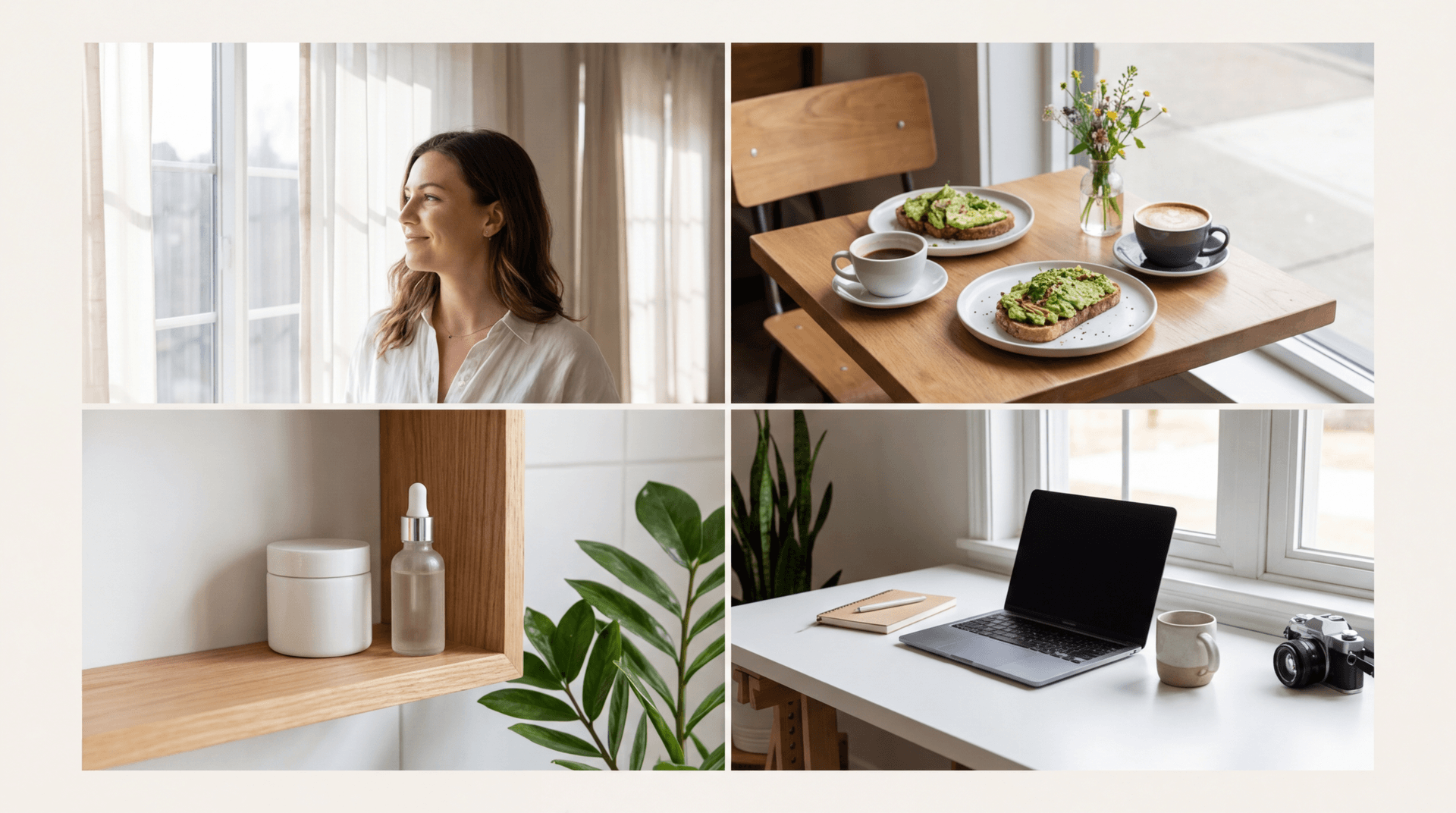
If every photo on your feed already looks like it came out of the same AI image generator, smooth skin, flawless lighting, perfectly centered composition, you already know the problem. Audiences are pushing back against exactly that look. Film grain searches on stock and asset platforms are up 31 percent in the past month alone as creators actively hunt for ways to make their photos feel less machine-made and more human, according to trend reporting from Envato's design team, and multiple photography publications are calling deliberate imperfection the defining photo trend of 2026.
This is a real, corroborated shift, not a one-site rumor. Digital Camera World has been tracking the rise of film-emulation apps that add blur and grain back into otherwise perfect digital photos as a direct "antidote to AI imagery." Fstoppers has written about "less perfection, more human" as the defining 2026 photography trend, driven by audiences tired of the same over-polished, AI-generated face. And design trend coverage from Studio 2am has grouped grainy, naive, and deliberately imperfect aesthetics under a broader "anti-AI" pushback that spans photography, illustration, and graphic design alike.
The good news for anyone using AI image tools is that you do not have to choose between AI convenience and this analog, human-feeling look. You can prompt for it directly. This post groups 17 ready-to-use prompts for the imperfect film aesthetic, covering candid portraits, everyday objects, nature and travel scenes, and flash photography, plus how to actually get consistent grain, blur, and warmth out of an AI image generator instead of a flat, generic filter. These are written to work directly inside the AI Image Generator in Miraflow AI, where you can generate the base scene and then run it back through image-to-image editing to push the grain and imperfection further.
Why This Trend Is Happening Right Now
AI image models are trained heavily on retouched, professionally lit stock photography, so their default output leans toward the same over-polished look: smooth skin, flat even lighting, uniform sharpness across the whole frame. That default look was novel for about two years. Now it is instantly recognizable, and recognizable means skippable in a feed. Deliberate imperfection, grain, blur, faded color, an off-center crop, works precisely because it signals "a person took this," even when a person did not.
This is also not a brand new idea invented in 2026. It is the same instinct behind the earlier viral flash-filter trend, which leaned specifically into harsh direct-flash Y2K digicam photography (we covered that specific look in detail in our flash filter prompt pack). The grain and imperfection trend is broader than any one specific camera style. It covers film grain, motion blur, faded scans, light leaks, and off-kilter framing, all pointing at the same underlying goal: photos that read as unedited and real rather than generated and perfect.
How to Actually Prompt for This Look
A few technique notes before the prompt list, since a generic "add film grain" instruction tends to produce a flat digital filter rather than a convincing analog look.
- Name a specific film or camera format in spirit, even loosely, like "35mm film grain" or "instant film print," rather than just saying "vintage," which AI models interpret inconsistently.
- Ask for imperfection with intent: a slight light leak, a soft focus at the edges, a faint scratch, motion blur on one element. Naming the specific imperfection produces a more convincing result than a vague "make it look old."
- Describe the lighting honestly. Real film photos are often slightly underexposed or unevenly lit, not studio-perfect, so include phrases like "warm afternoon light" or "slightly underexposed" instead of "bright and clear."
- Keep the subject and composition candid rather than posed. A centered, symmetrical, direct-eye-contact composition reads as staged no matter how much grain you add on top.
1) Candid Portrait and People Prompts
These lean into unposed, natural moments rather than a straight-on portrait, which is what makes the grain and blur feel authentic instead of like a filter slapped onto a studio shot.
Prompt 1: Candid Friends at a Cafe
Candid photo of two people laughing mid-conversation at an outdoor cafe table, one slightly out of focus, visible 35mm film grain, warm late afternoon light, slightly overexposed highlights, a small light leak in the top right corner, unposed natural body language, true analog photo texture
Prompt 2: Candid Walk
Candid over-the-shoulder photo of someone walking down a tree-lined sidewalk carrying a tote bag, motion slightly blurred, visible film grain, muted autumn color palette, soft afternoon shadows, no direct eye contact with camera, true analog snapshot feel
Prompt 3: Window Light Silhouette
Portrait silhouette of a person sitting by a window with soft natural backlight, face partially in shadow so features are not sharply defined, visible film grain, warm amber tone, slightly underexposed for mood, true 35mm film texture
Prompt 4: Hands and Coffee
Close-up photo of two hands holding a ceramic mug of coffee on a wooden table, visible film grain, warm morning light streaming in from the side, slightly soft focus at the edges, faded vintage color grading, true analog photo texture
2) Everyday Object and Still Life Prompts
Object and still-life shots are the easiest starting point if you want to test the aesthetic without generating a face at all, and they work well for lifestyle and personal brand content.
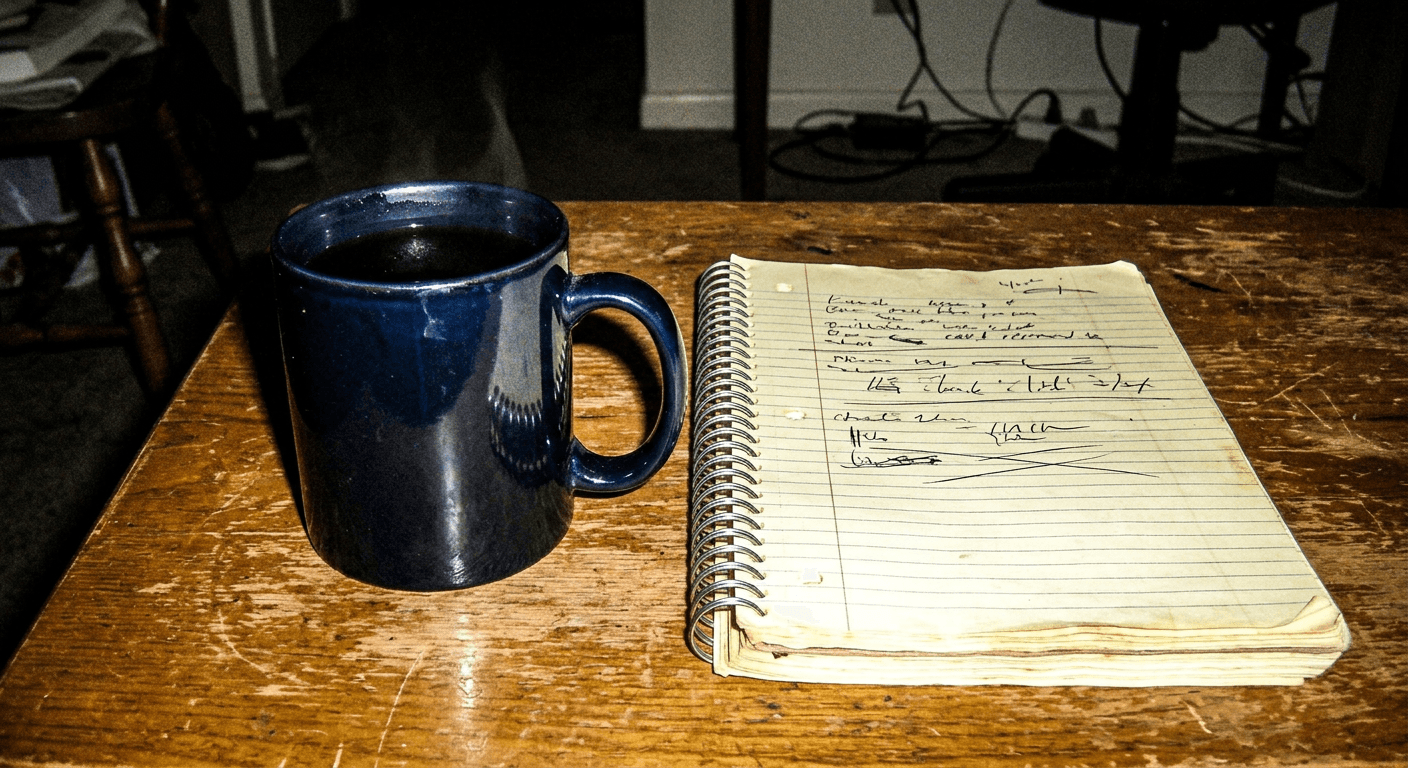
Prompt 5: Cluttered Desk Flat Lay
Flat lay photo of a cluttered desk with an open notebook, a pair of glasses, and a half-finished cup of tea, visible film grain, slightly cool overcast lighting, faded color tone, small dust specks visible like a scanned print, true analog texture
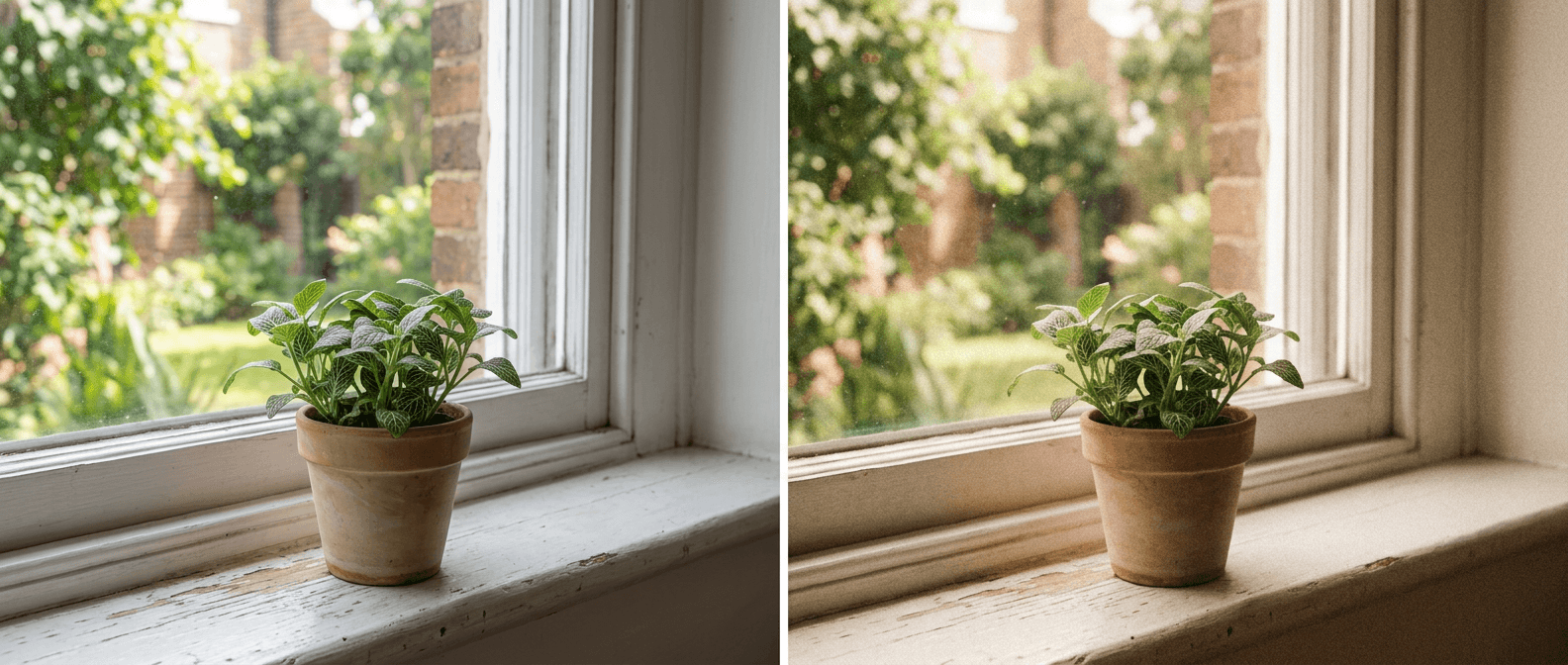
Prompt 6: Windowsill Plant
Photo of a single houseplant on a windowsill catching afternoon light, visible film grain, warm golden color cast, subtle soft focus, a faint scratch mark across one corner like an old print, true analog film texture
Prompt 7: Bicycle Against a Wall
Photo of a bicycle leaning against a brick wall, visible film grain, muted faded colors, slightly underexposed shadows, soft vignette at the edges, true 35mm point-and-shoot camera texture
Prompt 8: Home-Cooked Meal
Photo of a simple home-cooked meal on a plate at a kitchen table, visible film grain, warm tungsten lighting with a slight yellow cast, soft focus at the edges of the frame, true analog snapshot texture
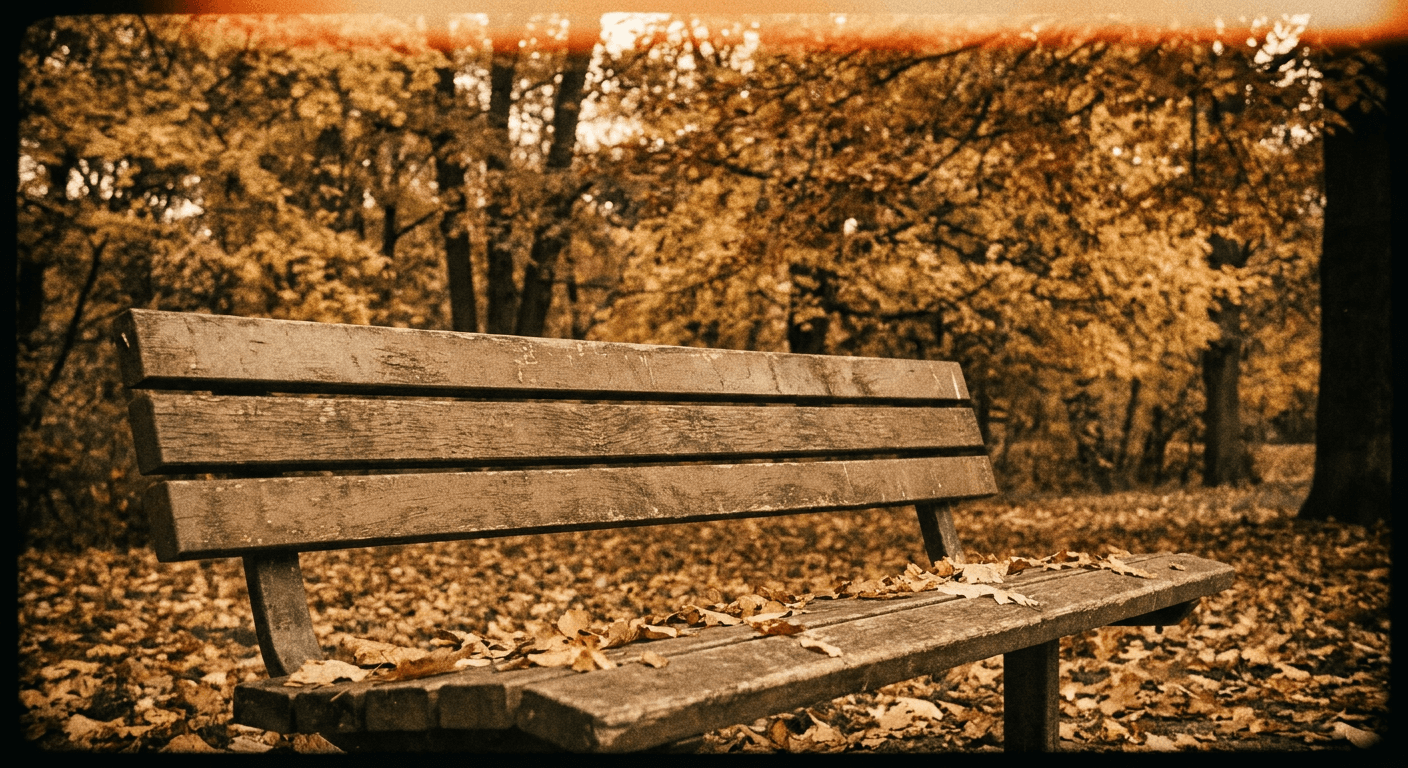
3) Nature and Travel Prompts
Landscape and travel shots benefit especially from the faded, slightly hazy version of this look, since it reads as a real film scan rather than an obviously enhanced digital landscape photo.
Prompt 9: Forest Trail
Photo of a hiking trail through tall trees with sunlight breaking through the canopy, visible film grain, warm lens flare streak crossing the frame, slightly desaturated greens, true analog film texture
Prompt 10: Bare Feet on the Beach
Photo of bare feet standing at the edge of the ocean where waves meet sand, visible film grain, faded pastel color tone, a soft light leak along the bottom edge, true analog beach snapshot texture
Prompt 11: Mountain Golden Hour
Wide photo of a mountain landscape at golden hour, visible film grain, warm orange and pink sky tones, slightly hazy atmosphere, true analog travel-photo texture, no oversharpened digital clarity
4) Flash and Digicam Prompts
This subgroup leans into the harsher, higher-contrast cousin of the trend, direct on-camera flash with visible digital noise, which reads as an early-2000s point-and-shoot photo rather than a soft film scan. Use these when you want something punchier and more nightlife-coded than the warm, faded prompts above.
Prompt 12: Flash Party Photo
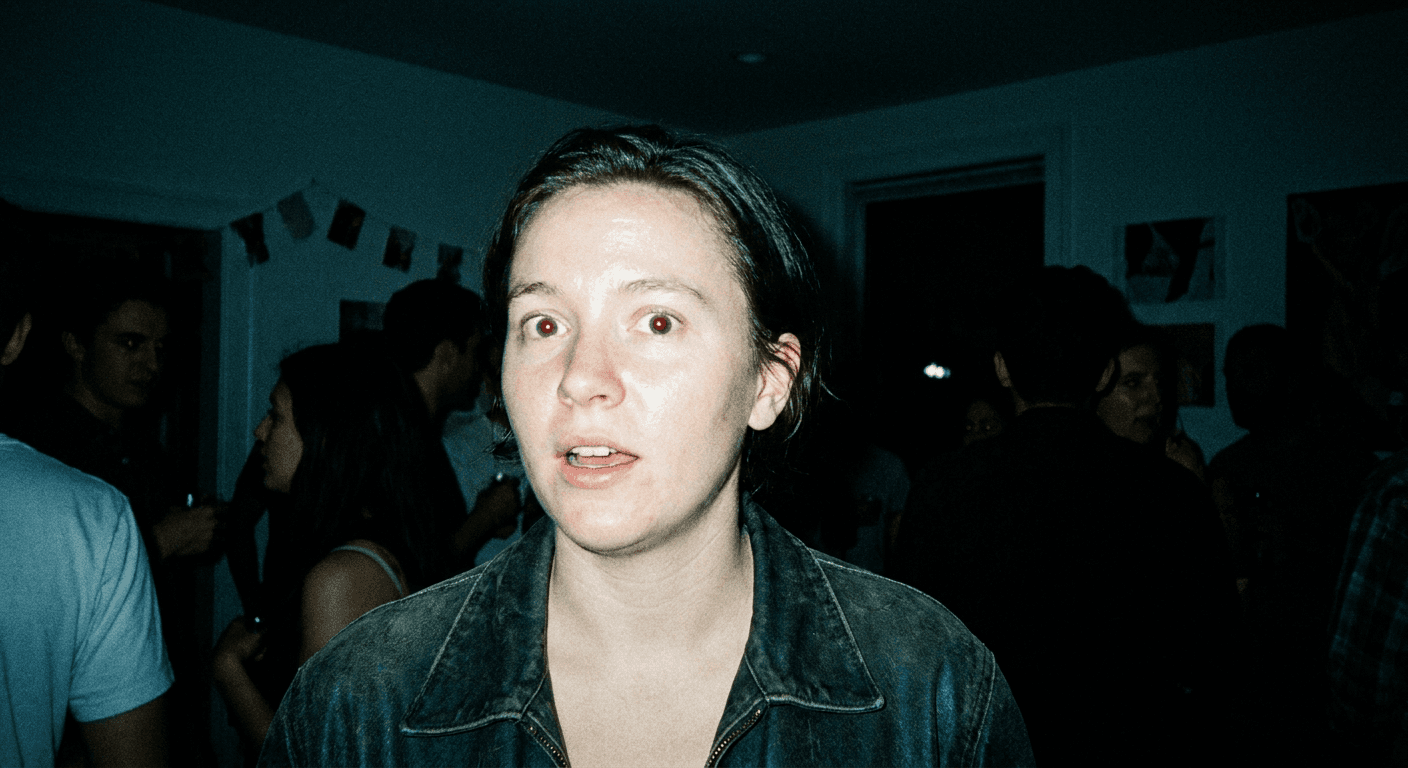
Photo of a small group at a house party lit only by direct camera flash, glossy skin highlights, deep black shadows behind the subjects, visible digital noise, early 2000s digicam aesthetic, candid unposed moment
Prompt 13: Mirror Selfie
Mirror selfie style photo with the camera itself visible reflected in a bathroom mirror, harsh direct flash, glossy highlights, visible timestamp-style corner watermark area left blank, early 2000s digital camera aesthetic
Prompt 14: Night Street Flash
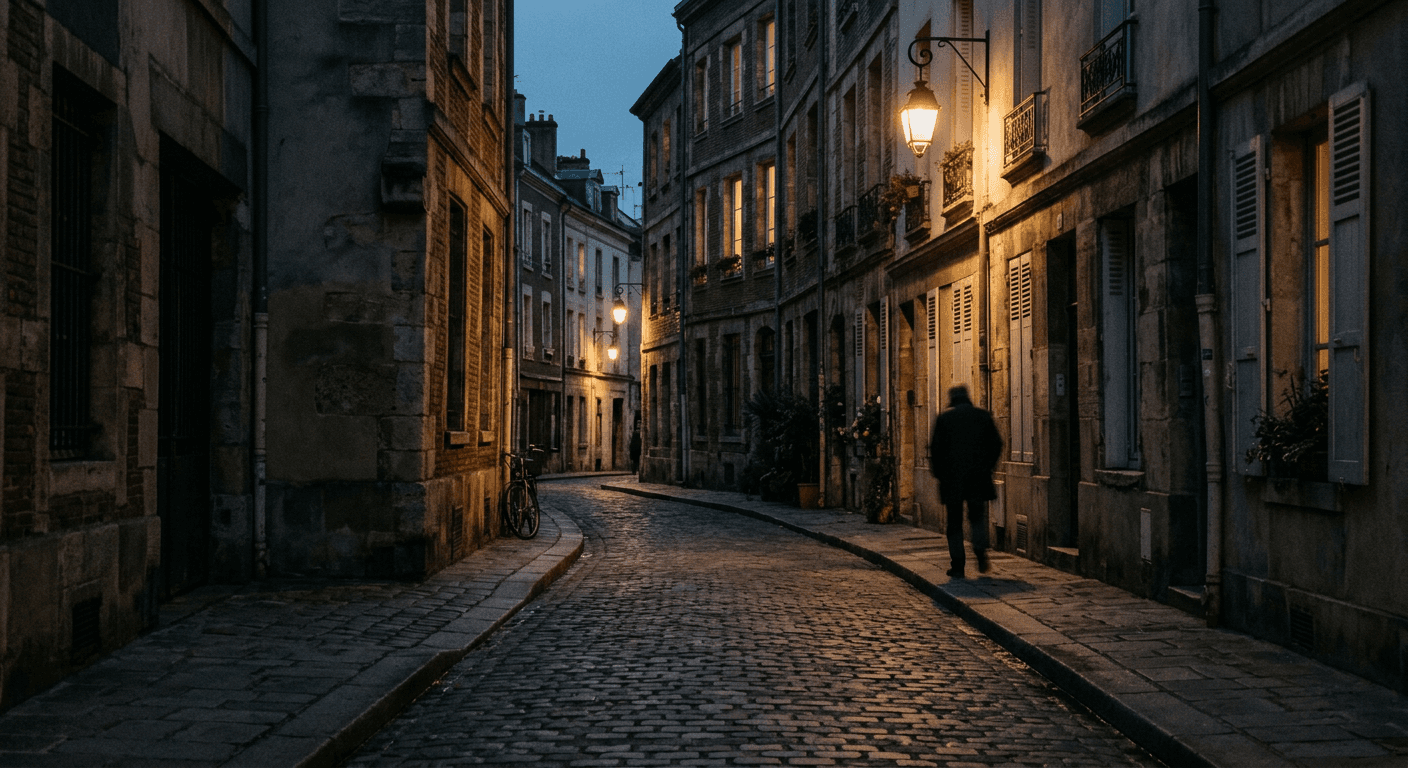
Photo of a city street at night lit by direct camera flash, bright glossy foreground subject fading into dark background, visible sensor grain, early 2000s point-and-shoot digicam aesthetic
5) Instant Film and Layered Prompts
A few prompts here go a step further, borrowing instant-film borders and double-exposure layering for a more distinctly analog, scrapbook-style output.
Prompt 15: Instant Film Border
Photo styled like an instant film print with a white border frame, slightly faded and warm-toned image of a small table setting with flowers, visible grain and soft focus, authentic instant-camera texture, no digital sharpness
Prompt 16: Double Exposure
Double exposure style photo blending a city skyline faintly overlaid on a close-up of tree branches, visible film grain throughout, warm faded color palette, true analog double-exposure texture, no clean digital blending
Prompt 17: Scattered Instant Print Stack
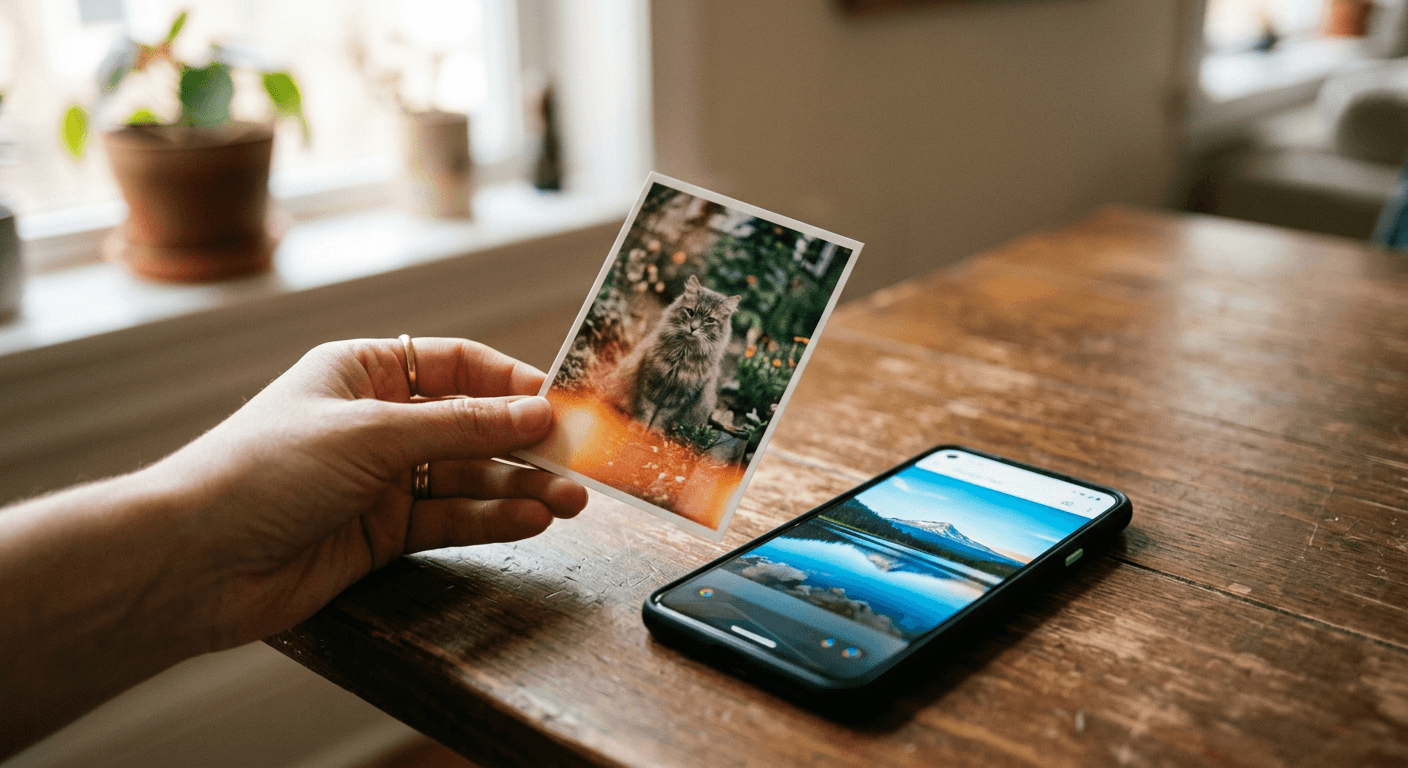
Photo of a small stack of instant-film-style prints scattered on a wooden table, each print showing a different faded, grainy everyday scene, warm overhead lighting, true analog print texture, no digital sharpness
How to Customize These Prompts
Every prompt above is a starting point, not a fixed formula. A few reliable ways to adapt them:
- Swap the subject but keep every technical descriptor (grain, light leak, exposure, focus) exactly as written. The technical language is what carries the aesthetic, not the subject matter.
- Dial the imperfection up or down by adjusting one variable at a time, more or less grain, more or less blur, so you can find the exact point where it still reads as intentional rather than accidental.
- Layer a second pass. Generate the base image first, then run it back through the AI Image Generator's image-to-image and editing tools on Miraflow to push the grain, warmth, or light leak further without regenerating the whole composition from scratch.
- If a result comes back too clean, add a specific film stock reference in spirit, like "consumer point-and-shoot film" versus "professional slide film," since AI models respond differently to different implied source material.
Common Mistakes Creators Make With This Trend
- Overdoing the grain until it looks like static instead of texture. Real film grain is subtle at normal viewing size, not a visible noise overlay.
- Applying grain to an otherwise studio-perfect composition. The lighting, framing, and pose all need to feel candid too, or the grain reads as a filter rather than a genuine analog photo.
- Using the exact same intensity of imperfection on every single post. Real film photography varies shot to shot depending on light and film stock, and visible variation is part of what sells the authenticity.
- Forgetting this trend is a reaction to AI perfection, and then posting a caption that explicitly says "made with AI," which undercuts the entire point of the aesthetic for an audience specifically fatigued by that disclosure.
- Skipping the object and still-life prompts and only trying portraits. Some of the most convincing results in this trend are everyday scenes with no person in them at all.
Where This Fits Inside Miraflow AI
All of the prompts above are built to run directly inside the AI Image Generator in Miraflow AI, which supports both text-to-image generation for a fresh scene and image-to-image editing if you want to push an existing photo further into this aesthetic without starting over. If your goal is a Reel or Short built around this look rather than a single photo, Text2Shorts can turn a topic into a full vertical video using the same visual direction, and the YouTube Thumbnail Maker works well for applying this same imperfect, human-feeling look to a thumbnail that needs to stand out from the usual polished competition in a crowded feed. If you want a deeper technical breakdown of how to structure prompts for consistent results across a whole batch, our guide to Nano Banana JSON prompting is worth a look, and if this specific harsher flash-photography style caught your eye, our flash filter prompt pack goes deeper on that exact variation. For a broader set of realism-focused prompts beyond this specific film-grain angle, see 50 Nano Banana prompts that look like real photos. You can browse more prompt packs like this one on the Miraflow AI blog.
Frequently Asked Questions
Why are people trying to make AI photos look worse on purpose? It is a direct response to AI image fatigue. Audiences have gotten very good at spotting the smooth, over-polished default look of most AI generators, so intentional imperfection, grain, blur, faded tone, signals "this looks real" even when the image was still generated with AI.
Does this trend only apply to portraits? No. Some of the strongest examples are everyday objects, food, plants, desks, bicycles, since those avoid any risk of an uncanny AI face and still carry the analog, human-feeling texture people are responding to.
What is the difference between this and the flash filter trend? The flash filter trend is one specific technique within this broader movement, harsh direct camera flash and a Y2K digicam look. This trend covers that plus softer film grain, light leaks, motion blur, and instant-film framing, which read as calmer and more candid than a direct flash shot.
Can I use these prompts for a whole content series and keep it consistent? Yes. Keep the same technical descriptors (grain type, exposure style, color tone) across every prompt in the series and only vary the subject, which is exactly what the customization section above walks through.
Will this trend still be relevant next year? Photography trend coverage frames this as a structural response to AI saturation rather than a short-lived meme, so as long as AI-generated images keep flooding feeds, some version of the deliberate-imperfection aesthetic is likely to keep resurfacing in new forms.
Conclusion
The imperfect film grain trend works because it does the opposite of what most people assume AI image tools are for. Instead of chasing maximum polish, it deliberately reintroduces the texture, blur, and unevenness that make a photo feel like a real moment someone actually captured. With 17 tested prompts across portraits, objects, nature, flash photography, and instant-film framing, you have enough starting points to build an entire consistent visual identity around this look rather than a single one-off post. Generate the base scene, push the imperfection further with a second editing pass, and keep the technical language (grain, light leaks, exposure) consistent across your whole feed so the aesthetic reads as a deliberate style rather than a random filter. If you are building out a content calendar around this look, our guide on building a consistent AI thumbnail style covers the same consistency principles applied to thumbnails specifically.