Free AI Logo Generator: Create a Professional Brand Logo with AI in Under 60 Seconds

Written by
Jay Kim
Create a professional brand logo with AI for free — 5 free generations, no credit card required. Step-by-step guide to Miraflow's free AI Logo Generator — choose from 15 style templates (minimalist geometric, elegant serif luxury, organic natural, bold athletic, vintage heritage, and more), write a simple prompt with your brand name, industry, colors, and mood, generate, download, and refine. Designed for startup founders, small business owners, freelancers, designers, agencies, and anyone who needs a polished logo without the traditional timeline and budget.
A logo is usually the first visual element anyone encounters when they meet your brand, on a website header, a social media profile, a business card, a product label, an invoice. It carries an outsized amount of weight for something that is, at its core, a small piece of graphic design. And yet the traditional process of getting one made is slow, expensive, and full of friction. Hire a freelance designer and you are looking at a few hundred to a few thousand dollars and a timeline measured in weeks. Use a template-based logo maker and you get something that looks like it came from a template-based logo maker. Try to design one yourself without a background in visual design and you end up fighting with tools that were not built for you.
The Miraflow AI Logo Generator eliminates that tradeoff — and your first five logos are completely free. Describe your brand in a sentence, choose a style direction if you want one, click generate, and have a clean, professional, brand-ready logo in under sixty seconds. No credit card. No signup fee. No watermarked preview that holds your logo hostage until you pay. Five full generations, free, with full download access.
This guide walks through exactly how the tool works, what each of the fifteen style templates looks like and when to use it, how to write prompts that produce strong results on the first try, and how to refine and iterate once you have a starting point you like.
Who This Is For
The free AI Logo Generator is designed for anyone who needs a professional logo without the traditional timeline and budget. That includes startup founders building a brand identity from scratch before a launch, small business owners who need a clean logo for a storefront, website, or product line, freelancers and solo consultants who want a polished personal brand mark, content creators and social media operators who need a recognizable profile image and channel identity, agencies and designers who want to generate rapid concept explorations for client work, side-project builders and indie hackers who need a logo for an app, a landing page, or a newsletter, and nonprofit and community organizers working with zero design budget.
If you have a brand name and a rough sense of what you want, the tool can produce a finished logo in the time it takes to write a sentence.
How the AI Logo Generator Works
Free to start: 5 logo generations at no cost. Every new user gets five free logo generations — enough to explore multiple style templates, test different prompts, compare variations, and download finished logos without spending anything. No credit card is required to start. If you need more generations beyond the initial five — for further exploration, additional brands, or ongoing creative work — affordable paid plans unlock unlimited generation capacity. But five free logos is often enough to walk away with exactly the logo your brand needs.
The generation process has three steps. Each one is simple on its own, and together they take less than a minute.
Step 1 — Choose a Style Template (or Don't)
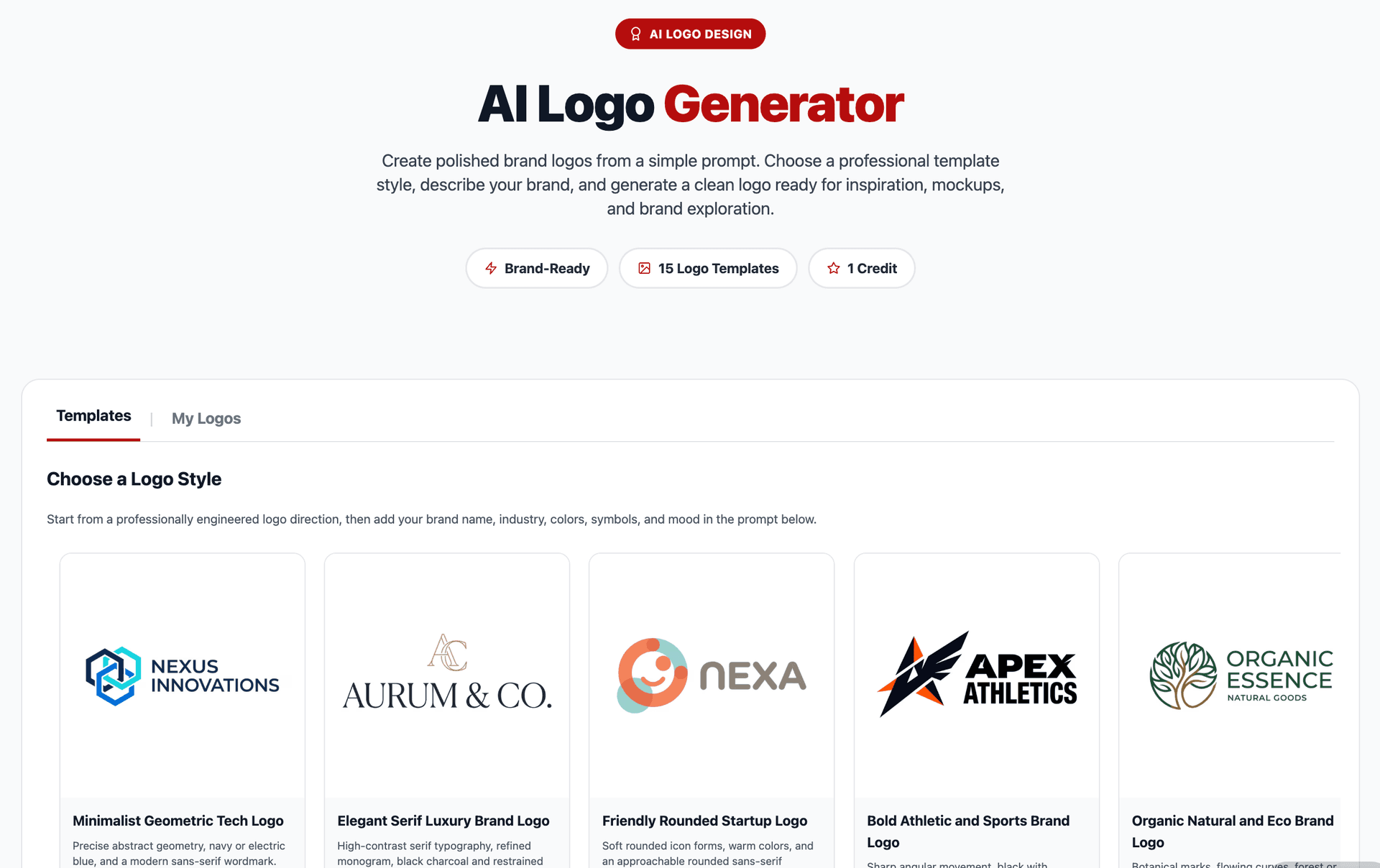
The tool offers fifteen distinct style templates. Each one represents a coherent visual direction — a combination of shape language, typography style, spatial composition, line weight, and overall aesthetic character. You can select one before generating to guide the AI toward a specific look, or you can skip the selection entirely and let the AI infer a style direction from your prompt.
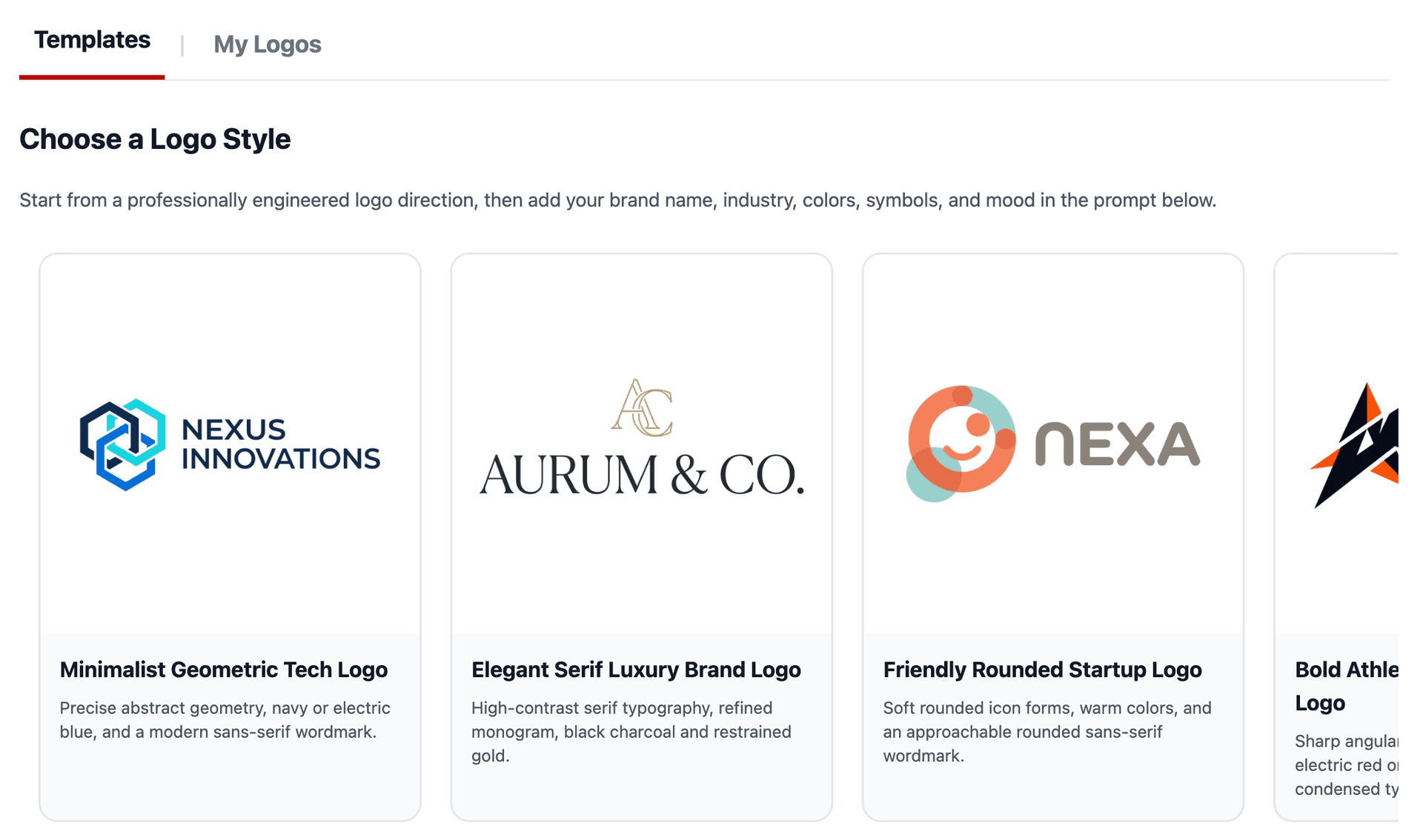
The fifteen templates are:
Minimalist Geometric. Clean shapes, sharp edges, minimal detail. Circles, squares, triangles, and abstract geometric forms arranged with generous whitespace. This is the template for brands that want to communicate precision, modernity, and simplicity. Think fintech, SaaS, architecture firms, or any brand where visual restraint signals confidence. The logos it produces tend to be highly versatile — they scale down to a favicon without losing legibility and look equally clean on a white background or a dark one.
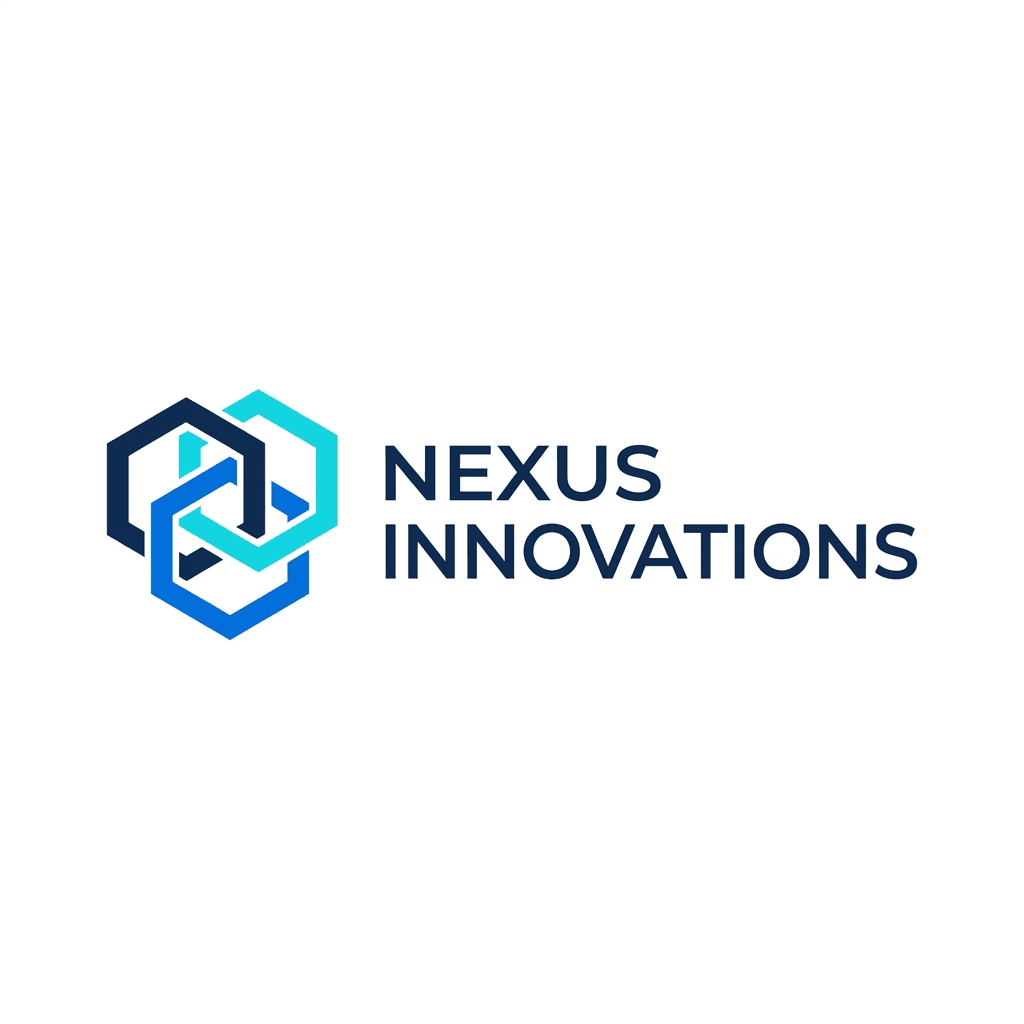
Elegant Serif Luxury. Refined serif letterforms, thin strokes, classical proportions. This template produces logos that feel expensive and established. It is the right choice for premium consumer brands, high-end hospitality, fine dining, luxury retail, jewelry, fashion houses, or any business where the brand identity needs to communicate heritage, taste, and exclusivity. The typography is the centerpiece — expect sophisticated letter spacing, sometimes with a subtle monogram or crest element integrated into the mark.
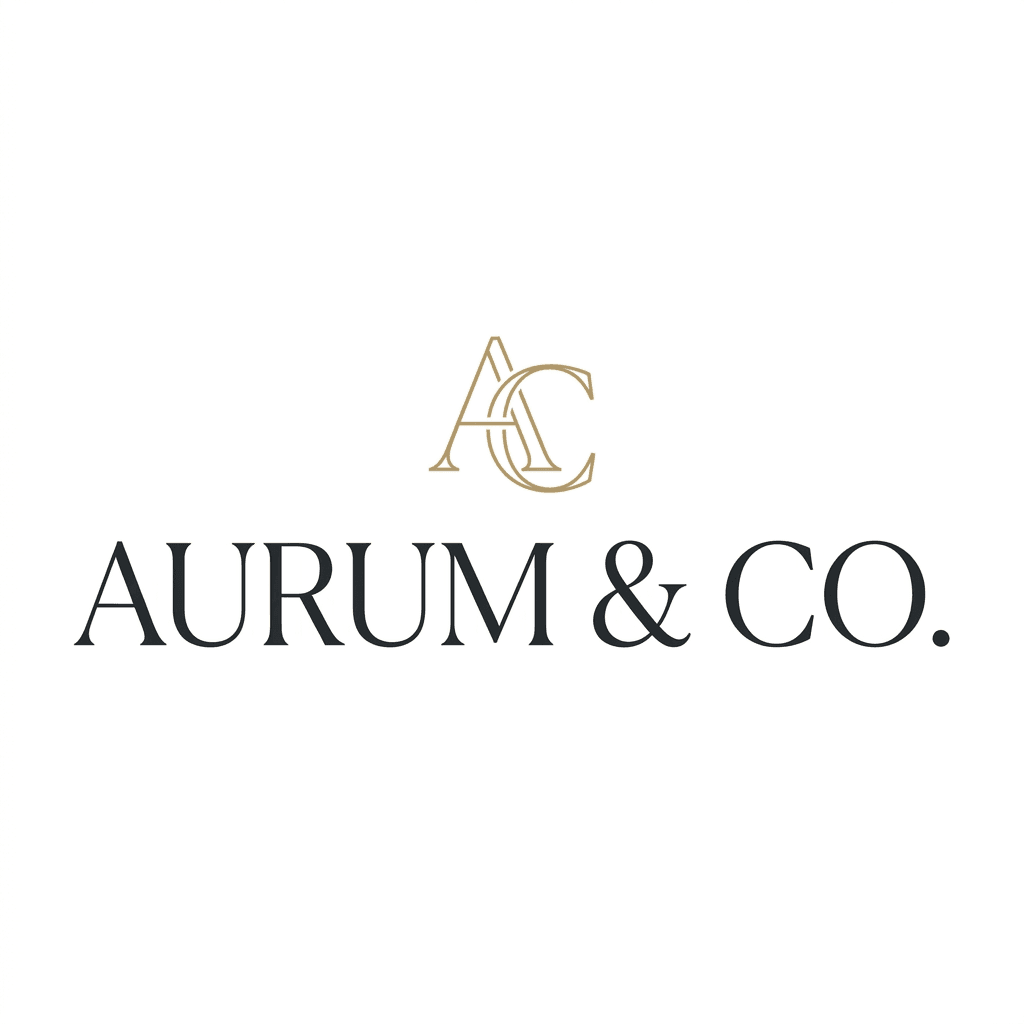
Bold Athletic. Heavy weights, strong angles, aggressive geometry. This template generates logos with visual impact and physical energy. It suits sports brands, fitness companies, athletic apparel, esports teams, outdoor adventure brands, and any identity that needs to feel powerful and dynamic. Expect thick strokes, sharp diagonals, and compositions that lean forward with a sense of motion and force.
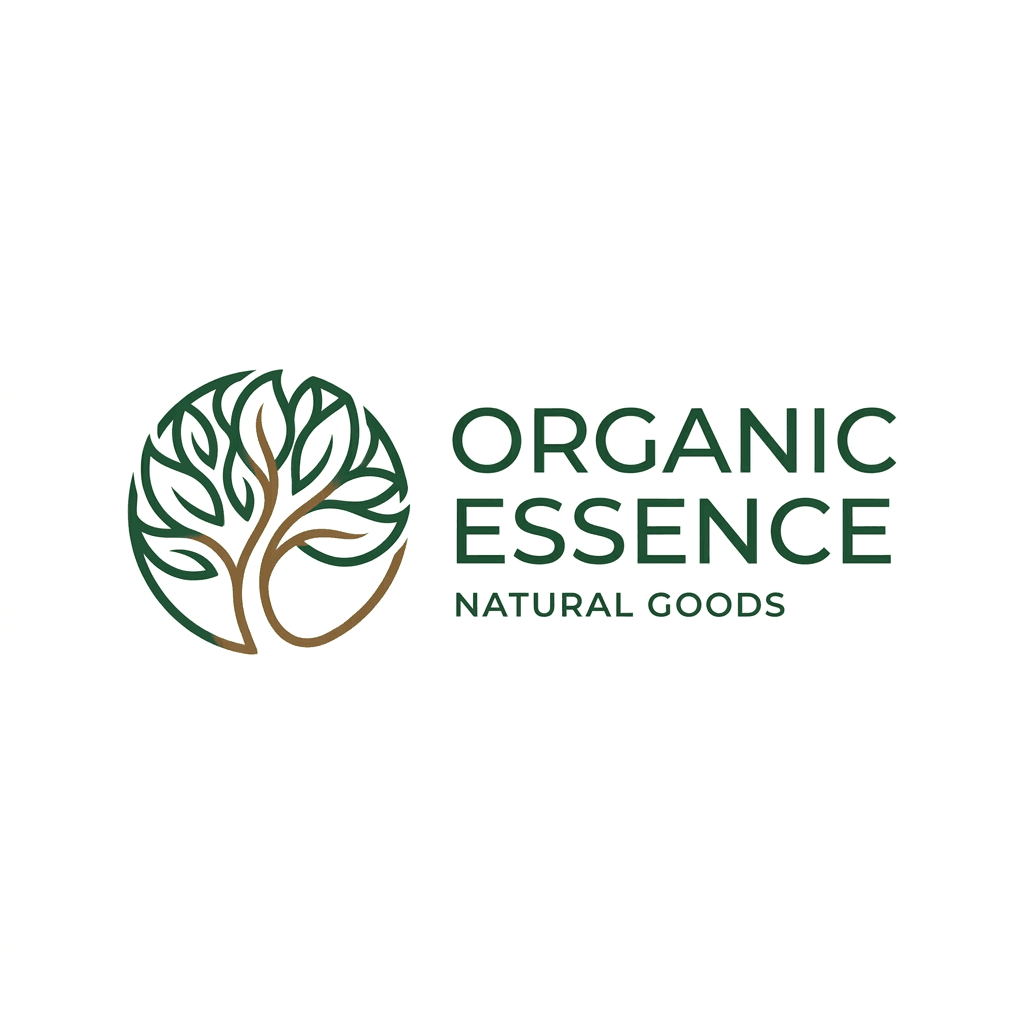
Organic Natural. Flowing lines, leaf and botanical motifs, rounded shapes inspired by natural forms. This template is designed for wellness brands, organic food and beverage companies, skincare and beauty lines, environmental organizations, garden and plant businesses, and any brand rooted in nature, health, or sustainability. The logos feel warm, approachable, and grounded — softer edges, earthy visual rhythm, and compositions that breathe.
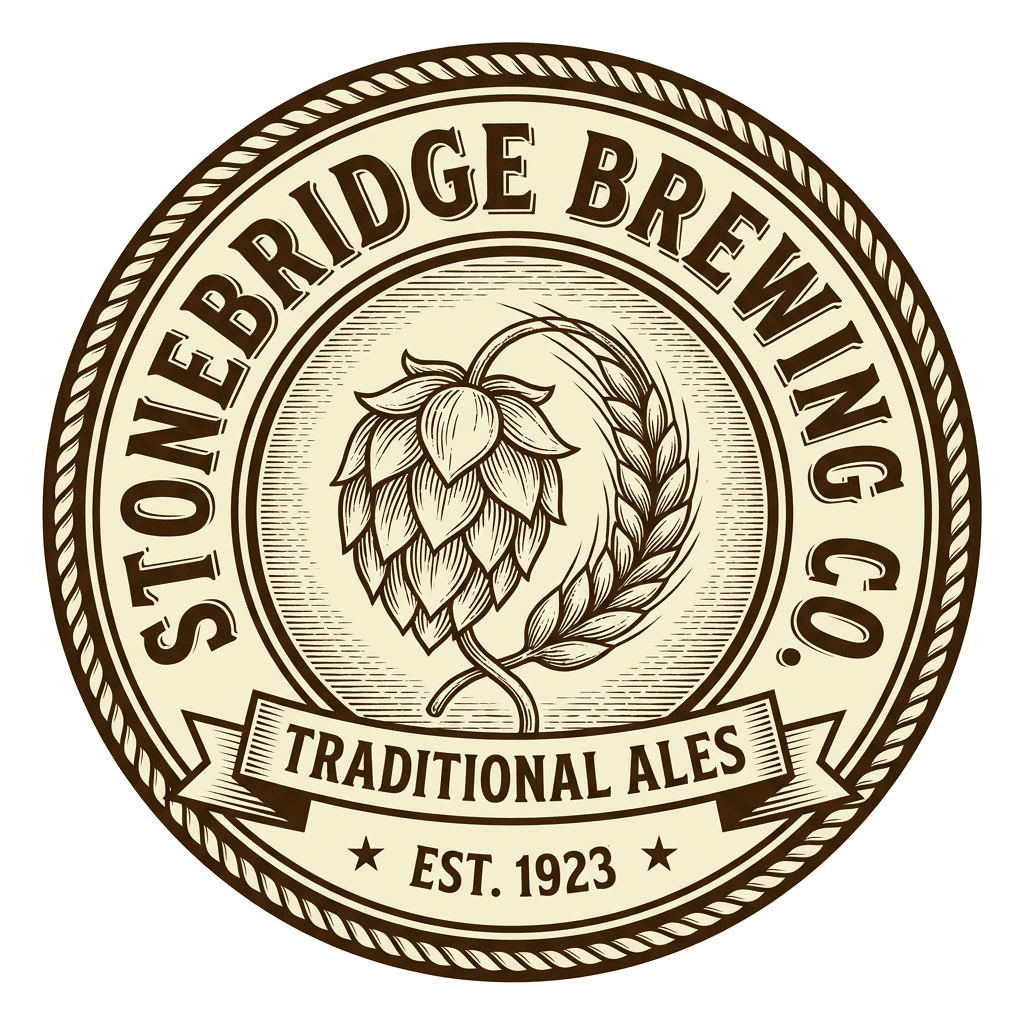
Vintage Heritage. Textured, layered, and detailed — inspired by early-twentieth-century sign painting, badge design, and label art. This template produces logos with a handcrafted, timeworn quality. It works for craft breweries, barbershops, artisanal food producers, heritage clothing brands, coffee roasters, and any business that wants to evoke tradition, craftsmanship, and authenticity. Expect banners, ribbons, circular badge compositions, ornamental borders, and typography with character.
Tech Futuristic. Circuit-board geometries, neon-inflected palettes, angular and layered compositions that feel like they belong in a science fiction interface. This template suits AI companies, robotics startups, cybersecurity firms, blockchain projects, gaming studios, and any brand that wants to signal cutting-edge technology and forward momentum. The logos tend to be complex and detailed, with interconnected lines, glowing accents, and structural depth.
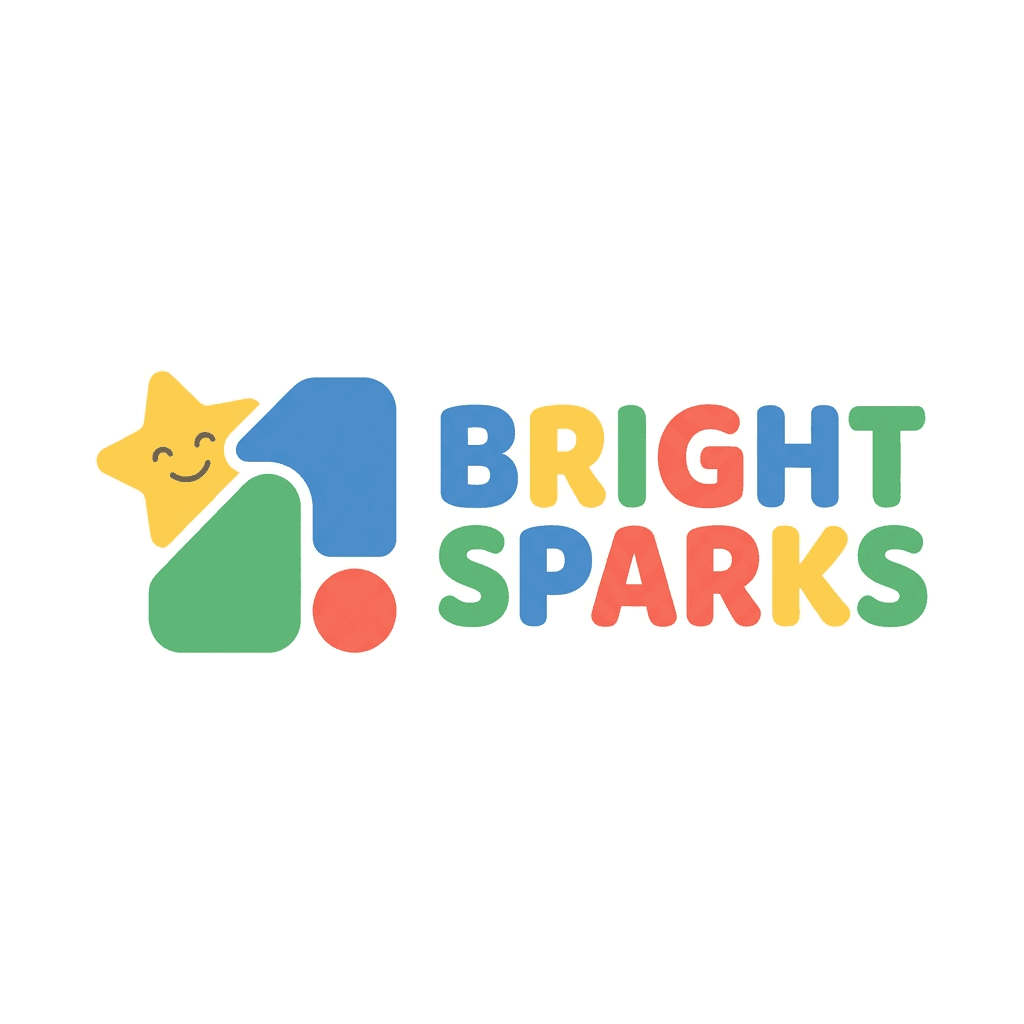
Playful Children's and Education Logo. Rounded, bouncy, colorful, and friendly. This template generates logos with personality and warmth — mascot-style characters, bubbly letterforms, and compositions that smile at you. It is the right choice for children's brands, educational platforms, family entertainment, casual gaming, pet products, and any business where the brand voice is fun, approachable, and lighthearted.
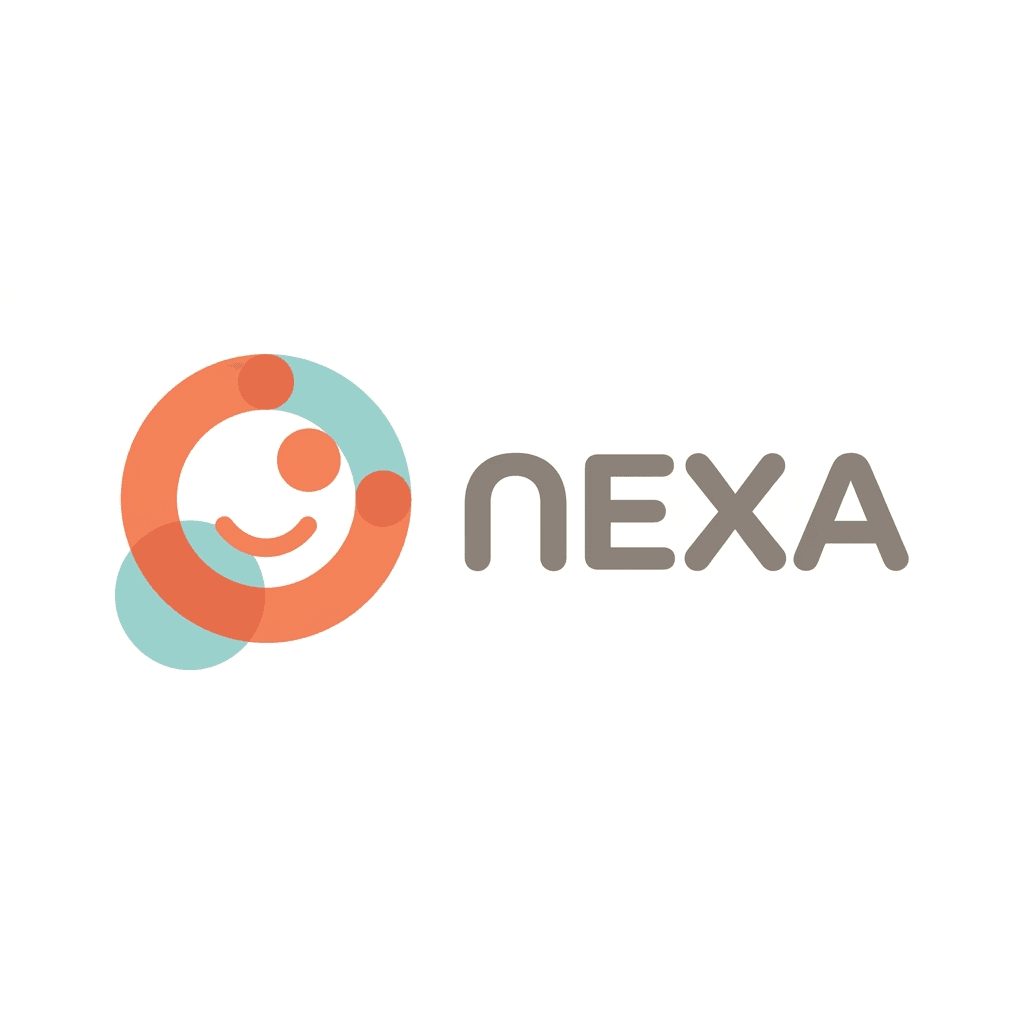
Friendly Rounded Startup Logo. Soft rounded icon forms, warm colors, and an approachable rounded sans-serif wordmark.
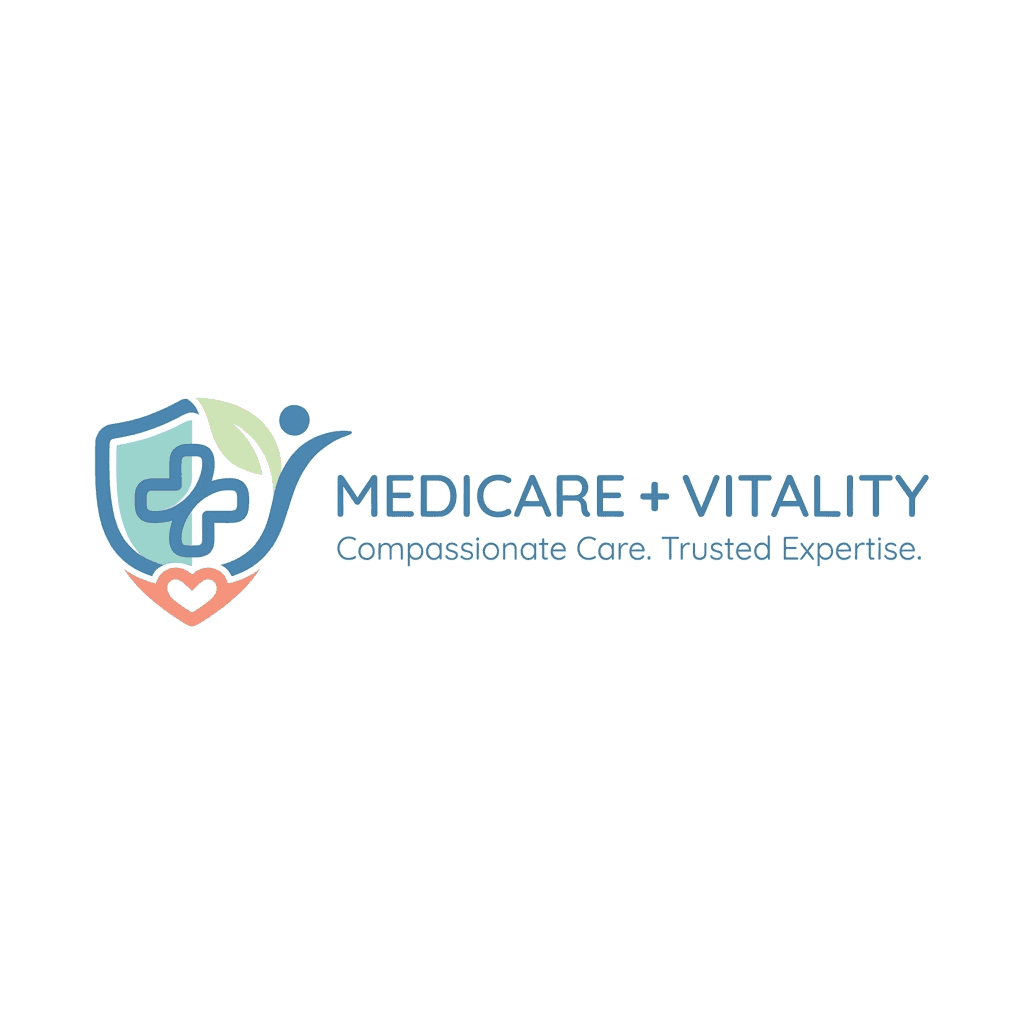
Clean Medical and Healthcare Logo. Calm health symbolism, soft geometry, blue or teal, and humanist sans-serif typography.
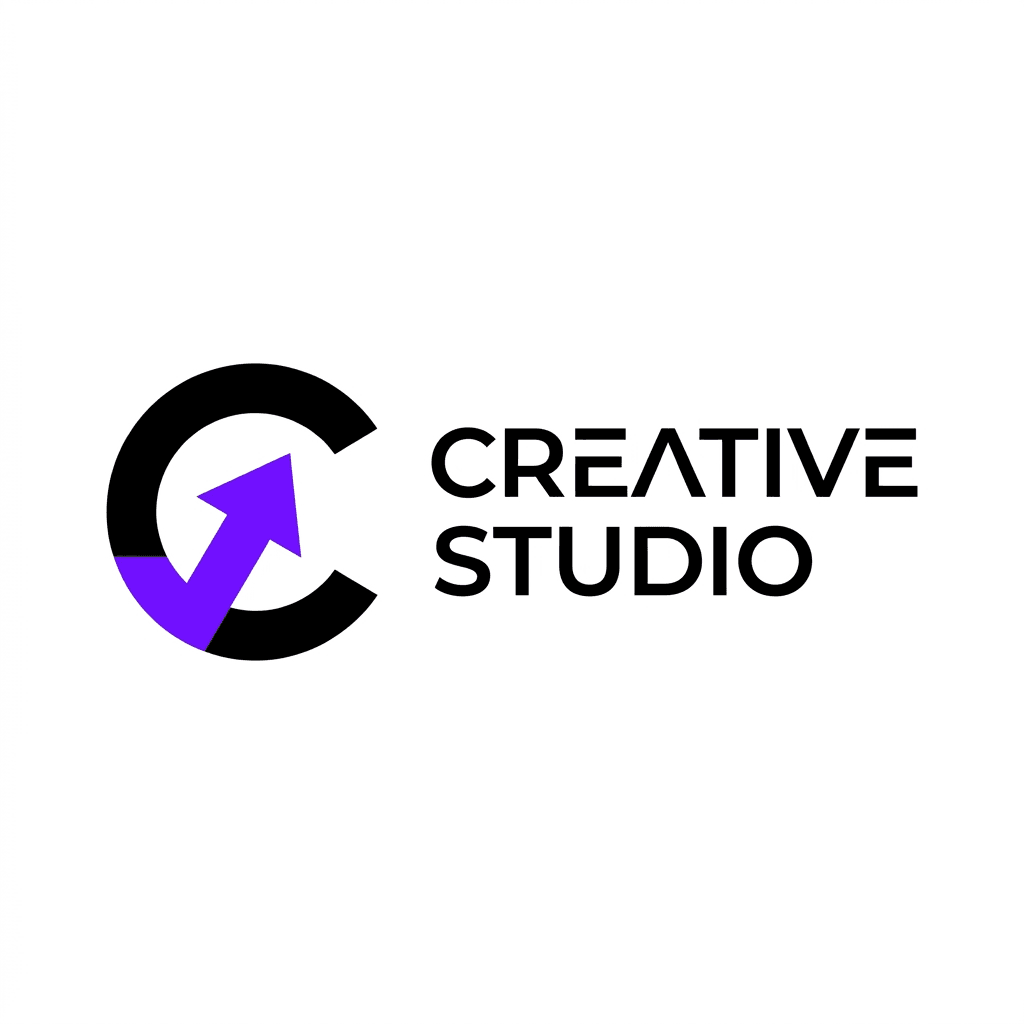
Creative Agency and Studio Logo. Clever negative space, visual ambiguity, black with one vivid creative accent.
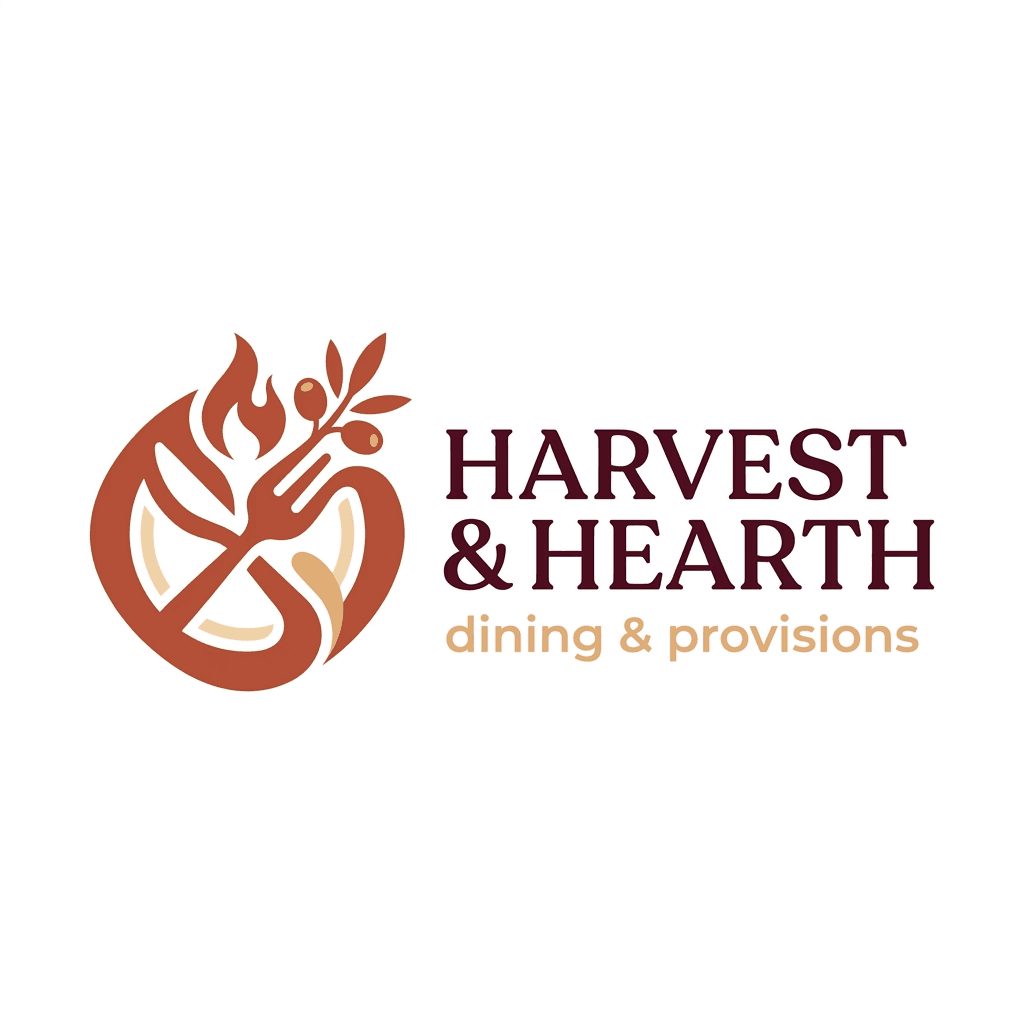
Warm Restaurant and Food Brand Logo. Inviting food or dining iconography, burgundy or terracotta, and refined warm type.
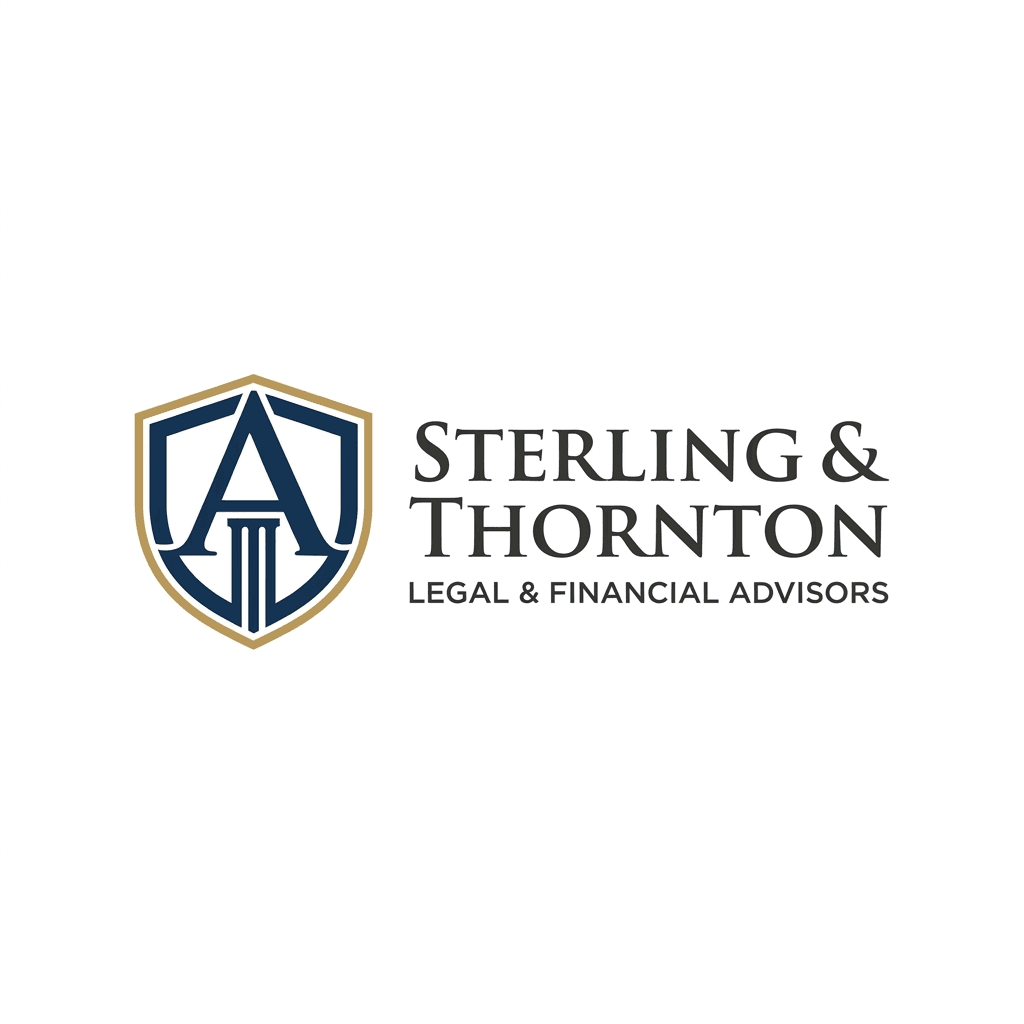
Professional Law and Finance Logo. Classical stability, navy or charcoal, muted gold, and formal serif typography.
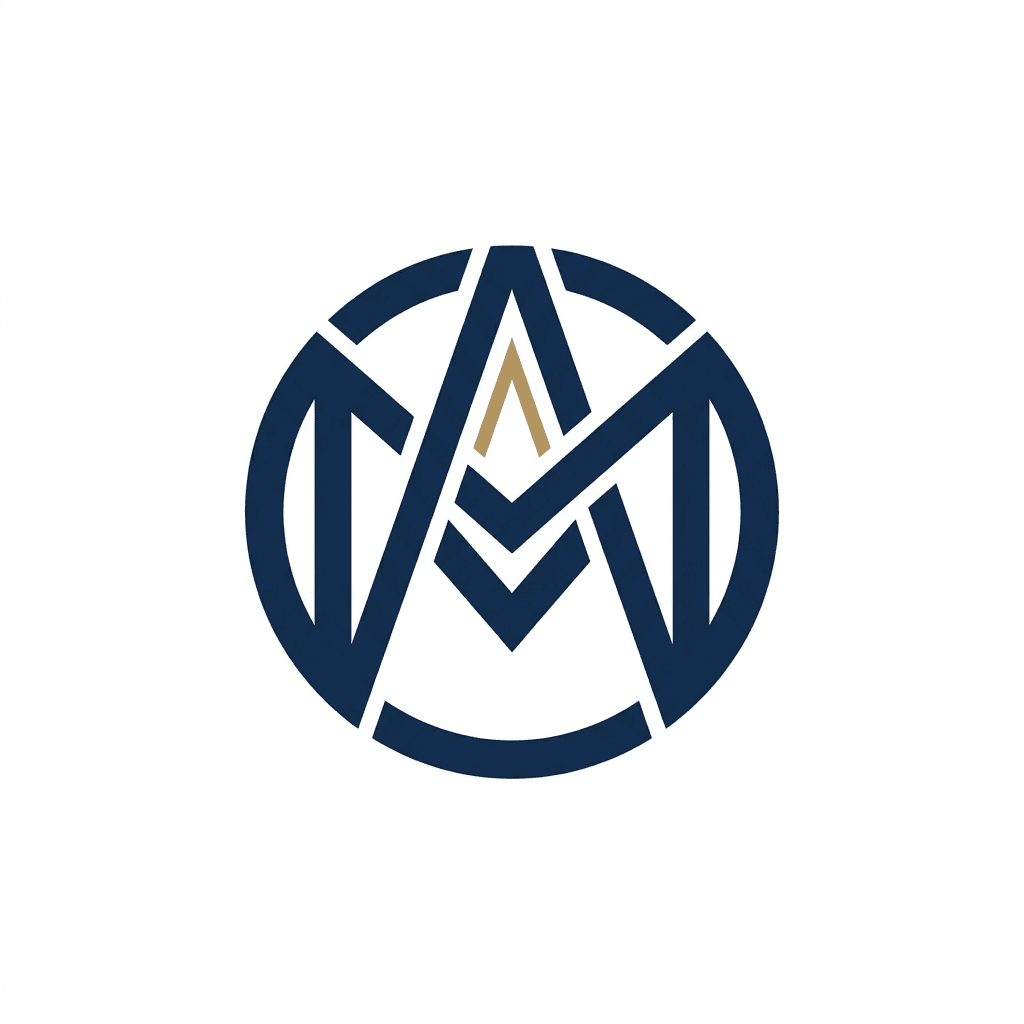
Monogram and Lettermark Logo. Interlocking two or three letterforms, precise geometry, and compact standalone identity.
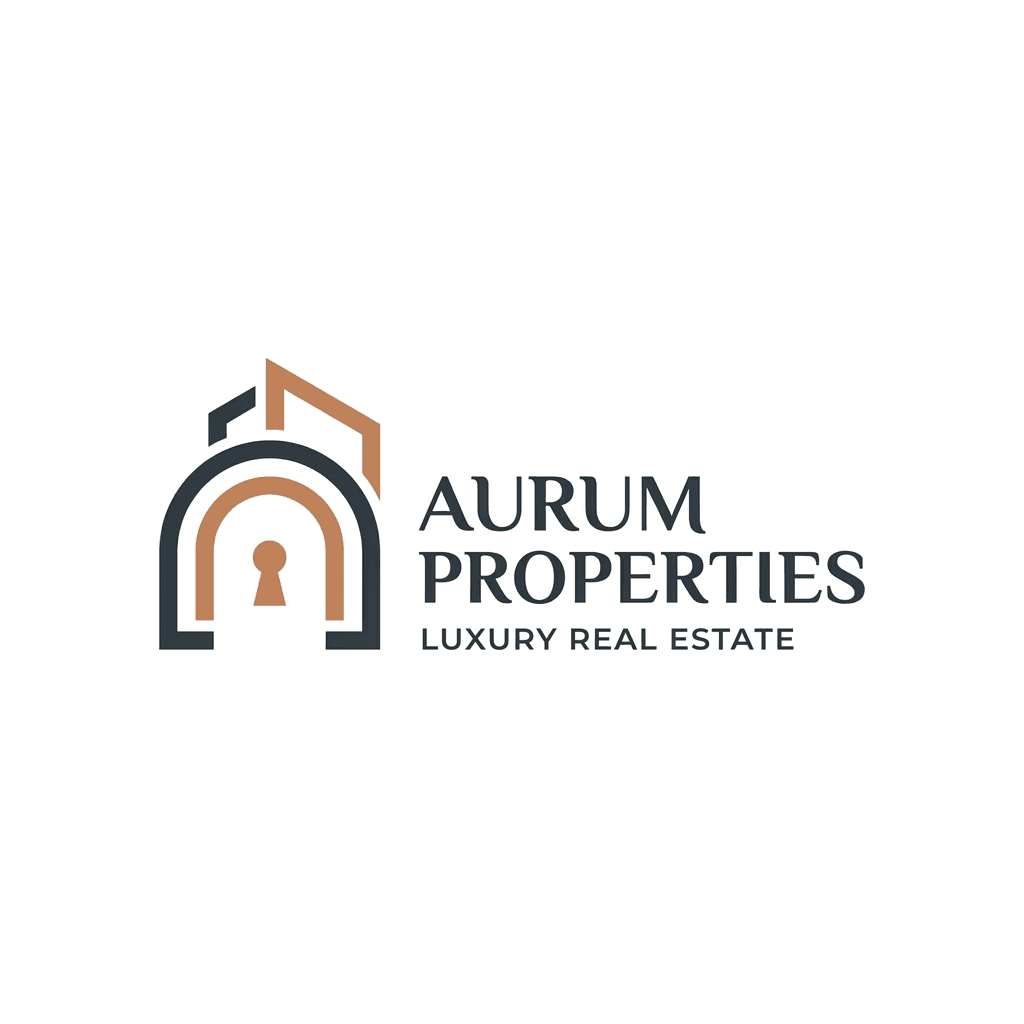
Real Estate and Property Brand Logo. Premium architectural abstraction, slate or charcoal, gold or copper, and elegant type.
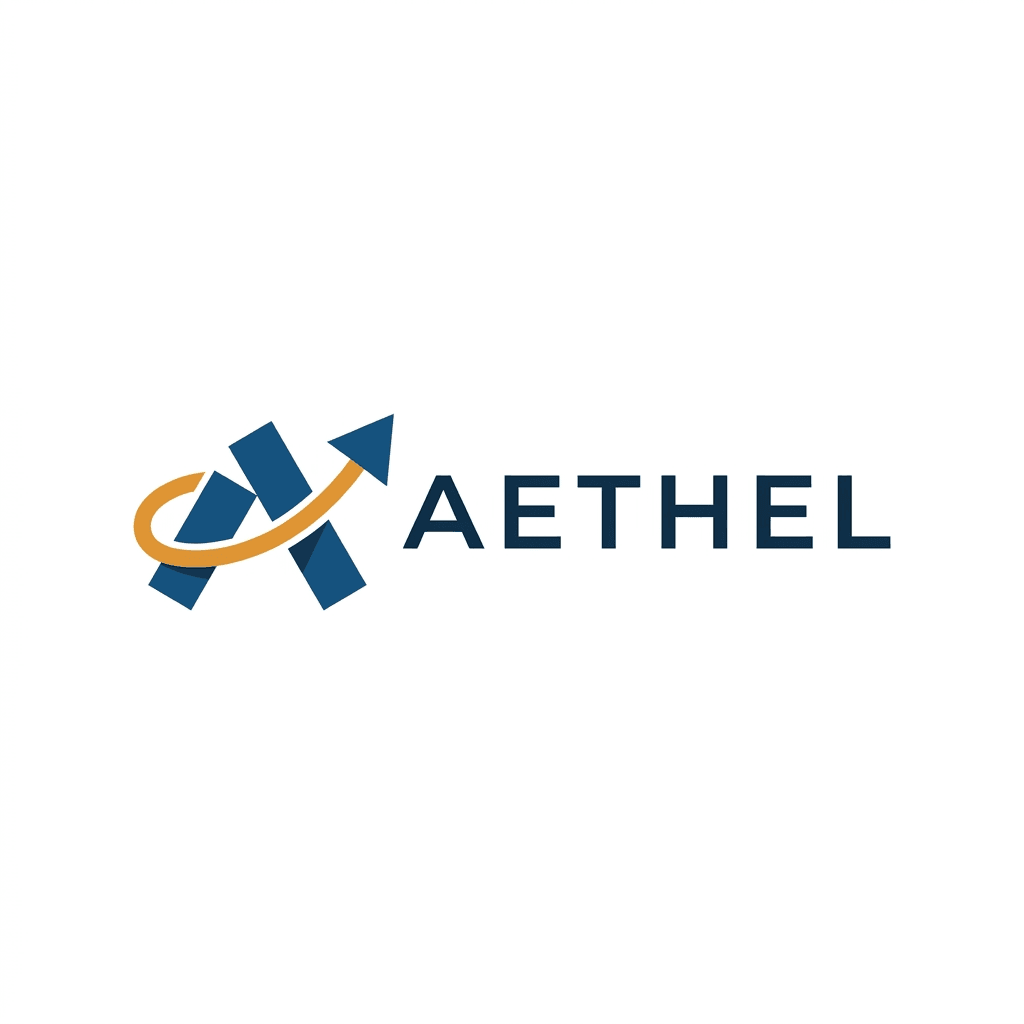
Abstract Gradient-Free Corporate Logo. Strategic non-literal geometry for growth, connection, transformation, and global brands.
You do not need to memorize these. The tool presents all fifteen as visual options before generation. Pick the one that resonates with the direction you want, or skip the selection and describe what you want in the prompt instead.
Step 2 — Write Your Prompt
The prompt is where you tell the AI what your brand is and what you want the logo to look and feel like. You do not need to write a detailed design brief. A single sentence with the right information will produce strong results.
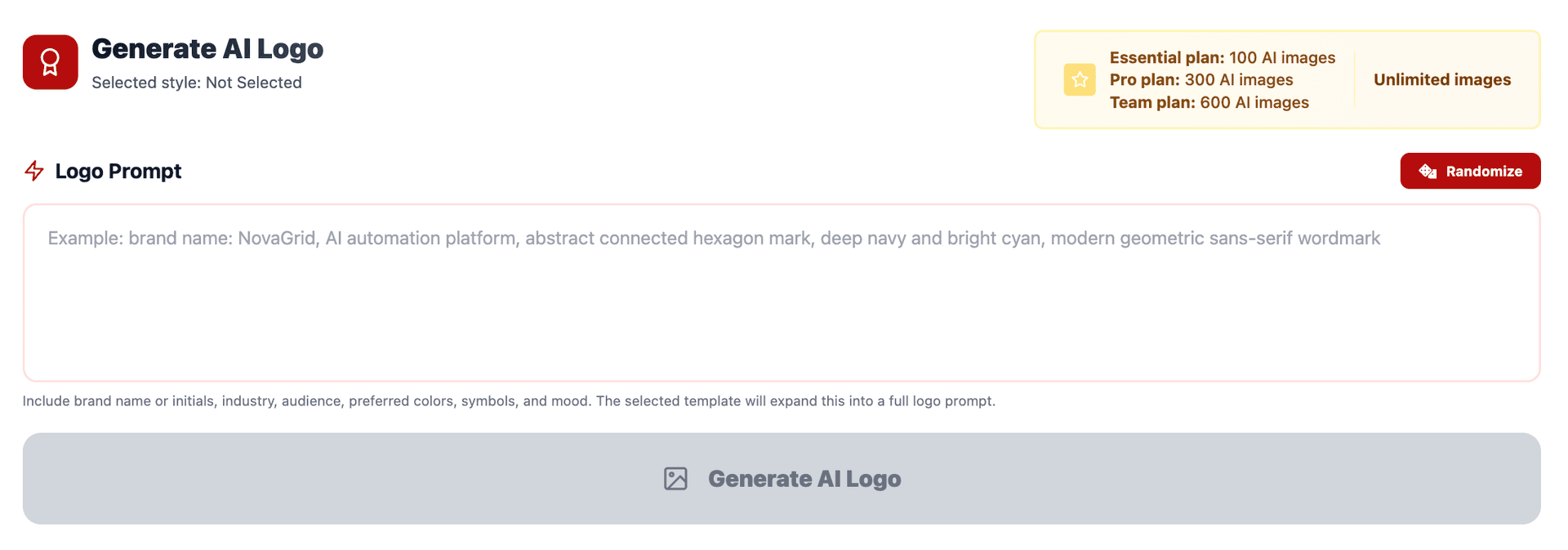
The most effective prompts include four elements: your brand name, your industry or product category, your preferred color palette or mood, and any specific visual elements you want included or excluded.
Here are examples of prompts that work well:
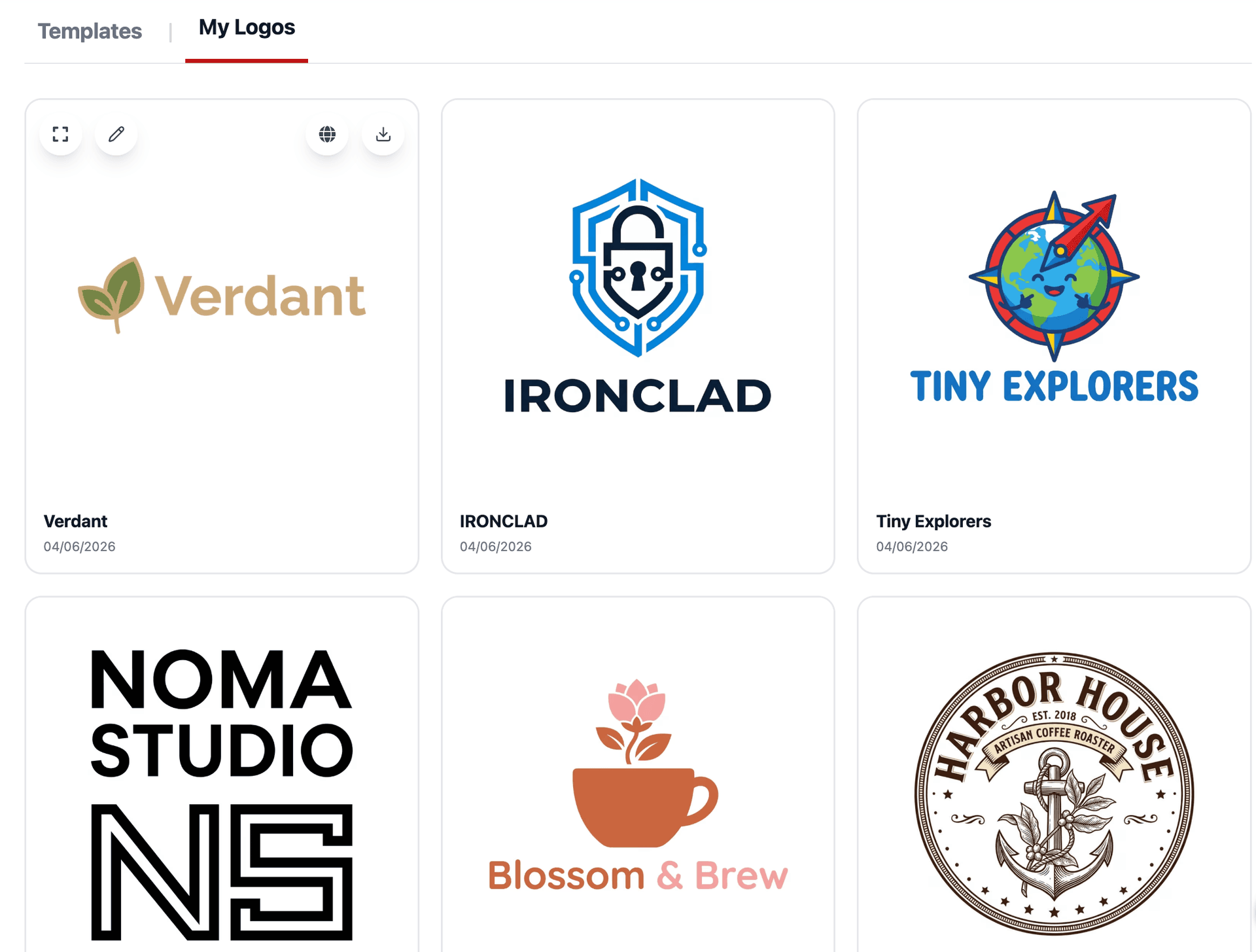
brand name: Verdant, an organic skincare brand. Earthy greens and warm beige. Clean, natural, minimal. Leaf or botanical element.
brand name: IRONCLAD, a cybersecurity startup. Dark navy and electric blue. Sharp, modern, technical. Shield or lock motif.
brand name: Blossom & Brew, a flower shop that also serves coffee. Warm terracotta and soft pink. Friendly and inviting. Combine floral and coffee cup imagery.
brand name: Tiny Explorers, a children's educational app. Bright primary colors. Playful, energetic, fun. Globe or compass element with a cartoonish style.
A few prompting principles that consistently improve results: be specific about colors rather than vague ("deep forest green and warm gold" works better than "green and gold"), mention what you do not want if you have strong preferences ("no gradients," "no mascot," "no circular badge layout"), and include the emotional tone you want the logo to convey ("trustworthy and calm" versus "energetic and bold" will produce meaningfully different outputs even with the same brand name and industry).
Step 3 — Generate, Review, and Refine
Click generate and the AI produces your logo in seconds. If you selected a style template, the output will reflect that template's visual language filtered through your prompt details. If you skipped the template, the AI will infer the most appropriate style direction from your prompt content.
From here, you have several options. You can download the logo immediately if it matches what you need. You can generate again with the same prompt to get a different variation — the AI will produce a new interpretation each time, so running the same prompt multiple times often surfaces a version you prefer. You can modify your prompt and regenerate — adjusting colors, changing the style direction, adding or removing specific elements. Or you can select a different style template and regenerate to see how the same brand concept looks in a completely different visual direction.
This iterative process is where the real power of the tool emerges. Traditional logo design makes iteration expensive — every revision is another round of feedback and another invoice. Here, iteration is instant and free (within your five free generations, and unlimited on paid plans). You can explore a minimalist geometric version, then a vintage heritage version, then a gradient modern version — all in under three minutes — and compare them side by side to see which direction best serves your brand.
Writing Better Prompts: A Deeper Guide
The prompt is the single most important input you control, and a small improvement in prompt quality produces a large improvement in output quality. Here is a more detailed framework for writing prompts that generate strong logos on the first attempt.
Start with your brand name, exactly as you want it to appear. If you want "McKinley & Partners" with an ampersand, write it that way. If you want "ATLAS" in all caps, write it in all caps. The AI respects the casing and formatting you provide.
State your industry or category in plain language. "Organic baby food company," "B2B logistics software," "independent jazz venue in Brooklyn." The industry context helps the AI make dozens of implicit visual decisions — a jazz venue and a logistics company both called "Atlas" should look completely different, and the industry context is what makes that happen.
Describe colors with specificity. "Muted sage green and warm cream" is better than "green and white." "Deep charcoal with a single accent of burnt orange" is better than "dark with orange." The more precise your color language, the closer the first output will be to what you imagine.
Include emotional and tonal descriptors. Words like "trustworthy," "playful," "luxurious," "rugged," "calm," "bold," "whimsical," "authoritative," "warm," and "edgy" directly influence the visual output. These are not vague — the AI maps emotional descriptors to specific design decisions about weight, spacing, shape language, and composition.
Mention specific visual elements you want. "Include a mountain silhouette," "incorporate a coffee cup," "use a monogram of the letters A and K," "include a subtle wave element." Specific requests like these give the AI a concrete starting point for the logomark.
State what you do not want. "No text — icon only," "no gradients," "no circular badge layout," "no mascot or character," "do not include any imagery, just the brand name in a distinctive typeface." Negative constraints are just as useful as positive requests — they prevent the AI from going in a direction you already know you do not want.
When to Use Each Style Template: A Decision Framework
If you are unsure which style template to select, here is a quick framework based on your brand's category and intended personality.
If your brand is in technology, SaaS, fintech, or any digital product space and you want to communicate modernity and precision, start with Minimalist Geometric or Tech Futuristic. If you want to feel more approachable and less clinical, try Gradient Modern instead.
If your brand is in luxury, premium goods, high-end hospitality, or fashion, start with Elegant Serif Luxury or Art Deco Glamour. The former feels more contemporary-classic; the latter feels more theatrical and decorative.
If your brand is in food and beverage, especially craft or artisanal categories, start with Vintage Heritage or Organic Natural. Vintage Heritage gives you the craft-brewery, hand-roasted-coffee, small-batch-spirits aesthetic. Organic Natural gives you the farm-to-table, clean-ingredient, wellness-adjacent aesthetic.
If your brand is in fitness, sports, outdoor adventure, or activewear, start with Bold Athletic. If you want a slightly rougher, more counter-cultural edge, try Grunge Distressed instead.
If your brand serves children, families, or pets, or has a lighthearted and fun personality, start with Playful Cartoon. If you want something more refined but still warm, try Handwritten Script.
If your brand is in professional services — consulting, law, finance, enterprise — start with Corporate Professional. If you want something less generic and more distinctive within that professional space, try Minimalist Geometric with a prompt that emphasizes "clean, structured, authoritative."
If your brand is in the creative industries — art, design, music, fashion, media — start with Abstract Artistic for maximum visual impact. If you want something more restrained, try Line Art Monoline or Japanese Minimalist.
If your brand is digital-first and lives primarily on screens — an app, a podcast, a social platform, a creator brand — start with Gradient Modern. The gradient aesthetics are purpose-built for digital contexts and look particularly strong as app icons and social media avatars.
What Makes a Good Logo: Principles the AI Follows
Understanding a few foundational design principles will help you evaluate the logos the AI generates and guide your refinement process.
Simplicity. The best logos are reductive — they use the minimum number of elements needed to communicate the brand's identity. A logo that is too complex becomes illegible at small sizes, difficult to reproduce across media, and harder for people to remember. When reviewing your generated logos, lean toward the versions with fewer elements and more whitespace. If a logo feels busy, regenerate with a prompt that explicitly requests simplicity.
Memorability. A good logo sticks in someone's mind after a single exposure. This usually comes from a distinctive shape, an unexpected color combination, or a clever integration of visual elements (like an arrow hidden in negative space, or a letterform that doubles as an icon). The style templates are designed to produce logos with strong visual hooks — but if a generation feels generic, try adding a more specific visual element to your prompt.
Versatility. Your logo will appear in many contexts — a website header, a social media avatar (often cropped to a circle), a business card, a presentation slide, a product label, a favicon, an embroidered polo shirt. A good logo works in all of these contexts. It should look clear at the size of a postage stamp and balanced at the size of a billboard. It should work in full color and in single-color (black or white) applications. When evaluating your generated logos, mentally test them across these contexts.
Relevance. The logo should feel appropriate for your industry, your audience, and your brand's personality. A playful cartoon logo might be perfect for a children's app and completely wrong for a law firm. The style templates help ensure relevance — choosing the right template for your category is the single easiest way to ensure the output feels appropriate.
Timelessness. Trends in logo design come and go — glossy 3D effects, extreme gradients, ultra-thin hairline fonts — and logos designed to follow a current trend tend to feel dated within a few years. The best logos avoid the most extreme expression of any trend and instead aim for a visual language that will age well. The style templates are designed with this in mind, but it is worth asking yourself when evaluating outputs: "Will this still feel right in five years?"
After Generation: Next Steps with Your Logo
Once you have a logo you like, there are a few practical next steps to consider.
Download in multiple formats. Depending on your plan, the tool provides downloads in formats suitable for different use cases — high-resolution raster formats for digital use and print, and scalable formats for contexts where resolution independence matters.
Test it in context. Before committing to a logo, put it where it will actually live. Drop it into your website header, set it as your social media profile image, place it on a mockup business card or product label. A logo that looks great in isolation sometimes reveals issues in context — it might clash with your website's color scheme, or lose legibility when reduced to avatar size. Testing in context is the fastest way to catch these issues.
Establish your color codes. Note the exact color values used in your logo and use them consistently across all brand materials. Consistent color usage is one of the simplest ways to build brand recognition. Your generated logo will use specific color values that you can extract and codify as part of your brand guidelines.
Create usage guidelines for yourself. Even if your brand guidelines are informal, decide on a few rules: minimum size the logo should be displayed at, minimum clear space around the logo, approved background colors, and whether you have a simplified version for very small applications (like a favicon). These small decisions prevent your logo from being used inconsistently as your brand grows.
Frequently Asked Questions
Is the AI Logo Generator free?
Yes — you get 5 free logo generations with full download access, no credit card required. That is enough to explore multiple styles, compare variations, and walk away with a finished logo at zero cost. If you need more generations beyond the free tier, paid plans are available to unlock additional capacity.
How long does it take to generate a logo?
Seconds. The generation process typically completes in under ten seconds from the moment you click generate. Including the time to select a template, write your prompt, and review the output, most users go from zero to a finished logo in under sixty seconds.
Can I use the generated logo commercially?
Yes. Logos generated with the Miraflow AI Logo Generator are yours to use for any commercial purpose — on your website, products, marketing materials, business cards, signage, packaging, and anywhere else your brand appears.
What if I do not like the first result?
Generate again. You can run the same prompt multiple times to get different variations, or modify your prompt to adjust the direction. Each generation produces a unique output, so regenerating is the fastest way to explore alternatives. With five free generations, you have room to experiment.
Do I need design skills to use this?
No. The tool is built for people who are not designers. If you can describe your brand in a sentence, you can generate a professional logo. The style templates handle the design direction, and the AI handles the execution. Design experience is helpful for evaluating and refining outputs, but it is not required to get a strong result.
Can I generate a logo without selecting a style template?
Yes. The style template selection is optional. If you skip it, the AI will infer the most appropriate visual direction from your prompt. If your prompt includes clear style language ("minimalist," "vintage," "playful"), the AI will follow those cues. If your prompt is purely descriptive ("a coffee shop in Portland called Mossy Stone"), the AI will make its best judgment about the right visual approach.
What file formats are available for download?
The tool provides downloads in standard formats suitable for both digital and print use. The exact formats available depend on your plan.
Can I edit the logo after generation?
You can regenerate with a modified prompt to change specific elements — colors, style direction, included imagery, typography — and the AI will produce a new version reflecting your changes. This iterative approach is often faster and more effective than manual post-editing.
How is this different from other AI logo generators?
Miraflow's AI Logo Generator offers fifteen distinct style templates that produce genuinely different visual directions — not minor variations on the same generic output. The prompting system is designed for specificity, meaning detailed prompts produce meaningfully different results from vague ones. And the generation quality is calibrated for professional use — these are logos you can actually put on a business card and feel good about, not rough concepts that need extensive manual cleanup. Plus, you get five free generations with full download access — no watermarks, no credit card.
Is there a limit to how many logos I can generate?
Free users get five generations. Paid plans unlock additional generation capacity for users who need to explore more variations, work across multiple brands, or generate logos on an ongoing basis.
Start Creating — For Free
Your brand needs a visual identity — and your first five logos are free. Whether you are launching next week or exploring creative directions for a rebrand six months from now, the Miraflow AI Logo Generator puts a professional, clean, brand-ready logo in your hands in under sixty seconds, at no cost.
Five free generations. No credit card. No watermarks. No design skills required. Just your brand name, a sentence describing what you want, and sixty seconds.