20 Gemini Omni Flash Prompts for YouTube Shorts (Free AI Video, Copy & Paste)

Written by
Aerin Kim
Gemini Omni Flash is now free inside YouTube Shorts and the Create app. Here are 20 ready-to-use prompts for hooks, character series, conversational edits and more.
If you post to YouTube Shorts, there is a new free tool worth knowing about before everyone else figures it out. Google's Gemini Omni Flash, the video generation model announced at Google I/O 2026, is now rolling out at no cost inside YouTube Shorts and the YouTube Create app for eligible creators, no Google AI subscription required [1] [2]. That is a meaningfully different distribution move than most AI video launches, which usually gate the good features behind a paid tier first and trickle down later.
This post is a straight prompt pack: 20 ready-to-use Gemini Omni Flash prompts grouped by what actually works for Shorts, scroll-stopping openers, product b-roll, a character-consistent mini-series, conversational multi-turn edits, and drawing-to-video transitions, plus what the model can and cannot do yet so you are not surprised mid-shoot. If you want a script-to-finished-Short pipeline instead of hand-writing every prompt, Text2Shorts in Miraflow AI builds the whole thing, topic to script to scene visuals to voiced video, in one place.
What Gemini Omni Flash Actually Is
Gemini Omni Flash is Google's video generation model built for fast, conversational creation and editing rather than a one-shot render-and-forget workflow [3]. It accepts text, images, audio, and video as input and produces video output, generating clips of 3 to 10 seconds at 720p and 24 frames per second [3]. The standout feature is conversational, multi-turn editing: every follow-up instruction builds on the last one, characters stay consistent, physics holds up, and the scene remembers what came before, instead of you re-describing the entire shot from scratch every time you want a small change [4]. Every clip carries an invisible SynthID watermark identifying it as AI-generated [4].
On YouTube specifically, clips are capped at 10 seconds at launch and audio editing is disabled for now, and the full conversational editor is still limited to the Gemini app rather than fully available inside YouTube Shorts itself [2]. That is worth knowing before you plan a shoot around it: the free-in-Shorts version is the fast, generate-and-post experience, while the deeper multi-turn editing workflow described below currently lives in the Gemini app and Google Flow, with paid access rolling out to Google AI Plus, Pro, and Ultra subscribers there [4].
How to Access It for Free on YouTube Shorts
Gemini Omni Flash is available at no cost in YouTube Shorts Remix and the YouTube Create app for eligible users 18 and older, making it the easiest entry point for anyone already publishing on Shorts who does not want to pay for a separate subscription [2]. If your account does not show the option yet, the rollout is still expanding, and the Gemini app itself is the fallback for testing the full conversational feature set in the meantime.
1) Scroll-Stopping Hook Openers
The first second of a Short decides whether someone keeps watching. These prompts are built around a visual snap, a sudden motion change, a reveal, or a pause-then-payoff, rather than a static establishing shot.
Prompt 1: The steam burst reveal
vertical video, a coffee cup sits still on a kitchen counter in soft morning light, then the camera suddenly whip-pans as steam bursts upward in slow motion forming a swirling shape, quick punchy motion, bright natural lighting, no text, no people
Prompt 2: The tap-and-zoom reveal
vertical video, extreme close-up on a hand about to tap a glowing button, a brief pause, then the button lights up and the camera rapidly zooms out to reveal a full desk setup, snappy quick-cut pacing, warm indoor lighting, no text

Prompt 3: The unboxing burst
vertical video, a plain cardboard box sits on a porch, the lid suddenly pops open on its own and colorful packing paper bursts upward like confetti, camera holds steady, bright daylight, playful energetic motion, no text, no people
Prompt 4: The loading-to-reveal cut
vertical video, a smartphone screen shows a loading spinner, the camera pushes in fast as the spinner completes and the screen flashes bright white before revealing a product on a table, quick rhythmic pacing, clean studio lighting, no readable text on screen, no people
2) Product and Brand B-Roll
B-roll fills the gaps between talking points and keeps a Short visually interesting without needing a new setup for every second of runtime. These lean on calm, steady motion rather than the hook style above.
Prompt 5: The rotating hero shot
vertical video, a product bottle rotates slowly on a round display stand under a soft ring light, camera slowly orbits around it once, clean minimal studio background, gentle steady motion, no text, no people

Prompt 6: The wrap and package shot
vertical video, a pair of hands wraps a finished product in simple kraft paper on a wooden table, natural window light, camera holds a steady overhead angle, calm unhurried pacing, no text, no logos
Prompt 7: The ambient desk scene
vertical video, a small potted plant sits beside a laptop on a desk, morning light shifts gradually brighter across the scene over a few seconds, camera stays completely still, calm ambient mood, no text, no people
Prompt 8: The subtle shelf detail
vertical video, a stack of folded clothing on a shelf, one item slides slightly forward as if picked up and set back down, soft natural light, camera holds a steady front angle, subtle realistic motion, no text, no people
If your b-roll needs to come from an actual long-form video you already have rather than generated from scratch, AI Clipping in Miraflow AI can pull the strongest moments out of a YouTube link automatically, complete with auto captions and a viral score for each clip.
3) A Character-Consistent Mini-Series
This is where Gemini Omni Flash's consistency claims actually get tested. A mascot or recurring character that holds its design across multiple separate generations opens the door to a real serialized Shorts format instead of one-off clips.
Prompt 9: Introduce the character
vertical video, a friendly cartoon fox mascot standing in a simple flat-colored room, waves at the camera and then gives a thumbs up, keep the fox's colors, proportions and face exactly consistent throughout, clean flat background, cheerful bouncy motion, no text
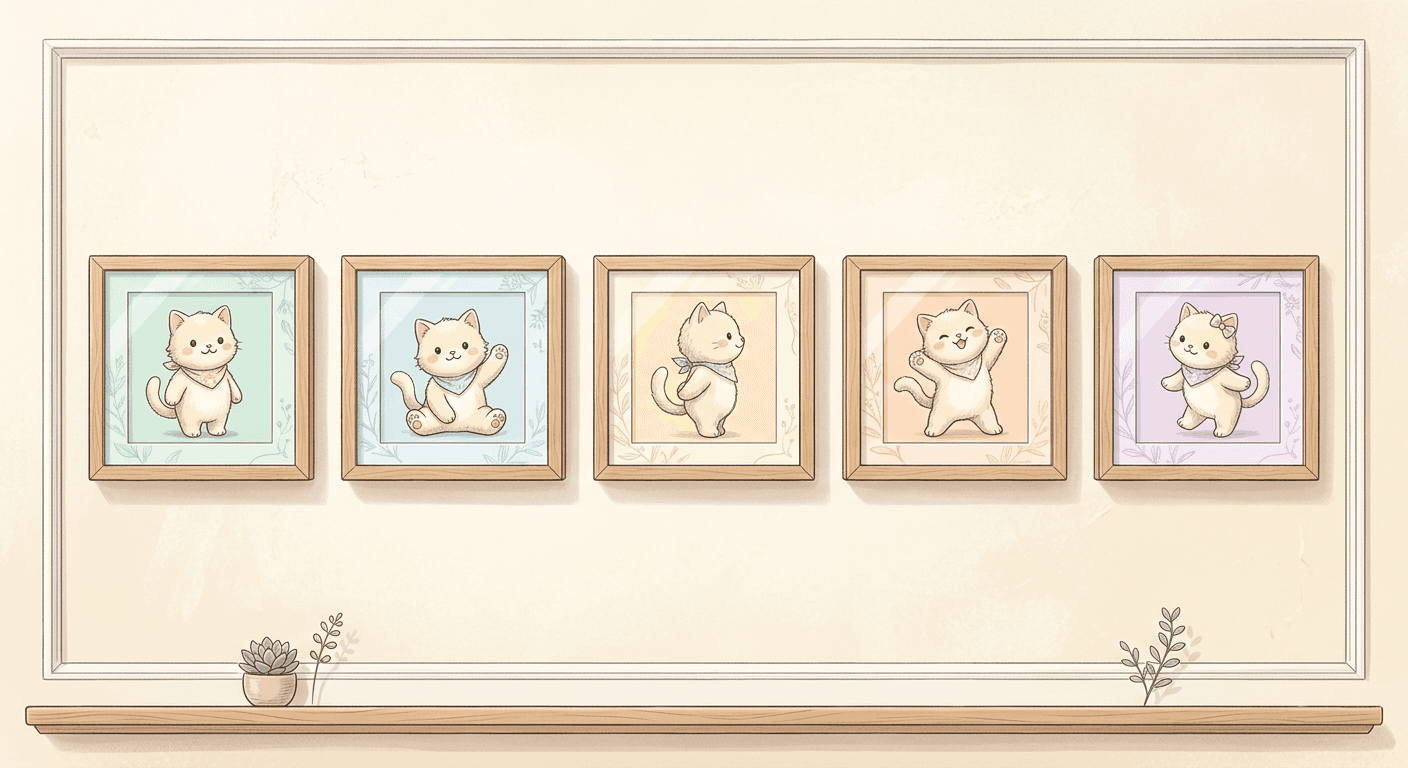
Prompt 10: Continue the scene
vertical video, the same cartoon fox mascot from the previous scene now sits down at a small desk and opens a laptop, keep the fox's design fully consistent with the earlier clip, same flat background style, calm steady motion, no text
Prompt 11: Move to a new setting
vertical video, the same cartoon fox mascot now stands outside next to a simple flat-colored building, looks up and points excitedly off screen, keep the character fully consistent with earlier clips, warm daytime lighting, energetic motion, no text
Prompt 12: Close the sequence
vertical video, the same cartoon fox mascot walks toward the camera and stops, giving a small wave goodbye, keep the character design fully consistent with the earlier three clips, matching flat background style, gentle closing motion, no text
Run each of these as a separate generation rather than one long prompt, and reference the earlier clip when the tool allows it. This is the same underlying idea behind Nano Banana JSON prompting for structured, repeatable results, applied to video instead of stills, keep the description of the fixed elements identical across every prompt in the series.
4) Conversational Multi-Turn Edits
This is the feature that sets Gemini Omni Flash apart from a typical text-to-video model. Instead of writing one long prompt and hoping it lands, you generate a base clip, then send a short follow-up instruction that only changes what you actually want changed. Each pair below shows the starting prompt and a realistic follow-up edit.
Prompt 13: Base shot, a calm sailboat scene
vertical video, a small sailboat drifts calmly across a flat blue ocean under a clear sky, steady wide shot, gentle natural motion, no text, no people
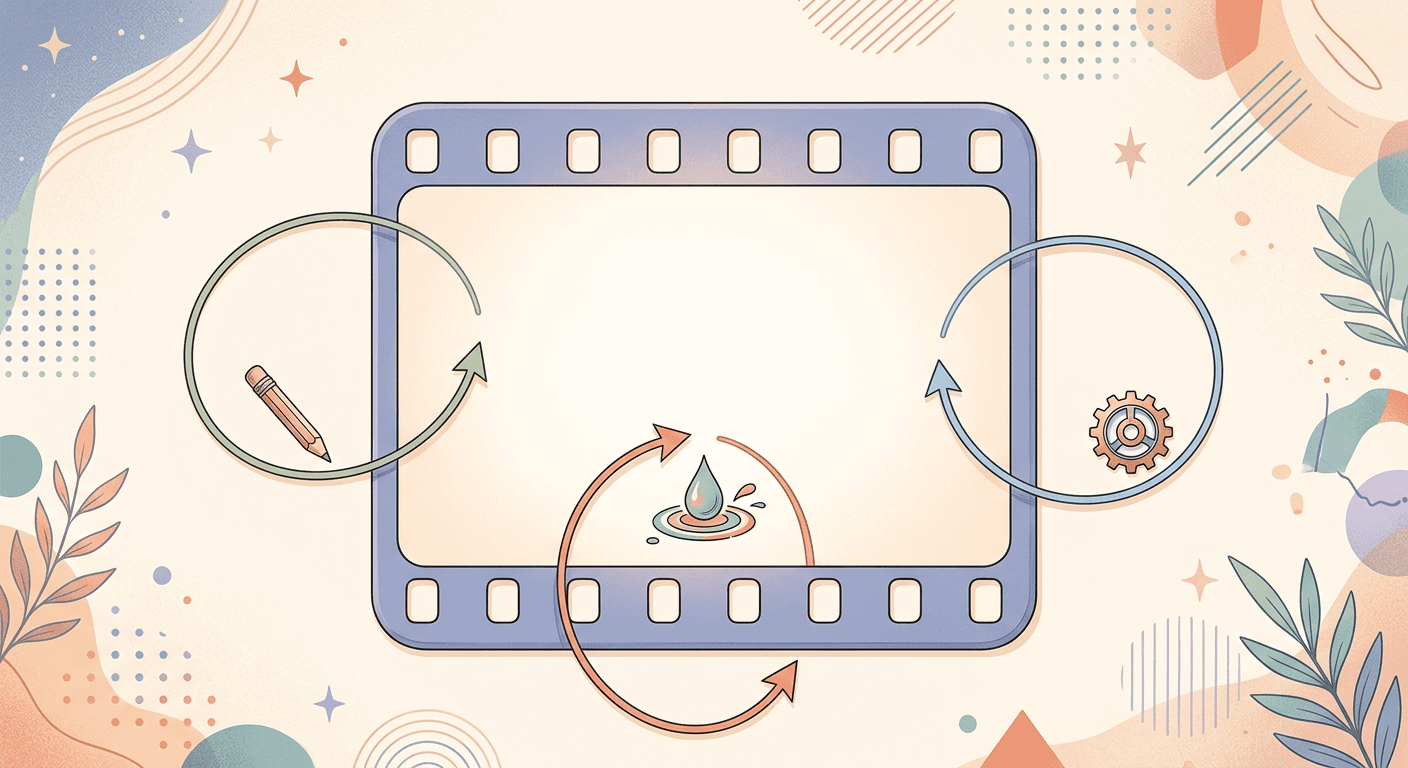
Prompt 14: Follow-up edit, shift the lighting
keep the sailboat, the ocean and the camera angle exactly the same as before, now make the sky turn to golden hour sunset lighting and add a few scattered clouds drifting slowly
Prompt 15: Base shot, a plain product close-up
vertical video, a plain white sneaker sits on a concrete surface under flat daylight, steady close-up shot, no text, no people
Prompt 16: Follow-up edit, change the lighting and add motion
keep the sneaker, the surface and the camera framing exactly the same as before, now change only the lighting to a dramatic single side spotlight and add a subtle slow rotation to the shoe
The pattern to copy here is simple: state what should stay exactly the same before you describe what should change. That single sentence is doing most of the work in keeping the physics and framing consistent across the edit, which is the whole point of a conversational video model in the first place.
5) Drawing-to-Video and Creative Transitions
Gemini Omni Flash also supports turning a static sketch into motion, a genuinely different starting point than a text prompt and a strong fit for a distinctive, hand-crafted looking intro.
Prompt 17: The succulent sketch reveal
a simple loose pencil sketch of a small potted succulent on a windowsill gradually fills in with soft full color and realistic texture over the clip, the line drawing style smoothly transitions into a finished rendered scene, warm natural light, no text
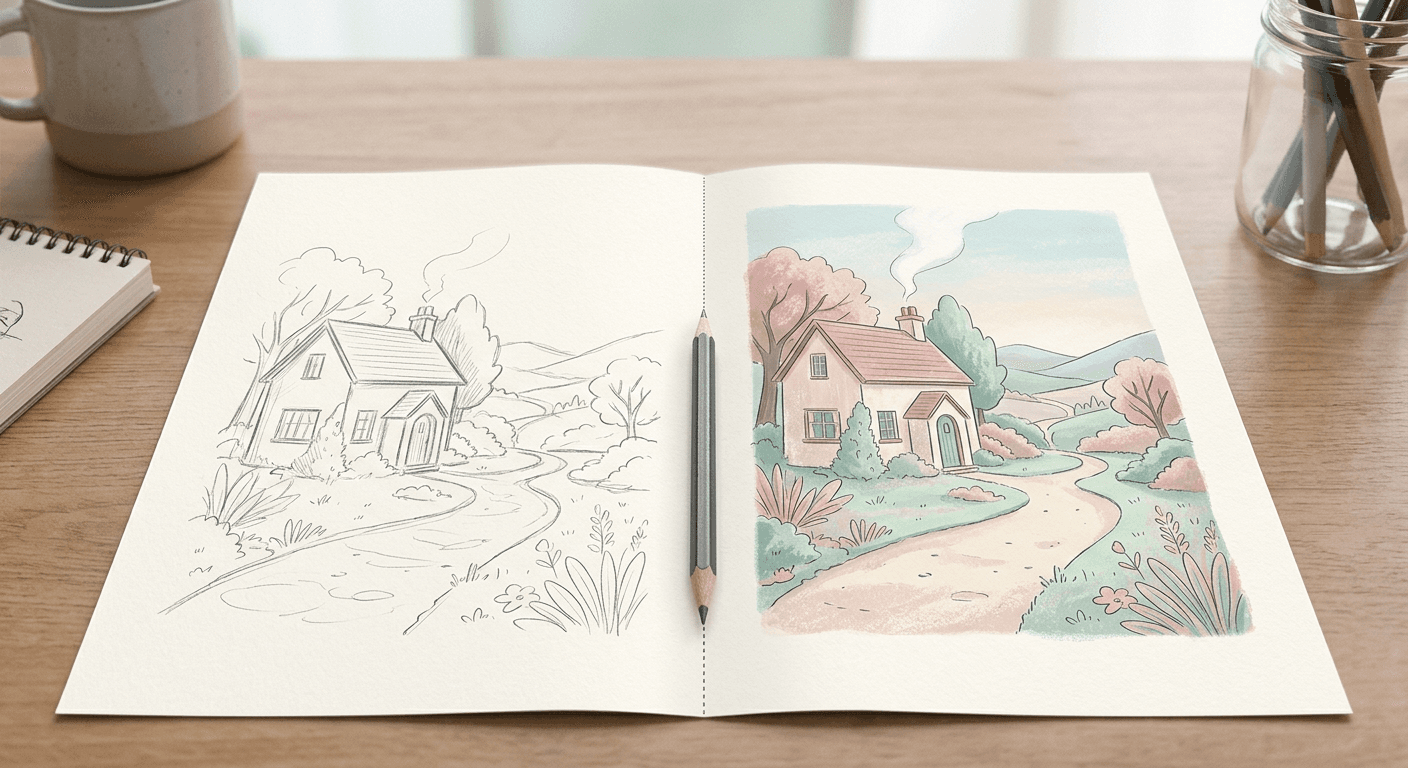
Prompt 18: The napkin sketch mug
a rough hand-drawn sketch of a coffee mug on a napkin slowly transforms into a fully rendered photorealistic mug sitting on a wooden table, camera holds a steady angle throughout the transformation, warm cafe lighting, no text
Prompt 19: The bicycle line-art fill
a simple sketched outline of a bicycle on a plain background gradually resolves into a fully colored, detailed bicycle leaning against a brick wall, steady camera, soft afternoon light, no text, no people
Prompt 20: The hanging plant sketch
a loose pencil sketch of a small house plant in a hanging pot slowly fills in with color and shadow detail, the transformation reads as a smooth, continuous animation rather than a hard cut, warm indoor lighting, no text
For this style specifically, start from an actual sketch or line drawing as your reference image rather than describing a sketch in words, since the model is working from a real input image, not imagining one.
How to Customize These Prompts
Every prompt above is a starting point, not a fixed script. A few adjustments that consistently improve results:
- Keep the "keep X exactly the same" clause explicit whenever you are doing a follow-up edit. This is the single biggest lever for character and scene consistency across a multi-turn conversation.
- Describe motion speed directly, snappy, quick-cut, calm, unhurried, rather than leaving pacing to chance. Gemini Omni Flash responds well to an explicit pace descriptor.
- Front-load the subject and the camera behavior in the first sentence, since the model weighs early details more heavily when a clip is only a few seconds long.
- For a mascot or recurring character series, repeat the identical character description word for word across every prompt in the sequence rather than paraphrasing it differently each time.
Common Mistakes Creators Make With Gemini Omni Flash
- Writing one long, dense prompt instead of using the conversational follow-up flow, which defeats the point of a model built specifically for iterative editing
- Forgetting that the YouTube Shorts version currently caps clips at 10 seconds with audio editing disabled, and planning a shoot that assumes the full Gemini app feature set
- Not stating what should stay the same in a follow-up edit, which increases the odds the model changes something you wanted to keep
- Treating a character-consistency series as one giant prompt instead of a sequence of separate, cleanly described generations
- Skipping a sketch-based reference entirely and trying to describe a hand-drawn look in text instead of feeding in an actual drawing
Where This Fits Into a Real Shorts Workflow
Generating individual clips is only part of a real Shorts pipeline. Once you have your Gemini Omni Flash clips, or clips generated from Miraflow's own cinematic AI video generator, which runs on Veo3 and Veo3.1 for product ads, storytelling, and short cinematic scenes, you still need a hook-first script, a voice track, captions, and a thumbnail that actually gets the click. Text2Shorts handles the topic-to-script-to-visual-to-voice pipeline end to end for Shorts, Reels, and TikTok, and pairing a strong Shorts video with the YouTube Thumbnail Maker in Miraflow AI covers the click-through side of the equation that a great video alone does not solve.
If you are experimenting with multiple AI video models side by side, our breakdowns of MiniMax H3 vs Veo 3.1 and Wan 2.7 vs Veo 3.1 cover how Gemini Omni Flash's closest competitors stack up, and how to write effective prompts for Veo3, Veo3.1, and Sora 2 is a useful companion guide if you are moving between multiple video models in the same project.
That walkthrough is a developer-focused demo of Gemini Omni Flash's conversational editing in action, useful if you want to see the multi-turn follow-up pattern used above before you try it yourself.
Frequently Asked Questions
Is Gemini Omni Flash actually free for YouTube Shorts? Yes, it is rolling out at no cost inside YouTube Shorts Remix and the YouTube Create app for eligible users 18 and older. The full conversational editing experience with more features is currently in the Gemini app, available to Google AI Plus, Pro, and Ultra subscribers.
How long can a Gemini Omni Flash clip be? Clips run 3 to 10 seconds at 720p and 24 frames per second. The YouTube Shorts version currently caps at 10 seconds with audio editing disabled.
Can I keep the same character across multiple clips? Yes, that is one of the model's core features. Conversational multi-turn editing is built to keep characters, objects, and physics consistent across follow-up instructions, which is what the character-consistent mini-series prompts above are built around.
Does Gemini Omni Flash watermark its videos? Yes, every clip carries an invisible SynthID watermark identifying it as AI-generated.
What is drawing-to-video and how do I use it? It turns a static sketch or line drawing into a moving, rendered scene. Start from an actual reference image of a sketch rather than describing one in words for the most reliable results.
Can I combine Gemini Omni Flash clips with a full Shorts production workflow? Yes. Many creators generate raw clips with a model like Gemini Omni Flash or Miraflow's cinematic video generator, then handle the script, voice, captions, and thumbnail with a dedicated tool like Text2Shorts and the YouTube Thumbnail Maker.
Conclusion
Gemini Omni Flash landing for free inside YouTube Shorts is the kind of distribution move that tends to matter more than the model's raw specs. Conversational, multi-turn editing means you no longer have to re-describe an entire scene to make one small change, and the character-consistency and drawing-to-video features open up formats, serialized mascots, sketch-to-scene intros, that were genuinely annoying to pull off with a one-shot text-to-video model. Start with the hook and b-roll prompts above if you just need footage fast, and move into the conversational edit pattern once you are ready to iterate on a shot instead of regenerating it from scratch every time.