How to Generate No-Copyright Music for YouTube in 2026 (With AI)

Written by
Jay Kim
Learn how to generate no-copyright background music for YouTube using AI in 2026. This guide explains licensing, safe tools, and prompt examples you can use right away.
If you’re making YouTube videos in 2026, you have to care about music copyright. One wrong track can trigger a claim, block your video in some countries, or even kill your monetization. The good news: with AI music generators and clear licensing, it’s now much easier to create safe, no-copyright-issue background music for your channel.
This guide walks through:
- What no-copyright music actually means (and what it doesn’t mean)
- Whether AI-generated music is allowed on YouTube in 2026
- How to safely generate music with AI for your videos
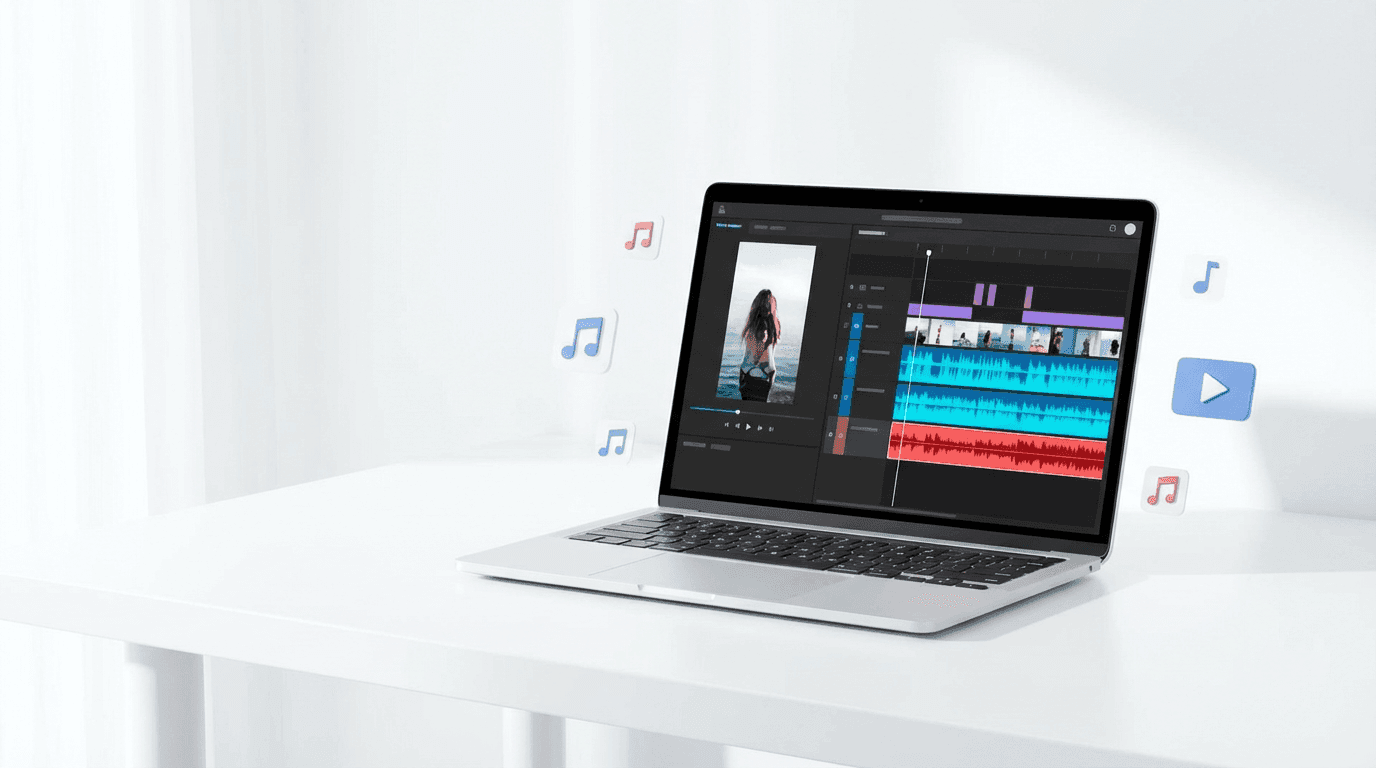
- A practical workflow using Miraflow AI Music Generator
- Prompt examples so you can get usable tracks fast
Quick Answer: Can You Use AI Music on YouTube in 2026?
Short version:
- Yes, you can generally upload AI-generated music to YouTube as long as you have the rights to use it and it doesn’t infringe anyone else’s copyrights (melodies, vocals, samples, etc.).
- No-copyright doesn’t mean to grab any AI track from anywhere and you’re safe.
- You’re safest when:
- The AI tool clearly states you can use the generated music in YouTube videos, including monetized content
- Or the music comes from YouTube’s own Audio Library or tools, which YouTube marks as copyright-safe.
You still need to:
- Read the generator’s license
- Avoid obviously copying existing songs
- Keep proof of where your music came from
This article will show you how to do that without needing a law degree.
What “No-Copyright Music” Actually Means
Creators mix up a few terms all the time: copyright-free, royalty-free, and no-copyright.
Here’s the simplified breakdown:
- Copyright-free / public domain
Music that is no longer protected by copyright, or has been deliberately placed in the public domain by its creator. You can use it without paying or asking permission. - Royalty-free
You (or the platform) usually pay once (or have a subscription) and can use the track many times without paying ongoing royalties each time it’s played. Royalty-free does not mean no copyright or free. - No-copyright music on YouTube
Usually used informally to mean: music you’re allowed to use in your videos without getting copyright claims, either because: - It comes from the YouTube Audio Library, or
- You licensed it correctly, or
- The generator explicitly grants you usage rights for platforms like YouTube.
In this post, when we say no-copyright music, we really mean: music that is safe to use on YouTube without copyright issues thanks to clear licensing.
Is AI-Generated Music Allowed on YouTube?
YouTube doesn’t ban AI music; it actually encourages responsible AI use.
- A YouTube community support thread confirms that AI-generated music can be uploaded as long as you have the rights and don’t infringe others’ copyrights.
- YouTube also launched its own AI music tools in 2025 that let creators generate video soundtracks YouTube explicitly describes as free to use without copyright concerns.
At the same time:
- Copyright law is still evolving. In the US, for example, 100% AI-generated works often cannot be copyrighted, which can put them in a strange space: they might be treated like public-domain-style outputs, but training data and likeness rights still matter.
- YouTube’s general rule stays the same: if you don’t have the rights to the music, you risk claims, regardless of whether AI helped make it.
So the safe approach in 2026 is:
Don’t rely on 'it’s AI, so it must be safe.'
Rely on the license of the AI music generator or library.
Safest Ways to Get No-Copyright-Issue Music for YouTube
Here are the safest sources in 2026, from most controlled to least:
1. YouTube Audio Library
- Found inside YouTube Studio → Audio Library
- Marked as royalty-free production music that is copyright-safe for your videos (some require attribution, many don’t).
- Best for: quick background tracks, basic intros/outros, safe and simple use.
You can combine this with AI tools (e.g., using AI for your main edit and YouTube Audio Library for extra layers).
2. Reputable AI Music Generators With Clear Licensing
Some AI music tools state directly that:
- They use in-house training data or licensed data
- You are allowed to use the generated tracks in monetized YouTube videos
- There are no additional royalties or backend claims
This is the category Miraflow AI Music Generator is aiming at: quick generation + clear usage in content.
3. Public Domain / CC0 Music
- Some tracks are released under CC0 (no rights reserved) or are in the public domain.
- These can be used without paying, but:
- Make sure the source is reputable
- Double-check that the track is actually CC0/public domain
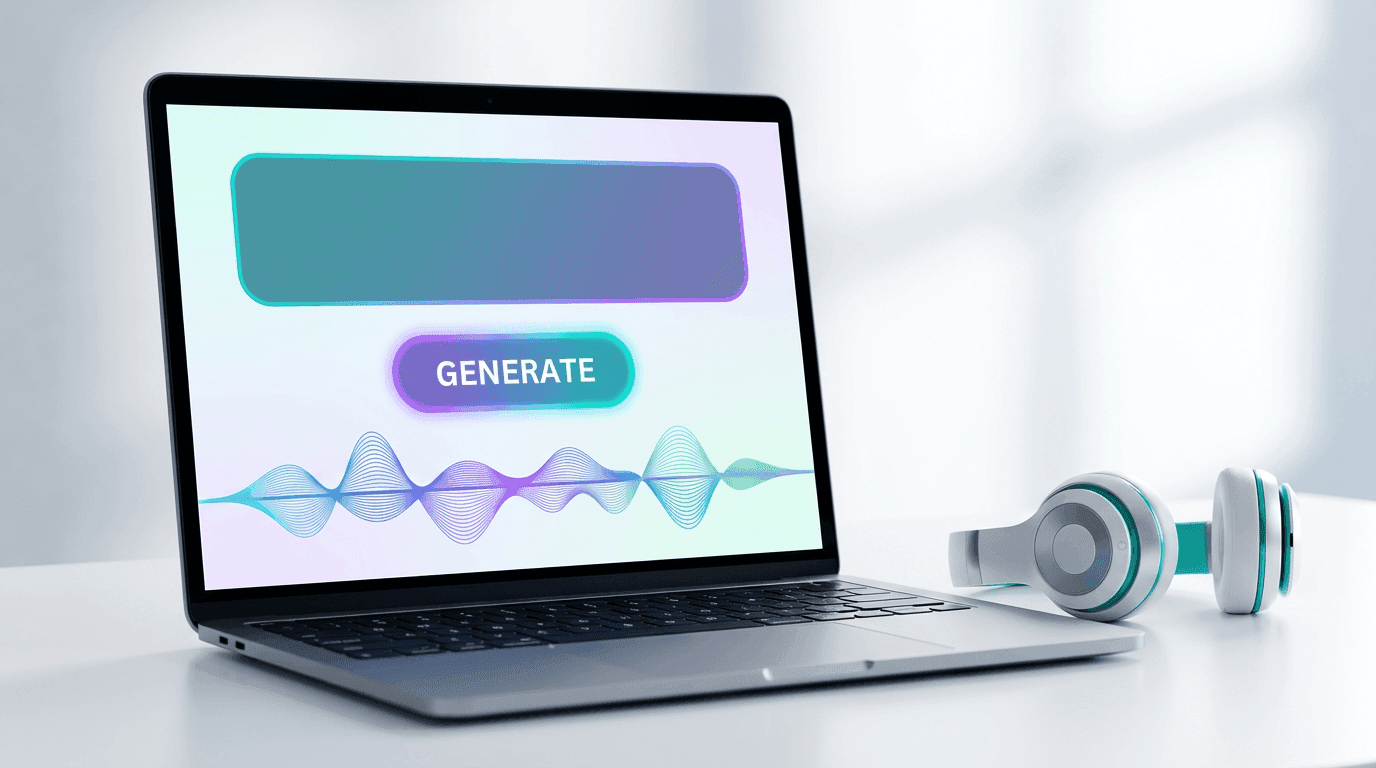
How Miraflow AI Music Generator Fits In
The idea is simple:
- You describe the track in natural language
- Mood: calm, dramatic, epic, cozy
- Genre: lo-fi, trap, orchestral, synthwave, acoustic
- Use case: YouTube intro, vlog BGM, Shorts, product video
- Miraflow generates original AI music from your prompt
- You download it and use it as background music for:
- YouTube videos
- YouTube Shorts
- Reels / TikTok edits
- Product and cinematic videos you create in Miraflow (e.g. cinematic video generator)
Because Miraflow is built for creators, the goal is:
- No manual DAW work
- No hunting through dozens of libraries
- Just: I need a chill lo-fi loop for a productivity Shorts series → generate → done.
You can also combine it with your existing Miraflow features:
- Text2Shorts → generate script + vertical video
- Veo3.1 / Cinematic video → generate visuals
- YouTube Thumbnail Maker → create thumbnails
- AI Music Generator → add matching background tracks
That gives you a full AI pipeline inside one browser tab.
How to Generate AI Music for YouTube: Practical Workflow
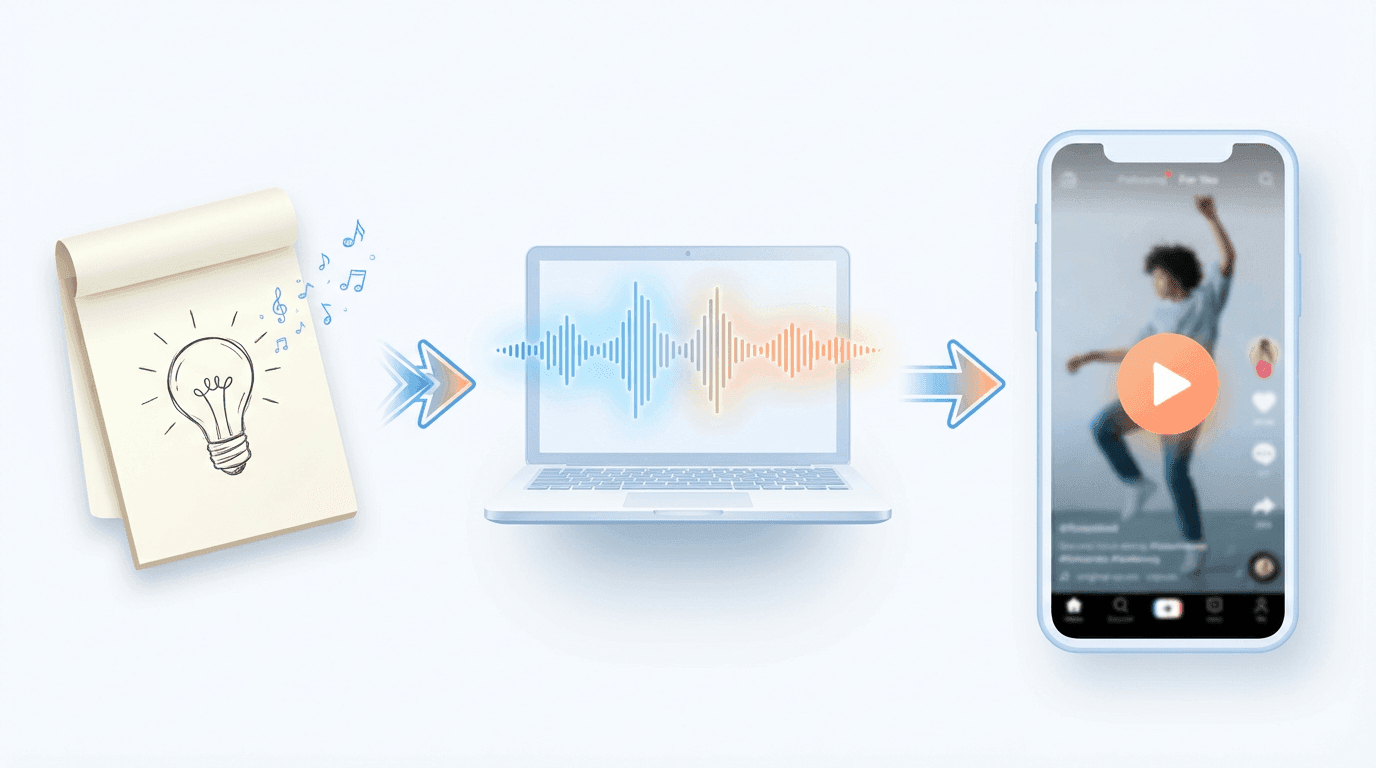
Here’s a simple safe workflow you can use with any AI music generator (and adapt to Miraflow AI):
Step 1: Define how the music will be used
Before prompting, answer:
- Is this background only? (voiceover on top)
- Is it a main focus (music channel / playlist)?
- What’s the length? (15s hook, 60s Short, 5-minute BGM loop)
This will change how busy, loud, and complex the track should be.
Step 2: Write a clear AI music prompt
Think in 4 parts:
- Genre / style
- “lo-fi hip hop,” “cinematic orchestra,” “minimal techno,” “ambient piano”
- Mood / energy
- “calm and focused,” “epic and dramatic,” “playful and upbeat,” “dark and tense”
- Instrumentation
- “soft piano and warm pads,” “guitars + subtle drums,” “808s + plucky synths”
- Use case
- “background music for YouTube tutorial,” “BGM for study playlist,” “reel / Shorts background with clear beat drops”
Example prompts you could use in Miraflow AI:
- Calm lo-fi hip hop beat for study, warm vinyl texture, soft drums, mellow piano chords, slow tempo, loopable, ideal as background music for YouTube talking-head videos.
- Energetic electronic track for product promo, punchy drums, bright synths, modern tech vibe, medium tempo, clear structure with intro, build, and drop, designed for YouTube Shorts and Reels.
- Emotional cinematic soundtrack, soft piano, evolving strings, subtle pulses, slow build, inspiring and hopeful mood, suitable for YouTube storytelling and cinematic b-roll.
Step 3: Generate, listen, and test under your voice/video
- Generate a track
- Drop it under your voiceover or edit
- Ask:
- Does it distract from speech?
- Does the energy match the pacing of your cut?
- Does it feel too repetitive or too busy?
If not ideal, change only one thing in the prompt (tempo / mood / instrumentation) and regenerate.
Step 4: Download and keep documentation
Whenever you download AI music, save:
- The file name
- The prompt you used
- The date and name of the generator (Miraflow AI Music Generator)
- If possible, a screenshot or link to the page that describes licensing
This becomes your evidence if anything weird happens later with claims.
Step 5: Upload to YouTube and run checks
- Upload your video to YouTube (public/unlisted)
- Use YouTube Checks (if enabled on your channel) to see if any Content ID matches are triggered before publishing.
If there are no matches and your generator’s license is clear, you’re in a good place.
Best Practices to Avoid Music Copyright Problems (Even With AI)
AI tools reduce risk but don’t make you invincible. In 2026, a few common-sense rules go a long way:
- Avoid cloning known songs or artists
- Don’t ask AI for “a track that sounds exactly like [famous song]”
- Be very careful with prompts that mention real artists’ names, especially when the industry is actively licensing AI likenesses.
- Don’t upload AI tracks that imitate a specific singer’s voice without permission
- Right of publicity and voice rights can apply, even if the music is technically new.
- Prefer generators with clear licensing pages
- Some AI music tools explicitly say: You can use this in monetized YouTube videos. (Miraflow AI)
- Use YouTube Audio Library when in doubt
- It’s still one of the safest free sources, especially when you follow attribution rules.
- Keep an eye on policy updates
- YouTube’s creator policy and copyright pages get updated as AI evolves.
(And of course: this article isn’t legal advice, when in doubt for commercial or large-scale use, talk to a lawyer.)
Example AI Music Prompts for YouTube Creators
You can adapt these directly in Miraflow’s AI Music Generator:
For tutorials & talking-head videos
Soft chillhop background music, warm Rhodes piano, light drums, subtle bass, relaxed tempo, loopable, low-key so it doesn’t fight with voice, perfect for YouTube tutorials.
For YouTube Shorts & Reels
High-energy electronic beat, punchy drums, bright synth stabs, fast tempo, clear beat drops every 4 bars, designed as background for vertical short videos.
For study / focus playlists
Slow lo-fi beat, gentle vinyl crackle, distant keys, no harsh highs, very chill and repetitive in a good way, ideal for long study or work sessions on YouTube.
For product / SaaS promos
Modern tech background music, tight drums, plucky synths, subtle risers, clean and minimal, medium tempo, corporate but not cheesy, for software/product demo videos.
Use these as a base and keep a Prompt Library inside your notes app so you don’t start from zero every time.
FAQ: AI Music & YouTube in 2026
Is AI music itself copyright-free?
Not automatically. In some places, 100% AI-generated works may not be protected by copyright, but training data, model ownership, and usage rights still matter.
Always rely on the license from your AI music provider or library.
Can I monetize videos with AI-generated music?
Generally yes, if the music’s license allows commercial use and YouTube doesn’t detect conflicting claims. Many AI music providers explicitly allow monetization on YouTube.
Is it safer to use YouTube Audio Library or AI music?
Both can be safe if used correctly:
- YouTube Audio Library is safe inside YouTube’s ecosystem when you follow its rules.
- AI music is flexible and unique if the generator offers clear rights and doesn’t train on unlicensed material.
What if I still get a claim?
Check where the music came from, confirm your license, and follow YouTube’s standard copyright workflows (contact rights holder, ask for retraction, or dispute if you’re clearly in the right).
Final Thoughts: AI Music as Part of Your YouTube Stack
In 2026, AI music is a serious tool for creators:
- You’re no longer stuck scrolling through the same royalty-free tracks as everyone else
- You can match music to your video’s mood in minutes using prompts
- You can keep everything, you script, video, thumbnail, and now music, inside workflows like Miraflow AI
If you’re already using Miraflow AI for:
- Text2Shorts (idea → vertical short)
- Veo3.1 / cinematic video (prompt → visuals)
- YouTube Thumbnail Maker (AI thumbnails and blog covers)
then adding AI Music Generator lets you finish the last missing piece: background sound that’s yours, on-brand, and safe to use.
Start simple:
- Pick one upcoming video
- Write a clear AI music prompt
- Generate a track in Miraflow
- Use YouTube Checks + keep your licensing info
After a few uploads, you’ll have your own mini music library built entirely around your channel’s vibe, without ever opening a DAW or risking random copyright strikes.