Instagram Edits Is Getting an AI Assistant and a Desktop Version: What Creators Need to Know

Written by
Aerin Kim
Meta is bringing an AI assistant and a long-awaited desktop version to Edits, its free Instagram video editor. Here is exactly what is shipping and what is still coming.
Meta used an invite-only creator event in Los Angeles to confirm two features Edits users have been asking for since the app launched: a desktop version and an AI assistant that reads a creator's own performance data to suggest what to make next. A handful of other tools, an experimental Beta Tab, deeper analytics, and the ability to test multiple versions of the same edit, shipped immediately at that same event, while the AI assistant and desktop app are still rolling out in testing.
This post covers exactly what Edits already does today, what shipped immediately from the June event, what is still coming, and how the real numbers Meta shared explain why the company is investing here at all. If your workflow already spans editing, scripting, and publishing, it's worth knowing how Edits fits alongside a fuller AI production pipeline like Text2Shorts and the cinematic AI video generator inside Miraflow AI, since none of these tools compete head-on so much as cover different stages of the same short-form video workflow.
What Edits Already Does Today
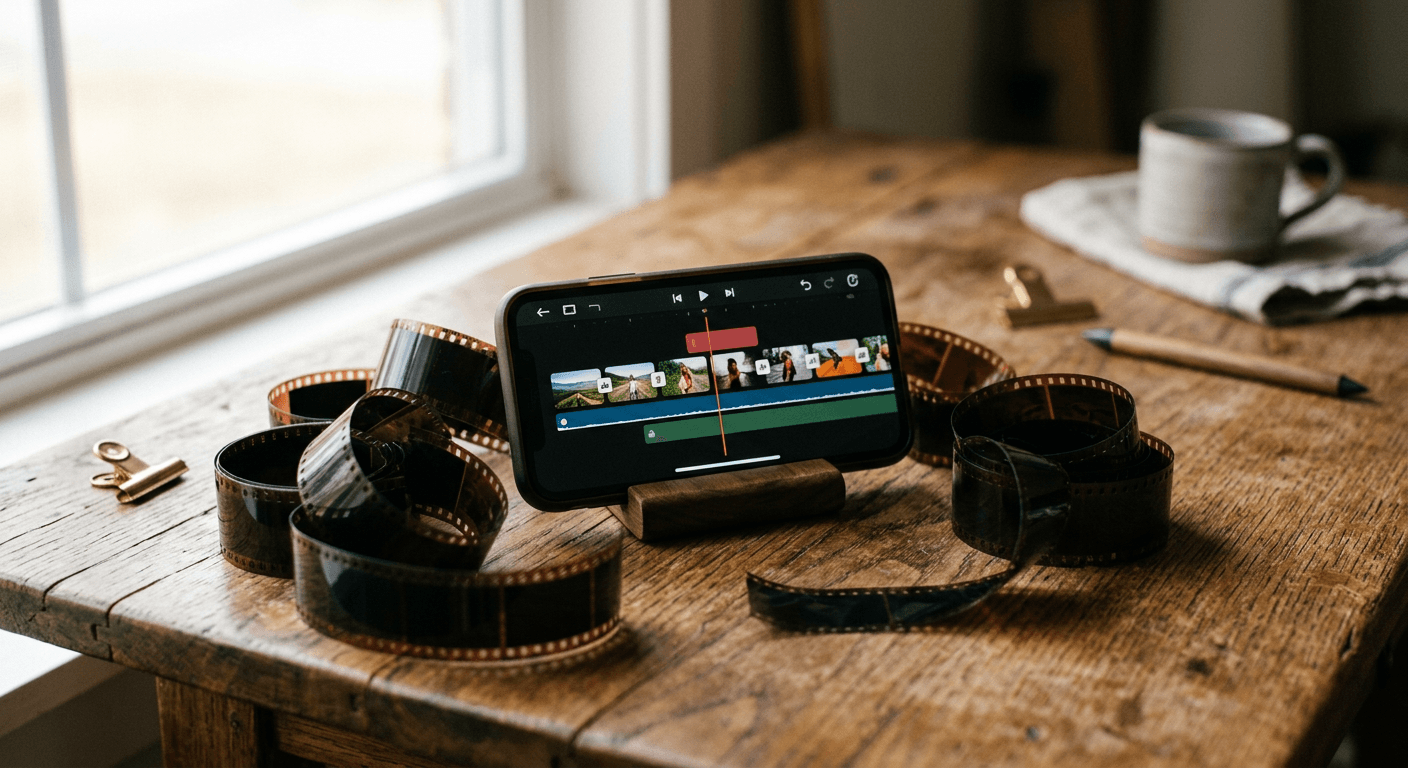
It's worth grounding this in what Edits actually is before covering what's new, since a meaningful share of creators still associate it with a stripped-down in-app editor rather than the full standalone tool it has become since its April 2025 launch. Edits is Meta's free, standalone video editing app built specifically around Reels, with direct publishing into Instagram and Facebook and analytics tied straight to the videos it produces. Its current feature set includes:
- AI-powered object segmentation (built on Meta's own Segment Anything Model research) that isolates a subject from its background precisely enough to restyle or replace what's behind them without manually rotoscoping the footage.
- A full multi-track timeline with keyframes, beat markers, freeze frame, reverse play, and volume ducking for voiceovers, the kind of controls that used to require a desktop NLE, not a phone app.
- A built-in teleprompter and Storyboards, letting a creator plan a multi-shot video before filming rather than editing purely reactively after the fact.
- 4K HDR export, which matters increasingly as more Reels get watched on larger screens through Instagram's TV app and connected displays.
- Editable creator templates, where a known creator publishes their actual project file so anyone can see exactly how a specific effect or transition was built and adapt it directly, rather than guessing from the finished video alone.

Why Meta Built a Separate App Instead of Just Improving In-App Editing
It's worth understanding why Edits exists as a standalone app at all, rather than Meta simply adding more editing tools to the main Instagram app. Instagram's native in-app editor has always been optimized for speed and simplicity, quick trims, basic filters, and text overlays, built for someone finishing a cut in under a minute before posting. That design works well for casual posting but breaks down for a creator trying to build a consistent, higher-production channel, since the tools that speed up a thirty-second edit are the same ones that get in the way of a more deliberate, multi-shot production.
Edits, launched April 22, 2025, was Meta's answer: a completely separate app built around the assumption that a creator is planning a video in advance, not improvising one on the spot. That's the reasoning behind features like Storyboards and the teleprompter, tools a casual poster rarely needs but a working creator uses on nearly every video. The June 2026 additions extend that same logic. An AI assistant that reads performance data and a desktop app with precise, large-screen controls are both squarely aimed at the same serious-creator audience Edits was built for from day one, not at the casual poster still using Instagram's built-in tools.
What Shipped Immediately at the June Event
Alongside confirming the AI assistant and desktop version, Meta shipped several smaller but immediately available tools at the same event:
- A Beta Tab giving creators structured early access to experimental features, with a direct feedback channel back to Meta's product team rather than features simply appearing unannounced in a routine update.
- Enhanced analytics, adding audience demographic breakdowns and peak engagement timing directly inside the app, rather than requiring a creator to cross-reference Instagram's separate professional dashboard.
- Inspiration Feed Search, letting a creator search the Reels and template feed by topic rather than scrolling for reference material.
- Project Versions, which lets a creator branch a single edit into multiple versions to test different creative directions, hooks, or pacing before choosing which one to actually publish.
That last feature is worth sitting with, since it is a genuinely different workflow from how most short-form editing happens today. Rather than committing to one cut and hoping it performs, Project Versions treats the edit itself as something worth testing the same way a creator might already test two different thumbnails, which lines up with the same instinct behind YouTube's own title A/B testing feature inside Studio.

What's Coming: An AI Assistant That Reads Your Own Data
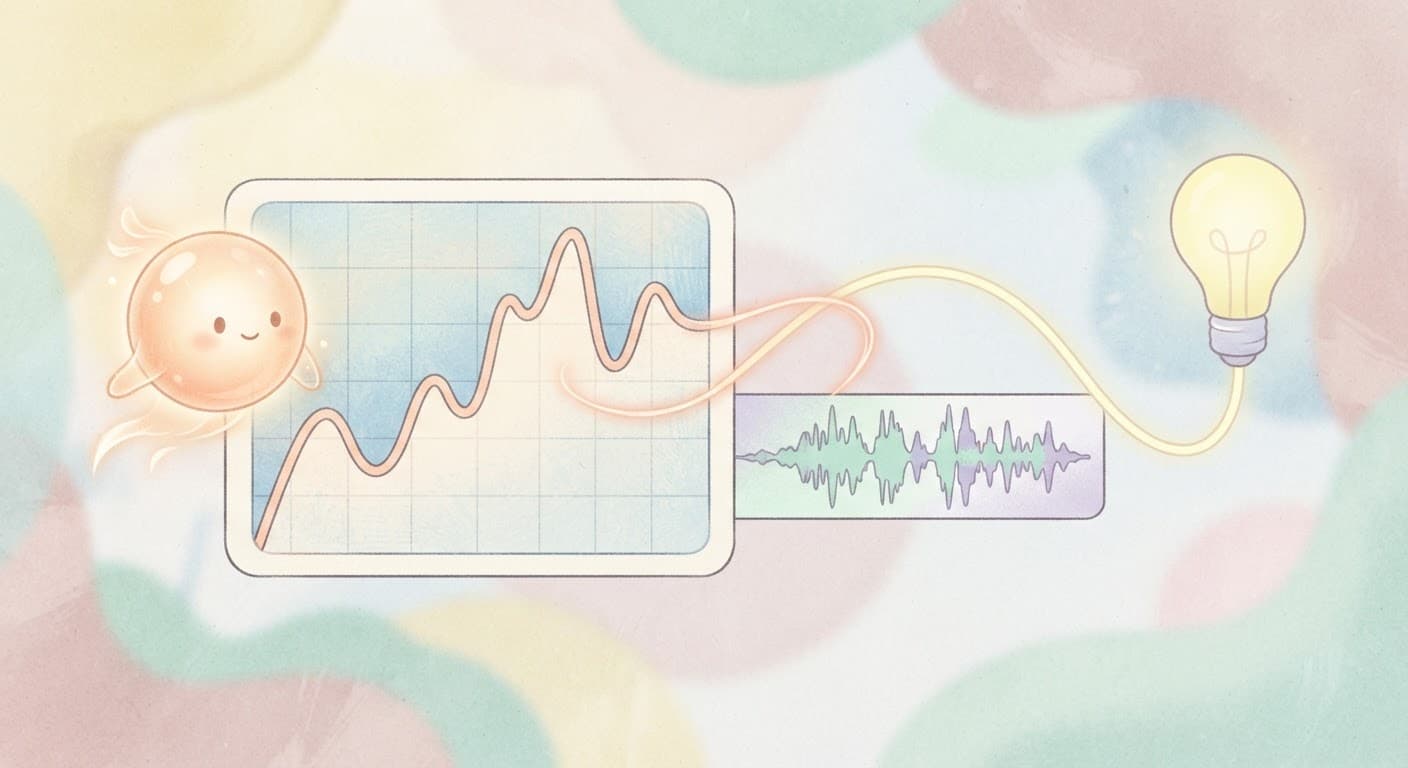
The AI assistant, still in testing with event attendees as of this writing, is built to analyze a creator's own performance insights, views, video-retention curves, and trending audio, and turn that into direct suggestions: what to make next, and specifically why that idea is likely to perform based on the creator's own historical data rather than generic trend advice. That distinction matters. A trending-audio suggestion pulled from a general trending list is useful but generic. A suggestion grounded in which of your own last twenty videos actually held retention past the first three seconds is a fundamentally more specific, and more actionable, kind of feedback.
This positions the Edits assistant closer to a data analyst than a content generator. It is not (at least in its currently described form) writing scripts or generating footage, the way Text2Shorts or the AI Image Generator in Miraflow AI do. It is closer to the analytical layer of the workflow, telling a creator what has already worked and why, which leaves the actual scripting, filming, and generation of new material as a separate step the creator still owns, whether that's shooting it themselves or generating it.
What's Coming: A Desktop Version, and Why That's a Bigger Deal Than It Sounds
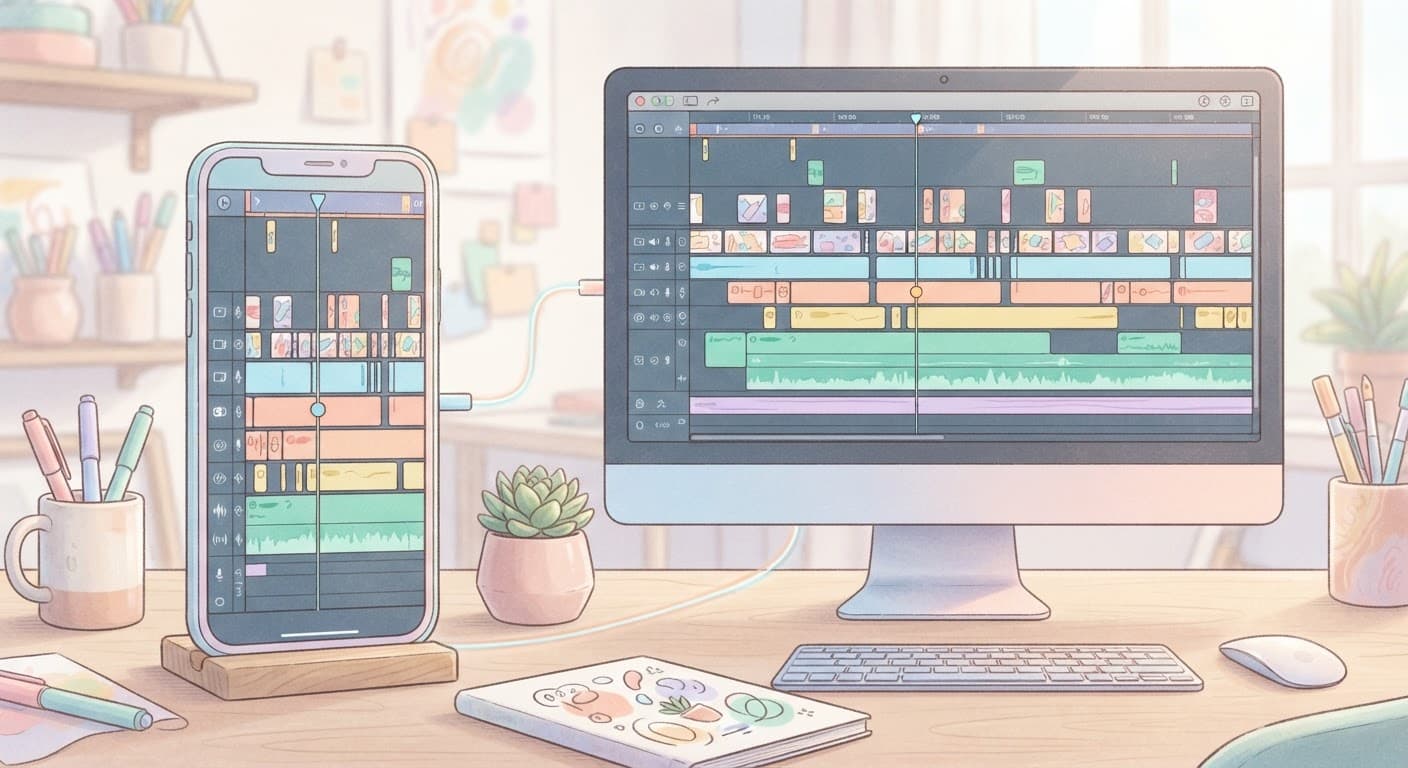
Edits has been mobile-only since launch, which has been a real limitation for creators doing anything beyond quick, simple cuts. Meta's own framing for the desktop version is precision and screen space: finer control during complex editing, and the ability to work across a full monitor instead of a phone screen, with projects syncing seamlessly between mobile and desktop so a creator can start an edit on their phone and finish it on a laptop, or the reverse.
The competitive read here is straightforward. CapCut has offered a capable desktop app for years, and creators doing anything beyond the simplest edits have often exported from a mobile-first tool into a desktop editor to finish the job, which breaks the workflow across two separate apps. A native desktop version closes that gap directly, and it is a strong signal that Meta is treating Edits as a genuine CapCut competitor rather than a supporting feature bolted onto Instagram, not just a nice-to-have.
As of this writing, the desktop version remains "coming soon" with no public release date, so creators evaluating their current desktop-editing workflow should treat this as a feature to plan around rather than one to build a workflow on today.
Real Numbers: Why Meta Is Investing Here
Meta shared two specific performance stats alongside these announcements that explain the investment. Content created with Edits shows a 10 percent higher save rate and a 2 percent higher reshare rate compared with content made in other tools, and more than half of Instagram Reels viewers encounter Edits-created content on a daily basis. Save rate in particular is a meaningful signal, since Instagram's own ranking systems weight saves heavily as evidence a piece of content had lasting value to a viewer, not just a passing scroll-past like.
Those numbers give Meta a direct incentive to keep investing in Edits specifically, rather than treating it as a side project alongside the main Instagram app: content made in Edits appears to perform measurably better on the exact metric Instagram's own algorithm rewards most, which creates a flywheel where creators who adopt Edits get better reach, which in turn gives Meta more reason to keep building the tool out.

How Edits Compares to CapCut for a Working Creator
Both apps are free with no watermark on export, both include AI-assisted tools and templates, and both now offer 1080p-or-higher export. The meaningful differences right now come down to ecosystem and workflow position, not raw feature count:
- Publishing integration. Edits publishes directly into Instagram and Facebook with built-in analytics tied to those specific platforms, while CapCut is platform-agnostic by design, which matters if your primary output is Reels specifically versus a mix of TikTok, YouTube Shorts, and Reels from one edit.
- Object segmentation quality. Edits' segmentation is built on Meta's own SAM research, which has a strong reputation for precision, though CapCut has invested heavily in comparable AI tooling of its own.
- Desktop maturity. CapCut's desktop app is mature and widely used today. Edits' desktop version is still in the "coming soon" phase, so for a creator doing heavy desktop editing right now, that gap has not closed yet even though it is clearly the direction Meta is moving.
- Data-driven suggestions. Once it ships broadly, the Edits AI assistant's access to a creator's actual Instagram-specific performance data is something a platform-agnostic tool like CapCut cannot fully replicate, since it does not have the same first-party access to Instagram's own retention and engagement data.
For a creator publishing primarily to Reels, that ecosystem tie-in is a real advantage once the desktop and AI assistant features mature. For a creator publishing the same edit across TikTok, Shorts, and Reels simultaneously, a platform-agnostic tool remains the more efficient single point of editing.
How This Plays Out at Different Stages of a Creator's Growth
A creator just starting out, still posting inconsistently and experimenting with format, gets the most immediate value from the free feature set Edits already has today: Storyboards for planning a shot list before filming, and the teleprompter for delivering a clean, confident take without memorizing a script line by line. The AI assistant's data-driven suggestions matter less at this stage simply because there isn't yet enough of a creator's own performance history for the assistant to learn from.
A creator with a consistent posting rhythm and a real, if modest, audience is exactly who the AI assistant is built for. This is the point where a creator has enough published videos that real patterns exist in what retains viewers and what doesn't, and where a second, data-grounded opinion on the next video idea has genuine value over guessing.
A creator running a small production team, even just one editor working alongside the on-camera talent, is who the desktop version and Project Versions are aimed at most directly. Splitting work between a phone-based shoot and a desktop-based finishing pass, with projects syncing automatically between the two, mirrors how small production teams already split responsibilities, just without the file-transfer friction that currently exists between a mobile-first tool and a separate desktop editor.
Common Mistakes Creators Make With Edits Right Now
- Waiting for the AI assistant or desktop version before adopting Edits at all. The current mobile app, with SAM-based segmentation, a full timeline, teleprompter, and Storyboards, is already a capable standalone editor today, independent of the features still in testing.
- Ignoring Project Versions as just a minor feature. Testing two or three cuts of the same footage before publishing is a genuinely different, and often better, workflow than committing to a single edit, and it's available now rather than something to wait for.
- Treating the AI assistant as a script or footage generator. Based on what's been confirmed so far, it analyzes performance data and suggests direction, it does not generate new video content, which is a different function from tools built specifically for AI generation.
- Assuming desktop parity is imminent. With no public release date confirmed, a creator with heavy desktop-editing needs today should not restructure their current workflow around a feature that is still described as "coming soon."
- Overlooking the built-in analytics upgrade. The enhanced audience demographic and peak-engagement-timing data shipped immediately, and it's easy to miss inside an app update that's getting most of its attention for the bigger AI and desktop announcements.
Where This Fits Into a Full Creation Workflow
Edits is a strong editing and publishing layer, but it starts after the footage, script, and visuals already exist. That's the piece Miraflow AI is built to cover: Text2Shorts turns a topic into a scripted, voiced vertical video in one workflow, the AI Image Generator and cinematic AI video generator produce original visuals and scenes when you don't have existing footage to work with, and AI Clipping turns a single long-form video into multiple captioned Shorts ready to bring into an editor like Edits for final polish. Pairing generation and editing tools this way, rather than expecting one app to do everything, tends to produce a faster and more flexible pipeline than any single tool alone.
If you're building out a broader Instagram strategy alongside these Edits updates, our guides on Instagram's Reels teleprompter feature, First Draft's auto-editing tools, and strategic grid reordering cover other pieces of the same platform. Browse more creator tool breakdowns on the Miraflow AI blog.
Frequently Asked Questions
Is the Instagram Edits AI assistant available yet? No. As of this writing it is in testing with attendees of Meta's June 2026 creator event, with no public rollout date confirmed.
Is the Edits desktop version out yet? No, it is described as "coming soon" with no public release date. Projects will sync between mobile and desktop once it ships.
Is Edits free? Yes. Edits remains a free app with no watermark on exported video, similar to CapCut's free tier.
Does the AI assistant generate video content for you? Based on what Meta has confirmed, it analyzes a creator's own performance data (views, retention, trending audio) and suggests content directions. It does not appear to generate scripts or footage directly.
How is Edits different from CapCut? The biggest current differences are Edits' native Instagram and Facebook publishing integration with built-in platform-specific analytics, versus CapCut's platform-agnostic approach and more mature desktop app.
What is Project Versions? A feature that lets a creator branch one project into multiple edited versions to test different creative directions before choosing which to publish, available now rather than still in testing.
Why does Meta say Edits content performs better? Meta reports Edits-made content sees a 10 percent higher save rate and a 2 percent higher reshare rate than content made elsewhere, both metrics Instagram's ranking system weights heavily.
Conclusion
Edits' June 2026 announcements are Meta treating its own video editor as a serious, ongoing platform investment rather than a side feature, and the specific direction, an AI assistant grounded in a creator's real performance data, plus a desktop app aimed squarely at closing the gap with CapCut, tells you where Meta thinks the real friction still is. The tools that shipped immediately, Project Versions especially, are worth adopting today regardless of when the bigger features land. For everything upstream of editing, script, voice, original visuals, and scene generation, that's the layer a tool like Miraflow AI is built to cover, so the two fit together as stages of one pipeline rather than as competing choices.