Instagram First Draft Explained: How Reels' New Auto-Editing Tool Works

Written by
Aerin Kim
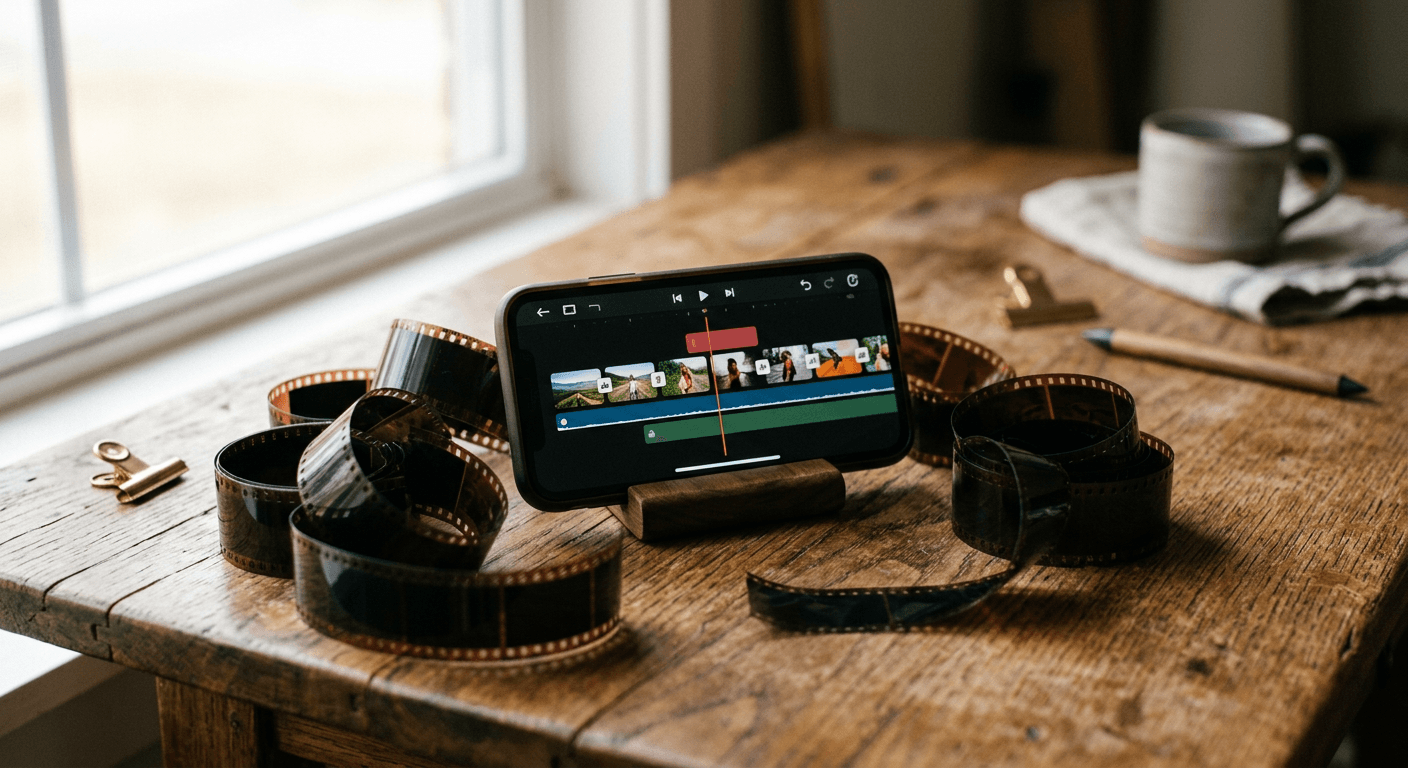
Instagram's First Draft auto-trims dead air and assembles a rough cut from your Reels clips in seconds. Here is exactly how it works, and what it still can't do for you.
If you have ever sat down to edit a Reel from three or four takes of yourself talking to camera, you know the tedious part is rarely the fun creative editing. It is scrubbing through raw footage hunting for every awkward pause, every "let me start that again," and every three seconds of dead silence between sentences, then trimming each one out by hand before you can even start the real edit. Instagram just shipped a tool that does exactly that specific job for you, automatically, in seconds.
TL;DR: What Instagram's First Draft Actually Does
- Instagram announced First Draft through its @creators account and began rolling it out on August 26, 2026, starting on iOS only, according to Dataconomy.
- You select one or more clips from your camera roll, or film directly in-app, tap the First Draft button, and it automatically trims dead air and pauses, then sequences the clips into a rough cut generated in seconds.
- The result is fully editable and reversible. You can reorder clips, remove them, adjust the cut, or start completely over before moving into Instagram's full editor or publishing.
- First Draft is a genuinely useful time-saver for assembling footage you already filmed. It does not write a script from an idea, generate visuals that do not exist yet, add original music, or turn one long recording into several ranked short clips, which is exactly where Miraflow's Text2Shorts and AI Clipping pick up the work.
What Is Instagram First Draft?
First Draft is a new in-app auto-editing tool for Reels built to solve one narrow but genuinely annoying problem: turning a pile of raw clips into a watchable rough cut without opening a separate editing app first. Instagram is positioning it explicitly as a starting point rather than a finished decision, according to reporting from NetInfluencer, which is an important distinction. This is not a tool that publishes a finished Reel on your behalf. It hands you a reasonable first pass so you are editing instead of staring at a blank timeline.
The tool is aimed specifically at multi-clip formats where dead air is the biggest time sink: montages, talking-head videos where you are speaking directly to camera, and day-in-the-life content stitched together from several short recordings throughout a day. If you have ever tried to make one of these work by manually scrubbing back and forth between five separate clips, you already understand why Instagram built First Draft around finding silences and cutting them so the content comes through without the gaps in between.
It matters for more than convenience, too. Retention in the first few seconds of a Reel is one of the clearest signals feeding Instagram's ranking system, and a rough cut still full of dead air tends to lose viewers before your actual point lands. Our guide on how the Instagram Reels algorithm works in 2026 covers why those first few seconds carry so much weight, and a tool that automatically strips out the pauses before you even start editing is a direct, practical way to protect that window.
How to Use First Draft on Reels: Step by Step
The workflow is short by design. Here is exactly what happens from opening the camera roll to having a rough cut ready to finish.
Step 1: Gather or film your clips
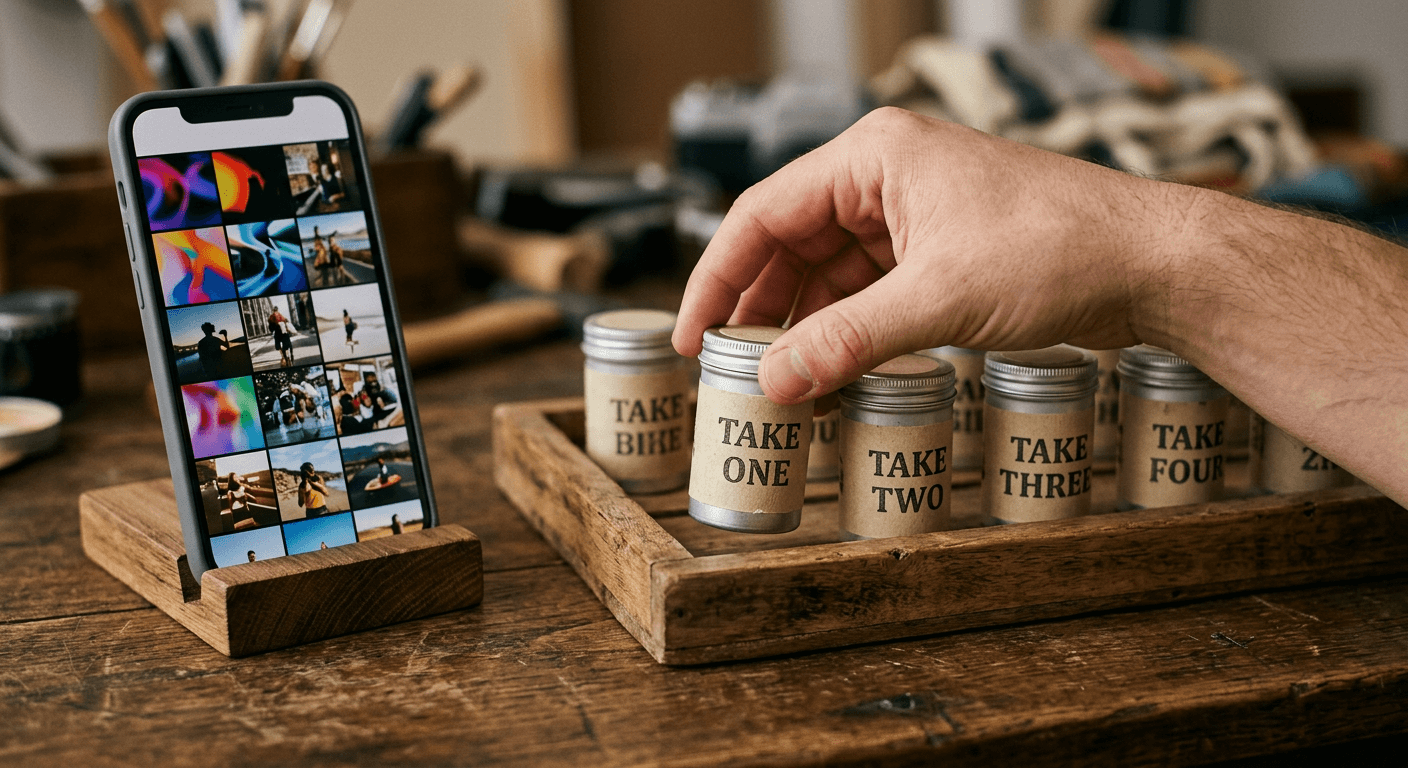
Open Reels and either select multiple clips from your camera roll and gallery, or film them directly in-app using Instagram's camera. First Draft works on a batch of clips, not a single continuous recording, so this step is really about deciding which takes and segments you actually want in the final Reel. You do not need to pre-trim anything yourself. Bring the raw, slightly messy footage exactly as you filmed it.
Step 2: Tap First Draft and let it assemble a rough cut
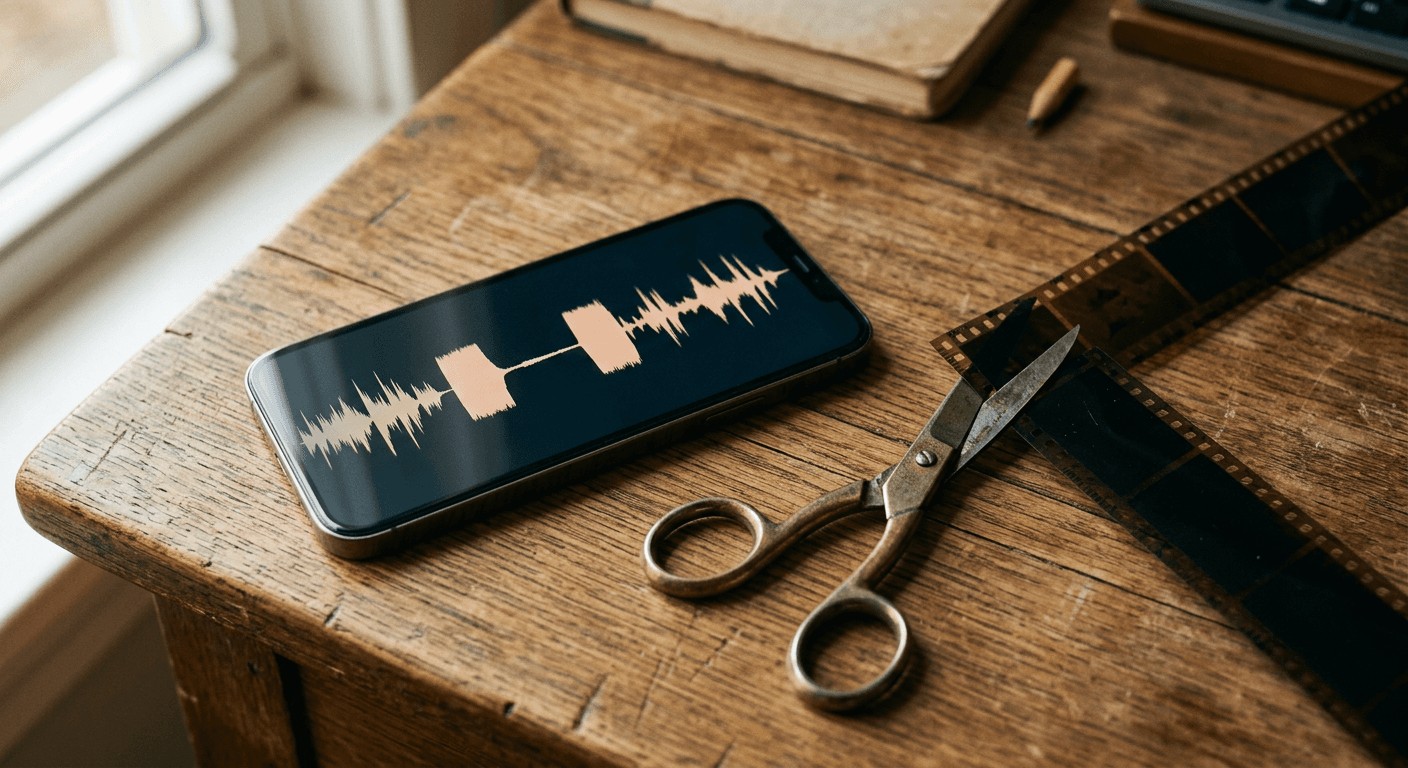
Once your clips are selected, tap the First Draft button. The tool analyzes the audio in your clips, specifically hunting for dead air and pauses in talking-head footage, and trims those gaps out. It then sequences the remaining footage into an initial cut. Instagram has said this initial assembly happens in seconds, not minutes, which is the entire point: you get a workable starting timeline without manually scrubbing through every clip first.
Step 3: Review, reorder, or start completely over
This is the part that makes First Draft feel safe to use rather than risky. Nothing it does is locked in. You can reorder clips if the sequencing feels off, remove a clip entirely, adjust where a cut lands, or scrap the whole rough cut and start over from your original footage. Because the tool is explicitly a starting point and not a finished decision, treating the first pass as a draft rather than a final edit is exactly how Instagram designed it to be used.
Step 4: Finish in Instagram's full editor, or publish as is
Once the rough cut looks right, you move into Instagram's regular Reels editor to add text, effects, stickers, or a caption, or you can publish it close to as-is if the automatic trim already did most of the work. Either way, First Draft's job ends the moment you have a clean sequence. What happens after that, captions, music, hooks, and posting strategy, is still on you. If you want a deeper breakdown of what actually makes a Reel take off once it is edited and posted, our post on how to go viral on Instagram Reels in 2026 is a good next stop.
What First Draft Is Actually Good At
Give credit where it is due. First Draft solves a real, specific, and previously manual problem well.
- Trimming dead air fast. Hunting for silences in talking-head footage and cutting them out is exactly the kind of repetitive task automation is good at, and doing it in seconds instead of manually scrubbing saves real editing time.
- Lowering the barrier for non-editors. A creator who has never opened a timeline-based editor can still get a coherent rough cut from raw clips without learning trim handles or J-cuts first.
- Multi-clip sequencing. Montages and day-in-the-life content, where the hard part is deciding an order for several short recordings, benefit from having a reasonable default sequence generated automatically instead of built one drag at a time.
- Staying reversible. Because every action is undoable and nothing publishes automatically, there is little downside to trying it on footage you were going to edit manually anyway.

These strengths line up with a consistent, repeatable posting habit, which matters more than any single edit. If you are trying to build out a repeatable short-form content calendar rather than one-off Reels, our guide to content pillar strategy for short-form creators is worth pairing with a tool like First Draft that removes friction from each individual edit.
Where First Draft Still Leaves Creators on Their Own
Here is the part worth being honest about. First Draft only assembles and trims footage you already filmed. It is an editing tool, not a content generation tool, and the distinction matters for what it cannot do.
- It does not write a script from an idea. If you are starting from a topic or a hook idea and no footage at all, First Draft has nothing to work with. It needs clips to exist first.
- It does not generate visuals that do not exist yet. There is no b-roll generation, no scene creation, no way to fill a gap in your footage with something you never filmed.
- It does not turn one long recording into multiple ranked short clips. First Draft trims and sequences the specific clips you feed it. It does not scan a 40-minute podcast or livestream and pull out the best moments as separate, ranked shorts.
- It does not add original music. Trending audio still has to be picked manually the same way it always has, and First Draft has no music generation of its own.

None of this is a knock on what First Draft is trying to do. It was built to solve the trim-and-sequence problem, and it solves that specific problem well. But for a creator who wants more automation than that, the gap between "trim what I filmed" and "generate what I need" is exactly where a purpose-built AI content pipeline like Miraflow AI becomes the next logical tool rather than a hard sell.
The Rest of Instagram's August 2026 Reels Update
First Draft did not ship alone. Instagram rolled out several other Reels changes around the same window in August 2026, and they are useful context for anyone planning their content strategy right now, according to reporting from TechBriefly.
- Reels can now run up to 20 minutes long, a major jump from the short-form limits Reels launched with, opening the door to longer talking-head content, tutorials, and vlogs published natively as Reels instead of being split across posts.
- Photo comments were added under Reels and posts, giving viewers a richer way to react than a text comment alone.
- A "Series" feature is being tested, grouping related Reels into a bingeable hub on a creator's profile with a "Watch Next" button, which pushes toward serialized, multi-part content rather than one-off posts.
Taken together with First Draft, these changes point toward Instagram wanting creators to publish more, longer, and more serialized content, which raises the value of having an efficient production pipeline rather than editing every clip from scratch. Our breakdown of the new creator stack for AI Shorts, Reels, and TikTok covers how tools are stacking together to support exactly this kind of higher-volume publishing.
From Trimmed Footage to a Finished Short: Where Miraflow AI Fits In
First Draft assumes you already have footage. A lot of the time, that is not actually where creators are stuck. Two very different situations call for two different tools, and this is where Miraflow AI fits naturally into the gap First Draft leaves open.
If you don't have raw footage yet: Text2Shorts
Some days you have an idea and no camera roll to speak of. Maybe you do not want to film yourself at all, or you want a fully AI-generated Short to fill a content pillar without picking up a phone. Miraflow's Text2Shorts starts from a topic instead of a clip. You enter your idea, choose a visual style, animation or realistic, and Miraflow generates a script you can edit or regenerate, then generates scene visuals based on that script, which you can also adjust. From there you pick a voice and speed and generate the finished vertical video. It is the idea-to-script-to-visual-to-voice-to-video pipeline in one place, which is a fundamentally different job than trimming clips you already shot. Our full walkthrough of going from prompt to Reel with Text2Shorts covers the workflow in more detail.

If you already filmed something long: AI Clipping
The more common gap, and the one closest to what First Draft is doing, shows up after you have already recorded something long: a podcast episode, a livestream, a 20-minute Reel now that longer uploads are possible, or a YouTube video. First Draft is not built for that job. It trims and sequences the specific clips you hand it, not a full-length recording. Miraflow's AI Clipping is. Paste a YouTube URL or upload the raw footage, and Miraflow transcribes and analyzes the entire video, finds the moments most likely to perform, and ranks each one with a viral score. Before generating, you can set the max number of clips you want back, toggle auto captions on or off, set a minimum and maximum clip duration, and choose a language, with auto-detection across 50+ languages as the default. Click Generate Clips and you get back several auto-cropped, vertical, auto-captioned shorts with smart face-tracking, instead of one manually trimmed sequence. That is a meaningfully more automated and different job than First Draft's trim-and-sequence, and it is the natural next step once footage already exists. Our deeper explainer on turning long videos into viral shorts automatically walks through the full workflow, and our comparison of AI clipping tools is useful if you are weighing AI Clipping against other options.

Add original audio instead of trending sounds
First Draft does not touch your audio track beyond trimming silence. If you want a Reel that sounds distinct rather than leaning on the same handful of trending sounds everyone else is using, Miraflow's AI Music Generator can generate an original track from a short description, with a simple mode for a quick instrumental or vocal track and a custom mode for setting lyrics structure, duration, BPM, and key. Our guide on replacing Reels audio with AI-generated music covers exactly how to swap in original audio without losing reach.
Common Mistakes Creators Make With First Draft
Even a genuinely simple tool gets misused. Watch for these three patterns.
Treating the rough cut as the finished post. Instagram built First Draft explicitly as a starting point, not a finished decision. Publishing the automatic assembly without reviewing pacing, adding a hook in the first second, or checking the cut order against what actually makes sense skips the part of editing that still needs a human eye.
Assuming it can fix footage that was never filmed well. First Draft trims silence and sequences clips. It cannot fix a bad angle, poor lighting, or audio that was never captured clearly. Garbage footage in still produces a rough, if silence-trimmed, cut out.
Expecting it to replace an actual production pipeline. First Draft is one editing step, not a full workflow. Creators who need a script, visuals that do not exist yet, several ranked clips out of one long recording, or original music still need tools built for those specific jobs, which is exactly the gap Miraflow's Text2Shorts and AI Clipping are designed to close.
Getting More Automation Than First Draft With Miraflow AI
First Draft is worth using. It is free, it is built into the app you are already posting from, and it removes a genuinely tedious manual step. But it is one link in a longer chain, trim and sequence footage that already exists, and most creators publishing consistently need the links before and after that step covered too. That is the real value of running your Reels pipeline through Miraflow AI: start with Text2Shorts when you need a full idea-to-video pipeline with no footage required, use AI Clipping when you already have long-form footage and want several ranked, auto-captioned shorts out of it instead of one manual trim, and layer in the AI Music Generator when your Reel needs audio that is not just another trending sound. First Draft can still be the tool you reach for on a quick, already-filmed talking-head clip. It just is not the whole pipeline.
Frequently Asked Questions
What is Instagram's First Draft? First Draft is a new in-app auto-editing tool for Reels that Instagram began rolling out on August 26, 2026. It automatically trims dead air and pauses from selected clips and sequences them into an editable, reversible rough cut, generated in seconds.
Is First Draft available on Android? No, not at launch. First Draft started rolling out on iOS only, with no confirmed Android timeline yet.
Does First Draft publish my Reel automatically? No. It produces a rough cut you can review, reorder, remove clips from, adjust, or scrap entirely before you move into Instagram's full editor or publish.
Can First Draft generate video from an idea if I have no footage? No. First Draft only works with clips you already filmed or selected from your camera roll. If you want a fully generated Short from just a topic or idea, with no filming required, Miraflow's Text2Shorts builds the entire script, visuals, and voice for you instead.
Can First Draft turn a long video into several short clips? No. First Draft trims and sequences the specific clips you feed it into one Reel. It does not scan a long recording and extract multiple ranked short clips. Miraflow's AI Clipping is built specifically for that job, pulling several auto-captioned, viral-score-ranked vertical clips out of one long video or YouTube URL.
What content formats does First Draft work best for? Instagram is aiming it at multi-clip formats where dead air is the main time sink: talking-head videos, montages, and day-in-the-life content assembled from several short recordings.
Does First Draft add music or captions automatically? It focuses on trimming silence and sequencing clips. It does not generate original music, and any captions or effects still get added afterward in Instagram's regular editor.
Conclusion
Instagram's First Draft is a real, useful shortcut for the single most tedious part of editing talking-head and multi-clip Reels: hunting down and cutting out dead air by hand. It is fast, fully reversible, and lowers the barrier for creators who have never touched a real editing timeline. What it is not is a full content pipeline. It cannot write a script from an idea, generate visuals you never filmed, pull several ranked clips out of one long recording, or add original music. For creators who want that level of automation, pairing First Draft with Miraflow AI, using Text2Shorts when you are starting from an idea instead of footage, and AI Clipping once you already have something long recorded, covers the parts of the workflow First Draft was never built to handle.