Instagram Reels Teleprompter: How to Use It (Plus 20 Scripts)

Written by
Aerin Kim

Instagram's native Reels teleprompter lets you read a script on-screen while recording. Here's exactly how to use it, plus 20 copy-paste scripts ready for the camera.
If you have ever taped a printed script to the wall behind your ring light, propped your phone up against a water bottle with notes scrawled on a sticky note, or just given up and "winged it" for take fourteen, Instagram's newest Reels feature was built for exactly that moment. It is a native teleprompter, built directly into the Reels camera, and it quietly solves one of the most annoying parts of making talking-head content: actually remembering what you meant to say.
This is not a third-party app you have to download, pay for, or grant camera permissions to separately. It lives right where you already record, next to the audio, effects, and green screen options you already use. Paste in a script, hit record, and the words scroll on-screen while you talk, the same basic trick news anchors and keynote speakers have used for decades, just shrunk down into your phone.
TL;DR: What Instagram's Teleprompter Actually Does
- Instagram has built a native teleprompter into the Reels camera. You paste a script into a text box, start recording, and the text scrolls automatically on-screen as you speak, so you can read your lines while still looking at the lens.
- The feature first appeared inside Instagram's separate Edits app in June 2025, then Instagram expanded it into the main Reels camera itself starting in May 2026, in a gradual rollout. If you do not see the icon yet, update the Instagram app first.
- You can adjust scroll speed and text size, and drag the script box anywhere on the screen, tucked low so it does not show in frame, or higher so it sits close to the lens for a more natural eye line.
- It benefits educators, coaches, and product reviewers most, according to multiple outlets covering the rollout, since talking-head and UGC-style content depends on staying on message without dozens of retakes.
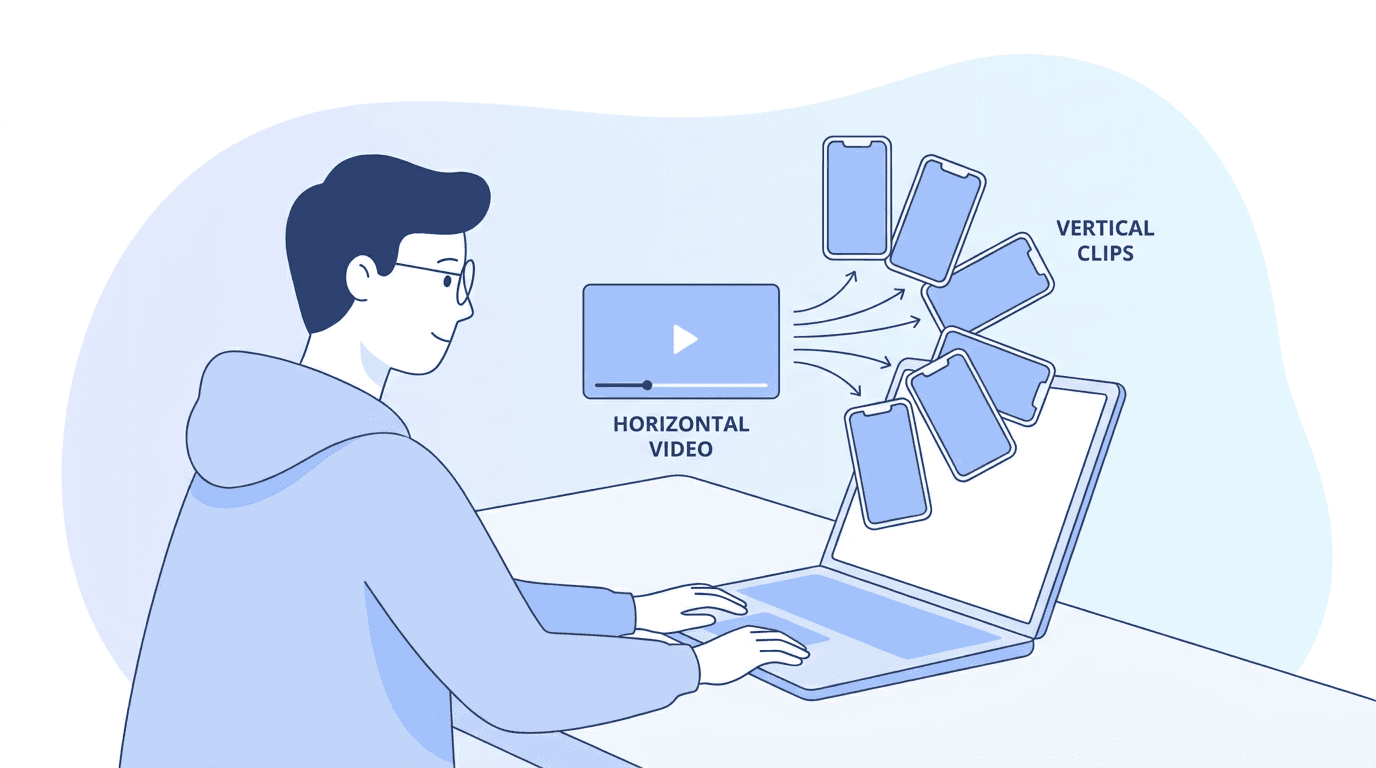
- A working teleprompter script also feeds neatly into the rest of a real content pipeline. Once you have a script, whether it came from the teleprompter or from your own research, Text2Shorts on Miraflow AI can turn the same idea into a fully AI-narrated, B-roll-heavy short when you do not want to film yourself, and AI Clipping can pull extra short-form clips with captions out of any longer video you record using the teleprompter.
- Below the explainer, this post includes 20 ready-to-use Reels scripts across four categories, hook-first talking-head scripts, product and UGC-style scripts, educational how-to scripts, and storytime scripts, written so you can paste them straight into the teleprompter and read them on camera today.
What Instagram's Native Teleprompter Actually Is
Instagram's teleprompter is a script display tool built directly into the Reels camera interface. It works the way a physical teleprompter works on a news set or in a keynote hall: you write out what you want to say ahead of time, and instead of memorizing it or reading a printed page taped somewhere near the lens, the words appear on your own screen and scroll upward at a pace you control while you record. You keep your eyes near the camera the entire time, because the text sits right where you are already looking.
The feature is not brand new to Instagram's ecosystem, it just moved somewhere much more useful. It first appeared inside Edits, Instagram's separate short-form editing app, back in June 2025, giving editors a way to record narration or talking segments with a script on-screen before assembling a video. That was a genuinely useful tool, but it required opening a second app, which meant a lot of creators who only ever use the main Instagram camera never touched it. Starting in May 2026, Instagram folded that same teleprompter functionality directly into the primary Reels camera, the one you open every time you tap the create button, which is a much bigger deal than it sounds. A feature buried in a companion app gets used by power users. A feature sitting next to the audio and effects buttons in the main camera gets used by everyone.
Instagram's rollout has been gradual and global rather than an instant flip for every account. Several outlets covering the launch, including reporting picked up by Social Media Today and coverage from India TV News, describe it rolling out over time rather than to every account simultaneously, and Instagram head Adam Mosseri confirmed the addition publicly, describing it as a way to "add a script that scrolls while you record" so creators can "stay on message without doing a ton of takes." If the teleprompter icon has not shown up in your camera tools yet, the most common fix is simply updating the Instagram app, since a stale build is the usual reason the icon is missing rather than any account-level restriction.
It is worth being precise about what this tool is and is not, because the distinction shapes how you should actually use it. It is not a script-writing tool. It does not generate what you should say, suggest hooks, or know anything about your niche. It is purely a display and pacing tool: you still have to write the words, the teleprompter just removes the memorization and re-take burden of delivering them on camera. That is a smaller job than it sounds, and also a bigger one, because a tool that removes the friction of reading a script changes what is actually worth scripting in the first place, which is the part most coverage of this feature undersells.
How to Turn On and Use Instagram's Teleprompter, Step by Step
The setup is short, and once you have done it once, the actual muscle memory takes about ten seconds every time after that.
Step 1: Open Reels from the create menu
Open Instagram and tap the plus icon used to start a new post, then select Reels from the options that appear. This drops you into the same camera screen you would use to record a normal Reel, nothing about this first step is teleprompter-specific yet.

Step 2: Find the Teleprompter icon among your capture options
Along the left side of the Reels camera screen sits a column of capture tools, the same place you already find Audio, Effects, and Green Screen. Scroll through that list and you will find Teleprompter sitting among them. This is the detail that trips people up the most when the feature has not shown up for them yet: it is not a separate menu, a settings toggle, or something you have to dig for under a gear icon. It lives exactly where every other capture tool lives, so if you have used Green Screen or Effects before, you already know the interaction pattern.
Step 3: Paste or type your script into the text box
Tapping the Teleprompter icon opens a plain text box. Paste in a script you have already written, or type one directly if you are working it out in the moment. There is no meaningful length limit worth worrying about for a typical 30 to 90 second Reel, though as covered in the mistakes section below, a script that is too long to actually finish reading before you run out of things to say on camera is its own separate problem worth avoiding.
Step 4: Adjust scroll speed and text size before you record
Before you hit record, take the ten seconds to set scroll speed and text size to match your own reading pace and eyesight. Both are adjustable, and getting them right before recording matters more than it seems, because a scroll speed set too fast forces you into a rushed, unnatural cadence, and one set too slow leaves you trailing behind your own words waiting for the next line to appear. You can also drag the script box to wherever on the screen works best for you: tucked low near the bottom keeps it out of frame and lets you glance down naturally between lines, while positioning it higher, closer to the actual camera lens, keeps your eyeline closer to looking directly at the viewer, which tends to read as more direct and confident on playback.
Step 5: Hit record and read as the script scrolls
Once recording starts, the script scrolls automatically at the speed you set. Your job is just to read naturally, at your own pace, adjusting the scroll speed on a later take if it felt off. Because everything happens inside the same Reels camera you already use, there is no extra export, import, or file transfer step between reading your script and having usable footage ready for editing.
How a Native Teleprompter Changes What's Actually Feasible to Script
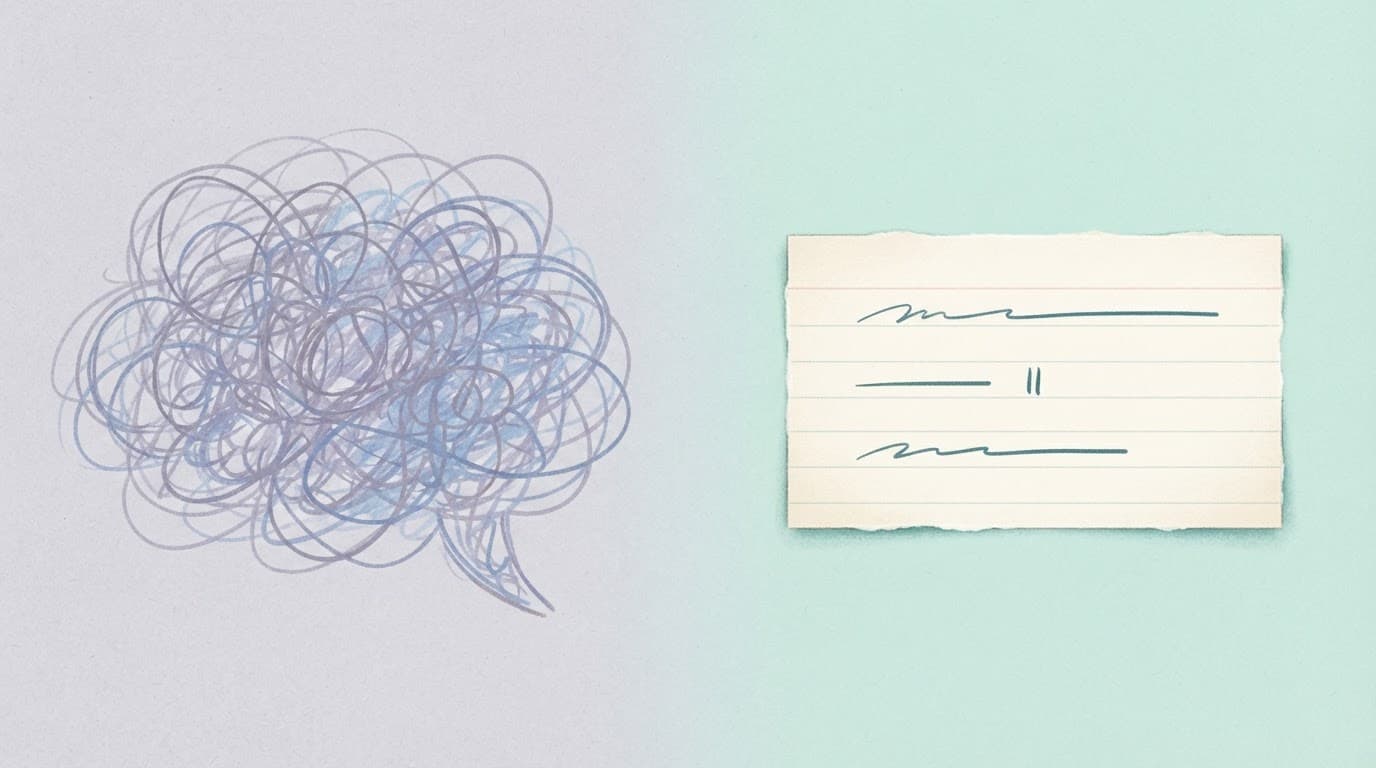
The more interesting effect of this feature is not the convenience, it is what becomes worth writing in the first place once memorization is no longer the bottleneck. Before a native teleprompter existed in the camera you were already using, most creators faced a real tradeoff every time they filmed a talking-head Reel. You could write a genuinely tight, well-structured script, and then either memorize it well enough to deliver it convincingly, which takes real rehearsal time most people do not have on a daily posting schedule, or you could skip the script entirely and just talk, accepting that an unscripted take rambles, wanders off the core point, and usually runs longer than it needs to.
A lot of "just talk to camera, be authentic" advice that circulated for years was, underneath it, a workaround for the fact that memorizing a tight script and delivering it naturally is a genuinely hard skill that most creators never had a practical way to shortcut. Removing the memorization step does not just save time, it changes the actual content decision at the writing stage. A creator can now write a real hook, a specific structure, and a deliberate close, the way a copywriter would, instead of defaulting to loose improvisation because scripting used to cost more than it was worth. That is a meaningfully different starting point for every video, not just a production convenience.
This matters most for the exact three sentences that decide whether anyone keeps watching: the hook. An improvised opening line, delivered on the spot with no rehearsal, is rarely the sharpest possible version of that idea. A hook you wrote in advance, read off a teleprompter with full eye contact, can be edited and refined before you ever hit record, the same way a headline gets rewritten five times before it goes live. The teleprompter does not write the better hook for you, but it removes the excuse not to prepare one.
The tradeoff this does not remove
None of this means every take should be word-for-word scripted from now on. A script read too literally, without ever practicing it out loud first, tends to sound exactly like what it is: someone reading. The real skill this tool rewards is writing a script tight enough to read naturally after one or two practice passes, not writing the longest, most complete version of every thought and expecting the teleprompter to make it sound spontaneous. More on that in the mistakes section below, because it is the single most common way creators misuse this feature.
A Worked Before-and-After Example
Abstract advice about scripting is easy to nod along to and hard to actually apply, so here is the same core message delivered two different ways: once as a rambling, unscripted take, and once as a tight script written specifically to be read off a teleprompter.
The unscripted version (roughly 45 seconds), talking about why most people quit a new habit too early:
"Okay so, um, I wanted to talk about, like, why people quit stuff. Because I feel like, a lot of the time, people will start something, like a new habit or whatever, going to the gym or eating better or whatever it is, and then like, two weeks in, they just, they stop. And I think it's because, um, they expect it to feel good right away? Like they think day three is gonna feel like day thirty. And it doesn't. So they think it's not working, but really it's just, like, too early to tell. And I don't know, I just think if more people knew that the first few weeks are supposed to feel kind of bad, they'd probably stick with it longer. Anyway that's just something I've been thinking about."
That take is not incoherent, but it runs long, circles back on itself twice, and buries the actual point, the first few weeks are supposed to feel bad, more than halfway through.
The scripted version (roughly 20 seconds), same core message, written for the teleprompter:
"Most people quit a new habit at exactly the wrong moment.
(pause)
They expect day three to feel like day thirty. It doesn't. So they assume it's not working.
But the first few weeks are supposed to feel bad. That's not a sign to stop. That's the actual process.
If you know that going in, you're far more likely to still be doing it a month from now."
Same idea, same speaker, same amount of actual information delivered, less than half the runtime, and a hook in the first sentence instead of a throat-clearing "okay so." That is the practical value of scripting once memorization is no longer the obstacle: not a different message, a tighter delivery of the exact same one.
Common Mistakes Creators Make With the Teleprompter
A tool this simple is still easy to use badly. These are the specific failure patterns worth watching for.
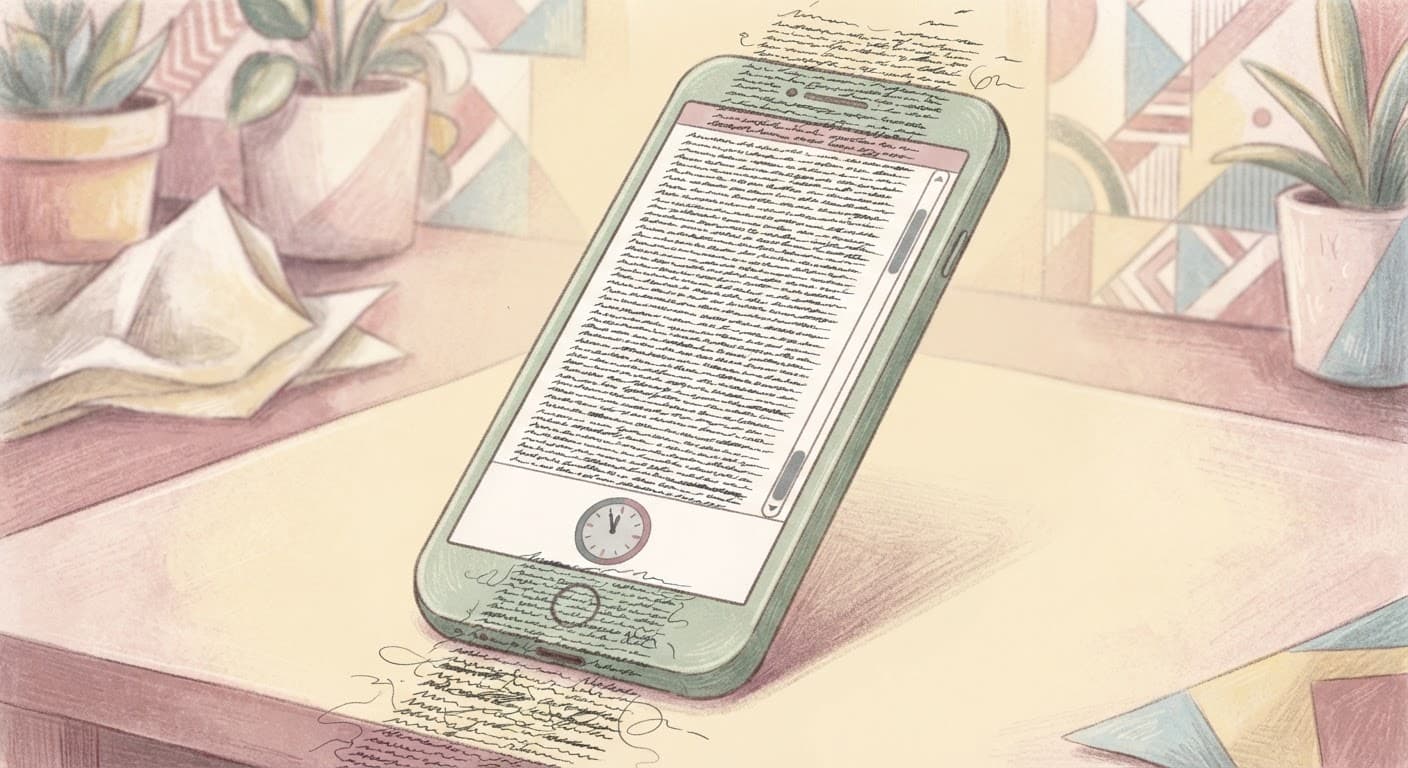
Writing a script too long or too dense to read naturally. The single most common mistake is treating the text box like a document instead of a spoken script. A paragraph that reads fine on a page often has run-on sentences, buried clauses, and phrasing that no one would actually say out loud. If a line makes you stumble on the second read-through, rewrite it shorter before you record, not after three failed takes.
Reading in an obvious flat "reading voice" instead of practicing first. A script read cold, the very first time you see it, on camera, usually sounds exactly like someone reading rather than someone talking. The fix is not to memorize it, that defeats the purpose of the tool. Read through the script silently once, then out loud once at normal speaking pace before you ever hit record, so your first take on camera is really your third pass at the material, not your first.
Ignoring pacing marks and pauses entirely. A script with no built-in pause points forces you into one flat, unbroken cadence for the entire take, which is a large part of what makes teleprompter delivery sound robotic in the first place. Writing in short lines with a deliberate line break, or a bracketed pause cue, before your biggest point gives you a natural place to slow down, and it reads as confidence rather than hesitation.
Setting scroll speed once and never adjusting it per script. A 12-word punchy hook and a longer explanatory paragraph do not read at the same pace, and using one fixed scroll speed for an entire video forces both into the same rhythm. Adjust the speed for the specific script you are recording that day rather than reusing whatever setting worked for last week's video.
Positioning the script box somewhere that pulls your eyes visibly off the lens. If the text sits too far from the camera lens, viewers can see you glancing down and to the side throughout the whole video, which undercuts the entire point of using a teleprompter in the first place, staying locked on the lens. Drag the box as close to the lens position as your phone's layout allows, and test one throwaway take to confirm your eye line actually looks natural on playback before recording anything you plan to post.
Treating the teleprompter as a script-writing tool instead of a script-reading tool. The teleprompter has no idea what your niche is, what your audience wants to hear, or what your hook should be. It just displays and scrolls whatever you paste in. Skipping the actual writing step and expecting the tool to somehow produce a good video from an empty text box is the fastest way to end up disappointed in a feature that was never built to write for you.
Who Benefits Most, and Why
Multiple outlets covering the rollout point to the same three groups getting the most practical value out of this feature, and the reasoning behind each is worth understanding rather than just accepting as a given.
Educators and tutorial creators benefit because instructional content has one specific failure mode a teleprompter directly solves: losing your place mid-explanation and having to restart the whole take. Walking someone through a multi-step process from memory means holding an entire sequence in your head while also performing naturally on camera, and a single dropped step usually means starting over. A scripted, teleprompter-read tutorial keeps the sequence locked in the exact right order every single time, freeing up the mental bandwidth that used to go toward "what comes next" for actually explaining the step clearly.
Coaches benefit for a related but distinct reason: consistency of message across a large volume of content. A coach posting daily or near-daily content is repeating variations on the same core frameworks constantly, and unscripted delivery drifts over time, the exact phrasing of a key principle slowly changes video to video in ways that can dilute a signature framework. A teleprompter script lets a coach lock in the precise wording of a core idea once, then reuse and lightly adapt that exact phrasing across dozens of videos without it slowly mutating through casual retelling.
Product reviewers benefit because review content has a specific accuracy requirement most other formats do not: getting the actual claims right. Reciting a price, a spec, a comparison point, or a specific feature from memory on camera is exactly the kind of detail people misstate under the mild pressure of recording, and a factual slip in review content is a credibility problem in a way a slightly clunky sentence in a storytime video is not. Scripting the factual claims in advance and reading them off a teleprompter removes that specific risk entirely.
A fourth group worth naming even though it gets mentioned less often: creators who are camera-shy or newer to on-camera content in general. The anxiety of "what do I say next" is a real, physical part of on-camera nervousness for a lot of people, and removing that specific unknown, you already know exactly what comes next, tends to make the rest of the performance noticeably calmer, even for someone who has never felt comfortable on camera before.
How the Teleprompter Fits Into a Real Content Pipeline
A script is useful for more than just the one video you read it for on camera, and this is where a teleprompter script and the rest of a real creator workflow connect.
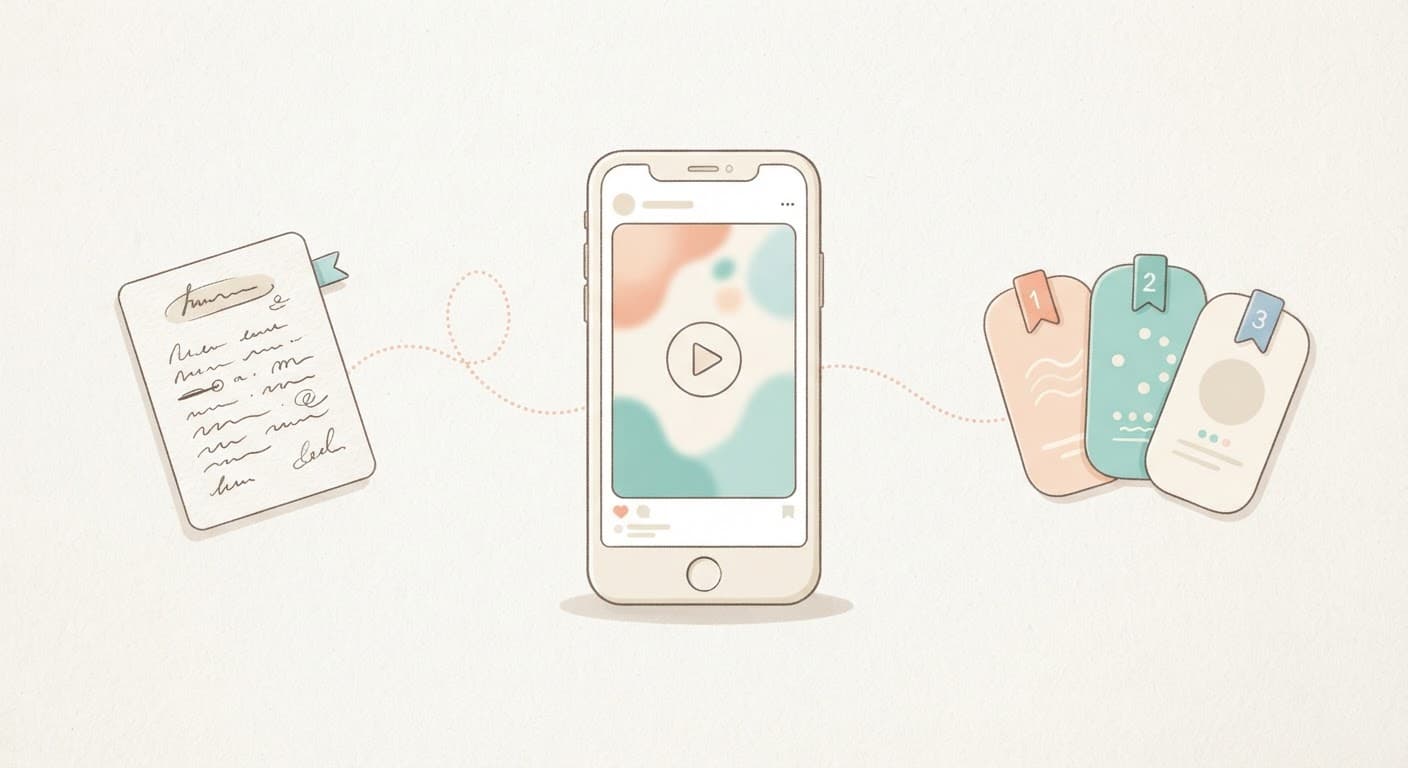
If you already have a working script, whether you wrote it yourself or built it out using the templates below, and you decide you would rather not appear on camera for that particular idea, the same script does not have to go to waste. Text2Shorts on Miraflow AI takes a topic or an existing script, generates or refines a script you can edit, builds matching scene visuals in either an animated or realistic style, and lets you pick a voice and pacing before rendering a finished vertical video, entirely without filming yourself. That is a genuinely different production path than talking-head content, useful on a day you want to cover a topic but do not want to be on camera, or when a concept is better served by B-roll and voiceover than a face reading lines. Our deeper walkthrough of going from prompt to Reel with Text2Shorts covers that workflow end to end if you want to see the full pipeline.
The reverse direction matters just as much. Once you have recorded something longer using the teleprompter, a full tutorial, an extended review, a longer coaching video, that single recording does not have to become just one Reel. AI Clipping on Miraflow AI can take that longer video, transcribe and analyze the whole thing, identify the strongest individual moments, and cut several separate, auto-captioned, ranked short clips out of it automatically. A 15-minute teleprompter-scripted tutorial you record once can realistically become four or five separate Reels and Shorts instead of one, without re-filming anything, which meaningfully changes the math on how much content one recording session actually produces. If you want the fuller breakdown, our guide on turning long videos into viral shorts automatically covers exactly how that process works.
And once the video itself is edited, the thumbnail and the video's opening frame still matter just as much for a talking-head Reel that gets cross-posted to YouTube Shorts or a longer YouTube upload built from the same recording. The YouTube Thumbnail Maker on Miraflow AI can generate a thumbnail from a prompt, optionally using your own face or a still from the video itself, with room to add bold overlay text, which matters more the moment a teleprompter-scripted video gets long enough to live as a real YouTube upload rather than only a 30-second Reel. If a specific visual in your video needs a small fix, a background object swapped out or a color changed without regenerating the whole scene, the AI Image Generator on Miraflow AI supports masking a specific region of an image and editing just that part.
None of this requires abandoning the teleprompter for talking-head content you actually want to be on camera for. It just means the script you write for it is not disposable the moment you finish recording. The same words can become an AI-narrated video through Miraflow AI on a day you would rather not film, and the same recording can become several separate clips instead of one once it exists.
20 Ready-to-Use Reels Scripts for the Teleprompter
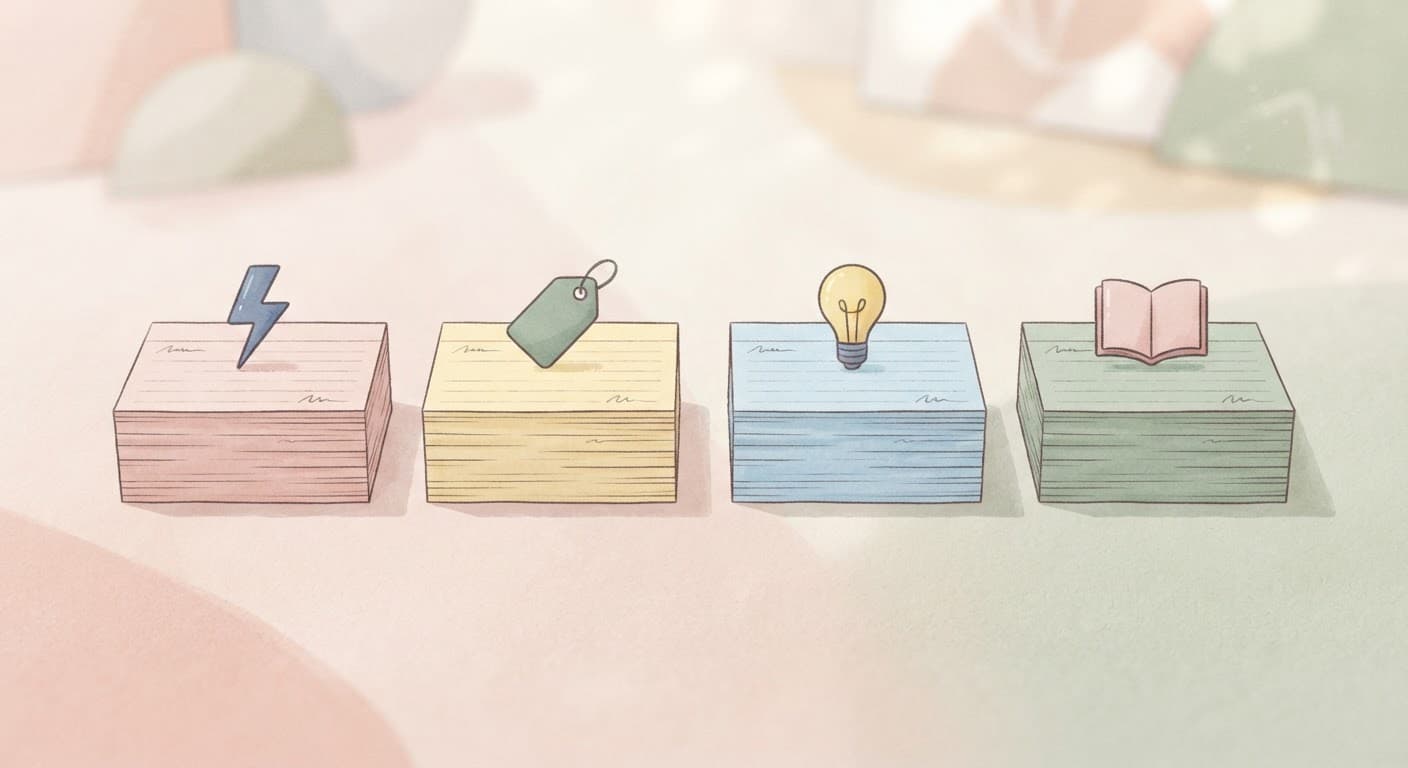
Everything below is written to be pasted directly into the teleprompter text box and read as-is, or lightly adapted with your own product, topic, or story swapped in where noted. Each script includes a natural pause point or two, written as a line break or a bracketed cue, so you have somewhere built in to slow down rather than reading in one flat, unbroken rush. Aim to read through each one silently once and out loud once before you actually hit record, per the mistakes section above.
| Script group | Best for | Start with |
|---|---|---|
| Hook-first talking-head | Growing reach, cold audiences, top-of-funnel content | Script 1: The Nobody Talks About This Hook |
| Product and UGC-style | Reviews, unboxings, brand and affiliate content | Script 6: The Honest First Impression |
| Educational and how-to | Tutorials, coaching content, saves and shares | Script 11: The 3-Step Tutorial |
| Storytime and personal | Building connection, community, comments and replies | Script 16: The Turning Point Story |
Hook-First Talking-Head Scripts
These five scripts lead with a strong opening line built specifically to stop a scroll, then deliver on the promise of that hook in under 30 seconds. Swap the bracketed topic for your own subject and keep everything else intact.
1. The "Nobody Talks About This" Hook
Nobody talks about the actual reason [your topic] doesn't work for most people.
(pause)
It's not effort. It's not motivation. It's that everyone starts with the wrong first step.
Here's the step that actually matters.
[Explain your one specific point in two or three short sentences.]
That's it. That's the part nobody mentions.
Try it this week, and tell me in the comments if it changes anything for you.
2. The Myth-Bust Hook
Everyone thinks [common belief about your topic] is true.
It isn't.
(pause)
Here's what's actually going on.
[State the real explanation in two or three sentences, plain and direct.]
I know that's the opposite of what you've probably heard. But it's the reason [related outcome] keeps happening the way it does.
Follow for more of the stuff nobody corrects.
3. The Countdown Hook
Three things you need to stop doing with [your topic], starting today.
(pause)
Number one. [First mistake, one sentence.]
Number two. [Second mistake, one sentence.]
Number three. [Third mistake, one sentence.]
(pause)
If you're doing even one of these, that's probably why [related problem] keeps happening.
Fix the first one this week and see what changes.
4. The Confession Hook
I used to think [old belief] was true.
(pause)
I was wrong, and it cost me [specific consequence, be honest here].
What actually changed things was realizing [the real insight, one or two sentences].
(pause)
If you're where I was, I get it. It felt right at the time too.
But once you see it the other way, you can't unsee it.
5. The Direct-Address Hook
If you're doing [specific common behavior], stop for a second.
(pause)
That thing you think is helping? It's actually working against you.
Here's why.
[Explain the mechanism in two or three plain sentences.]
Try this instead. [State the better alternative in one clear sentence.]
Small change. Bigger difference than you'd expect.
Product and UGC-Style Scripts
Product reviewers and anyone making UGC-style content for a brand benefit the most from scripting, since these formats depend on getting specific claims exactly right. These five cover the most common UGC formats, first impression, unboxing, problem-solution, comparison, and the pre-purchase regret angle.
6. The Honest First Impression
Okay, first impressions of [Product Name].
(pause)
I've had it for [timeframe] now, so this isn't a day-one review.
What actually surprised me: [specific detail, be concrete].
What I wasn't as sure about: [one honest reservation].
(pause)
If you're deciding whether to get one, the short answer is [your honest verdict in one sentence], and here's exactly why.
[One or two closing sentences with the real reasoning.]
7. The "I Wasn't Expecting This" Unboxing
I was not expecting this out of the box.
(pause)
[Describe the specific unexpected detail: packaging, size, included item, first impression.]
Most [product category] I've tried don't come with [detail], so that already changed how I felt about it before I even used it.
Let's actually try it.
[Describe using it for one sentence, then your reaction.]
That's the part I wasn't expecting to say on camera, but here we are.
8. The Problem-Solution Pitch
I kept running into the same problem. [Describe the specific frustrating problem in one or two sentences.]
(pause)
I tried [common workaround] first. Didn't really fix it.
Then I tried [Product Name].
[Describe specifically what changed, one or two sentences.]
(pause)
I'm not saying it's magic. I'm saying it fixed the one specific thing that was actually bothering me, and that's rare enough to talk about.
9. The Comparison Script
[Product A] versus [Product B]. Here's the actual difference that matters.
(pause)
[Product A] is better if [specific use case, one sentence].
[Product B] is better if [different specific use case, one sentence].
(pause)
I went with [your choice] because [your specific reason].
If your situation looks like mine, that's probably your answer too. If it doesn't, go the other way, this isn't a one-size-fits-all thing.
10. The Before-I-Bought-This-I-Wish-I-Knew Script
Before I bought [Product Name], I wish someone had told me [specific piece of information].
(pause)
Nobody mentioned that [specific detail you learned only after buying].
Would I still buy it knowing that now? [Your honest yes or no.]
(pause)
But if I'd known going in, I would have [what you would have done differently].
So now you know. That's the whole review, honestly.
Educational and How-To Scripts
Tutorial and educational content is where losing your place mid-explanation costs the most, since a dropped step usually means restarting the whole take. These five scripts are built around a locked sequence you can trust the teleprompter to hold for you.
11. The 3-Step Tutorial
Here's how to [accomplish specific task] in three steps.
(pause)
Step one. [First action, one clear sentence.]
Step two. [Second action, one clear sentence.]
Step three. [Third action, one clear sentence.]
(pause)
That's genuinely it. Most people overcomplicate this into ten steps when it's really three.
Save this if you need to come back to it.
12. The One Tip That Changed Everything
One tip changed how I approach [your topic] completely.
(pause)
[State the specific tip in one or two sentences.]
Before I knew this, I was [describe the old, worse approach].
After, [describe the specific improvement].
(pause)
It sounds small. It's not. Try it on your next [relevant task] and see the difference yourself.
13. The Common Mistake Fix
The most common mistake I see with [your topic] is [specific mistake].
(pause)
Here's why it's a problem. [One sentence explaining the actual consequence.]
Here's the fix. [One or two sentences with the specific correct approach.]
(pause)
If you've been doing it the first way, don't worry, most people have. Just switch it for your next attempt.
14. The Quick Definition Explainer
What actually is [term or concept]?
(pause)
In plain terms, [one clear, simple sentence definition].
Here's why it matters. [One sentence connecting it to a real outcome your audience cares about.]
(pause)
Most explanations make this sound more complicated than it is. It really isn't. That's the whole concept.
15. The Q&A Answer
The question I get asked the most is: [state the question exactly as people ask it].
(pause)
Short answer: [one direct sentence].
Longer answer: [two or three sentences with the actual reasoning or nuance].
(pause)
If you've been wondering the same thing, now you know. Drop your own question in the comments and I'll answer the next one here.
Storytime and Personal Scripts
Personal, narrative content is the trickiest category to script well, because it can easily sound stiff if it is over-written. These five keep the language conversational and close to how you would actually tell the story to a friend, while still locking in the structure and the specific line that makes the story land.
16. The Turning Point Story
There was a specific moment everything changed for me with [your topic].
(pause)
I was [describe the situation you were in, one or two sentences].
Then [describe the specific turning point moment].
(pause)
After that, I did things completely differently. [Describe the change in one sentence.]
I think about that moment more than almost anything else that's happened since.
17. The Relatable Fail
I have to tell you about the time I completely got [your topic] wrong.
(pause)
[Describe the specific failure, be honest and a little self-deprecating, two or three sentences.]
In the moment, it felt like a disaster.
(pause)
Looking back, it's actually the reason I know [the lesson you took away] now. Sometimes the embarrassing version of the story is the useful one.
18. The Narrated Day-in-the-Life
Come along with me for a day of [your specific activity or role].
(pause)
[First moment of the day, one sentence.]
[Second moment, one sentence.]
[Third moment or the highlight of the day, one sentence.]
(pause)
Days like this are why I actually love doing this, even on the parts that don't make it into the highlight reel.
19. The Advice-I'd-Give-My-Younger-Self
If I could tell my younger self one thing about [your topic], it would be this.
(pause)
[State the specific advice in one or two sentences.]
I spent [amount of time] doing it the hard way before I figured that out.
(pause)
If you're where I was, save yourself the time. This is the thing I wish someone had just told me directly.
20. The Unpopular Opinion
Unpopular opinion about [your topic].
(pause)
[State the opinion directly and specifically, one or two sentences.]
I know that's not what most people want to hear.
(pause)
But here's my actual reasoning. [One or two sentences explaining why you believe it.]
Disagree with me in the comments, genuinely curious what you think.
How to Customize These Scripts for Your Own Content
- Keep the pause markers even after you swap the content. The bracketed pause cues and short line breaks are doing real work for your on-camera pacing, they are not just formatting. Replace the topic and details, but keep the rhythm of short line, pause, short line intact.
- Match the length to the platform you are posting to first. A script built for a 20-second Reel needs trimming, not stretching, if you are reusing it for a longer YouTube Short or a full YouTube upload. Add supporting detail rather than repeating the same point in different words to fill extra time.
- Read it out loud before deciding it needs a rewrite. A script that looks slightly awkward on the page often reads perfectly naturally out loud, and the reverse is also true, a line that looks clean on the page sometimes trips you up the moment you actually try to say it. Trust the out-loud read over how it looks in the text box.
- Adjust scroll speed per script, not once for everything. A short, punchy hook script and a longer tutorial script do not read at the same pace, revisit the speed slider for each new script rather than assuming last week's setting still fits.
- Swap the bracketed placeholders first, then read the whole thing through again. A dropped-in product name or topic can change how a sentence actually sounds out loud even when the rest of the script stays the same, so always do one more full read-through after any substitution, not just a scan of the specific line you changed.
Getting More Out of Every Script You Write
The teleprompter itself is free, built into an app you already have open every day, and solves a genuinely tedious problem well. It does not, however, write your script, generate a video when you would rather not appear on camera, or turn one long recording into several separate shorts. That is the specific gap Miraflow AI is built to close. Use Text2Shorts on a day you have an idea but no interest in filming yourself, and it will generate a script, matching visuals, and a full voiced video from just a topic. Use AI Clipping once you have recorded something longer with the teleprompter, a tutorial, a review, a coaching session, and want several ranked, auto-captioned Reels out of that one recording instead of just one. And if your teleprompter-scripted video is going out as part of a longer YouTube upload, the YouTube Thumbnail Maker covers the click-through side of the same content once it is edited and ready to publish. Together, the teleprompter handles the delivery, and Miraflow handles everything else in the pipeline around it.
If you are also rethinking how your Reels get organized once you are posting more consistently, our guide to Instagram grid reorder strategy is a useful next read, and if trending audio is not cutting it for your scripted content anymore, our post on replacing Reels audio with AI-generated music covers swapping in an original track without losing reach. Instagram has been shipping a steady stream of Reels production tools this year, and our breakdown of First Draft, Instagram's auto-editing tool for Reels, pairs well with the teleprompter since one handles delivery and the other handles the edit once you are done filming.
Frequently Asked Questions
What is Instagram's teleprompter feature? It is a native tool built into the Reels camera that lets you paste in a script and have it scroll automatically on-screen while you record, so you can read your lines while still looking at the camera lens instead of memorizing them or reading from a printed page or a second device.
How do I turn on the teleprompter on Instagram? Open Instagram, tap the plus icon, select Reels, and look along the left side of the camera screen for the capture tools column that already includes Audio, Effects, and Green Screen. The Teleprompter icon sits among those options. Tap it, paste your script, and start recording.
Why don't I see the teleprompter option in my Reels camera yet? Instagram rolled this feature out gradually rather than to every account at once, expanding it from the separate Edits app into the main Reels camera starting in May 2026. If the icon is missing, update the Instagram app first, since being a few versions behind is the most common reason it has not appeared yet.
Can I adjust the speed of the scrolling text? Yes. Scroll speed is adjustable so you can match it to your own natural speaking pace, and you can also adjust the text size and drag the script box to whatever position on the screen works best for you.
Does the teleprompter work in Instagram Stories or only in Reels? As of now, the confirmed rollout covers the Reels camera specifically, following its earlier appearance in the standalone Edits app. No official rollout to Stories has been confirmed, so treat that as unconfirmed rather than assuming it works the same way there.
Will reading from a teleprompter make my videos sound robotic? It can, if you read a script cold on the very first take without ever practicing it out loud first. Reading the script silently once and out loud once before recording, and building in pause points rather than one flat unbroken sentence, is what keeps a scripted read sounding like natural speech instead of an obvious recitation.
Can the teleprompter write a script for me? No. It only displays and scrolls text you provide, it does not generate ideas, hooks, or wording on its own. If you want an AI to generate a full script along with matching visuals and a voiceover from just a topic, Text2Shorts on Miraflow AI is built for that specific job.
What is the ideal script length for a teleprompter-scripted Reel? There is no fixed rule, but a script that takes noticeably longer to read out loud than your target video length is the most common early mistake. Time yourself reading the script out loud before recording, and trim it down to match your actual target runtime rather than discovering the mismatch mid-take.
Is the teleprompter feature free to use? Yes. It is a built-in part of the standard Reels camera, with no separate subscription, download, or in-app purchase required, unlike most dedicated third-party teleprompter apps.
Conclusion
Instagram's native teleprompter is a small addition with an outsized effect on how talking-head Reels actually get made. It does not write your script or generate your video, it removes the one obstacle, memorization and re-take fatigue, that used to make scripting more trouble than it was worth for a lot of creators. Write the words in advance, paste them in, adjust scroll speed and text size to your own pace, and read naturally instead of rambling through take after take. The 20 scripts above are ready to paste in and adapt today across hook-first, product and UGC, educational, and storytime formats, and once you have a script that works, it does not have to end at one video. Feed the same idea into Text2Shorts on a day you would rather not film yourself, or run a longer teleprompter-scripted recording through AI Clipping to pull several more Reels out of the same session, all from inside Miraflow AI.