20 Pixar-Style AI Prompts (Copy & Paste) to Turn Any Photo Into a 3D Character

Written by
Aerin Kim
The Pixar AI filter has become one of the most viral photo trends of 2026. Here are 20 copy-paste prompts to turn any photo into a glossy 3D Pixar-style character.
TL;DR
Scroll TikTok, Instagram, or Pinterest for more than thirty seconds right now and you will hit one: a friend, a pet, a whole family, rendered as a glossy 3D animated character with the big shining eyes, smooth stylized skin, and warm movie-studio lighting that instantly reads as Pixar. What started as a single viral filter has turned into one of the most consistently shared AI photo trends of 2026, spanning TikTok, Instagram, and Pinterest, and it shows no sign of slowing down.
The appeal is simple to explain and hard to resist: everyone already has a mental reference for what "Pixar style" looks like from two decades of watching these films, so the transformation reads as instantly recognizable and instantly shareable, no explanation needed in the caption. This post gives you 20 ready-to-use prompts across four categories, solo portraits, couples and family, pets, and creative character concepts, so you can generate this look from any photo you already have.
You can generate every prompt below directly with Miraflow's AI Image Generator, which supports image-to-image transformation so you can keep your actual likeness, outfit, and setting recognizable while the style itself shifts to 3D animation.
Why the Pixar Style AI Trend Keeps Growing
A few things are driving this trend's staying power instead of it fading like a typical one-week filter fad. First, it is genuinely flattering in a way most stylization trends are not. The rounded proportions, smooth skin, and warm lighting Pixar-style rendering uses are the same visual choices real character designers use to make audiences like a character on sight, so a photo run through this style tends to look appealing rather than uncanny, which is part of why people are comfortable posting it of themselves rather than only of characters or pets.
Second, it works on almost any source photo. Unlike trends that need a very specific pose or setting, a Pixar-style transformation works on a plain selfie, a family photo, a pet photo, or a full-body shot with roughly the same success rate, which is why the prompt variety below spans so many different subjects.
Third, it is part of a broader wave of childhood-photo and nostalgia-driven AI reimagining, sitting alongside trends like turning old photos into different eras or art styles. If you have already tried our decade progression prompts or the meet your younger self trend, this is a natural next style to try on the same source photos.
1) Solo Portrait Prompts
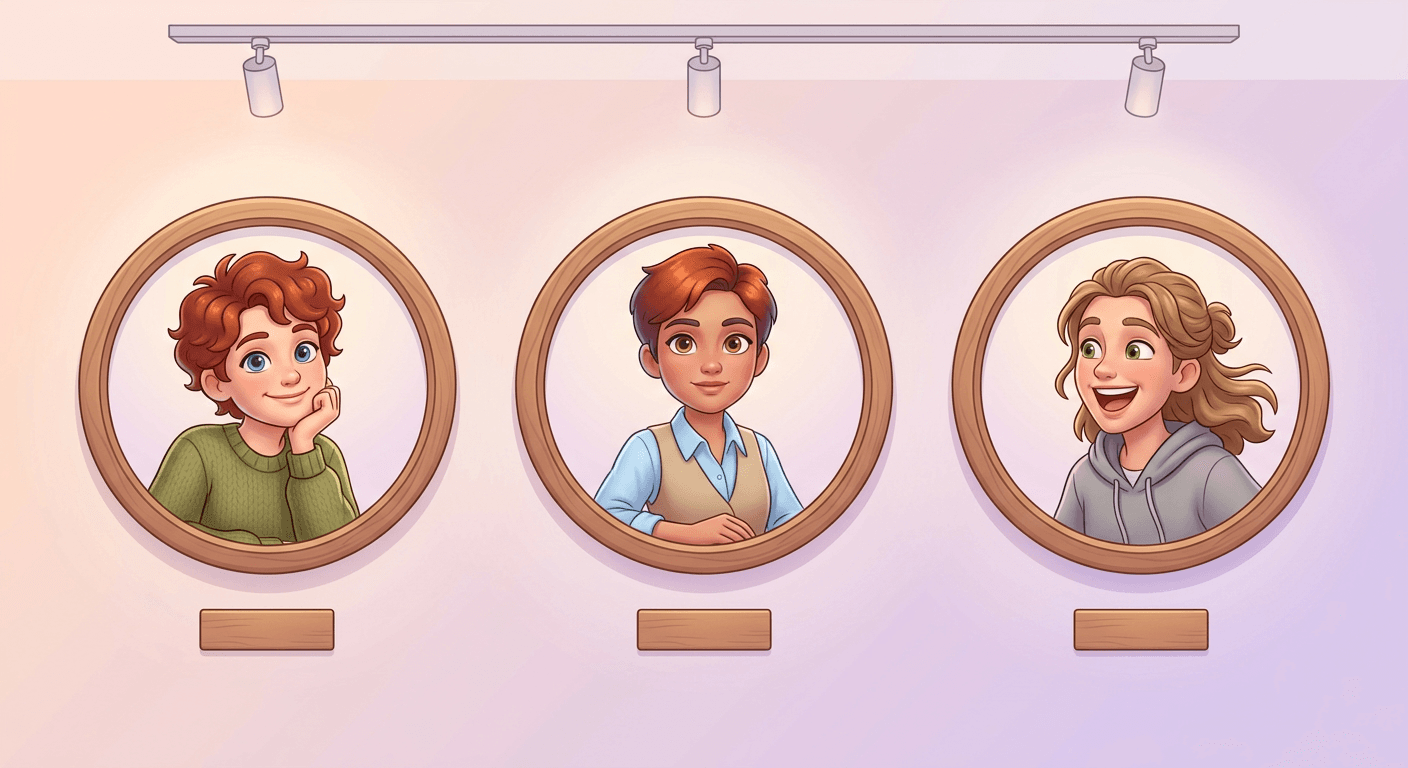
These five are the highest-volume starting point for the trend, a single subject transformed into a full 3D character while keeping their real features, hair, and outfit recognizable.
1. The classic headshot transformation
This is the template to start with on your first try, since a simple head-and-shoulders photo gives the model the clearest possible view of the features it needs to preserve. Fill in your actual hair color and outfit details in the brackets before generating.
Transform this photo into a glossy 3D animated character portrait in the style of a modern Pixar film still, close head-and-shoulders framing. Keep the subject's real face shape, [hair color and style], eye color, and [describe outfit] clearly recognizable while restyling them with rounded, slightly softened facial proportions, smooth matte-finish skin shading rather than photoreal texture, and slightly enlarged expressive eyes. Light the scene with warm, soft, cinematic three-point lighting and a gentle rim light along the shoulders and hairline, the same lighting quality as an actual animated film's hero shot. Clean simple softly blurred pastel-toned background. No warped or asymmetrical facial features, no extra fingers if hands are visible, no garbled text, no watermark.
2. The full-body hero pose
Full-body shots read as more dynamic once stylized, since the model has an entire pose and outfit to work with rather than just a face. This one works especially well on a photo where you are already standing confidently, arms crossed, hands on hips, mid-stride.
Transform this full-body photo into a glossy 3D animated character in the style of a modern Pixar film still, full-body standing pose preserved from the original. Keep the subject's real proportions, [hair color and style], and [describe outfit in detail] recognizable while restyling with rounded, slightly softened proportions, smooth matte-finish skin and fabric shading, and expressive slightly enlarged eyes. Light with warm cinematic three-point lighting and a soft rim light along the character's silhouette. Simple softly blurred environment matching the original photo's setting. No warped limbs, no extra fingers, no garbled text, no watermark.
3. The everyday candid moment
Candid, mid-expression photos, a genuine laugh, a surprised look, tend to produce the most charming results in this style because Pixar's own character design leans heavily on exaggerated, readable expressions. A posed, neutral photo will still work, but a candid one often looks more alive.
Transform this candid photo into a glossy 3D animated character still in the style of a modern Pixar film, preserving the subject's natural mid-motion or mid-laugh expression exactly as captured. Keep [hair color and style], [describe outfit], and the original setting recognizable while restyling with rounded softened proportions, smooth matte skin shading, and expressive eyes. Warm soft cinematic lighting with a gentle rim light, background softly blurred but keeping the general setting recognizable. No warped facial expression, no garbled text, no watermark.
4. The professional or graduation portrait
This is a popular choice for a LinkedIn banner swap or a graduation keepsake post. Keep the formal pose from your original photo intact rather than asking the model to change it, since that formality is part of what makes the finished character read as a specific occasion rather than a generic portrait.
Transform this professional or graduation portrait into a glossy 3D animated character still in the style of a modern Pixar film, keeping the same formal pose and framing as the original. Preserve [hair color and style], [describe outfit, cap and gown or professional attire], and any regalia or accessories recognizably while restyling with rounded softened proportions, smooth matte skin shading, and expressive eyes. Warm celebratory cinematic lighting with a soft rim light, simple elegant blurred background. No warped features, no garbled text on any diploma or signage, no watermark.
5. The action or hobby shot
Sports, dance, music, and other hobby photos translate well into this style because the pose itself already carries energy the model can amplify with dynamic lighting. Describe your specific equipment, a guitar, a basketball, a paintbrush, so it survives the transformation recognizably.
Transform this action or hobby photo into a glossy 3D animated character still in the style of a modern Pixar film, preserving the exact pose and activity, for example mid-swing, mid-jump, or mid-motion. Keep [hair color and style], [describe outfit and any equipment], and the activity itself clearly recognizable while restyling with rounded softened proportions, smooth matte skin and equipment shading, and expressive eyes. Dynamic warm cinematic lighting matching the energy of the pose, simple softly blurred setting. No warped limbs or equipment, no garbled text, no watermark.
2) Couples and Family Prompts
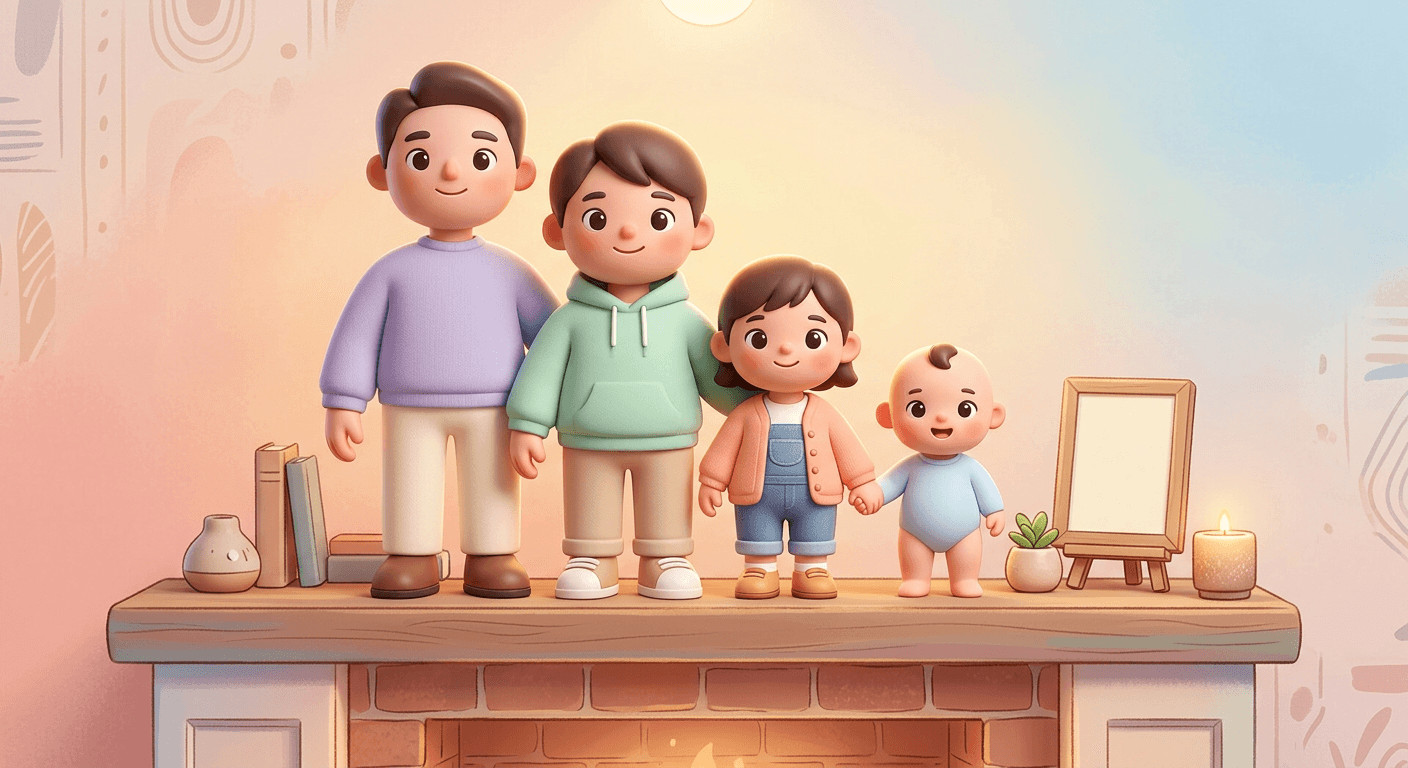
Group transformations are consistently the most-shared version of this trend, since a whole family or friend group rendered together in matching style reads as a genuine keepsake rather than a novelty.
6. The couple portrait
Anniversary posts and engagement announcements are where this template gets used most. Describe each person's hair and outfit separately in the brackets rather than a single combined description, which is what keeps both faces distinct instead of the model blending them together.
Transform this couple's photo into a glossy 3D animated character still in the style of a modern Pixar film, preserving both subjects' poses and their positioning relative to each other exactly. Keep [describe person 1: hair, outfit] and [describe person 2: hair, outfit] each individually recognizable and distinct from one another while restyling both with rounded softened proportions, smooth matte skin shading, and expressive eyes. Warm romantic cinematic lighting with a soft shared rim light, simple softly blurred background. No blended or duplicated features between the two people, no warped hands, no garbled text, no watermark.
7. The family group shot
The more people in a group photo, the more important it is to individually describe each person, which is why this template asks for three separate bracketed descriptions rather than one general one. For families larger than three, repeat the pattern for each additional member.
Transform this family group photo into a glossy 3D animated character still in the style of a modern Pixar film, preserving each family member's position, pose, and relative height exactly as in the original. Individually describe and keep recognizable: [family member 1: hair, outfit], [family member 2: hair, outfit], [family member 3: hair, outfit], restyling each with rounded softened proportions, smooth matte skin shading, and expressive eyes appropriate to their age. Warm cozy cinematic lighting with a shared soft rim light across the group, simple softly blurred background. No blended features between family members, no warped hands, no garbled text, no watermark.
8. The best friends photo
This is a reliable choice for a group profile picture or a "friendship anniversary" post. Keep the original photo's arrangement, who is standing where, since that spatial layout is part of what makes the finished image still feel like your actual friend group.
Transform this friend group photo into a glossy 3D animated character still in the style of a modern Pixar film, preserving the group's arrangement and energy exactly as captured. Individually describe and keep recognizable each friend's [hair color and style] and [outfit] so every person remains distinct, restyling all with rounded softened proportions, smooth matte skin shading, and expressive eyes. Warm lively cinematic lighting with a shared soft rim light, simple softly blurred background matching the original setting. No blended features between friends, no warped hands, no garbled text, no watermark.
9. The parent and child moment
A hug, a piggyback ride, or a hand-holding walk all work particularly well here because the physical closeness reads as warmth once stylized. Keep the child's proportions age-appropriate in your bracketed description rather than describing them with adult proportions.
Transform this parent and child photo into a glossy 3D animated character still in the style of a modern Pixar film, preserving their exact pose and physical closeness, for example a hug or hand-holding moment. Keep [parent: hair, outfit] and [child: hair, outfit] each recognizable and age-appropriate while restyling both with rounded softened proportions, smooth matte skin shading, and expressive eyes. Warm tender cinematic lighting with a soft shared rim light, simple softly blurred background. No blended features, no warped hands, no garbled text, no watermark.
10. The sibling group
This template is written for groups with a visible age range, since keeping each sibling's approximate age and individual features distinct is the main challenge in a multi-person prompt like this one. Describe height and age cues explicitly if there is a meaningful gap between siblings.
Transform this sibling group photo into a glossy 3D animated character still in the style of a modern Pixar film, preserving each sibling's position, pose, and relative height. Individually describe and keep recognizable each sibling's [hair color and style] and [outfit] so age differences and individual features remain clear and distinct between them, restyling all with rounded softened proportions, smooth matte skin shading, and expressive eyes appropriate to each sibling's age. Warm playful cinematic lighting with a shared soft rim light, simple softly blurred background. No blended features between siblings, no warped hands, no garbled text, no watermark.
3) Pet Prompts
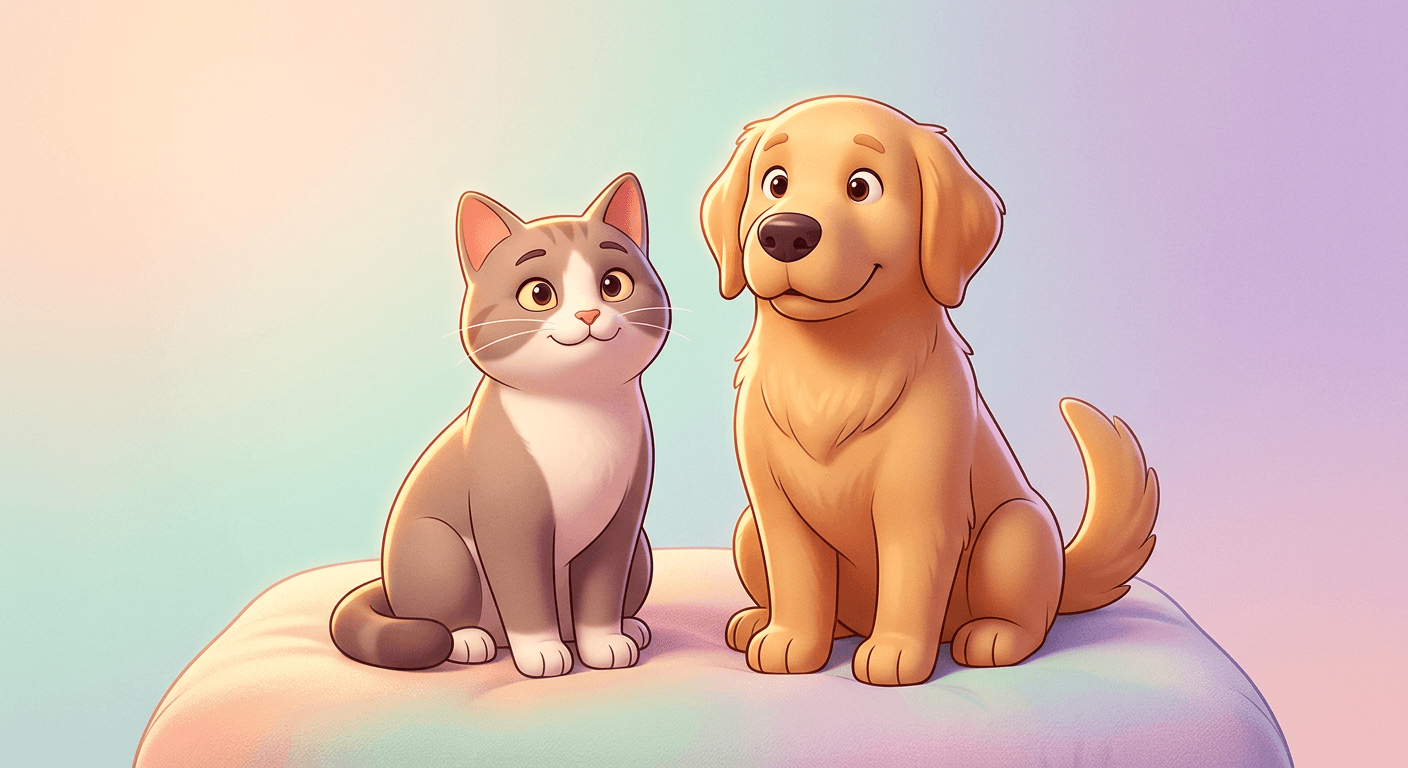
Pets are, by a wide margin, the most naturally suited subject for this style, since the same rounded, expressive proportions that define Pixar character design already map closely onto how a real dog or cat's face reads.
11. The dog portrait
This is consistently one of the best-performing prompts in the entire pack, since a dog's already-expressive face translates almost effortlessly into animated proportions. Name the exact breed if you know it, since breed-specific features, ear shape, muzzle length, coat pattern, are what keep the result recognizable as your actual dog rather than a generic cartoon dog.
Transform this photo of a dog into a glossy 3D animated character still in the style of a modern Pixar film, preserving the dog's exact breed features, coat color and pattern, and pose. Restyle with the rounded, slightly exaggerated proportions typical of an animated animal character, smooth matte fur shading rather than photoreal fur texture, and slightly enlarged expressive eyes while keeping the breed clearly identifiable. Warm cinematic three-point lighting with a soft rim light along the fur outline, simple softly blurred background. No warped facial proportions, no garbled text, no watermark.
12. The cat portrait
Coat pattern is doing most of the identity work in a cat portrait, more so than pose, so be as specific as possible about markings, tabby stripes, a white chest patch, a single differently colored paw, in your description.
Transform this photo of a cat into a glossy 3D animated character still in the style of a modern Pixar film, preserving the cat's exact coat color and pattern, eye color, and pose. Restyle with the rounded, slightly exaggerated proportions typical of an animated animal character, smooth matte fur shading rather than photoreal fur texture, and slightly enlarged expressive eyes while keeping the coat pattern clearly identifiable. Warm cinematic three-point lighting with a soft rim light along the fur outline, simple softly blurred background. No warped facial proportions, no garbled text, no watermark.
13. The pet and owner together
This is the hardest multi-subject prompt in the pack to get right, since the model has to handle a human character and an animal character in the same frame with two very different sets of proportions. Expect to regenerate this one more than the solo pet prompts to get a result you are happy with.
Transform this photo of a pet and their owner together into a glossy 3D animated character still in the style of a modern Pixar film, preserving their exact pose and positioning relative to each other. Keep the owner's [hair color and style, outfit] and the pet's [breed, coat color and pattern] both individually recognizable, restyling both with the appropriate rounded softened proportions for a human character and an animated animal character respectively, smooth matte shading throughout, and expressive eyes on both. Warm shared cinematic rim lighting, simple softly blurred background. No blended features, no warped hands or paws, no garbled text, no watermark.
14. The small or exotic pet
Rabbits, birds, and reptiles do not have as large a body of existing animated-character reference as dogs and cats, so results can vary more. Being specific about species and coloring in the prompt meaningfully helps the model land on an accurate, recognizable result.
Transform this photo of a small or exotic pet, for example a rabbit, bird, hamster, or reptile, into a glossy 3D animated character still in the style of a modern Pixar film, preserving its exact species features, coloring, and pose. Restyle with rounded, slightly exaggerated proportions appropriate to the species, smooth matte shading rather than photoreal texture, and slightly enlarged expressive eyes while keeping the species clearly identifiable. Warm cinematic three-point lighting with a soft rim light, simple softly blurred background. No warped anatomy, no garbled text, no watermark.
15. The pet in costume or seasonal outfit
Holiday costume photos are some of the most-shared results in this entire trend. Describe the costume in real detail, not just "a costume," since costume fidelity is often what makes the post land with people who already know the joke behind the outfit.
Transform this photo of a pet wearing a costume or seasonal outfit into a glossy 3D animated character still in the style of a modern Pixar film, preserving the exact costume design, colors, and the pet's pose. Restyle the pet with rounded, slightly exaggerated proportions, smooth matte fur and costume-fabric shading, and slightly enlarged expressive eyes, keeping the costume's specific details clearly recognizable. Warm playful cinematic lighting with a soft rim light, simple softly blurred seasonal-appropriate background. No warped costume details, no garbled text, no watermark.
4) Creative Character Concept Prompts
The last five push past a straightforward portrait into full character-design territory, useful for a more elaborate post, a profile picture overhaul, or a channel branding refresh.
16. The adventurer character
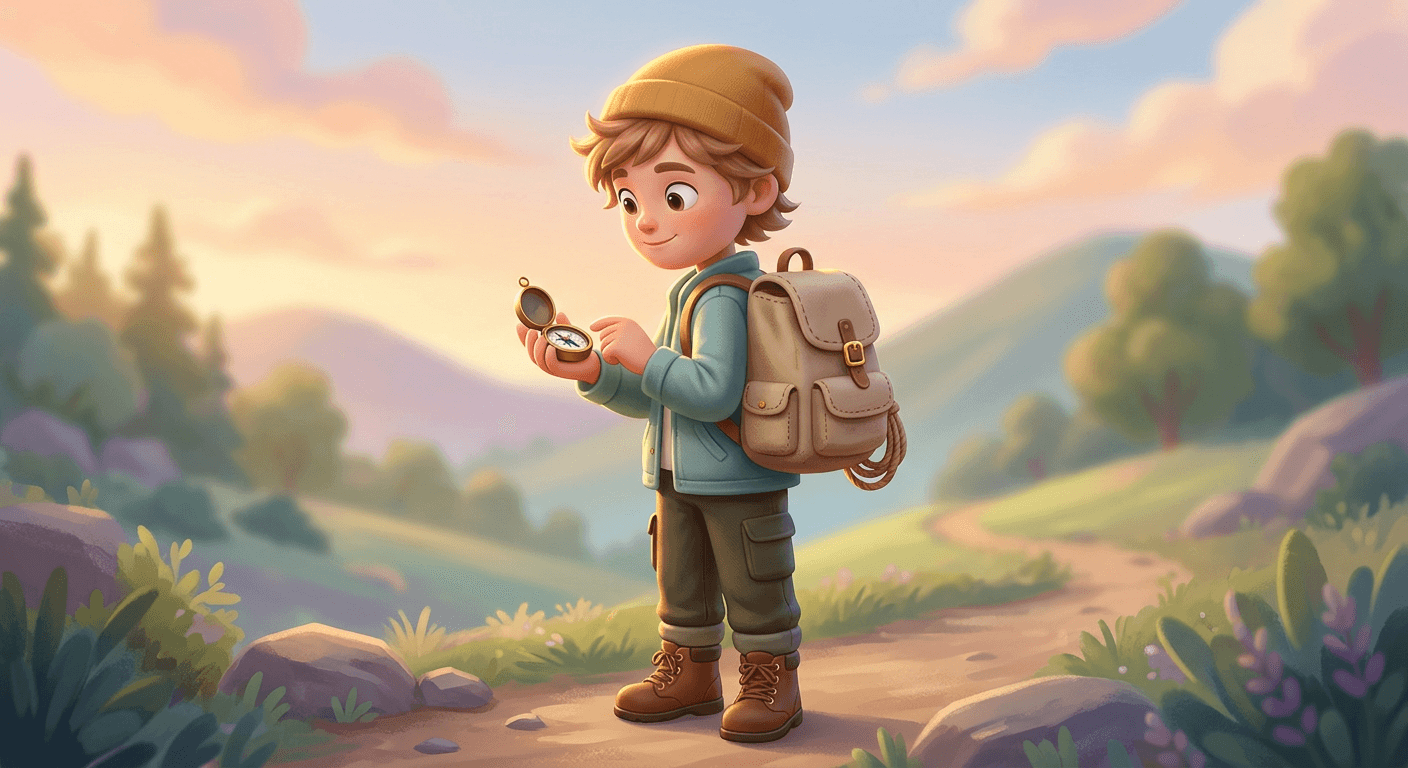
This is a strong choice for a travel-account profile picture refresh. The backpack, boots, and compass props give the model clear physical objects to render, which tends to produce a more detailed, finished-looking result than a prompt with no props at all.
Create a glossy 3D animated character in the style of a modern Pixar film adventure movie, based on this photo, styled as an adventurer: a simple canvas backpack, sturdy weathered boots, and a small compass or map prop, keeping the subject's real [hair color and style] and face shape recognizable. Rounded softened proportions, smooth matte skin and fabric shading, expressive slightly enlarged eyes. Warm golden-hour cinematic lighting with a strong rim light, simple softly blurred outdoor hillside or forest-edge background. No warped gear or limbs, no garbled text, no watermark.
17. The chef or maker character
Food creators and small-business owners use this one as a friendlier, more personal alternative to a plain logo for their profile or menu design. Swap the apron and prop for whatever matches your actual craft, a whisk, a camera, a sewing needle.
Create a glossy 3D animated character in the style of a modern Pixar film kitchen scene, based on this photo, styled as a chef or maker: a simple apron, rolled sleeves, and a mixing bowl or tool prop, keeping the subject's real [hair color and style] and face shape recognizable. Rounded softened proportions, smooth matte skin and fabric shading, expressive slightly enlarged eyes. Warm cozy cinematic kitchen lighting with a soft rim light, simple softly blurred warm kitchen background. No warped hands or props, no garbled text, no watermark.
18. The superhero-adjacent character
Keep the cape and emblem design original rather than referencing any existing franchise, both because copying a real trademarked character tends to produce a lower-quality, more generic result, and because it avoids any intellectual property concerns if you plan to post or sell the result.
Create a glossy 3D animated character in the style of a modern Pixar film action scene, based on this photo, styled as a confident superhero-adjacent character with a simple original cape or emblem design, not referencing any existing copyrighted character or logo, keeping the subject's real [hair color and style] and face shape recognizable. Rounded softened proportions, smooth matte skin and fabric shading, expressive slightly enlarged eyes, dynamic confident pose. Dramatic warm cinematic lighting with a strong rim light, simple softly blurred sky or skyline background. No warped cape or limbs, no garbled text, no watermark, no real trademarked logos or symbols.
19. The cozy homebody character
This is one of the most popular character templates for a simple, low-key profile picture, a warm, approachable version of yourself rather than an action pose. It also tends to be one of the more reliable prompts in the pack, since indoor lamp lighting is something models render very consistently.
Create a glossy 3D animated character in the style of a modern Pixar film quiet indoor scene, based on this photo, styled as a cozy homebody character wearing a soft oversized sweater and holding a warm mug, keeping the subject's real [hair color and style] and face shape recognizable. Rounded softened proportions, smooth matte skin and fabric shading, expressive slightly enlarged eyes, relaxed warm expression. Soft warm lamp-lit cinematic lighting with a gentle rim light, simple softly blurred cozy living room background. No warped hands or mug, no garbled text, no watermark.
20. The future-career character
This closes the pack as a variation on the viral future-career filter trend, but rendered in full Pixar-style character design rather than a photo filter. Naming a specific career rather than a vague one, "marine biologist" instead of "scientist", produces a far more detailed and interesting result.
Create a glossy 3D animated character in the style of a modern Pixar film career-reveal scene, based on this photo, styled in the simple uniform or gear of [describe a specific career, for example astronaut, marine biologist, architect], keeping the subject's real [hair color and style] and face shape recognizable. Rounded softened proportions, smooth matte skin and gear shading, expressive slightly enlarged eyes, confident proud expression. Warm inspirational cinematic lighting with a strong rim light, simple softly blurred background hinting at the career setting. No warped gear or limbs, no garbled text, no watermark.
How to Customize These Prompts for Better Results
Start with a clear, well-lit, front-facing or three-quarter photo. The single biggest factor in how recognizable your final character looks is the clarity of your source photo. A blurry, dark, or extreme-angle photo forces the model to guess at features it cannot see clearly, which is the most common reason a result stops looking like the actual person.
Name specific, real details you want preserved. Every prompt below includes a placeholder for hair color, outfit, and any accessories. Filling these in specifically, "a red plaid flannel shirt" instead of just "shirt," "curly shoulder-length brown hair" instead of just "hair", meaningfully increases how recognizable the final character looks, since it gives the model concrete details to anchor the likeness to instead of inventing generic ones.
Ask for the lighting explicitly, not just the character style. A huge part of what makes a result read as "Pixar" rather than generic 3D cartoon is the lighting: warm, soft, slightly glowing key light with gentle rim lighting, the kind you see in an actual animated film still. Every prompt in this pack calls this out directly rather than leaving it to the model's default interpretation.
Batch a few variations before picking your favorite. Because 3D stylization can shift proportions slightly between generations, it is worth generating two or three passes of the same prompt and picking the one where the likeness reads strongest, rather than treating the first result as final. Miraflow's AI Image Generator makes this fast enough to do as a normal part of your workflow rather than a chore.
Use image editing to fix small issues instead of fully regenerating. If a full regeneration nails everything except, say, the eye color or a small background detail, use inpainting to mask and fix just that region rather than rerolling the whole image and risking a worse overall likeness. This is one of the features Miraflow's AI Image Generator supports directly.
Common Mistakes People Make With This Trend
Using a photo where the face is partially obscured. Sunglasses, hats pulled low, or a face turned mostly away from the camera all give the model less to work with, and the resulting character tends to drift toward a generic look rather than a real likeness. Pick your clearest, most front-facing photo even if it is not your favorite shot otherwise.
Over-describing the character's personality instead of physical details. Prompts like "make them look brave and adventurous" are vague to a model in a way that specific physical and lighting details are not. Describe what you can actually see, the pose, the outfit, the expression, the setting, rather than an abstract mood, and let the Pixar-style lighting and proportions do the emotional work.
Skipping the outfit and setting details entirely. A prompt that only says "turn this into Pixar style" with no other detail tends to produce a generic character in a generic setting, losing everything that made the original photo personal. The prompts below are written the way they are specifically to avoid this, keep your own edits just as specific.
Expecting perfect text or logos in the scene. If your source photo includes a shirt with readable text, a sign, or a logo, do not expect the model to reproduce it accurately in the stylized version. Stylization transformations are the least reliable place in AI image generation for legible small text, so plan for it to be simplified or generalized rather than exact.
Posting the first result without checking hands and background edges. These remain the two spots most likely to show a small artifact in any AI-stylized image. A quick check before posting saves you a re-post later.
Creating These With Miraflow
Every prompt in this pack works directly inside Miraflow's AI Image Generator, which supports image-to-image transformation, so you upload your real photo and the prompt guides the style shift rather than generating a character from nothing. If you want to animate the finished character afterward, a short clip of your new 3D-style portrait waving or turning to camera works well as a hook shot inside Text2Shorts. Once you have a character look you like, Miraflow's YouTube Thumbnail Maker can turn the same portrait into a bold, clickable thumbnail if you are building a personal brand or reaction-channel style around it, and the AI Music Generator can score a short reveal video of the transformation with a lighthearted instrumental track.
Frequently Asked Questions
Will the AI-generated character actually look like me? It can, if your source photo is clear and your prompt specifies your real features (hair color and style, eye color, any distinctive accessories) rather than leaving those details generic. Likeness accuracy in stylized transformations depends heavily on both source photo quality and prompt specificity, both covered in the customization section above.
What makes a prompt read as "Pixar style" specifically, rather than generic 3D cartoon? Three things together: rounded, slightly exaggerated proportions (larger eyes, smoother simplified facial planes), a glossy but matte-finish skin material rather than photoreal skin texture, and warm, soft, cinematic three-point lighting with a visible rim light, the same lighting language actual animated films use. A prompt that only asks for "3D cartoon style" without those specifics tends to produce a flatter, more generic-looking result.
Can I use this on old or lower-quality photos? Yes, though results are more reliable on clearer source images. For an older, lower-resolution photo, it can help to run it through a basic upscale or sharpen pass first, or choose a version of the photo with the clearest possible view of the face, before applying the stylization prompt.
Is this trend only for solo portraits, or does it work for groups? It works well for both, and the couples, family, and friends prompts in this pack are written specifically for multi-person photos. The main adjustment for groups is naming each person's distinguishing details (hair color, outfit) separately in the prompt so the model does not blend features between people.
How is this different from a Studio Ghibli-style filter? Both are popular stylization trends built on the same underlying image-to-image technique, but they aim at visually distinct targets. Pixar style leans into glossy, rounded, slightly exaggerated 3D character proportions with cinematic studio lighting, while Ghibli-style transformations aim for a flatter, hand-painted 2D animation look with softer, more naturalistic color grading. Both work with the same general prompting approach described in this post, specific physical detail plus explicit style and lighting language, just pointed at a different visual target.
Can I use a Pixar-style character as my actual profile picture or brand logo? Personally, yes, plenty of people do. If you are building this into commercial branding, keep in mind that "Pixar style" describes a visual aesthetic your prompt is targeting, not an official license or partnership with any studio, and you should treat any resulting character as your own original stylized artwork rather than implying an affiliation that does not exist.
Conclusion
The Pixar-style AI portrait trend has stuck around because it is flattering, instantly recognizable, and works on nearly any photo you already have, which is a rare combination for a viral AI filter trend. Use the 20 prompts above as a starting point, be specific about the physical details you want preserved, and lean into the warm cinematic lighting that makes the style read correctly. Generate and refine your own version with Miraflow's AI Image Generator, then carry the same character into a short animated clip with the Cinematic AI Video Generator or a full Short with Text2Shorts if you want to take it further than a single post.