YouTube Shows Explained: How Playlist Seasons and Episodes Work in 2026

Written by
Aerin Kim
YouTube now lets Partner Program creators turn any playlist into a Netflix-style Show with seasons, episodes, and custom artwork. Here is exactly how it works and who should use it.
If you upload episodic content, a recurring series, a weekly breakdown, a numbered tutorial run, and you are still relying on a plain playlist to hold it together, YouTube shipped a feature this year built specifically to replace that. On July 9, 2026, YouTube gave creators in the YouTube Partner Program the ability to convert any existing playlist into an official Show, complete with seasons, episode numbers, and three separate layers of custom artwork, all rendered in an interface that looks and behaves a lot like Netflix.
This is a genuine upgrade over the plain series playlist toggle YouTube has offered for years, not a rebrand of it. This post covers exactly what Shows adds, who qualifies, how to set one up, and where it is worth the setup time versus where a regular playlist is still fine. If you are producing episode thumbnails and artwork as part of setting one up, the YouTube Thumbnail Maker in Miraflow AI is useful for generating a consistent visual identity across an entire season without redesigning each piece from scratch.
What YouTube Shows Actually Adds
YouTube has had a basic series playlist option for a long time: a toggle in playlist settings called "Set as official series for this playlist," available to any creator with a verified account. That baseline feature is still there, it requires a verified account, only videos you own the rights to can be added, and a single video cannot appear in more than one series playlist at a time. What it does is mark a playlist as an official set of videos meant to be watched together, which lets YouTube feature other episodes in the series while someone is watching one of them.
Shows builds a genuinely richer structure on top of that foundation, available specifically to creators enrolled in the YouTube Partner Program. A Show adds:
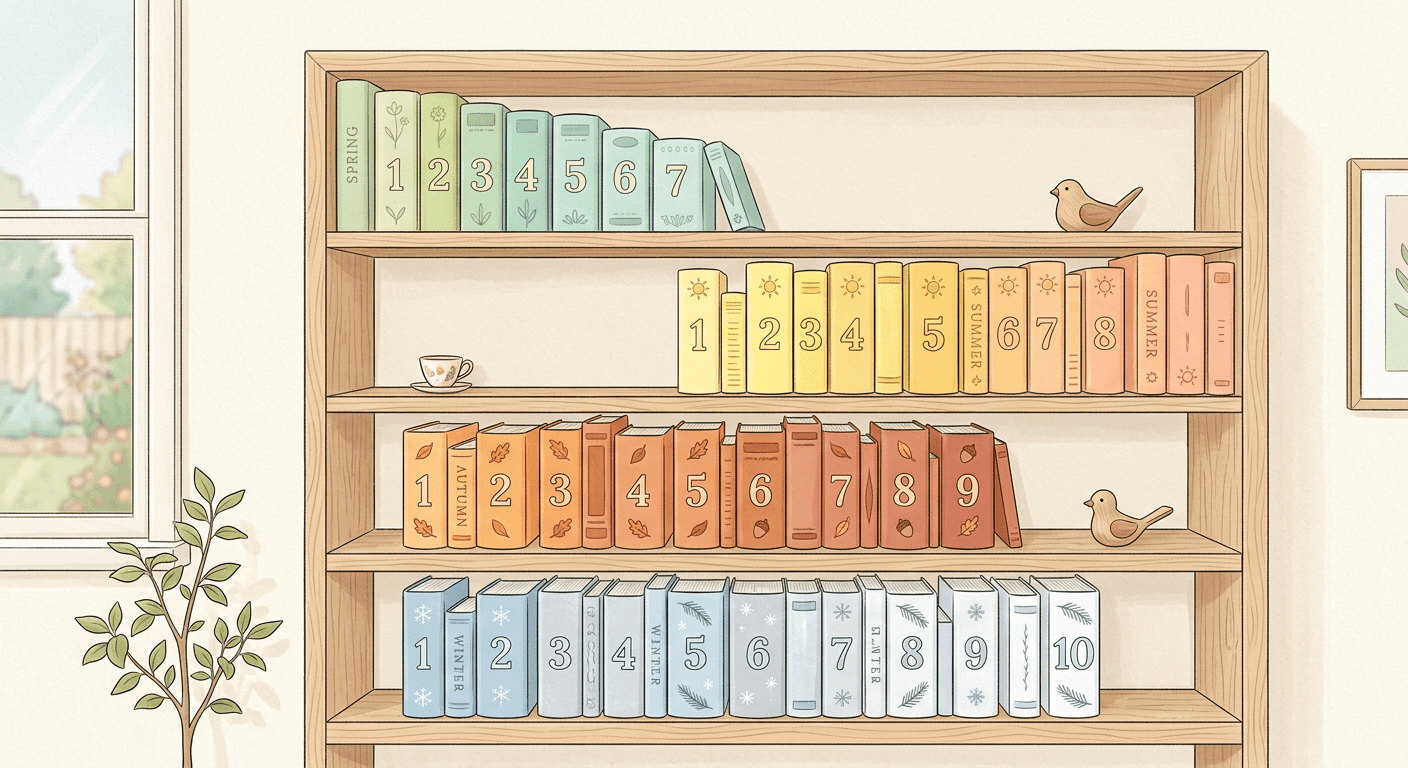
- Seasons and numbered episodes, instead of a flat, undifferentiated list of videos.
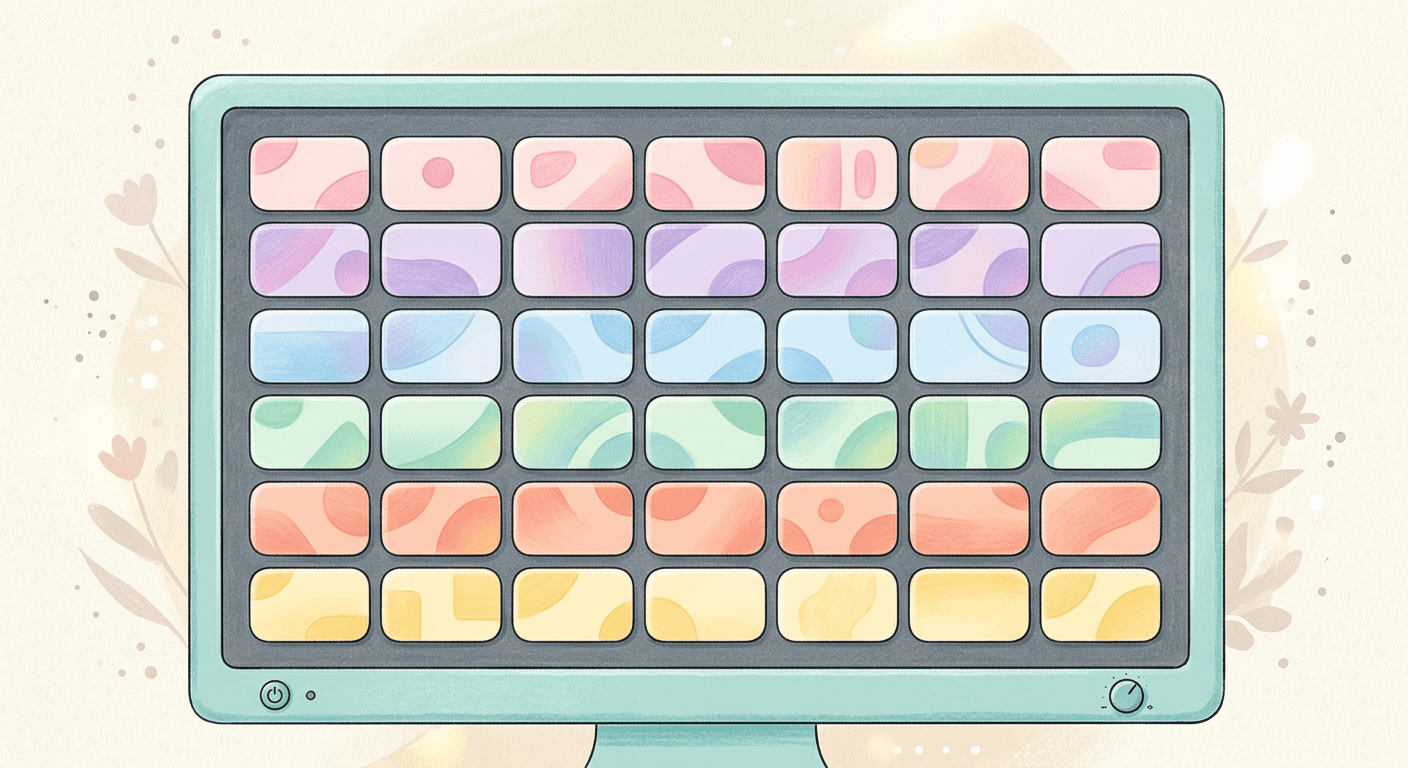
- Three separate artwork slots: a poster image, a backdrop image, and a title treatment, giving a Show its own distinct visual identity the way a streaming series does, rather than relying on a single playlist thumbnail.
- A choice between serial and non-serial structure. Serial shows are meant to be watched in sequential order, oldest episode first, the right choice for a narrative or tutorial series where episode order matters. Non-serial shows list episodes newest to oldest and can be watched in any order, better suited to a recurring format where each episode stands alone.
- A genuinely different viewing interface, closer to a streaming service's show page than a standard YouTube playlist, across TV, mobile, and desktop.
Eligibility and What Content Qualifies
Shows are currently available to creators already enrolled in the YouTube Partner Program, so the monetization bar you need to clear to unlock this feature is the same one YouTube already requires for ad revenue and other partner benefits. Within YPP, you can either convert an existing playlist into a Show or build a new one from scratch directly in YouTube Studio.
YouTube's own framing of what makes a good Show is specific: episodes should have a clear connection to each other, and the strongest candidates use consistent characters or hosts, a consistent intro, a consistent format, and consistent thumbnails across episodes. That last point matters more than it might first seem. A Show's whole value proposition is that it reads as a single, cohesive series a viewer can commit to, and thumbnails that look wildly different episode to episode undercut that cohesion even if the artwork slots at the Show level look great.
Why the Discovery Benefits Are the Real Reason to Set One Up
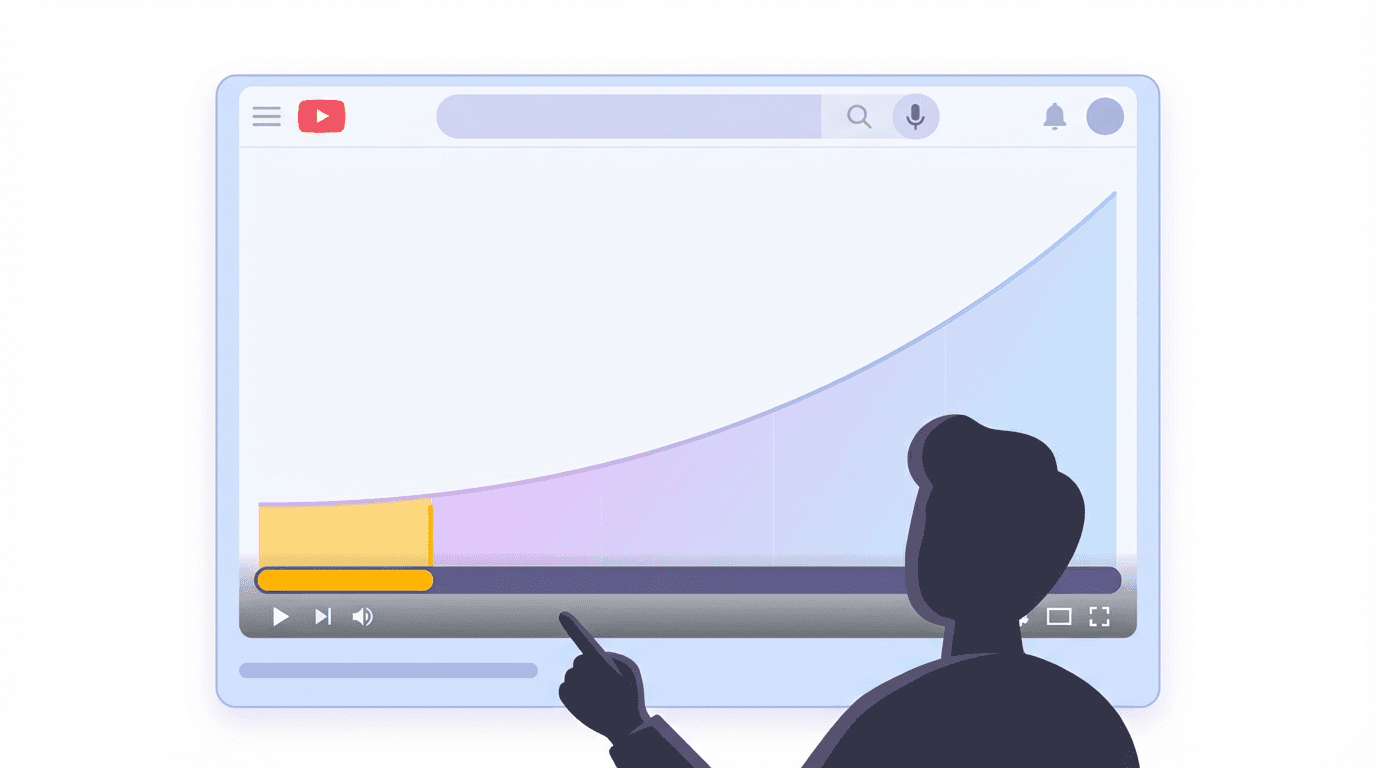
The organizational upgrade is nice, but the actual reason to spend time setting up a Show is discovery. Shows get placement in YouTube's search results as a distinct entity, dedicated "Recommended Shows" rows that a plain playlist never qualifies for, and a "Continue Watching" feature that lets a viewer pick up a series exactly where they left off across devices, the same mechanic that keeps people coming back to a streaming service night after night.
That last piece, cross-device resume, is worth sitting with for a second. A viewer who watches part of an episode on their phone during a commute and wants to finish it on a TV that evening currently loses that position with a standard playlist. A Show preserves it. For any channel producing genuinely episodic content, a tutorial series with a clear progression, a serialized documentary format, a recurring weekly breakdown, that resume behavior alone can measurably affect completion rates across a season, since it removes one of the most common reasons a viewer simply never returns to finish something they started.
How to Set Up a Show
- Confirm your channel is enrolled in the YouTube Partner Program and your account is verified. Both are prerequisites, the YPP requirement for Shows specifically and account verification for the underlying series playlist mechanism it builds on.
- Decide whether to convert an existing playlist or start fresh. Converting an existing, already-performing playlist keeps its accumulated watch history and view count intact, which is usually the better starting point if you already have episodic content published.
- In YouTube Studio, turn the playlist into an official series, then apply the Show-specific layer on top: assign seasons and episode numbers to each video in the correct order.
- Choose serial or non-serial structure based on whether episode order matters to understanding the content. When in doubt, if a new viewer would be confused starting from episode 6 instead of episode 1, choose serial.
- Upload all three artwork assets: a poster, a backdrop, and a title treatment, designed to work together as one consistent visual identity rather than three unrelated images.
- Standardize your episode thumbnails going forward. Since consistency across episodes is explicitly what YouTube says makes a strong Show, treat this as a template to lock in once, not something to redesign every upload.
For the artwork and thumbnail layer specifically, generating a full matching set, poster, backdrop, title treatment, and a repeatable episode thumbnail template, in one sitting keeps the visual identity consistent in a way that designing each piece separately over weeks tends to drift away from. The YouTube Thumbnail Maker in Miraflow AI supports generating from a prompt, optionally uploading your own face or reference image, and adding thumbnail text, which covers both the one-time Show artwork and the recurring per-episode thumbnails from the same tool. Our guide to YouTube thumbnail mistakes that hurt CTR is worth a read before finalizing a template you plan to reuse across an entire season, since a mistake baked into a template compounds across every episode instead of just one. If you are producing episodes with AI-generated hosts or narration, Miraflow AI's home page is the starting point for the full idea-to-video pipeline behind a season's worth of content.
Common Mistakes Creators Make Setting Up Shows
- Converting a loosely related playlist into a Show instead of a genuinely episodic one. Shows work best for content with real episode-to-episode continuity. Forcing an unrelated collection of videos into Show structure does not create the cohesion the format is built to reward.
- Choosing serial structure for content that does not need it, or non-serial for content that does. Get this backwards and you either force new viewers through episodes in an order that does not matter, or leave a genuinely sequential series feeling directionless.
- Treating the three artwork slots as one image resized three ways. Poster, backdrop, and title treatment are meant to work as a coordinated but distinct set, not the same crop repeated.
- Letting thumbnail style drift across a season. Since consistency is explicitly what YouTube's own guidance calls out as a strength signal, an inconsistent thumbnail set undercuts the whole format's value even with strong Show-level artwork.
- Setting up a Show once and never revisiting it as new seasons launch. A Show is a living structure meant to be extended season over season, not a one-time setup task.
Where This Fits Alongside Miraflow AI
Building a Show's visual identity is really a design-consistency problem more than a YouTube-settings problem, and that is exactly where an AI content pipeline helps most. Beyond the YouTube Thumbnail Maker for the poster, backdrop, title treatment, and per-episode thumbnails, Text2Shorts in Miraflow AI can help maintain a consistent intro format across episodes if part of your series lives in short-form as well as long-form, and the AI Image Generator is useful for generating supporting visuals that match your Show's established look without starting from a blank canvas each time. If part of your strategy involves repurposing full episodes into shorter clips for discovery, AI Clipping can pull the strongest moments out of a long episode automatically. Explore the full toolset at Miraflow AI.
If you are also working on the broader watch-time and retention side of your channel strategy, our guides on YouTube playlists strategy for binge sessions and YouTube video hooks for the first 30 seconds are useful companion reads, since a Show's discovery benefits only compound the value of episodes that already hold attention well on their own.
Frequently Asked Questions
Do I need to be in the YouTube Partner Program to set up a Show? Yes. The Show upgrade, seasons, episode numbers, and the three-part artwork system, is currently limited to channels already enrolled in YPP. The simpler underlying series playlist toggle only requires a verified account.
Can one video belong to more than one Show? No. The same rule that applies to the underlying series playlist mechanism carries over: a single video cannot appear in more than one series or Show at a time.
What is the difference between serial and non-serial shows? Serial shows are meant to be watched in sequential order, oldest episode first, right for content where episode order matters to understanding it. Non-serial shows list newest episodes first and can be watched in any order, better suited to a recurring format where each episode stands on its own.
Will converting my existing playlist into a Show lose its view count or watch history? Converting an existing playlist keeps its accumulated history intact rather than starting over, which is why converting an already-performing playlist is usually the better starting point over building a Show from scratch.
Do I need professional design skills to create the poster, backdrop, and title treatment artwork? No. These can be generated with an AI image tool built for exactly this kind of consistent visual asset set, then refined, rather than requiring a dedicated designer for every season.
Does a Show help with YouTube's algorithm, or is it purely organizational? It is more than organizational. Shows are eligible for placement in dedicated "Recommended Shows" rows and search results as a distinct entity, plus a cross-device "Continue Watching" feature, none of which a standard playlist qualifies for.
Conclusion
YouTube Shows is a real structural upgrade for any channel producing genuinely episodic content, not a cosmetic rebrand of the old series playlist toggle. Seasons, numbered episodes, three-part artwork, and a genuine cross-device resume feature all give a series the kind of cohesion and discoverability a flat playlist was never built to provide. The setup itself is straightforward once your channel is YPP-eligible, and the format rewards exactly the kind of consistency, matching intros, formats, and thumbnails across episodes, that strong episodic channels were already building toward anyway. If your content genuinely has episode-to-episode continuity, this is worth the afternoon it takes to set up properly.