7 YouTube Thumbnail Mistakes That Are Killing Your CTR

Written by
Jay Kim

Discover the 7 most common YouTube thumbnail mistakes that destroy your CTR in 2026 and learn practical fixes to improve clicks on every video you publish.
Your video could have the best content on the entire platform, but if your thumbnail is making one of these common mistakes, most people will never click on it. Click-through rate is one of the most important signals YouTube uses when deciding whether to recommend your video to a wider audience, and your thumbnail is the single biggest factor that determines whether someone clicks or scrolls right past. If your CTR has been stuck in the low single digits for months, there is a very good chance that one or more of these seven mistakes is the reason.
The frustrating part is that most of these mistakes are easy to fix once you actually know what to look for. Many creators spend hours perfecting their video content but rush through thumbnail creation in the last five minutes before uploading. That approach is backwards because a thumbnail with a strong CTR will pull in viewers who might never have discovered your content otherwise, while a weak thumbnail buries great content before it ever gets a chance to perform.
This guide walks through each of the seven most common thumbnail mistakes that are actively hurting your CTR in 2026, explains why each one matters from both a viewer psychology and algorithm perspective, and gives you practical fixes you can apply to your very next upload.
Mistake 1: Using Too Much Text in Your Thumbnail
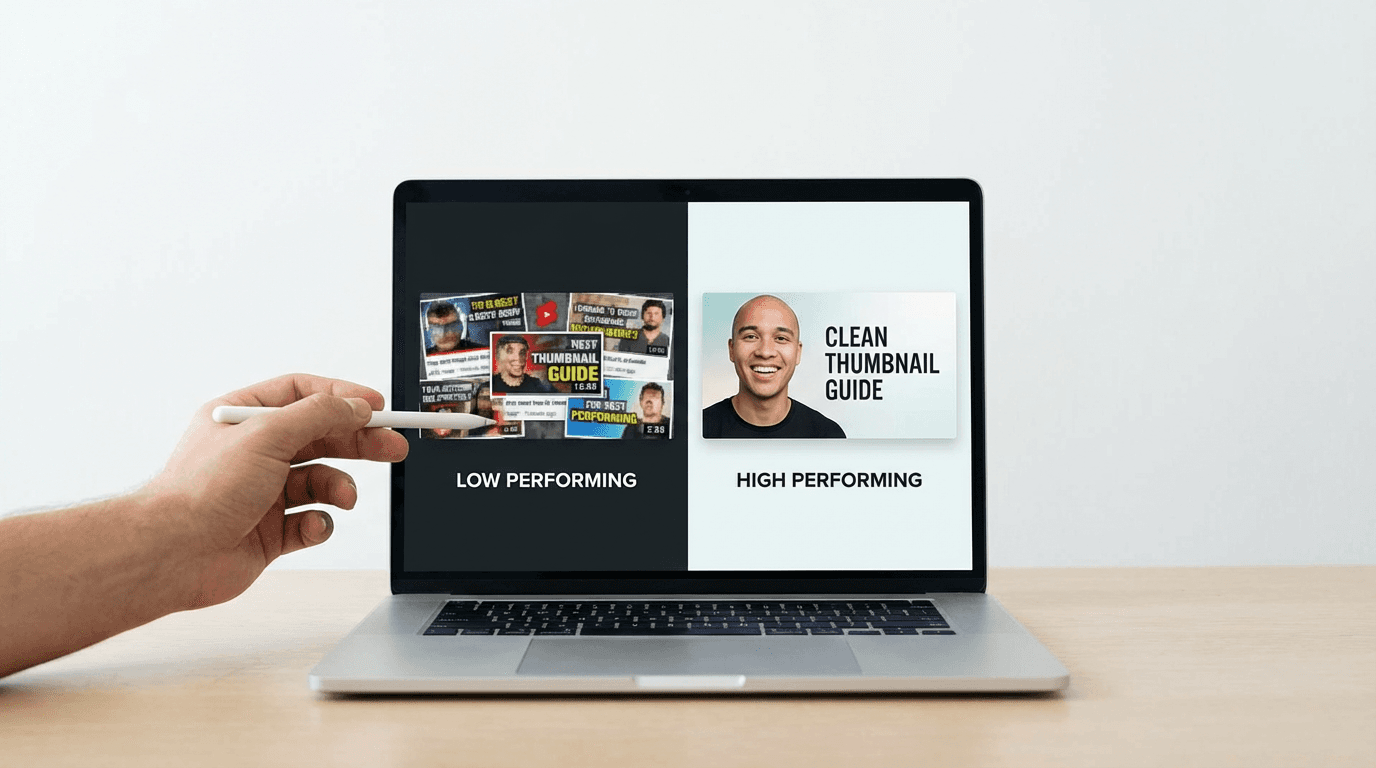
One of the most widespread thumbnail mistakes is cramming too much text into the image. When a thumbnail has three or four lines of text, or even a single sentence that wraps across the entire frame, the viewer's brain has to work harder to process what the video is about. On mobile devices, where the majority of YouTube viewing happens in 2026, that text often becomes completely unreadable because the thumbnail is displayed at a much smaller size than most creators realize when they are designing on a desktop screen.
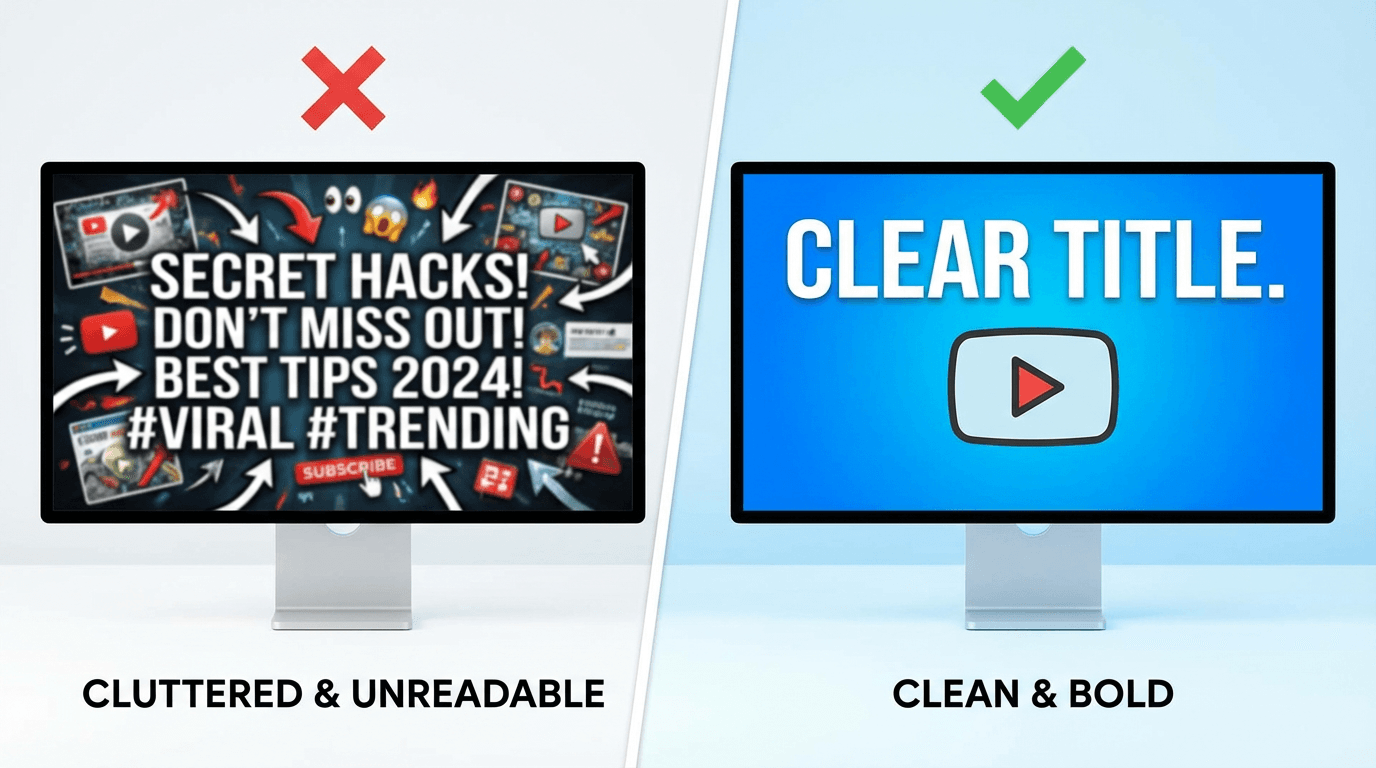
The purpose of thumbnail text is to add a single layer of context or curiosity that complements the visual, not to summarize the entire video. If your thumbnail needs a paragraph of text to explain what the video is about, the visual composition itself is not doing its job. The strongest thumbnails in 2026 use either zero text or a maximum of three to five words in large, bold, high-contrast typography that remains legible even at the smallest display size.
A good test is to shrink your thumbnail down to roughly the size of a postage stamp on your screen. If you cannot read the text clearly at that size, your mobile viewers cannot read it either, and that means the text is hurting your thumbnail rather than helping it. The YouTube thumbnail size guide for 2026 covers the exact dimensions and display sizes you should be designing for across different devices and surfaces.
If you want to see how different text placements and amounts work in practice, the 25 YouTube thumbnail text ideas that get more clicks breaks down specific text strategies that high-performing creators are using right now, including when to use no text at all.
How to fix it: Limit your thumbnail text to three to five words maximum. Use a bold sans-serif font with high contrast against the background. Always preview at mobile size before publishing.
Mistake 2: Ignoring the Title and Thumbnail Relationship
Your title and thumbnail are not two separate assets. They are two halves of the same click. One of the most damaging mistakes creators make is designing a thumbnail that essentially repeats what the title already says. When the thumbnail text and video title communicate the exact same thing, you are wasting one of your two chances to persuade the viewer to click.
Think about it from the viewer's perspective. They see your thumbnail and title side by side in their feed. If both say the same thing, the viewer gets one piece of information and one reason to click. But if the thumbnail communicates something visually compelling and the title adds a different layer of context, curiosity, or specificity, the viewer gets two reasons to click.
For example, if your video title says "I Tried Living on One Dollar a Day for a Week," your thumbnail should not have text that says "1 Dollar Challenge." Instead, the thumbnail might show a dramatic visual of an empty plate next to a single coin, which creates an emotional reaction that pairs with the title to form a complete and compelling package.
The 10 rules for YouTube thumbnails that actually get clicks goes deeper into how to think about title and thumbnail pairing, and the 10 AI prompts for YouTube titles that get clicks provides title formulas that are specifically designed to complement strong visual thumbnails.
How to fix it: Before designing your thumbnail, write your title first. Then ask yourself what additional information, emotion, or curiosity the thumbnail can add that the title does not already cover. The thumbnail should make the viewer wonder, and the title should give them just enough context to feel compelled to click.
Mistake 3: Low Contrast and Poor Color Choices
YouTube is an incredibly competitive visual environment. Your thumbnail appears alongside dozens of others on the home page, in search results, in the Shorts feed, and in suggested video panels. If your thumbnail uses muted colors, low contrast between the subject and background, or a color palette that blends in with the YouTube interface itself, it will disappear in the feed no matter how good the content behind it might be.
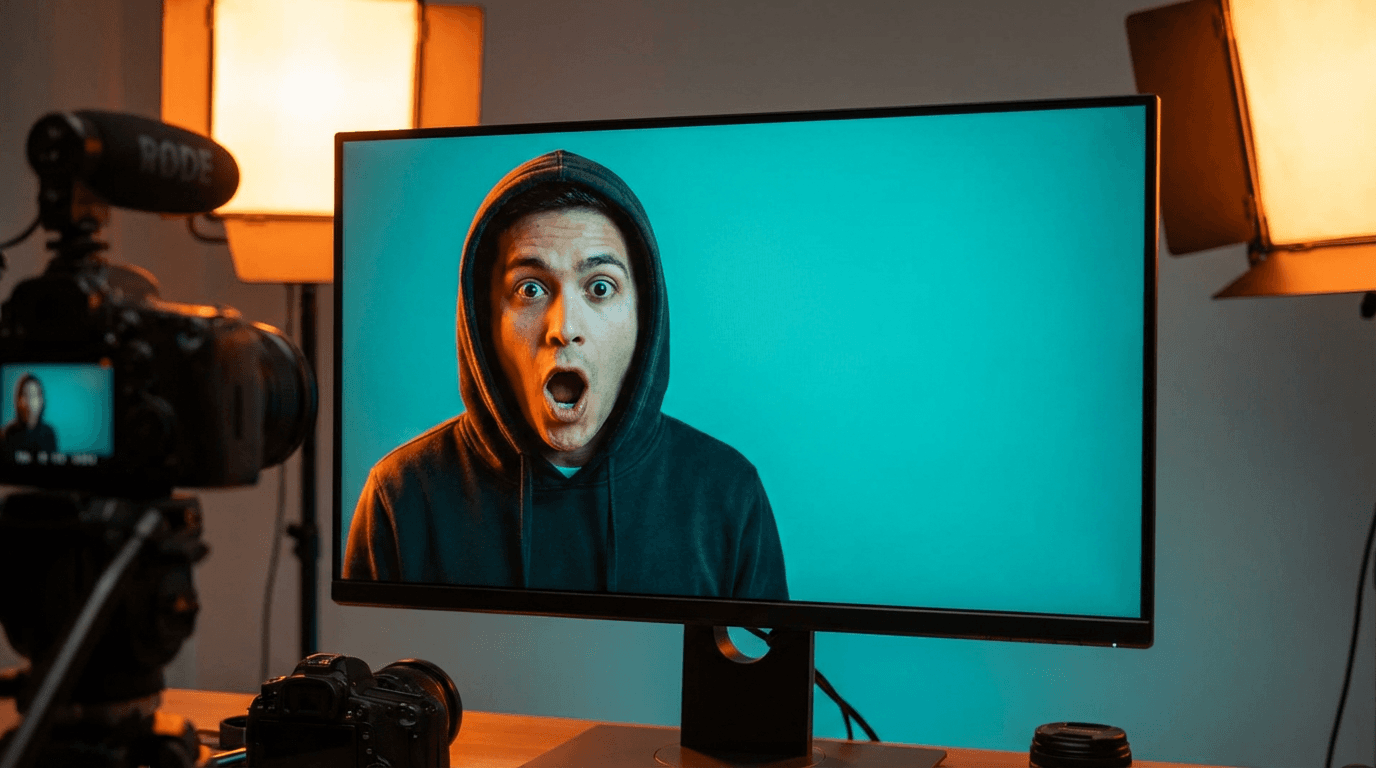
The thumbnails that consistently achieve high CTR in 2026 use deliberate color contrast to make the primary subject pop against the background. This often means using complementary color combinations like blue and orange, yellow and purple, or red and teal. It also means ensuring that the brightest and most saturated area of the thumbnail is the focal point you want viewers to look at first.
One specific color mistake that many creators make is using too much red or white in their thumbnails. Red blends in with the YouTube play button overlay, and white can fade into the background on light-mode interfaces. Dark thumbnails also struggle because they can look muddy or indistinct when displayed at smaller sizes on mobile screens.
The 10 YouTube thumbnail trends in 2026 you should be using covers the specific color and composition trends that are driving high engagement this year, including which color palettes are currently outperforming across different content niches.
Creators who want to quickly test different color approaches can use the YouTube Thumbnail Maker on Miraflow AI to generate multiple thumbnail variations from a single prompt. Because the tool generates complete thumbnails from text descriptions, you can easily adjust the color direction in your prompt and compare several options side by side before choosing the one with the strongest visual contrast.
How to fix it: Choose a two-color or three-color palette for your thumbnail with strong contrast between the subject and background. Avoid colors that blend with the YouTube interface. Check your thumbnail against a screenshot of the YouTube home page to see if it stands out or disappears.
Mistake 4: Cluttered Composition With Too Many Elements
When a thumbnail tries to tell too complex of a story, it ends up telling no story at all. Cluttered thumbnails that contain five or six different visual elements, multiple people, overlapping objects, busy backgrounds, and layers of text create a confusing visual experience that the viewer's brain cannot process in the fraction of a second they spend deciding whether to click.
The most effective thumbnails in 2026 follow a simple composition principle: one clear focal point, one supporting element, and a clean background. That focal point might be a face with a strong expression, a striking object, or a dramatic scene. The supporting element adds context, like a graph going up, a product being shown, or a contrasting before-and-after split. And the clean background ensures that nothing competes for the viewer's attention.
This principle of simplicity is especially important for faceless YouTube channels that cannot rely on a recognizable face as the default focal point. The 10 YouTube thumbnail ideas for faceless YouTube channels provides specific composition frameworks that maintain visual clarity without any human faces in the frame.
How to fix it: Before finalizing your thumbnail, identify the single most important visual element and remove everything that is not directly supporting it. If you have to explain what is happening in the thumbnail, there are too many elements. The story should be instantly clear at a glance.
Mistake 5: Using Generic Stock Photos or Screenshots
Viewers in 2026 have become extremely good at recognizing stock photos and generic screenshots in thumbnails, and their click behavior reflects it. Thumbnails that use obviously stock imagery or unedited screenshots from the video feel low-effort and untrustworthy to viewers, which directly translates into lower CTR. This happens because stock photos lack the specificity and intentionality that signal a high-quality video behind the click.
Screenshots from the video itself are also problematic for a different reason. Most video frames are not composed for thumbnail purposes because they were shot for a 16:9 moving video, not a static image that needs to communicate a clear message at small sizes. The lighting, framing, and facial expressions in a random video frame are almost never optimized for the specific job a thumbnail needs to do.
Custom-designed thumbnails consistently outperform both stock photos and screenshots because they are intentionally crafted for one purpose: getting the click. Every element in a custom thumbnail, from the subject placement and expression to the background color and text overlay, exists because it was chosen to maximize visual impact at thumbnail scale.
For creators who do not have access to professional photography equipment or graphic design skills, AI image generation has become a viable alternative for producing custom thumbnail visuals. The AI Image Generator on Miraflow AI lets you generate completely original images from text prompts, edit existing photos with inpainting tools, and create custom compositions that would be difficult or expensive to produce with traditional photography. The 10 AI prompts for YouTube thumbnails that stop the scroll provides ready-to-use prompt templates specifically designed for creating high-CTR thumbnail visuals.
How to fix it: Stop using raw screenshots or stock photos as thumbnails. Either invest time in creating custom-designed thumbnails with proper composition, or use AI image generation tools to produce original visuals that are tailored to each video's specific topic and emotional angle.
Mistake 6: Inconsistent Visual Branding Across Your Channel
If every thumbnail on your channel looks completely different from the last one, you are missing out on one of the most powerful long-term CTR advantages: visual brand recognition. When a viewer who has watched your content before sees one of your thumbnails in their feed, they should be able to recognize it as yours before they even read the title. That instant recognition creates a trust shortcut that significantly increases the likelihood of a click because the viewer already knows the quality of content they will get.
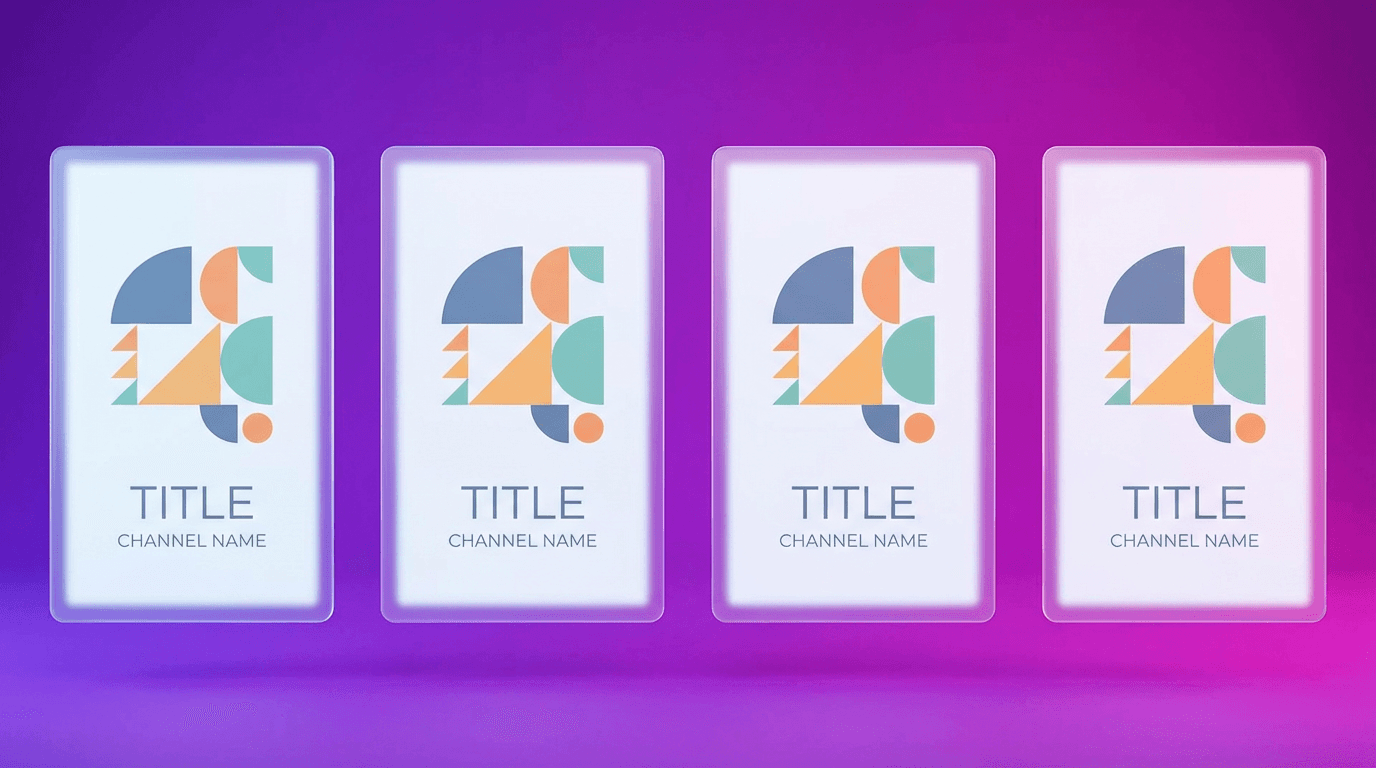
Consistent visual branding does not mean every thumbnail has to look identical. It means having a recognizable system that ties your thumbnails together through shared elements like a consistent color palette, a recurring font style, a signature layout structure, or a characteristic editing treatment. The biggest YouTube channels in every niche have this kind of thumbnail consistency, and it becomes even more important as your catalog grows because it reinforces your brand presence every time any of your videos appear in someone's feed.
The 10 YouTube banner ideas for every niche with AI prompts covers how to establish visual branding that extends from your channel banner through to your thumbnails and community posts, creating a cohesive identity across every touchpoint on your channel.
The 10 YouTube thumbnail ideas for every niche with AI prompts takes this further by providing niche-specific thumbnail frameworks that you can adapt into a consistent visual system for your own channel. Whether you are in finance, gaming, education, travel, fitness, or any other vertical, having a thumbnail template that your audience can recognize at a glance gives you a measurable CTR advantage over channels that design each thumbnail from scratch without any unifying system.
How to fix it: Choose two to three core colors, one primary font, and a general layout structure that will define your thumbnail style. Apply these consistently across all new uploads while gradually updating older thumbnails to match. The goal is for a viewer to identify your thumbnail without reading the title or seeing your channel name.
Mistake 7: Not Testing or Iterating on Thumbnail Performance
The final and perhaps most impactful mistake is treating thumbnails as a one-and-done task. Many creators upload a thumbnail with their video and never look at it again, even when the video's CTR is well below their channel average. YouTube Studio provides CTR data for every video, and that data is an incredibly valuable feedback loop that most creators completely ignore.
If a video's CTR is significantly lower than your channel average, the thumbnail is almost always the primary reason. Changing the thumbnail on an underperforming video can revive its performance because it triggers a re-evaluation by the recommendation system. YouTube has confirmed that the algorithm re-tests a video when significant changes are made to its packaging, which means a new thumbnail can literally give an old video a second chance at being recommended.
The best-performing creators in 2026 treat their thumbnails as living assets that can be improved at any time, not as permanent decisions made at the moment of upload. They routinely review their CTR data, identify underperforming videos, and create new thumbnails for those videos using insights from what has worked on their higher-performing uploads.
You can use the YouTube Thumbnail Maker on Miraflow AI to quickly generate alternative thumbnail options for videos that are underperforming. The tool lets you paste a YouTube video URL to fetch your existing thumbnail, which makes it easy to compare your current design with new variations and decide which approach is likely to improve your CTR. You can also upload your face or a reference image and add new text to create completely different visual angles for the same video.
How to fix it: Set a monthly reminder to review CTR data for all videos published in the previous 30 days. For any video with CTR below your channel average, create a new thumbnail variation and swap it in. Track the performance change over the following two weeks to learn what adjustments have the most impact for your specific audience.
5 Thumbnail Prompts You Can Use Right Now
If you want to start creating stronger thumbnails immediately, here are five descriptive prompts designed for AI thumbnail generation that avoid the mistakes covered in this guide.
Clean educational thumbnail with strong color contrast
Prompt:
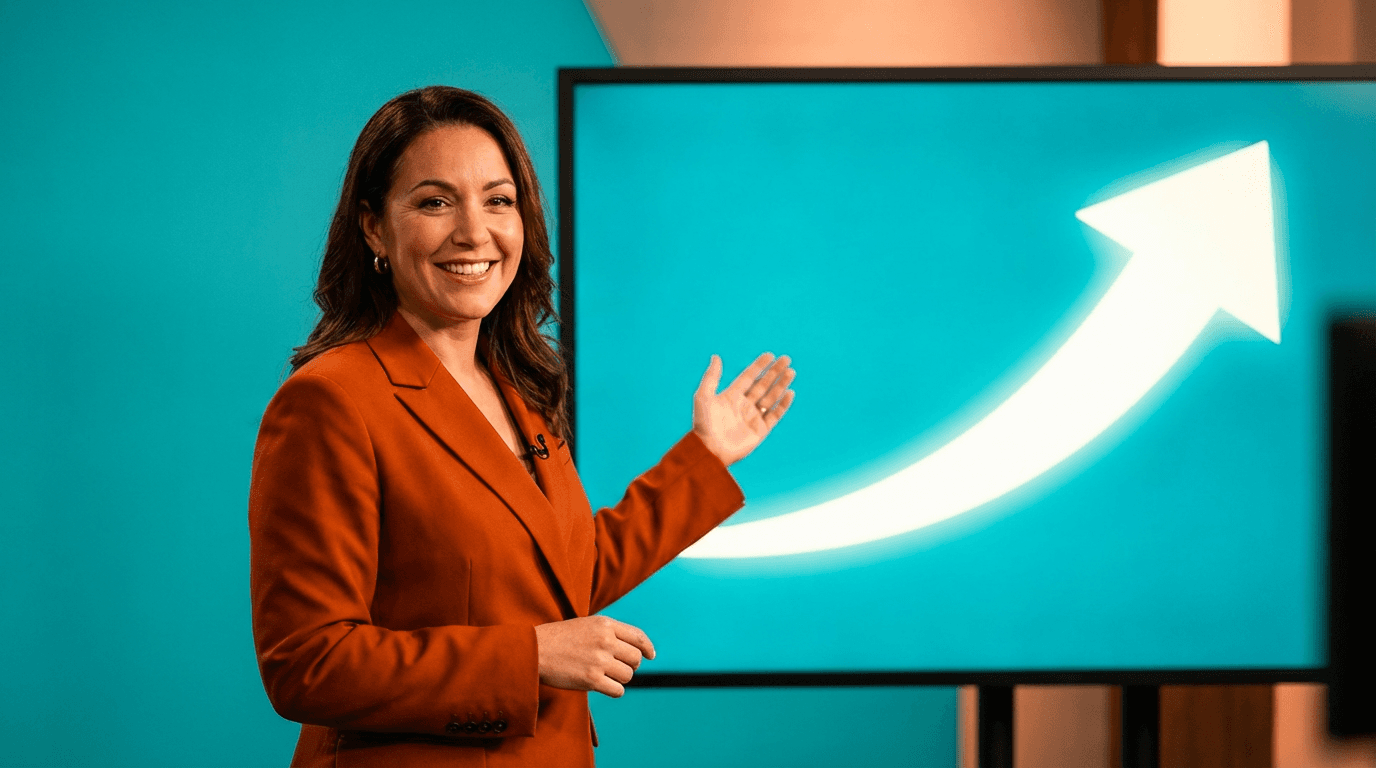
a confident presenter pointing at a large glowing screen showing a simple upward growth chart, bright teal background, clean composition with only two visual elements, warm studio lighting, bold saturated colors, no text, no logos
High-energy fitness thumbnail with clear focal point

Prompt:
a fit person mid-jump with arms raised in a modern gym, dramatic orange rim lighting from behind, dark blurred gym background, vibrant warm tones, strong contrast between subject and background, dynamic pose, cinematic quality, no text
Finance and investing thumbnail with minimal clutter

Prompt:
a person in professional attire looking directly at camera with a surprised expression, a single large green upward arrow beside them, bright yellow gradient background, clean negative space, bold colors, high contrast, no text, no logos
Cooking channel thumbnail with appetizing focus

Prompt:
a beautifully plated gourmet dish in the center of frame on a dark wooden table, steam rising naturally, warm golden overhead lighting, shallow depth of field blurring the background, rich warm color grading, single clear subject, no text
Travel vlog thumbnail with emotional hook

Prompt:
a person standing at the edge of a cliff overlooking a vast turquoise ocean at golden hour, dramatic backlit silhouette, vibrant sunset sky with orange and purple tones, clean horizon line, cinematic wide composition, no text, no logos
These prompts can be used directly in the AI Image Generator on Miraflow AI or adapted for the YouTube Thumbnail Maker with additional options like uploading a reference image or adding thumbnail text.
What Most Creators Get Wrong About CTR
There is a common misconception that CTR is primarily about being clickbaity. Many creators avoid optimizing their thumbnails because they associate high CTR with misleading packaging. But a high click-through rate combined with strong watch time and audience retention is exactly what YouTube's recommendation system is looking for because it indicates that the packaging accurately promises something viewers want to watch and the content delivers on that promise.
The goal of a great thumbnail is not to trick someone into clicking. The goal is to accurately communicate the most compelling aspect of your video in a way that stands out visually in a competitive feed. When your thumbnail does this well, viewers click because they genuinely want to watch, which means they stay longer, engage more, and are more likely to be recommended your future content.
This principle is why the 10 rules for YouTube thumbnails that actually get clicks emphasizes clarity and specificity over sensationalism. The thumbnails that build sustainable channel growth are the ones that set accurate expectations and then deliver on them consistently.
How to Audit Your Current Thumbnails for These Mistakes
If you want to quickly evaluate your existing thumbnails against the seven mistakes covered in this guide, here is a practical process you can follow this week.
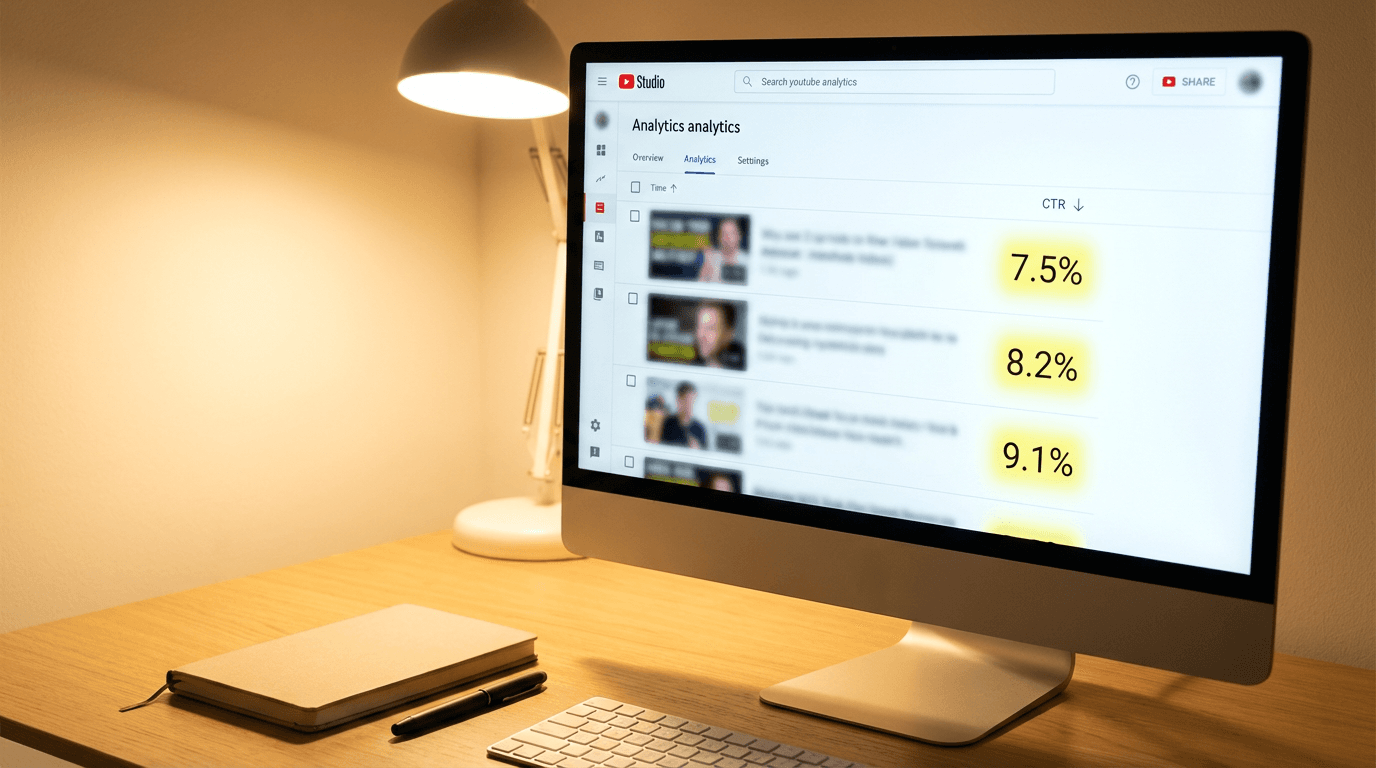
Open YouTube Studio and sort your videos by CTR from lowest to highest. Focus on the bottom 20 percent, the videos with the lowest click-through rates. For each one, check whether the thumbnail falls into any of the seven mistake categories: too much text, title and thumbnail overlap, low contrast or poor colors, cluttered composition, generic stock imagery or screenshots, inconsistent branding, or no iteration after poor performance.
For most creators, this audit will reveal clear patterns. You might find that all your low-CTR thumbnails share one or two of the same problems, which makes the fix straightforward. Address the most common pattern first, create new thumbnails for your lowest-performing videos, and track the impact over the following two to three weeks.
The YouTube Thumbnail Maker on Miraflow AI is especially useful during this audit process because you can paste in your YouTube video URLs, fetch the existing thumbnails, and generate improved alternatives without starting from scratch. The platform includes professionally designed templates across niches like finance, gaming, cooking, fitness, education, travel, entertainment, and personal vlogs, which can help you establish a consistent visual direction while fixing individual underperformers.
The Connection Between Thumbnails and Your Entire Content Pipeline
Thumbnails do not exist in isolation. They are part of a larger content ecosystem that includes your video topic, title, script, visuals, and audio. Creators who think about thumbnails as an afterthought tend to produce packaging that feels disconnected from the content itself, while creators who consider the thumbnail from the very beginning of the ideation process tend to produce more cohesive and clickable packaging.
A practical way to implement this is to design your thumbnail concept before you even start scripting the video. When you know what the thumbnail is going to look like, you can shape the video's content, title, and hook around a unified angle that makes the entire package work together.
This integrated approach to content creation is one of the reasons platforms like Miraflow AI are becoming popular with YouTube creators. Having tools for generating AI images, creating thumbnails, producing Shorts, generating cinematic video clips, and composing background music all in one browser-based workspace means that the entire pipeline from idea to published content stays connected. When you design a thumbnail in the same session as you generate your video visuals, the visual language stays consistent and the packaging feels intentional.
For channels that also produce YouTube Shorts alongside their long-form content, the 10 AI prompts for YouTube Shorts thumbnails that stop the scroll covers thumbnail strategies specifically designed for vertical content, which requires a different composition approach than standard 16:9 thumbnails.
Frequently Asked Questions
What is a good CTR for YouTube thumbnails in 2026?
CTR varies significantly by niche, audience size, and traffic source, so there is no single universal benchmark. Generally, a CTR between 4 and 10 percent is considered healthy for most channels. New channels and videos shown primarily through browse features tend to have higher CTR than established channels with broad recommendation exposure, because the audience is more targeted. The most useful benchmark is your own channel average. Focus on bringing every video's CTR above your personal average rather than chasing a specific number.
How often should I change my YouTube thumbnails?
There is no fixed schedule, but a good practice is to review your thumbnail performance monthly. If a video's CTR is noticeably below your channel average after two weeks of data, it is worth testing a new thumbnail. Avoid changing thumbnails on videos that are performing at or above your average, because you risk disrupting a video that is already working well with the algorithm.
Can I use AI-generated images as YouTube thumbnails?
Yes, AI-generated thumbnails are widely used and accepted on YouTube in 2026. Many creators use AI image generation tools to produce custom visuals that are tailored to specific video topics. The key is to ensure that the AI-generated thumbnail accurately represents the video content, because misleading thumbnails, whether AI-generated or not, will result in high bounce rates that hurt your channel's long-term recommendations.
Do thumbnail faces always perform better than no-face thumbnails?
Thumbnails with human faces and emotional expressions generally have higher CTR because humans are biologically drawn to look at faces. However, faceless thumbnails can perform just as well when they use strong composition, clear focal points, and bold color contrast. Many faceless channels achieve excellent CTR by using striking objects, dramatic scenes, or before-and-after comparisons as their focal elements instead of faces.
Does thumbnail text help or hurt CTR?
Thumbnail text helps CTR when it is short, bold, legible at small sizes, and adds information that the title and visual do not already communicate. It hurts CTR when it is too long, too small to read on mobile, or redundant with the video title. The safest approach is to use no more than three to five words in large, high-contrast typography, or to skip text entirely if the visual and title together communicate a strong enough message.
What is the best thumbnail size for YouTube in 2026?
YouTube recommends 1280 by 720 pixels with a 16:9 aspect ratio and a maximum file size of 2 MB. For vertical Shorts thumbnails, 1080 by 1920 pixels with a 9:16 aspect ratio works best. The YouTube thumbnail size guide for 2026 covers these specifications in full detail along with tips for optimizing clarity at different display sizes.
How do I make my thumbnails stand out from competitors?
The most effective way to differentiate your thumbnails is to establish a consistent visual brand that viewers can recognize instantly. Choose a signature color palette, font, and layout style that is distinct from other channels in your niche. Avoid copying the exact style of larger channels because viewers will subconsciously associate your content with the original, which weakens your own brand identity over time.
Conclusion
Every thumbnail on your channel is either working for you or working against you, and most creators are unknowingly sabotaging their CTR with one or more of these seven common mistakes. The encouraging news is that all of these issues are fixable, often with simple adjustments that can be applied to both future uploads and existing videos in your catalog.
Start by auditing your lowest-performing thumbnails against the seven mistakes outlined in this guide. Identify the patterns that show up most frequently, fix those first, and track the results over two to three weeks. As you build a clearer understanding of what works for your specific audience, your thumbnail skills will compound and your CTR will improve across your entire channel, not just on individual videos.
The tools available in 2026 make it easier than ever to create professional-quality thumbnails without graphic design experience. Whether you use the YouTube Thumbnail Maker on Miraflow AI to generate thumbnails from prompts and templates, or the AI Image Generator to create fully custom visuals for your channel, the barrier to producing high-CTR thumbnails has never been lower. The only question is whether you are going to keep making the same mistakes or start fixing them today.