YouTube Playlists Strategy in 2026 How to Turn Random Videos Into Binge Sessions

Written by
Jay Kim

Random uploads waste your YouTube potential in 2026. Learn playlist strategies that turn scattered videos into binge sessions and boost watch time.
If your channel in 2026 is just a pile of separate uploads, you are working way harder than you need to.
YouTube wants viewers to fall into sessions
Not one video then exit
Well designed playlists turn random videos into guided watch paths. They:
- Boost watch time and average views per viewer
- Help YouTube understand how your content connects
- Make it easier for new viewers to binge without thinking
In this guide you will learn:
- How YouTube thinks about playlists in 2026
- What a binge friendly playlist actually looks like
- Concrete playlist formats that work for education, entertainment, and faceless channels
- How to design titles, covers, and thumbnails for higher CTR
- A light workflow to build and update playlists using AI tools like Miraflow AI
Treat this as your playlist playbook for turning chaos into a system.
How YouTube sees playlists in 2026
YouTube has said for years that the algorithm optimises for viewer satisfaction and watch time, not just views. It looks at signals like watch time, retention, click through rate, and how often viewers come back to the platform.
Playlists help on several fronts:
- They bundle related videos together
- They make it easier for viewers to keep watching without searching again
- They can appear as their own results and browse surfaces, especially for how to and music searches
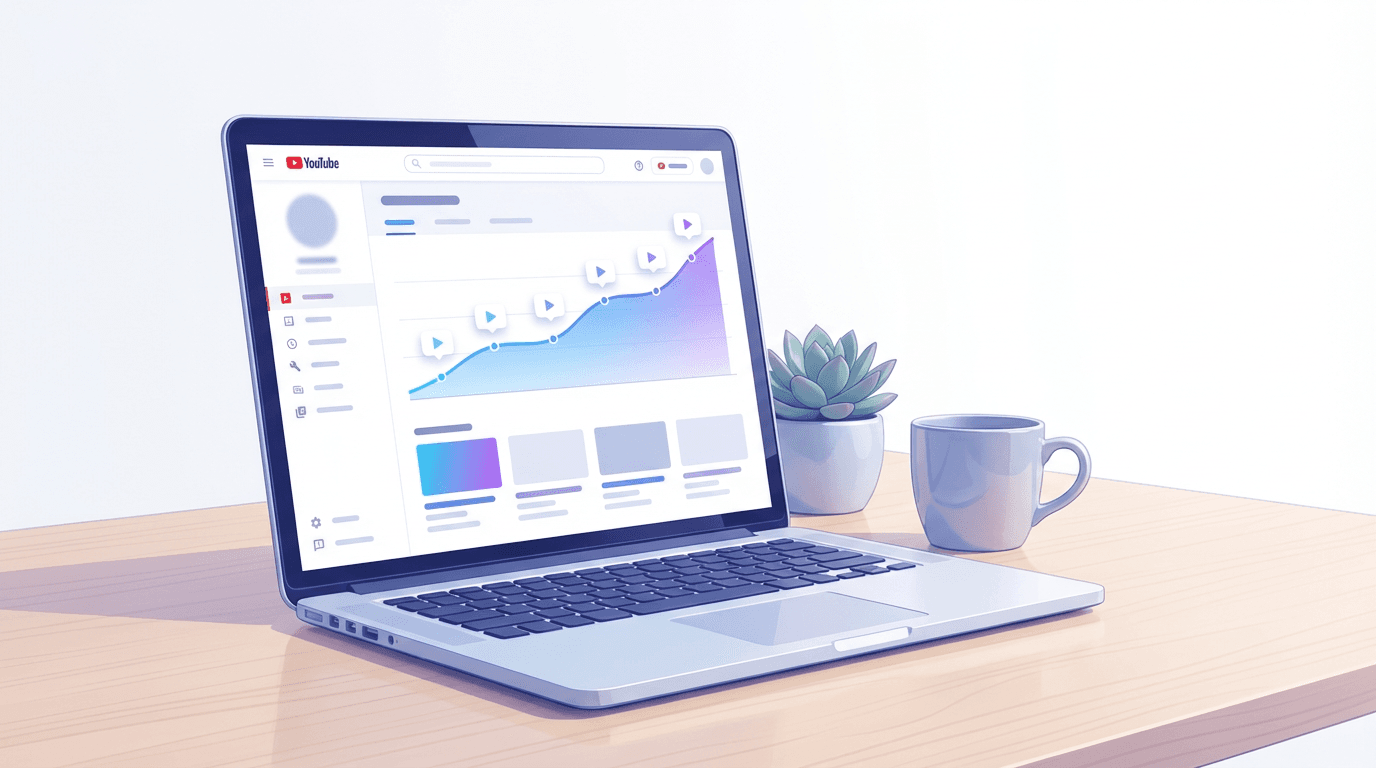
YouTube Analytics treats playlists as their own entity with metrics like:
- Views from playlists
- Average time in playlist
- Average views per viewer in a playlist
In practice:
- A strong playlist can behave like a mini series
- A weak playlist is just a dump of everything with no structure
The goal in 2026 is to build playlists that feel like a curated journey, not a folder.
Why playlists are a secret weapon for session time
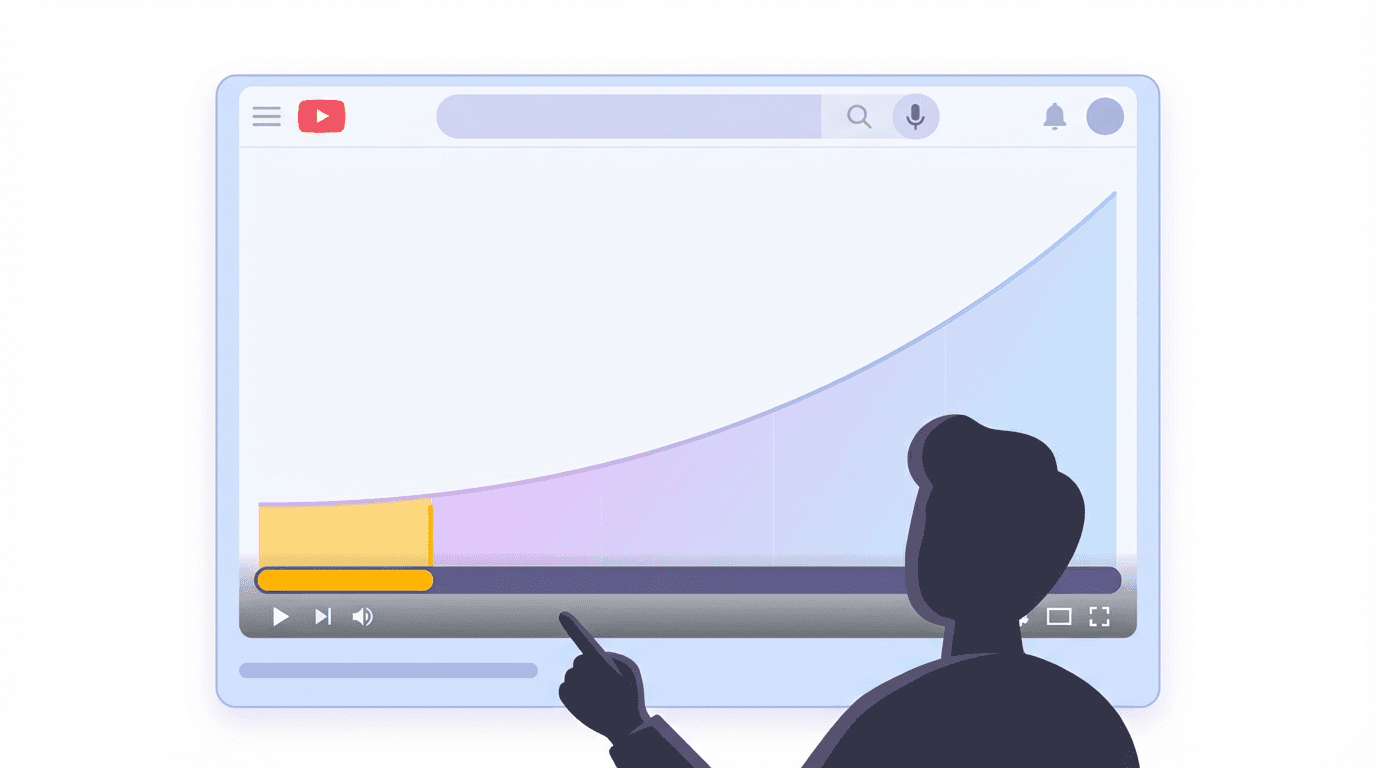
Session time is the total time a viewer spends on YouTube in one visit. You do not see it as a single metric in Studio, but it drives recommendations. If your content helps start or extend sessions, YouTube is more likely to show it on the home feed and suggested panel.
Playlists increase session time because they:
- Auto play the next relevant video
- Reduce friction between videos
- Keep the viewer inside a coherent theme or problem
When someone clicks one playlist:
- They might watch one or two videos now
- Come back later and continue
- Share the playlist as a whole
You also get more chances to turn a new viewer into a regular viewer because each playlist adds multiple touch points.
What a binge friendly playlist looks like
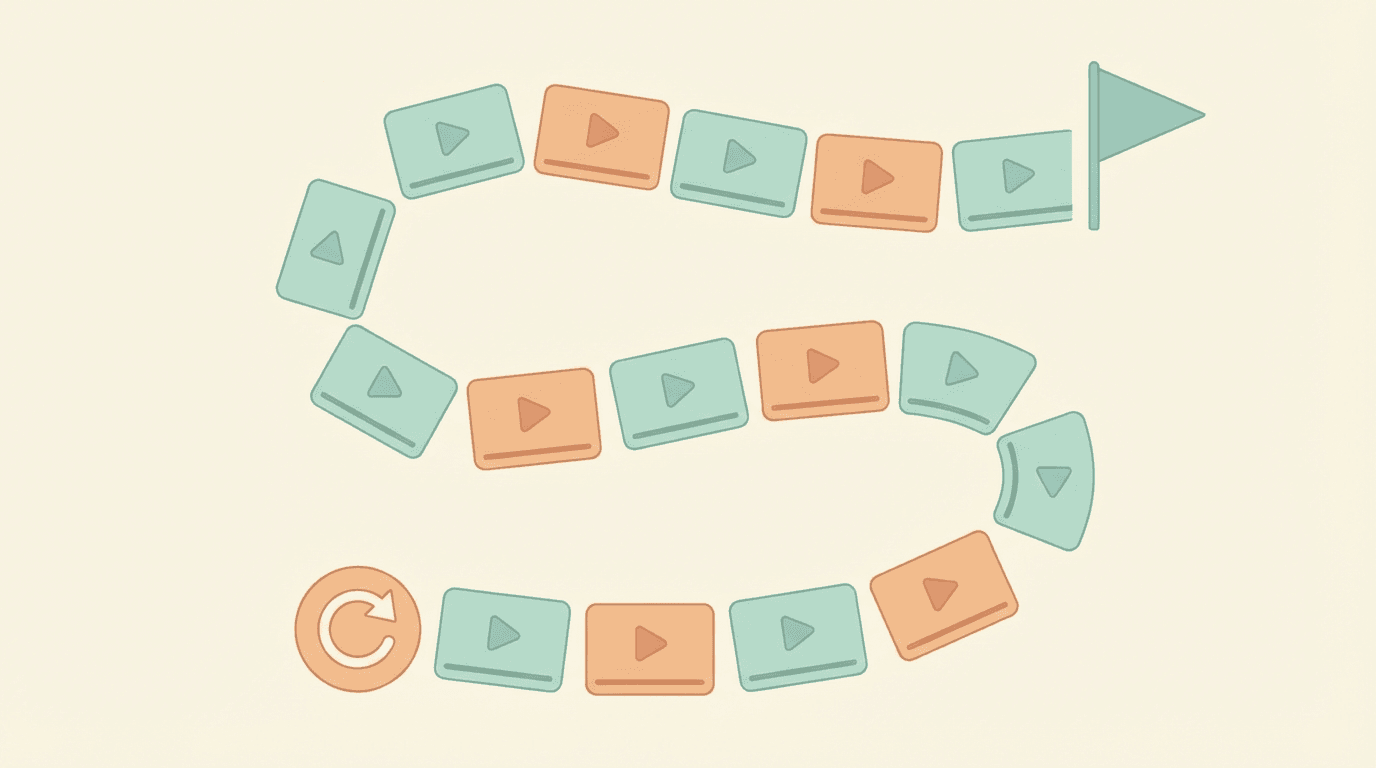
Not all playlists are equal. Binge friendly playlists share a few traits:
- One clear outcome
- Example: Go from zero to basic editing
- Example: Master Shorts thumbnails in 2026
- Logical order
- Beginner to advanced
- Step one to step five
- Day one to day thirty
- Consistent format
- Similar thumbnails and title structure
- Similar video length range
- Strong opener and closer
- First video is a high level overview or best performer
- Last video is a case study, challenge recap, or strong payoff
- Playlist title that feels like a promise, not a label
- Instead of: Videos about thumbnails
- Use: Thumbnails that actually get clicks in 2026
Keep that mental checklist when you build each playlist.
Playlist format 1: Beginner path playlist
Perfect for:
- Software tutorials
- Niche introductions
- Skills like editing, design, coding, or AI tools
Structure
- Video 1: Overview and what you will learn
- Video 2–3: Setup and fundamentals
- Video 4–6: Core skills
- Video 7–8: Real examples or mini projects
- Optional: A final video on common mistakes or advanced tips
Examples
- CapCut for YouTube in 2026 from install to first edited video
- AI Music for creators in 2026 from zero to first playlist track
- Start a faceless channel from scratch in 30 days
Playlist title patterns
- X for beginners in 2026 full path
- Learn X from zero in Y videos
- Your first X in 2026 step by step
These titles make it obvious that clicking the playlist will save the viewer from endless search.
Playlist format 2: Problem fix playlist
This is a cluster of videos that attack one pain point from multiple angles.
Perfect for topics like:
- YouTube views dropping
- Low click through rate
- Audio issues or video quality problems
Structure
- Video 1: Diagnosis and overview
- Video 2–3: Fixes to the most common causes
- Video 4–5: Case studies or live breakdowns
- Video 6: Checklist or system that pulls it together
Examples
- Fix 0 view videos in 2026 from analytics to new packaging
- How to repair dead watch time and save your channel
- Audio that sounds pro on YouTube without a studio
Playlist title patterns
- Fix X on YouTube in 2026 full repair kit
- From X problem to Y result playlist
- Stop X on your channel step by step
Playlist format 3: Series and challenge playlist
Used for:
- 30 day challenges
- Weekly series
- Transformation journeys
Structure
- Ordered strictly by time
- Titles numbered or clearly marked as part of a series
- First video acts as an entry point
Examples
- 30 days of AI Shorts experiments
- One year of growing a faceless channel
- 12 week study marathon vlog
Playlist title patterns
- 30 day X challenge in 2026 full series
- X journey episodes 1 to 10
- One year of X what really happened
These playlists feed session time because viewers want to know how the story ends.
Playlist format 4: Topic hub playlist
Some viewers want to dive deep on one theme like:
- YouTube Shorts strategy
- AI thumbnails
- AI music for creators
Here you bundle multiple related formats into a single topic hub.
Structure
- Start with a high level guide
- Then best practices and strategy
- Then case studies and experiments
Examples
- YouTube Shorts growth in 2026
- Includes videos based on
- YouTube Shorts Best Practices in 2026 a Complete Guide
- YouTube Shorts Algorithm Update January 2026
- YouTube Shorts RPM in 2026 Typical Ranges by Niche
- AI thumbnails for creators
- Based on posts like
- How to Generate YouTube Thumbnails with AI Step by Step
- 10 Viral AI YouTube Thumbnail Styles for More Views in 2026
Playlist title patterns
- X in 2026 complete video guide
- X strategy in 2026 best videos
- Learn X in 2026 watch this playlist first
Playlist format 5: Bingeable Shorts playlist
Shorts are often consumed inside the feed, but playlisted Shorts can still:
- Encourage viewers to swipe through your lane
- Live on your channel page as an easy entry point
- Support long form playlists by topic
Structures that work
- One Shorts playlist per lane
- CapCut tips
- Thumbnail hacks
- Study habits
- Front load the strongest Shorts
- Add a clear cover image and title
Playlist title patterns
- X Shorts only fast tips
- 50 quick X tips in 2026
- Watch X change in 60 seconds
Playlist covers and CTR strategy in 2026
Playlists now show as:
- Rows on your channel page
- Modules on the home feed
- Occasionally search results for certain topics like study music or beginner guides
To get clicks you must package playlists almost like standalone products.
Playlist titles for CTR
Good playlist titles:
- Promise a result
- Mention year where relevant
- Use similar language to search queries
Patterns to adapt:
- Complete X guide in 2026
- From zero to X in Y videos
- Fix X with this playlist
Avoid vague titles like:
- Old videos
- My uploads
- Random stuff
Playlist thumbnails and covers
Playlists can use:
- A dedicated thumbnail as the cover
- The thumbnail of the first video
For higher CTR in 2026:
- Design a custom cover with a clear visual idea
- Keep text to two to four words, such as full guide or watch in order
- Use consistent brand colours so viewers recognise your style
Ideas for cover visuals:
- A stack of video cards to suggest binge
- A path or staircase for beginner to advanced playlists
- A toolbox or repair symbol for problem fix playlists
Aligning playlist packaging with traffic sources
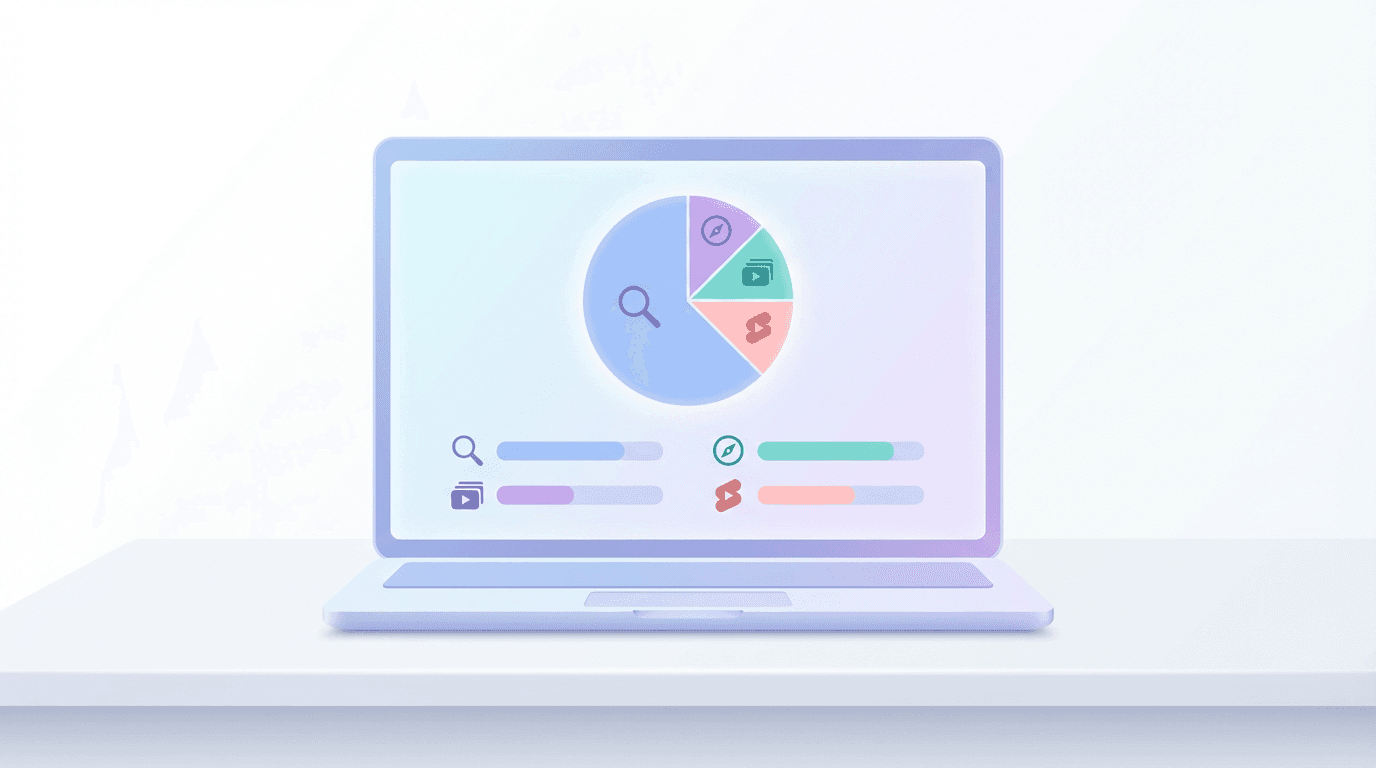
Remember your traffic sources:
- Search
- Browse features
- Suggested videos
Playlist titles that include keywords like beginners, 2026, tutorial, or guide help in search. Bolder emotional titles with strong covers help on browse. Clear topical alignment helps in suggested, because YouTube sees which videos people often watch together.
How to audit your current playlists
Before building new structures, fix what already exists.
Step 1: List current playlists
In YouTube Studio:
- Go to Content then Playlists
- Export or list all playlists, their titles, and number of videos
Ask for each:
- Does this have one clear outcome
- Would a new viewer understand why to watch this
- Are there any redundant or overlapping playlists
Step 2: Rename and refocus
Take weak playlists and:
- Rename them using the patterns above
- Remove unrelated videos
- Reorder into a logical path
Start with:
- One beginner playlist
- One problem fix playlist
- One topic hub playlist
Step 3: Promote playlists intentionally
In new videos:
- Link relevant playlists in the description and pinned comment
- Use end screens to send viewers to playlists instead of single videos
- Feature key playlists in the top rows of your channel page
This actively teaches YouTube that these playlists are important entry points.
Using Miraflow AI to build playlists that feel like a system
You can make these playlists manually, but Miraflow AI can speed up the planning and packaging.
A light workflow:
- Map your library inside Miraflow AI
- Paste your video titles and topics into a prompt
- Ask for grouping suggestions based on outcomes or viewer journeys
- Generate playlist titles and descriptions
- Use Miraflow AI to propose multiple title options that include keywords and results
- Draft concise descriptions that explain who the playlist is for and what they get
- Design playlist covers
- Use Nano Banana powered image generation in Miraflow AI to create cover images that match your brand
- Use those covers as templates for beginner paths, fix playlists, and topic hubs
- Connect Shorts and long form
- Use Text2Shorts to quickly identify which Shorts should feed into which playlist
- Mention those playlists verbally in long form videos for stronger hand offs
You still control strategy and curation. Miraflow AI just helps you turn that strategy into real assets faster.
Practical next steps for this week
To make this actionable:
- Choose one core topic for your channel
- Example: YouTube Shorts growth or AI thumbnails
- Build one topic hub playlist
- 6 to 12 videos, ordered from overview to deep dive
- Create one beginner path or repair playlist
- Example: Fix your YouTube packaging in 2026 from CTR to watch time
- Design custom covers for both playlists
- Separate but visually related
- Update 3 to 5 of your best videos
- Add links to these playlists in descriptions, pinned comments, and end screens
- Watch analytics over the next 30 to 90 days
- Average views per viewer
- Watch time from playlists
- Traffic from playlist features
If those numbers climb, you are turning random videos into intentional binge sessions.
Related posts to pair with this playlist guide
To deepen your system:
- YouTube Session Time in 2026 How Your Videos Keep Viewers on the Platform
- YouTube Traffic Sources in 2026 How to Turn Browse Search and Suggested Into a System
- YouTube Video Hooks in 2026 How to Save the First 30 Seconds
- Evergreen YouTube Video Ideas in 2026 25 Formats That Keep Getting Search Traffic
Together they give you a full path: idea formats, hooks, traffic sources, session time, and now playlists as the glue.