10 YouTube Thumbnail Ideas for Faceless YouTube Channels

Written by
Jay Kim
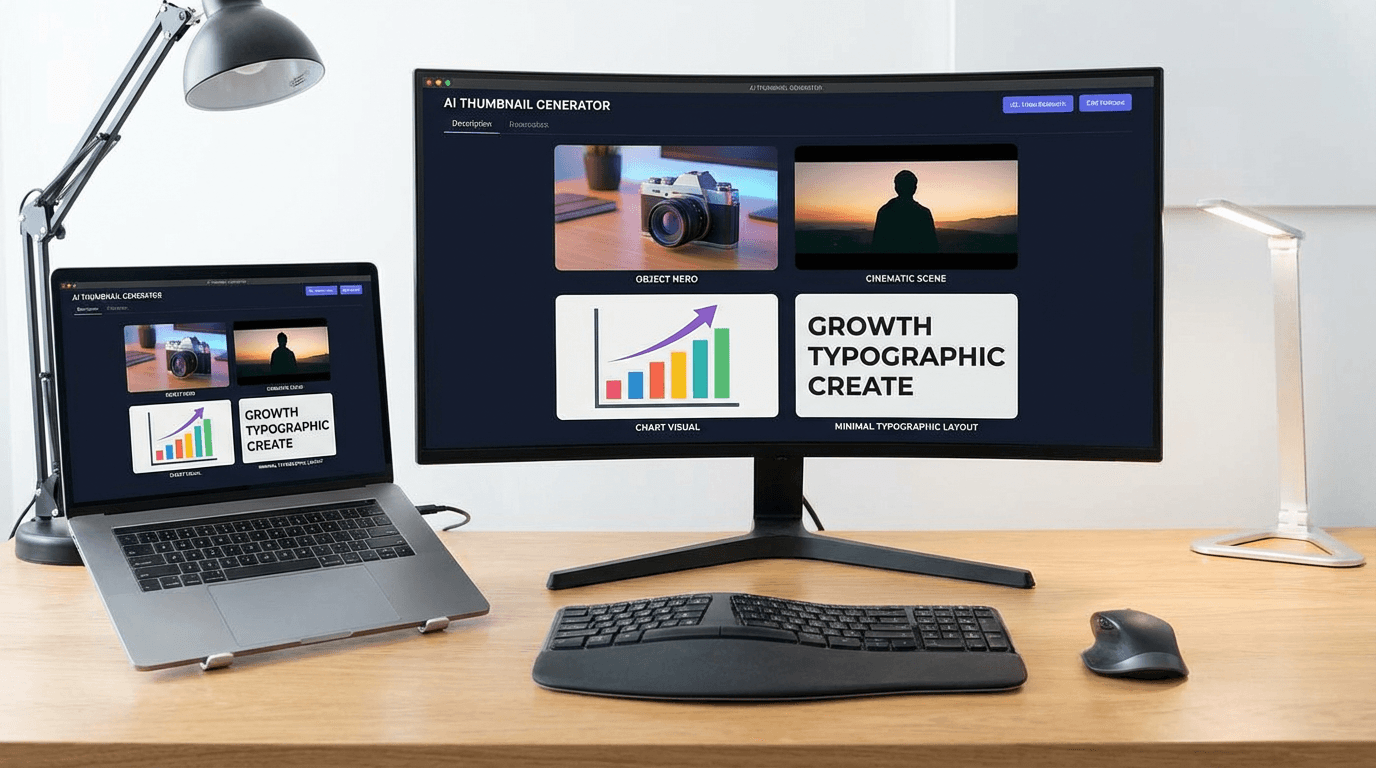
No face? No problem. Get 10 YouTube thumbnail ideas built for faceless channels—with copy-and-paste AI prompts you can use in Miraflow's YouTube Thumbnail Maker right now.
Faceless YouTube channels are one of the fastest-growing formats on the platform. No camera. No face. No personal brand required—just great content and thumbnails that make people click.
The problem: most thumbnail advice assumes you have a face to put on screen. Shock expressions, reaction shots, creator authority poses—none of that applies when you're running a faceless channel.
This post gives you 10 YouTube thumbnail ideas made specifically for faceless channels, each with a copy-and-paste AI prompt you can use directly in Miraflow's YouTube Thumbnail Maker. No face needed. No design skills needed. Just paste, generate, and upload.
TL;DR – How to Use These Thumbnail Ideas
- Paste the prompts into Thumbnail Prompt inside Miraflow's YouTube Thumbnail Maker.
- Add your short, punchy phrase (like "Never Do This" or "Hidden Method") into Thumbnail Text so it renders as bold text on the design.
- Pick the right aspect ratio:
- 16:9 Video for standard YouTube videos
- 9:16 Shorts for YouTube Shorts
- Keep the structure of each prompt intact—that's what makes the AI output look YouTube-native. Only swap niche-specific words to fit your channel.
If you're new to Miraflow's YouTube Thumbnail Maker and want a full walkthrough before you start, check this guide first: How to Generate YouTube Thumbnails with AI: Step-by-Step
How These Prompts Work Without a Face
Faceless thumbnails win clicks through a different set of visual hooks:
- Bold objects or products that represent the topic
- Text-driven designs where the phrase does the heavy lifting
- Dramatic scenes or environments that create mood instantly
- Data and numbers that promise a specific result
- Iconography and symbols that signal the niche immediately
Each of the 10 ideas below uses one of these hooks. You can use them as-is in Miraflow, or tweak the niche words to fit your specific channel topic.
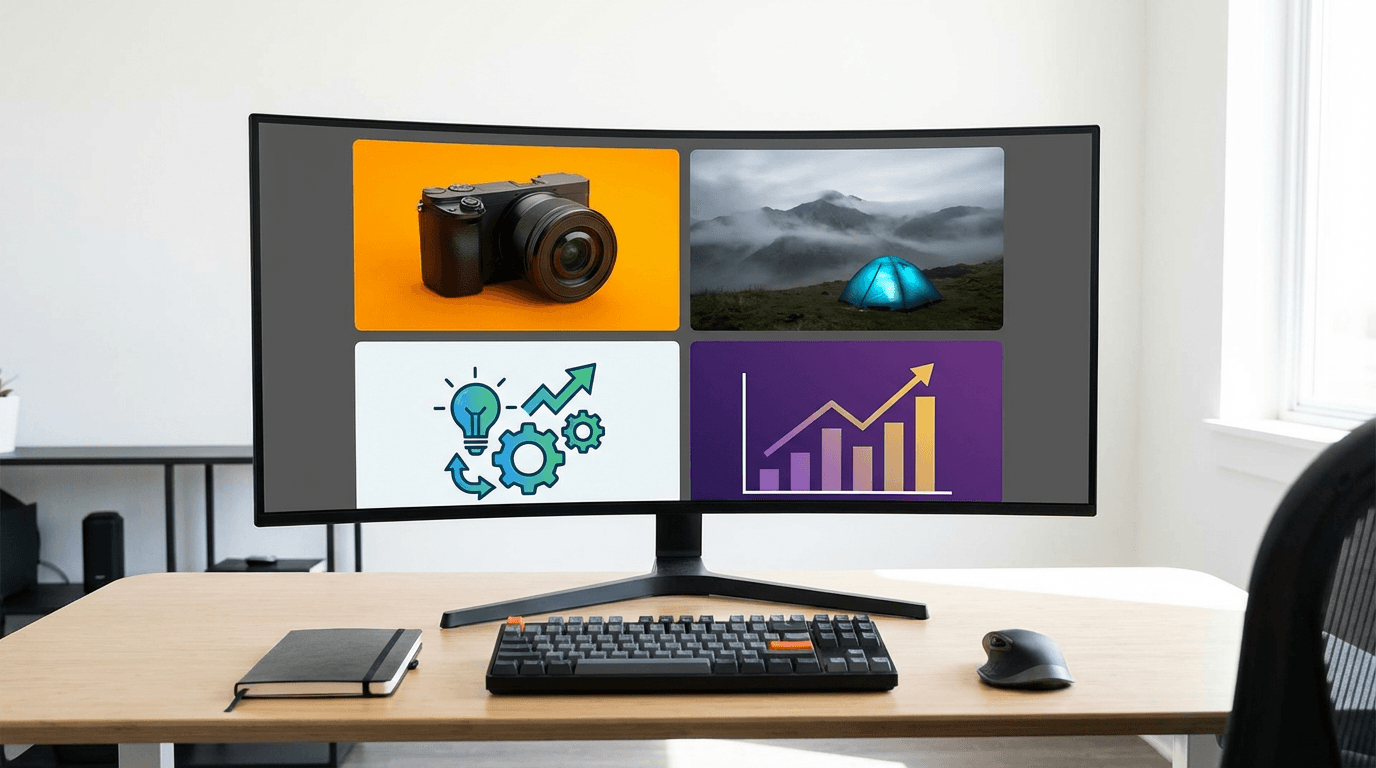
You can also:
- Click the Randomize button for extra variations on any prompt
- Use Show Advanced Settings → Negative Prompt to block: "blurry, low quality, messy text, cluttered background, distorted objects"
1. The Bold Object / Product Hero Thumbnail
Best for: finance, tech, productivity, software, tools, any niche built around a specific object or product.

AI Prompt (Thumbnail Prompt):
YouTube faceless thumbnail: a single bold object centered in the frame on a clean, high-contrast gradient background. Studio lighting, soft glow around the edges of the object, subtle shadow underneath for depth. The object is sharp and detailed, slightly larger than life. Plenty of negative space on the left or right for bold text. Modern YouTube style, minimal clutter, professional and eye-catching.
Thumbnail Text ideas:
- "Worth It?"
- "Changed Everything"
- "Use This Daily"
2. The Big Number / Results Thumbnail
Best for: finance, growth, analytics, passive income, business, any channel focused on measurable outcomes.
AI Prompt (Thumbnail Prompt):
YouTube results thumbnail: a massive, bold number dominates the center of the frame in thick display font. Background shows subtle upward arrow graphics, chart lines, or abstract data shapes suggesting growth and results. High-contrast colors: deep navy or black background with bright green, white, or gold numbers. Slight glow effect around the number. Clean, modern, minimal. Space for a short phrase at the top or bottom.
Thumbnail Text ideas:
- "$10K in 30 Days"
- "0 to 100K Views"
- "The Real Numbers"
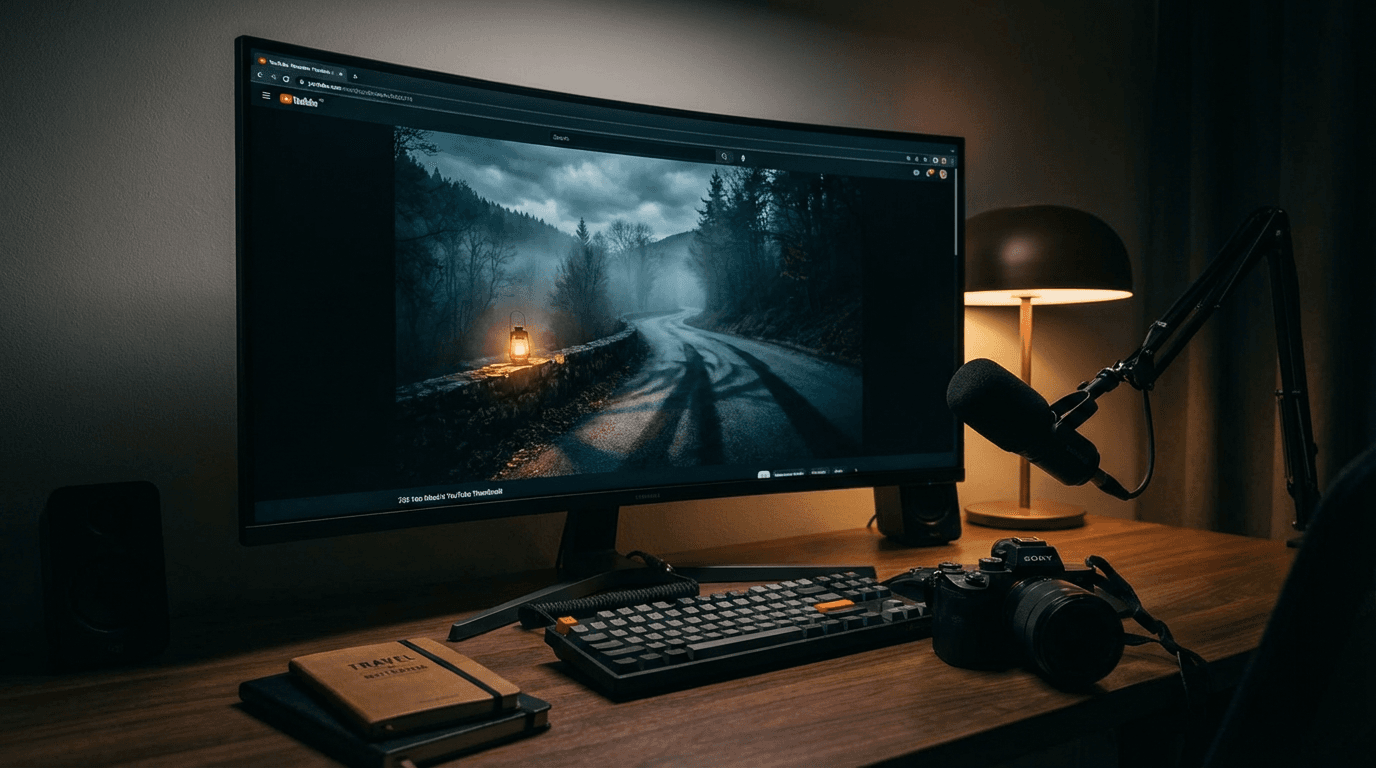
3. The Cinematic Scene / Atmosphere Thumbnail
Best for: travel, history, documentaries, nature, mystery, storytelling, or any narrative-driven faceless channel.
AI Prompt (Thumbnail Prompt):
YouTube cinematic thumbnail: a dramatic wide-angle scene with rich, atmospheric lighting. Deep shadows, vivid accent colors, strong sense of scale and depth. No people in the foreground—the environment itself is the subject. Cinematic color grading, slight vignette around the edges to focus attention. Space in the upper third or lower third for bold text overlay. Epic, high-production feel, documentary-style composition.
Thumbnail Text ideas:
- "No One Knows This"
- "The Hidden Truth"
- "What Really Happened"
4. The Split-Screen Comparison Thumbnail
Best for: software reviews, "vs" content, before/after tutorials, tool comparisons, any faceless educational niche.
AI Prompt (Thumbnail Prompt):
YouTube comparison thumbnail: clean split-screen layout with a bold vertical divider in the center. On the left, a slightly dull, basic, or less appealing version of the subject with muted colors. On the right, a bright, polished, improved version with vivid colors and sharp details. Minimal background, high contrast between both sides. Space at the top for a short bold phrase. Modern, educational YouTube style, easy to read at small size.
Thumbnail Text ideas:
- "Old vs New"
- "Free vs Paid"
- "Before vs After"
5. The Text-Dominant / Typographic Thumbnail
Best for: motivational content, quotes, finance tips, productivity, self-improvement—any channel where the message itself is the hook.
AI Prompt (Thumbnail Prompt):
YouTube typographic thumbnail: bold, oversized text fills most of the frame in a thick sans-serif font. Background is a clean gradient or solid color—deep navy, rich black, or vibrant red—with subtle texture or noise for depth. The text is the hero: high contrast, sharp edges, easy to read at small size. A thin accent line or simple geometric shape below or above the text for structure. Minimal design, zero clutter, modern and punchy.
Thumbnail Text ideas:
- "They Don't Want You to Know"
- "Stop Wasting Time"
- "The Rule Nobody Follows"
6. The Icon / Symbol Cluster Thumbnail
Best for: "top tools," list videos, software roundups, productivity stacks, niche recommendations.
AI Prompt (Thumbnail Prompt):
YouTube icon cluster thumbnail: three to five clean, flat icons or logo-style symbols arranged in a tight grid or diagonal pattern on a bright gradient background. Each icon is bold and clearly readable, slightly separated by subtle spacing. Soft drop shadow behind each icon for depth. High-contrast background that makes the icons pop. Space on one side or at the top for short bold text. Modern, clean, click-friendly style.
Thumbnail Text ideas:
- "Top 5 Tools"
- "My Full Stack"
- "Use All 5"
7. The "Warning" / Urgency Thumbnail
Best for: finance, productivity, health, security, or any channel where the content warns viewers about a mistake, risk, or overlooked problem.

AI Prompt (Thumbnail Prompt):
YouTube urgency thumbnail: a bold warning or alert graphic as the centerpiece—think a large exclamation mark, a red warning triangle, or a glowing alert icon on a dark background. Strong red and yellow accent colors, high contrast, slightly dramatic lighting to create tension. Abstract background with subtle grunge or noise texture. Space for short bold text at the top or bottom. Feels urgent, important, and worth clicking immediately.
Thumbnail Text ideas:
- "Stop Doing This"
- "Big Mistake"
- "Read This First"
8. The Data / Chart Visualization Thumbnail
Best for: finance, investing, tech, science, analytics, or any data-driven faceless channel.
AI Prompt (Thumbnail Prompt):
YouTube data thumbnail: a bold, stylized chart or graph as the main visual element—upward trending line chart or bar graph—on a clean dark background. The chart line glows slightly in bright green or blue. Simple axis lines, minimal labels, dramatic upward movement. The chart takes up most of the frame. Subtle grid lines in the background for depth. High contrast, modern, professional. Space at the top for bold text.
Thumbnail Text ideas:
- "Why This Exploded"
- "The Data Is In"
- "This Chart Says It All"
9. The Reveal / Hidden Content Thumbnail
Best for: mystery, tutorials, "secret method," life hacks, travel, history—any channel that teases hidden or exclusive information.
AI Prompt (Thumbnail Prompt):
YouTube reveal thumbnail: a partially obscured or blurred subject in the center of the frame, as if something is about to be uncovered. A dramatic spotlight or glowing edge effect around the hidden element. Dark, moody background with a single bright focal point. High contrast between the revealed glow and the dark surrounding area. Sense of mystery and anticipation. Space at the top or bottom for bold text. Cinematic and suspenseful.
Thumbnail Text ideas:
- "The Secret Method"
- "Nobody Shows This"
- "Finally Revealed"
10. The "Minimal + Bold Text" Clean Thumbnail
Best for: channels that want a premium, editorial aesthetic—finance, productivity, self-improvement, minimalist lifestyle, software tutorials.
AI Prompt (Thumbnail Prompt):
YouTube minimal thumbnail: ultra-clean layout with a single flat-color or subtle gradient background. One small, centered icon or simple geometric shape as the only visual element. Large, bold serif or sans-serif text dominates the lower or upper half of the frame. Plenty of white space around all elements. Muted but deliberate color palette: cream, charcoal, deep blue, or forest green. Looks editorial and premium, not busy or cluttered. Modern, high-taste, confident design.
Thumbnail Text ideas:
- "The Quiet Method"
- "Less. Better."
- "One Rule Changes Everything"
How to Adapt These Prompts for Your Niche
These prompts are templates, not scripts. The structure is what makes them work—you swap the niche-specific details while keeping the composition, contrast, and style instructions intact.
To customize:
- Replace generic objects with your niche's specific subject: "laptop" → "dividend portfolio," "chart" → "subscriber graph," "icon cluster" → "AI tools I use daily"
- Adjust the color palette to match your channel's brand: swap "deep navy and green" for "black and orange" or whatever your channel uses consistently
- Change the mood descriptor: "cinematic and suspenseful" → "clean and educational" or "bold and energetic"
As long as the composition structure (what's centered, where the text goes, contrast ratio) stays in the prompt, the AI will generate something that looks immediately YouTube-native for your niche.
How to Generate These in Miraflow's YouTube Thumbnail Maker
Here's exactly how to plug any of the 10 prompts above into Miraflow:
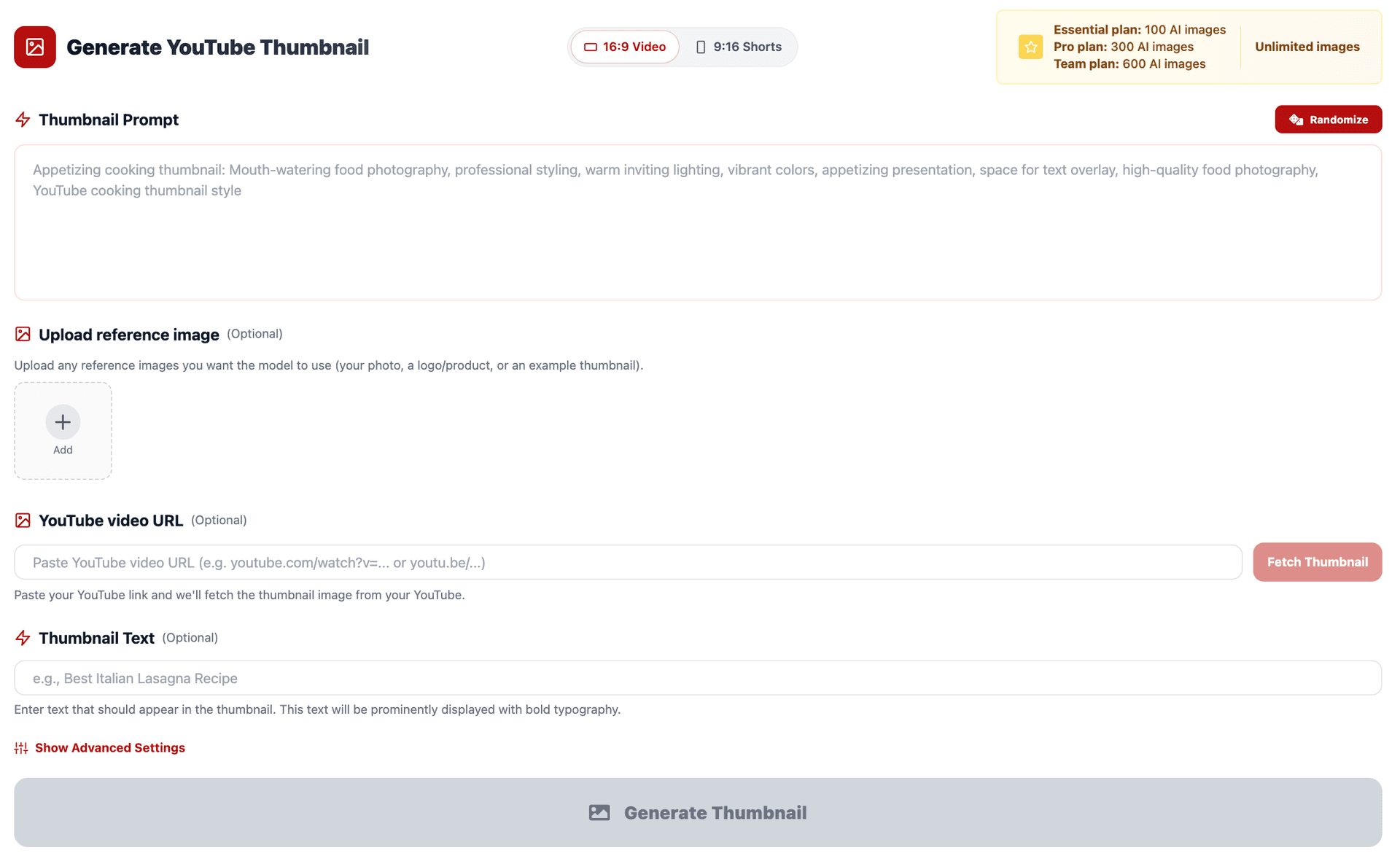
- Go to YouTube Thumbnail Maker on Miraflow.
- Since these are faceless thumbnails, you're working in Text to Thumbnail mode—no image upload needed (unless you're uploading a product or object photo for the Product Hero prompt).
- Set your Aspect Ratio:
- 16:9 Video for standard YouTube uploads
- 9:16 Shorts for short-form content
- Paste one of the 10 prompts above into Thumbnail Prompt.
- Add your short phrase into Thumbnail Text—this renders as bold overlay text directly on the design:
- "Big Mistake"
- "The Real Numbers"
- "Nobody Shows This"
- (Optional) Open Show Advanced Settings and add a Negative Prompt:
- "blurry, low quality, cluttered, busy background, messy text, distorted objects, watermark"
- Hit Generate Thumbnail and review results in My Thumbnails. Generate 2–3 variations, pick the strongest, and download.
The fastest workflow: generate 3 variations, open each on your phone at real thumbnail size, and pick whichever one stops your eye first. That's your upload.
Conclusion
Running a faceless channel doesn't mean settling for generic, low-effort thumbnails. It means learning a different visual language—one built on bold objects, dramatic scenes, typographic hooks, and data-driven designs instead of faces and expressions.
The 10 ideas above give you a complete starting library for YouTube thumbnail ideas for faceless channels, covering every major faceless niche from finance and tech to mystery and lifestyle.
Paste any of the prompts into Miraflow's YouTube Thumbnail Maker, customize the niche details, and generate your next thumbnail in minutes. No camera. No face. No Photoshop. Just thumbnails that get clicks.