How AI Music Changes YouTube Playlists in 2026 (Study, Sleep, Café Vibes)

Written by
Jay Kim
Learn how AI music is changing YouTube playlists for study, sleep, and café vibes in 2026. See how creators design custom moods, build long mixes, and use AI to power faceless channels.
YouTube playlists for study, sleep, and café vibes used to be built the hard way:
- Dig through royalty-free libraries
- Worry about copyright claims
- Reuse the same tracks everyone else uses
In 2026, AI music completely changes that workflow.
Now a creator can describe a vibe like:
late-night café in Tokyo, soft lo-fi with vinyl crackle
and generate an entire playlist’s worth of original tracks tailored to that mood.
In this post, we’ll look at:
- How AI music is changing study / sleep / café playlists
- What this means for creators (and listeners)
- How to think about copyright & monetization
- How to use an AI Music Generator in Miraflow AI to build your own playlists
Why Study, Sleep, and Café Playlists Are So Big on YouTube
Some of YouTube’s most reliable traffic comes from:
- Study / focus mixes (lo-fi, ambient, chillhop)
- Sleep / deep relaxation (soft ambient, piano, drones)
- Café / chill vibes (jazzy lo-fi, bossa, soft house, rain ambience)
They work because:
- People keep them on for hours
- They’re evergreen (not trend-based)
- They support everything: studying, working, reading, relaxing
For creators, that means:
- High watch time (great for the algorithm)
- Potential steady ad revenue
- Good background brand presence for your channel
The bottleneck used to be:
music supply (and copyright risk).
That’s what AI music is now fixing.
How AI Music Changes These Playlists in 2026
AI music tools in 2026 aren’t just toy melody generators, they’re capable of:
- Producing full-length, structured tracks
- Matching specific moods, instruments, and eras
- Looping cleanly for long sessions (study / sleep)
For playlist creators, this unlocks three big things:
1. Infinite On-Brand Tracks
Instead of digging through generic libraries, you can:
- Define your channel sound (e.g., soft piano + vinyl crackle + mellow drums)
- Use prompts to generate variations on that sound
- Build playlists where every track feels like it belongs together
This makes your playlists feel more like a coherent album than a random mix.
2. Tailored Playlists for Very Specific Use Cases
AI makes it easy to theme playlists tightly, for example:
- Rainy day café, jazz-lofi with background chatter and soft piano
- All-night deep work: ultra-minimal lo-fi with no melody, just chords
- Sleep mix: very slow ambient pads, no drums, no sudden changes
You can generate 10–20 tracks with the same rules, then order them into a playlist that feels intentionally designed.
3. Faster Iteration and Experimentation
Because you’re not dependent on external tracks:
- You can test multiple playlist themes
- Remove tracks that underperform
- Add new AI tracks weekly or monthly
It becomes more like iterating on a product than waiting for good tracks to show up.
Study Playlists: From Random Lo-Fi to Custom Focus Soundtracks
What Listeners Want in Study Music
Most viewers want:
- Predictable, non-distracting music
- Minimal vocals (or none)
- Smooth dynamics (no sudden jumps in volume or energy)
- A mood that keeps them focused but not anxious
Traditional lo-fi channels solved this by hand-curating hundreds of tracks.
With AI, you can design a focus sound.
Example: Study Playlist AI Prompt Style
Think in terms of:
- Genre: lo-fi, chillhop, soft electronic
- Energy: low to medium
- Elements: soft drums, gentle keys, light bass, no lead melody
- Use case: background for 3-hour study session
You might prompt your AI Music Generator like:
Slow lo-fi hip hop beat with soft drums, warm Rhodes piano chords, gentle bass, light vinyl crackle, no vocals, no sharp high frequencies, designed as background music for long study and focus sessions.
Generate multiple tracks with small variations in:
- Chord progression
- Tempo (all around similar BPM)
- Texture (a bit more piano, a bit more guitar, etc.)
Then assemble them into one long playlist on YouTube.
Sleep Playlists: AI for Gentle, Predictable Soundscapes
What Sleep Listeners Care About
For sleep, the rules are more strict:
- No sudden changes
- No percussion spikes
- No high-energy chords or melodies
- Very slow evolution (ambience, pads, etc.)
AI is very good at producing evolving ambient textures if you prompt it appropriately.
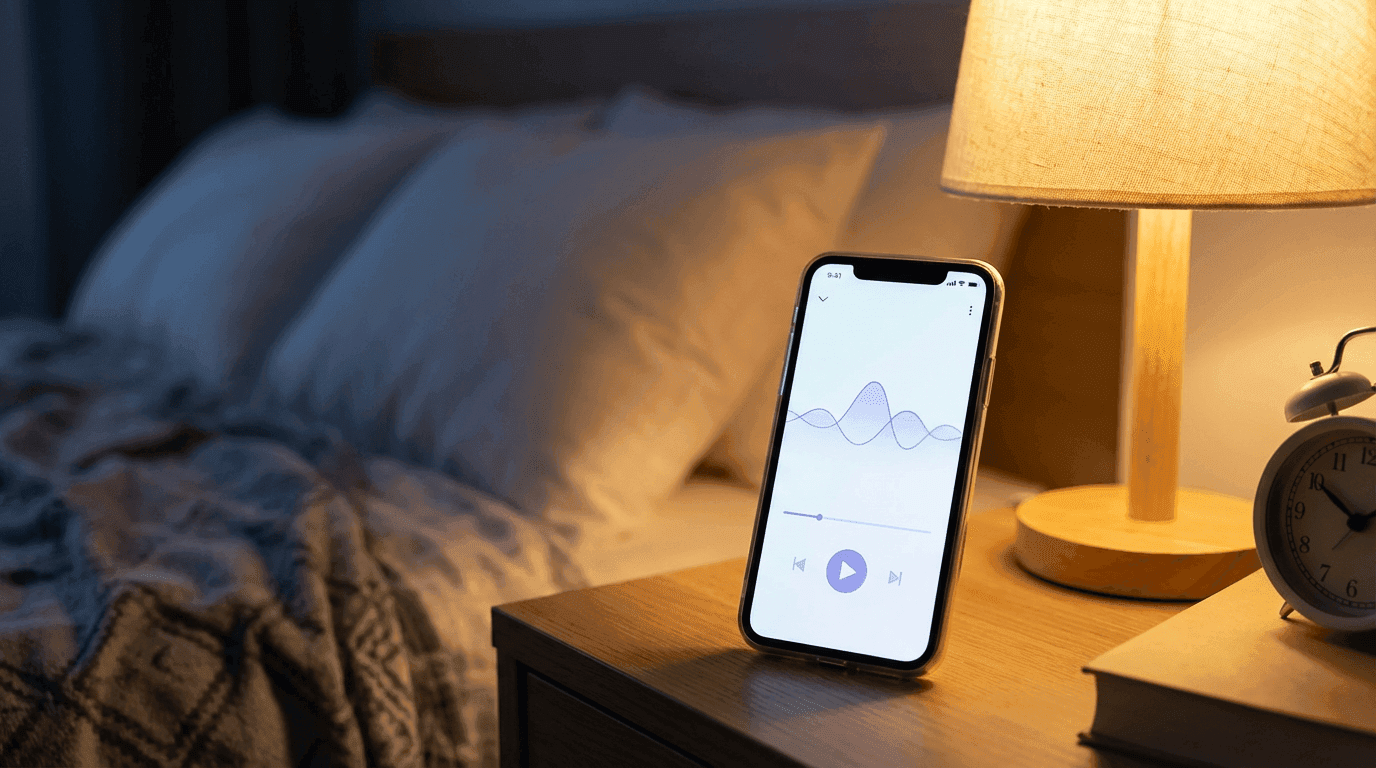
Example: Sleep Playlist AI Prompt Style
You might use prompts like:
Very soft ambient music, warm pads, slow evolving textures, no drums, no plucks, no bright highs, extremely gentle, designed to help with sleep and deep relaxation over long sessions.
or:
Minimal piano ambient piece with long reverb, very slow tempo, lots of space between notes, calm and soothing, no sudden changes in volume, ideal for sleep playlists.
Generate 10–20 variations, each:
- 5–10 minutes long
- Very similar in tone and dynamics
Combine them into:
- A 1–3 hour sleep playlist, or
- A 24/7 livestream where your AI tracks loop
Café Vibes: AI as Your Virtual Barista DJ
What Makes a Good Café Playlist?
Café / lounge playlists aim for:
- Light but alive
- A bit of groove (drums)
- Soft, warm instruments (guitars, pianos, mellow horns)
- A mood that works for reading, chatting, working
AI music lets you design different café concepts:
- Scandinavian minimalist café → very clean, soft electronic / acoustic mix
- Vintage jazz café → brushed drums, upright bass, piano & sax
- Rainy city café → lo-fi, rain FX, softer harmonies
Example: Café Playlist AI Prompt Style
Prompts might look like:
Cozy café-style jazz-lofi track with soft brushed drums, upright bass, gentle piano chords, subtle vinyl noise, medium-slow tempo, warm and inviting mood, ideal for reading or working in a coffee shop.
or:
Light house-inspired café background music, soft kick drum, warm synth pads, subtle chords, smooth and relaxed, no intense drops, suitable for chilled café ambience and work playlists.
Again, the key is:
- Pick a tone for your café brand
- Use prompts to stay inside that sound
- Generate enough tracks to keep the playlist fresh
How to Build These Playlists with Miraflow AI Music Generator
Let’s turn this into a practical workflow so it’s not just theory.

Step 1: Choose One Playlist Type First
Decide:
- Study / focus
- Sleep / relaxation
- Café / chill vibes
Don’t try to build all three at once. Start with your core.
Step 2: Define Your Sonic Rules
Write this down somewhere (Notion, Moltbook, etc.):
- Genre: lo-fi, ambient, jazz, house, etc.
- Energy level: 1–10 (study ~3–5, sleep ~1–3, café ~4–6)
- Instrumentation: piano, guitar, pads, bass, light drums
- Forbidden elements:
- For study: no loud leads, no vocals
- For sleep: no drums, no bright highs
- For café: no harsh distortion, no heavy drops
This becomes your prompt backbone.
Step 3: Write Your Base Prompt for Miraflow
Example for a study playlist:
Slow lo-fi hip hop track with soft drums, warm Rhodes piano chords, gentle bass, subtle vinyl crackle, no vocals, mellow and repetitive in a pleasant way, designed for background music during long study and focus sessions.
Example for sleep:
Very soft ambient music with warm pads, slow evolving textures, no drums, no sharp sounds, no sudden changes, extremely calm and spacious, ideal for deep sleep playlists and overnight listening.
Example for café:
“Cozy café jazz-lofi track with brushed drums, upright bass, smooth piano chords, warm tone, relaxed tempo, lightly swinging groove, welcoming and comfortable mood, perfect as background in a coffee shop.”
Use these as starting prompts in Miraflow’s AI Music Generator.
Step 4: Generate Multiple Variations
In Miraflow:
- Paste your base prompt
- Generate one track
- Slightly tweak the prompt for variations:
- Change one instrument: add soft guitar plucks
- Change energy slightly: a bit more upbeat
- Change setting: late-night café, sunny afternoon café
Build a batch of 8–20 tracks.
Step 5: Organize & Name the Tracks Clearly
Good naming helps both you and your listeners. For example:
Study LoFi – Midnight Desk 01Study LoFi – Midnight Desk 02Sleep Ambient – Deep Night 01Café Vibes – Rainy Window 01
Save:
- The track files
- The prompts used
- Any notes about which ones you like best
Step 6: Upload to YouTube and Build the Playlist
You have two options:
- Individual tracks + playlist
- Upload each track as a separate video with a thumbnail
- Create a main playlist (e.g., 3-Hour Study Mix with AI Lo-Fi)
- Single long mix
- Combine several AI tracks into one long video (60–180+ minutes)
- Add timestamps (chapters) so users can see track segments
You can create matching thumbnails using Miraflow’s YouTube Thumbnail Maker and Nano Banana prompts, for example:
Cozy desk at night with a laptop, coffee mug, headphones, warm lighting, soft bokeh, light theme, no text, no logos.
Copyright & Monetization: Things to Keep in Mind
Even with AI, a few rules still matter:
- Check that your AI music tool (e.g., Miraflow) allows:
- Use on YouTube
- Monetized videos
- Playlist / stream usage
- Keep a record of:
- Which generator you used
- The prompt
- The date & license terms at the time
For most creators:
- Study / sleep / café playlists with AI music are viable as long as licenses are clear
- You can build faceless music channels that run almost entirely on AI
- You still need to follow YouTube’s general policies around copyright & spam
If you want to check things like license or copyright, checkout this blog:
👉 How to Generate No-Copyright Music for YouTube in 2026 (With AI)
How This Fits into the Larger AI Creator Stack
AI music is strongest when combined with other tools. For example, with Miraflow you could:
- Generate cozy study visuals (using video or image features like Veo3.1 / cinematic video / Nano Banana Pro)
- Add AI music from the Music Generator
- Use Text2Shorts to turn ideas into vertical Shorts promoting your playlist
- Design YouTube thumbnails for each playlist or track
That means you can:
- Run a lo-fi playlist channel
- Post Shorts clips showcasing scenes + your music
- Keep everything in-house instead of depending on external libraries
Conclusion
In 2026, AI music doesn’t kill study, sleep, and café playlists, it rather supercharges them.
Instead of:
- Fighting over the same free tracks
- Worrying about hidden copyright issues
- Spending hours searching for perfect background music
You can design the exact sound you want for your channel, generate as many tracks as you need, and shape a unique audio identity around your playlists.
If you’re already making YouTube content with Miraflow AI (Text2Shorts, Cinematic Videos, thumbnails), adding AI Music Generator for playlists is the next logical step:
- Start with one playlist type (study / sleep / café)
- Use clear prompts like the examples above
- Generate a small library of on-brand tracks
- Organize them into long mixes or themed playlists
From there, your channel can grow from just another creator into a place people come back to every day, to work, to read, to rest, or just to sit in a virtual café you built with nothing but words and AI.