AI Prompts for YouTube Shorts Scripts in 2026 (Copy & Paste)

Written by
Jay Kim

Need better YouTube Shorts scripts in 2026? These copy-paste AI prompts help you create hooks, pacing, payoffs, and calls to action that fit how Shorts are actually watched.
If you are making YouTube Shorts and the ideas are decent but the videos still feel flat, this is usually the real problem:
The script has no scroll-stopping hook, no pacing, and no reason to watch until the end.
That matters even more in 2026 because Shorts are still fast, crowded, and brutally easy to skip. YouTube’s own guidance keeps repeating the same basics: get to the point quickly, grab attention in the first few seconds, make the Short enjoyable on its own, and end with a clear next action. YouTube also says Shorts can run up to 3 minutes and are built for vertical viewing, so your script has to fit that format instead of feeling like a cut-down long video.
This guide gives you a practical fix. You will get copy-paste AI prompts for writing better YouTube Shorts scripts, plus a framework for hooks, pacing, payoffs, and endings that feel made for Shorts instead of recycled from blog posts or long-form videos.
Why script prompts matter in 2026
Most Shorts creators do not really have an idea problem. They have a scripting problem.
The topic is often fine. The delivery is what breaks.

A weak Shorts script usually does one of these:
- starts too slowly
- explains too much before the payoff
- sounds like an essay
- hides the most interesting part until too late
- has no loop, twist, or next step
- does not match the visual rhythm of short-form video
That lines up with YouTube’s public guidance. The platform recommends concise pacing, engaging hooks, standalone value, and a clear CTA. Creator-facing YouTube advice also stresses that the first 3 seconds need to be thumb-stopping and clear about what the viewer is about to get.
So the goal of an AI script prompt is not just “write me a Short.”
The goal is:
Write me a Short that earns the next second of attention.
What a good Shorts script prompt should include
Before the prompt pack, here is the structure that usually works best.
A strong AI prompt for YouTube Shorts scripts should tell the model:
- the topic
- the audience
- the tone
- the target length
- the hook style
- the script structure
- the CTA style
- whether you want scene cues or on-screen text
- whether the Short should feel standalone or tease a bigger piece
That is important because YouTube’s official Shorts guidance favors clarity, quick setup, strong early attention, and standalone watchability. If your prompt does not ask for those things, the script will often default to bland generic pacing.
The best base prompt for YouTube Shorts scripts
Use this when you want a reliable starting point.
Master prompt
Write a YouTube Shorts script for 2026 about [topic].
Requirements:
- Audience: [target audience]
- Length: [20, 30, 45, or 60] seconds
- Tone: [curious / funny / bold / educational / dramatic / calm]
- Start with a scroll-stopping hook in the first sentence
- Get to the point quickly
- Keep every sentence easy to say out loud
- Make the Short work as a standalone video
- Include one clear payoff, twist, or useful takeaway before the ending
- End with a light CTA that feels natural
- Format the output as:
1. Hook
2. Full voiceover script
3. On-screen text suggestions
4. Scene or visual cues for each beat
5. 3 title options
Avoid:
- long intros
- generic filler
- robotic wording
- repeated phrases
- overexplaining
This base format is strong because it forces the model to write for actual Shorts viewing behavior instead of writing a mini article.
Common mistakes creators make when prompting for Shorts scripts
These are the mistakes that usually lower retention:
1. Asking for “a viral script”
That is too vague. Ask for a specific format and emotional angle instead.
2. Not setting the time length
A 20-second Short and a 60-second Short need different pacing.
3. Forgetting the hook instruction
If you do not explicitly ask for a first-line hook, the model often starts too gently.
4. No scene cues
Even good voiceover lines can feel weak if the visuals have no rhythm.
5. Writing like a blog
Shorts scripts usually need tighter spoken language, faster transitions, and cleaner payoff.
6. No standalone value
YouTube explicitly recommends that Shorts should still be enjoyable on their own, even if they point viewers toward longer content.
30 AI prompts for YouTube Shorts scripts in 2026
Below are 30 copy-paste prompts grouped by format.
1) Hook-first educational Shorts
1. Surprising fact opener
Write a 30-second YouTube Shorts script about [topic] for beginners.
Start with a surprising fact that makes people stop scrolling.
Keep it simple, spoken, and fast-paced.
Structure:
- 1-line hook
- 2 to 3 short explanation beats
- 1 useful takeaway
- 1 light CTA
Also include on-screen text suggestions and scene cues.
2. “Most people get this wrong” format
Write a YouTube Shorts script about [topic] using the hook style "Most people get this wrong."
Audience: [audience]
Length: 25 to 35 seconds
Tone: confident and helpful
The script should correct one common misconception quickly, then show the better way to think about it.
Add 3 title options at the end.
3. Myth vs truth
Write a 35-second YouTube Shorts script about [topic].
Open with a common myth.
Then flip it with the truth in a simple, memorable way.
Make it sound natural for voiceover.
Include visual cues for each line and one final comment CTA.
4. Mini breakdown
Write a Shorts script explaining [topic] in under 40 seconds.
Use this structure:
- Hook
- What it is
- Why it matters
- One example
- Quick ending
Keep every sentence short and easy to say.
5. “Before you do X, know this”
Write a YouTube Shorts script using the opening "Before you do [thing], know this."
Topic: [topic]
Audience: [audience]
Length: 30 seconds
The script should feel practical, quick, and clear.
Include one warning, one tip, and one final takeaway.
2) Faceless voiceover Shorts prompts
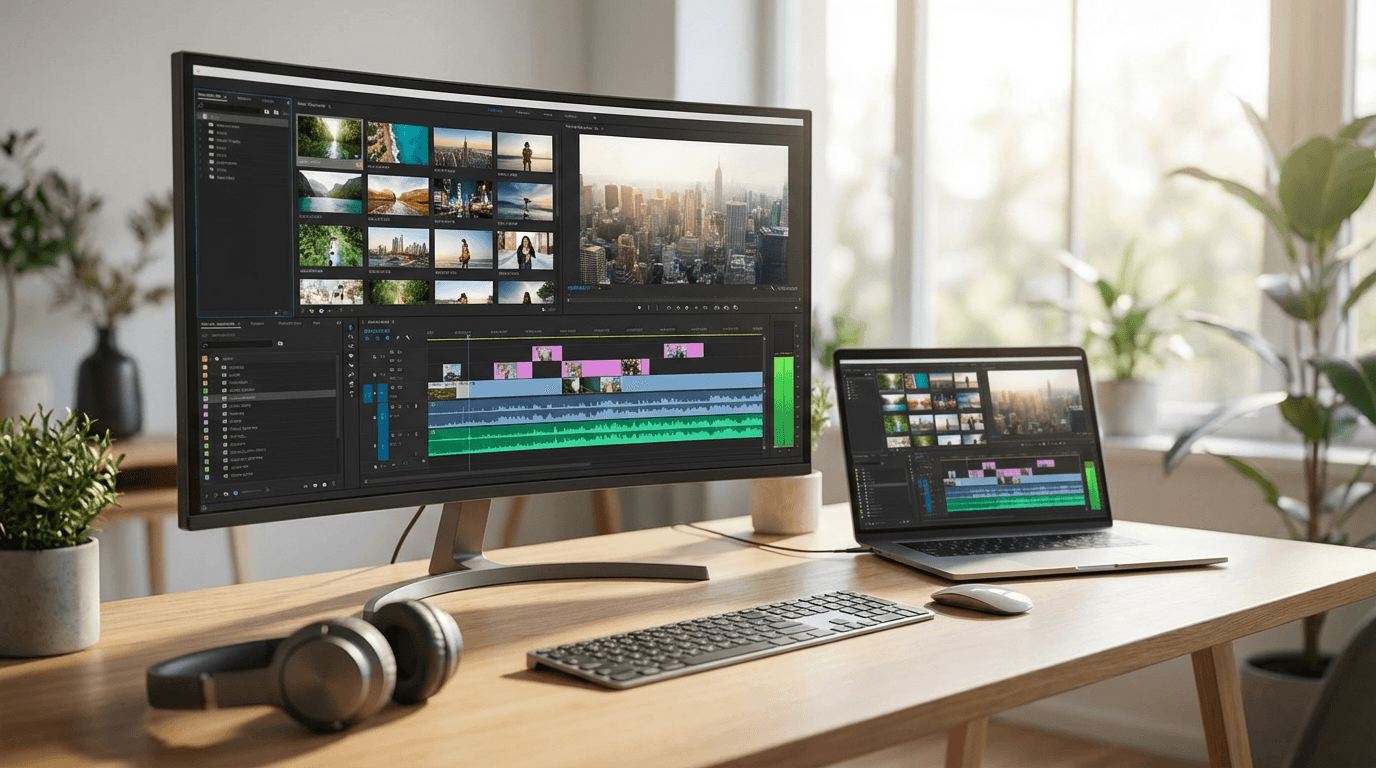
6. Faceless explainer
Write a faceless YouTube Shorts script about [topic].
Length: 30 to 45 seconds
Tone: smooth, curious, modern
The script should work with stock footage, b-roll, screenshots, and simple motion graphics.
Add:
- full voiceover
- suggested on-screen captions
- suggested b-roll by line
7. List-style faceless Short
Write a faceless YouTube Shorts script called "3 things to know about [topic]."
Make the hook very strong in the first sentence.
Each point should be one short beat only.
End with a simple CTA that invites comments.
8. Calm documentary style
Write a 45-second faceless Shorts script about [topic].
Tone: cinematic, calm, slightly mysterious
Make it feel like a mini documentary for social media.
Use short sentences with visual rhythm.
Include scene suggestions for every beat.
9. News-style recap
Write a quick YouTube Shorts news recap script about [topic].
Length: 30 seconds
Tone: clear, sharp, easy to follow
Start with the most important update first.
Then explain why people should care.
End with one sentence that hints at what happens next.
10. Timeline format
Write a faceless Shorts script about the timeline of [topic].
Length: 40 seconds
Start with the outcome first, then quickly walk backward through the key steps.
Make it highly visual and easy to edit with text overlays.
3) Tutorial Shorts prompts

11. One-minute tutorial
Write a 60-second YouTube Shorts tutorial script about how to [do something].
Start with the end result in the first sentence.
Then walk through the steps fast.
Make the language sound natural for voiceover.
Add one line for on-screen text per step.
12. Fast beginner guide
Write a Shorts script for complete beginners who want to learn [topic].
Length: 30 seconds
Hook style: "If you're new to [topic], do this first."
Keep it very practical and easy to follow.
Add a short CTA at the end.
13. “Do this, not that”
Write a YouTube Shorts script teaching [topic] with a "do this, not that" structure.
Length: 35 seconds
Use contrast to make the advice memorable.
Make it simple enough to understand in one watch.
14. Mistake correction tutorial
Write a tutorial Shorts script about [topic] built around one common mistake.
Structure:
- Hook with the mistake
- Explain why it hurts results
- Give the fix
- End with one line that encourages people to try it
15. Tool or feature demo
Write a 30-second YouTube Shorts script showing how to use [tool/feature].
Start with the outcome users want.
Then show the exact steps in fast sequence.
Include visual cues for screen recordings or UI close-ups.
4) Product and business Shorts prompts

16. Product problem-solution Short
Write a YouTube Shorts script for a product that solves [problem].
Audience: [target audience]
Length: 25 to 35 seconds
Open with the pain point immediately.
Then show the product as the relief.
Keep it natural, not overly salesy.
Include a light CTA.
17. Product before-and-after
Write a 30-second YouTube Shorts script for a before-and-after transformation using [product/service].
Start with the frustrating "before" state.
Reveal the "after" quickly.
Make the script visually clear and easy to pair with side-by-side footage.
18. Founder or brand story Short
Write a YouTube Shorts script telling the quick origin story of [brand/product].
Length: 40 seconds
Start with the problem that led to the idea.
Then show the turning point.
End with where the brand is now.
Keep it human and concise.
19. Demo with proof
Write a Shorts script for showing [product/tool] in action.
Tone: confident, modern, believable
The script should:
- hook with the result
- show the product
- show one proof point or use case
- end with a soft CTA
20. Customer objection answer
Write a YouTube Shorts script answering the objection: "[objection]".
Product/service: [product]
Length: 30 seconds
The script should feel like a real answer, not a hard sell.
Open with the objection itself.
5) Personal brand and creator Shorts prompts
21. Storytime hook
Write a YouTube Shorts storytime script about [experience].
Start with the most dramatic or curious sentence first.
Then tell the story in 3 fast beats.
End with one takeaway or question for viewers.
22. Hot take Short
Write a bold but smart YouTube Shorts script sharing a hot take about [topic].
Length: 20 to 30 seconds
The first line should feel instantly debatable.
Then explain the reasoning briefly.
End by inviting disagreement in the comments.
23. Lesson learned
Write a Shorts script about one lesson I learned from [experience].
Tone: honest, direct, reflective
Keep it under 35 seconds.
Start with the lesson first, then quickly explain where it came from.
24. “I wish I knew this earlier”
Write a YouTube Shorts script about [topic] using the hook "I wish I knew this earlier."
Audience: [audience]
The script should feel personal, practical, and easy to relate to.
Add on-screen text suggestions.
25. Creator workflow prompt
Write a YouTube Shorts script showing my workflow for [task].
Length: 30 to 45 seconds
The script should feel fast, useful, and creator-focused.
Open with the result, then show the steps.
End with a CTA asking if viewers want the full version.
6) Comparison and ranking Shorts prompts
26. X vs Y comparison
Write a YouTube Shorts script comparing [X] vs [Y] for [audience/use case].
Length: 35 seconds
Open with who the comparison is for.
Then cover the biggest difference, the practical choice, and the final recommendation.
Make it easy to follow in one watch.
27. Best 3 options
Write a Shorts script called "3 best [tools/ideas/options] for [goal] in 2026."
Keep each option to one short beat.
Start with a curiosity hook, not a generic intro.
Add 3 title options at the end.
28. Ranking format
Write a YouTube Shorts ranking script for the top 5 [things] for [goal].
Length: 40 to 50 seconds
Start with a strong promise of what viewers will get.
Use a countdown format.
Keep the pace tight and verbal clutter low.
29. Best choice by budget
Write a Shorts script comparing [options] by budget.
Audience: beginners
Tone: practical and clear
The script should quickly answer:
- best cheap option
- best balanced option
- best premium option
End with a comment CTA.
30. What I would choose
Write a YouTube Shorts script about "What I would choose if I were starting [goal] in 2026."
Make it feel opinionated and useful.
Start with the final answer, then explain why in 2 to 3 quick points.
The 5 script formats that usually work best for Shorts
These are not guarantees, but they are dependable because they fit what YouTube itself emphasizes: early clarity, fast payoff, and standalone value.
1. Hook → answer → CTA
Best for quick educational clips.
2. Hook → mistake → fix
Best for tutorials and advice.
3. Hook → reveal → reaction
Best for product and visual transformation clips.
4. Hook → list → winner
Best for rankings and recommendations.
5. Hook → story → takeaway
Best for founder, personal brand, and storytime content.
A better prompt formula for AI Shorts scripts
If you want stronger outputs than the prompt pack above, use this formula:
Prompt formula
Write a YouTube Shorts script about [topic] for [audience].
Length: [time]
Goal: [teach / persuade / entertain / convert / tease a longer video]
Hook style: [surprising fact / hot take / mistake / question / story / comparison]
Tone: [tone]
Include:
- one-line hook
- short spoken script
- on-screen text
- scene cues
- final CTA
Make it fast, clear, and easy to say aloud.
This works especially well because it gives the model a real creative brief instead of a vague one-line request.
How to turn these prompts into finished Shorts faster
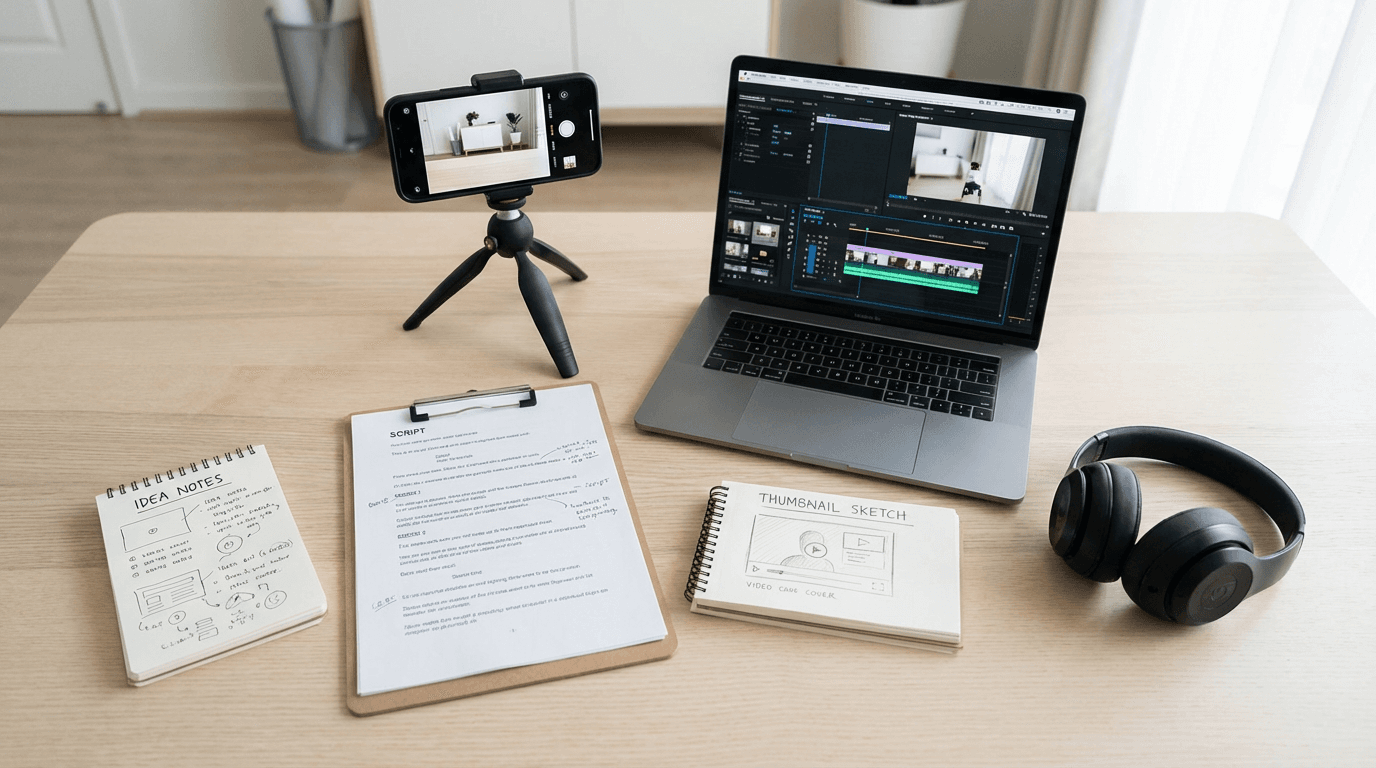
A practical workflow looks like this:
- pick a Shorts format
- paste one of the prompts above
- generate 3 versions of the script
- choose the strongest hook
- tighten spoken lines so they sound natural aloud
- add scene cues and on-screen text
- generate visuals, voice, and final video
Creators can do that inside Miraflow AI by turning a topic into a script, then into visuals, then into a finished short-form video workflow without hopping across a pile of tools.
What most people misunderstand about Shorts scripts
A lot of creators think the script is just the narration.
It is not.
For Shorts, the script is really:
- the hook
- the spoken line
- the pacing
- the scene rhythm
- the on-screen text
- the ending beat
That is why a script can read fine on paper and still underperform as a Short. The words may be okay, but the sequence is weak.
FAQ
What is the best AI prompt for YouTube Shorts scripts in 2026?
The best prompt is usually one that specifies the audience, target length, hook style, tone, payoff, CTA, and whether you want visual cues. Broad prompts like “write a viral script” usually produce weaker results.
How long should an AI-written Shorts script be?
That depends on your target video length, but YouTube says Shorts can run up to 3 minutes. In practice, the script should still get to the point quickly, especially in the first few seconds.
Should a YouTube Short script tease a longer video?
It can, but YouTube also recommends that Shorts remain enjoyable as standalone content. That means the viewer should still get a complete experience even if the Short points to something bigger.
What is the most important part of a Shorts script?
Usually the opening line. YouTube creator-facing advice specifically stresses that the first 3 seconds need to be clear and thumb-stopping.
Are AI-generated Shorts scripts okay for SEO?
AI-assisted writing itself is not the issue. Google’s guidance says what matters is whether the content is helpful, reliable, original enough to add value, and made for people rather than just search rankings.
How do I get more clicks from Google for a prompt-pack post like this?
Clear page titles, useful meta descriptions, descriptive headings, strong internal links, good alt text, and high-quality images placed near relevant text all help users and search engines understand the page better. Google explicitly recommends these basics.
Conclusion
If your YouTube Shorts are not landing, the topic may not be the issue.
The script probably is.
A stronger AI prompt helps you get better hooks, faster pacing, cleaner payoffs, and more watchable endings without rewriting everything from scratch. That is why copy-paste prompt packs like this work well in 2026. They reduce blank-page time and make it easier to test multiple formats quickly.
Start with the master prompt, then pick 3 to 5 of the templates above that fit your niche. Generate several versions, keep the strongest hook, and tighten the spoken lines until the Short sounds like a real person would actually say it on camera.
That is usually where better Shorts begin.