20 AI Prompts for the Y2K Camcorder Trend (CRT, Timestamps, VHS Effects)

Written by
Aerin Kim
The Y2K camcorder look, timestamps, scan lines, flash overexposure, VHS color bleed, is up roughly 300% in 2026. Here are 20 grouped prompts to recreate it with AI, plus what actually sells the effect.
If your feed has suddenly filled up with photos that look like they were pulled off a 2003 family VHS tape, complete with a glowing orange timestamp in the corner and that slightly warped, overexposed camcorder flash, you are looking at one of the fastest-growing AI photo trends of 2026. Creators are calling it the Y2K camcorder look, and nobody is digging an actual camcorder out of a drawer to get it. The whole look comes from a single detailed AI prompt that takes a normal modern photo and makes it look like it was shot on a cheap handheld camcorder two decades ago.
This trend has grown by roughly 300% in usage and search interest over the course of 2026, which puts it just behind the AI action figure and toyification trend as the second most-talked-about AI photo style of the year. Unlike a lot of viral effects that fade in a few weeks, this one has legs, because it taps into something a polished, algorithm-optimized feed cannot fake: the specific, slightly chaotic imperfection of a home video nobody was trying to make look good. A blown-out flash, a crooked frame, a glowing timestamp nobody bothered to turn off, these read as real in a way a perfectly lit portrait never will.
Creators are generating this look with Miraflow's AI Image Generator, which supports both text-to-image generation and image-to-image editing, meaning you can either describe a scene from scratch or upload an actual modern photo and have the model rebuild it with full camcorder styling, timestamp, scan lines, flash overexposure, low-resolution grain, and VHS color distortion included. The rest of this post breaks the effect down into 20 prompts across five scene categories, plus the technical details that separate a convincing camcorder photo from one that just looks like a generic old filter slapped on top.
Why the Y2K Camcorder Look Is Everywhere Right Now
A broader Y2K aesthetic revival has been building for a couple of years, low-rise jeans, chunky sneakers, flip-phone nostalgia, but 2026 is the year AI image models got good enough to fake the actual camera hardware of that era convincingly instead of just the fashion. Camcorder overlays, timestamp graphics, CRT distortion, and low-resolution flash photography are now a fixture on TikTok and Instagram Stories, showing up in everything from genuine throwback posts to brand marketing that wants to borrow the format's built-in authenticity.
Part of why this specific look has spread so fast is that it sits inside a bigger 2026 movement toward deliberately imperfect AI photography. The AI action figure trend, which we cover in detail in our 21 AI action figure and toy box prompts guide, proved that creators want AI outputs that look like a specific physical object rather than a generic polished render. The Y2K camcorder trend runs on the same logic, except the physical object being simulated is a piece of obsolete camera hardware instead of a toy. Around the same time, the decade-progression trend took off for a related reason, people using AI to visualize the same subject across different eras, and camcorder footage is one of the eras that trend touches most often, since a 1990s or early 2000s frame in a decade-progression sequence usually gets the timestamp-and-grain treatment to sell the year.
There is also a simple structural reason this trend has staying power that faster-burning trends do not have: it scales to almost any subject and any occasion. A birthday, a mall trip, a concert, a lazy afternoon with a pet, all of it plausibly could have been camcorder footage in 1998 or 2003, so there is no ceiling on how many distinct photos a single creator can put through the effect before it feels repetitive. Compare that to a novelty filter tied to one specific pose or prop, which runs out of fresh angles within a couple of weeks. The camcorder look is really a rendering style, not a single template, which is exactly why a grouped prompt pack like this one is useful instead of a single one-size prompt.
This trend is also distinct from the more general nostalgic film-grain look some creators reach for instead. If you want the softer, warmer aesthetic of an old 35mm print rather than the harsher, more electronic distortion of a camcorder tape, our film grain and imperfect photo AI prompts guide covers that adjacent style, and it is worth reading both if you are not sure which era you are actually going for. Camcorder footage and film grain share a family resemblance, both are about imperfection reading as authenticity, but the visual mechanics are genuinely different: film grain is optical and organic, camcorder distortion is electronic and geometric, scan lines, chroma bleed, a digital timestamp burned into the frame.
What Actually Sells the Camcorder Look (Read This Before the Prompts)
Before jumping into the prompt groups, it helps to understand the handful of specific visual elements that make the difference between a convincing camcorder photo and a generic "old photo" filter that misses the mark. Every prompt below leans on these deliberately, and understanding why makes it much easier to customize them later.
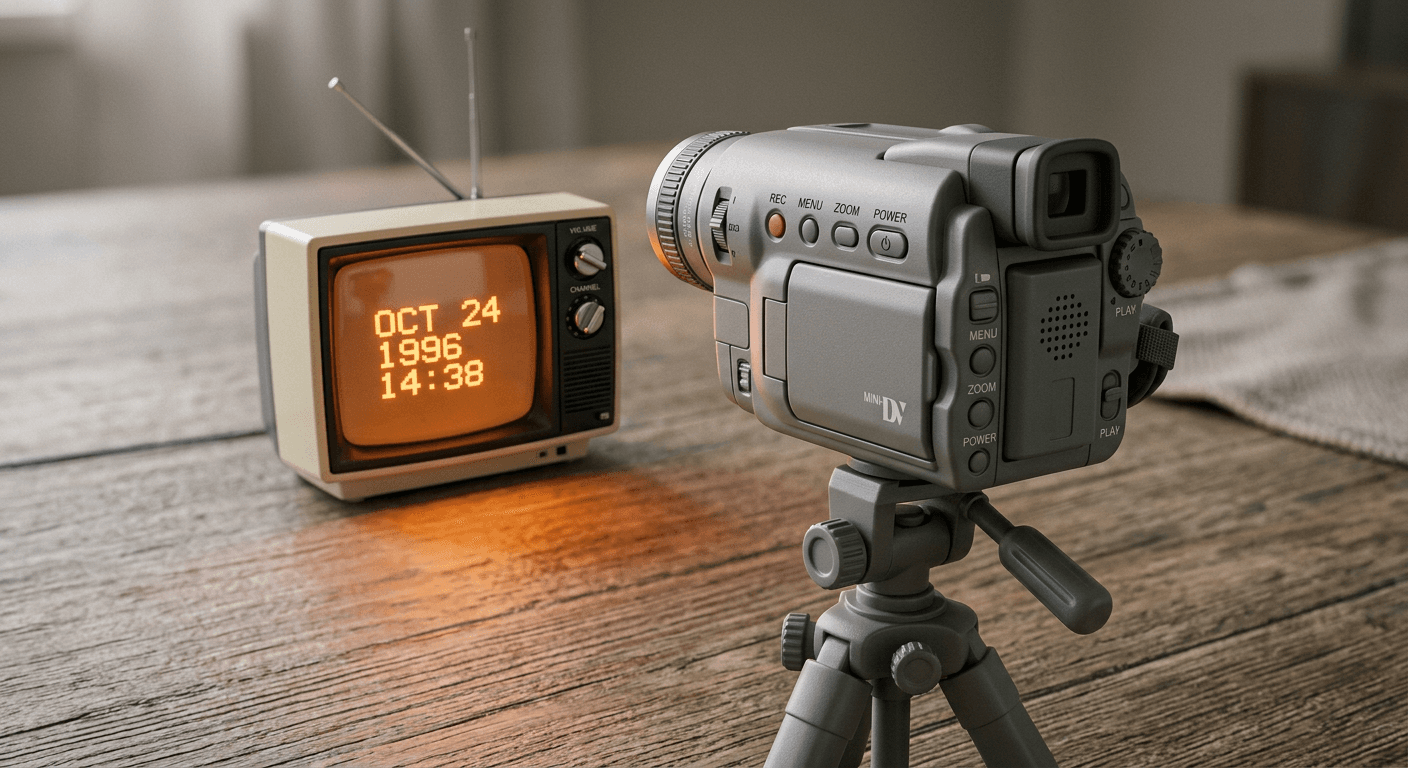
Timestamp overlay. Consumer camcorders from the late 1980s through the mid-2000s almost always had an on-screen date and time stamp, usually in a blocky, slightly pixelated orange, yellow or white monospace font, positioned in a lower corner. The exact format varied by brand and model, some read like "12 25 98 4:32 PM", others used a dashed format like "07-14-2001", but the common thread is a slightly clunky, non-anti-aliased digital font that looks like it belongs to a much older piece of electronics than a modern smartphone overlay would.
Scan lines and interlacing artifacts. Older camcorders and the CRT televisions used to play their tapes back both introduced faint horizontal banding across the image, an artifact of how analog video was captured and displayed line by line. This shows up as subtle, evenly spaced horizontal lines running across the whole frame, more visible in darker areas of the image.
Flash overexposure. Cheap camcorder flash units, when they had one at all, tended to blow out anything close to the lens into pure white while leaving the background comparatively dim, producing a distinctive hot, flat, slightly ghostly look on faces and foreground subjects, very different from the even, diffused flash most phone cameras produce today.
Low-resolution grain and softness. Consumer camcorders recorded at a fraction of the resolution modern phones capture, so edges are softer, fine detail is smeared rather than sharp, and a layer of fine analog noise sits over the whole image, heaviest in shadow areas.
VHS color distortion. Analog tape degraded color information faster than brightness information, producing a slight color cast, often a cool blue-green tint indoors under fluorescent light, or a warm amber cast under incandescent bulbs, along with mild color bleeding where saturated colors smear slightly into neighboring pixels, especially around reds.
Aspect ratio and framing. Camcorder footage was shot in the boxier 4:3 frame, not the widescreen ratios most modern cameras default to, and handheld footage tends to be slightly off-level or loosely framed rather than perfectly centered, since nobody was checking a grid overlay while recording a birthday party.
Every prompt in the five groups below builds in some combination of these six elements, worded specifically enough that the model has real detail to work from rather than a vague instruction like "make it look old."
1) Classic Home-Video and Family Gathering Camcorder Prompts
This is the original use case the whole trend is built around: the kind of footage an actual family camcorder would have captured at a birthday, a holiday morning, or a backyard cookout in the late 1990s or early 2000s.
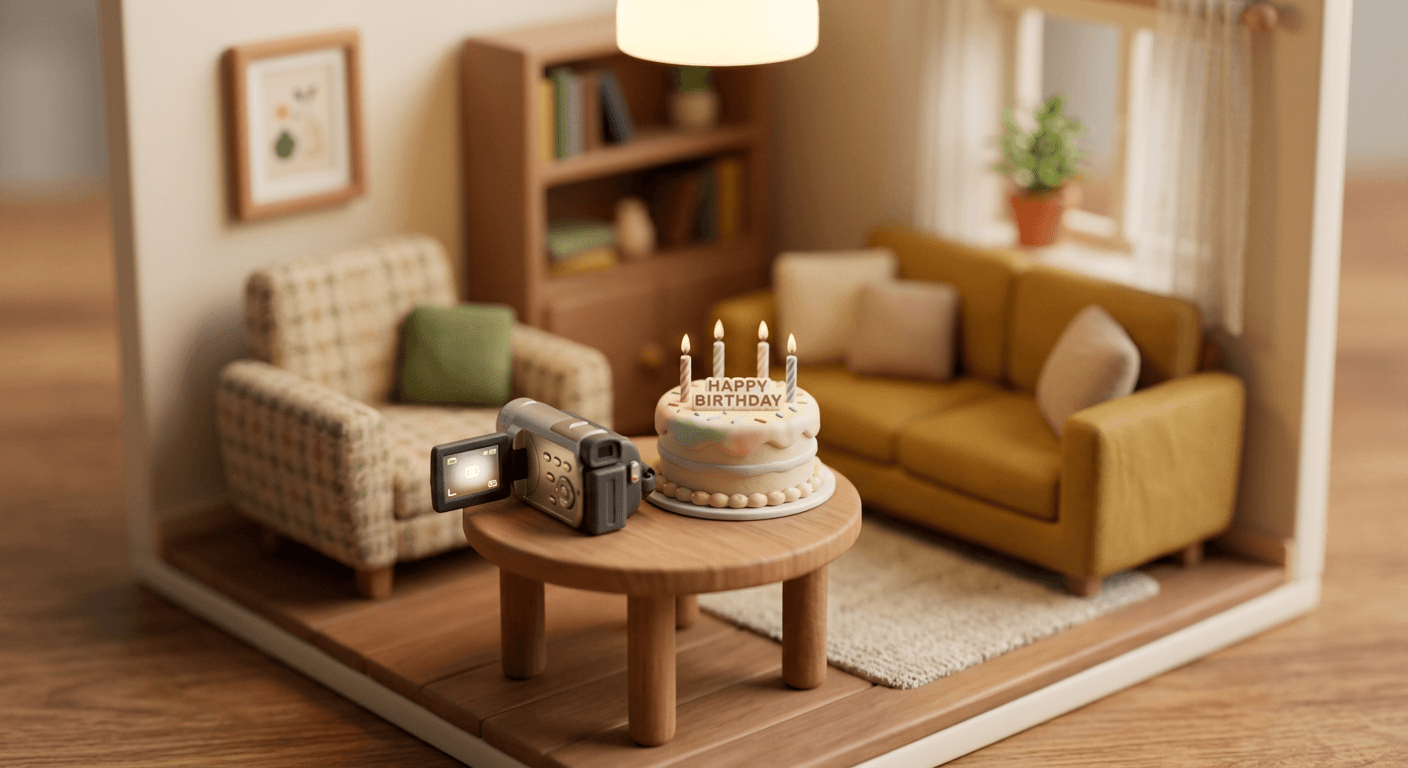
Prompt 1: Birthday candle-blow shot
Edit this photo to look like it was captured on a cheap 1998 home camcorder at a birthday party. Add a glowing orange blocky timestamp overlay in the bottom left corner reading a simple date and time, faint horizontal scan lines across the whole frame, warm flash overexposure blowing out the highlights near the candles and faces while the background stays comparatively dim, soft low-resolution grain most visible in the darker areas of the room, a slight warm amber VHS color cast from indoor incandescent lighting, and a boxy 4:3 aspect ratio with slightly loose, off-level handheld framing as if someone is holding the camera one-handed while filming.
Prompt 2: Backyard barbecue gathering
Transform this photo into cheap early-2000s camcorder footage of a backyard barbecue gathering. Include a blocky white timestamp overlay in the lower right corner, subtle horizontal scan lines throughout the frame, bright midday sun causing mild lens glare in one corner, soft low-resolution grain and slightly smeared fine detail on skin and fabric texture, a faint cool-green VHS color cast typical of outdoor daylight recorded on old tape stock, visible faint tracking wobble along the top edge of the frame, and a boxy 4:3 handheld composition that is not perfectly level.
Prompt 3: Holiday morning under the tree
Recreate this photo as footage from a cheap late-1990s camcorder filming a holiday morning scene of gifts being unwrapped near a decorated tree. Add a glowing orange timestamp overlay in the bottom left reading an early morning time, faint scan lines running horizontally across the image, warm flash overexposure on any figure close to the lens while string lights in the background stay soft and slightly blurred, gentle low-resolution grain concentrated in the darker corners of the room, a warm amber-orange VHS color cast from mixed indoor lighting, and a boxy 4:3 aspect ratio with a slightly tilted, informal handheld angle.
Prompt 4: Multi-generational living room visit
Edit this photo to look like a cheap 2001 camcorder recording of a multi-generational family visit in a living room. Include a simple white blocky timestamp overlay in the lower right corner, subtle horizontal scan lines across the frame, soft indoor flash overexposure that slightly blows out the nearest face while the rest of the room stays naturally lit, low-resolution grain most visible in shadow areas of the couch and walls, a faint cool-blue VHS color cast typical of fluorescent indoor lighting from that era, minor edge softness and detail smearing, and a boxy 4:3 handheld composition framed slightly off-center.
These four work well as either text-to-image scenes or as image-to-image edits of a real photo you already have. If you are converting a real photo, an image with visible faces and a plain or lightly furnished background gives the model the cleanest surface to add the timestamp and lighting distortion onto without fighting a busy background.
2) Mall, Hangout and Friend-Group Camcorder Prompts
The camcorder was never just a family-event device. Plenty of viral late-90s and early-2000s footage was teenagers filming each other at the mall, in a bedroom, or crammed into the back of a car, and that looser, more chaotic energy is exactly what makes this category feel authentic instead of staged.
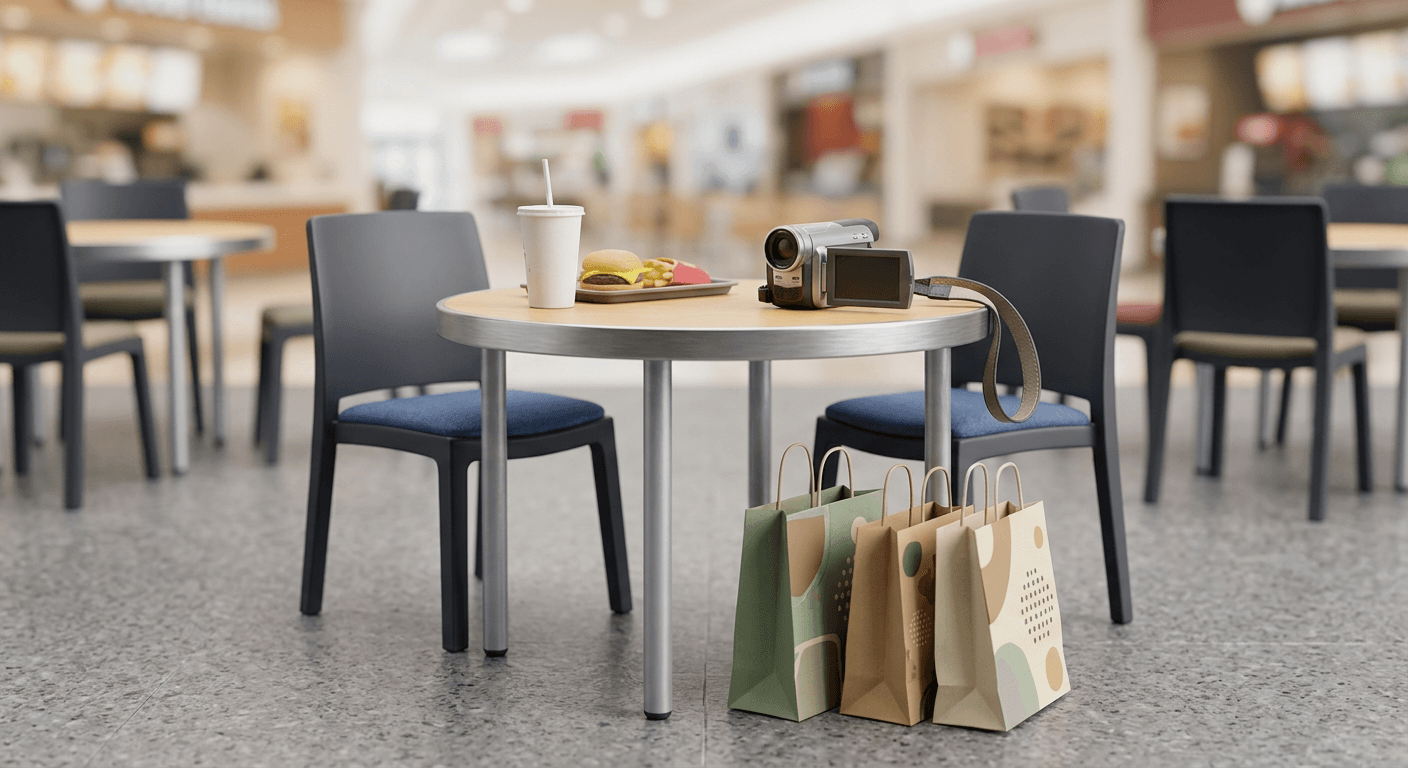
Prompt 5: Mall food court hangout
Transform this photo into cheap early-2000s camcorder footage of a friend group hanging out at a mall food court. Add a blocky orange timestamp overlay in the bottom left corner with an afternoon time, faint horizontal scan lines throughout, harsh fluorescent overhead flash overexposure on faces and tabletops, low-resolution grain and soft edge detail typical of consumer camcorder footage, a cool artificial-light VHS color cast with slight color bleed around any bright red or orange objects like food trays, and a boxy 4:3 aspect ratio with loose, casual handheld framing as if the camera is being passed between friends.
Prompt 6: Arcade and bowling alley visit
Recreate this photo as cheap 1999 camcorder footage inside a dim arcade or bowling alley. Include a glowing white timestamp overlay in the lower right, visible horizontal scan lines that read more strongly against the dark background, strong flash overexposure that creates a hot white glow around the nearest subject while arcade or neon lighting blurs softly in the background, heavier low-resolution grain in the shadow-dominant areas typical of low-light consumer camcorder recording, a faint magenta-cyan VHS color bleed around any bright neon signage, and a boxy 4:3 handheld composition with a slightly shaky, off-level angle.
Prompt 7: Bedroom mirror friend-group shot
Edit this photo to look like cheap early-2000s camcorder footage of a friend group filming themselves in a bedroom mirror. Add a blocky orange timestamp overlay in the bottom left corner, faint horizontal scan lines across the frame, close-range flash overexposure that blows out the mirror's reflective surface slightly at the edges while faces stay just readable, soft low-resolution grain and mild detail smearing typical of a handheld camcorder held at close range, a warm indoor VHS color cast, and a boxy 4:3 aspect ratio with an intentionally imperfect, slightly cropped framing as if the mirror edge is cutting into the shot.
Prompt 8: Car ride with friends
Transform this photo into cheap 2002 camcorder footage filmed from the back seat of a car during a ride with friends. Include a white blocky timestamp overlay in the lower right corner, subtle horizontal scan lines throughout the frame, soft daylight flash overexposure near the camera with the car interior and windows slightly blown out from natural light, low-resolution grain and soft focus typical of a camcorder bouncing gently with the vehicle's movement, a faint cool VHS color cast with light color bleed near the window highlights, and a boxy 4:3 handheld composition with a naturally uneven, jostled framing angle.
This group is where the "recovered from a friend's old camera" energy really lands, and it is a good fit for the couples-and-friend-groups angle of this trend specifically, since these scenes read as candid rather than posed even when the underlying photo was carefully composed.
3) Concert, Party and Night-Out Camcorder Prompts
Low light is where the camcorder look gets most distinctive, since flash overexposure and color distortion behave very differently against a dark background than they do in a bright kitchen or backyard. This group leans into that.
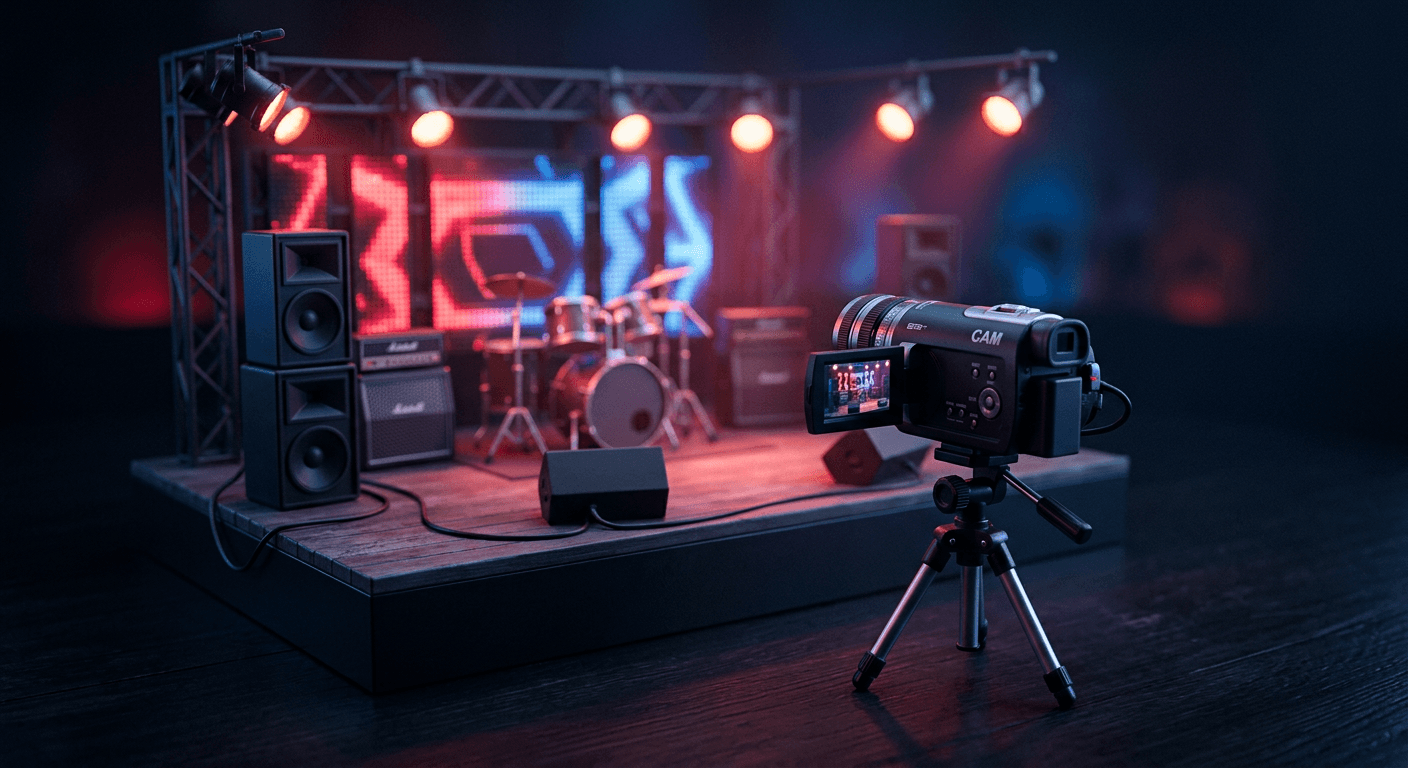
Prompt 9: Concert crowd shot
Edit this photo to look like cheap early-2000s camcorder footage filmed from within a concert crowd, low ambient light with colored stage lighting in the background. Add a glowing orange timestamp overlay in the bottom left corner, strong visible horizontal scan lines that read clearly against the dark scene, dramatic flash overexposure lighting up the nearest heads and shoulders in the crowd while the stage lighting behind blurs into soft glowing color blobs, heavy low-resolution grain typical of low-light consumer camcorder footage, noticeable VHS color bleed where the saturated stage lighting smears slightly into surrounding dark areas, and a boxy 4:3 handheld composition with a shaky, crowd-jostled angle.
Prompt 10: House party living room
Recreate this photo as cheap 2001 camcorder footage inside a dim house party living room. Include a blocky white timestamp overlay in the lower right corner reading a late evening time, faint horizontal scan lines across the frame, harsh close-range flash overexposure that blows out the nearest faces to a hot white glow while string lights or lamps in the background soften into blurred colored dots, heavy low-resolution grain concentrated in the dark corners of the room, a warm-to-cool mixed VHS color cast typical of party lighting recorded on old tape, and a boxy 4:3 handheld composition with an informal, slightly tilted angle.
Prompt 11: Karaoke night close-up
Transform this photo into cheap early-2000s camcorder footage of a close-up karaoke moment. Add a glowing orange timestamp overlay in the bottom left corner, visible horizontal scan lines throughout the frame, strong flash overexposure that blows out the face holding the microphone while the karaoke screen glow behind softens into a colored blur, low-resolution grain and soft edge detail typical of a handheld camcorder held close to the subject, a faint magenta-cyan VHS color bleed near any bright screen light in the background, and a boxy 4:3 aspect ratio with a slightly unsteady close-range framing.
Prompt 12: Late-night diner booth
Edit this photo to look like cheap 1999 camcorder footage inside a late-night diner booth after a night out. Include a blocky white timestamp overlay in the lower right corner reading a late night time, faint horizontal scan lines across the frame, warm flash overexposure lighting up the tabletop and nearest faces while overhead diner lighting glows softly in the background, soft low-resolution grain most visible in the booth's shadowed corners, a warm amber VHS color cast typical of indoor tungsten diner lighting, and a boxy 4:3 handheld composition with a relaxed, slightly off-center framing.
If your reference photo was taken with a modern phone in low light, expect the model to need to invent more of the flash and grain behavior here than it does for a daytime shot, since a phone's low-light processing already smooths out most of what a camcorder would have exaggerated. Being explicit about the flash overexposure and the deep shadow grain in the prompt, the way each one below is written, matters more in this group than any other.
4) "Recovered Tape" Static and Glitch Camcorder Prompts
A newer, slightly more advanced branch of this trend leans into the idea of a damaged or partially degraded tape rather than a clean recording, tracking glitches, a staticky countdown, a moment where the signal briefly drops out. It reads as more cinematic and works especially well for reveal-style posts.
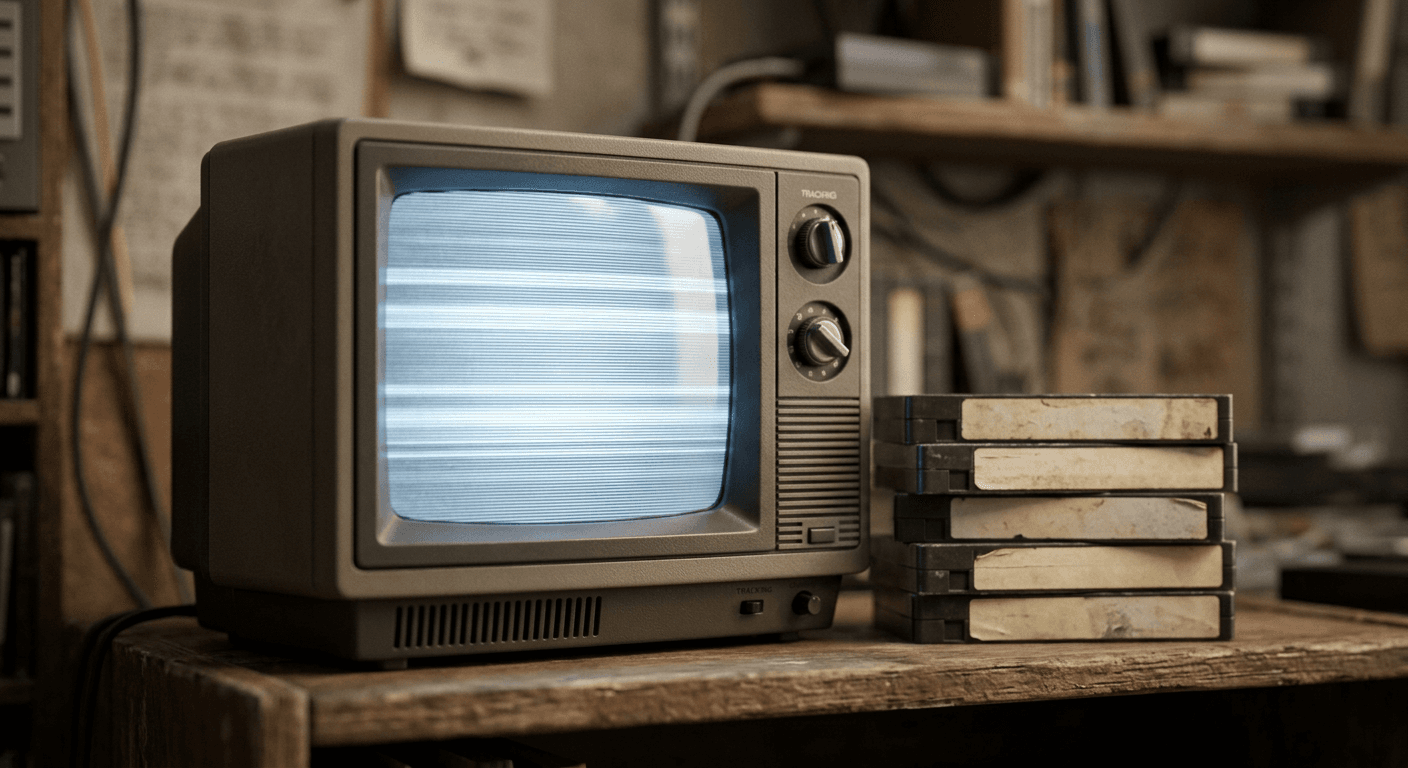
Prompt 13: Tracking-glitch hallway walk
Recreate this photo as damaged, partially recovered camcorder tape footage filmed walking down a hallway. Include a flickering, slightly distorted timestamp overlay in the bottom left corner where a few digits appear stretched or doubled as if the tracking is unstable, thick uneven horizontal scan lines with a visible tracking-glitch band rolling across roughly one third of the frame, soft low-resolution grain throughout, a faint cool-toned VHS color cast, and a boxy 4:3 composition where the top edge of the frame shows mild vertical smearing consistent with a tape tracking error, keeping the main subject clearly recognizable despite the glitch band.
Prompt 14: Static countdown intro
Generate this scene as the opening moment of a damaged camcorder tape recording, styled like an old analog static countdown transitioning into the main footage. Show fine gray-and-white television static noise covering roughly the left portion of the frame while the photographed scene remains visible and recognizable on the right side, a flickering blocky timestamp overlay in the bottom corner appearing to fade in through the static, faint horizontal scan lines across the clear portion of the image, soft low-resolution grain, a cool VHS color cast, and a boxy 4:3 aspect ratio, keeping the subject in the clear portion of the frame fully recognizable and not obscured by the static.
Prompt 15: Mid-scene signal dropout
Edit this photo to look like a camcorder tape experiencing a brief signal dropout mid-recording. Include a thin horizontal band of colorful digital noise and torn scan lines running across roughly the middle fifth of the frame while the rest of the image stays clear and recognizable, a slightly flickering timestamp overlay in the bottom right corner, standard horizontal scan lines across the unaffected portions of the frame, soft low-resolution grain, a faint VHS color cast with mild color bleed near the dropout band, and a boxy 4:3 composition, ensuring the subject's face and key details remain fully visible above or below the dropout band.
Prompt 16: Flashbulb pop into darkness
Recreate this photo as a single dramatic camcorder flash moment captured in near darkness, styled like a flashbulb briefly illuminating a dark room before fading back to shadow. Show the subject and immediate foreground lit by a hard, hot white flash overexposure with detail fully blown out on the closest surfaces, the background falling almost entirely into near-black shadow with only faint outlines visible, a glowing orange timestamp overlay in the bottom left corner, subtle horizontal scan lines visible within the lit portion of the frame, heavy low-resolution grain in the shadow areas, a cool VHS color cast at the shadow edges, and a boxy 4:3 aspect ratio.
This group is the most stylized of the five, and it is worth generating a couple of variations before picking a favorite, since the glitch and static elements can come out anywhere from subtle to overwhelming depending on how the model interprets the density you describe. Start with the wording below, then dial the static up or down in a follow-up edit.
5) Sports, Pool Day, Pet and Solo POV Camcorder Prompts
The last group covers the scenes that round out a believable camcorder archive: outdoor activity, a pet running around, and the increasingly popular solo handheld POV angle that mimics someone filming themselves with the lens flipped around.
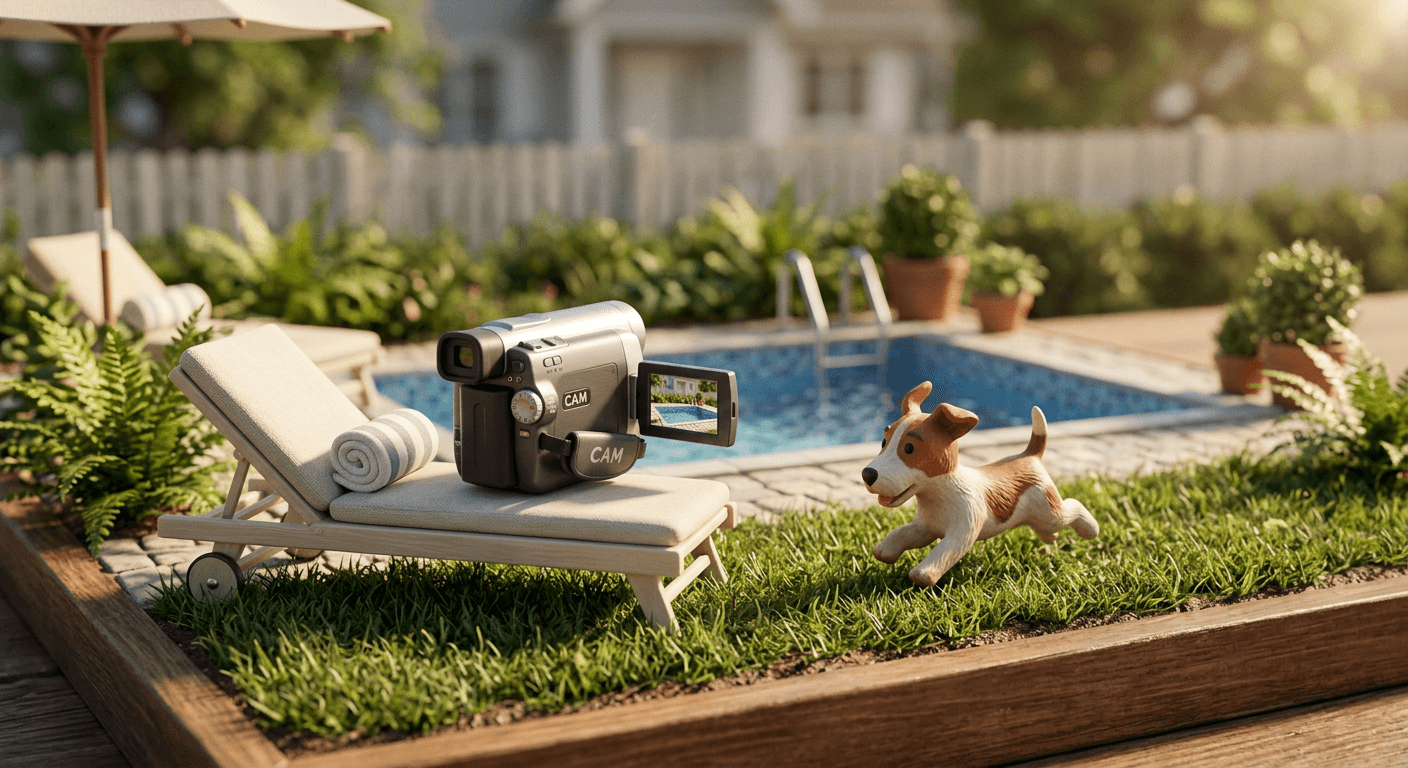
Prompt 17: Pool day cannonball jump
Transform this photo into cheap early-2000s camcorder footage of a pool day cannonball jump caught mid-air. Add a blocky white timestamp overlay in the lower right corner reading an afternoon time, faint horizontal scan lines across the frame, bright midday sun with mild lens glare and slight overexposure on the water's surface highlights, low-resolution grain and soft motion blur trailing slightly behind the jumping figure typical of a camcorder struggling to track fast motion, a faint cool-blue VHS color cast reflecting off the pool water, and a boxy 4:3 handheld composition with a slightly tilted, excited framing angle as if the person filming is laughing.
Prompt 18: Backyard sports match
Edit this photo to look like cheap 2000 camcorder footage of a casual backyard sports match. Include a glowing orange timestamp overlay in the bottom left corner, faint horizontal scan lines throughout, warm daylight with mild overexposure on the brightest patches of grass and sky, low-resolution grain and soft motion trailing on any fast-moving limb or ball typical of camcorder motion blur, a faint warm-green VHS color cast typical of outdoor daylight on older tape stock, and a boxy 4:3 handheld composition that drifts slightly as if the person filming is following the action.
Prompt 19: Dog running across the yard
Recreate this photo as cheap 1998 camcorder footage of a dog sprinting across a backyard lawn. Add a blocky white timestamp overlay in the lower right corner, subtle horizontal scan lines across the frame, bright afternoon sunlight with soft overexposure on the lightest patches of grass, low-resolution grain and gentle motion blur trailing behind the running dog typical of a camcorder struggling to keep fast motion sharp, a faint warm VHS color cast, and a boxy 4:3 handheld composition with a slightly bouncing, chase-following camera angle as if the person filming is running alongside.
Prompt 20: Solo handheld POV walk
Edit this photo to look like cheap early-2000s camcorder footage filmed handheld with the camera flipped around for a solo point-of-view selfie shot while walking outdoors. Include a glowing orange timestamp overlay in the bottom left corner, faint horizontal scan lines across the frame, natural daylight flash-assisted overexposure lightly brightening the nearest face while the background stays naturally lit and slightly soft, low-resolution grain and mild edge softness typical of an outstretched handheld camcorder, a faint cool VHS color cast, and a boxy 4:3 composition with a slightly unsteady, close-range walking angle typical of someone filming themselves while moving.
The pet prompt in this group tends to be one of the most-shared formats of the whole trend, since a slightly grainy, timestamped shot of a dog or cat sprinting across a lawn hits the same nostalgic note as an old home video without needing a human subject in frame at all, useful if you would rather not put your own face through the effect.
How to Customize These Prompts
Every prompt above follows the same underlying structure, so once you understand the variables, adapting them for your own photos is mostly a matter of swapping details rather than rewriting from scratch.
Adjust the specific camcorder year or era. "Cheap 1994 camcorder" reads noticeably different from "cheap 2003 camcorder" once the model factors it in, earlier years tend to produce heavier grain, more visible scan lines and a warmer, more washed-out color cast, while early-2000s references lean toward slightly cleaner but still low-resolution footage with more of that cool digital-video color shift. If you are going for a specific decade, name the actual year rather than just saying "retro" or "vintage," since those vaguer words leave the model guessing at an era.
Add specific timestamp text. Every prompt below asks for a timestamp overlay, but you can specify the exact date and time you want burned into the corner, a real birthday, a meaningful date, or something intentionally random for comedic effect. Keep the format simple, a month, day, two-digit year and a time in the corner, since overly long or complex timestamp text is more likely to render with garbled or misaligned characters.
Adjust flash intensity. If a first generation blows out too much of the frame to see the subject clearly, or conversely does not read as overexposed enough, describe the flash intensity directly in a follow-up: "stronger flash overexposure, more of the foreground blown to white" or "softer flash, less overexposure, keep more facial detail visible."
Combine with other Y2K elements. This trend rarely shows up alone. Creators are pairing the camcorder look with actual Y2K-era styling, chunky sunglasses, flip phones, low-rise silhouettes, butterfly clips, disposable camera framing, to build a fuller period scene rather than just a filter over a modern photo. Adding a line like "subject holding a flip phone" or "a disposable camera visible on the table" to any prompt below layers the era in more convincingly than the camcorder distortion alone.
Control the framing. If your generation comes back in a widescreen ratio, add an explicit instruction for a "boxy 4:3 aspect ratio, slightly off-level handheld framing" since that framing choice alone does more to sell the camcorder era than almost any other single detail, a technically perfect widescreen composition undercuts the whole effect no matter how good the grain and timestamp look.
Common Mistakes Creators Make With This Trend
- Overly clean or sharp results that do not read as authentic. If a generation comes back looking like a modern photo with a translucent timestamp pasted on top, the underlying image is too crisp. The grain, softness and scan-line texture need to sit across the whole frame, not just in a corner overlay, or the effect reads as a sticker rather than a genuine old recording.
- Timestamp text that comes out garbled or illegible. Text rendering is still the part AI image models struggle with most, and a short, simple date-and-time string is far more likely to render cleanly than a long caption. If a timestamp comes back distorted, regenerate once or twice with the same prompt before assuming the wording is the problem, since output quality on short text strings varies generation to generation even with an identical prompt.
- Applying the effect to a photo with obviously modern elements still visible in frame. A smartphone, a current-year car model, a modern logo on a shirt, or contemporary interior design breaks the illusion instantly no matter how convincing the grain and timestamp look. Either choose a reference photo without those giveaways or explicitly ask the model to replace or remove them in the prompt.
- Going too heavy on distortion so the subject becomes unrecognizable. This is especially common in the recovered-tape and glitch prompts, where it is tempting to push the static and signal dropout further and further. A convincing camcorder photo still needs to read as a specific person or moment, not an abstract pattern, so keep the glitch elements concentrated in specific areas of the frame, an edge, a corner, a brief overlay, rather than spread evenly across the whole image.
- Ignoring the aspect ratio and composition. As covered above, a widescreen, perfectly centered, professionally composed frame undercuts the whole effect even with every other element done well. Camcorder footage was boxy and loosely framed, and that framing choice is doing more work than people expect.
- Skipping a second pass on color grading. The VHS color cast, that cool blue-green indoor tint or warm amber cast, is subtle and can wash out if you only run one generation. Comparing a couple of outputs side by side before picking a favorite usually surfaces a version with noticeably more convincing color distortion than your first result.
Where to Generate These Camcorder Photos
Miraflow's AI Image Generator supports both directions this trend needs: text-to-image if you are building a scene from scratch, and image-to-image editing if you are starting from a real photo and want the camcorder styling applied on top of it. The inpainting tool inside the same workspace is useful for the customization tips above, mask just the corner where the timestamp sits and regenerate that region alone if the text comes out garbled elsewhere in an otherwise good result, without having to regenerate the whole photo from scratch.
If you are turning a finished camcorder-style shot into a video thumbnail afterward, the YouTube Thumbnail Maker on Miraflow can add clean, readable text on top without disturbing the grain and distortion underneath it, useful since thumbnail text needs to stay legible even when the base image is intentionally degraded. And if you want to understand more generally how to push an AI image toward looking like a real, unedited photo rather than an obviously synthetic one, a skill this whole trend depends on, our guide to making AI images look like real photos covers the underlying prompt techniques in more depth. You can browse more prompt guides like this one on the Miraflow AI blog, and every tool named in this post lives at miraflow.ai.
Frequently Asked Questions
Do I need real camcorder footage or an old photo to start with? No. Every prompt in this post works as a pure text-to-image generation if you describe the scene and subject in enough detail, and it also works as an image-to-image edit if you upload a real modern photo and want the camcorder styling applied to it. Starting from a real photo through Miraflow's AI Image Generator generally preserves a more recognizable likeness if the subject is a specific person.
Why does my timestamp text keep coming out wrong? Text rendering is the part current image models are least consistent at, and it varies from generation to generation even with an identical prompt. Keep the timestamp short, a simple date and time rather than a long caption, and regenerate once or twice before assuming the prompt wording needs to change.
Is this the same trend as the general film grain or vintage photo look? Related but distinct. Film grain and vintage photo effects mimic optical film cameras, softer, warmer, more organic imperfection. The Y2K camcorder trend mimics analog video and CRT playback specifically, timestamp overlays, scan lines, and a more electronic color distortion. Our film grain and imperfect photo prompts guide covers the former if that softer look is closer to what you are going for.
What aspect ratio should I generate these in? A boxy 4:3 ratio reads as far more authentic than a widescreen frame, since consumer camcorders recorded in 4:3 almost universally through the era this trend references. Several prompts below specify this directly, and it is worth adding to any prompt you customize yourself.
Can I use this on a photo of a pet instead of a person? Yes, and it is one of the more popular variations of this trend specifically because it avoids the likeness challenges of a human subject while still hitting the same nostalgic note. Prompt 19 in the sports and pet group above is built specifically for this.
How is this different from the AI action figure or decade-progression trends? All three are part of the same 2026 movement toward AI photo styles that simulate a specific physical object or era rather than a generic filter, but they target different things. The action figure trend simulates toy packaging and figurine materials, the decade-progression trend simulates a subject aging across multiple different eras in one sequence, and the camcorder trend simulates one specific piece of obsolete recording hardware and its playback artifacts.
Will this trend still be relevant by the end of 2026? Viral AI photo trends typically last three to six months before a newer style replaces them at the top of the feed, but the camcorder look has more structural staying power than most because it scales to nearly any subject and occasion rather than being tied to one specific pose or prop, similar to why the action figure trend has outlasted its original hype cycle.
Conclusion
The Y2K camcorder trend works because it fakes something specific and technical, an actual piece of obsolete recording hardware, rather than applying a vague "make it old" filter, and that specificity is exactly why the 20 prompts above are grouped by scene instead of offered as one generic template. Whether you are recreating a family gathering, a mall hangout, a concert, a glitchy recovered-tape moment, or a solo pet clip, the same six elements, timestamp text, scan lines, flash overexposure, low-resolution grain, VHS color distortion, and boxy 4:3 framing, are what separate a convincing result from a shallow filter. Start with the group closest to the photo you already have, generate a couple of variations through Miraflow's AI Image Generator, and adjust the era, timestamp and flash intensity from there until it looks like it actually came off a tape somebody found in a drawer.