From Prompt to Reel: Creating 1-Minute AI Shorts with Text2Shorts

Written by
Jay Kim

Learn how Text2Shorts turns a simple prompt into a complete vertical reel. See how prompt-first video creation compares to traditional editing and why creators are switching.
Short-form video dominates every major platform, but the process of creating reels has not become any easier. Scripts still take time, visuals still require effort, and editing still slows everything down.
Instead of building a reel piece by piece, Text2Shorts lets creators start with a single idea and automatically turns it into a complete vertical short. Script, visuals, pacing, and structure are handled for you. What used to take hours can now happen in minutes.
This guide explains how Text2Shorts is different from traditional reel creation, and how to Create a Reel with Text2Shorts
Traditional Reel Creation vs. Text2Shorts
Before tools like Text2Shorts, creating short-form video usually meant juggling multiple steps, tools, and decisions. Even a simple one-minute reel required planning, editing, and iteration.
Text2Shorts flips that workflow entirely.
Instead of starting with footage, timelines, or scene lists, you just start with an idea. You describe the topic, and the system handles structure, scripts, and visuals automatically. You can use the result as-is or tweak the script and regenerate until it feels right.
This shift changes how creators approach short-form content, and saves much of their time.
The Traditional Way (Manual Workflow)
Creating reels the traditional way often looks like this:
You brainstorm a concept, write a script, decide on scenes, gather or shoot footage, cut everything together, adjust timing, add captions, then export. If something feels off, you go back several steps and repeat.
That process works—but it’s slow, especially when testing ideas.
Creators often spend more time editing than experimenting.
The Text2Shorts Way (Prompt-First Workflow)
With Text2Shorts, the workflow starts and ends with language.
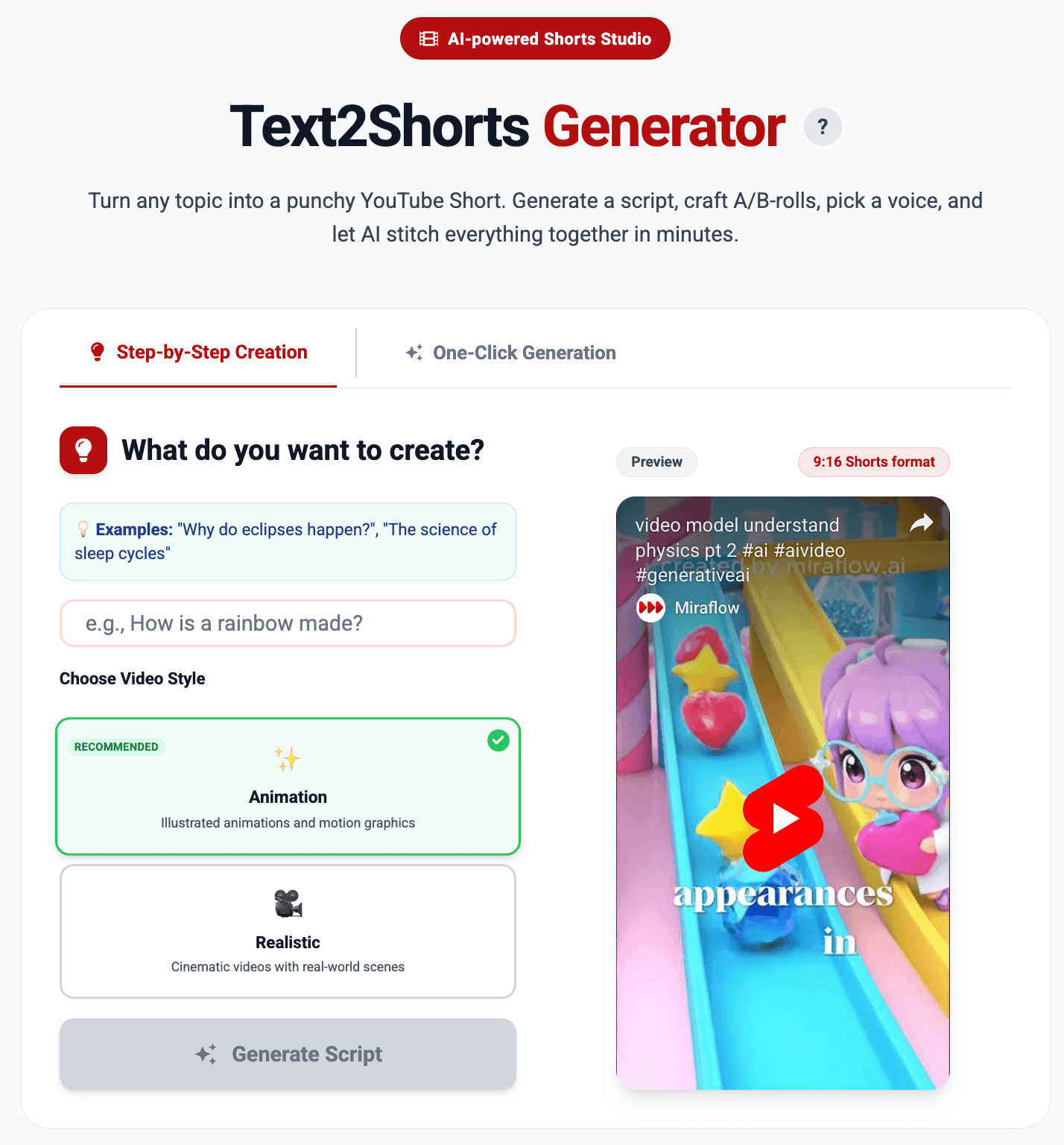
You enter a topic or idea.
The system generates a structured script and matching visuals.
Multiple short clips are created and seamlessly combined into a vertical reel.
You review, edit the prompt or script if needed, and regenerate.
Instead of managing scenes manually, you focus on refining the idea itself.
| Aspect | Traditional Reel Creation | Text2Shorts |
|---|---|---|
| Starting point | Script, footage, or timeline | A single topic |
| Script writing | Manual | Auto-generated (editable) |
| Visual creation | Filming or asset sourcing | Automatically generated |
| Editing | Timeline-based, manual | Automatic sequencing |
| Iteration speed | Slow | Fast |
| Technical skill required | Medium to high | Minimal |
| Best for | Polished, custom productions | Rapid content creation and testing |
| Creative focus | Editing and assembly | Idea, story, and message |
Why This Matters for Creators
Short-form platforms reward volume and iteration. What performs well today might not work tomorrow.
Traditional workflows make experimentation expensive. Each idea costs time and effort.
Text2Shorts removes that friction. You can test multiple concepts in the time it used to take to finish one reel. If a prompt doesn’t work, you adjust the wording instead of rebuilding the video.
That speed changes how creators think:
- Less attachment to a single edit
- More freedom to experiment
- Faster learning from real results
How Text2Shorts Works Conceptually
Text2Shorts is built around story decomposition.
When you enter a topic or idea, the system does not treat it as a single block of content. Instead, it:
- Interprets the idea as a short narrative
- Breaks that narrative into logical moments
- Generates visuals that match each moment
- Combines everything into a cohesive vertical reel
The important shift here is that you no longer think in clips or timelines. You think in ideas, flow, and progression.
That’s why Text2Shorts feels less like editing software and more like a creative assistant.
Why Text2Shorts Feels Different from Other AI Video Tools
Many AI video tools still expect users to:
- Control scenes manually
- Decide where cuts happen
- Fine-tune every transition
Text2Shorts takes the opposite approach.
It assumes that most short-form videos follow a familiar rhythm:
- An opening that sets context
- A middle that develops the idea
- A closing that lands the message
By handling this rhythm automatically, Text2Shorts produces videos that feel intentionally paced, not stitched together.
The result is a reel that feels structured, even though it was generated from a single prompt.
Why Text2Shorts Is Ideal for Short-Form Platforms
Text2Shorts is designed specifically for vertical, short-form content. That matters because platforms reward:
- Clear storytelling
- Strong early hooks
- 9:16 aspect ratio videos
By automatically structuring content into a flowing reel, Text2Shorts avoids common mistakes like:
- Front-loaded explanations
- Abrupt endings
- Visual overload
The output feels natural for feeds, not repurposed from long-form content.
Who Benefits Most from Text2Shorts
Text2Shorts is especially useful for:
- Creators who want consistency without burnout
- Educators simplifying complex ideas
- Founders sharing product or journey stories
- Marketers producing narrative content at scale
- Anyone who dislikes video editing but enjoys storytelling
If you can describe an idea clearly, you can create a reel.
Why This Changes How Creators Work
Text2Shorts shifts effort away from execution and back to creativity.
Instead of asking:
“How do I edit this?”
Creators just:
“Type the topic in”
That change alone removes friction from the creative process and makes short-form video feel accessible again.
How to Create a Reel with Text2Shorts
Text2Shorts offers two creation modes depending on how much control you want: One-Click Generation for speed, and Step-by-Step Creation for refinement. Both start from the same place — a single idea.
Option 1: One-Click Generation (Fastest Way)
This mode is designed for creators who want results immediately with minimal setup.
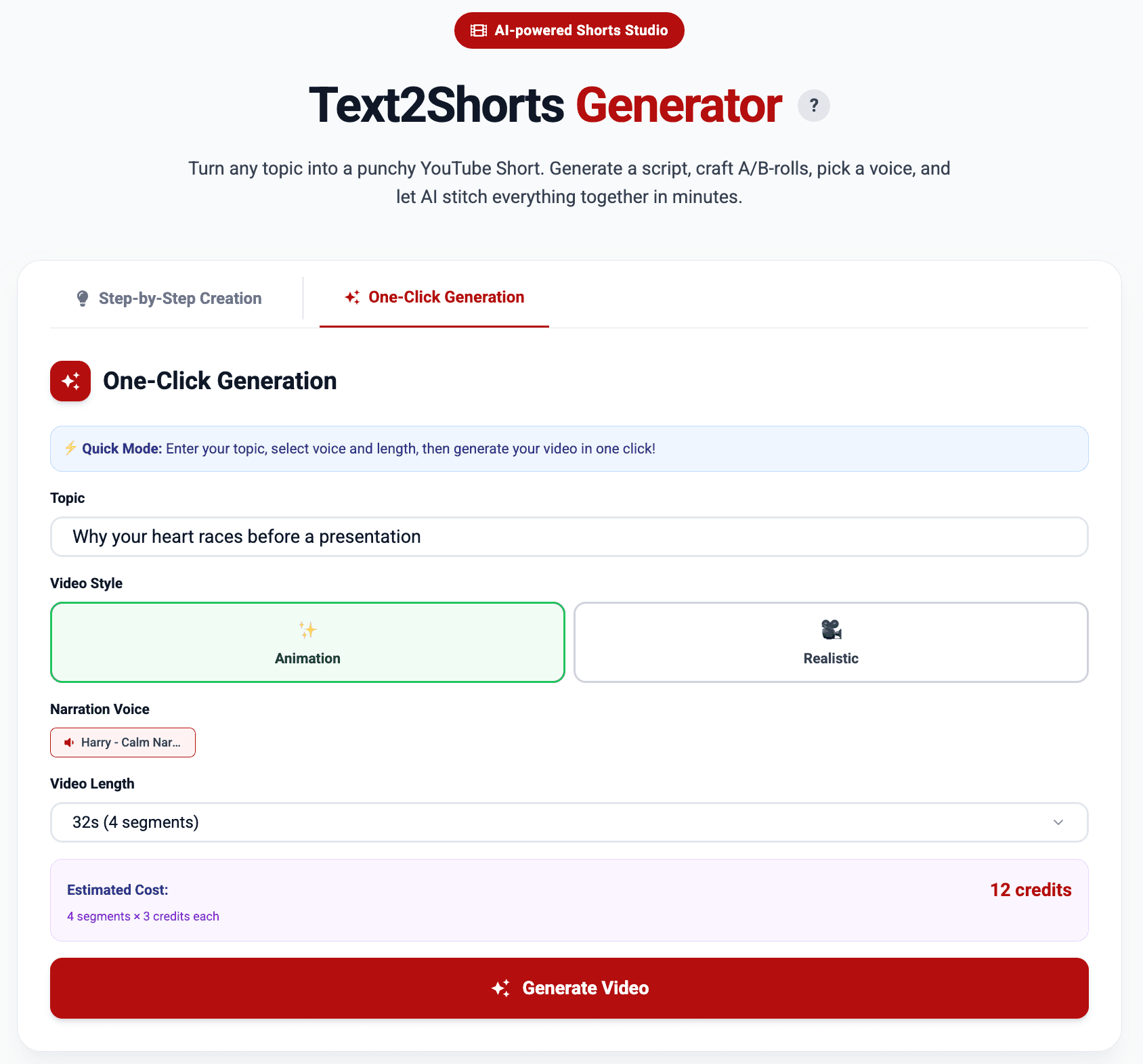
- Enter your topic
Describe the idea you want to turn into a short-form video. This can be a concept, question, story, or explanation. - Choose a video style
Select between animation or realistic visuals depending on the tone you want. - Select a voice
Pick a voice from the voice library to match the mood of your content.

- Choose video length
Select how long the video should be. Longer durations automatically create more connected segments and structure. - Click “Generate Video”
Text2Shorts creates the script, visuals, pacing, and narration automatically, then combines everything into a vertical reel.
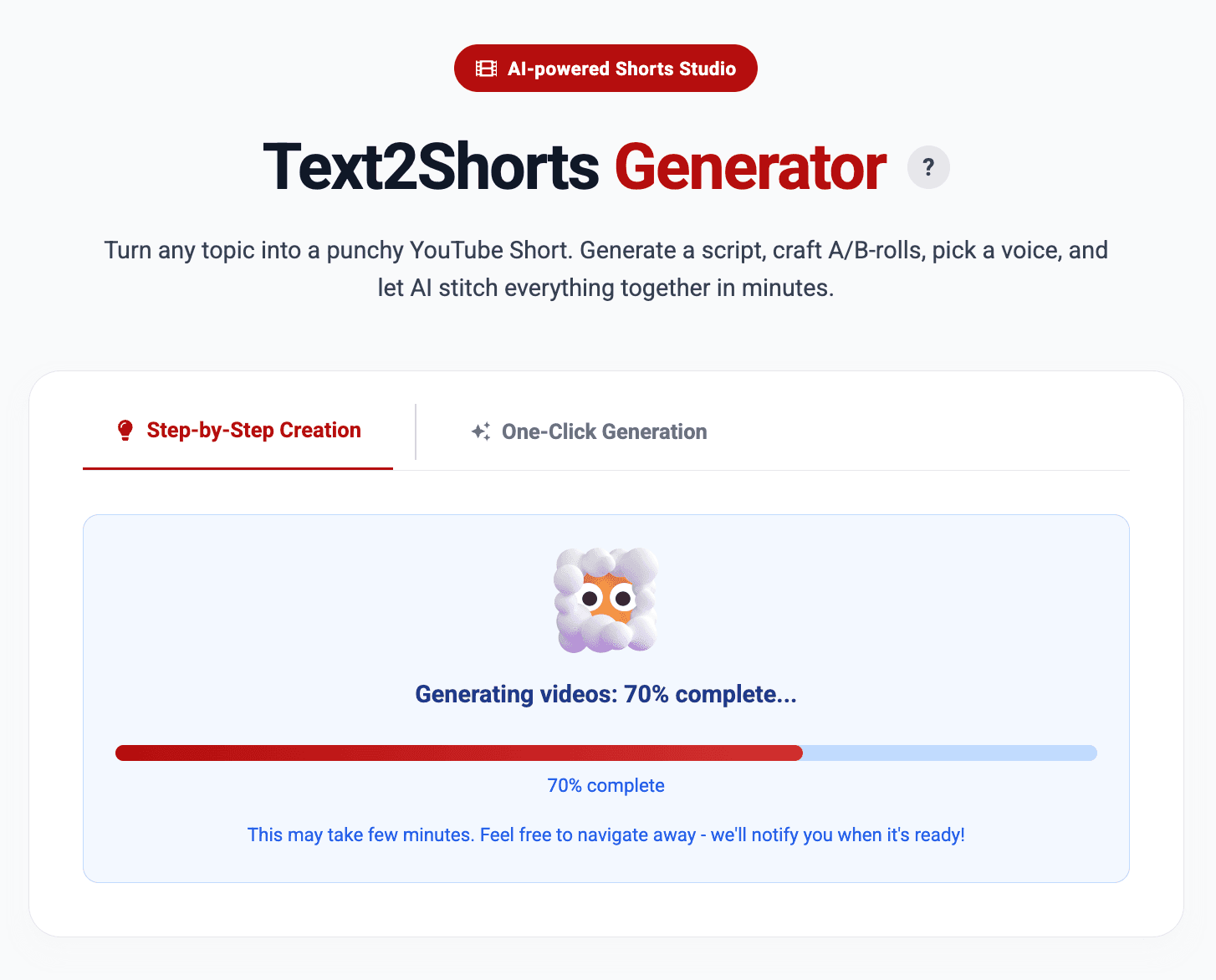
This option is ideal when you want to produce content at scale without touching individual scenes.
Option 2: Step-by-Step Creation (More Control)
This mode is for creators who want to guide the process more closely while still avoiding manual editing.
- Enter your topic and choose a video style
Start by typing your idea and selecting either animation or realistic, then click Generate Script.
- Review and refine the script
Read the generated script carefully.
When ready, click Generate Visuals.
- Edit it manually if needed
- Click Regenerate Script to try a different version
- Or move forward if it already feels right

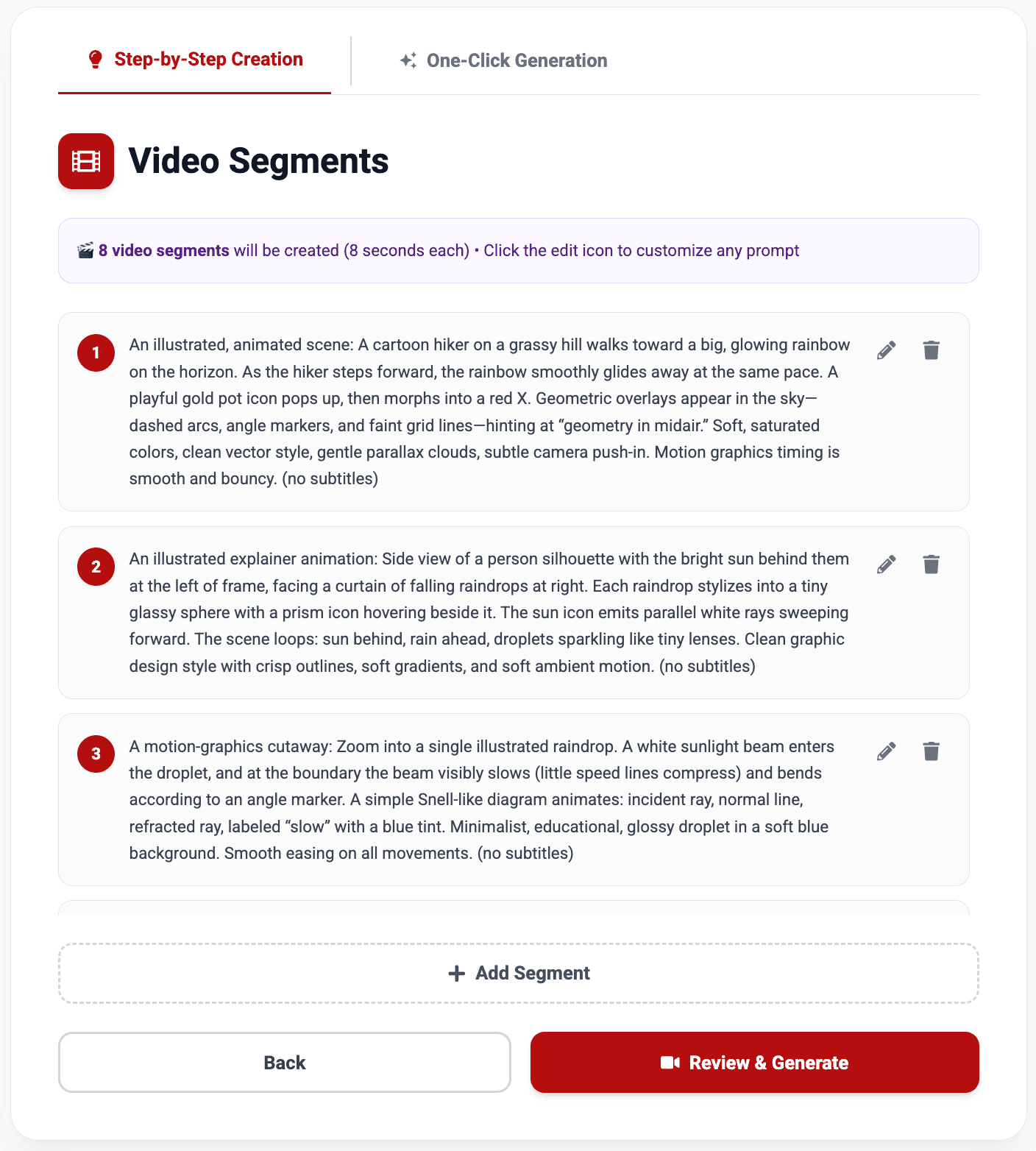
- Review visual segments
Each segment includes a visual description matched to the script.
Once satisfied, click Review & Generate.
- Edit individual scene descriptions
- Add new segments or delete video segments if needed
- Finalize voice and settings
Choose a voice from the voice library, adjust voice speed, and review the generation summary, including:
- Script length
- Number of segments
- Estimated duration
- Credit cost

Click Create Video to begin generation.
- View your final video
When generation is complete, click 'View Video' button or access it later from the My Videos page.
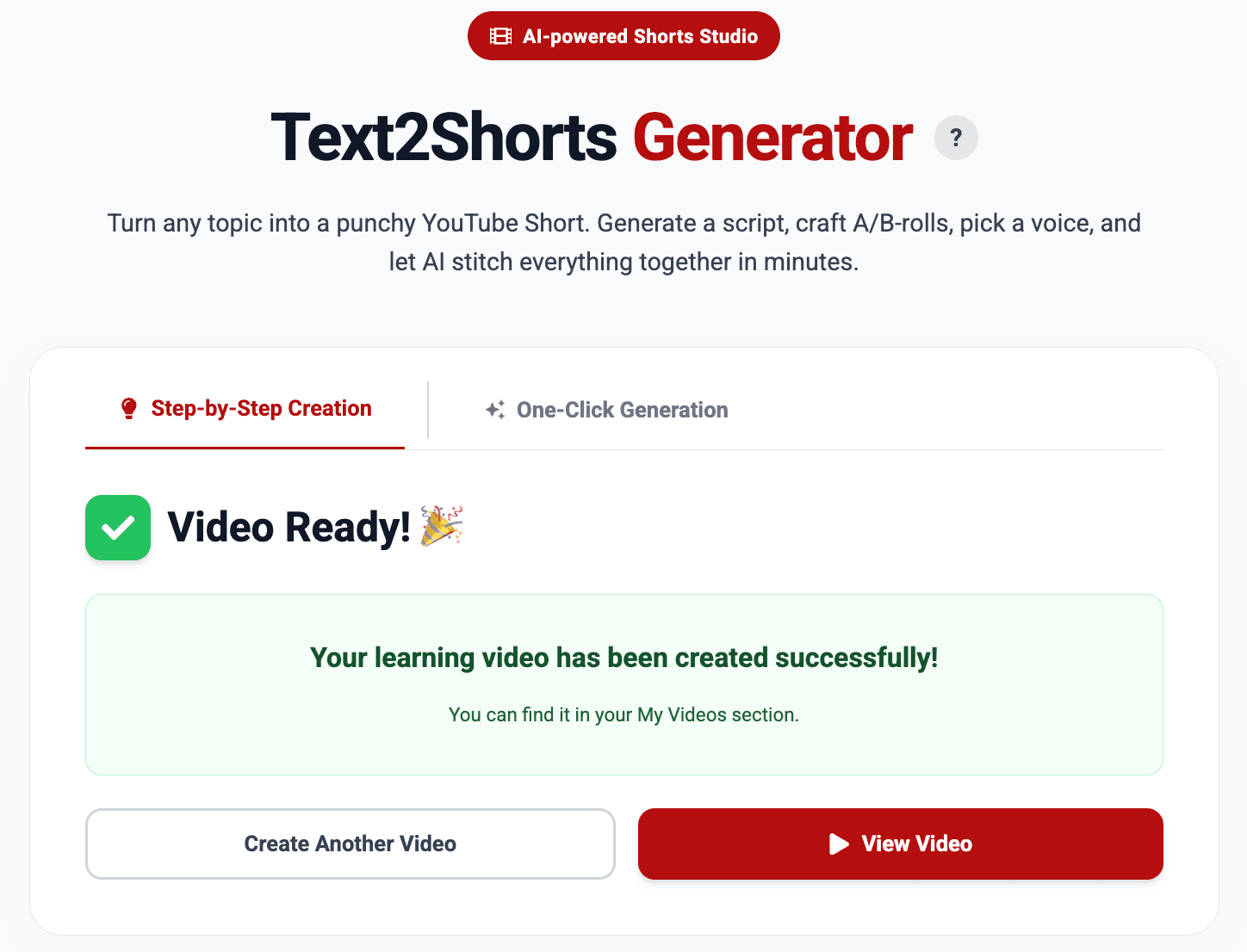
This workflow is ideal when you want to fine-tune storytelling while still letting Text2Shorts handle structure and visuals.
One-click generation prioritizes speed and experimentation.
Step-by-step creation prioritizes intention and polish.
Both follow the same core principle: you control the idea, Text2Shorts handles execution.
Start right away with only Ideas
Short-form video works best when storytelling feels effortless. Text2Shorts makes that possible by turning single topic into structured, visually coherent reels automatically.
If you have an idea, you already have everything you need.
Visit Miraflow AI and experience how Text2Shorts transforms simple topic into complete short-form videos—without editing, timelines, or technical overhead.