The New Creator Stack: How Smart Creators Use AI for Shorts, Reels, and TikTok

Written by
Jay Kim

Smart creators aren’t editing every Short by hand anymore. This guide breaks down the new AI-powered creator stack for YouTube Shorts, Instagram Reels, and TikTok—and how tools like Text2Shorts, Veo3, and Nano Banana fit into it.
Shorts, Reels, and TikToks are no longer “side content.”
For a lot of creators, they are the main channel.
But the old way of making them still looks like this:
- Think of an idea
- Stare at a blank page
- Write a script
- Record footage
- Edit on timeline
- Add captions, B-roll, music
- Export, upload, repeat
Doable once. Brutal at scale.
Meanwhile, AI tools for video have exploded: text-to-video models like Veo3.1, Sora2 and similar systems can generate short clips from prompts, AI editors can turn long videos into Shorts automatically, and repurposing tools auto-clip podcasts and webinars into social videos.
The problem now isn’t “no tools.”
It’s: What does a smart, modern creator stack actually look like?
This post breaks down the new creator stack for YouTube Shorts, Instagram Reels, TikTok, and how top creators combine:
- Ideas
- AI scripting
- AI video generation
- AI image tools
- Scheduling and iteration
and how a setup like Miraflow AI (Text2Shorts, Veo3/Veo3.1, Nano Banana) fits into that stack without turning your content into low-effort “AI slop.”
What Is the “New Creator Stack”?
The “creator stack” is just the set of tools and habits you use to go from:
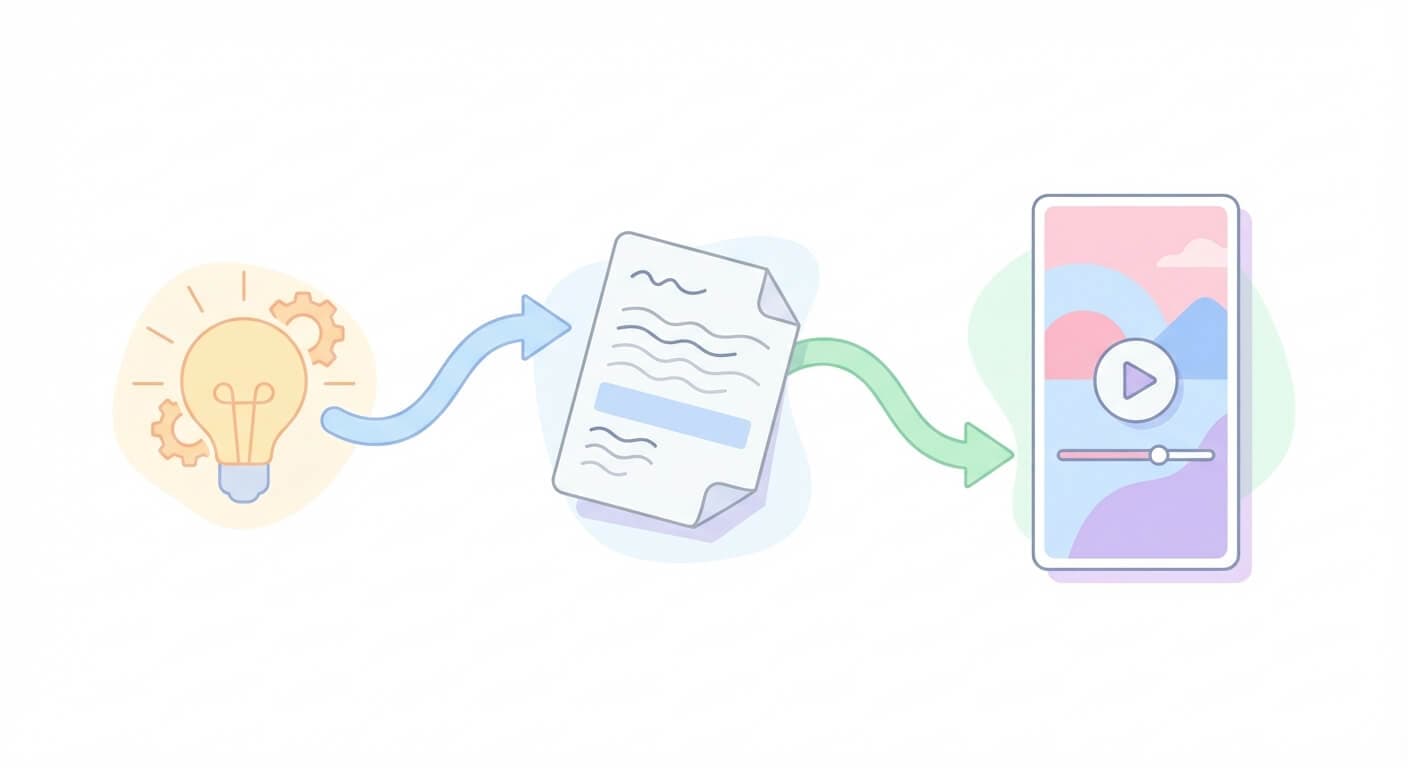
Idea → Short video → Distribution → Learning → Next idea
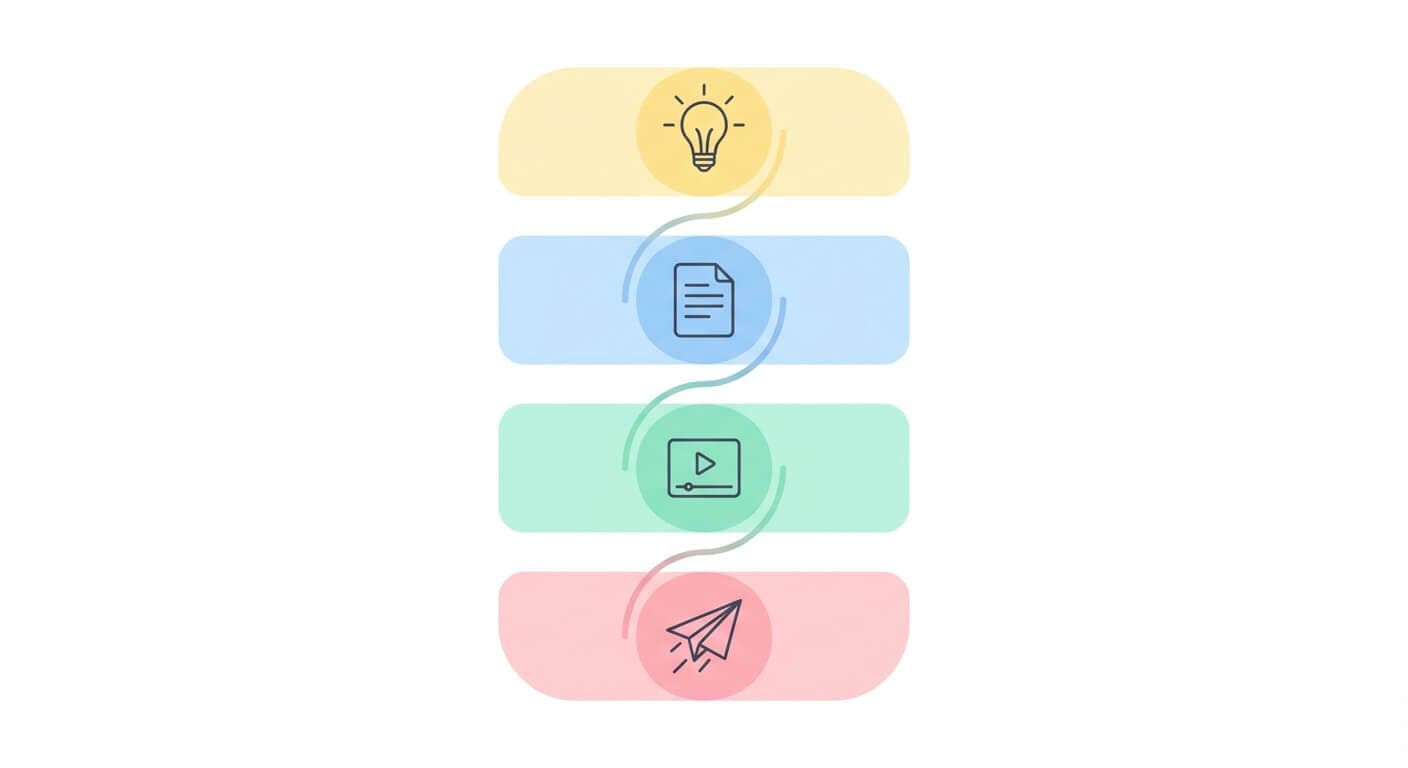
In 2026, the stack that smart creators use tends to have these layers:
- Idea Capture & Topic Mining
- Script & Structure (Text-first)
- Video Generation & Editing
- Images, Thumbnails, and Visual Variations
- Publishing, Scheduling, and Analytics
AI doesn’t replace all of this.
It compresses it.
Instead of touching 5–7 apps per video, a good AI stack lets you move through that pipeline with minimal context-switching.
Layer 1: Idea Capture & Topic Mining
The stack starts before production.
Smart creators collect ideas from:
- Comments and DMs
- Search suggestions (YouTube, TikTok, Google)
- Community questions
- Long-form content they’ve already made
You don’t need fancy AI here—notes app, Notion, Sheets, anything is fine.
The important shift:
You don’t treat each Short as a one-off.
You treat each idea as a node that can produce multiple Shorts, Reels, TikToks.
So instead of:
“What Short should I make today?”
You think:
“This one idea could become 5–10 different quick videos.”
The next layers are where AI starts doing the heavy lifting.
Layer 2: Script & Structure – Prompt-First Instead of Timeline-First
This is where the new creator stack looks completely different from 3 years ago.
Traditionally:
- You’d write a script manually
- Or improvise on camera and “find the story” in editing
Now, with AI tools like Text2Shorts in Miraflow AI, you can do the opposite:
- Start with just a topic or idea
- Let AI propose:
- Hook
- Breakdown into moments/segments
- Flow from intro → value → outcome
This matters because the algorithms behind Shorts, Reels, and TikTok care a lot about:
- Clear hooks early
- Tight pacing
- No dead time
- A feeling of progression / payoff
Good AI systems are built around those patterns by default, so you’re not fighting the format.
In a modern stack:
- You write prompts and topics, not full scripts from scratch
- You adjust phrasing and angle in minutes, not hours
- You can generate multiple script variations for the same idea and test which hook works best
Instead of one “perfect” Short, you get many attempts cheaply.
Layer 3: Video Generation – From Script to Clip
This is where AI video tools really kick in.
There are two main patterns creators use now:
- AI-assisted editing of existing footage
- Tools that auto-clip long videos into Shorts, pick strong moments, add captions, and format for vertical platforms.
- Great if you already have podcasts, streams, explainer videos.
- AI-generated visuals from text
- Text-to-video models like Veo 3.1 and similar systems generate video from prompts or scripts, including cinematic sequences and motion.
- Perfect for conceptual, illustrative, faceless or hybrid content.
In a stack built around Miraflow AI, that looks like:
- Text2Shorts turns a single topic into:
- Short-form script
- Structured beats
- Matching visuals for each segment
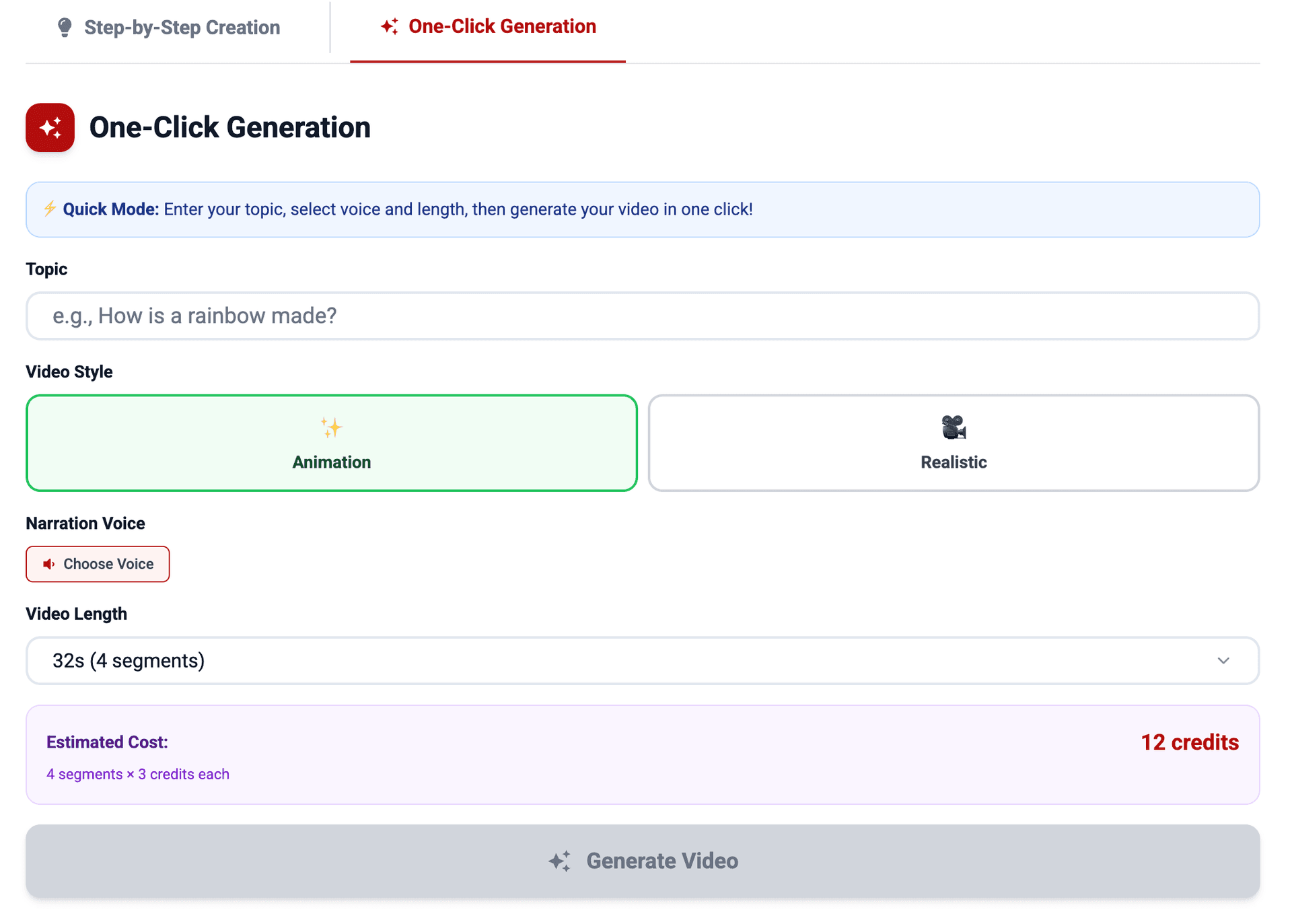
- Veo3 / Veo3.1 inside Miraflow handles high-quality cinematic video generation directly in-browser without manual VFX work.

The result:
You’re not dragging clips on a timeline. You’re deciding what you want the viewer to feel and letting the model handle the first draft.
You still have creative control, you can:
- Regenerate visuals
- Adjust prompts
- Change style (realistic vs animation)
But the heavy, time-consuming baseline is no longer your job.
Layer 4: Images, Thumbnails, and Visual Variations (Nano Banana Layer)
Even if your main output is video, images still matter:
- Thumbnails
- Cover images
- Community posts
- Social teasers
Text-to-image and image-editing models are now widely used for social visuals, with platforms and services embedding image models like Nano Banana for high-quality stylized outputs.
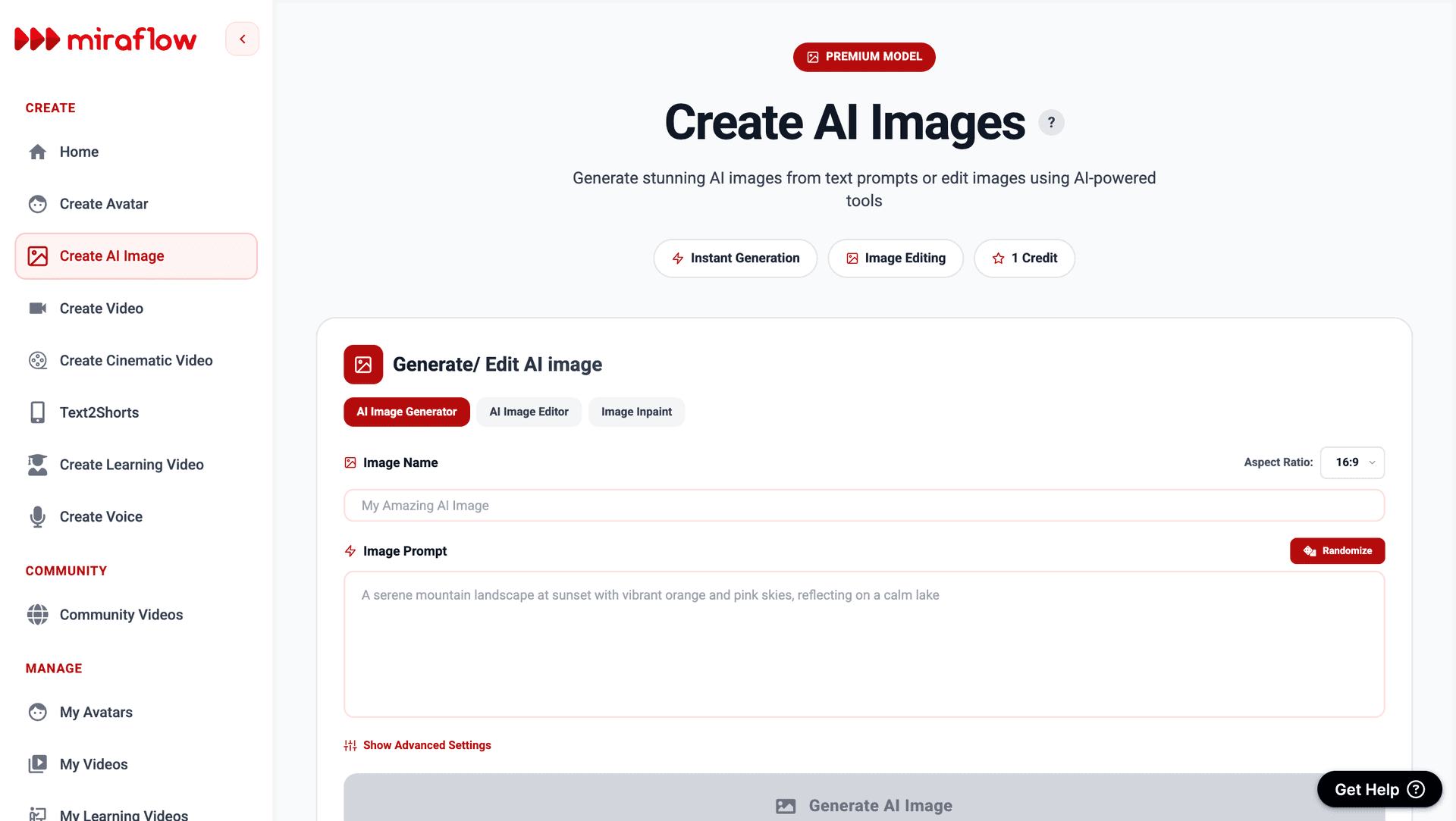
In a Miraflow:
- You can use Nano Banana to:
- Create on-brand thumbnails from prompts
- Generate character or scene art that matches your Shorts
- Do fast inpainting (edit only part of an image, like changing clothing color or an object on a table, without rebuilding the whole thing)
The important mental shift:
Thumbnails and images are no longer a separate design project.
They’re another prompt step in your workflow.
That means:
- You can test multiple thumbnail concepts in a single session
- You can keep a consistent aesthetic across Shorts, Reels, TikTok and your landing pages
- You don’t need to be a graphic designer to ship good visuals
Layer 5: Publishing, Scheduling, and Learning
Once you have:
- Ideas
- Scripts
- Videos
- Thumbnails
the last part of the stack is distribution and feedback.
Here AI doesn’t need to be fancy. The key is discipline:
- Post consistently
- Tag/link properly
- Watch analytics for:
- Retention curves
- Early drop-off
- Repeat viewers
- What topics consistently perform
Then:
- Feed those learnings back into your prompts and Text2Shorts topics
- Turn winners into series, not one-offs
- Retire angles that never catch
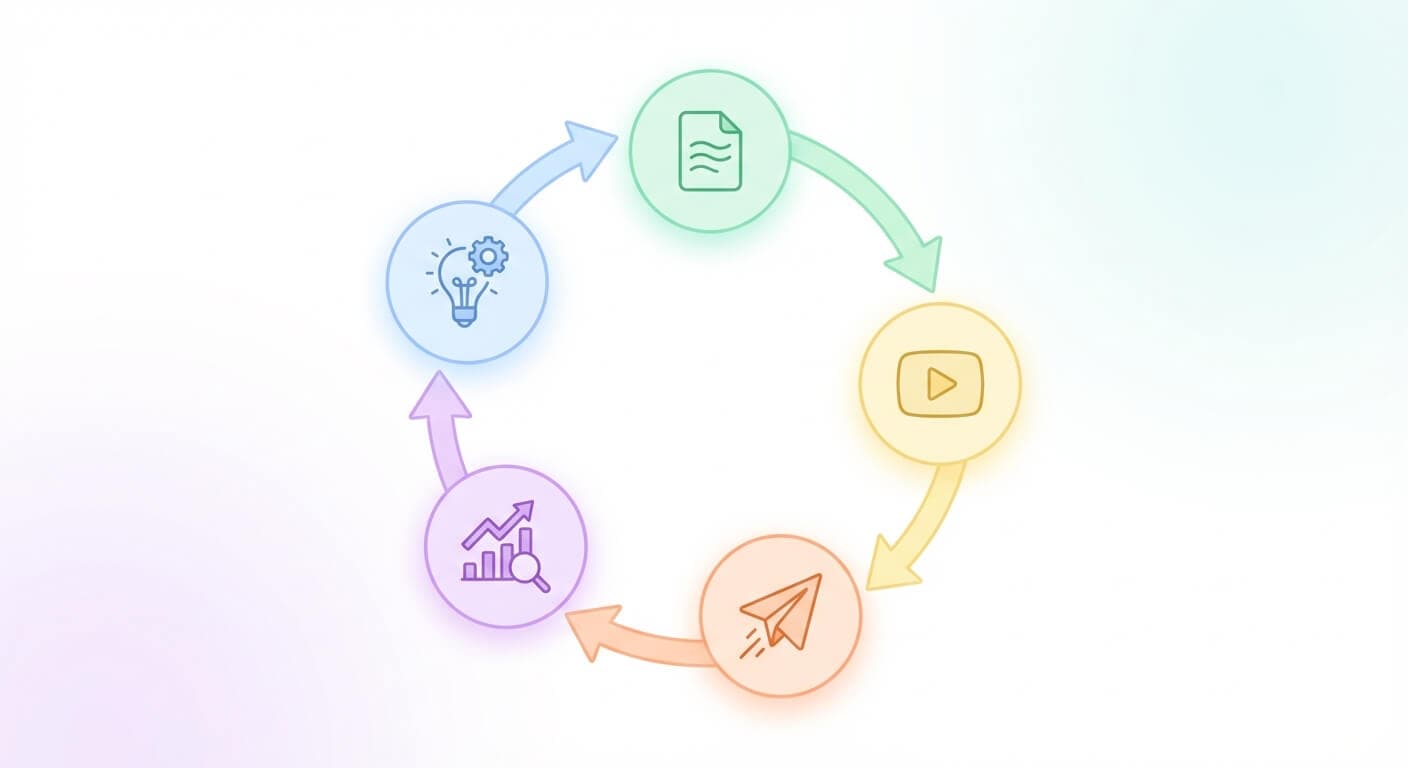
The “new creator stack” isn’t a single tool, it’s a loop:
Idea → AI scripting → AI visuals → Publish → Learn → Refine prompt → Repeat
Tools just make the loop fast enough that you’ll actually run it.
Old vs New: How the AI Creator Stack Changes the Workflow
Here’s a simple comparison of what’s really changed:
| Stage | Traditional Workflow | New AI Creator Stack |
|---|---|---|
| Idea → Script | Manual scripting, long brainstorming | Topic → Text2Shorts prompt → draft script & structure |
| Script → Visuals | Filming, b-roll, manual shot planning | Veo3-style generative video or assisted clipping tools |
| Visuals → Edit | Timeline editing, cuts, captions, pacing by hand | AI handles initial cut, pacing, and captions |
| Thumbnails / Images | Separate design tool, manual Photoshop work | Nano Banana-style prompts for thumbnails & variations |
| Testing & Iteration | Expensive per video, slow feedback | Cheap to regenerate multiple variants per idea |
The point isn’t to remove creativity.
It’s to move your creativity upstream, away from the timeline and into:
- Better ideas
- Better prompts
- Better systems
Keeping Quality High in an AI-Heavy World
There’s a growing wave of low-effort “AI slop”, which is mass-produced, low-quality videos churned out just to farm views and ad revenue. Studies have already found that a significant chunk of content shown to new users can be low-quality, AI-generated “slop” channels.
Smart creators don’t want to be part of that.
The difference between AI slop and AI-powered creative work usually comes down to:
- Intent – Are you trying to help, entertain, or just fill the feed?
- Curation – Do you review, refine, and delete bad generations?
- Voice – Do your videos feel like you, or like generic AI output?
The new creator stack works best when:
- AI handles the grunt work
- You handle:
- POV
- Taste
- Narrative direction
- What you refuse to publish
Example: One Idea Through the New Creator Stack
Let’s walk through a simple example:
Idea: “Why most YouTube Shorts fail in the first 3 seconds.”
- Idea Capture
- You jot this down from your own analytics or from seeing others complain.
- Script & Structure (Text2Shorts)
- In Miraflow AI, you enter the topic into Text2Shorts.
- It generates:
- A hook (“Most Shorts die in 3 seconds. Here’s why.”)
- A short, structured narrative broken into segments.
- Video Generation
- Let Text2Shorts + Veo-style generation create vertical visuals that match the script.
- Regenerate scenes where needed, adjust style (realistic vs animation) without re-editing manually.
- Thumbnail & Visuals (Nano Banana)
- Use Nano Banana prompts to generate:
- A clean, eye-catching thumbnail
- Maybe a supporting visual for a community post or X/Twitter teaser.
- Publish & Learn
- Post on:
- YouTube Shorts
- Instagram Reels
- TikTok
- Check:
- Hook retention (do people stay past 3 seconds?)
- Completion rate
- Comments
- System-Level Move
- Take what worked and repeat:
- “Why your Shorts get 0 views”
- “Why Shorts go viral then die”
- “Why some Shorts get views but no subscribers”
You’ve just turned one idea into a repeatable mini-series, powered by a stack that makes the process realistic to sustain.
Build a Stack That Lets You Actually Ship
The new creator stack isn’t about chasing every shiny tool.
It’s about designing a workflow where:
- Ideas move smoothly into scripts
- Scripts move smoothly into visuals
- Visuals move smoothly into published content
- Feedback flows back into your prompts and topics
AI tools like Text2Shorts, Veo3/Veo3.1 generation, and Nano Banana inside Miraflow AI sit right in the middle of that loop, compressing:
“I should make this” → “Here’s the finished Short”
from days to minutes.
If you’re tired of having more ideas than finished videos, this is the shift:
- Stop thinking “Which editor should I open?”
- Start thinking “What system do I want that turns ideas into Shorts, Reels, and TikToks every week?”
That system is your new creator stack.
And if AI sits at the core of it, you’ll be able to publish more, test more, and learn faster than creators still fighting their timelines by hand.