Google Ads Business Name Policy 2026: Names Can Now Differ From Your Domain Under 3 Conditions

Written by
Aerin Kim
Google Ads will let some advertisers use a business name that differs from the landing page domain starting October 2026. Here are the three conditions, who qualifies, and what still gets disapproved.
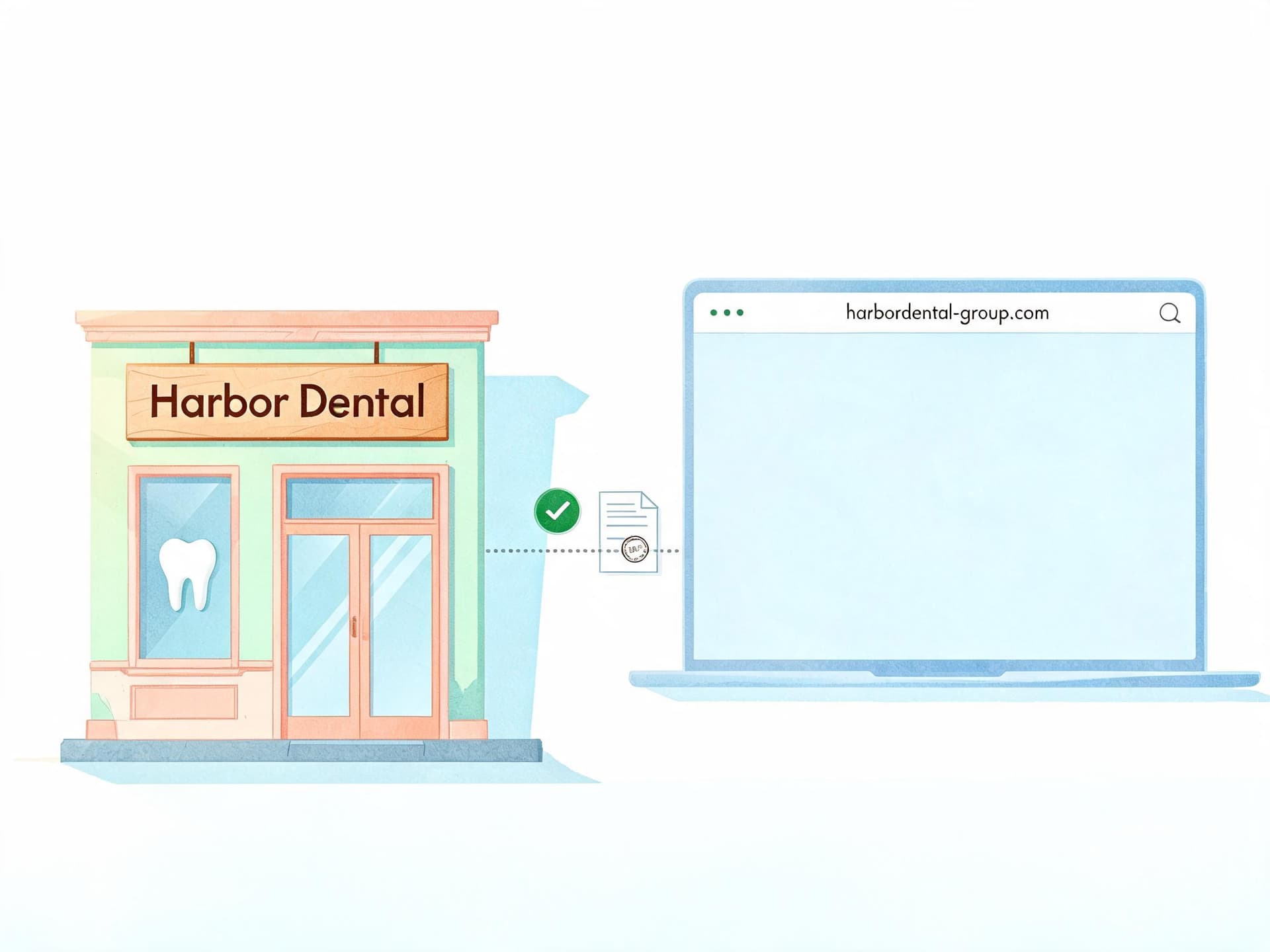
If you run ads for a company whose brand name does not appear in its website address, you have probably spent real time fighting a business name disapproval. The classic version goes like this: your campaign says "Harbor Dental" in the business name field, your landing page lives on the parent group's domain, and Google refuses to show the name because the two do not match. That friction is about to loosen. In October 2026, Google is updating its Business name requirements policy so that, in certain limited cases, the business name shown in your ads can differ from the domain your ads point to, as long as three specific conditions are all true.
Search Engine Roundtable reported on October 2, 2026 that Google emailed advertisers a start date of October 16, 2026, while Google's own policy notice only says "October 2026." That small gap matters for planning, and I will come back to it below. This guide covers the exact three conditions in Google's wording, who realistically benefits, who is explicitly shut out, what keeps getting disapproved, how the change interacts with advertiser verification and the business name and logo asset rules we covered in our guide to the YouTube business name and logo requirement, plus a step-by-step audit you can run before the change goes live.
TL;DR: From October 2026 Google Ads will allow a business name that differs from the destination domain only when (1) the name accurately reflects the advertiser's recognized name or brand, (2) there is a verified direct relationship between the advertiser and the domain owner, and (3) the advertiser's products or services are directly offered on that destination domain. Third-party resellers, independent booking intermediaries, affiliate distributors, and secondary sellers do not qualify. The 25-character limit and the ban on generic or promotional names are not reported as changing. If you build the logo and creative that sit next to that name, Miraflow's AI Image Generator can help you produce a clean square logo variant quickly.
What Actually Changed in Google's Business Name Policy
Until now, the rule on the Business information requirements help page has been strict. The business name has to match either the domain name or the legal name verified through Advertiser verification, and an asset with a name that does not match is not approved. There was one documented escape hatch: you could use a different name if you held an active trademark registration for it and completed brand verification for business information. Everything else, such as a campaign name that has nothing to do with the website, was treated as an irrelevant name and disapproved.
The October 2026 notice, titled "Update to Editorial Policy (October 2026)" on the Advertising Policies Help Center, adds a second, narrower path. In Google's words, the company will update the policy "to allow for differences between the business name and the destination domain in certain limited cases," provided that the three conditions below are met. You can read the original text on Google's policy update page.
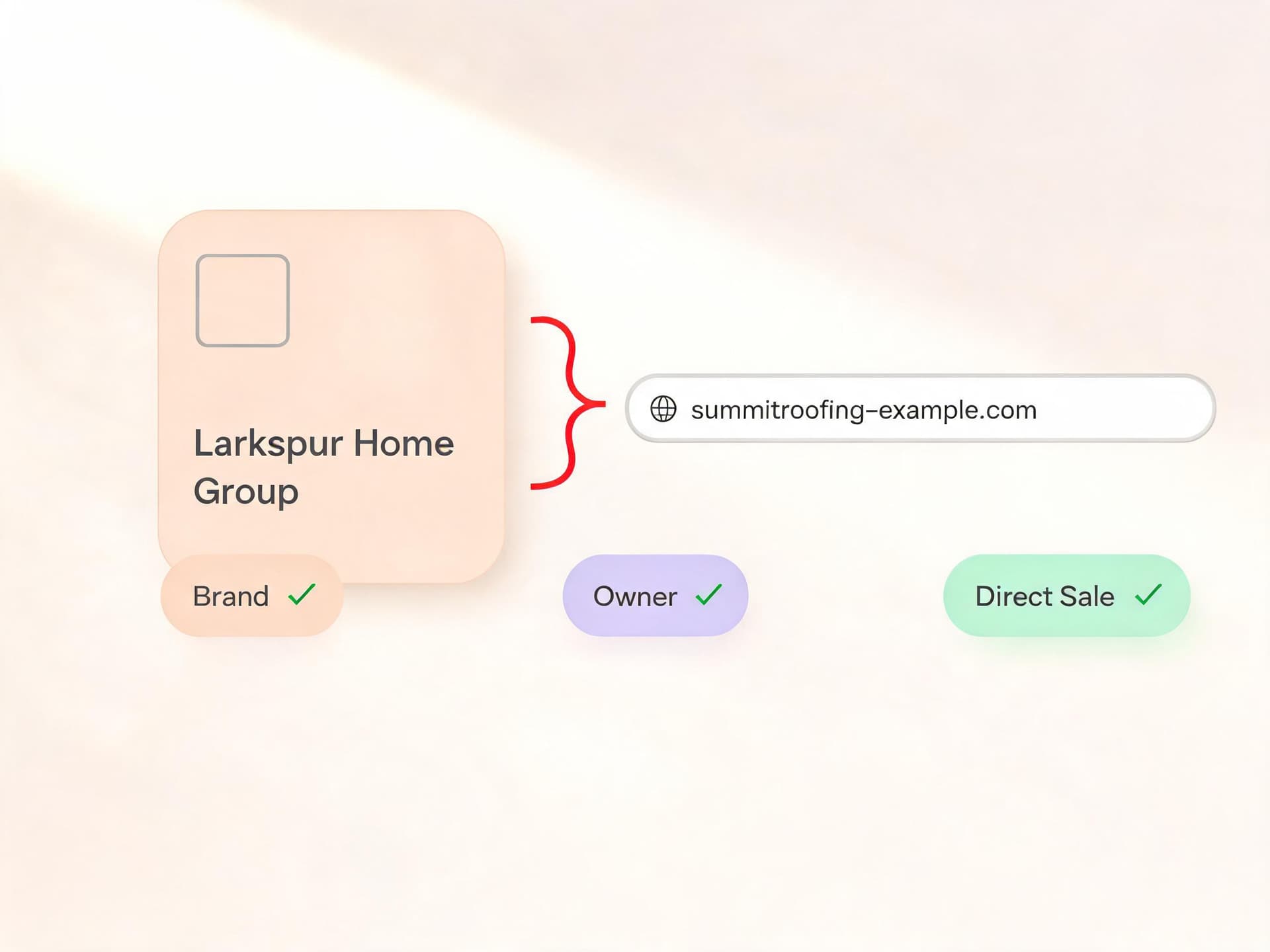
The practical effect is a shift in what Google asks you to prove. The old rule mostly asked whether two strings of text matched. The new exception asks whether you are actually the entity behind the website, which is a question about control and relationship rather than spelling. Strategic Revenue made the same observation in its coverage: the focus moves toward who controls the website, not whether the name and domain share words.
Two points are easy to miss. First, this is an exception layered on top of the existing rules, so every other requirement on the page still applies unless Google says otherwise. Second, Google's notice describes the change as applying in "certain limited cases," which is policy language for "do not assume your situation qualifies until you have checked it against the conditions."
The timeline and the date discrepancy
The notice went up on the Advertising Policies Help Center on October 1, 2026 and gives only the month. Search Engine Roundtable's Barry Schwartz then reported on October 2 that an advertiser forwarded him a Google email naming October 16, 2026. At least one other outlet, Strategic Revenue, reported October 19 instead. Since the official page does not name a day, the safest planning window is to treat the second half of October as the rollout period and have your audit finished by October 16 so a different exact date does not catch you out.
If you are reading this right at the date, remember that policy changes of this kind usually apply to ads that are submitted or edited after the effective date, and Google's real-time policy reviews mean a name that was disapproved yesterday can be reviewed again almost immediately after you change something. Google has not said whether existing disapprovals will be re-reviewed automatically, so plan to resubmit manually.
The Three Conditions, Explained One by One
All three conditions must be true at the same time. A strong case on two of them does not earn partial credit, and Google has not published a scoring system. Here is the exact wording and what each one means in practice.
| Condition | Google's wording | What to prepare |
|---|---|---|
| 1. Recognized name | The business name accurately reflects the recognized name or brand of the advertiser | Name shown on landing page header and footer, verified DBA or trademark if you have one, matching Business Profile and social profiles |
| 2. Verified relationship | There is a verified direct relationship between the advertiser and the domain owner | Franchise or license agreement, incorporation record showing common ownership, or written domain authorization |
| 3. Offered directly | The advertiser's products or services are directly offered in the destination domain | Landing pages where the customer can browse and buy or book without leaving for another seller |
Condition 1: The name reflects your recognized name or brand
Google's wording is that "the business name accurately reflects the recognized name or brand of the advertiser." The word "accurately" is doing real work. The name you enter has to be the name customers actually know you by, whether that is your legal name, a registered trade name, or a brand you operate publicly.
What does recognized mean? Google has not defined it. The notice does not say whether recognition comes from a trademark registration, from brand verification, or from a reviewer looking at your landing page and public footprint. The most defensible approach is to have several layers of evidence available: the name appears prominently on the landing page, it appears in your Google Business Profile if you have one, it matches your social profiles, and it is backed by a registered trade name or trademark where you have one.
A useful mental test is the "stranger test." If a customer who clicked your ad saw the business name and then landed on the page, would they recognize the same name in the page header, footer, or checkout? A name that appears nowhere on the destination fails this test even if you technically own both.
Condition 2: A verified direct relationship with the domain owner
The second condition reads: "There is a verified direct relationship between the advertiser and the domain owner." This is the condition most likely to create friction, because it contains the word "verified" and Google has not said how the verification works.
Several things are unclear as of this writing. The notice does not say whether the proof runs through the existing Advertiser verification program, whether you have to submit new documents, or whether Google will check public records. Strategic Revenue noted that it is unclear how Google will establish the relationship in less obvious ownership structures, and Relevant Audience listed the same open question about which documents are accepted.
If you are the same legal entity as the domain owner, this is the easy case. If you are a subsidiary, a franchisee, or an operating company that uses a parent's domain, you will want paperwork that shows the link: a franchise agreement, an incorporation record showing common ownership, a license agreement, or a written authorization from the domain owner. I would gather these now rather than after a disapproval, because the evidence you need to prove the relationship is easier to find on a calm Tuesday than during an account review.
Condition 3: Your products or services are offered directly on that domain
The final condition says "the advertiser's products or services are directly offered in the destination domain." This closes a loophole: owning a domain is not enough if the customer cannot actually buy what you advertise there. A landing page that merely redirects to a third-party checkout, or that describes your service but sends the buyer elsewhere to complete the purchase, is a weak fit.
The word "directly" is the part to test. If a shopper can browse, choose, and begin the purchase or booking on that domain, the condition is satisfied. If the page is only a brochure and the real transaction happens on a different site run by a different company, a reviewer may read it as an intermediary arrangement.
Who Benefits: Realistic Scenarios
Google's notice does not list the businesses it has in mind, so the groups below are interpretation based on how the three conditions read, and Google may handle individual cases differently. PPC Land drew similar inferences, naming subsidiaries, franchisees, property operators on a chain's booking site, and stores run on a licensing partner's domain.
Brands with several domains
A company that owns multiple domains is the cleanest beneficiary. Imagine a hypothetical operator called Larkspur Home Group that runs a roofing site, a gutter site, and a window-replacement site, each on its own descriptive domain. Before the change, an ad pointing to the gutter domain had to use a business name that matched that domain or a verified legal name, which pushed the team into awkward compromises. Under the new exception, the group can show "Larkspur Home Group" across all of them, because the name is its recognized brand, it controls every domain, and each domain directly sells the service.
Franchisees and local operators on a parent's domain
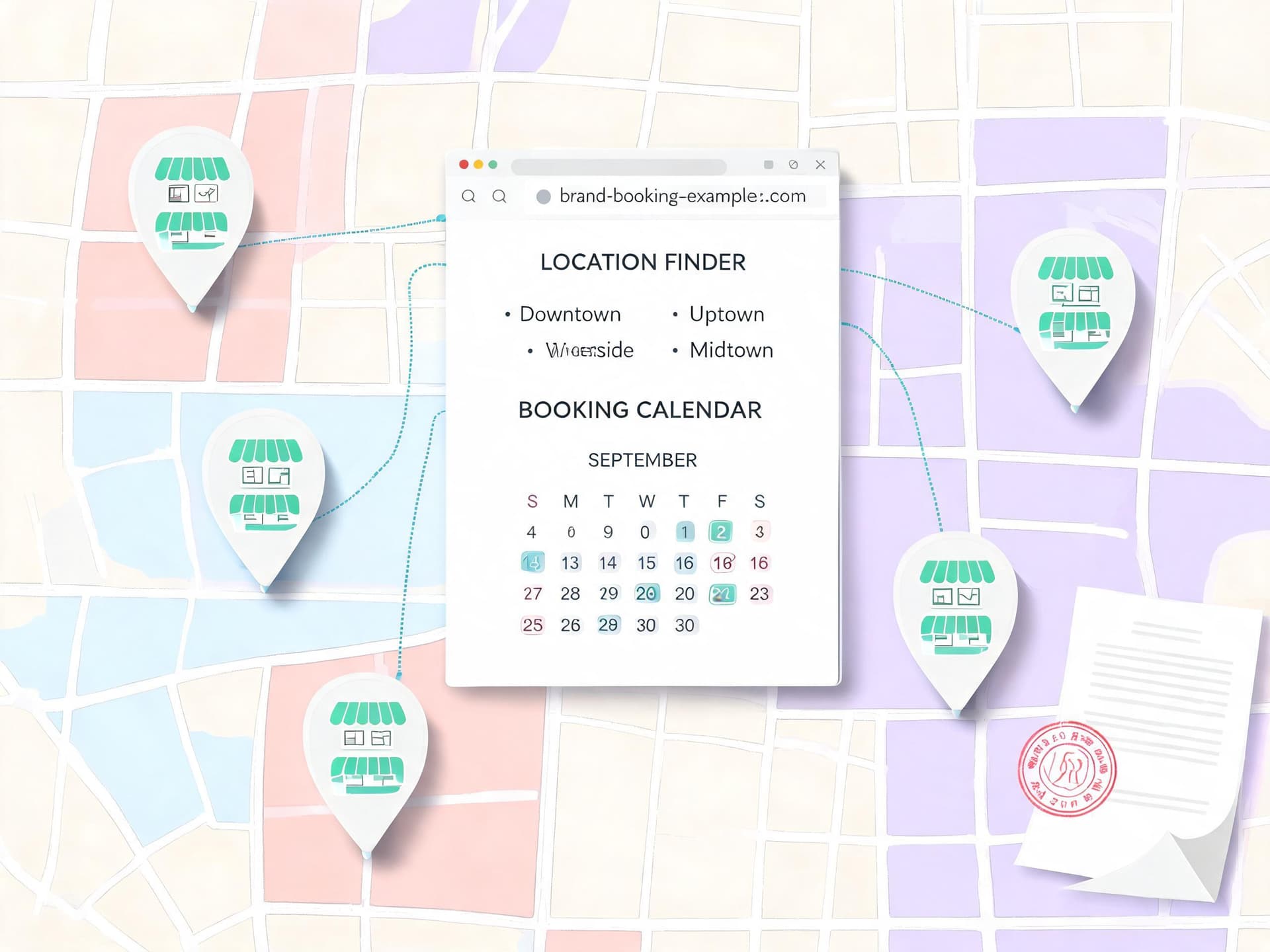
Franchise systems are the scenario advertisers ask about most. A franchisee often advertises under the national brand name while the landing page sits on the franchisor's site, usually with a location finder or a local page. The new condition set fits that shape: the franchisee uses the recognized brand, the franchise agreement provides the verified relationship, and local services or bookings happen on the franchisor's domain.
I want to be careful here, because Google has not said "franchise" anywhere in its notice, and Strategic Revenue explicitly flagged that it is unclear whether franchisees or franchisors would qualify. Treat this as a likely fit that still needs confirmation in your account, not a guarantee. If your franchise agreement restricts who can run paid search under the brand, check that first, because a policy permission from Google does not override your contract with the franchisor.
Subsidiaries and holding companies
A subsidiary selling through its parent's site, or a parent's brand selling through a subsidiary's operating domain, shares the logic above. Common ownership gives you the relationship, and the products being sold directly on the destination gives you the third condition. Maintaining a clear corporate chart in your records makes this simple to demonstrate.
Agencies running ads for clients
Agencies sit in a different position. If you manage ads for a client, the business name belongs to the client, not to your agency, and the "advertiser" in the policy is the account owner whose identity is verified. An agency can benefit indirectly when a client's recognized brand differs from the website the agency is sending traffic to, for example a client with a campaign microsite on a separate domain that the client controls. The relationship being verified is between the client and the domain owner, so make sure the client is the one on record. Using the agency's own name as the business name on a client's ads would not satisfy condition one.
Marketplaces and platform sellers
Marketplaces are the trickiest group. A marketplace operating its own domain and advertising its own marketplace brand is in good shape. A seller who lists products on someone else's marketplace and wants the ad to show their own store brand while pointing to the marketplace's domain is in a gray area, because the relationship with the domain owner is that of a customer or tenant and the products are sold through a third party. Google's list of excluded advertisers (below) is written with this type of arrangement in mind.
Who Does Not Qualify and What Still Gets Disapproved
The notice names four groups that do not qualify: third-party resellers, independent booking intermediaries, affiliate distributors, and secondary sellers. In Google's words they are "prohibited from using the standalone brand name of the goods, services, or properties they offer as their business name."
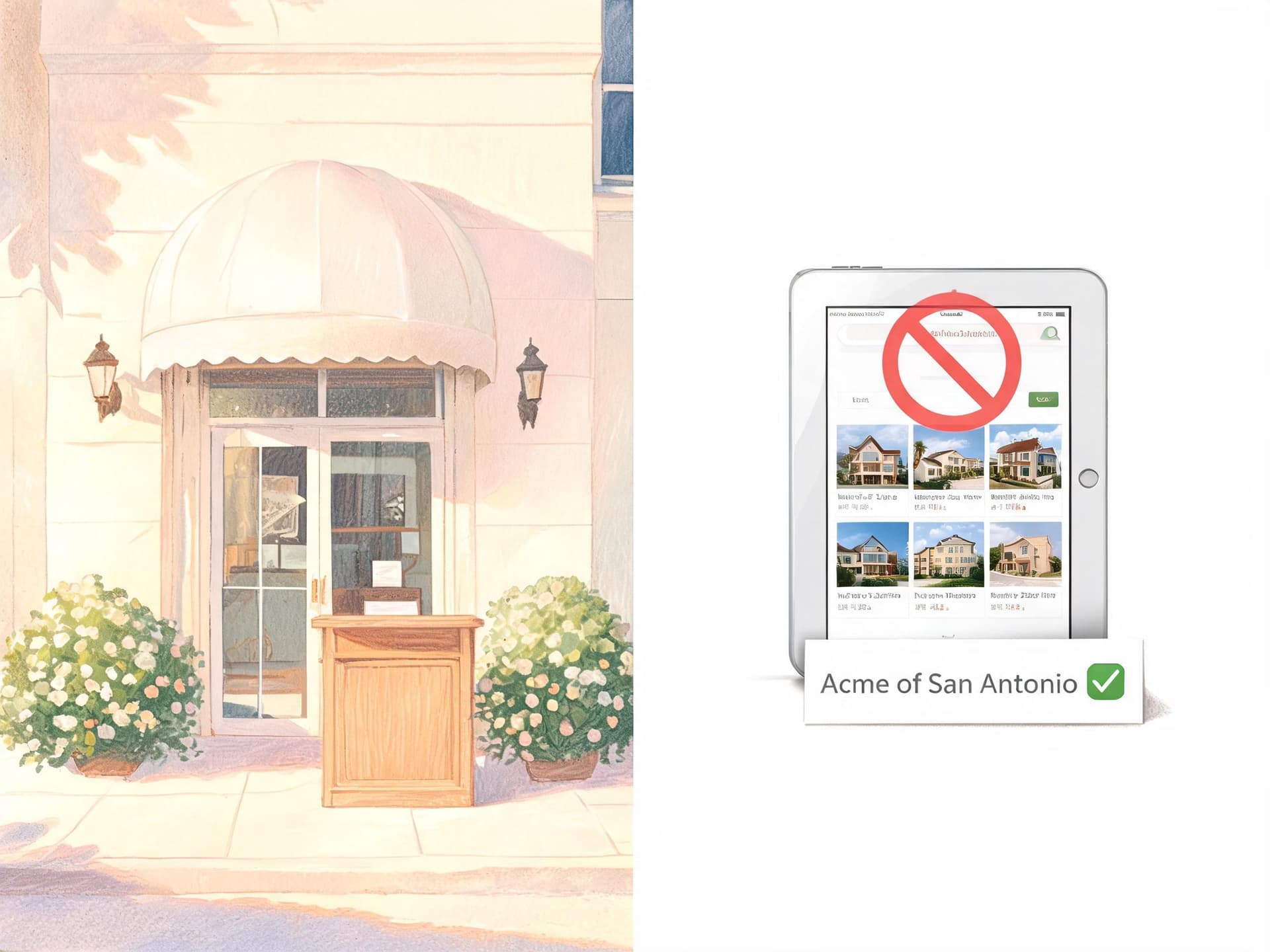
The key word, as PPC Land pointed out, is "standalone." A reseller who uses the bare brand "Acme" presents itself as the brand. A reseller who uses wording that signals its role, for example "Acme of San Antonio" in the style Relevant Audience cites from existing guidance, is a different case, though I would still treat the exact wording as subject to Google's review rather than a guaranteed loophole.
A booking site is the clearest example. A travel aggregator that lists a hotel cannot show the hotel's name as its own business name, and an affiliate site cannot advertise as the product it promotes. This is the misrepresentation concern at the heart of the rule: people who see an ad assume the business name is the party they will be dealing with.
| Scenario | Likely outcome | Why |
|---|---|---|
| Company with three descriptive domains advertising under its own brand | Likely allowed | Recognized brand, owns every domain, sells directly |
| Franchisee using the national brand on the franchisor's booking site | Probably allowed, confirm | Agreement shows relationship, Google has not named franchisees |
| Subsidiary selling through the parent's site | Likely allowed | Common ownership and direct sale |
| Reseller using a manufacturer's bare brand name | Disapproved | Third-party resellers cannot use the standalone brand |
| Travel aggregator showing a hotel's name as its own | Disapproved | Independent booking intermediary |
| Affiliate site named after the product it promotes | Disapproved | Affiliate distributors are excluded |
| Agency using its own name on a client's ads | Disapproved | Name is not the advertiser's recognized brand |
| Name containing a city, discount or generic descriptor | Disapproved | Generic, location and promotional wording rules are unchanged |
| Name over 25 characters | Disapproved | Character limit is unchanged |
Rules that did not change
Based on the notice and the coverage of it, the following are not reported as changing:
- The 25-character limit on the business name.
- The ban on generic names, location-only names, and promotional language in the name field.
- The requirement that the name be clearly present on the landing page. The existing help page gives the example that for google.com a page showing "Google" is fine while one showing "Example" is not.
- Account suspension rules. PPC Land notes that Google's existing enforcement terms give at least seven days of warning before suspending for repeat violations, while egregious violations can lead to immediate suspension.
If your business name currently contains a slogan, a discount, or a city, the new exception does not rescue it. A name such as "Best Plumber Dallas" was never a recognized brand, and a name like "50% Off Sale" is promotional wording that stays banned.
How the Change Interacts With Advertiser Verification
The most important thing to understand is that Google is not dropping advertiser verification. Strategic Revenue put it this way: the company is relaxing the exact name-to-domain match only once identity and domain control are established. Verification remains the foundation, and the new exception is built on top of it.
Your legal name is the one verified through Advertiser verification. According to Google's help page, you can check it by expanding the Policy section under Admin and selecting Account, which is the page previously called Advertiser verification. The help page also warns that verification does not guarantee business information assets will serve, and ads may show a placeholder globe icon with the display URL instead.
Trade names and DBAs
If your public brand is a trade name rather than your legal name, check whether you have verified it. Since December 2023 Google has let businesses verify a trade name or DBA when the supporting documents show both the DBA and the legal name. Accepted documents include a business license or registration displaying both names, incorporation documents bearing both names, or a DBA registration certificate. PPC Land reported that this removed the need to file separate paperwork for each name.
This matters because condition one asks for a recognized name or brand. A verified DBA is a clean, documentable form of recognition, and it means the name in your ads already ties back to your legal entity before anyone asks about the domain.
Where the open questions are
Several details are unresolved and worth monitoring. It is not stated whether the exception applies automatically or has to be requested, how it interacts with the strict-match rule for accounts that have completed Advertiser verification, or which countries are covered. Do not let those unknowns freeze you. The preparation steps in this guide are useful regardless of how Google answers them.
How This Fits the Business Name and Logo Asset Rules
The business name that appears in your ads is stored as an asset, and the logo that accompanies it is a separate asset. In our earlier post on the YouTube business name and logo requirement, we covered why those two assets became mandatory for YouTube and partners line items in Display & Video 360 starting October 12, 2026: a business name of up to 25 characters, plus a square logo at least 128 by 128 pixels, with 1200 by 1200 recommended.
Those are different rules from the domain-matching change, and it is worth keeping them straight:
- The October 12 requirement is about whether a business name and logo must exist on certain YouTube placements at all.
- The October 2026 policy change is about which business name values are allowed to sit next to a given destination domain.
Passing one does not exempt you from the other. A franchisee could satisfy the new exception and still have an ad blocked because no logo asset was attached. That earlier post also noted that the domain-matching carve-out was reported but not yet on Google's live policy page at the time; the notice has since been posted.
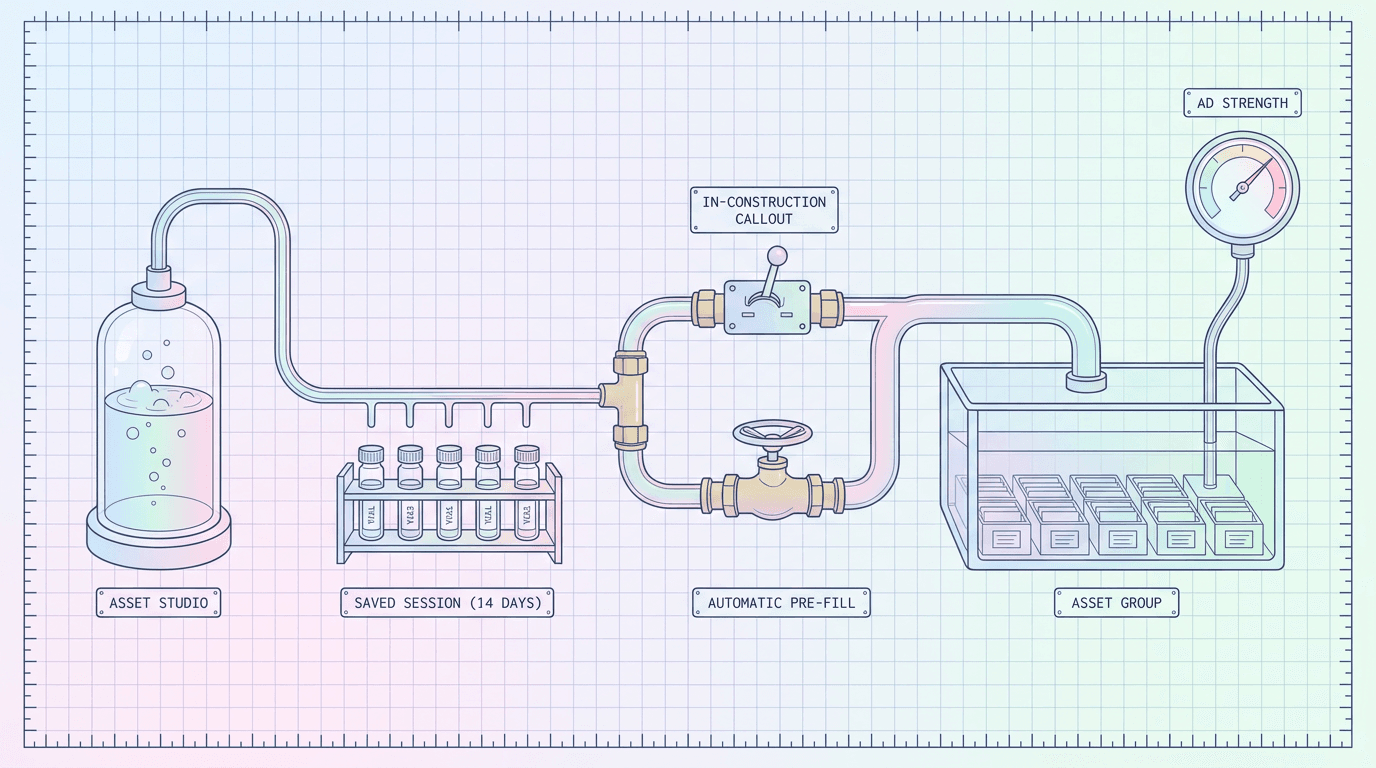
Business name and logo assets also feed other surfaces, so a mismatch can surface in places you are not watching. The assets show up in formats like Performance Max and Demand Gen, and in places where Google auto-assembles creative, such as the asset flows described in our guide to Performance Max asset groups pre-filled from Asset Studio. If those flows pull a name from your website automatically, check that the name they pick matches the one you plan to declare.
Logo consistency
Your logo should show the same brand as your business name. A franchisee using the brand name with the franchisor's logo is consistent. A reseller placing a manufacturer's logo next to a name that looks like the manufacturer is exactly what the misrepresentation rules are designed to stop. If you need a clean square logo for a new brand variant, you can generate and test concepts with Miraflow's AI Image Generator and then export a 1:1 file at the recommended 1200 by 1200 pixels.
Step-by-Step: Check and Update Your Business Name Asset
Menu labels in Google Ads move around between interface updates, so treat the paths below as a guide to what to look for rather than a click-by-click script.
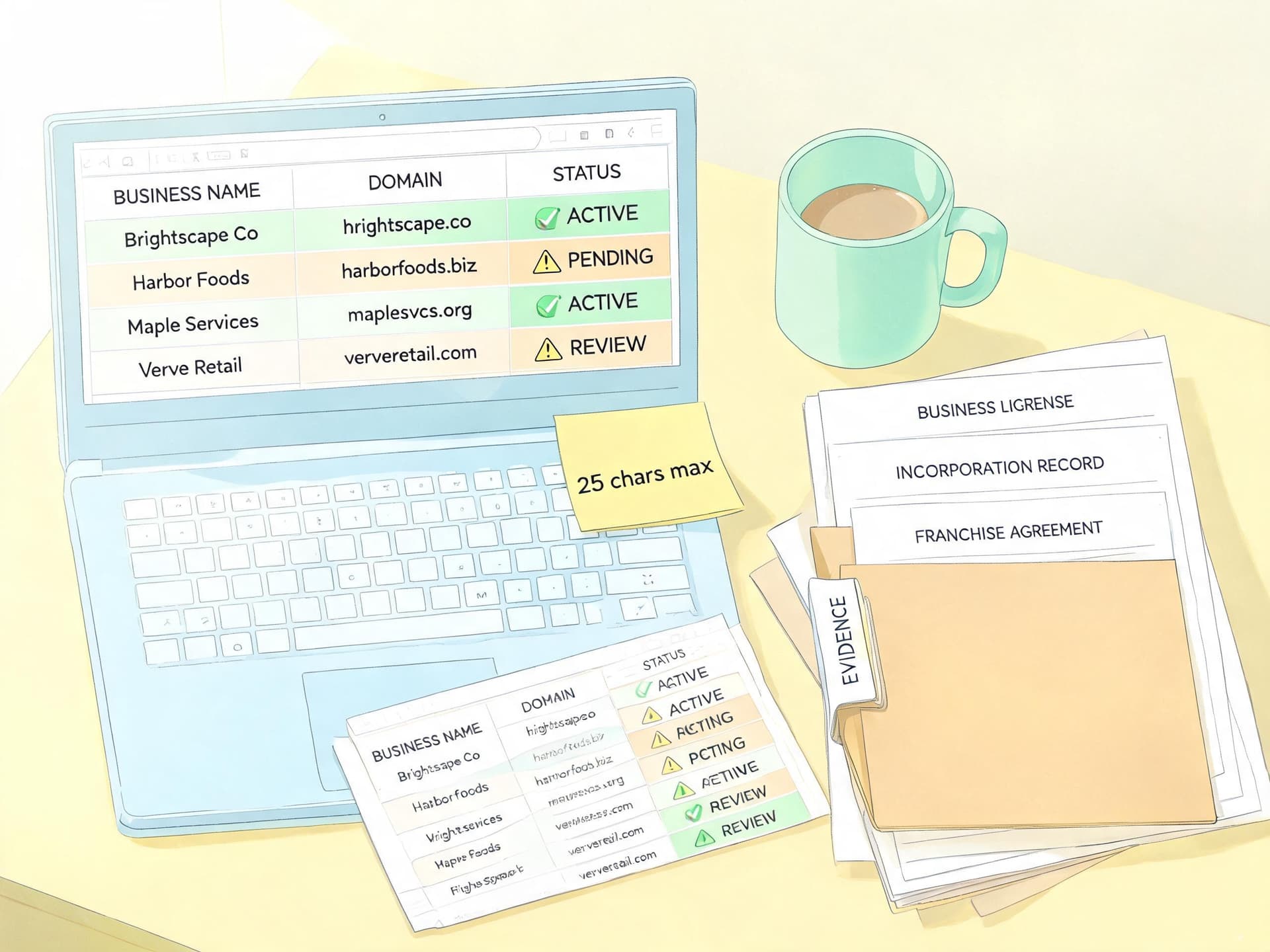
- Export every business name asset. In the Assets section of your account, filter by the business name asset type and review the account-level and campaign-level entries. Note any campaign whose name differs from the others.
- List the final URL domain for each campaign. Include asset-level and ad-level final URLs, not just the default, because a single campaign can point at several domains.
- Mark every mismatch. For each campaign where the business name and the domain do not share the brand, write down who owns the domain and how your company is related to that owner.
- Check your verified legal name. Open Admin, then Policy, then Account, and compare the legal name or any verified DBA with the business name you are using.
- Test the three conditions. For every mismatch, ask whether the name is your recognized brand, whether you can document your relationship with the domain owner, and whether the customer can buy or book directly on that domain.
- Confirm the name appears on the landing page. The header, footer, or contact page should show the same name, since the existing prominence rule has not been reported as changing.
- Check the formatting rules. Stay within 25 characters and remove any city names, discount wording, or generic descriptors.
- Gather your evidence. Keep the franchise agreement, incorporation record, license, or domain authorization in a shared folder, plus screenshots of past disapprovals.
- Update the asset after the change is live. Edit the business name asset, save, and watch the status column. If the asset is disapproved, use the policy details to see which condition Google flagged, then appeal with your documents.
- Re-check logos and related assets. Confirm that the square logo, the business name, and the landing page all show the same brand.
If you manage many accounts, run this audit as a spreadsheet with one row per campaign. Columns for business name, final URL domain, domain owner, relationship evidence, and status make it easy to spot patterns, such as one acquisition that accounts for twenty mismatches.
Worked Examples
The following scenarios are hypothetical, and the verdicts are my reading of the three conditions, not rulings from Google.
Example 1: A dental group with a shared site
Harbor Dental has three clinics operated by separate LLCs under one brand, and all bookings happen on harbordental-group.com. The business name field says "Harbor Dental." The name is the recognized brand, the group controls the domain, and appointments are booked directly on the site. This is a strong candidate, though the team should hold the LLC records showing common ownership and make sure "Harbor Dental" is visible in the landing page header.
Example 2: A reseller of outdoor gear
A shop sells a well-known jacket brand and wants its ad to show the manufacturer's name with the manufacturer's logo, pointing to its own store. The shop does not own the brand and is a third-party reseller, so it is excluded from using the standalone brand name. The safe approach is to use the shop's own recognized name in the business name field and mention the jacket brand in the headlines, subject to the brand's own trademark rules.
Example 3: A hotel chain and its franchised property
A franchised hotel advertises as the chain name and sends traffic to the chain's booking engine. The hotel operates under a franchise agreement, the chain's brand is recognized, and rooms are booked directly on the chain's domain. This looks aligned, with the agreement as the key piece of evidence. An online travel agency listing that same hotel would not qualify, because it is an independent booking intermediary.
Example 4: An agency building a client microsite
An agency launches a seasonal microsite for a client and hosts it on the agency's domain, then runs ads under the client's brand. The client is the recognized brand, but the domain belongs to the agency, so the verified relationship is between the agency and the domain, not the advertiser. The cleaner setup is to host the microsite on a domain the client owns or controls, or to document in writing that the agency holds it on the client's behalf.
Example 5: A holding company with a descriptive domain
Strategic Revenue gave a similar example: a company like Smith Holdings LLC running a descriptive roofing domain whose address does not include the company name. The name shown is the recognized one, the company controls the site, and the service is sold there. This is the textbook case for the new exception.
| Your situation | Evidence to keep | Watch out for |
|---|---|---|
| Owner of several domains | Domain registration records, incorporation record | Name must still appear on each landing page |
| Franchisee | Franchise agreement, franchisor authorization to advertise | Contract limits on paid search under the brand |
| Subsidiary or parent | Corporate chart, ownership documents | Consistent legal and trade names |
| Agency | Client verification on the account, written domain control note | Never substitute the agency name |
| Reseller or affiliate | Own trade name documents | Use qualifying wording, not the bare brand |
Common Mistakes to Avoid
Assuming the exception is automatic. Google has not said whether you need to request it. Check your assets after the change instead of assuming nothing needs to happen.
Using the manufacturer's brand as a reseller. This is the single most likely cause of disapproval, since resellers and affiliates are explicitly named as excluded.
Treating a shared brand as proof of relationship. Selling products from a brand you carry does not mean you have a verified relationship with the brand's domain owner. The relationship needs to be documented and direct.
Forgetting the landing page. Even if the name is allowed to differ from the domain, the page itself still has to show the name clearly, so a footer-only mention in tiny text is a weak position.
Ignoring Display & Video 360 and YouTube requirements. The October 12 name and logo requirement is separate, and a perfect policy position does not help an asset that was never attached.
Putting extra words in the name. Adding "Official," a city, or a promotion to a name does not make it more eligible. Generic and promotional wording stays disapproved under the existing rules.
Waiting for a disapproval before gathering evidence. The paperwork for a franchise agreement, a license, or a domain authorization often sits with a different department. Asking for it during an appeal costs days.
Using an agency name on a client's ads. The business name belongs to the advertiser whose identity is verified, which is the client.
Where Creative Fits In
A policy change like this affects the text that appears beside your ad, but the creative around it still determines whether anyone clicks. Once your business name is settled, you still need a square logo, a matching hero image, and lifestyle visuals that make the brand look the same across every placement. For small teams, generating those variants quickly is the difference between a clean launch and a week of waiting on design.
Miraflow's AI Image Generator lets you produce brand visuals in the browser, test several versions of a logo mark or hero scene, and refine one by editing only the part you want to change. If your campaigns include video, the same brand consistency matters in Gemini Omni-generated video ads inside Asset Studio, and if you promote on YouTube, Miraflow's YouTube Thumbnail Maker helps you keep thumbnails aligned with the brand name your ads display.
How This Connects to Other 2026 Policy Changes
This business name update is one piece of a longer run of 2026 policy and enforcement changes, and reading them together makes the direction clear: Google is moving toward verifying who an advertiser is and how they relate to what they sell, then loosening mechanical rules where that proof exists.
- Google's limited ad serving expansion shows how restrictions can follow an account whose identity or history raises concerns.
- The text disclaimers feature for final URL expansion shows Google adding compliance tools for advertisers whose AI-selected landing pages still need legal wording.
- The alcohol advertising policy update is a reminder that regulated categories keep their own rules regardless of general business name flexibility.
- The Merchant Center shopping policy consolidation is relevant if your store name in Shopping feeds also has to match what your site shows.
- The Local Services Ads migration into Performance Max matters to local operators whose business name and verification will now travel with them into a new campaign type.
- The AI Max upgrade of Search campaigns and its text customization previews show why a consistent, verified name is useful when AI-generated assets mix your brand with automatically selected landing pages.
Frequently Asked Questions
When does the business name policy change take effect?
Google's policy notice says October 2026 without a day. Search Engine Roundtable reported that a Google email gave October 16, 2026, while at least one other outlet reported October 19. Plan for mid-to-late October and finish your audit before October 16.
What are the three conditions?
The business name must accurately reflect the advertiser's recognized name or brand, there must be a verified direct relationship between the advertiser and the domain owner, and the advertiser's products or services must be directly offered on the destination domain. All three must apply.
Can I use a business name that is completely different from my website?
Only if all three conditions hold. A name that is generic, location-based, promotional, or unrelated to your recognized brand is still disapproved.
Can resellers or affiliates use the brand name of what they sell?
No. Google lists third-party resellers, independent booking intermediaries, affiliate distributors, and secondary sellers as ineligible to use the standalone brand name of the goods, services, or properties they offer.
Does this replace advertiser verification?
No. Verification remains in place, and the exception depends on identity and domain control being established. Your verified legal name and any verified trade name or DBA remain central to how your business name is evaluated.
Does the 25-character limit still apply?
Yes. The notice has not been reported to change the 25-character limit or the rules against generic or promotional wording.
Do franchisees qualify?
It looks like a plausible fit, since a franchisee can use a recognized brand with a documented relationship to the franchisor's domain. Google does not name franchisees in its notice, so confirm in your account and keep your franchise agreement ready.
Does this change the YouTube business name and logo requirement?
No. The October 12 requirement for a business name and square logo on YouTube and partners line items in Display & Video 360 is a separate rule, and meeting the domain exception does not exempt you from it.
What happens if my business name is disapproved after the change?
Review the policy details in your account to identify which condition was flagged, correct the name or landing page, and resubmit with your documents. Google's existing enforcement terms, as reported by PPC Land, give at least seven days of warning before suspending an account for repeat violations.
Will old disapprovals be re-reviewed automatically?
Google has not said. Make a note of every past disapproval and resubmit the affected assets yourself after the change is live.
Conclusion
Google's October 2026 business name update gives legitimate multi-domain brands, subsidiaries, and likely franchise operators a way to stop contorting their ad names around website addresses, but it does so by asking for stronger proof rather than less. The three conditions, a recognized name, a verified direct relationship with the domain owner, and products offered directly on the destination, add up to a test of who actually stands behind the ad.
The best use of the days before the change goes live is an audit: list your business names, match them to their domains, identify who owns each domain, and collect the paperwork that proves the relationship. If you are a reseller, booking site, or affiliate, plan for qualifying wording instead of the bare brand. And keep the separate logo and name requirements in view, because the strongest policy position still needs a clean square logo and a landing page that clearly shows your name. For more on the wider 2026 Google Ads policy picture, the Miraflow blog has the full library of guides to read alongside this one.