Meta Muse Image vs Nano Banana Pro: Which AI Image Model Wins for Creators in 2026

Written by
Aerin Kim
Meta's Muse Image plans, searches and self-refines before it draws. Nano Banana Pro answers in 4K with near-perfect text. Here is how they actually compare for creators.
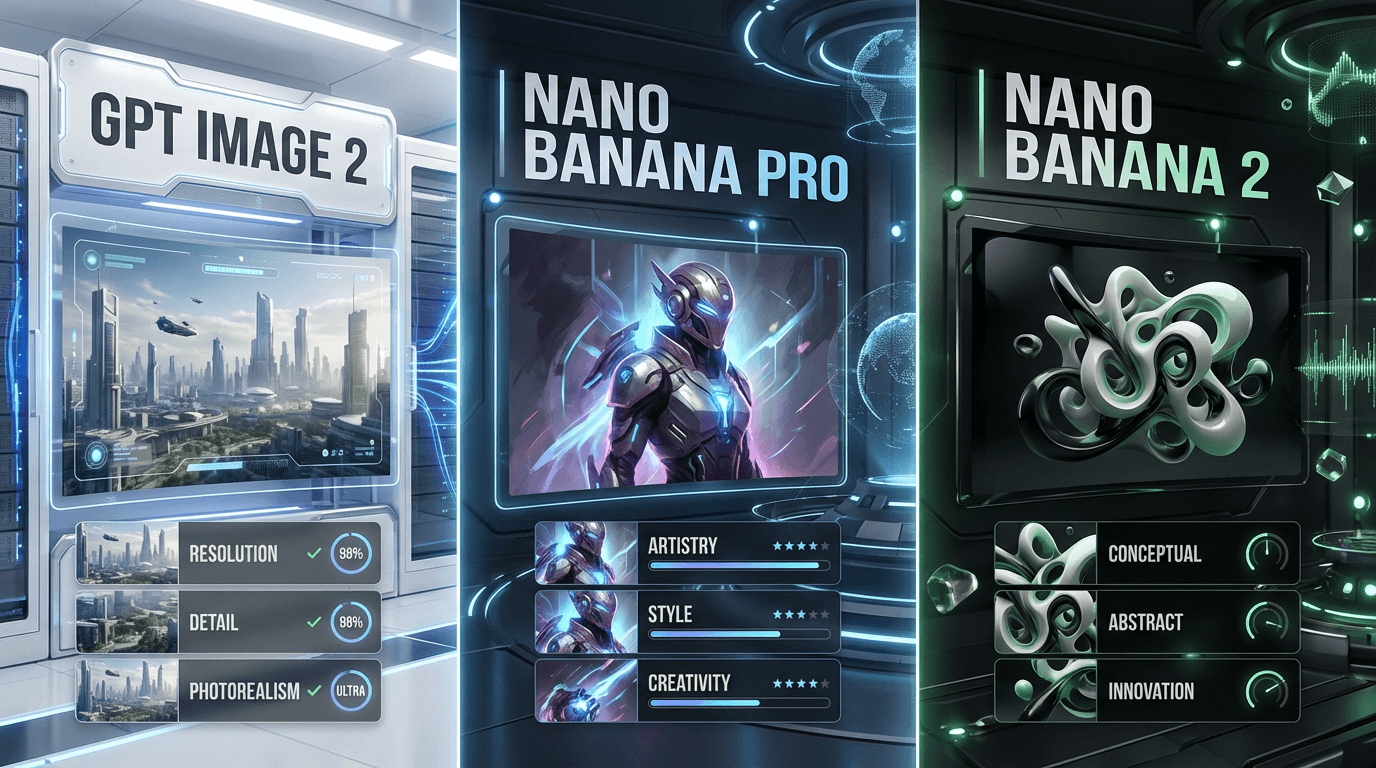
If your feed has been full of Muse Image screenshots this week, there is a real reason for it. Meta Superintelligence Labs shipped Muse Image on July 7, 2026, Meta's first fully in-house AI image model, and it landed at number 2 on Arena's community-voted leaderboard for text-to-image, single-image editing, and multi-image editing, trailing only OpenAI's GPT Image 2 and sitting ahead of Google's Nano Banana 2, xAI's Grok Imagine, and Microsoft's MAI Image [1] [2]. That is a strong debut for a first-generation model, and it raises the obvious question for anyone already building thumbnails, product shots, and social visuals with Nano Banana Pro inside Miraflow AI: is it time to switch, add a second tool, or stay put.
This comparison is not about which brand has the louder launch. It is about what each model actually does differently, where each one still wins, and which one fits the way you actually work. We looked at the agentic generation process behind Muse Image, the thinking mode behind Nano Banana Pro, and ran the same kind of prompts through the workflow patterns each model is built around.
What Changed With Muse Image
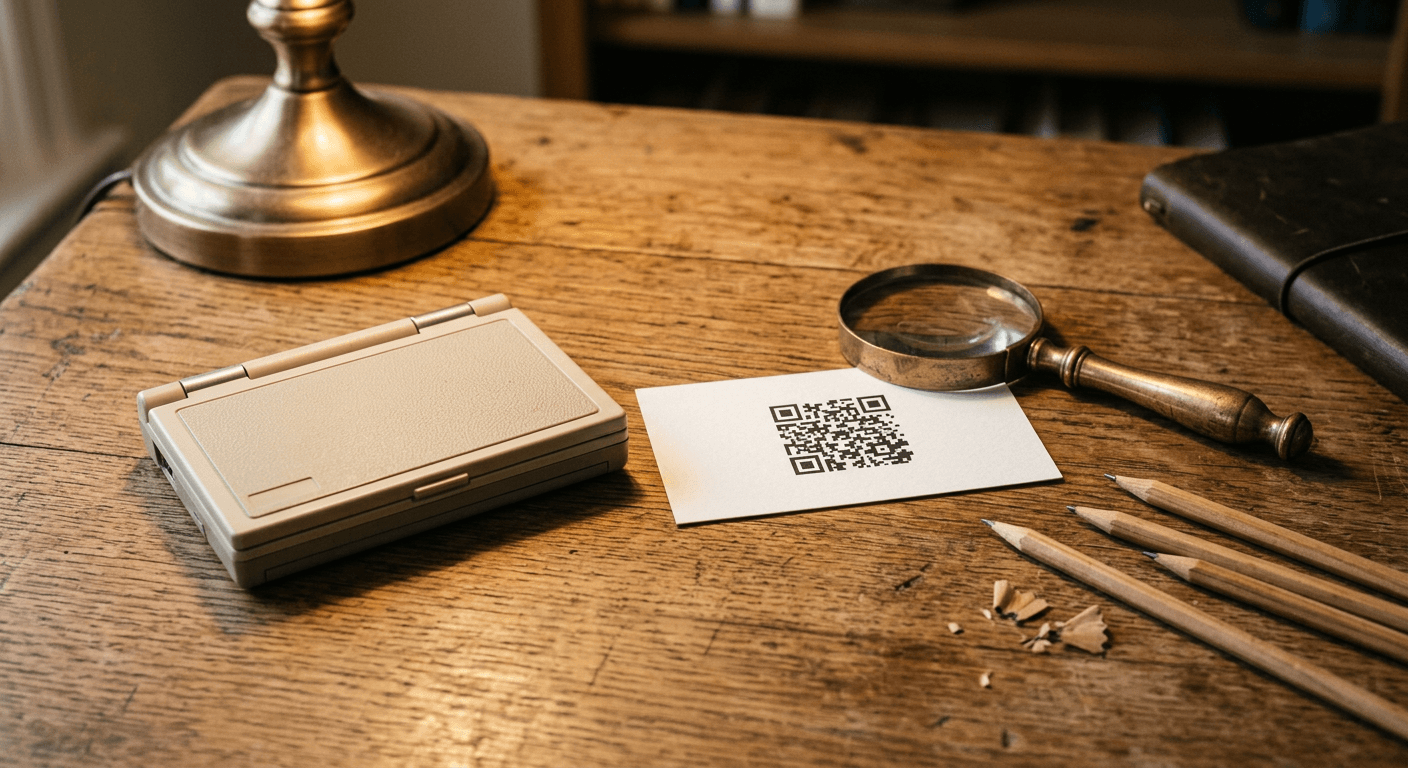
Muse Image is not a bigger version of the same prompt-in, image-out pipeline every earlier model used. It works as an agent. Before it produces a final image, it plans a layout, decides whether it needs outside information, and can call two specific tools mid-generation: a coding tool that writes and executes real code to produce accurate charts, QR codes, and rendered figures, and a search tool that grounds the image in factual, real-time information for knowledge-heavy or current-events prompts [1].
On top of tool use, Muse Image self-refines. Within its own chain-of-thought reasoning, it reflects on what it just produced and decides how to fix it, sometimes with a small local edit for a minor detail, sometimes with a full regeneration if something is fundamentally off, and sometimes by switching tactics entirely, reaching for the search tool if the issue turns out to be a factual one rather than a visual one [1]. Meta's own release data shows this self-refinement measurably improves win rates against a non-refining baseline, and the model's overall quality scales in a roughly log-linear relationship with how much inference-time compute it is given, the same pattern that shows up in reasoning language models. Deliberate reasoning outperformed simply generating more candidates and picking the best one, or what researchers call Best-of-N sampling, when both approaches were given an equivalent compute budget [1].
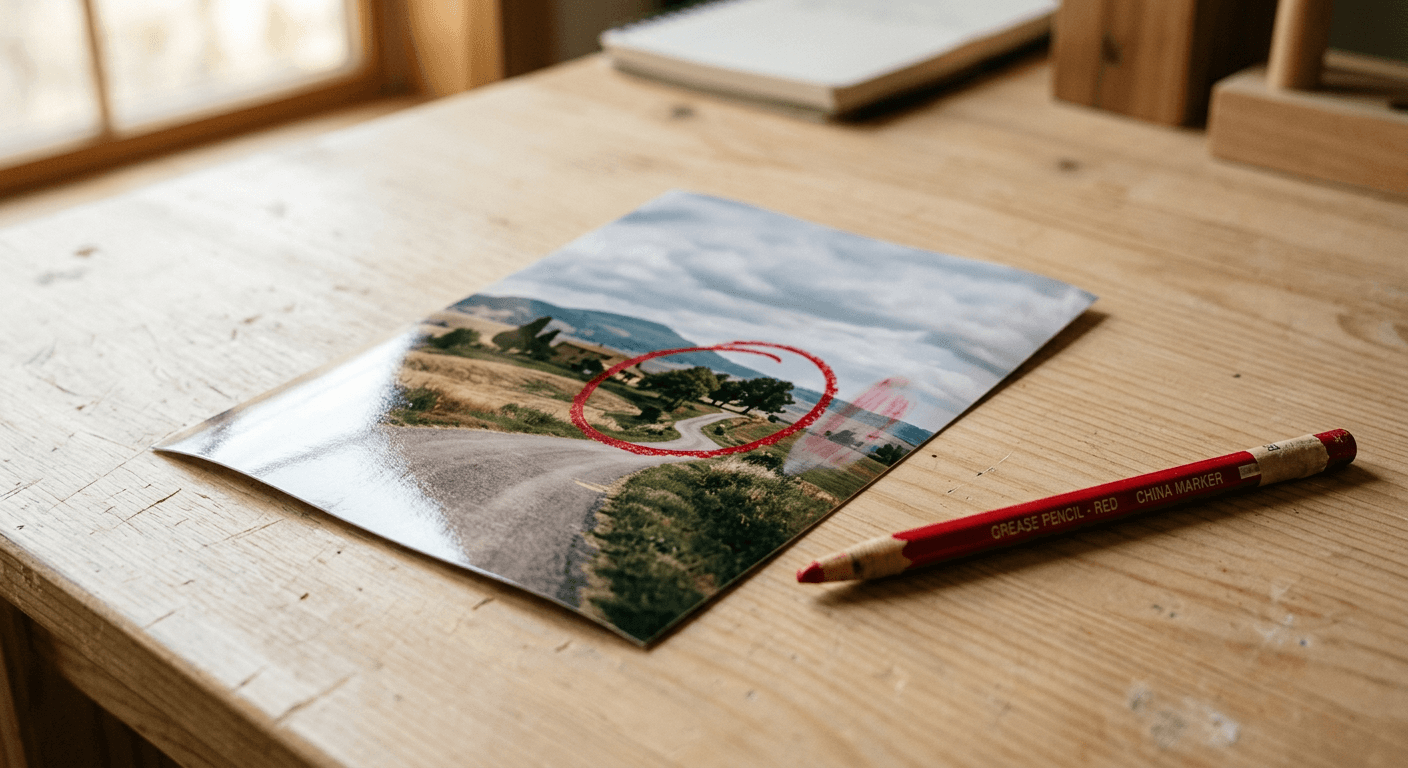
Muse Image also ships a direct markup editing tool. Instead of describing an edit in a sentence and hoping the model finds the right spot, you can tap the markup icon on an existing creation and circle, sketch, or annotate the exact change you want directly on top of the photo, and the system keeps conversation context across turns so you can keep refining without starting over [1].
Every Muse Image output carries Content Seal, Meta's invisible watermarking system built specifically to survive the ways images actually get reused online. It persists through cropping, compression, resizing, and even screenshots, and Meta has a public detection tool at meta.ai/identification where anyone can check whether an image carries the mark [1].
Muse Image is live today in the Meta AI app and on meta.ai, powers new AI effects inside Instagram Stories in the US, and works inside WhatsApp chats in select countries, with Facebook support coming soon [1]. Meta also announced Muse Video alongside it, built on the same pretraining base with native audio support and currently ranked number 3 for text-to-video on Arena, though it is not broadly available yet [1].
Where Nano Banana Pro Still Wins
Nano Banana Pro, the Gemini 3 Pro Image model from Google DeepMind, has been the model to beat for image generation since it launched on November 20, 2025, and a lot of that reputation still holds up [3]. Instead of the tool-calling agentic loop Muse Image uses, Nano Banana Pro relies on a thinking mode built on Gemini 3 Pro's reasoning, generating up to two intermediate images to work out composition and logic before producing the version you actually see [4].
That thinking mode is a big part of why text inside Nano Banana Pro images comes out legible instead of garbled. Independent benchmarking puts its text accuracy above 94 percent at the character level [4], which matters enormously for text-heavy visuals like YouTube thumbnails, sale banners, and poster mockups, historically the weakest spot for AI image generation. Nano Banana Pro also generates native 4K images at up to 4096x4096 pixels in under 12 seconds, supports Search grounding for visuals that need to reflect real, current information, and can hold up to 5 consistent characters across a series of generations, useful for anyone building a recurring cast for thumbnails or a comic-style series [5].
Creators who want to test both editing styles side by side can generate variations directly with the AI image generator in Miraflow AI, including masking a specific region of an existing photo and replacing only that part, which is the closest equivalent inside Miraflow to Muse Image's markup tool.
One nuance worth naming honestly rather than glossing over: Arena's community-voted leaderboard and Artificial Analysis's own evaluation suite do not fully agree on where Nano Banana Pro ranks relative to the newest entrants. Some sources place it third on the community text-to-image Arena, while Artificial Analysis's own leaderboard currently has it on top of its Text-to-Image and Image Editing rankings [5]. Different evaluation methods, real users voting head to head versus a structured benchmark suite, can and do disagree, and that disagreement is a more honest picture than picking whichever number makes for a cleaner headline.
Agentic Generation vs Thinking Mode: Why This Works Differently
The core difference between these two models comes down to when and how they course-correct.
Nano Banana Pro's thinking mode does its reasoning before you see anything, generating a couple of internal draft passes and picking the best path forward, all inside a single request. It is fast, and for most single-shot generation tasks, that upfront reasoning is enough to get a strong result on the first try.
Muse Image's agentic loop is built to course-correct after the fact too, using tool calls and self-reflection, and it is specifically designed to keep improving the more inference-time compute it is given, which is why Meta's own data shows a log-linear relationship between compute and output quality [1]. That makes it a better fit for tasks with a hard correctness requirement, an accurate QR code, a specific real-world fact, a chart with real numbers, where getting it right matters more than getting it fast.
Neither approach is universally better. The right one depends on whether your task needs a fast, confident single pass or a slower, more deliberate one that can call outside tools to verify itself.
| Capability | Meta Muse Image | Nano Banana Pro |
|---|---|---|
| Maker | Meta Superintelligence Labs | Google DeepMind (Gemini 3 Pro Image) |
| Released | July 7, 2026 | November 20, 2025 |
| Generation approach | Agentic: plans, calls coding and search tools, self-refines before finishing | Thinking mode: generates up to 2 intermediate images to refine composition |
| Editing | Markup tool, circle or sketch directly on the image to edit that region | Prompt-described edits, no direct-markup annotation tool |
| Reference images | Multi-image composition | Multiple reference images |
| Text and QR rendering | Clean on short words, still inconsistent on long phrases | Strong, 94%+ character-level text accuracy |
| Character consistency | Not officially specified | Up to 5 consistent characters across generations |
| Output resolution | Not officially specified | Native 4K, up to 4096x4096 |
| Provenance labeling | Content Seal invisible watermark, survives cropping and screenshots | SynthID watermark |
| Availability | Meta AI app, Instagram Stories, WhatsApp, Facebook coming soon | Google AI apps, Gemini, and third-party tools like Miraflow AI |
| Best for | Fast in-app edits, agentic multi-step visuals, staying inside Meta's apps | High-resolution thumbnails, readable text, fast iteration |
5 Prompts to Test the Difference Yourself
The fastest way to understand the gap between these tools is to run the same kind of task through both. These five prompts are built to expose exactly where agentic tool use and thinking-mode reasoning matter most.
Prompt 1: Test a markup-style regional edit
This checks whether an edit stays contained to one part of the image without disturbing the rest of the composition, the core promise of Muse Image's circle-and-sketch tool.
product photo of a ceramic coffee mug on a wooden table, keep the mug shape, table, background and lighting exactly the same, change only the glaze color inside the circled region to matte sage green, soft natural window light, high resolution commercial photography
Prompt 2: Generate a working QR code inside a poster
This is the clearest test of agentic tool use versus prompt-only generation, since a functional QR code needs to actually encode something correctly, not just look like one.
bright minimalist product poster on a soft peach background, bold clean headline text at the top that reads SUMMER SALE in a modern sans serif font, a small functional QR code in the bottom right corner, product bottle centered below with soft shadow, plenty of empty space around the text, commercial advertising style
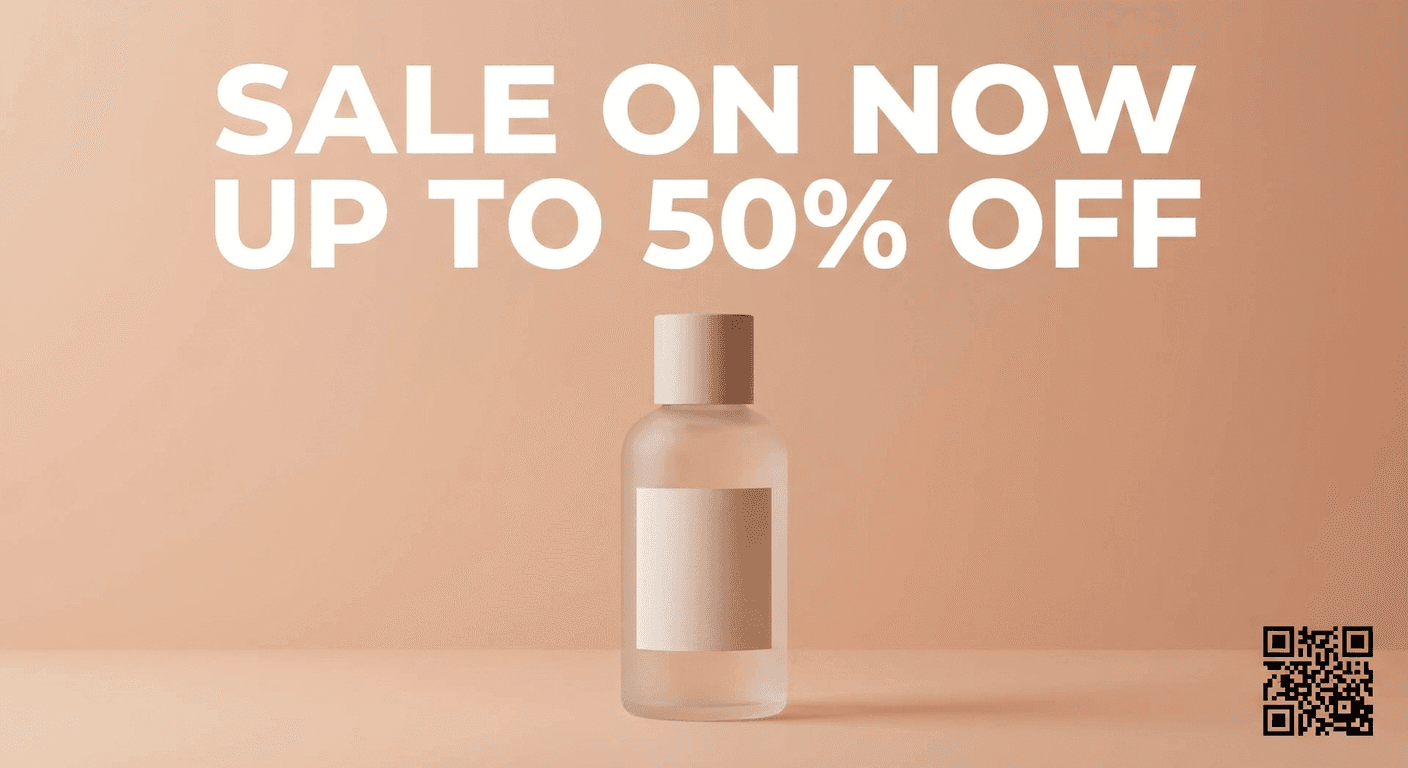
The poster above was generated directly with Nano Banana Pro, using a text-and-QR-heavy prompt like the one above, to show its in-image text rendering without extra retouching.
Prompt 3: Fuse multiple references
This checks how well a model blends a person, an outfit, and a location into one believable photo. For more prompt ideas built specifically around reference blending, see 50 Nano Banana prompts that look like real photos and our full comparison of GPT Image 2, Nano Banana Pro, and Nano Banana 2.
combine these three references into one photo, the person from image one, the jacket from image two, and the rooftop background from image three, keep the person's face and pose accurate, natural sunset lighting, realistic photographic blending, no text
Prompt 4: Check character consistency across a series
Nano Banana Pro's advertised strength is holding up to 5 consistent characters across generations. This prompt tests that directly with a five-pose grid.
the same cartoon fox mascot character from the reference image, shown in five different poses in a single grid, waving hello, sitting at a desk, holding a coffee cup, jumping with excitement, and giving a thumbs up, keep the fox's colors, proportions and face completely consistent across every pose, flat clean background
Prompt 5: Build a reaction-style thumbnail
Thumbnail work is where most creators actually spend their AI image budget. For more prompt ideas built just for thumbnails, see best AI prompts for YouTube thumbnails in 2026 and Nano Banana for YouTube intros, end screens and channel art.
YouTube thumbnail, 16:9, close up of a creator with a shocked expression pointing at a floating product mockup, keep the creator's face and expression exactly as in the reference photo, bright colorful gradient background, bold empty space on the left for text, no added text in the image itself
If you are building thumbnails specifically, pairing either model with a dedicated workflow like the YouTube Thumbnail Maker in Miraflow AI helps you skip a lot of the trial and error, since the tool is already tuned for thumbnail composition and safe text placement.
Common Mistakes Creators Make Comparing These Two Models
A few patterns show up constantly when creators try to pick a winner between models like these.
- Judging a model on one output instead of five or six variations, especially with an agentic model like Muse Image where quality scales with how much reasoning it is allowed to do
- Assuming Content Seal and SynthID do the same thing in the same way, when they are two separate provenance systems built by two different companies with different detection tools
- Comparing Muse Image's day-one Arena ranking to Nano Banana Pro's numbers from eight months of iteration, rather than tracking how a first-generation model tends to close that gap over time
- Ignoring platform lock-in. Muse Image today lives mainly inside Meta's own apps, while Nano Banana Pro is accessible through more third-party tools, including Miraflow AI
- Assuming the newer model is automatically the better fit instead of testing it against the actual task, a text-heavy poster and a factual QR code reward genuinely different strengths
What Most People Misunderstand About "Second Place"
There is a tendency to read Muse Image's number 2 Arena ranking as a loss. In context, it is closer to the opposite. A brand-new, first-generation model from a lab that had never shipped its own image model before landed ahead of Google's own Nano Banana 2, xAI's Grok Imagine, and Microsoft's MAI Image on day one, trailing only GPT Image 2 [2]. The gap to first place, roughly 105 Elo points on Arena's scale, is real but is also the kind of gap that closes fast in this category, as the last two years of image model releases have repeatedly shown.
The more useful question is not which model currently sits higher on one leaderboard, it is which model's underlying approach, tool-calling and self-refinement versus fast upfront thinking, actually matches your workflow. A creator who needs a functional QR code or a chart with real numbers gets more value from an agentic model that can verify its own work. A creator who needs a clean 4K thumbnail in twelve seconds gets more value from a model tuned for fast, confident single-pass generation.
That walkthrough covers Muse Image and Muse Video's agentic generation process and Content Seal directly from Meta, which is worth watching if the tool-calling and self-refinement behavior described above is a new concept.
Which One Should You Actually Use
If your work depends on functional details getting it exactly right, a QR code that scans, a chart with accurate numbers, an image that needs to reflect a real current event, Muse Image's agentic tool use is worth testing specifically for that. If most of your work is thumbnails, product shots, or fast iteration where you want a strong result on the first try, Nano Banana Pro's speed, native 4K output, and text accuracy will likely save you more time day to day.
A lot of creators will end up using both, reaching for whichever tool fits the specific job rather than picking a permanent winner. Inside Miraflow AI's image generator, the masking and inpainting workflow lets you replace one region of a photo, changing clothing color, swapping a food item, or restyling a single object, without leaving the browser or juggling multiple tools, and it is the fastest way to try the kind of regional edit Muse Image's markup tool is built around.
Once your visuals are locked, the same idea extends past static images. If your next step is turning a still concept into a short video, the cinematic AI video generator and Text2Shorts in Miraflow AI carry the same script-to-visual-to-finished-video idea in one place, and if you are repurposing a long video into shorts afterward, AI Clipping can pull the best moments out automatically. If you are also weighing which image model to pair with a video workflow, our breakdown of Nano Banana Pro vs Seedream 5.0 Pro covers a different angle of the same decision, and you can find the rest of these comparisons on the Miraflow AI blog.
Frequently Asked Questions
Is Muse Image better than Nano Banana Pro for YouTube thumbnails? Not necessarily. Nano Banana Pro's native 4K output and above 94 percent text accuracy usually make it the faster, more reliable choice for thumbnails, while Muse Image's agentic tool use shines more on tasks with a hard correctness requirement, like a working QR code or a chart with real data.
Can I use Muse Image outside of Meta's apps? Today Muse Image lives inside the Meta AI app, meta.ai, Instagram Stories, and WhatsApp in select countries, with Facebook coming soon. Nano Banana Pro is more broadly accessible, including through third-party tools like Miraflow AI.
What is Content Seal, and is it different from SynthID? Both are invisible watermarking systems meant to identify AI-generated images, but they are separate systems built by different companies. Content Seal is Meta's system, with its own public detection tool at meta.ai/identification, while SynthID is Google DeepMind's.
Does Muse Image actually understand what it is drawing, or is it still just following a prompt? Muse Image goes further than a typical prompt-to-image pipeline by planning its layout, optionally calling a coding tool or a web search tool mid-generation, and reflecting on its own output to self-refine before finishing, which is why Meta describes it as agentic rather than purely prompt-driven.
Which one handles multiple reference photos better? Both support multi-image composition. Nano Banana Pro is documented as supporting multiple reference images with strong consistency across up to 5 characters, while Muse Image blends references as part of its broader agentic planning step.
Can I test both without switching between separate apps? You can generate and edit images, including masked regional edits similar in spirit to Muse Image's markup tool, directly inside Miraflow AI, which keeps your workflow in one place while you decide which model's approach fits your content.
Conclusion
Muse Image and Nano Banana Pro are not really competing for the exact same job, even though they get compared like they are. One is built to reason and verify itself through tool calls before it commits to a final image. The other is built to think fast, once, and hand you a high-resolution, text-accurate result in seconds. Muse Image's number 2 Arena debut is a genuinely strong first outing, and Nano Banana Pro's eight months of iteration, native 4K output, and text accuracy are a real, earned advantage that has not gone anywhere. The smartest move in 2026 is not picking a permanent winner, it is matching the tool to the task in front of you, and keeping both in your back pocket for everything else.