18 Qwen Image 3.0 Pro Prompts for Infographics, Text and Dense Layouts (2026)

Written by
Aerin Kim
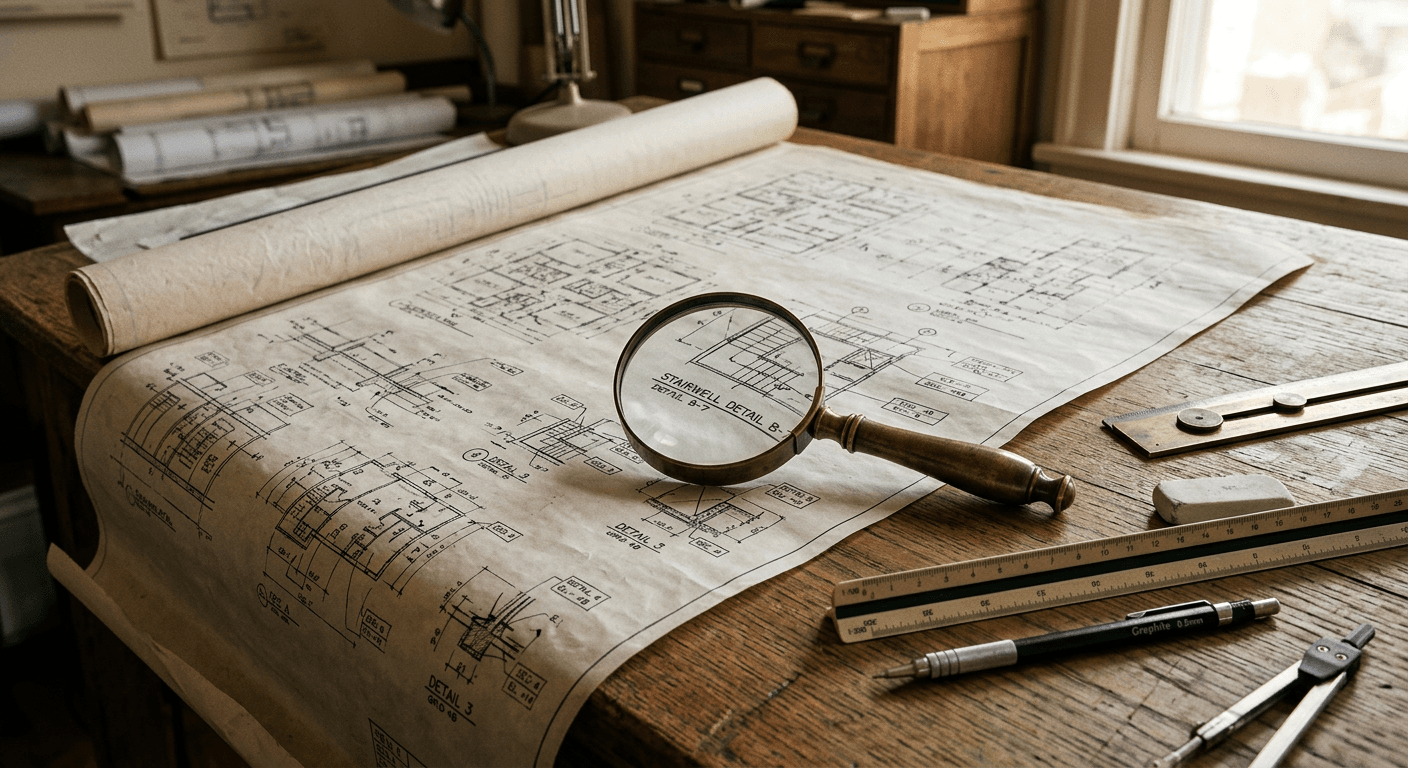
Alibaba's Qwen Image 3.0 Pro renders legible text down to 10 pixels and takes 4,500-token prompts. Here are 18 prompts built around its infographic, layout and multilingual strengths.
Alibaba's Qwen team shipped Qwen Image 3.0 and Qwen Image 3.0 Pro on July 21, 2026, and the release note that stands out is not a flashy demo image, it is a jump from roughly 1,000 tokens of prompt input to 4,500 tokens, along with text rendering that stays legible down to 10 pixels. That combination is the real headline for anyone who makes infographics, multi-panel layouts, posters or anything with more than a couple words on it, since dense, information-heavy images have historically been the weakest spot for AI image models. The Qwen team's own framing for the release was blunt about the priority shift: "Qwen-Image-3.0 is not just pursuing good-looking, it is pursuing useful," aimed at design studios, content teams, e-commerce operations and educators rather than pure aesthetic generation.
Notably, this release shipped without open weights, a technical report, or published benchmarks, a departure from Qwen-Image 1.0's Apache 2.0 launch a year earlier, so treat any specific ranking claim about this exact version with caution until an independent evaluation exists. What is verifiable is the feature set: 4,500-token instruction input, dense single-pass layouts for things like newspapers, infographics and storyboards, precise text rendering down to 10 pixels, native support across 12 languages, LaTeX math notation, and the ability to simulate realistic web pages, game interfaces and livestream overlays.
This post is 18 prompts built specifically around those strengths, grouped by the kind of layout-heavy, text-heavy work Qwen Image 3.0 Pro is actually good at. You can run every one of these directly inside the AI image generator in Miraflow AI, which handles the kind of long, structured prompting this model rewards.
What Actually Makes This Release Different
Most image models degrade fast once you ask for more than a headline and a subhead. Qwen Image 3.0 Pro's specific advantage is holding multiple blocks of small, independently legible text in a single generation, which is what makes infographics, comparison tables and multi-panel storyboards realistic to generate in one pass instead of stitching several generations together in an editor afterward. The model is also internet-connected for live data in supported contexts, which is why one of the prompt groups below is built around a weather-style graphic, a category that used to require manually typing in current numbers after the fact.
If you want the deeper technical picture of how AI image models handle text rendering at all, our ERNIE-Image breakdown covers the architecture side of that problem in more depth. Here, the focus stays practical: prompts you can paste in and adapt today.
1) Infographic and Data Visualization Prompts
This is the category Qwen Image 3.0 Pro was built for. Each prompt below asks for a specific, common infographic shape, a donut chart summary, a timeline, a comparison table and a data-style forecast graphic, rather than a vague "make an infographic" request that tends to produce something decorative instead of readable.
Prompt 1: Market share donut chart
Create a clean single-page infographic titled with a chart topic of your choice, one large donut chart showing five labeled market share segments with percentage labels, a short three-bullet summary column on the right, consistent sans-serif typography throughout, soft neutral background, legible 10-point-equivalent labels on every chart segment, flat editorial infographic style, no watermark.
Prompt 2: Milestone timeline
Design a horizontal timeline infographic with six evenly spaced milestone markers along a single line, each marker paired with a short label and a small icon above it, a title bar across the top, muted professional color palette, all text crisp and legible even on small markers, flat vector-style infographic, no watermark.
Prompt 3: Feature comparison table
Generate a side-by-side comparison infographic styled as a simple table with three columns and five rows, a bold header row, checkmark and cross icons in the body cells, clean grid lines, legible column headers and row labels, minimal flat design, white background, no watermark.
Prompt 4: Weather-style forecast graphic
Create a five-day weather forecast graphic in the style of a broadcast news overlay, five vertical panels each showing a day label, a simple weather icon, and a temperature range, consistent modern sans-serif typography across all panels, blue gradient background, crisp legible numbers, no watermark.
Swap the topic, labels and number of segments to match your actual data before generating. The structure in each prompt, fixed panel counts, consistent typography, explicit legibility instructions, is what keeps the output usable rather than just pretty, and it is worth keeping that structure even when you change the subject matter entirely.
2) Multi-Panel Storyboard and Layout Prompts
Dense single-pass layouts are the other headline capability here. These four prompts cover the layouts creators actually reuse constantly: a video storyboard, a comic strip, a newspaper-style front page, and a menu.
Prompt 5: Four-panel video storyboard
Generate a four-panel black and white storyboard sheet for a short video, each panel numbered in the top left corner, simple rough sketch-style figures and camera framing notes in small text beneath each panel, consistent line weight and panel border style throughout, classic film storyboard template look, no watermark.
Prompt 6: Three-panel comic strip
Design a three-panel comic strip in a clean flat illustration style, consistent character design and color palette across all three panels, one small speech bubble with short readable text in the final panel, bold black panel borders, no watermark.
Prompt 7: Newspaper front page layout
Create a vintage newspaper front page layout with a large masthead headline area at the top, three text columns beneath it, one embedded photo placeholder box, and two smaller secondary headlines, classic serif newspaper typography, slightly aged paper texture, all headline text crisp and legible, no watermark.
Prompt 8: Restaurant menu layout
Design a restaurant menu layout with a header title, three category sections each containing four short item names with prices aligned to the right margin, consistent elegant serif typography, a thin decorative border around the page, cream background, every price and item name legible, no watermark.
If you are storyboarding an actual video rather than a static graphic, pairing this with Text2Shorts in Miraflow AI is a natural next step. Generate the storyboard here to plan your shots, then use Text2Shorts to turn the approved script and shot list into the finished vertical video.
3) Text-Heavy Poster Prompts
These are single-focus posters where legibility of one or two lines of large text is the entire point of the image, a harder test than it sounds because most models start distorting letterforms once type gets large and bold.
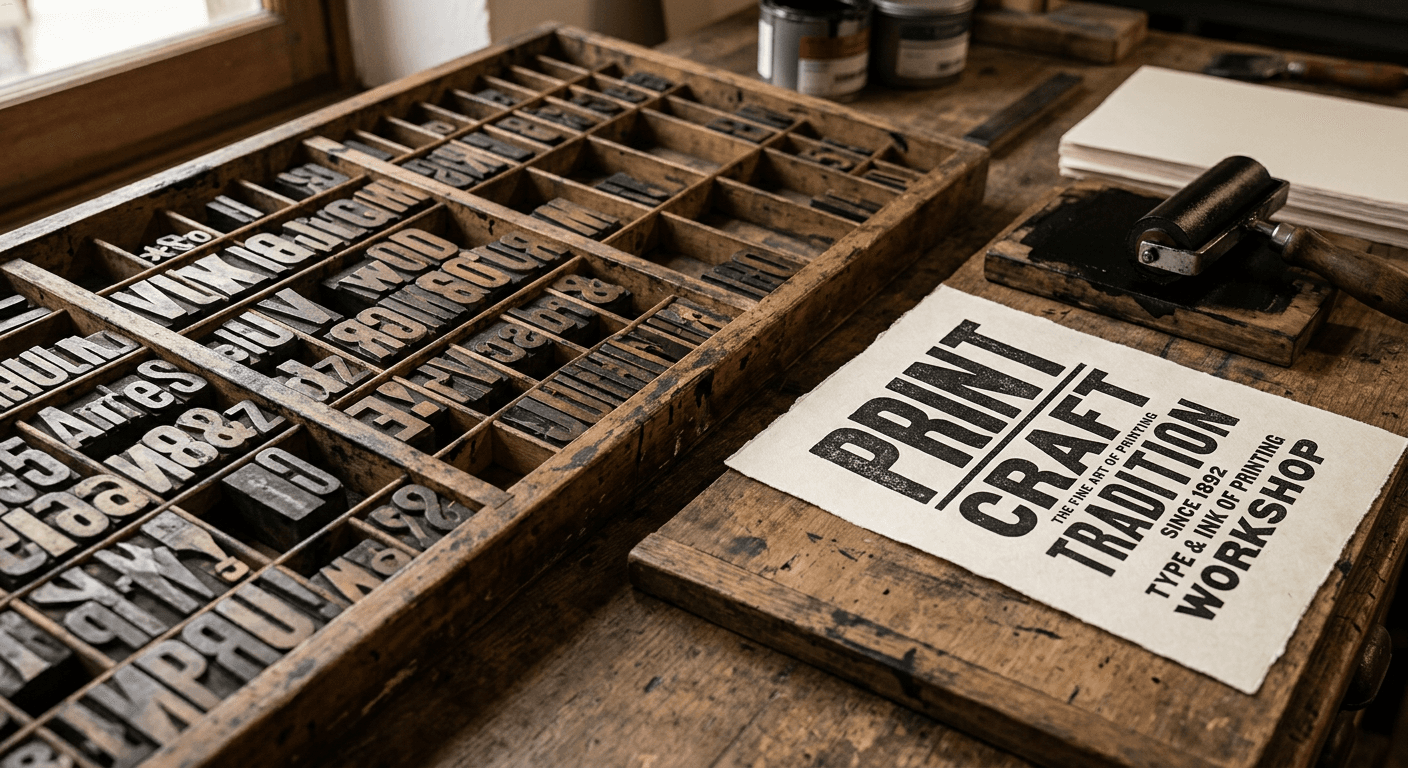
Prompt 9: Event poster
Create a bold event poster with a large headline across the top third, a centered illustrated focal image in the middle third, and three lines of smaller event detail text stacked in the bottom third, strong color contrast, crisp legible headline lettering even at small sizes, modern poster design style, no watermark.
Prompt 10: Product launch poster
Design a product launch poster with a large product silhouette centered on the page, a short bold headline above it, and a row of three small feature callouts with short labels beneath it, clean commercial poster layout, consistent modern typography, no watermark.
Prompt 11: Minimalist typographic poster
Generate a minimalist typographic poster with one short bold statement centered on the page in large clean lettering, plenty of negative space around the text, a thin accent line beneath it, muted single-color background, every letterform crisp and legible, no watermark.
A poster generated this way works well as a starting point for a YouTube thumbnail too. Once you have a composition you like, the YouTube Thumbnail Maker in Miraflow AI can add your own bold thumbnail text on top and adjust it for the exact crop YouTube displays.
4) Multilingual Text Rendering Prompts
Native support across 12 languages is one of the more practically useful additions in this release, especially for creators making content for multiple regions from the same source assets. These four prompts each pair two scripts in the same image, a harder test than rendering a single language cleanly.
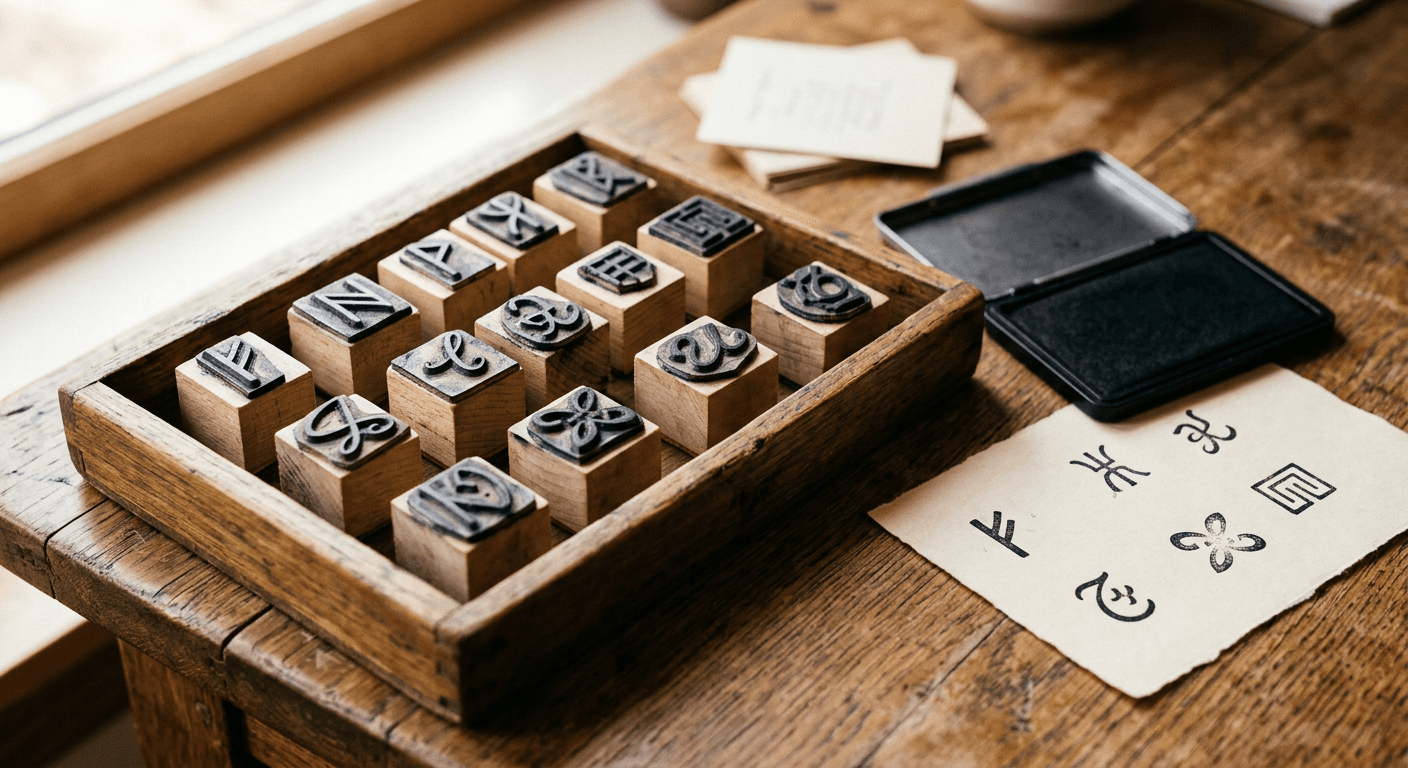
Prompt 12: Bilingual directional signage
Create a directional signage graphic with the same short phrase rendered in four different alphabets stacked vertically, each line in clean legible lettering appropriate to its script, consistent sans-serif weight across all four lines, simple two-color background, no watermark.
Prompt 13: Bilingual menu board
Design a cafe menu board with three menu items, each item name shown in two different languages stacked directly beneath each other in matching type sizes, price aligned to the right for each item, chalkboard-style background, every character legible, no watermark.
Prompt 14: Bilingual packaging mockup
Generate a product packaging mockup front panel with a brand name area at the top and three lines of ingredient-style text in a different script system beneath it, clean commercial packaging layout, consistent small legible lettering throughout, no watermark.
Prompt 15: Bilingual video title card
Create a video title card with a short phrase shown in large lettering at the top and the same phrase in a second script system directly beneath it in matching visual weight, centered composition, simple gradient background, both lines fully legible, no watermark.
Replace the implied languages in each prompt with the two scripts your actual audience needs. Keeping both lines the same visual weight and size, as each prompt specifies, is what prevents one language from reading as an afterthought.
5) UI, Dashboard and Game Mockup Prompts
The model's ability to simulate realistic interfaces makes it useful for mockups that would otherwise require actual design software, useful for pitch decks, app store screenshots, or explainer content about a product that does not exist yet.
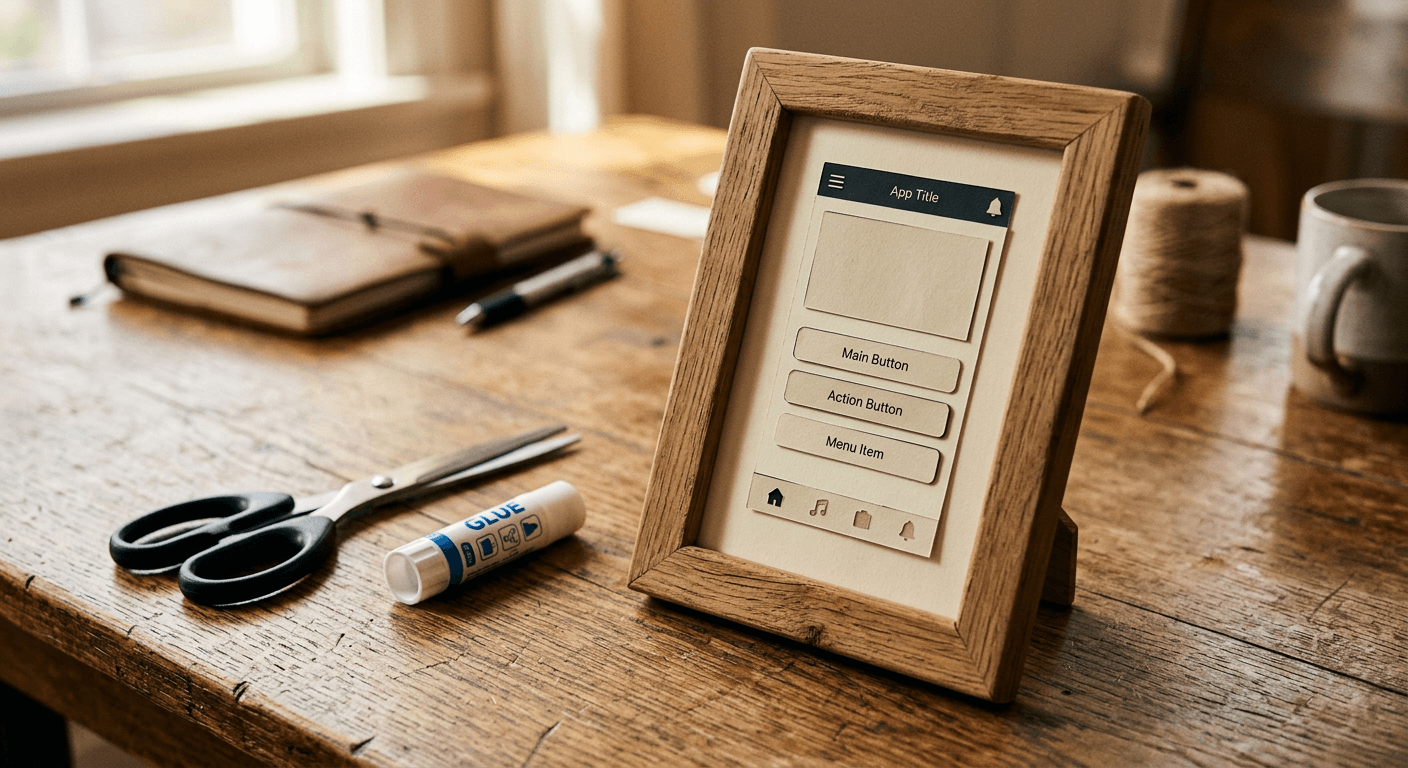
Prompt 16: Analytics dashboard mockup
Design a clean analytics dashboard UI mockup with a top navigation bar, three small stat cards in a row each showing a large number and a short label, and one line chart panel beneath them, modern flat UI style, consistent legible small text throughout, no watermark.
Prompt 17: Mobile app screen mockup
Generate a mobile app screen mockup with a header title bar, a search field beneath it, and three list rows each with a small icon, a title line and a subtitle line, clean modern app UI style, consistent legible typography at small sizes, no watermark.
Prompt 18: Game HUD mockup
Create a video game heads-up display mockup with a health bar in the top left, a small resource counter in the top right, and a short objective text banner across the top center, clean modern game UI style, crisp legible numbers and labels, no watermark.
These mockups are especially useful as B-roll or explainer visuals inside a tutorial video. If you are recording a longer walkthrough and need to pull the most shareable moments out afterward, AI Clipping in Miraflow AI can scan the full recording and generate several short, captioned clips ranked by viral score automatically.
To see the model handling exactly this kind of dense, text-heavy generation in practice, this hands-on test of Qwen Image 3.0 runs it through typography, infographic and UI mockup prompts similar to the ones above.
How to Customize These Prompts
Every prompt above follows the same underlying shape: a specific layout structure, an explicit count of panels or sections, a stated typography or legibility instruction, and "no watermark" at the end. When adapting any of them, keep that structure intact and change only the content variables, the topic, the number of data points, the languages, the color palette. Removing the explicit legibility and structure instructions is the single most common way these prompts stop working as well, since a vaguer prompt gives the model more room to prioritize visual style over the readable layout you actually need.
For longer documents, remember the 4,500-token input ceiling is a real practical increase over most competing models, so do not be afraid to describe layout details, exact panel counts, and specific label content directly in the prompt rather than leaving them to chance. This model was specifically built to take that level of detail and use it.
Common Mistakes Creators Make With This Model
- Asking for "an infographic about X" with no structure, then being disappointed the layout looks decorative rather than data-accurate. Specify the chart type, panel count and label positions explicitly, the way the prompts above do.
- Requesting more than two languages in one image without adjusting layout instructions to accommodate the extra text, which crowds the composition and hurts legibility for all of them.
- Treating the lack of published benchmarks or open weights for this release as proof the model underperforms. It means independent verification is not yet available, which is a different claim, and one worth remembering before repeating a specific ranking number you saw on an unverified roundup site.
- Skipping a proofread pass on generated text. Rendering at 10 pixels is a genuine technical achievement, but it is still worth a final check for a dropped or misaligned character before publishing anything customer-facing.
- Forgetting to state "no watermark" or a clean background explicitly, especially on poster and mockup prompts where a stray artifact is easy to miss at a glance.
Where to Generate and Finish These
Once you have a layout you like, the AI Image Generator in Miraflow AI handles text-to-image, image-to-image and inpainting in one workspace, so you can regenerate just one panel of a storyboard or fix one line of text without starting over. If the finished asset is going on YouTube, the YouTube Thumbnail Maker is built specifically for that final crop and text pass. For a look at how Qwen Image 3.0 Pro's text rendering strength compares to the tools already popular for thumbnails and edits, our Nano Banana Pro vs Seedream 5.0 Pro comparison is a useful companion read, and if region-level editing on the output is what you need next, the Grok Imagine Image 2.0 prompt pack covers that specific workflow. You can browse more prompt guides like this on the Miraflow AI blog, and every tool named here lives at miraflow.ai.
Frequently Asked Questions
Is Qwen Image 3.0 Pro free to use? Pricing for the Pro tier through Alibaba Cloud was not disclosed at launch. The base Qwen Image 3.0 model is accessible through Qwen Chat for trial use.
Why did this release skip open weights and benchmarks? Alibaba has not published a stated reason. It is a departure from Qwen-Image 1.0's Apache 2.0 launch a year earlier, so treat unverified performance claims about this specific version cautiously until independent evaluation exists.
How is this different from regular Qwen Image 3.0? Alibaba released both a standard and Pro version on the same day. Available details point to the Pro tier being positioned for production and API use through Alibaba Cloud Model Studio, while the standard version is what most people trial through Qwen Chat.
Can I use these prompts in Miraflow AI instead of Qwen Chat? Yes. These are prompt structures built around a general capability, dense text and layout rendering, not app-specific syntax, so they work well in the AI Image Generator in Miraflow AI too.
What is the biggest practical use case for creators specifically? Infographics and multi-panel storyboards are the two most immediately useful categories for content creators, since both used to require either manual design work or stitching multiple AI generations together.
Does the 4,500-token input limit actually matter for short prompts? Only if you are writing long, detailed prompts. For a short single-subject image it changes nothing, but for a dense infographic or multi-panel layout, having room to specify every panel and label in one prompt is what keeps the output consistent.
Conclusion
Qwen Image 3.0 Pro's real pitch is not that it makes prettier images, it is that it makes usable ones for the layouts creators actually need constantly: infographics, storyboards, posters, multilingual signage and interface mockups. The 18 prompts above are built around exactly those five categories so you can start from a structure that already accounts for the model's specific strengths instead of guessing at what a dense text-heavy prompt should look like. Pick the group that matches what you are building this week, swap in your own content, and keep the explicit structure and legibility instructions intact when you adapt them.