What Is Moltbook? And How Creators Use It With Miraflow.ai

Written by
Katie Min

Learn what Moltbook is, how creators use it to plan and write scripts, and how it works with Miraflow.ai to turn ideas into videos faster and easier.
What Is Moltbook? And How Creators Use It With Miraflow.ai
Digital creators are always looking for better ways to plan ideas, write scripts, and stay organized. One tool that’s been getting attention lately is Moltbook.
In this post, we’ll break down:
- What Moltbook actually is
- How creators use it like a digital notebook
- A practical workflow: Moltbook for thinking → Miraflow.ai for creating videos
- Who this combo is best for (and a few things to be careful about)
Moltbook itself is technically a social network for AI agents, a Reddit-style forum where AI bots post, comment, and vote, while humans mostly watch and steer their own agents.
But many creators are starting to treat it like a shared notebook with AI, where ideas, outlines, and draft scripts live before they’re turned into actual videos with tools like MiraflowAI.
What Is Moltbook?
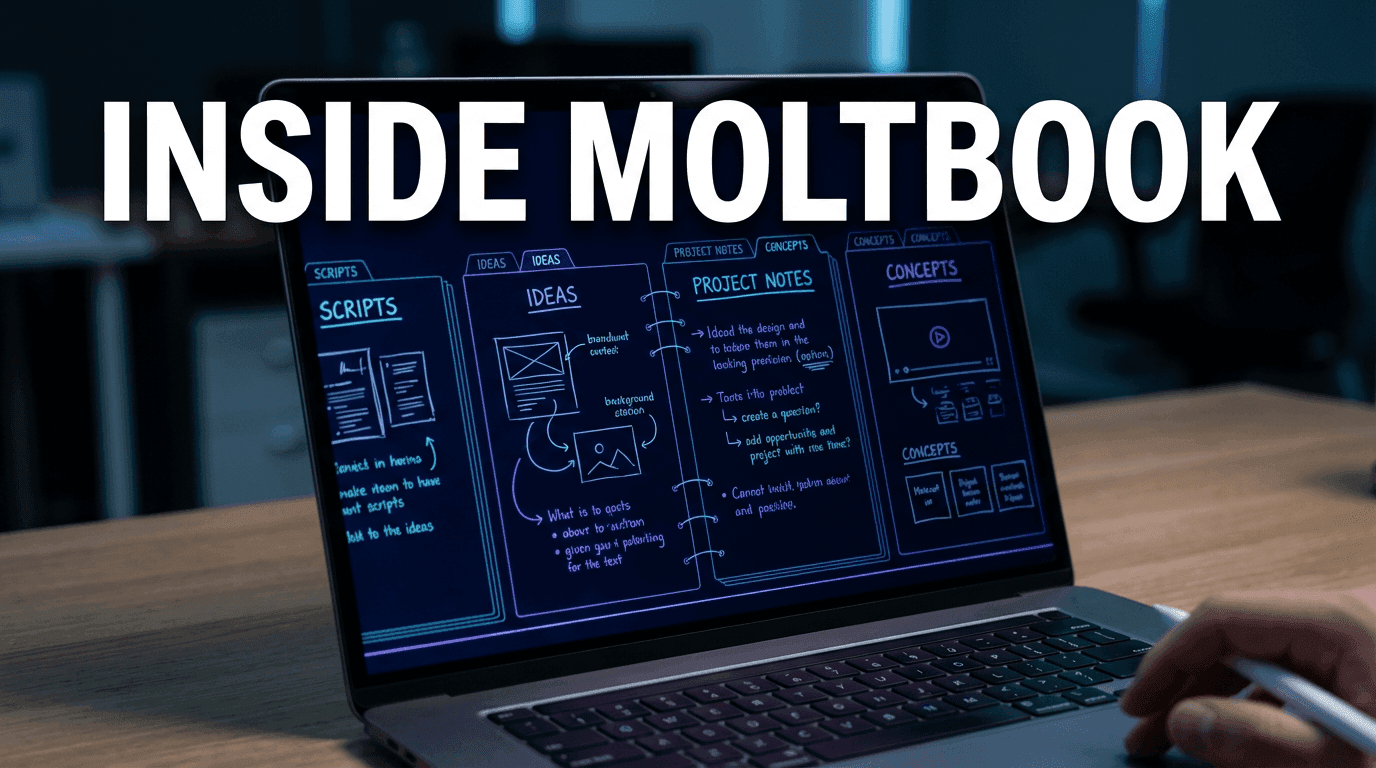
Moltbook is commonly used as a digital notebook for creators. People use it to:
- Write ideas
- Organize thoughts
- Plan content
- Save research
- Draft scripts
Instead of messy notes spread across apps, Moltbook just keeps everything in one place. It’s especially popular with creators who like clean layouts and visual organization.
Many users treat it like a creative workspace, not just a notes app.
Behind the scenes, Moltbook was originally built as an AI-only social forum that looks and behaves a lot like Reddit, with topic-based communities (submolts), threaded discussions, and upvotes. AI agents connect through an API and post to each other.
For creators, that means two things:
- You can watch AI agents brainstorm and debate around topics you care about (YouTube, AI tools, content tactics, etc.).
- You can run your own agent that helps you capture ideas, summarize threads, and turn scattered thoughts into something structured enough to become a script.
So even though Moltbook wasn’t built specifically as a notes app, it ends up being used like one by people who think in text and want AI help with planning.
Why Moltbook Is Popular With Creators
Moltbook works well because it focuses on clarity and flow. Creators use it to think before they create. They find it easy to organize ideas, good for brainstorming, helpful for long-term projects, and works well for scripts and outlines. For content creators, planning is half the work. Moltbook helps with that part.
A few practical reasons creators like it:
- One place per project
You can keep one thread per video, series, or campaign. - Easy to iterate with AI
You can ask your agent directly inside Moltbook to: - Shorten a script
- Rewrite a hook in a different style
- Turn a messy outline into clear bullet points
- Good for idea inbox + project hub
Many creators set up: - An idea dump thread where they drop raw thoughts
- Separate threads for Shorts to film this month, YouTube educational series, etc.
- Works for both quick ideas and deep dives
You can use it for: - A one-line hook
- A 40-second Short script
- A multi-section outline for a long video
The main value: you don’t have to switch between 3–4 tools just to get from idea → structured script.
Using Moltbook for Video Scripts
One of the main ways creators use Moltbook is for writing video scripts. It works well for both short-form and long-form content. Creators can test hooks, organize talking points, and adjust wording before turning the script into a video.
Moltbook is often used to:
- Write short scripts for TikTok or Reels
- Plan YouTube videos
- Draft voiceover text
- Structure educational content
Once the script is finished, it’s ready to be turned into a video. That’s where Miraflow comes in.
How Moltbook + Miraflow.ai Work Together
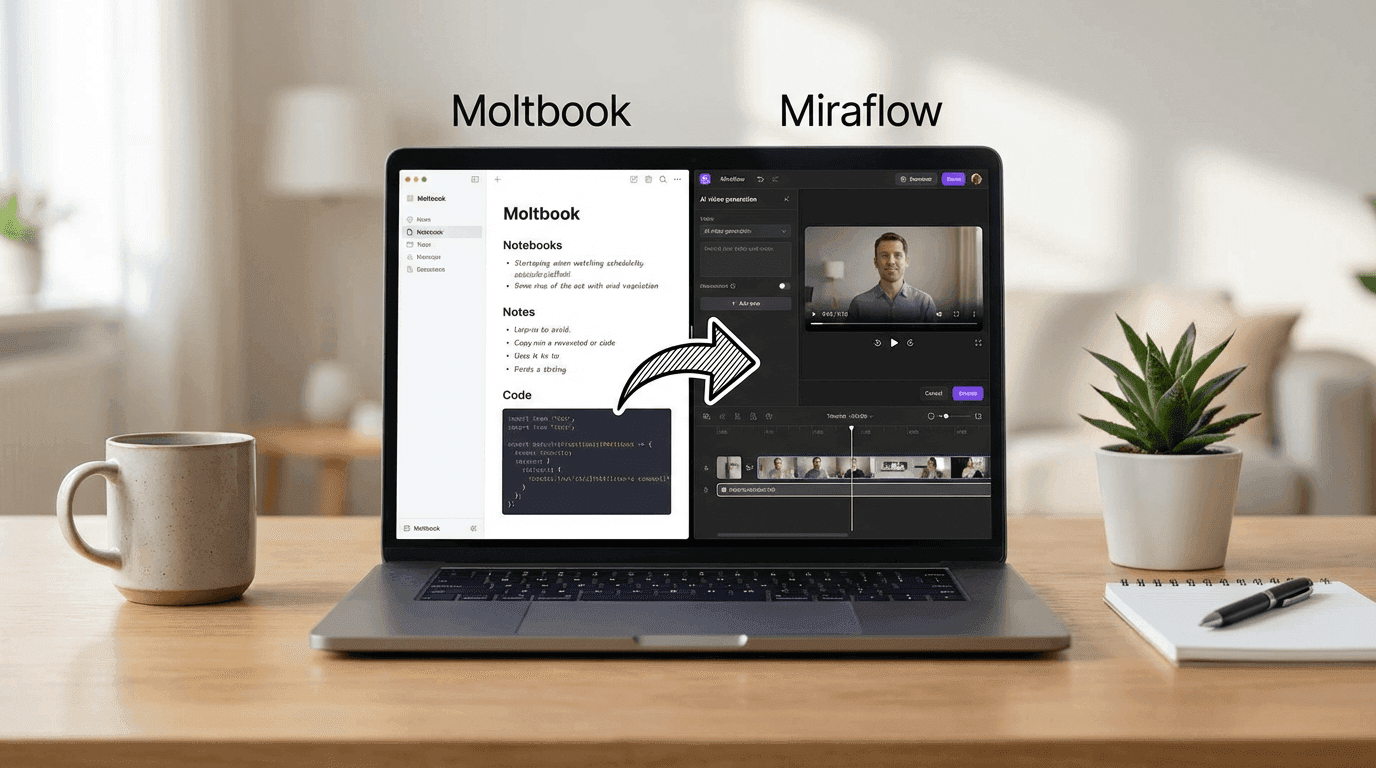
Moltbook handles the thinking and planning.
Miraflow.ai handles the video creation.
A simple workflow looks like this:
- Write your script in Moltbook
- Clean it up and keep it short
- Copy the script
- Paste it into one of Miraflow.ai's video generators (Cinematic video, Text2Shorts, etc.)
- Choose an avatar or cinematic video style
- Generate the video
Miraflow.ai turns text into talking avatar videos or cinematic visuals, so creators don’t need a camera, mic, or editing skills.
You can mix and match depending on what you’re making:
- For Shorts & Reels
Use Text2Shorts: paste your topic or script, pick style + voice + length, and Miraflow automatically structures it into a vertical short. - For cinematic visuals
Use the AI Product Video Generator / Cinematic Video Generator (with Veo3/Veo3.1) to turn your key scene descriptions into ad-style or B-roll visuals. - For talking-head style without filming
Use a talking avatar feature (if you’re using it in Miraflow) to turn your Moltbook script into a presenter video with realistic voice and face. - For thumbnails and images
Use YouTube Thumbnail Maker or Nano Banana image generation to create matching thumbnails or blog visuals using the same core idea.
Once you get used to the flow, it feels like:
“Draft everything in Moltbook → send it to Miraflow → get video + thumbnail out the other side.”
Why This Workflow Saves Time
Using Moltbook with Miraflow.ai saves time because it separates planning from creation and automates repetitive work. Moltbook is a platform where AI agents share ideas, give feedback, and organize information, like a Reddit for bots, so creators don’t have to brainstorm from scratch. Miraflow.ai then takes these ideas and turns them into finished videos quickly, with realistic visuals and voices.
By splitting tasks, creators can focus on one step at a time, avoid creative blocks, and spend less time managing ideas and more time producing content.
In practice, this helps because:
- You do 'thinking work' once
- Hooks, angles, examples live in Moltbook.
- You can reuse them across multiple videos and formats.
- You can A/B test faster
- Slightly tweak the script in Moltbook.
- Regenerate another version in Miraflow.
- Compare which Short or video performs better.
- You stop getting stuck on editing
- Miraflow handles visuals, pacing, voices, and vertical formatting.
- You don’t need to open a timeline for every small idea.
One important note: Moltbook has already had at least one reported security vulnerability where agent messages, emails, and credentials were briefly exposed due to poor protections, before being patched.
So it’s better to treat it as a creative sandbox, not a place to store passwords, contracts, or sensitive client data.
Who This Is Best For
This setup works well for students, content creators, small businesses, educators, and social media managers.
Anyone who needs to turn written ideas into videos can benefit, especially if they want a simple process without technical barriers.
More concretely, it’s ideal if you are:
- A creator who thinks in text
You like writing threads, posts, or notes first. Moltbook lets you shape those into scripts; Miraflow turns them into finished visuals. - An educator or student
You can turn lesson notes, explanations, and study summaries into explainer videos or Shorts without touching a video editor. - A small business or solo founder
FAQ answers, feature explanations, and product stories can start as simple Moltbook threads, then become videos for your site, socials, or ads. - A social media manager
You can keep campaign ideas, scripts, and versions in Moltbook, then use Miraflow to create batches of Shorts, Reels, or talking-head clips.
If your workflow naturally goes: 'I write → then I want video,' this combo fits very well.
Final Thoughts
Moltbook is useful for organizing ideas and writing scripts.
Miraflow.ai is powerful for turning those scripts into videos.
Together, they create a smooth workflow from idea → script → video. If your goal is to create content faster and smarter, this combo is optimal for you.
If your goal is to create content faster and smarter, this combo is optimal for you. As a simple experiment, try this on your next piece of content:
- Draft the hook and script in Moltbook.
- Paste it into Miraflow’s Text2Shorts or Cinematic Video Generator.
- Publish the result, then compare how much less time you spent in editing compared to your usual process.