YouTube Shorts Titles and Descriptions in 2026: Copy-Paste Templates That Actually Get Clicks

Written by
Jay Kim
Learn how to write YouTube Shorts titles and descriptions in 2026, with copy-paste templates, GEO-friendly tips and a Miraflow workflow that actually gets clicks.
If you post YouTube Shorts in 2026, you have probably stared at that tiny title box thinking:
‘Do I write for the algorithm, or for humans, or for both?’
Shorts move fast, but YouTube still reads your title and description to understand what the video is about, match it to search, and decide who to show it to. Titles and descriptions will not save a bad Short, but they absolutely decide:
- Which searches you appear for
- Who clicks in the feed
- Whether your best Shorts keep getting recommended
In this guide we will cover:
- Why titles and descriptions still matter for Shorts in 2026
- How long your titles should be
- How to write descriptions that help SEO without looking spammy
- GEO-friendly tricks for multi language audiences
- Copy-paste title and description templates you can use today
- How to build them faster using Miraflow
Why titles and descriptions still matter for Shorts in 2026
YouTube has said for years that it ranks videos based on two things:
- How well the title, description and content match what someone is searching for
- How viewers respond once they click (watch time, satisfaction, engagement)
Recent guides to the Shorts algorithm still say the same: engagement is the main factor, but metadata is how the system knows what bucket to put you in. Your title, description, hashtags and even spoken words help categorize your Short.

In practice, that means:
- A clear, search friendly title helps you appear when people look for something specific
- A good description reinforces the topic and adds extra keywords
- Both together increase the chance that YouTube shows your Short to the right viewers, especially in search and suggested
Tags, on the other hand, barely matter anymore. YouTube itself says tags have minimal impact and mostly help only when the system struggles to categorize a video.
So in 2026 you can stop obsessing over tags and focus on three things:
- Titles that clearly promise a benefit or payoff
- First two lines of the description that repeat your main keywords naturally
- A Short that actually delivers what the title promised
Ideal YouTube Shorts title length and structure in 2026
YouTube allows up to 100 characters in a title, but you almost never want to use that much.
Recent YouTube SEO research suggests:
- Aim for about 55–60 characters so the title does not get cut on mobile
- 8–15 words is often the sweet spot between descriptive and scannable
That is true for Shorts as well. Shorts are tiny; your title needs to be a sharp promise, not an essay.
Simple title formula that works in 2026
Most high performing Shorts titles follow some version of:
Result or Hook + specific topic + in 2026 or for [audience]
Examples:
- ‘Grow YouTube Shorts views with this 3 second hook’
- ‘Study desk makeover with AI B roll’
- ‘YouTube Shorts monetization in 2026 for tiny channels’
Patterns that work well:
- ‘How to … in 2026’
- ‘[Number] ways to …’
- ‘Stop doing this to your YouTube Shorts’
- ‘I tested X so you do not have to’
Combine these with your niche keyword (study, finance, fitness, AI, etc) and, when it makes sense, your year or location.
How to write YouTube Shorts descriptions in 2026
Shorts descriptions do not need to be long, but they do need to be intentional.
YouTube’s own description tips recommend that you:
- Identify one or two main words that describe your video and use them in both title and description
- Give each video a unique description
- Use relevant keywords from tools or your YouTube Analytics Research tab
For Shorts in 2026, a good description usually has:
- Line 1: Short summary that repeats your main keyword and promise
- Line 2–3: Extra context or secondary keywords, maybe a call to action
- After that: Optional links, credits, a couple of hashtags
Avoid:
- Keyword lists that are impossible to read
- Irrelevant tags and links
- Copy pasting the exact same description on every Short
Think of the first two lines as an extra chance to convince both YouTube and humans that your Short is exactly what they are looking for.
GEO-friendly titles and descriptions: targeting multiple regions in 2026
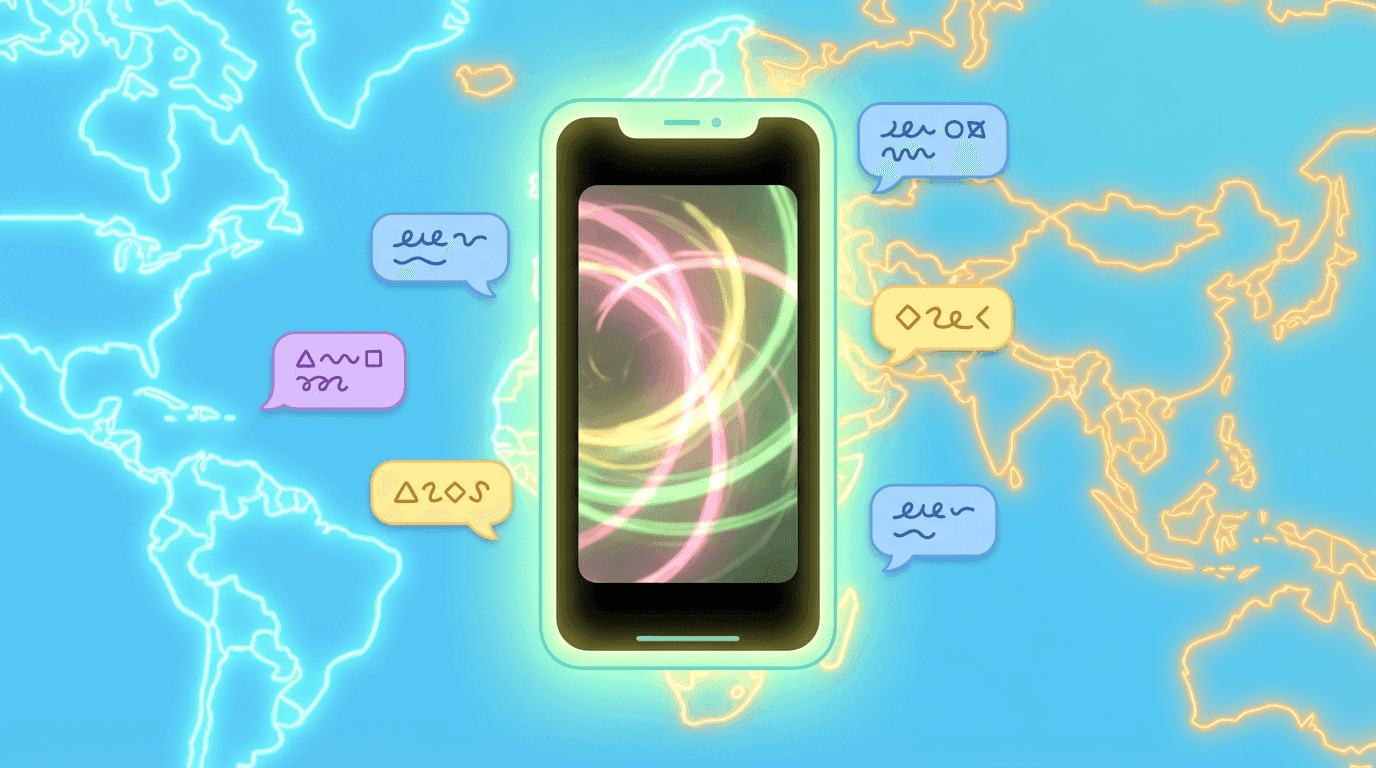
YouTube has been pushing multi language content hard. They highlight three things that help global reach:
- Localized metadata (titles, descriptions in different languages)
- Translated audio or dubbing
- Content availability in multiple languages
In 2026, that means:
- If your audience is mixed (for example English + Korean), it can help to:
- Use English in the main title and sprinkle Korean in the description, or
- Use a bilingual format like ‘YouTube Shorts watch time tips (유튜브 쇼츠 시청 시간 꿀팁)’
- Mention your region when it matters for search intent (for example ‘in Korea’ or ‘K-creator guide’)
You do not need to translate everything, but if your analytics show a big audience in a specific language, consider:
- One English line and one local language line in the description
- Local keywords that people actually search for (for example ‘유튜브 쇼츠 제목’ instead of just ‘YouTube Shorts titles’)
This makes your descriptions GEO-friendly without bloating them.
Miraflow AI workflow for titles and descriptions
Miraflow AI is not just videos, images, and music. It can also be the fastest way to find the right words for your titles and descriptions, because your best keywords already live in your script.
Here is how to use Miraflow AI to speed up metadata.
Step 1: Start with Text2Shorts
Inside Miraflow’s Text2Shorts:
- Enter a topic like ‘YouTube Shorts watch time tips for beginners’
- Choose style (realistic or animation)
- Generate a script
From this script you now have:
- The core promise
- The key benefit
- The main keywords (watch time, Shorts, 2026, etc)
You can turn the script’s first line into a hook style title and reuse its keyword phrases in the description.
Step 2: Extract title phrases from your script
Look for pieces like:
- The main transformation (for example ‘from 0 to 10k views’)
- The pain point (for example ‘Shorts stuck at 200 views’)
- The specific topic (for example ‘thumbnails’, ‘watch time’, ‘lofi playlist’)
Combine them into a title:
- ‘Why your YouTube Shorts are stuck at 200 views in 2026’
- ‘Fix YouTube Shorts watch time with this 3 step script’
Step 3: Use Miraflow thumbnails to test angles
When you generate thumbnails with Miraflow’s YouTube Thumbnail Maker:
- You are already typing a thumbnail prompt and sometimes thumbnail text
- Those phrases often make strong title variations
For example, if your thumbnail text prompt is:
- ‘Fix your Shorts watch time’
Your title can echo that:
- ‘Fix your YouTube Shorts watch time in 2026’
This keeps title, description and visual aligned.
Step 4: Save good templates in your own ‘title bank’
Every time a Short performs above average, copy its title and description into a simple note or document.
Over time you will have:
- A bank of proven structures
- Phrases that work for your audience
- Patterns you can reuse with tiny tweaks for new topics
Copy-paste title templates for YouTube Shorts in 2026
You can plug your own keywords into these. I will show each pattern with a placeholder like [topic] or [result], then a concrete example.
1. Tutorial / how-to template
Structure:
How to [result] with [topic] in 2026
Examples:
- ‘How to grow YouTube Shorts views with better hooks in 2026’
- ‘How to make AI product videos that actually look cinematic in 2026’
Use when:
- You teach something specific
- Viewers are searching for ‘how to …’
2. Mistake / fix template
Structure:
Stop doing this to your [topic] Shorts
Examples:
- ‘Stop doing this to your YouTube Shorts titles’
- ‘Stop doing this with your AI thumbnails’
Use when:
- You call out a common mistake
- You can show a clear before and after
3. Numbered list template
Structure:
[Number] [topic] tricks for [audience] in 2026
Examples:
- ‘5 YouTube Shorts title tricks for small channels in 2026’
- ‘7 AI music tricks for aesthetic Reels in 2026’
Use when:
- You have multiple tips or formats
- You want listicle energy in the feed
4. ‘I tested it’ case study template
Structure:
I tested [strategy] for [time] and here is what happened
Examples:
- ‘I posted YouTube Shorts daily for 30 days and here is what happened’
- ‘I let AI write my Shorts titles for a week, results shocked me’
Use when:
- You are sharing real experiments or behind the scenes
- You want story plus lesson
5. Transformation template
Structure:
From [bad situation] to [good result] with [topic]
Examples:
- ‘From 0 to 10k Shorts views with better titles’
- ‘From boring study desk to viral aesthetic Short with AI B roll’
Use when:
- You show a visible or measurable change
- Before and after is strong
6. ‘For [audience]’ template
Structure:
[Topic] tips for [specific audience] in 2026
Examples:
- ‘YouTube Shorts title tips for Korean creators in 2026’
- ‘AI Shorts ideas for faceless channels in 2026’
Use when:
- Your Short is clearly for a niche
- You want better GEO and audience targeting
Copy-paste description templates for YouTube Shorts in 2026
These are short description patterns you can reuse. Replace the brackets with your details.
A. Tutorial Short description
Line 1:
‘Learn how to [result] with your YouTube Shorts in 2026 using simple [topic] tricks.’
Line 2:
‘In this Short I show you [step or method], so you can fix [pain point] without fancy gear or editing.’
Optional line 3:
‘Watch next: [link to another related Short on your channel].’
B. Mistake / fix description
Line 1:
‘If your YouTube Shorts are stuck at [common problem], this might be the mistake you are making.’
Line 2:
‘I break down what is wrong with [topic: titles, thumbnails, hooks] and show a simple fix you can copy.’
C. Case study description
Line 1:
‘I tested [strategy] on my YouTube Shorts for [time] in 2026.’
Line 2:
‘This Short shows real numbers and what I would change next time so you can skip the painful parts.’
D. GEO-friendly bilingual description (English + Korean example)
Line 1:
‘YouTube Shorts title tips that helped me get more views and better CTR in 2026.’
Line 2:
‘2026년 유튜브 쇼츠에서 조회수와 클릭률을 올려준 제목 작성 방법을 정리했습니다.’
Line 3 (optional):
‘More Shorts tips here: [link to playlist].’
You can swap Korean for any other language where you have a strong audience.
E. Product or app demo description
Line 1:
‘Quick demo of how I use [tool or app] to create better YouTube Shorts faster in 2026.’
Line 2:
‘I show the exact workflow for [result], from idea to script, visuals, music and thumbnails.’
Putting it together with Miraflow: a 5-minute metadata routine
Here is a simple routine you can use each time you publish a Short, all inside a Miraflow-centric workflow.
- Generate your Short with Text2Shorts
- Start from a clear topic and hook
- Let Miraflow draft the script and scenes
- Highlight the main promise in your script
- Ask: ‘What am I actually promising the viewer?’
- Use that as your title pattern
- Pick a title template from this post
- Plug your topic into a template like ‘How to [result] with [topic] in 2026’
- Keep it under about 55–60 characters where possible
- Write a two-line description
- Line 1: repeat main keyword and promise
- Line 2: small extra detail or audience mention
- Generate or refine your thumbnail in Miraflow
- Use Thumbnail Maker to get a visual that matches your title
- Avoid writing the full title on the image; use a shorter phrase or no text
- Paste your metadata, upload, and track
- After a few days, check which title structures get better CTR and retention
- Reuse the winners with new topics
This way your titles and descriptions become part of a system, not a last second guess.
FAQ: YouTube Shorts titles and descriptions in 2026
Do titles matter less for Shorts than for long form videos?
Titles matter differently. In the Shorts feed, the thumbnail and first frame do a lot of the heavy lifting, but:
- Titles and descriptions still affect search
- They still help YouTube categorize your Short
- They show up when Shorts appear in regular search and suggested feeds
So yes, they are still worth doing right.
Should I put ‘Shorts’ in the title?
You do not have to. YouTube knows it is a Short from the format.
Adding ‘Shorts’ or ‘#shorts’ can help in some search queries where people type that word, but it is not mandatory. Prioritise clarity of the promise. If the title feels cramped, remove ‘Shorts’ and keep the benefit.
How many hashtags should I use in the description?
YouTube allows up to 60 hashtags, but you do not need anywhere near that.
A simple rule:
- 1–3 relevant hashtags are enough
- Put them at the bottom of the description
- Use tags that match the content (for example ‘#shorts’, ‘#youtubeshorts’, niche tags)
Avoid hashtag walls that make your description unreadable.
Do I need keywords for Shorts if most views come from the feed?
Yes, especially in 2026.
Recent SEO guides show that YouTube is treating Shorts more like regular videos in search. Titles and descriptions that match search intent still help you rank in both YouTube and Google search.
You are essentially giving Shorts a second life beyond the feed.
Conclusion and next steps
Strong Shorts start with strong hooks and watch time, but titles and descriptions are what get them discovered and categorized in the first place.
In 2026:
- Aim for clear, benefit-driven titles around 55–60 characters
- Use the first line of your description to restate your promise and main keywords
- Localise when it makes sense, especially if you serve multiple languages
- Treat your metadata as a reusable system, not random guesses
Miraflow helps you move faster:
- Text2Shorts gives you the language and structure for strong titles
- Thumbnail Maker give you visuals that match your copy
- AI Music Generator makes your Short feel more polished so viewers stay and your strong title actually pays off
Your next steps:
- Pick three existing Shorts.
- Rewrite their titles using templates from this post.
- Tighten their descriptions to two focused lines.
- Republish as new tests and compare CTR and retention over the next week.