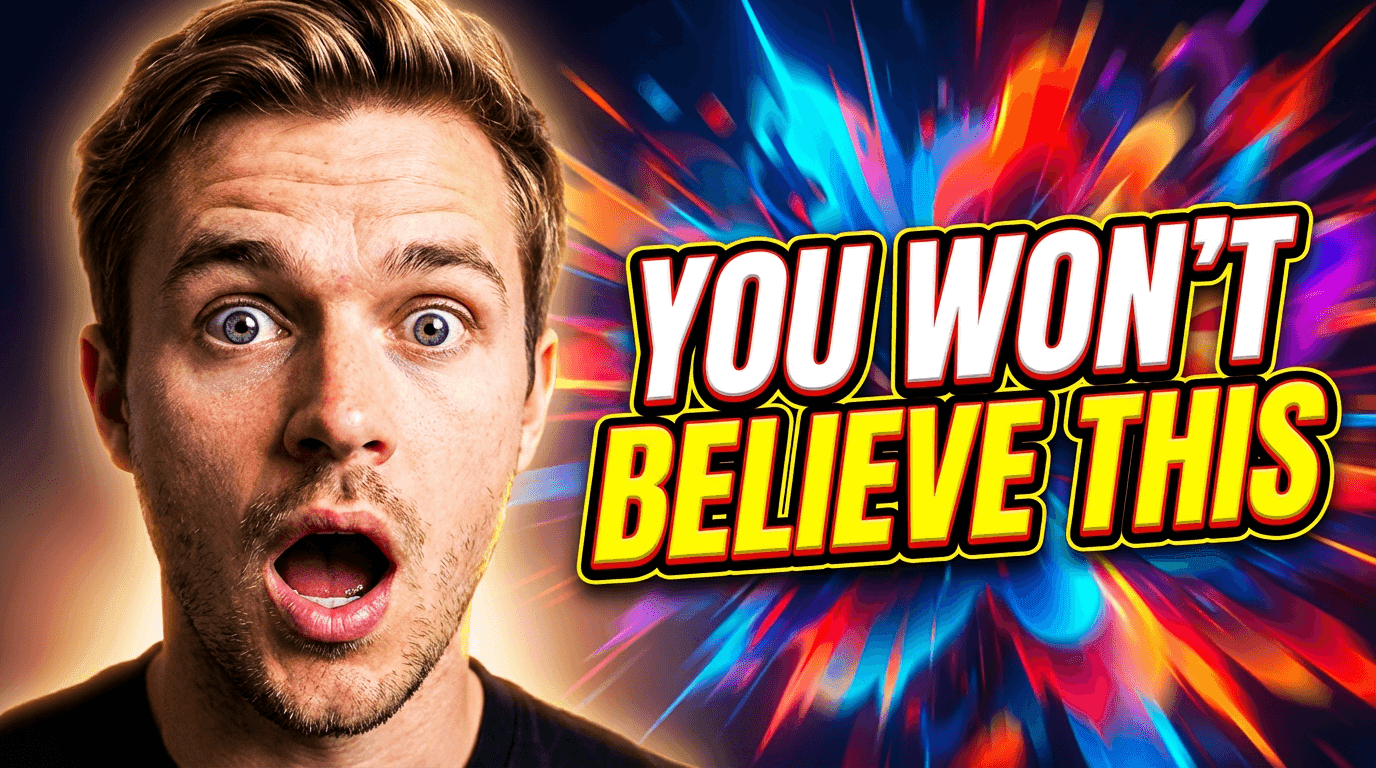
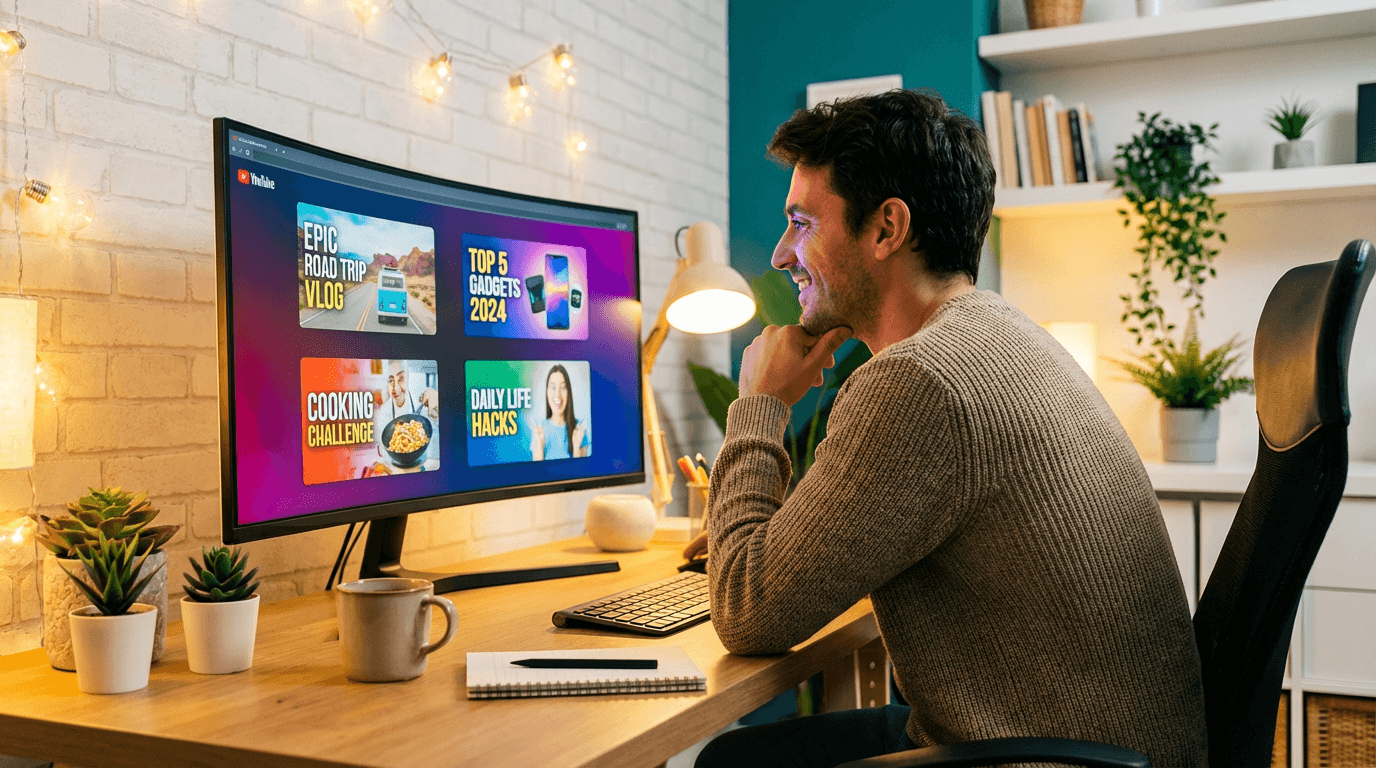
10 YouTube Thumbnail Ideas for Every Niche (With AI Prompts)

Written by
Jay Kim
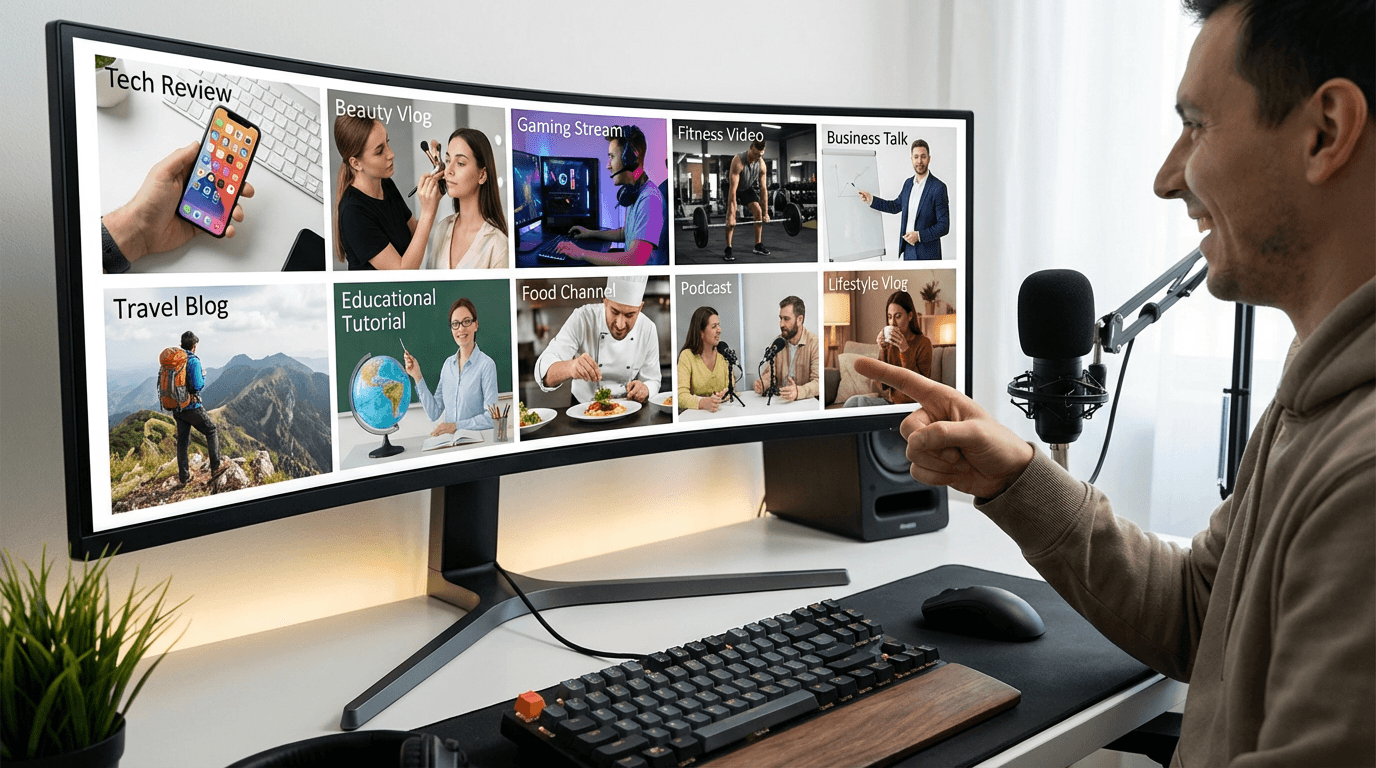
Get 10 YouTube thumbnail ideas with copy-and-paste AI prompts for gaming, beauty, finance, tech, food, and more. Designed for Miraflow's YouTube Thumbnail Maker and ready to use in seconds.
Your thumbnail is the first thing a viewer sees — and in most cases, it decides whether they click or scroll past.
The problem isn't knowing thumbnails matter. The problem is starting from scratch every single time you upload. Different niches need different visual styles, and what works for a gaming channel looks completely wrong on a finance or beauty channel.
This post gives you 10 YouTube thumbnail ideas — one for every major niche — each with a copy-and-paste AI prompt you can use directly inside Miraflow's YouTube Thumbnail Maker. No design experience needed. Just paste, generate, and publish.
TL;DR – How to Use These Thumbnail Ideas
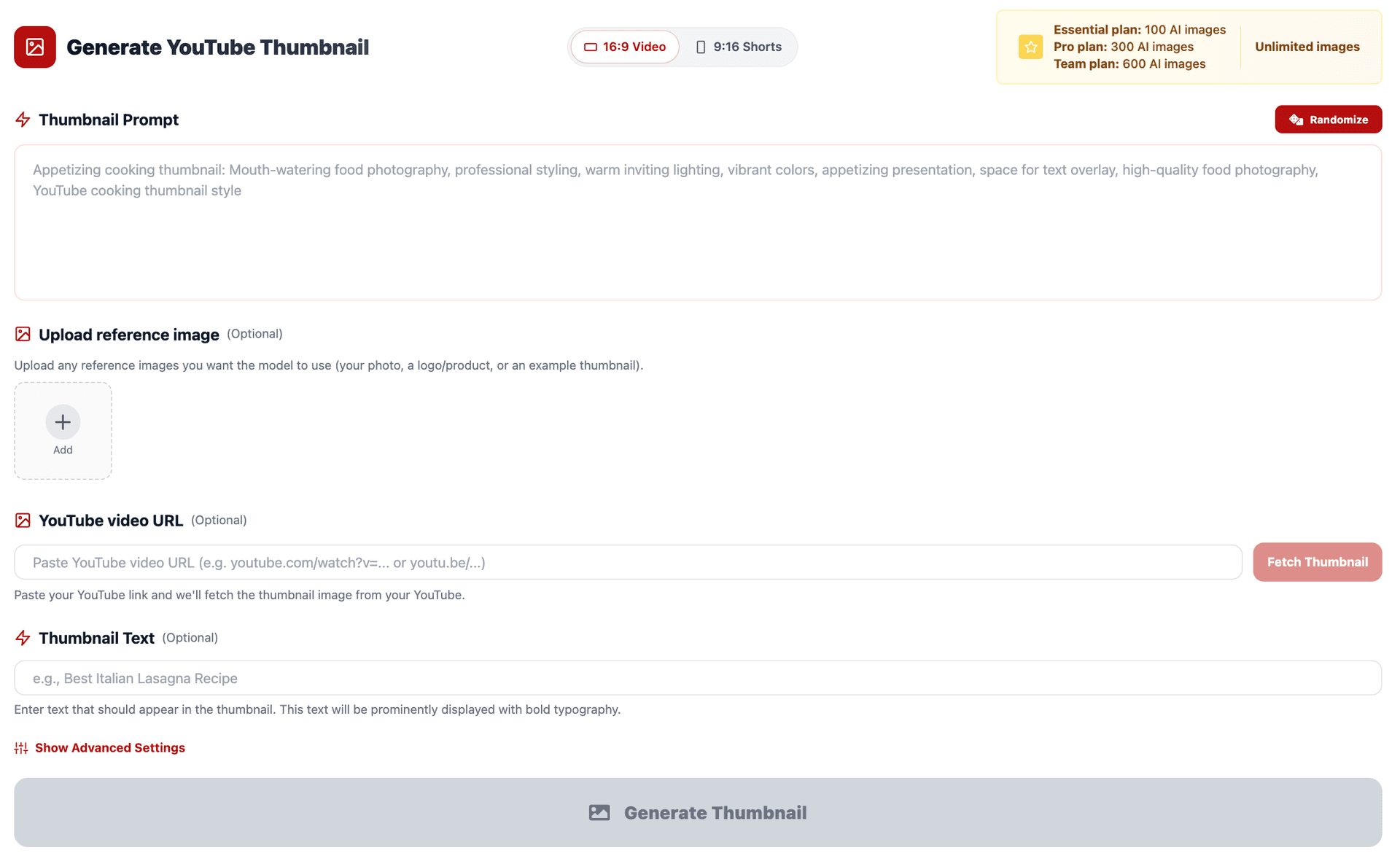
- Open YouTube Thumbnail Maker on Miraflow AI
- Paste the prompt into Thumbnail Prompt
- Add short punchy words (like "Level Up" or "Best Budget Pick") into Thumbnail Text
- Choose your aspect ratio:
- 16:9 Video for standard YouTube uploads
- 9:16 Shorts for YouTube Shorts
- Customize the color, mood, or niche details — but keep the overall structure of the prompt intact
Want a full walkthrough of the tool before diving in? Start here: How to Generate YouTube Thumbnails with AI: Step-by-Step
How Niche Affects Thumbnail Design
Every YouTube niche has its own visual language. Viewers in that niche have trained expectations — and thumbnails that break those expectations (in either direction) either feel refreshing and clickable, or out-of-place and easy to skip.
Here's the general rule:
Gaming
Dark, dramatic, high contrast, vibrant accents
Beauty / Lifestyle
Soft, pastel, warm lighting, portrait-forward
Finance / Business
Clean, bold typography, minimal, authoritative
Tech / Gadgets
Dark backgrounds, product glow, sharp product shots
Food / Cooking
Warm colors, close-up food, steam, richness
Fitness
Bold, energetic, before/after, high contrast
Education
Bright, clean, icon-driven, approachable
Travel
Wide scenic shots, vivid color, natural light
Productivity
Minimal, flat design, grid or icon-based
Entertainment / Vlog
Face-forward, expressive, casual and colorful
The 10 prompts below are built around these styles. Use them as your starting point, then adjust colors or mood to match your brand.
1. Gaming Channel Thumbnail
Best for: gameplay highlights, reviews, tier lists, challenge videos.
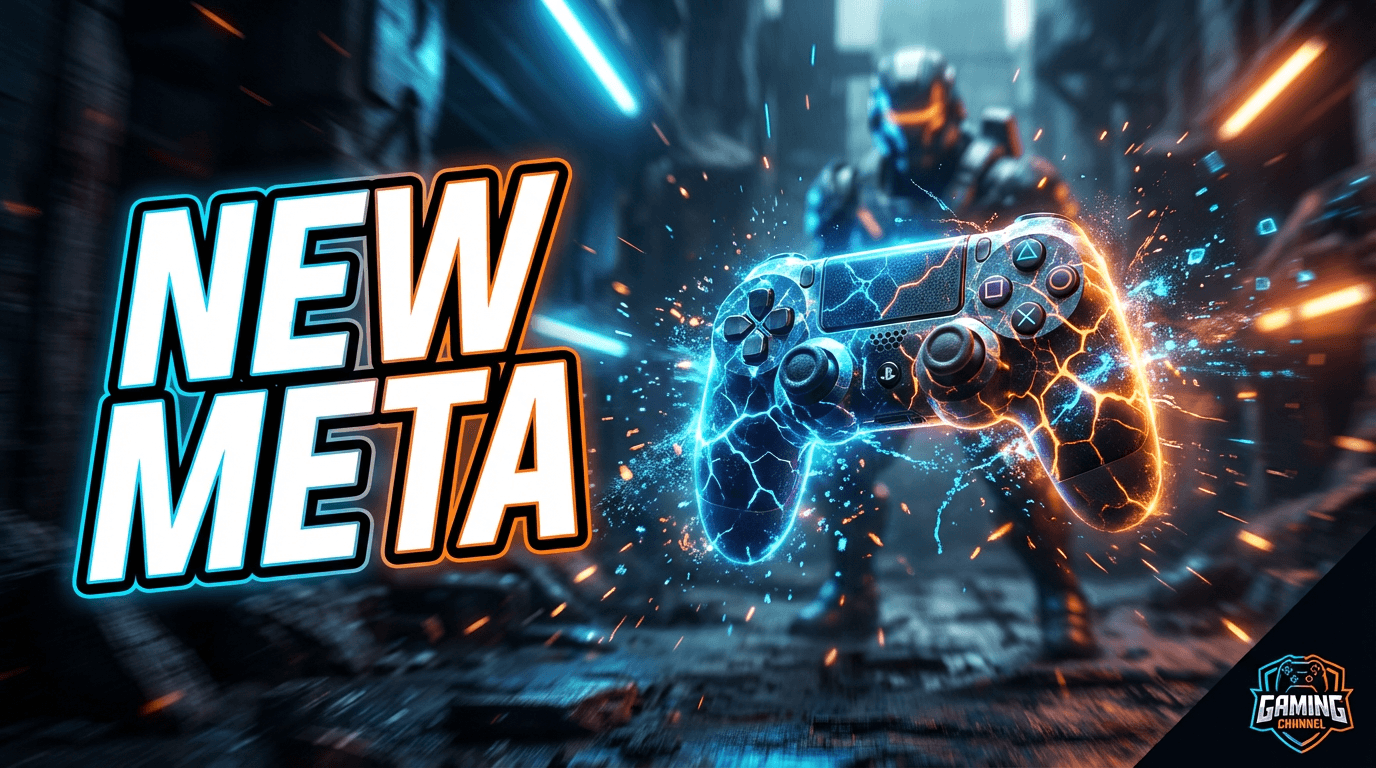
AI Prompt (Thumbnail Prompt):
YouTube gaming thumbnail: a dramatic scene with a glowing controller or game character centered in the frame, dark moody background with neon blue and orange accent lighting, particles or sparks flying around, slight motion blur effect to suggest action. High contrast, cinematic feel, bold and energetic. Space on one side for large bold text. Modern gaming channel style, sharp edges, intense atmosphere.
Thumbnail Text ideas:
- "New Meta"
- "I Finally Did It"
- "Hardest Challenge"
2. Beauty & Skincare Thumbnail
Best for: makeup tutorials, skincare routines, product reviews, glow-up content.
AI Prompt (Thumbnail Prompt):
YouTube beauty thumbnail: close-up portrait with flawless glowing skin, soft diffused light coming from the front or side, pastel and warm background with subtle bokeh. Color palette: pinks, corals, and creamy neutrals. The face should be slightly off-center with open space on one side for bold text. High-end beauty editorial look — clean, aspirational, and friendly.
If using Image Compositing, add:
"Use the uploaded person as the main beauty subject, preserving their features while enhancing lighting and softening the background."
Thumbnail Text ideas:
- "Glow Up Routine"
- "Under $20"
- "Tried This for 30 Days"
3. Personal Finance / Business Thumbnail
Best for: budgeting tips, investing, side hustles, income reports.

AI Prompt (Thumbnail Prompt):
YouTube finance thumbnail: clean, minimal composition with bold oversized numbers or dollar signs as the central element. White or dark navy background, subtle upward-trending chart lines in the background as texture. Green and white accent colors, slight glow around the number, professional and authoritative. Plenty of space for short punchy text. No clutter, high readability, business-credible style.
Thumbnail Text ideas:
- "$0 to $10K"
- "This Actually Works"
- "Stop Losing Money"
4. Tech Review / Gadget Thumbnail
Best for: unboxings, comparisons, best-of lists, setup tours.
AI Prompt (Thumbnail Prompt):
YouTube tech review thumbnail: a single gadget (laptop, phone, or earbuds) centered against a deep dark background with subtle studio gradient lighting. Soft product glow around the edges, slight glossy reflection on the surface, shadow underneath for depth. Clean and minimal with negative space on the left or right for bold text. Premium tech photography style, sharp focus, minimal clutter.
If you upload your own product photo, add:
"Use the uploaded product image as the main gadget, preserving its colors and shape, adding studio lighting and dark background."
Thumbnail Text ideas:
- "Worth It in 2026?"
- "Don't Buy This"
- "Best Budget Pick"
5. Food & Cooking Thumbnail
Best for: recipe videos, restaurant reviews, cooking challenges, taste tests.
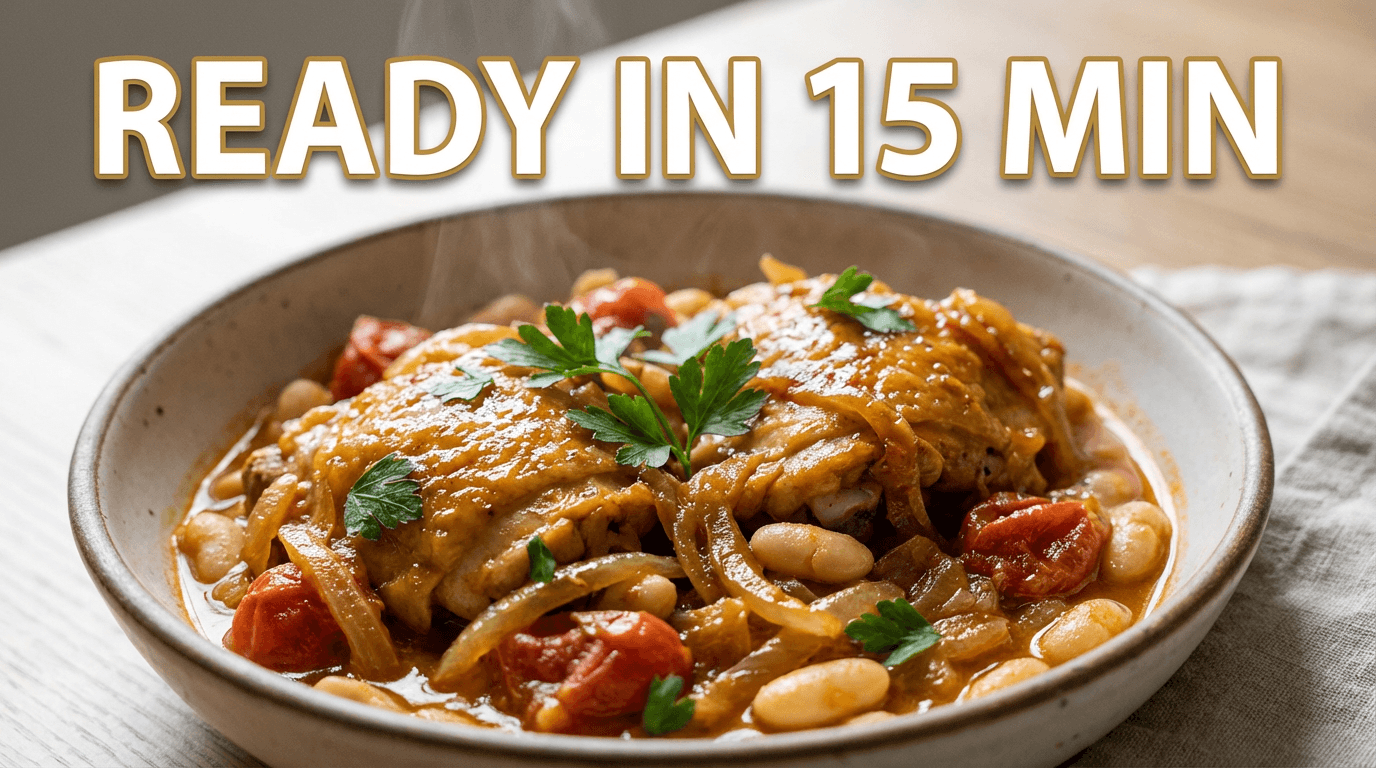
AI Prompt (Thumbnail Prompt):
YouTube food thumbnail: extreme close-up of a delicious dish — glistening, steaming, with rich warm colors like deep reds, golden browns, and creamy whites. Soft natural light from the side creating depth and appetite appeal. Clean minimal background, slight shallow depth of field behind the food. Space near the top for short bold text. Mouthwatering food photography style, warm and inviting.
Thumbnail Text ideas:
- "Ready in 15 Min"
- "You Need This Recipe"
- "Better Than Takeout"
6. Fitness & Transformation Thumbnail
Best for: workout routines, weight loss journeys, diet advice, transformation videos.
AI Prompt (Thumbnail Prompt):
YouTube fitness thumbnail: split-screen before and after layout, left side desaturated and slightly dull, right side vivid and energetic with bold lighting. High contrast, powerful and motivational mood. Diagonal divider between the two sides. Clean background, strong visual contrast between the two states. Space at the top for bold text. Energetic, gym-style aesthetic, high impact.
Thumbnail Text ideas:
- "30-Day Result"
- "What Actually Changed"
- "No Equipment Needed"
7. Education / Explainer Thumbnail
Best for: tutorials, how-it-works videos, deep dives, explainer content.
AI Prompt (Thumbnail Prompt):
YouTube educational thumbnail: clean and bright background with one central illustrative icon or symbol representing the topic — a lightbulb, brain, diagram, or simple flat icon. Flat design style with a soft gradient background in blues or yellows. Bold typographic layout with space for a key phrase. Friendly, approachable, informative. No visual clutter, icon-forward, modern explainer style.
Thumbnail Text ideas:
- "Finally Explained"
- "You've Been Doing It Wrong"
- "How It Actually Works"
8. Travel Vlog Thumbnail
Best for: travel vlogs, destination guides, trip recaps, city tours.
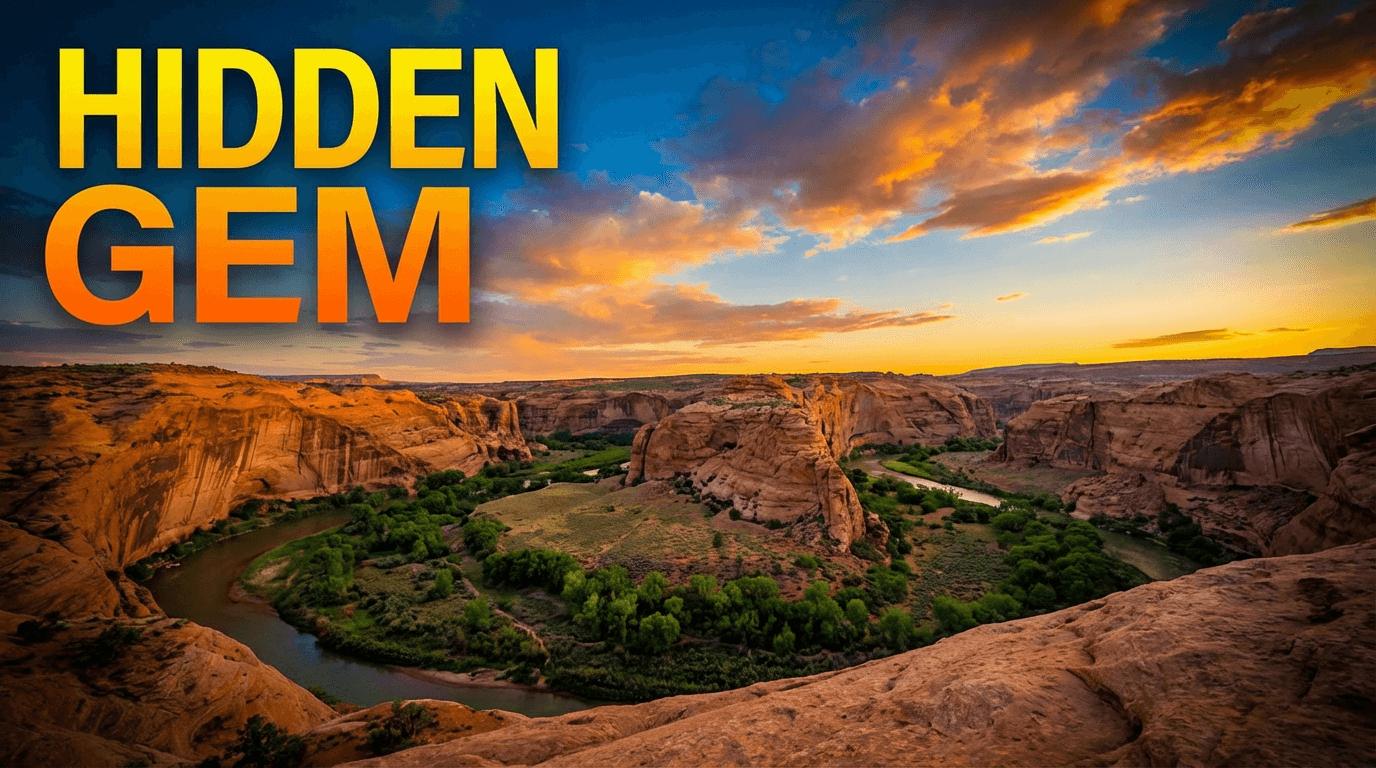
AI Prompt (Thumbnail Prompt):
YouTube travel thumbnail: wide scenic landscape or iconic destination in vivid, saturated colors — golden hour lighting, deep blue skies, lush greens or warm sandstone tones. Slightly cinematic look with high clarity and vibrant colors. Light vignette at the edges to frame the scene, space in the upper third for bold text overlay. Epic, aspirational travel photography style, wide angle, immersive and inviting.
Thumbnail Text ideas:
- "Hidden Gem"
- "You Must Go Here"
- "48 Hours in Tokyo"
9. Productivity / Tools Thumbnail
Best for: workflow tips, app reviews, productivity systems, time management content.
AI Prompt (Thumbnail Prompt):
YouTube productivity thumbnail: minimal flat-design composition with a clean white or light gray background. A small grid of 3–4 simple app icons or tool symbols arranged neatly on one side. Bold, oversized number or label on the other side. Soft drop shadow on each element, subtle grid or dot pattern in the background as texture. Professional and clean, no clutter. Modern productivity content style, approachable and organized.
Thumbnail Text ideas:
- "Tools I Use Daily"
- "Cut Your Work in Half"
- "My Full System"
10. Vlog / Entertainment Thumbnail
Best for: day-in-my-life, challenge videos, storytime, reaction content.
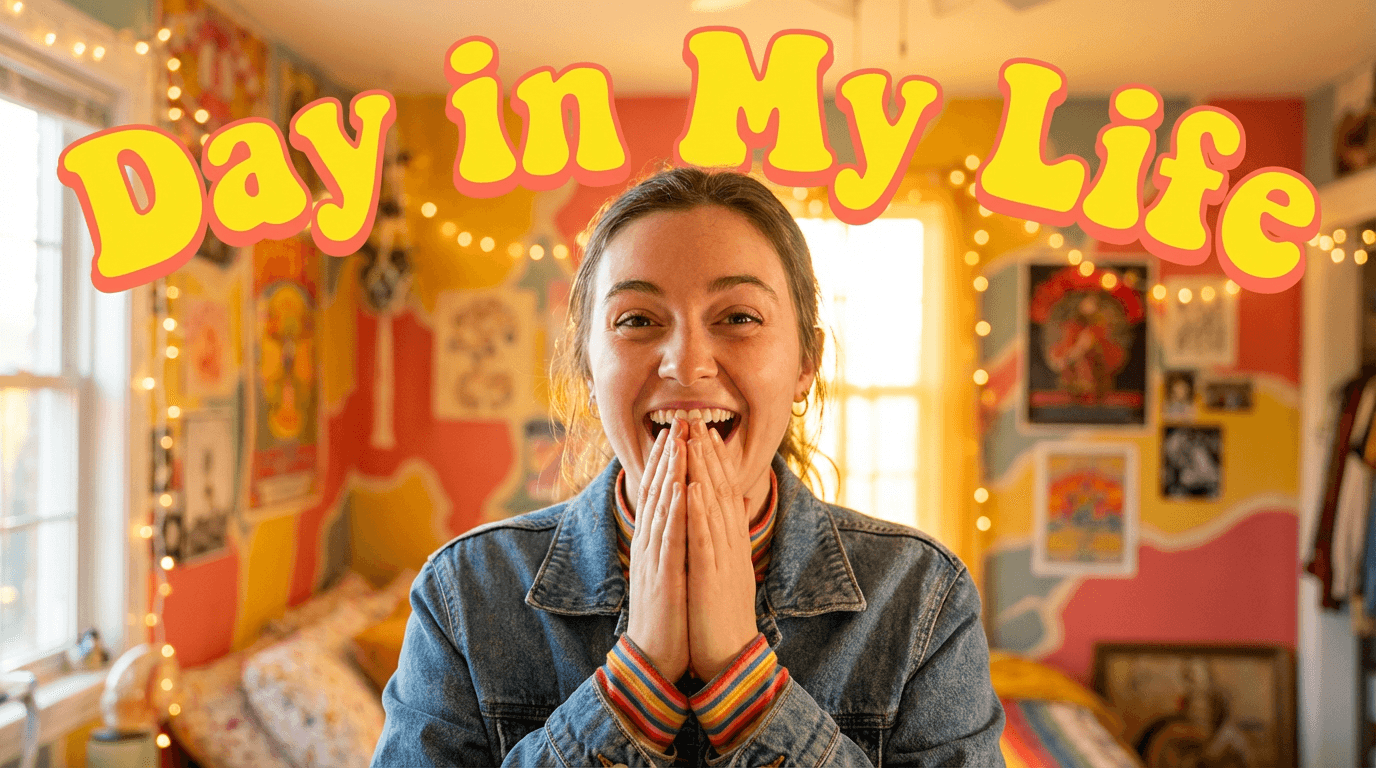
AI Prompt (Thumbnail Prompt):
YouTube vlog thumbnail: close-up or medium shot of a person with a genuine expressive reaction — surprised, excited, or laughing — with bright colorful background and playful accent colors like yellow, red, or coral. Casual and energetic lighting, slightly warm tone. Space on one side or above for bold text. Personality-forward, fun and relatable YouTube creator style, eye-catching and casual.
If uploading Refernce Image, add:
"Use the uploaded person as the main subject with an expressive, energetic look. Keep the background bright and colorful."
Thumbnail Text ideas:
- "I Can't Believe This"
- "Day in My Life"
- "This Actually Happened"
How to Adapt Any Prompt for Your Brand
These prompts are templates, not rules. Once you've used them a few times, you'll start recognizing the pattern:
- Subject — what's visually in the center of the frame
- Lighting & color — bright and vivid, dark and moody, pastel and soft, etc.
- Composition — centered, split-screen, icon-grid, portrait-forward
- Style reference — "tech review style", "beauty editorial style", "gaming thumbnail style"
To make any prompt yours:
- Swap the subject for something specific to your content (e.g., "a DSLR camera" instead of "a gadget")
- Change the color palette to match your channel's brand colors
- Adjust the mood — cinematic, playful, minimal, dramatic
- Add your niche's visual language ("Korean skincare aesthetic", "dark souls-style gaming", "Wall Street Journal clean layout")
Keep those four elements and the AI will consistently produce thumbnails that feel native to your niche.
Generating These Inside Miraflow's Thumbnail Maker
Here's the exact workflow to go from prompt to finished thumbnail:
- Go to YouTube Thumbnail Maker on Miraflow AI
- Set the Aspect Ratio:
- 16:9 Video for standard YouTube
- 9:16 Shorts for vertical Shorts content
- Paste your chosen prompt into Thumbnail Prompt
- Add a short phrase into Thumbnail Text — this renders as the bold overlay text
- (Optional) Open Show Advanced Settings and add a Negative Prompt like:
blurry, low quality, cluttered background, distorted face, messy text
- Hit Generate Thumbnail, then check your results in My Thumbnails
- Download and upload directly to YouTube
Pro tip: Generate 2–3 variations of the same prompt, then compare them at thumbnail size on your phone. The one that pops immediately at small size is always the right pick.
Conclusion
You don't need to be a graphic designer or spend an hour in Canva every time you upload a video.
With the right AI prompts matched to your niche, you can generate professional YouTube thumbnails in minutes — and keep your visual style consistent across your entire channel.
Use the 10 prompts above as your starting library. Build on them, customize them for your brand, and over time you'll have your own personal thumbnail prompt kit that makes every upload faster — and every thumbnail harder to scroll past.
Ready to generate? → Try Miraflow's YouTube Thumbnail Maker