YouTube Views Dropping in 2026: Why Your Channel Suddenly Slows Down

Written by
Jay Kim

Your YouTube views are dropping in 2026 and you do not know why. Learn how to read your analytics, find the real cause and use Miraflow AI to revive a slowing channel.
If you open YouTube Studio in 2026 and see the graph slowly sliding down, it feels personal.
You are still uploading, thumbnails look fine, maybe one video even went viral a few months ago, and now:
- Views are dropping
- Impressions might be flat or up
- The channel just feels slower
In most cases, it is not that ‘the algorithm hates you’. It is that your inputs changed and YouTube’s recommendation system is reacting.
In this guide we will cover:
- Why YouTube views drop in 2026 even if you are still uploading
- How to read your analytics to find the real cause
- The most common reasons channels suddenly slow down
- Concrete fixes for each problem
- How to use Miraflow AI to rework hooks, thumbnails and formats without burning out
Why YouTube views really drop in 2026
YouTube has been very clear about how its recommendation system works in recent years:
- It pulls content for each viewer individually instead of ‘pushing’ your videos to everyone
- It optimises for satisfaction signals and session time, not just views
- Key signals include watch time, click-through rate (CTR), retention and post-view actions
In other words, YouTube shows whatever viewers are most likely to watch and enjoy right now. If your videos:
- Get clicked less than competing videos
- Hold attention less than competing videos
- Lead to fewer positive actions (likes, comments, watching more)
then over time, YouTube simply shows you less.
The good news is, that the data inside YouTube Studio tells you which of those things is going wrong.
Step 1: Check if the drop is real or just a shift
Before panicking, make sure you are not looking at a normal pattern or a metrics change.
1. Seasonality and upload gaps
Views naturally drop when:
- Your audience is in exam season, holidays, peak travel, etc
- You slowed down uploads for a few weeks
- You changed time of day or day of week drastically
YouTube’s own guidance notes that viewer habits change by device, time of day and season, and that this influences recommendations.
If you see:
- Views dropping at the same time last year
- A big drop immediately after a break
then part of the slowdown is simply less content + different viewing habits, not a penalty.
2. Shorts view counting changes (if you post Shorts)
If your channel relies heavily on Shorts, keep this in mind:
- Since March 31, 2025, YouTube counts a view as soon as a Short starts playing or replays, even if the viewer swipes away instantly
- YouTube still tracks an internal ‘engaged views’ metric for monetization and Partner Program decisions
That means:
- Your older Shorts may show different view patterns than newer ones
- A ‘drop’ in views after a spike could be the algorithm testing your content more realistically
Still, if you see a sustained downward trend across weeks, it is usually a real signal that something needs to change.
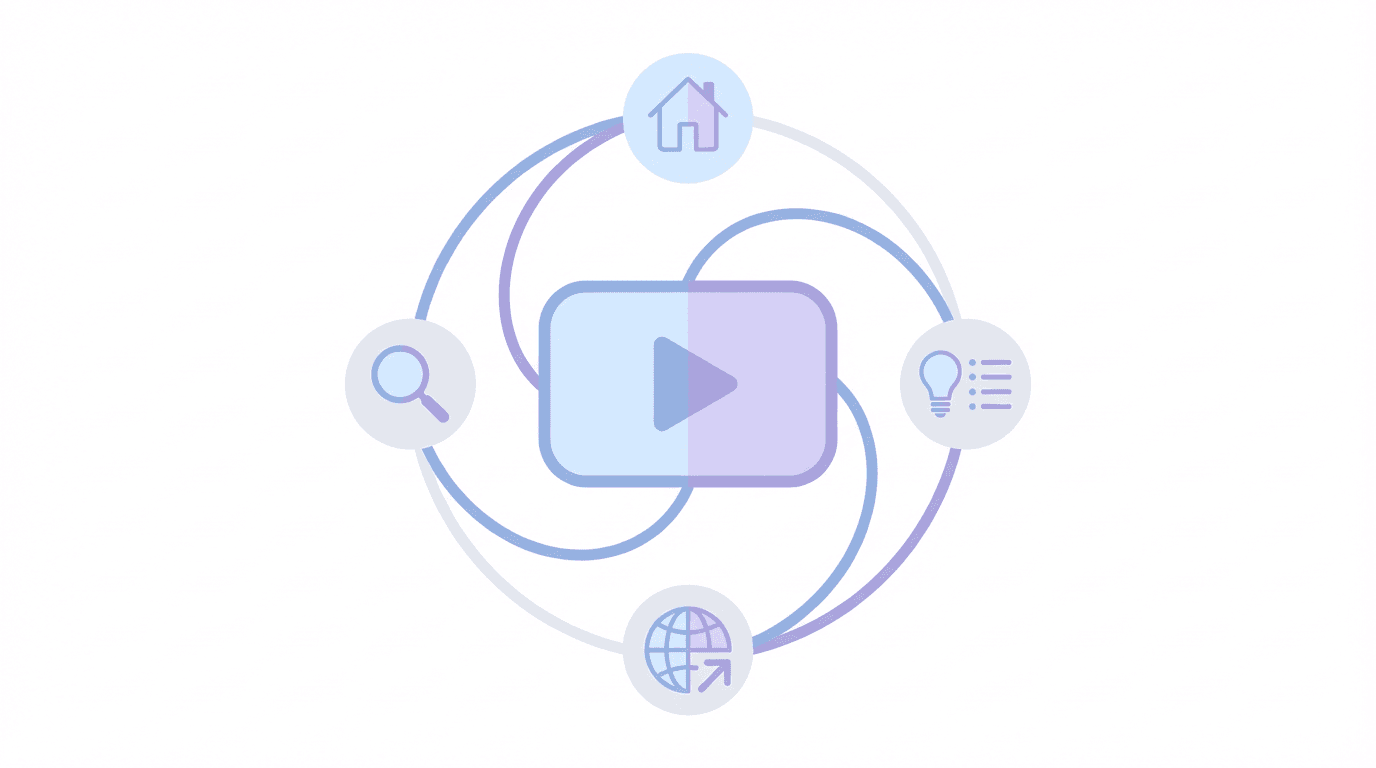
Step 2: Read your traffic sources first
When views drop, the first question is not ‘what is wrong with my content’, it is:
Where did the views disappear from?
YouTube Analytics shows traffic sources, such as:
- Browse features (home page, subscriptions, etc)
- Suggested videos
- YouTube search
- Shorts feed
- External and others
Open Analytics → Content → choose your format (Videos / Shorts) and look at:
- Which source used to be strong
- Which one is shrinking
Some typical patterns.
Pattern A: Browse features dropping
Browse features = Home, Subscriptions, Watch Later, Trending, Explore.
If browse views fall while search is stable:
- Your videos are not being recommended as often on the home page
- This is often tied to lower CTR, weaker viewer satisfaction or content changes
Pattern B: Suggested videos dropping
Suggested = videos shown next to or after other videos.
If suggested traffic drops:
- Your videos might no longer be the obvious follow-up to bigger creators in your niche
- Thumbnails and titles might not ‘fit’ the surrounding videos as well as before
Pattern C: Search dropping
If search views drop, but browse and suggested are stable:
- Fewer people are clicking your video in search results
- Competitors might be outranking you with better thumbnails/titles
- Some keywords may simply have lower search volume this month
Once you know which lane is slowing down, you can fix the right problem instead of changing everything randomly.
Step 3: Check impressions vs CTR
Now zoom into a few specific videos and look at:
- Impressions
- Impressions click-through rate (CTR)
YouTube itself reminds creators that thumbnails and titles are the first impression, and you may need to experiment with more accurate and engaging versions.
Scenario 1: Impressions steady or rising, CTR dropping
This means:
- YouTube is still showing your videos
- Viewers are seeing your thumbnails
- They are choosing something else
Common causes:
- Your thumbnails have become too busy or repetitive
- Your titles are vague or over-promising
- Competing channels in your niche improved their packaging
Fix with Miraflow AI: thumbnail and title makeovers
Use Miraflow’s YouTube Thumbnail Maker:
- Go to
miraflow.ai/youtube-thumbnail-maker - For each under-performing video, either:
- Upload your original thumbnail, or
- Upload a still frame with your face or key scene
- Enter a new Thumbnail Prompt that emphasises:
- One clear subject
- Bright background, strong contrast
- Emotion or tension
Example prompt for a creator tips video:
close up of a creator’s face reacting to a big rising analytics graph on a laptop screen, bright background, strong contrast, clean composition, modern YouTube thumbnail style, no tiny text, no logos
Then:
- Set Thumbnail Text to 1–3 bold words
- Add negative prompts like ‘blurry, low quality, cluttered’
At the same time, rework your title using templates from your titles post, for example:
- ‘YouTube views dropping in 2026? Do this first’
- ‘I fixed my dead channel with this one change’
Update, wait a few days, and compare CTR before vs after.
Scenario 2: Impressions dropping, CTR stable or decent
This usually means:
- Your packaging is fine once shown
- YouTube is giving you fewer chances in home and suggested
In this case, focus more on retention and topic fit, not just thumbnails.
Step 4: Analyse retention and viewer satisfaction
YouTube’s 2025–2026 algorithm guidance is consistent: viewer satisfaction is the core ranking signal. That includes:
- Watch time and average view duration
- Retention curve (do people drop off early?)
- Post-view actions like likes, comments, and watching more content
Open a few recent videos that underperformed and look at:
- Average view duration
- Average percentage viewed
- Retention graph shape
Common patterns.
Big drop in first 10–30 seconds (long form) or first 1–3 seconds (Shorts)
Usually caused by:
- Hook that does not match title/thumbnail
- Long intros, branding, or ‘hey guys’ before the value
- Confusing or slow first visual
Fix with Miraflow AI: rewrite the first 30 seconds with Text2Shorts
Even for long form videos, you can draft a stronger hook using Text2Shorts:
- In Miraflow AI, open Text2Shorts
- Paste your video topic as the prompt, for example:
- ‘Why my YouTube views are dropping and how I fixed it’
- Let it generate a short script
- Take the first 1–3 sentences and adapt them as your new video intro
You can also use Text2Shorts to design a short cold-open sequence:
- One line that states the problem
- One visual payoff (graph drop, before/after)
- Then your regular intro
Re-uploading a completely new version is not always needed, but for future videos, build intros from this kind of structured hook.
Slow downward slope, no big spikes
Usually means:
- The topic is mildly interesting
- Pacing is just a bit too slow
- Visuals are repetitive
Fix with Miraflow AI: more pattern breaks
Use Miraflow AI to inject visual variety:
- Generate Nano Banana Pro B-roll scenes that match key sections
- Use Veo-style cinematic clips for intros and transitions
- For talking head videos, cut away to AI B-roll every 5–10 seconds
The goal is not to spam effects, but to give the viewer a new thing to look at regularly.
Good retention, low subscribers gained
This means:
- People enjoy the video, but it does not clearly connect to your channel’s promise
- Or you never directly invite them deeper into your content
Fix:
- Tighten your niche, so new videos feel related to existing ones
- Add clear end-screens pointing to follow-up videos
- Use Miraflow AI to create end-screen graphics and consistent outro visuals
Step 5: Content and audience fit problems
Sometimes views drop because you changed, not the algorithm.
Examples:
- You pivoted from tutorials to vlogs
- You started posting broad Shorts on a previously niche channel
- You mixed different languages or audiences on one channel
YouTube’s recommendation system relies heavily on viewer history and interest clusters. It pulls videos that people with similar behaviour have enjoyed before.
If your new content no longer matches the audience YouTube has learned for your channel:
- Existing subscribers may ignore new uploads
- Home and suggested impressions can drop
- The algorithm can get confused about who to show your videos to
This is usually solved by:
- Committing to a clear content lane for a while
- Producing a series of related videos instead of random topics
- Making sure thumbnails and titles make that lane obvious
Miraflow AI can help you define and execute a series quickly:
- Use Text2Shorts to ideate and script a 5–10 video series (for example ‘YouTube analytics explained’, ‘Faceless Shorts for beginners’).
- Use Thumbnail Maker to design a series-style thumbnail look.
- Use AI Music Generator to give that series a consistent audio identity.
Step 6: Use Miraflow AI to reboot a slowing channel
Here is a practical recovery plan using Miraflow AI as your one-tab studio.

1. Pick 3–5 ‘nearly good’ videos
In YouTube Studio:
- Filter last 90 days
- Sort videos by impressions and then by CTR and average view duration
Choose videos where:
- Impressions are decent
- CTR or retention is clearly below your channel average
These are prime candidates for AI-powered makeovers.
2. Run thumbnail makeovers in Miraflow AI
For each chosen video:
- Generate 1–2 new thumbnails with clearer focus using the Thumbnail Maker
- Apply learnings from your other thumbnail posts (fewer words, bigger faces, strong contrast)
- Update and annotate the date so you can compare performance
3. Rewrite your next intros with Text2Shorts
For new videos, stop starting from a blank page.
Instead:
- Use Text2Shorts to generate a 20–40 second script that explains:
- The viewer’s problem
- The payoff if they watch
- Use the best lines as your spoken hook
- Build your edit so the most visual moment appears in the first 5–10 seconds
4. Improve perceived quality with AI visuals and music
Inside Miraflow AI:
- Use Youtube Thumbnail Maker to create clean, high-impact visuals for intros, B-roll and thumbnails
- Use Cinematic Video workflows to generate cinematic cutaways for tutorials or talking head content
- Use AI Music Generator to produce background tracks that fit your tone (study, techy, high-energy, etc)
Better visuals and sound often increase perceived quality, which helps retention and satisfaction.
5. Create a focused micro-series
To rebuild audience trust and algorithm clarity:
- Pick one subtopic that already performs reasonably well on your channel
- Plan a 3–5 video mini series around it
- Use Miraflow AI to keep scripts, visuals, thumbnails and music consistent
This gives YouTube and viewers a clear message:
‘This channel is about this now. Here are multiple great videos on it.’
Example ‘views dropping’ recovery workflow
Let’s make it concrete.
Say your channel about YouTube tips sees a views drop in March 2026.
Analytics shows:
- Browse and suggested traffic down
- Search stable
- CTR slightly lower than last quarter
- Retention in first 30 seconds is weak across several videos
Your Miraflow recovery plan:
- Thumbnail and title triage
- For 3 key videos about Shorts and monetization, create AI thumbnails that show graphs, money and strong creator reactions
- Update titles using clearer ‘why this is happening’ patterns
- Hooks rewrite
- Use Text2Shorts to design new intro scripts for your next 3 uploads
- Start each video with ‘your views are dropping because…’ rather than a slow setup
- Visual upgrade
- Generate Nano Banana Style B-roll of analytics dashboards, clocks, calendars, etc, to support your explanations
- Use those across multiple videos, like a visual asset pack
- Micro-series
- Plan 3 connected videos:
- ‘YouTube views dropping in 2026’
- ‘YouTube Shorts analytics in 2026’
- ‘YouTube CTR in 2026’
- Give them visually consistent thumbnails and intros
- Review and adjust
- After 2–3 weeks, compare new videos and updated videos against your older baseline
- Double down on whichever structure performs best
FAQ: YouTube views dropping in 2026
Is my channel ‘shadowbanned’?
YouTube does not have a generic ‘shadowban’ for normal content. Views usually drop because:
- Viewers choose other videos over yours (CTR issue)
- Viewers stop watching early (retention issue)
- Your new topics no longer match your core audience
The algorithm is simply following viewer behaviour, not secretly punishing you.
Should I delete underperforming videos?
Usually no.
- Old videos can start getting views again when topics trend, people search more or you fix the thumbnail
- Deleting many videos can remove watch time history and internal links
Focus on improving future videos and selectively updating thumbnails/titles for older ones with potential.
How long does it take to recover from a drop?
There is no fixed time. In practice:
- Small drops from inconsistent uploads can stabilise within a few weeks of regular posting
- Bigger drops from niche shifts may take a few months of focused content
- What matters is that each new video is better aligned with what your audience wants and what the algorithm can confidently recommend
Using tools like Miraflow AI helps you iterate faster instead of guessing.
Conclusion and next steps
A drop in views in 2026 is not a death sentence. It is feedback.
Your job is to:
- Read your traffic sources
- Check impressions vs CTR
- Inspect retention and satisfaction
- Decide whether the problem is packaging, pacing or positioning
Then you use Miraflow AI as your execution engine:
- Text2Shorts for sharper hooks and clearer scripts
- Nano Banana Pro style images and Veo3/Veo3.1 style videos for better visuals and B-roll
- AI Music Generator for professional sound
- YouTube Thumbnail Maker for AI-powered thumbnail makeovers
Next steps for you:
- Open Analytics and write down the main traffic source that dropped.
- Pick three videos with good topics but weak CTR or retention.
- Run one thumbnail makeover and one hook rewrite for each using Miraflow AI.
- Upload new content as a focused mini series in your strongest niche.
- Review data after 2–3 weeks and keep the changes that clearly helped.