18 AI Sticker Sheet Prompts for the Viral Face Sticker Trend (Copy & Paste)

Written by
Aerin Kim
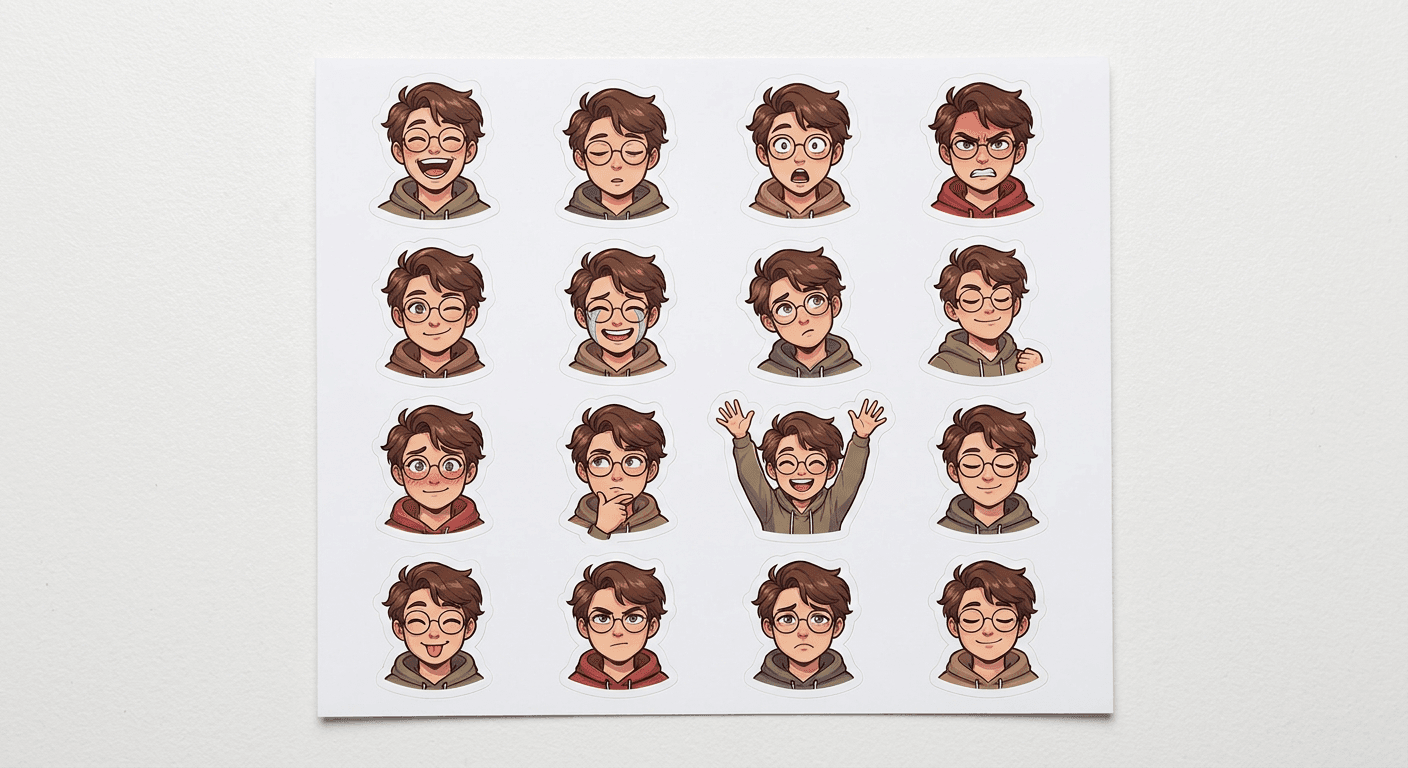
The AI sticker sheet trend is turning selfies into 16-expression sticker packs across TikTok. Here are 18 grouped prompts for reaction, chibi, mascot and messaging-app sticker packs.
A photo of yourself turned into a full sheet of sixteen expressions, ready to drop straight into a messaging app, is one of the fastest-spreading AI image formats going into the back half of 2026. The format has several names depending on where you find it, the ChatGPT sticker trend, the Zalo-style sticker sheet, the face sticker trend, but the mechanic is the same everywhere: upload one selfie, generate a full grid of consistent expressions, and post the whole sheet, or clip out single stickers for individual reactions.
What makes this trend worth building around right now is that it is not a one-off image, it is a content format. A finished sticker sheet is inherently more shareable than a single filtered photo, since it doubles as a usable asset, viewers can literally screenshot a favorite square and use it as their own reaction, which is a different kind of engagement than a like or a comment. Creators covering product mockups, personal branding, or fan engagement content have all found different angles into the same underlying prompt structure, grouped below into five formats.
Every prompt below is built for the image-to-image, reference-photo workflow that this trend depends on, which you can generate directly inside the AI Image Generator in Miraflow AI.
Why This Trend Is Spreading So Fast
Grid-based expression sheets solve a real weakness other AI photo trends have: novelty wears off after one generation. A single stylized photo gets one round of engagement and then the format is exhausted for that person. A sticker sheet is different because it produces sixteen distinct, individually usable pieces of content from one generation, and it invites a second wave of engagement when followers start actually using the stickers in their own conversations, closer to how a genuinely good meme format spreads. It also travels well across platforms: a full sheet works as a single TikTok or Instagram post, while individual cropped stickers work as WhatsApp, Telegram, iMessage, or Discord reaction images, which is a wider surface area than most AI photo trends reach, similar to how the prompts in our Instagram post image templates guide get reused across more than one platform from a single generation. If you are also experimenting with the AI figurine trend, the two pair naturally in a single content batch, since both start from the same clear, well-lit reference photo and just diverge in output format.
1) Full Expression Sheet Prompts
This is the core format the trend is built around: a grid of the same face across many distinct expressions, generated in one pass so the identity stays consistent.
Prompt 1: Classic 16-expression grid
Turn the person in the reference photo into a clean 4x4 grid sticker sheet on a plain white background, sixteen cells each showing the same face with a different clear expression: laughing, sleepy, shocked, angry, winking, crying with joy, confused, proud, shy, thinking, celebrating, calm, playful, determined, sad, and content. Keep facial identity, hairstyle and skin tone fully consistent across every cell, bold white die-cut outline around each sticker, soft even studio lighting, no real brand names, no readable text.
Prompt 2: Simplified 9-expression grid
Create a simplified 3x3 grid sticker sheet from the reference photo, nine cells showing the same person with core reaction expressions: happy, sad, angry, surprised, love, laughing, thinking, tired, and confident. Consistent facial features and hairstyle across the grid, bold white die-cut sticker outline on each cell, clean plain background, no readable text.
Prompt 3: Before-and-after mini sheet
Generate a split before-and-after image, the left half showing the original reference photo unedited, the right half showing the same person transformed into a 2x2 mini sticker sheet with four expressions, laughing, surprised, calm and playful, clean white die-cut borders on the stickers, soft even lighting, no readable text.
Prompt 4: Seasonal expression sheet
Create a 3x2 grid sticker sheet from the reference photo, six cells showing the same person in a light seasonal winter outfit with a scarf, each cell a different expression: cheerful, cozy, surprised by snow, sleepy, excited, and content, consistent identity and outfit across all six, bold white die-cut sticker borders, soft cool-toned lighting, no readable text.
All four of these assume a clear, front-facing reference photo as the input. The single biggest factor in whether the sixteen cells actually look like the same person is photo quality going in, not the prompt wording, so start with a sharp, well-lit, unobstructed shot before anything else.
2) Single Reaction and Meme Sticker Prompts
Not every use case needs the full sheet. These four prompts generate one standalone reaction sticker at a time, the format that works best for actually using in a chat thread rather than posting as a single piece of content.
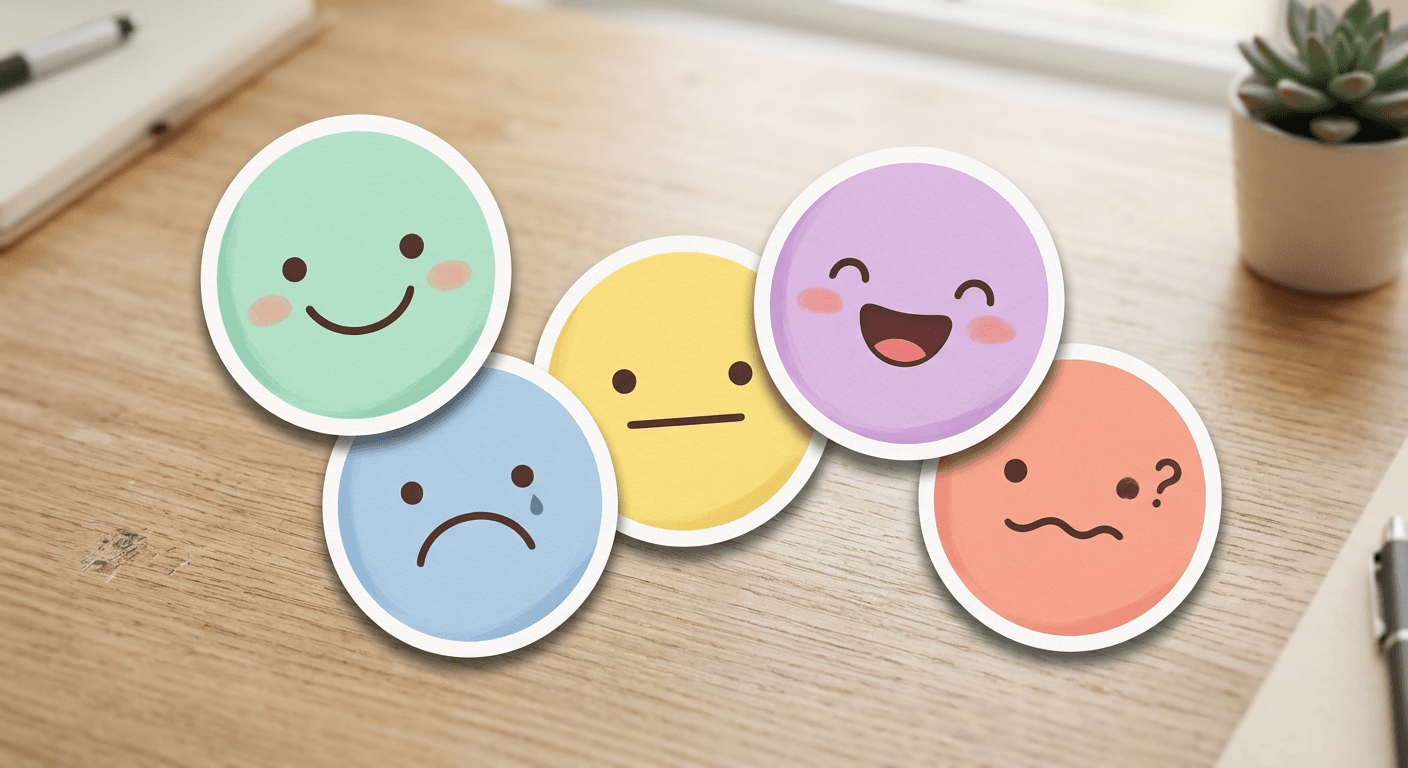
Prompt 5: Shocked reaction
Generate a single round die-cut sticker of the person in the reference photo with an exaggerated shocked expression, wide eyes and open mouth, bold thick white sticker border, plain transparent-style background, bright even lighting, no readable text, no real brand names.
Prompt 6: Laughing reaction
Generate a single round die-cut sticker of the person in the reference photo laughing with eyes closed and head tilted back slightly, bold thick white sticker border, plain transparent-style background, bright even lighting, no readable text, no real brand names.
Prompt 7: Deadpan reaction
Generate a single round die-cut sticker of the person in the reference photo with a flat deadpan unimpressed expression, one eyebrow slightly raised, bold thick white sticker border, plain transparent-style background, even lighting, no readable text, no real brand names.
Prompt 8: Heart-eyes reaction
Generate a single round die-cut sticker of the person in the reference photo with a warm loving expression and a small heart accent near the cheek, bold thick white sticker border, plain transparent-style background, soft warm lighting, no readable text, no real brand names.
Single reaction stickers are also the easiest entry point if you want to test the format before committing to a full sixteen-cell sheet, since one bad generation costs a fraction of the time.
3) Chibi and Kawaii Style Prompts
The chibi variation swaps realistic proportions for the oversized-head, simplified-body look popular in kawaii sticker culture. It tends to read as more clearly stylized and less uncanny than the realistic grid, which some creators prefer specifically because it sidesteps any awkwardness around likeness accuracy.
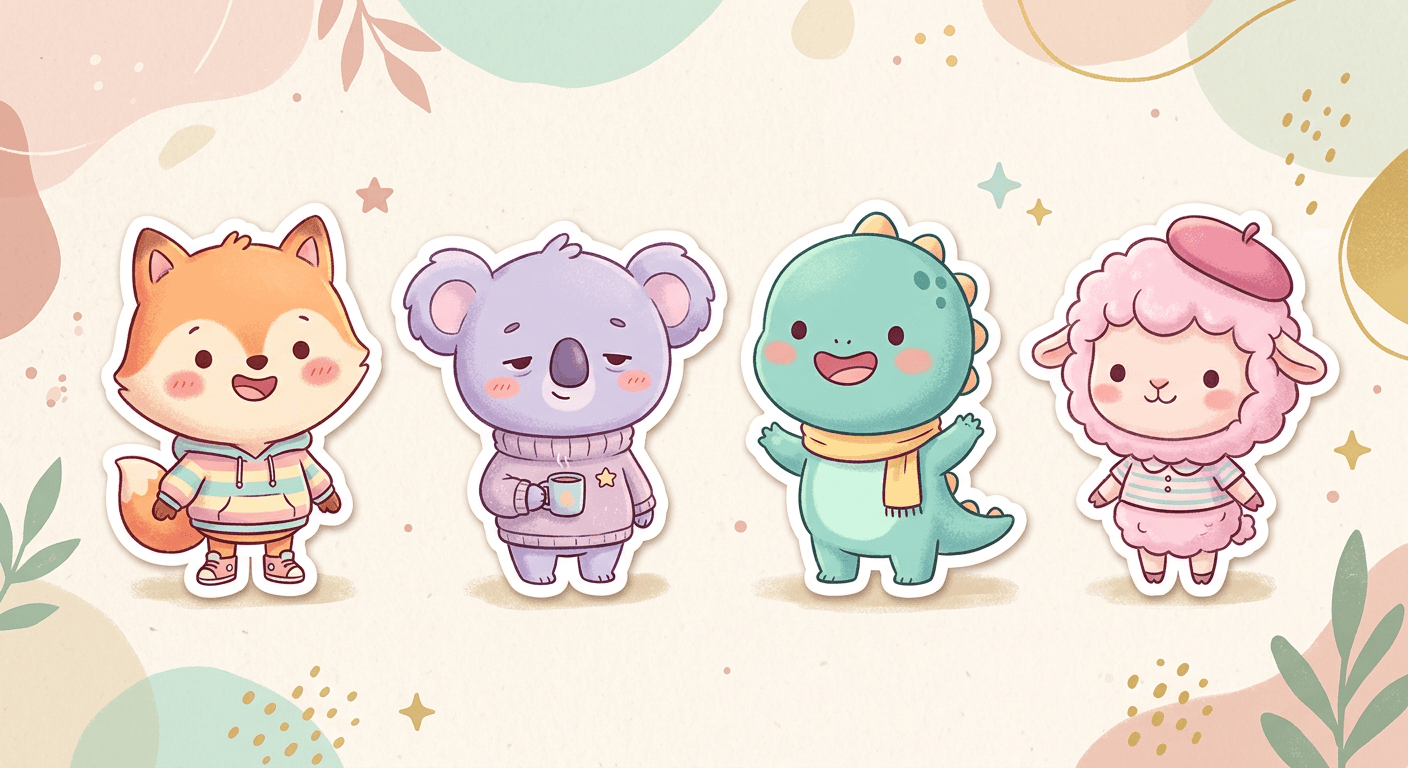
Prompt 9: Chibi expression sheet
Turn the person in the reference photo into a chibi-proportioned 2x3 grid sticker sheet, oversized head and simplified rounded body, six cells each showing a different expression: happy, shy, angry, sleepy, excited and confused, consistent chibi identity across all six, bold white die-cut sticker borders, soft pastel colors, no readable text.
Prompt 10: Chibi keychain sticker
Generate a single chibi-style round die-cut sticker of the person in the reference photo, oversized head, simplified rounded body, cheerful expression, small metal keyring clip icon attached at the top, soft pastel colors, plain background, no readable text, no real brand names.
Prompt 11: Chibi seasonal outfit set
Create a chibi-proportioned 2x2 grid sticker sheet of the person in the reference photo wearing four different simple seasonal outfits, a light jacket, a sun hat, a scarf, and a raincoat, one per cell, consistent chibi facial identity across all four, bold white die-cut sticker borders, soft pastel colors, no readable text.
If the chibi look resonates, it is worth pairing with the desk-collectible prompts in our AI action figure and toy box guide, since both trends share the same chibi proportioning technique applied to a different final format.
4) Brand and Mascot Sticker Prompts
Not every sticker sheet needs a human subject. This group turns a product, brand mascot, or pet into its own sticker set, which works well specifically for business accounts and product marketing content.
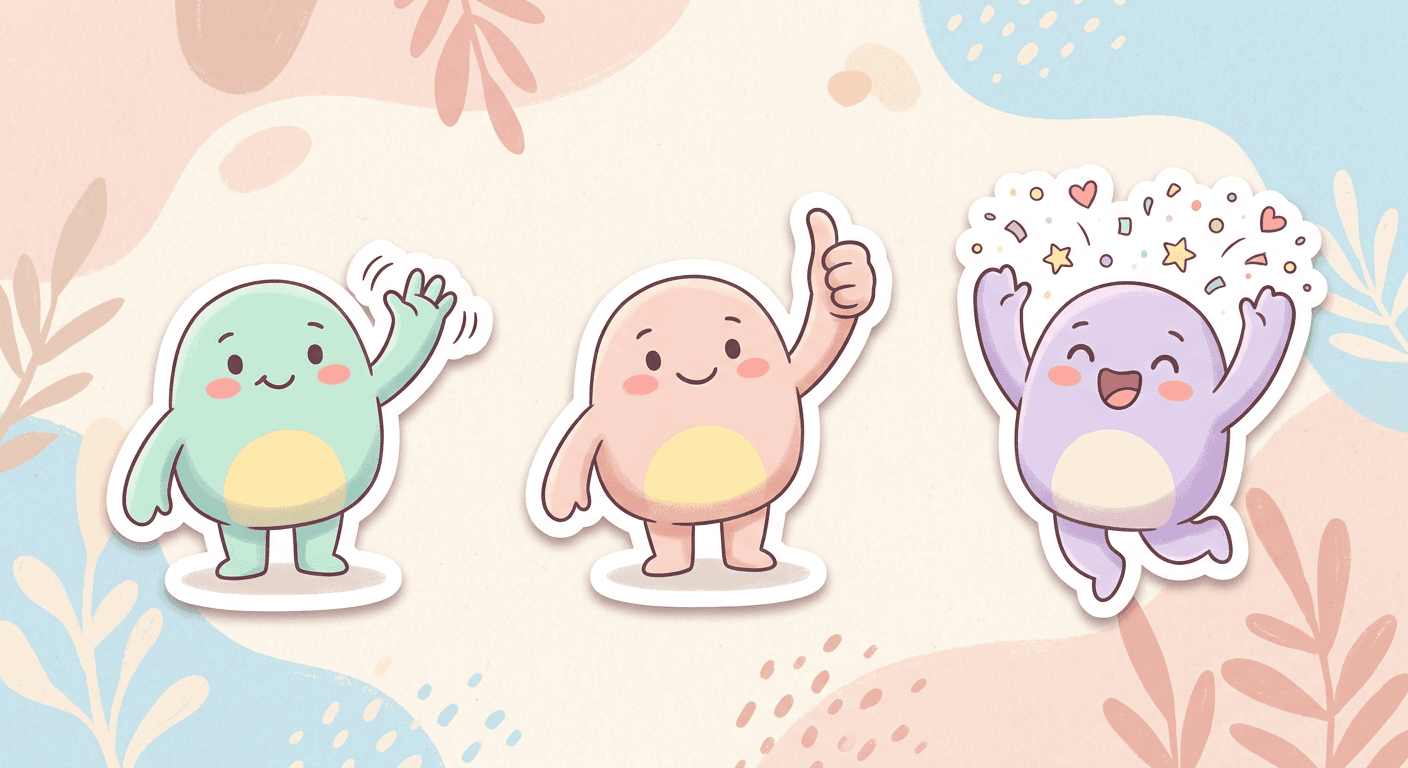
Prompt 12: Mascot reaction sheet
Create a 2x3 grid sticker sheet of a friendly rounded mascot-style character with simple arms and a face, six cells each showing a different reaction pose: waving, thumbs up, celebrating, thinking, surprised and resting, consistent mascot design across all six, bold white die-cut sticker borders, bright clean background, no real brand names, no readable text.
Prompt 13: Product-as-character stickers
Generate a 2x2 grid sticker sheet turning a stylized product shape into a mascot character with simple arms, legs and a face, four cells each showing a different expression: happy, excited, sleepy and proud, consistent character design across all four, bold white die-cut sticker borders, clean bright background, no real brand names, no readable text.
Prompt 14: Pet mascot stickers
Turn the pet in the reference photo into a 2x2 grid sticker sheet, four cells showing the pet with different expressions or poses: happy and panting, curious head tilt, sleepy curled up, and alert ears up, consistent breed features and coloring across all four, bold white die-cut sticker borders, soft even lighting, no readable text.
A brand mascot sticker set doubles as a lightweight visual identity asset, reused across social replies, community chats, and even email signatures, well beyond the original trend post, and pairs naturally with a broader visual identity built using the AI Logo Generator prompts if the mascot is meant to anchor a full brand kit rather than a one-off post.
5) Messaging-App-Ready Pack Prompts
The final group is built specifically for the platforms people actually use these stickers on day to day, formatted closer to how a real sticker pack looks inside a chat app.

Prompt 15: Rounded messaging-app style pack
Create a rounded-square sticker pack preview of the person in the reference photo, six individual stickers arranged in a row, each a different simple expression with a soft rounded white border matching a messaging-app sticker tray style, transparent-style plain background, even lighting, no readable text, no real app names or logos.
Prompt 16: Transparent-background sticker set
Generate eight individual die-cut stickers of the person in the reference photo on a fully transparent-style background, arranged in a loose grid, each showing a distinct expression with bold thick white outlines suited for a messaging sticker pack, even lighting, no readable text, no real app names or logos.
Prompt 17: Small emote-style set
Create a small 3x2 grid of tiny simplified emote-style stickers based on the reference photo, cropped tightly to just the face, six cells each with a bold exaggerated expression: hype, laughing, side-eye, shocked, love and sleepy, bold thick white circular borders, plain background, no readable text, no real app names or logos.
Prompt 18: Professional work-chat pack
Generate a 2x3 grid sticker sheet of the person in the reference photo in professional attire, six cells each showing a calm workplace-appropriate reaction: agreeing nod, thinking, thumbs up, mild surprise, pleased smile and focused look, consistent identity and outfit, bold white die-cut sticker borders, clean bright background, no readable text.
To see the full reference-photo-to-sticker-sheet workflow in motion, this tutorial on turning a photo into stickers with AI walks through the process end to end, useful before running your own photo through the prompts above.
How to Customize These Prompts
Start with a sharp, front-facing, well-lit reference photo, since every prompt above depends on the model having enough detail to keep the same face consistent across every cell of a grid. From there, the variables worth adjusting are grid size, three, four, six, nine, or sixteen cells, the specific expressions requested, and the border and background style. Keep the core structural phrasing intact when you adapt a prompt: an explicit grid size, a request for consistent identity across cells, and a named border style, bold white die-cut outline being the current standard look, are what keep a generation looking like an actual usable sticker sheet rather than a loosely related set of separate portraits. Mixing groups works well too, apply the chibi styling from group three to the messaging-app pack format from group five for a combination neither group covers alone.
Common Mistakes Creators Make With This Trend
- Using a blurry, heavily filtered, or extreme-angle reference photo, which is the single biggest cause of inconsistent faces across a grid. A clean, front-facing, neutral-lighting photo produces noticeably more consistent results.
- Requesting too many expressions that look nearly identical, tired and sleepy, or happy and cheerful, which wastes grid cells on redundant output instead of genuine variety.
- Skipping the explicit "consistent identity across all cells" instruction, which is often the difference between a sheet that reads as one character and one that reads as several different people.
- Only generating the full sixteen-cell sheet and never clipping individual stickers, missing the second wave of engagement that comes from followers actually using single reaction stickers in their own conversations.
- Defaulting to a stereotypically gendered pose, outfit, or expression set when the subject or brief does not call for one. Neutral, natural expressions read as more usable across a wider range of chat contexts.
Where to Generate and Finish These
The AI Image Generator in Miraflow AI supports the image-to-image workflow every prompt above depends on: upload a reference photo, apply one of the 18 prompts, and regenerate individual cells without starting the whole sheet over. If you are turning a favorite sticker into a profile image or channel art afterward, the YouTube Thumbnail Maker in Miraflow AI can add clean text on top without leaving the workspace. For more on the model most associated with realistic reference-photo transformations like this, our Nano Banana Pro vs Seedream 5.0 Pro comparison covers its strengths in more depth, and the Nano Banana 2 Lite batch generation guide is useful if you want to generate an entire mascot or pet sticker lineup like group four above in one batch. Browse more prompt guides like this on the Miraflow AI blog, and every tool named here lives at miraflow.ai.
Frequently Asked Questions
Do I need ChatGPT specifically to use these prompts? No. These describe a technique, a grid-based expression sheet with a die-cut sticker border, rather than app-specific syntax, so they work in any image-to-image tool, including the AI Image Generator in Miraflow AI.
What kind of reference photo works best? A clear, front-facing, well-lit photo with the face fully visible and unobstructed. Heavily angled, blurry, or low-resolution photos are the most common cause of a sticker sheet where the cells do not look like the same person.
Can I do this with a pet or a product instead of a person? Yes. The pet mascot and product-as-character prompts in group four use the same grid technique applied to a non-human subject.
Why do some cells in my grid come out looking like a different person? This usually means the prompt did not explicitly request consistent identity across cells, or the reference photo was too low-quality for the model to lock onto stable facial features. Regenerating with a sharper reference photo and an explicit consistency instruction usually fixes it.
Is the 16-expression grid the only size that works? No. Smaller grids, four, six, or nine cells, generate faster and are easier to get fully consistent, and single standalone reaction stickers are often the more practical everyday format once the initial sheet has been posted.
What is the easiest prompt to start with? Prompt 5, a single shocked reaction sticker, is the fastest way to judge whether your reference photo produces a consistent, usable likeness before committing to a full sixteen-cell sheet.
Conclusion
The AI sticker sheet trend has real staying power because it produces something people can actually use after the initial post, not just something they scroll past once. The 18 prompts above cover the full expression grid, single reaction stickers, chibi styling, brand and pet mascots, and messaging-app-ready packs, so there is a starting point whether you are making personal content, building a mascot kit, or testing a fan engagement format. Start with a sharp reference photo, keep the consistency and border phrasing intact when you adapt a prompt, and pick the grid size that matches what you are actually going to use this week.