15 Nano Banana 2 Lite Prompts for Batch-Generating Content in Seconds (2026)

Written by
Aerin Kim
Google's Nano Banana 2 Lite generates an image in about 4 seconds for a fraction of a cent. Here are 15 prompts built specifically for fast, high-volume creator workflows.
Most creators think about AI image prompts one image at a time. Write a prompt, generate, look at it, tweak it, generate again. That loop falls apart the moment you actually need volume, ten product color variants for a store listing, a week of social posts, or six thumbnail options to A/B test before a video goes live.
Google shipped Nano Banana 2 Lite, officially gemini-3.1-flash-lite-image, on June 30, 2026, specifically to make that kind of high-volume, high-throughput generation practical. It produces a text-to-image result in roughly 4 seconds and prices at about $0.034 per 1,000 images at 1K resolution, positioned as the fastest, most cost-efficient model in the Nano Banana family, built for rapid prototyping and high-velocity pipelines rather than a single perfect hero shot. This post is 15 prompts built specifically to take advantage of that speed, grouped by the batch workflows creators actually run, using the AI image generator in Miraflow AI.
Why Nano Banana 2 Lite Changes How You Should Prompt
Nano Banana 2 Lite is not trying to replace Nano Banana Pro for your most important image of the week. It is built for a different job: near-instant, low-cost generation when you need many similar outputs fast, not one perfectly composed output slowly. Nano Banana 2 remains the balanced, general-purpose option, and Nano Banana Pro stays the pick for complex composition and reasoning-heavy edits.
| Model | Typical speed | Cost per 1,000 images (1K) | Best for |
|---|---|---|---|
| Nano Banana 2 Lite | About 4 seconds per image | $0.034 | Batch variations, bulk drafts, rapid iteration |
| Nano Banana 2 | Slower than Lite | Higher than Lite | Balanced everyday generation and edits |
| Nano Banana Pro | Slowest of the three | Highest of the three | Complex composition, reasoning-heavy edits, final hero images |
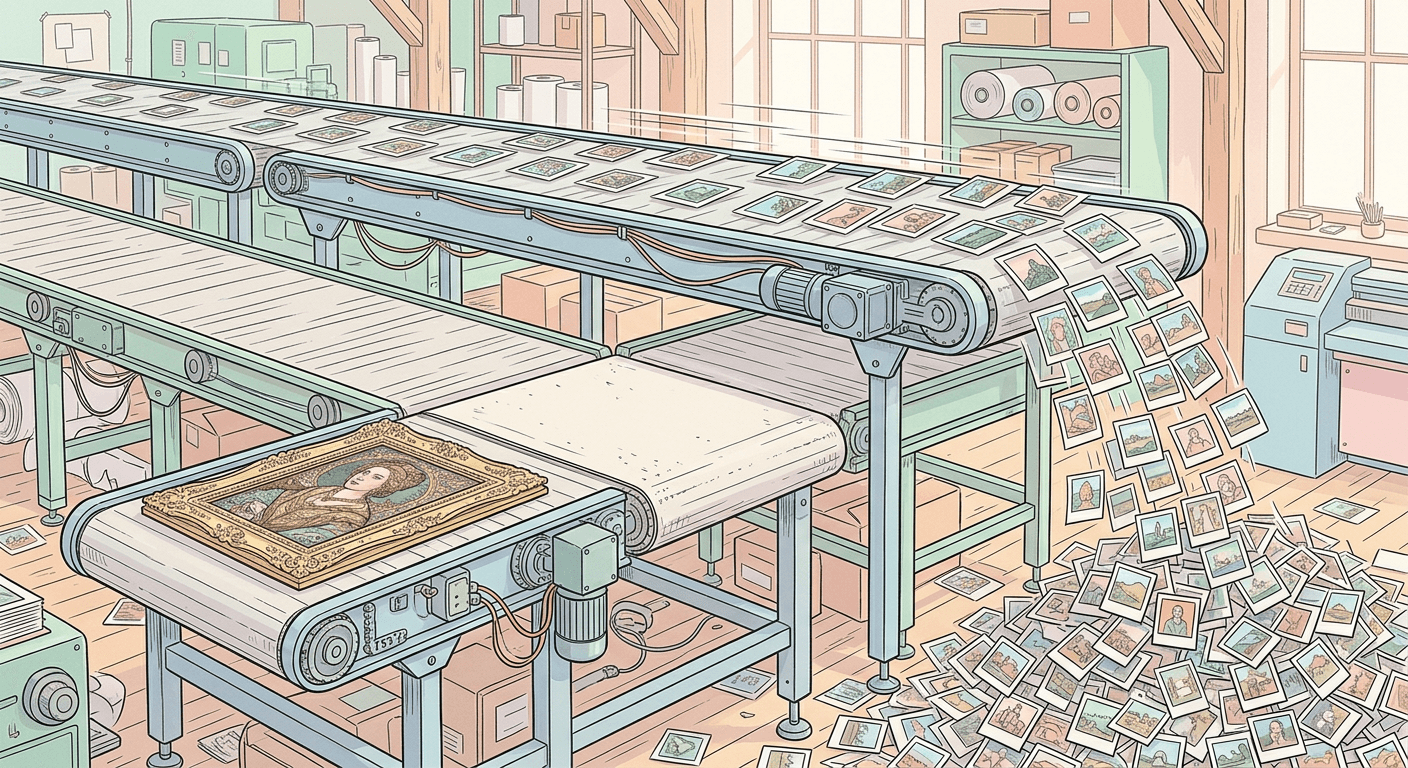
That speed and cost profile changes what is actually worth prompting for. Instead of writing one careful prompt and hoping it lands, you can treat a batch of five or six close variations as the default unit of work, since generating all of them costs less than a single coffee and takes about as long as reading this sentence. If you are still on a free plan and just getting familiar with the Nano Banana family, our guide on how to use Nano Banana for free on Miraflow AI is a good place to start before you move into batch workflows.
1) Bulk Product Variation Prompts
These are built for e-commerce sellers who need the same product shown several different ways without re-shooting anything.
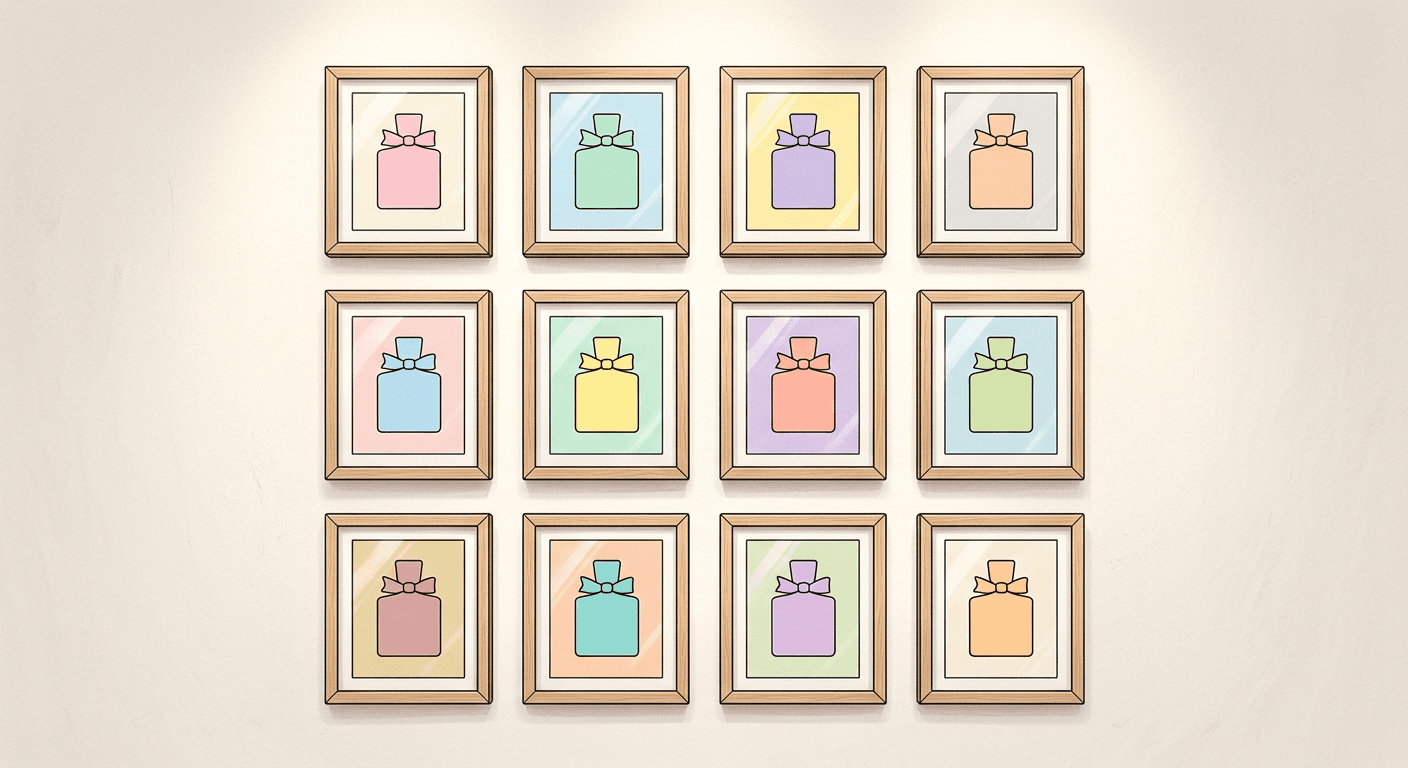
Prompt 1: Color variation batch
product photo of a ceramic mug on a plain white background, studio lighting, generate five quick variations changing only the glaze color across warm cream, sage green, dusty blue, terracotta, and charcoal, keep the mug shape, angle, and lighting identical in every variation, commercial e-commerce photography style.
Prompt 2: Angle variation batch
product photo of a pair of running shoes on a light gray backdrop, generate four quick variations rotating the shoe to a front view, a three-quarter view, a side profile view, and a top-down view, keep the lighting, background, and shoe design identical in every variation, clean e-commerce photography style.
Prompt 3: Material variation batch
product photo of a minimalist office chair on a plain backdrop, generate three quick variations changing only the seat fabric across gray wool, tan leather, and navy mesh, keep the chair frame, pose, and studio lighting identical in every variation, commercial catalog photography style.
Prompt 4: Scene variation batch
product photo of a skincare bottle, generate three quick variations placing the same bottle on a bathroom counter, on a spa-style stone tray, and on a plain white studio backdrop, keep the bottle label and lighting style consistent across all three, clean commercial photography.
2) Rapid Thumbnail A/B Test Prompts
Testing several thumbnail directions before committing used to mean generating three or four expensive renders. At this speed and cost, generating ten is a reasonable default.
Prompt 5: Reaction thumbnail
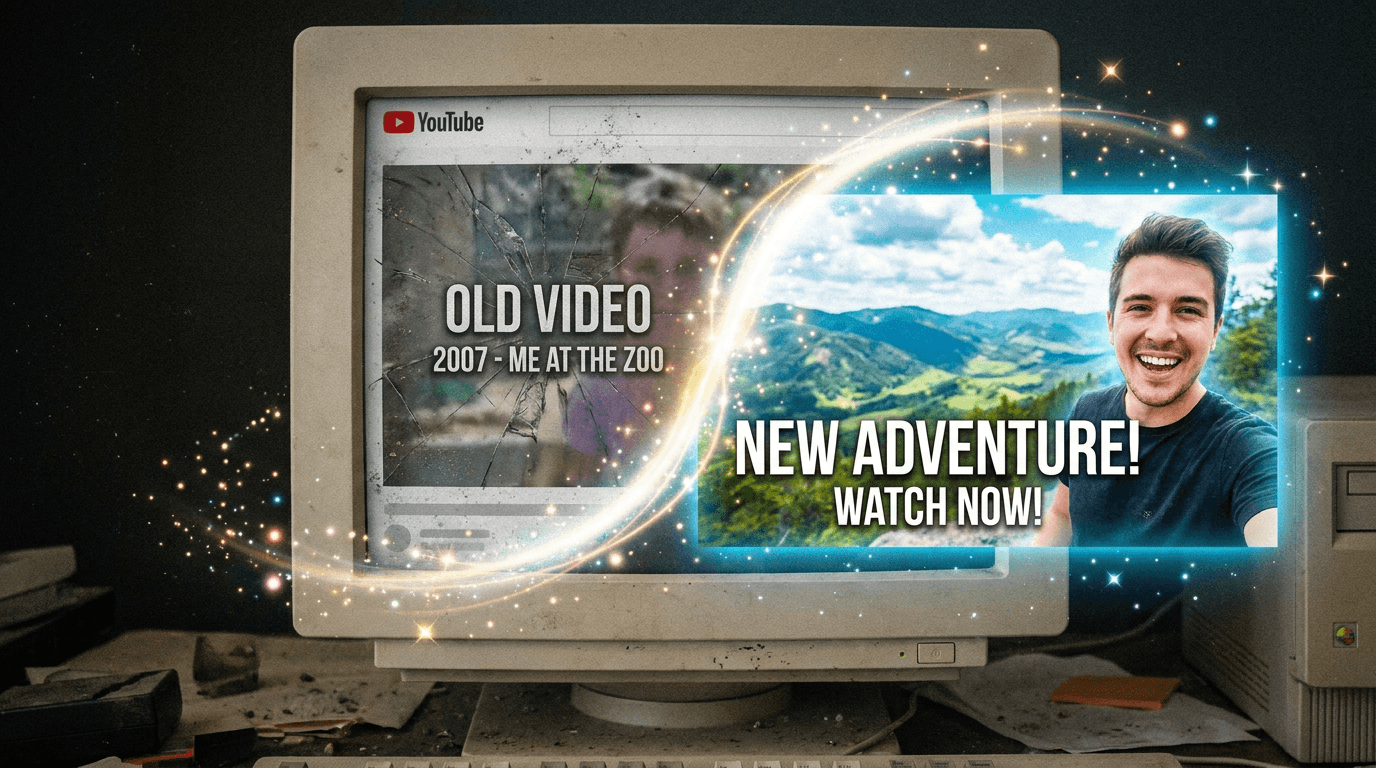
YouTube thumbnail, 16:9, close-up of a creator with a surprised expression pointing at a floating product mockup on the right side of the frame, bright colorful gradient background, empty space on the left reserved for text, no text baked into the image.
Prompt 6: Split-screen before and after thumbnail
YouTube thumbnail, 16:9, split-screen composition with a before scene on the left in dull muted tones and an after scene on the right in bright vivid tones, bold empty space at the top reserved for text, no text baked into the image.
Prompt 7: Product-in-hand thumbnail
YouTube thumbnail, 16:9, close-up of hands holding a smartphone showing a glowing app interface, warm colorful background blur, empty space on the right reserved for text, no text baked into the image.
If you want a deeper thumbnail-specific prompt library once you have picked a winning direction, see 50 Nano Banana prompts that look like real photos and Nano Banana 2 prompt templates for YouTube thumbnails. Once you have picked a winning direction from the batch, the YouTube Thumbnail Maker in Miraflow AI is built specifically to finish it with clean text and branding.
3) Daily Social Content Batch Prompts
A week of social content is really just the same aesthetic applied to a handful of small variations. This is exactly the kind of repetitive, high-volume job Lite is built for.
Prompt 8: Morning routine flat lay
square social media post image, a neatly arranged flat lay of morning routine items including a coffee cup, a notebook, and a small plant on a light wooden table, soft natural window light, clean minimal aesthetic, no text.
Prompt 9: Desk setup close-up
square social media post image, a close-up of hands assembling a small desk setup with a laptop, a notebook, and a cup of tea, warm cozy lighting, clean minimal aesthetic, no text.
Prompt 10: Meal prep flat lay
square social media post image, a top-down flat lay of healthy meal prep containers with colorful vegetables, soft bright natural light, clean minimal aesthetic, no text.
4) Quick Icon and Pattern Set Prompts
Generating a full matching set of small graphic assets used to mean either hiring a designer or accepting a lot of visual inconsistency between pieces. A fast, cheap model makes it realistic to generate an entire consistent set in one sitting.
Prompt 11: App icon set
a clean grid of six simple rounded app icon designs on a plain background, each icon a different pastel color with a distinct simple symbol inside, consistent style and lighting across all six, flat commercial icon design style, no text.
Prompt 12: Seamless pattern set
a set of four seamless repeating pattern swatches side by side, each a different simple geometric motif in a different soft pastel color palette, clean flat design style, no text.
Prompt 13: Sticker set
a grid of six small die-cut sticker designs on a plain white background, each a simple rounded illustration of a different everyday object in a consistent flat pastel art style, no text.
5) Fast Before-and-After Iteration Prompts
Before-and-after content depends entirely on the two halves matching in camera angle and lighting, which is easier to get right when you can regenerate quickly until both sides line up.
Prompt 14: Countertop before and after
split-screen product photo, left side shows a dull scratched kitchen countertop, right side shows the identical countertop resurfaced and glossy, same camera angle and lighting on both sides, commercial before-and-after photography style, no text.
Prompt 15: Room before and after
split-screen room photo, left side shows a cluttered plain bedroom, right side shows the identical room organized and staged with matching decor, same camera angle and lighting on both sides, commercial before-and-after photography style, no text.
How to Customize These Prompts for Your Own Batches
Keep one variable changing per batch, color, angle, or scene, and hold everything else in the prompt constant. That single-variable discipline is what keeps a fast batch looking like a coherent set instead of five unrelated images. If a specific output in the batch needs more polish than the others, regenerate just that one at higher quality with Nano Banana 2 or Nano Banana Pro rather than redoing the whole batch. For prompt structure tips that carry over from the rest of the Nano Banana family, see our Nano Banana JSON prompting guide and the ultimate Nano Banana prompt guide.
Common Mistakes Creators Make With Fast Batch Generation
- Using Lite for a single hero image that needs precise composition or heavy reasoning, then being disappointed it is not as detailed as Nano Banana Pro. That is not the job it is built for.
- Changing more than one variable per batch, which makes the set look inconsistent instead of like a deliberate collection.
- Skipping a final quality pass entirely. Batch generation is for volume and speed, not for skipping review before publishing.
- Forgetting to specify resolution needs upfront. Lite is tuned for speed at lower resolutions, so a print-quality or large-format asset may still need Nano Banana 2 or Pro.
- Treating every project as a batch job. A single polished campaign hero image is usually still worth the extra time on a higher tier model.
- Regenerating an entire batch when only one image in it has a problem. Nano Banana image inpainting on Miraflow AI lets you mask and fix just the one region that needs it instead of starting the whole batch over.
Choosing Lite, Nano Banana 2, or Nano Banana Pro
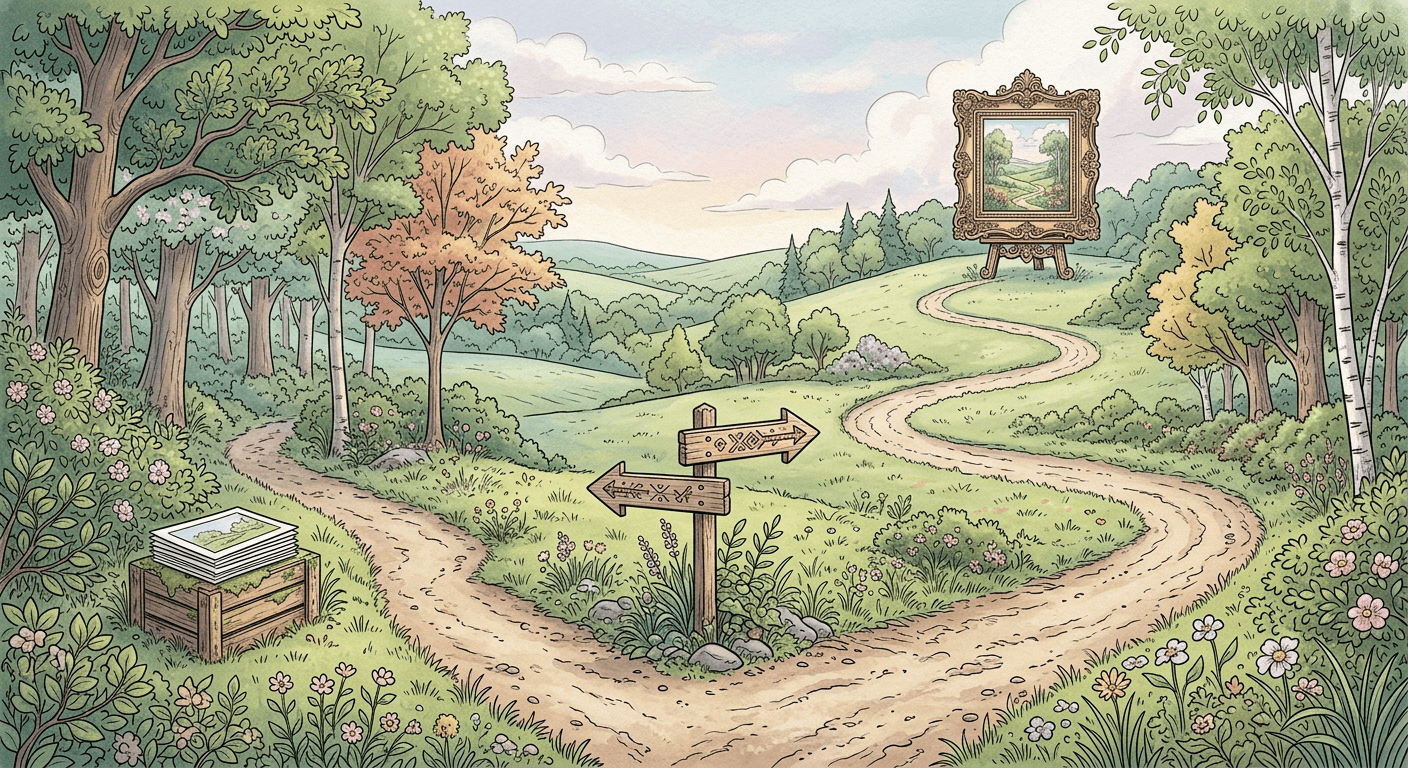
A simple rule of thumb: if you are generating one thing you need to get exactly right, reach for Nano Banana Pro. If you are generating a normal day-to-day visual with no unusual complexity, Nano Banana 2 is the balanced default. If you are generating many similar variations fast, whether that is product angles, social posts, or thumbnail options, Lite is built specifically for that job. For a full side-by-side breakdown of how all three stack up against other image models, see GPT Image 2 vs Nano Banana Pro vs Nano Banana 2. Inside Miraflow AI's image generator, you can move between all three depending on what a given piece of content actually needs, without switching tools.
That demo shows Nano Banana 2 Lite generating in real time, which is worth watching if you have not seen a sub-5-second image generation loop in practice yet.
Frequently Asked Questions
Is Nano Banana 2 Lite lower quality than Nano Banana 2? It trades some maximum detail and complex reasoning for speed and cost. For straightforward product shots, social posts, and thumbnail drafts the difference is usually not noticeable, but for a highly composed hero image, Nano Banana 2 or Pro will generally look more refined.
How much cheaper is Lite really? Google prices Nano Banana 2 Lite at about $0.034 per 1,000 images at 1K resolution, which makes generating a full batch of variations cost a small fraction of what a single higher-tier image would cost elsewhere.
Can I mix Lite with Nano Banana Pro in the same project? Yes, and this is usually the smartest workflow. Use Lite to iterate quickly on a batch of options, then regenerate only the final chosen one at a higher tier if it needs more polish.
Does batch generation still need a strong prompt? Yes. Speed does not fix a vague prompt. Being specific about the subject, lighting, and what should stay identical across the batch still matters just as much as it does on any other model.
What is the fastest way to try this inside Miraflow? Generate directly inside the AI image generator in Miraflow AI, where you can iterate on a batch of prompts quickly and pull the winning result straight into a thumbnail, social post, or product listing.
Conclusion
Nano Banana 2 Lite is not the model you reach for when one image absolutely has to be perfect. It is the model you reach for when you need fifteen good options in the time it used to take to generate three. That shift, from one careful generation to a fast batch of close variations, is worth rebuilding your prompting habits around, especially if product photography, social content, or thumbnail testing is a recurring part of your week rather than a once-in-a-while task.