10 AI Prompts for YouTube Titles That Get Clicks (Copy & Paste)

Written by
Jay Kim
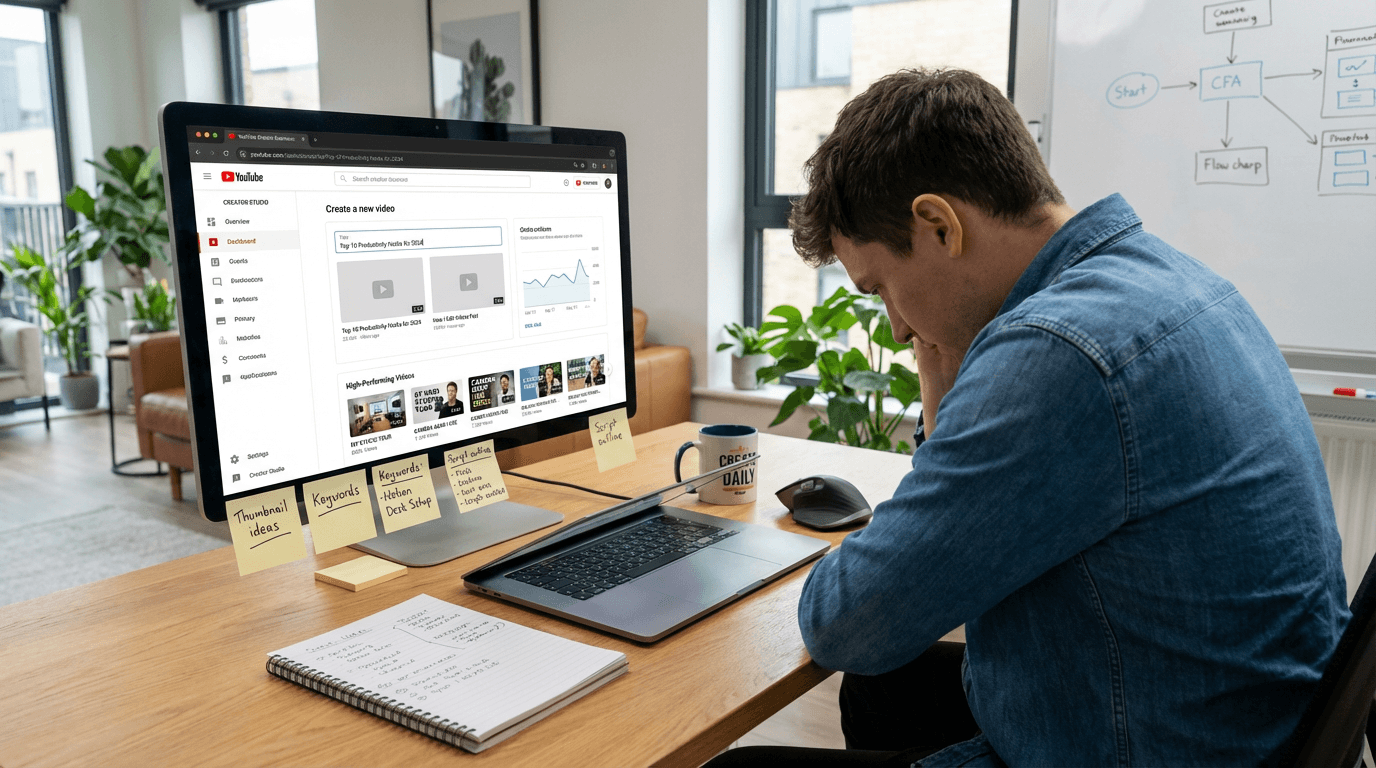
Get 10 copy-and-paste AI prompts for YouTube titles that drive clicks across tutorials, reviews, Shorts, and more. Use them with AI to write titles that actually perform.
You can have a great video with a great thumbnail — and still get no clicks if your title doesn't pull its weight.
Most creators spend hours on video production and minutes on the title. That's backwards. Your title is half the click decision. A viewer sees your thumbnail first, then reads your title to confirm whether it's worth their time. If the title is weak, vague, or boring, they move on — even if the thumbnail is perfect.
That's where AI prompts for YouTube titles come in. Instead of staring at a blank title field after a long editing session, you describe what your video is about and let AI write you a set of click-worthy options instantly.
This post gives you 10 copy-and-paste AI prompts for YouTube titles — one for every major video format — that you can drop straight into ChatGPT, Claude, or any AI writing tool and get results in seconds.
And once your title is locked in, your thumbnail needs to match it. Use Miraflow's YouTube Thumbnail Maker to generate a thumbnail that pairs perfectly with your new title — no design skills needed.
TL;DR – How to Use These AI Title Prompts
- Copy any prompt below and paste it into your AI writing tool (ChatGPT, Claude, Gemini, etc.)
- Fill in the [brackets] with your specific video details
- Ask the AI to generate 5–10 variations so you have options to choose from
- Pick the title that feels most specific, urgent, or curiosity-driven
- Then head to Miraflow's YouTube Thumbnail Maker to generate a matching thumbnail for whichever title you choose
Want the full thumbnail workflow too? Start here: How to Generate YouTube Thumbnails with AI: Step-by-Step
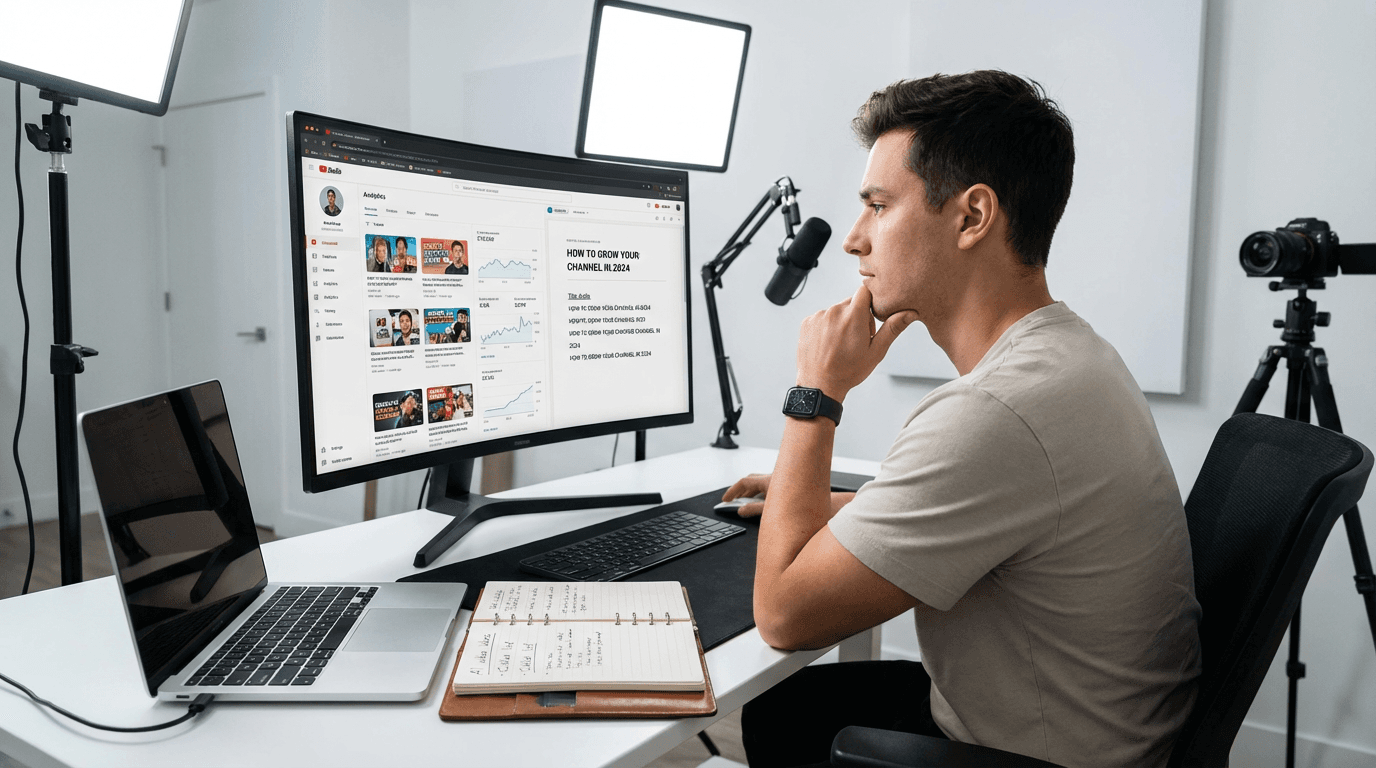
What Makes a YouTube Title Actually Get Clicks
Before the prompts, here's the framework every high-performing YouTube title is built on. When you understand this, you'll know how to evaluate any title the AI gives you.
The best YouTube titles do at least one of these four things:
- Promise a specific outcome — "How I Gained 10K Subscribers in 30 Days"
- Create a curiosity gap — "The YouTube Mistake Nobody Talks About"
- Signal relevance — "Best Budget Camera for YouTube in 2026"
- Use emotional tension — "I Almost Quit YouTube (Then This Happened)"
Weak titles are vague ("My YouTube Journey"), generic ("How to Make Videos"), or sound like everyone else's content. Strong titles feel personal, specific, and like the viewer will miss something if they don't click.
The AI prompts below are structured to push the AI toward specificity and tension — the two things most creator-written titles lack.
1. How-To / Tutorial Title Prompt
Best for: step-by-step guides, skill tutorials, walkthroughs, tips videos.
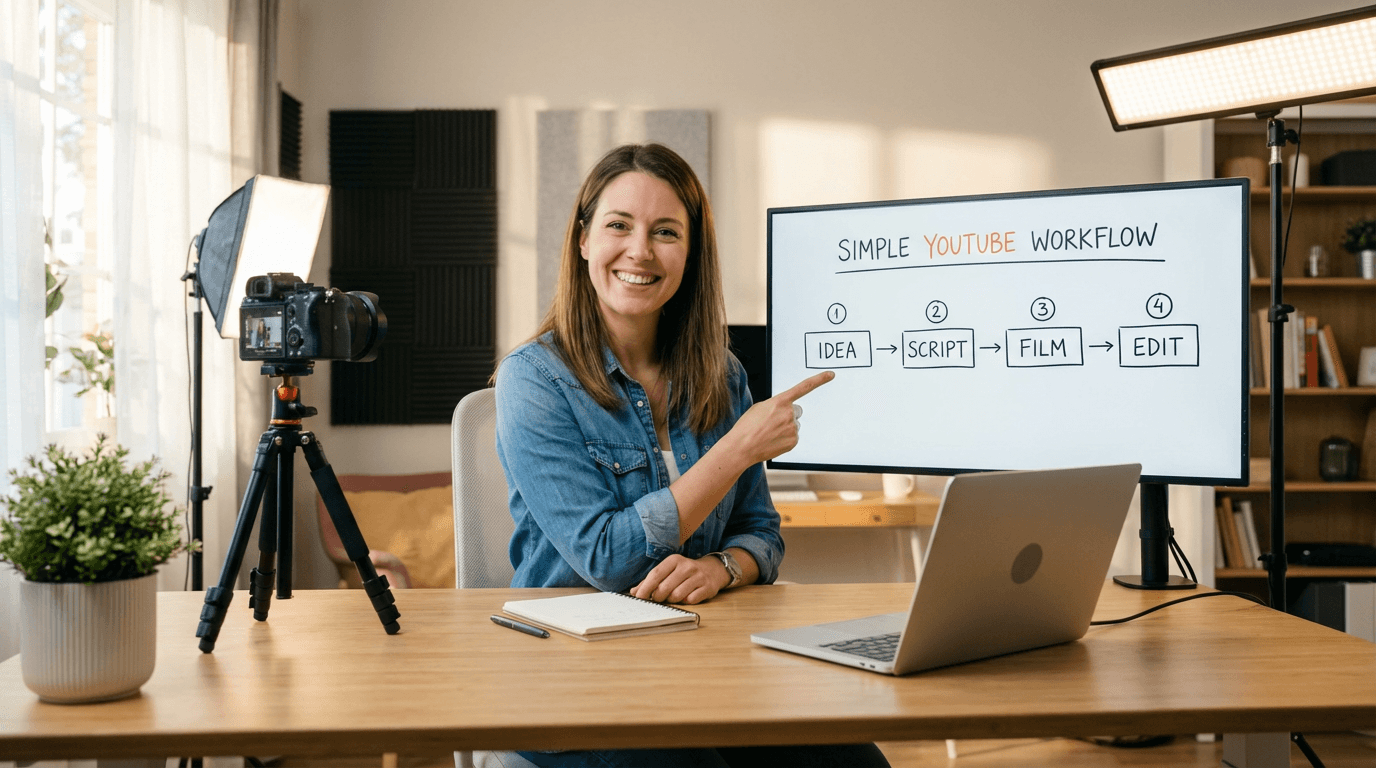
AI Prompt:
Write 8 YouTube title options for a how-to tutorial video about [topic]. The titles should promise a clear, specific outcome for the viewer. Use formats like "How to [do X] Without [common pain point]", "The Right Way to [do X]", or "How I [achieved result] in [timeframe]". Keep each title under 60 characters where possible. Avoid vague or generic phrasing. The target viewer is [describe your audience, e.g., "beginner YouTubers", "home cooks", "freelance designers"].
Example output titles:
- "How to Edit YouTube Videos 3x Faster (No Experience Needed)"
- "How I Grew to 1K Subs Without Posting Every Day"
- "The Right Way to Write YouTube Scripts (Most Creators Skip This)"
2. Listicle / "Top N" Title Prompt
Best for: best-of lists, tool roundups, tip collections, ranking videos.
AI Prompt:
Write 8 YouTube title options for a listicle video covering [number] [things/tools/tips/mistakes] about [topic]. Use formats like "N Things Every [viewer type] Should Know", "N [Tools/Mistakes/Secrets] That [outcome]", or "The Only N [things] You Actually Need". Make the titles feel specific and high-value, not generic. The target viewer is [describe audience]. Each title should be under 65 characters.
Example output titles:
- "5 YouTube Tools I Use Every Single Week (And Actually Pay For)"
- "7 Thumbnail Mistakes Killing Your Click-Through Rate"
- "The Only 3 Camera Settings You Need for YouTube"
3. Mistake / Warning Title Prompt
Best for: "don't do this" content, common errors, cautionary advice, myth-busting.

AI Prompt:
Write 8 YouTube title options for a video about a common mistake or wrong approach in [niche/topic]. Use formats like "Stop Doing [X]", "Why [common belief] Is Killing Your [outcome]", "The [X] Mistake That Cost Me [something]", or "Everyone Gets [X] Wrong — Here's Why". Titles should feel urgent and slightly provocative without being clickbait. The viewer is someone who is already doing [topic] but not seeing results.
Example output titles:
- "Stop Writing YouTube Titles Like This (It's Hurting Your Views)"
- "The Thumbnail Mistake That Killed My Click-Through Rate"
- "Why Posting Every Day Is Actually Ruining Your Channel"
4. Personal Story / Experience Title Prompt
Best for: journey videos, "I tried X for 30 days", confessional content, lessons-learned videos.
AI Prompt:
Write 8 YouTube title options for a personal experience video where I [describe what you did, e.g., "posted every day for 90 days", "tried a new editing workflow for a month", "went from 0 to 10K subscribers"]. Use formats like "I [did X] for [time period] — Here's What Happened", "What [experience] Taught Me About [topic]", or "I [did controversial/unexpected thing] and [result]". Titles should feel honest, specific, and relatable. Avoid overly sensational language.
Example output titles:
- "I Posted on YouTube Every Day for 60 Days — Here's the Truth"
- "What 100 Videos Taught Me About Growing on YouTube"
- "I Deleted My Most Viewed Video — Here's Why"
5. Comparison / Versus Title Prompt
Best for: product comparisons, method A vs method B, tool reviews, decision-help content.
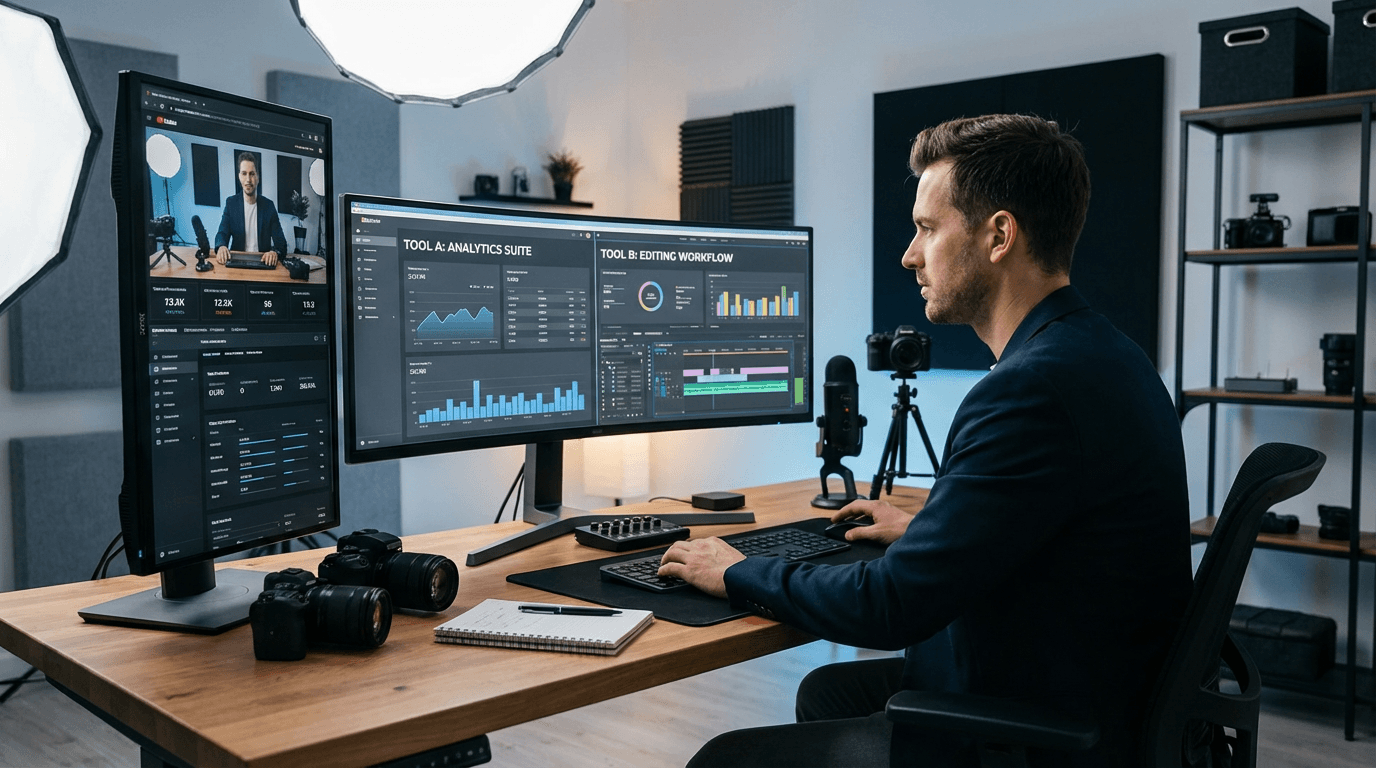
AI Prompt:
Write 8 YouTube title options for a comparison video between [Option A] and [Option B] in the context of [topic/niche]. Use formats like "[A] vs [B]: Which One Is Actually Worth It?", "I Tried [A] and [B] — Here's the Honest Difference", or "Why I Switched From [A] to [B] (After [timeframe/result])". Titles should help the viewer make a decision. The viewer is someone trying to choose between these two options. Keep each title under 65 characters.
Example output titles:
- "Canva vs Miraflow for YouTube Thumbnails: Honest Comparison"
- "I Tried Both and Here's Which Grew My Channel Faster"
- "Shorts vs Long Videos: What Actually Gets More Views in 2026"
6. Results / Income / Numbers Title Prompt
Best for: income reports, analytics breakdowns, growth case studies, milestone videos.
AI Prompt:
Write 8 YouTube title options for a results-based video showing [specific outcome, e.g., "how I earned $X from YouTube", "how I hit 10K subscribers", "my channel analytics after 6 months"]. Use formats like "How I [achieved result] in [timeframe]", "From [starting point] to [result]: What I Did Differently", or "[Number] [metric] in [timeframe] — Full Breakdown". Titles should feel credible and specific, not boastful. The viewer is someone who wants to replicate the result.
Example output titles:
- "How I Hit 10K Subscribers in 4 Months (Full Breakdown)"
- "From 0 to 1K Views: What Finally Worked for My Channel"
- "My YouTube Revenue After 1 Year — Honest Numbers"
7. Beginner Guide Title Prompt
Best for: starting-from-scratch content, complete guides, 101 videos, onboarding-style content.
AI Prompt:
Write 8 YouTube title options for a beginner's guide video about [topic]. The viewer has zero experience and feels overwhelmed. Use formats like "The Complete Beginner's Guide to [topic]", "[Topic] for Beginners: Everything You Actually Need to Know", or "Start Here If You're New to [topic]". Titles should feel approachable, clear, and reassuring — not intimidating. Avoid jargon. Each title should be under 65 characters.
Example output titles:
- "YouTube for Beginners: The Only Guide You'll Need in 2026"
- "Start Here: How to Make Your First YouTube Video"
- "Complete Beginner's Guide to YouTube Thumbnails (Step by Step)"
8. Trend / Timely Title Prompt
Best for: "what's working now" content, algorithm updates, trend reports, yearly roundups.
AI Prompt:
Write 8 YouTube title options for a trend-focused video about what's currently working in [niche/topic] in [year]. Use formats like "What's Actually Working on YouTube in [year]", "The [year] [topic] Strategy Nobody Is Talking About", or "[Topic] Has Changed — Here's What to Do Now". Titles should feel timely, relevant, and like the viewer will fall behind if they don't watch. Avoid evergreen or timeless framing — make it feel current.
Example output titles:
- "YouTube Thumbnails Have Changed — Here's What Works in 2026"
- "The 2026 YouTube Strategy That's Actually Getting Views"
- "What Nobody Is Telling You About YouTube Growth Right Now"
9. Honest Review Title Prompt
Best for: product reviews, tool evaluations, service critiques, unsponsored opinions.
AI Prompt:
Write 8 YouTube title options for an honest review video about [product/tool/service]. The video is unsponsored and gives a balanced verdict. Use formats like "I Tried [product] for [time] — Honest Review", "Is [product] Actually Worth It? (I Tested It)", or "[Product]: What They Don't Tell You". Titles should signal credibility and fairness. The viewer is considering whether to buy or use the product. Avoid overly positive or negative bias in the title.
Example output titles:
- "I Used Miraflow for 30 Days — My Honest Review"
- "Is This AI Thumbnail Tool Actually Worth It? I Tested It"
- "The YouTube Gear Nobody Tells You to Skip (Honest Take)"
10. YouTube Shorts Title Prompt
Best for: Shorts-specific content, vertical video tips, Shorts growth strategy.
AI Prompt:
Write 8 YouTube Shorts title options about [topic]. Shorts titles should be short, punchy, and under 50 characters whenever possible. Use formats like "The Fastest Way to [result]", "[X] in [short timeframe]", or "Why [thing] Changed Everything". They should feel snappy, scrollable, and instantly clear. The viewer will see this title in a vertical video feed alongside dozens of other Shorts. Make every word count.
Example output titles:
- "Fix This One Thumbnail Mistake"
- "Why Your Titles Get No Clicks"
- "The 3-Second Thumbnail Rule"
How to Get the Best Results From These Prompts
These prompts work well out of the box, but here's how to push the output even further:
1. Add your actual video details The more specific you are inside the brackets, the better the AI titles will be. "A video about thumbnails" gives generic results. "A video where I redesigned 10 small channel thumbnails and showed the CTR change after 2 weeks" gives you specific, unique titles.
2. Ask for more variations Always ask for 8–10 options, not 3. The first few titles the AI gives you are usually the most obvious. The gold is often in options 6, 7, or 8 — where the AI has exhausted the clichés and starts getting creative.
3. Mix and match Take the first half of one title and the second half of another. AI titles are starting points, not final answers. The best title often comes from combining two mediocre ones.
4. Test at thumbnail size Once you have a shortlist of 2–3 titles, read each one at a glance — the way a viewer would see it on their homepage in under a second. If you have to re-read it to understand it, it's too complicated.
5. Match the title to your thumbnail Your title and thumbnail should tell the same story, not two different ones. If your title says "I Tried This for 30 Days", your thumbnail should visually reflect a before/after or time-based result. Use Miraflow's YouTube Thumbnail Maker to generate a thumbnail that reinforces whichever title you choose.
Title Formats That Consistently Perform (Quick Reference)
Use this table when you want a proven structure fast:
| Format | Example |
|---|---|
| How I [result] in [timeframe] | How I Hit 10K Subs in 90 Days |
| The [adjective] Guide to [topic] | The Honest Guide to YouTube Thumbnails |
| Stop [doing X] | Stop Writing Titles Like This |
| [Number] [things] That [outcome] | 5 Mistakes That Kill Your CTR |
| Why [common belief] Is Wrong | Why Posting Daily Is Bad Advice |
| I Tried [X] for [time] — Here's What Happened | I Tried AI Thumbnails for 30 Days |
| [A] vs [B]: Which One Actually Wins | Canva vs Miraflow: Honest Verdict |
| The Only [X] You Actually Need | The Only Thumbnail Rule You Need |
Using These Prompts Alongside Miraflow's Thumbnail Maker
A strong title and a strong thumbnail work together — one without the other leaves clicks on the table.
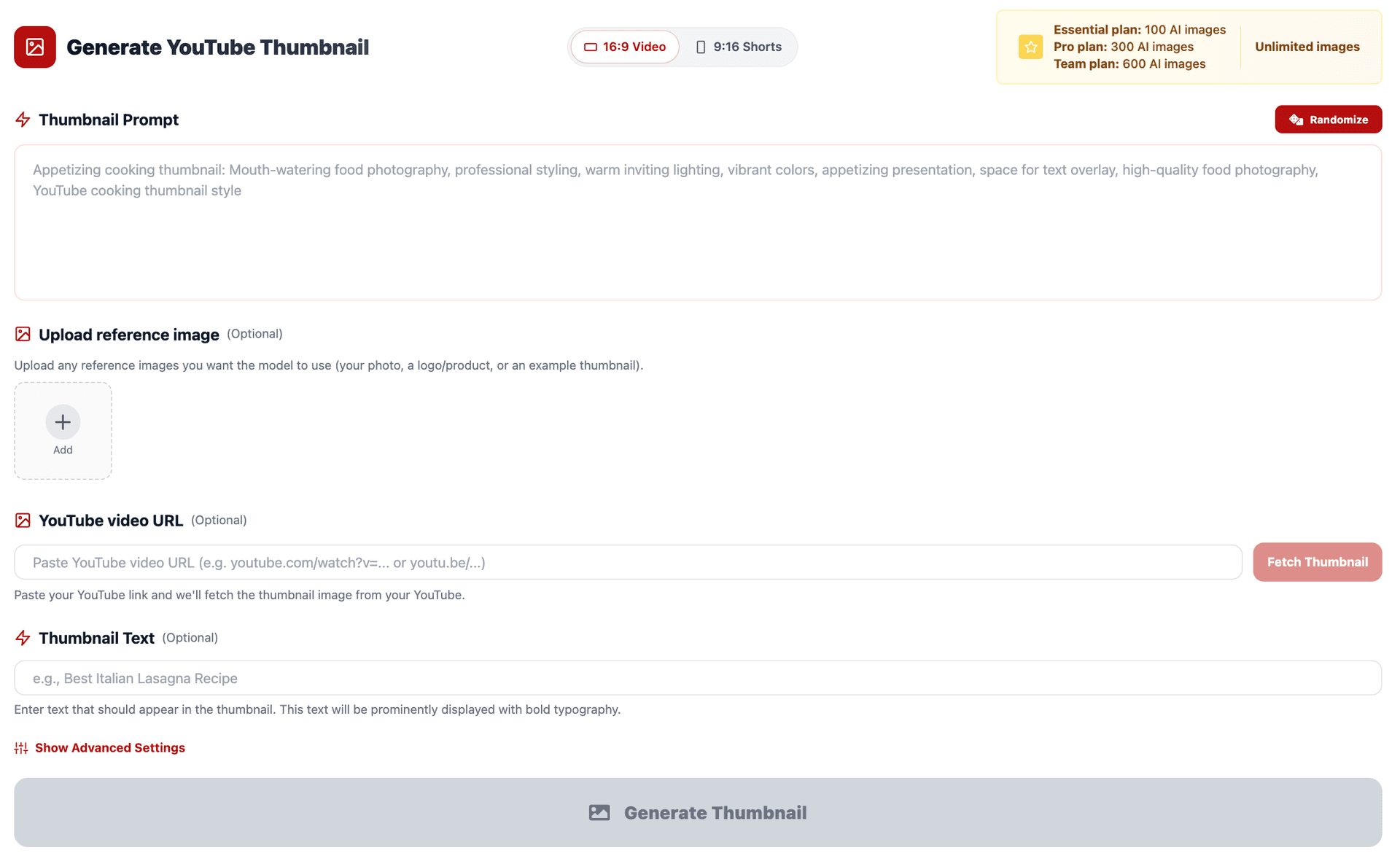
Here's the workflow that combines both:
- Use the prompts above in any AI writing tool to generate 8–10 title options
- Pick your top 2–3 titles from the list
- Go to Miraflow's YouTube Thumbnail Maker
- Generate a thumbnail that visually supports each title candidate
- Compare each title + thumbnail pair at small size (as it would appear on a phone)
- Pick the combination that creates the strongest, clearest click signal together
- (Optional) Use Show Advanced Settings → Negative Prompt to clean up the thumbnail:
blurry, low quality, messy text, cluttered background - Download your thumbnail and upload both the title and thumbnail to YouTube
Pro tip: If you're torn between two titles, the thumbnail often makes the decision for you. The title that feels most natural to pair with the visual is usually the right call.
Conclusion
Most creators treat their YouTube title as an afterthought — something they write in the two minutes before hitting publish. That's one of the biggest mistakes you can make.
Your title is half the click. It works with your thumbnail to give a viewer the two-second signal they need to choose your video over everything else on their screen.
With the 10 AI prompts above, you have a starting point for every major video format — tutorials, comparisons, listicles, stories, reviews, and more. Use them to generate 8–10 options every time you upload, then pick the one that's most specific, most urgent, and most honest about what the video delivers.
And once your title is locked in — make sure the thumbnail matches it.