Nano Banana 2 Realistic Photo Prompts (Copy & Paste 2026)

Written by
Jay Kim
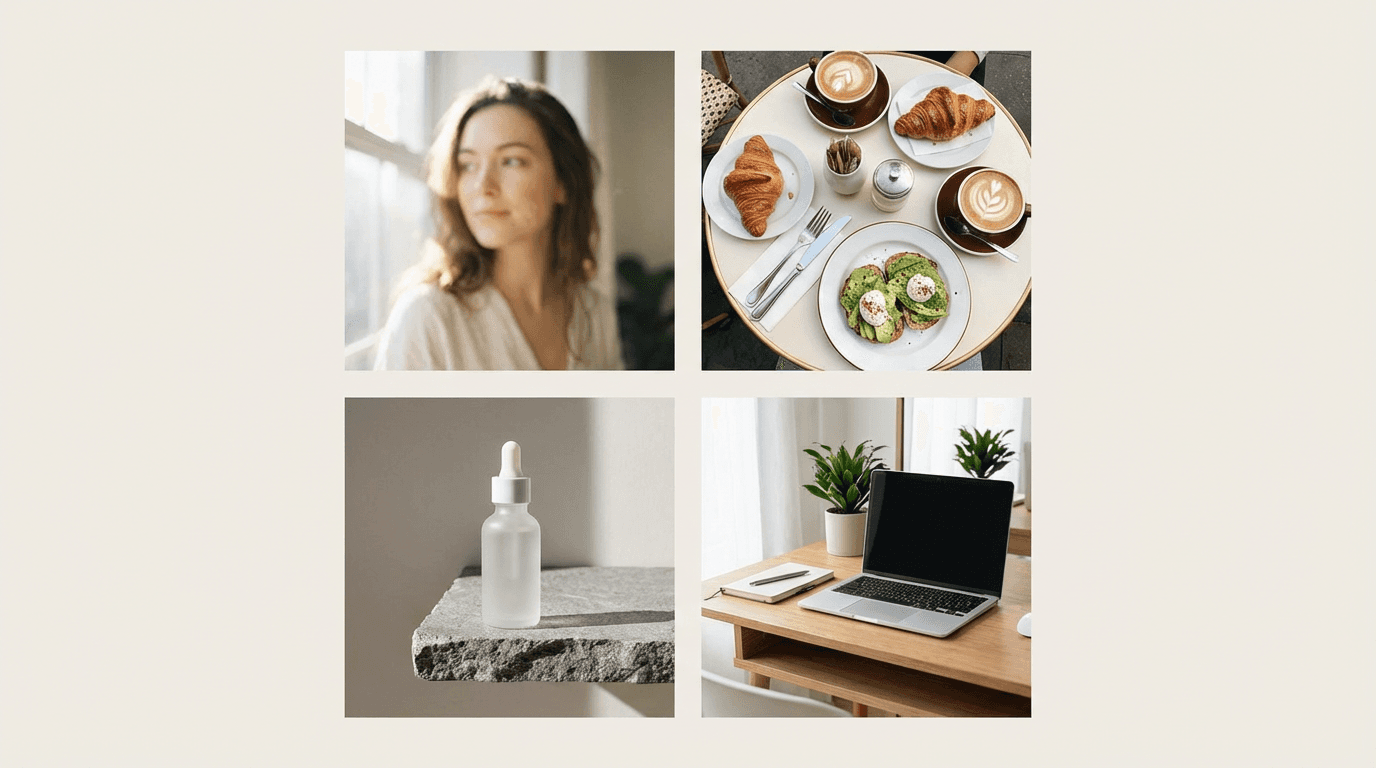
Need Nano Banana 2 images that look photographed instead of obviously AI-made? These copy-paste 2026 prompts are built for realistic lighting, natural detail, and believable photo composition.
If you are trying to make AI images look like real photos, this is usually the biggest problem:
The prompt describes an idea, not a photograph.
That is why the output often looks polished but still fake. The lighting feels generic, the skin looks too perfect, the scene has no believable context, and the composition feels more like a poster than something a camera actually captured.
This guide fixes that.
Nano Banana 2 is Google’s Gemini 3.1 Flash Image Preview model. Google positions it as a fast, high-volume image model with higher image quality and consistency, improved international text rendering, search grounding, and broader aspect ratio support including 1:4, 4:1, 1:8, and 8:1. Google’s image generation docs also call it the go-to all-around image generation model for balancing performance, cost, and latency.
That matters for realistic photo prompts in 2026 because better realism usually comes from better control. Google’s own prompt guidance says stronger image prompts should specify the style, subject, setting, action, and composition. The Cloud guide also recommends being specific about subject, lighting, and composition, and using positive framing rather than vague negatives.
Why this matters in 2026
In 2026, “good enough AI art” is not enough for most creator workflows.
If you are making thumbnails, blog images, social creatives, product visuals, or lifestyle ad images, people can usually tell when the scene feels too staged or too synthetic. Nano Banana 2 helps because Google says it improves image quality and consistency, supports search grounding with real-time web data, and handles production-ready specs like 2K and 4K output sizes and more aspect ratios.
The practical takeaway is simple: realistic photo prompts work better when they sound like instructions for a photographer, not like a pile of aesthetic keywords. That is an inference from Google’s prompt framework around photograph style, detailed subject description, specific setting, action, and composition.
The prompt formula that usually works best
Use this structure when you want more believable photo-style results:
[photo type], [subject], [specific location], [time of day], [lighting], [pose or action], [camera framing], [real textures or imperfections], [background context], [overall photo feel]
A stronger realistic prompt usually includes:
- the word photo, portrait, candid photo, editorial photo, or documentary photo
- one clear subject
- a real place
- a real light source
- a clear camera distance or angle
- small imperfections
- believable background detail
That structure maps closely to Google DeepMind’s advice to define the image type, subject, setting, action, and composition, and to add detail gradually for tighter control.
Common mistakes that make “realistic” prompts look fake
These are the patterns that usually weaken realism:
- stacking empty adjectives like ultra realistic, masterpiece, best quality, trending
- describing style but not describing the scene
- no lighting source
- no camera framing
- no environmental detail
- unrealistically perfect skin, fabric, food, or furniture
- generic backgrounds like “luxury room” or “beautiful cafe”
Google’s image prompting guidance favors concrete detail over vague decoration. Their docs also suggest using specific camera or composition language and positive framing.
30 Nano Banana 2 realistic photo prompts
Below are 30 copy-paste prompts grouped by use case.
1) Portrait prompts
1. Soft window-light headshot
Prompt
photorealistic close-up portrait of a woman in her late 20s standing beside a large apartment window on an overcast afternoon, soft natural side light, realistic skin texture with faint pores and subtle under-eye detail, loose dark sweater, neutral cream wall background, eye-level framing, shallow depth of field, candid editorial portrait photo
2. Founder desk portrait
Prompt
realistic portrait photo of a startup founder seated at a desk in a bright modern office, soft daylight from the left, open laptop slightly blurred in foreground, relaxed confident posture, natural facial texture, rolled-up shirt sleeves, clean but believable workspace, medium close-up, documentary business photography
3. Outdoor golden-hour portrait
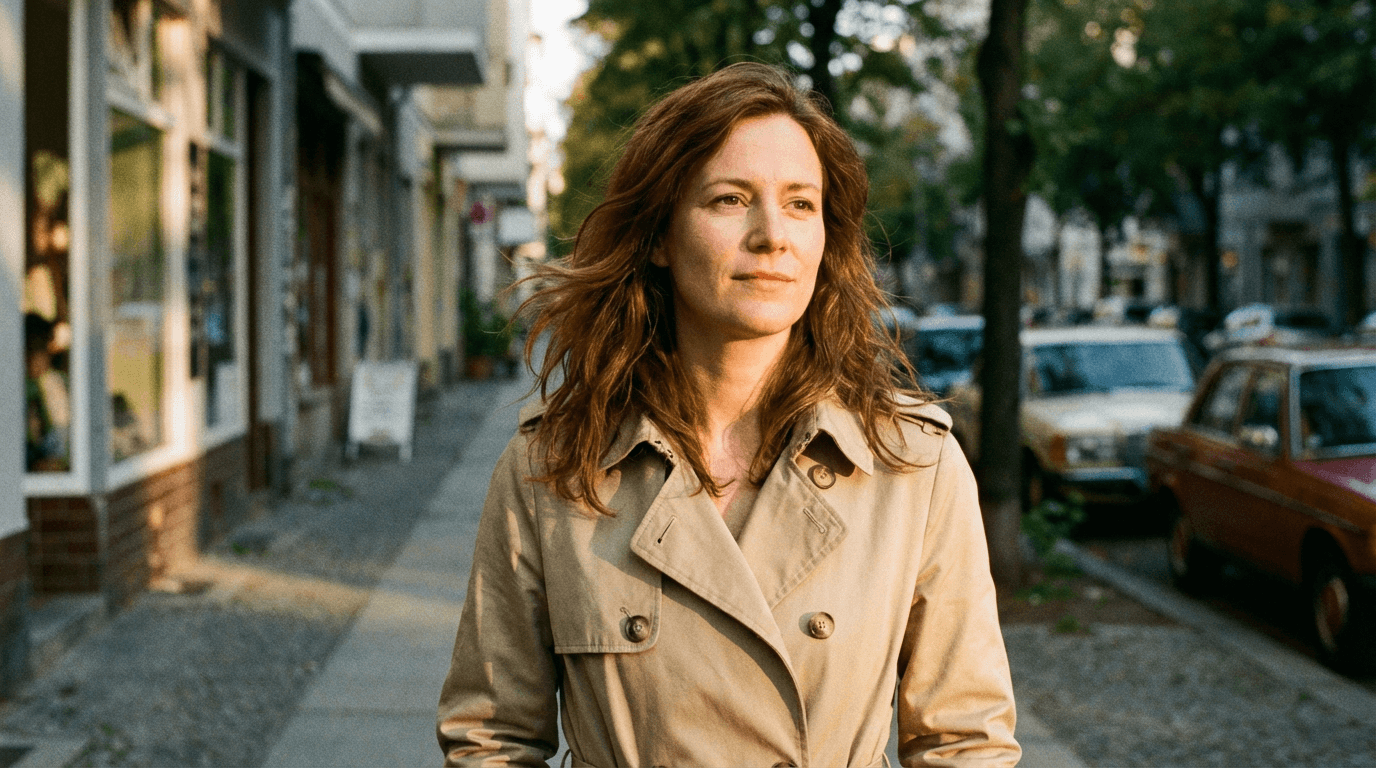
Prompt
candid portrait photo of a woman walking along a quiet city street just before sunset, warm natural golden-hour light, loose hair moving slightly in the breeze, beige trench coat, realistic skin and fabric texture, parked cars and storefronts softly blurred in background, chest-up framing, authentic street photography feel
4. Rainy window portrait
Prompt
photorealistic portrait of a young man sitting by a rain-streaked cafe window, cool cloudy daylight, dark knit sweater, subtle reflections on the glass, natural skin detail, calm thoughtful expression, mug on table, medium shot, intimate realistic lifestyle photo
5. Older adult documentary portrait
Prompt
realistic portrait photo of an older man in his 60s wearing a navy cardigan in a softly lit living room, afternoon window light, natural wrinkles and facial detail, slight smile, bookshelf softly blurred behind him, medium close-up, warm documentary portrait style
2) Street and lifestyle prompts
6. Crosswalk candid
Prompt
street photography photo of a young man crossing an urban intersection on a cloudy day, natural ambient daylight, dark jacket and canvas tote bag, wet pavement reflecting muted city light, background pedestrians slightly motion blurred, believable proportions, candid documentary composition
7. Bicycle commute scene
Prompt
realistic lifestyle photo of a woman unlocking a bicycle outside a neighborhood convenience store in the morning, cool daylight, trench coat and sneakers, subtle cracks in the pavement, shopping bag hanging from handlebars, natural candid framing, clean modern city photo
8. Rainy alley shot
Prompt
photorealistic street photo of a narrow alley after light rain, young man holding a transparent umbrella, damp pavement, realistic reflections, gray sky, worn wall textures, unposed candid feel, medium-wide composition
9. Subway entrance moment
Prompt
realistic street-style photo at a subway entrance during commute hour, woman in black coat stepping up the stairs, natural daylight mixed with station lighting, authentic city crowd in background, slight motion blur, gritty but believable urban documentary photo
10. Morning market scene
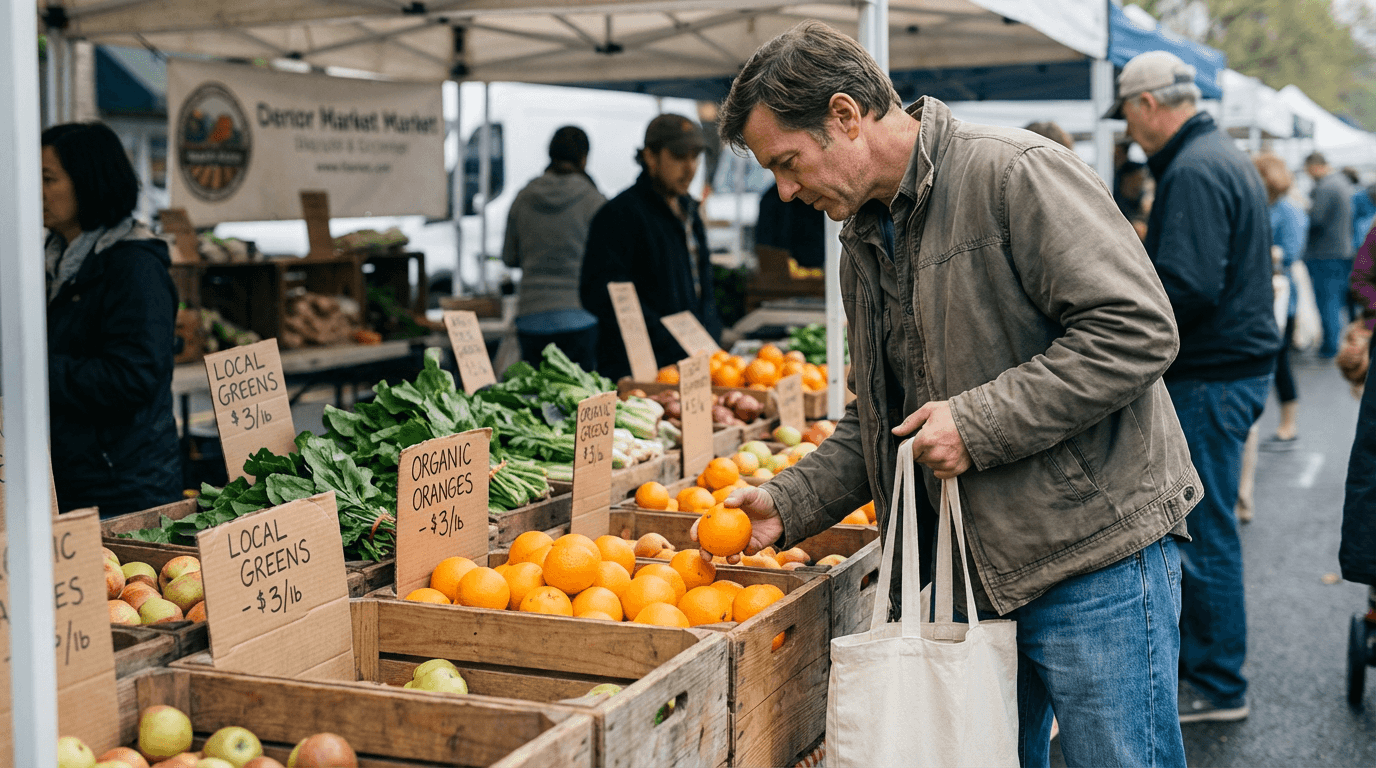
Prompt
photorealistic lifestyle image of a man browsing fruit at an outdoor market early in the day, soft daylight, crates of oranges and greens, handwritten price tags, relaxed posture, realistic clothing folds, background vendors softly out of focus, candid travel photo
3) Travel and cafe prompts
11. Hotel balcony breakfast
Prompt
realistic travel photo of breakfast on a small hotel balcony, coffee cup, croissant, fruit bowl, city rooftops in the background, soft morning sunlight, slightly imperfect table arrangement, casual handheld lifestyle photography, natural shadows and highlights
12. Train window travel shot
Prompt
photorealistic image inside a train carriage, young woman looking out the window with soft reflection in the glass, cloudy daylight, realistic seat texture, natural expression, subtle motion blur outside, medium framing, quiet travel documentary photo
13. Coastal overlook portrait
Prompt
realistic photo of a woman standing at a windy coastal viewpoint on a cloudy day, hair blown by ocean breeze, cream sweater and blue jeans, cliffs and sea behind her, natural daylight, realistic skin and fabric detail, authentic travel photography
14. Solo cafe laptop scene
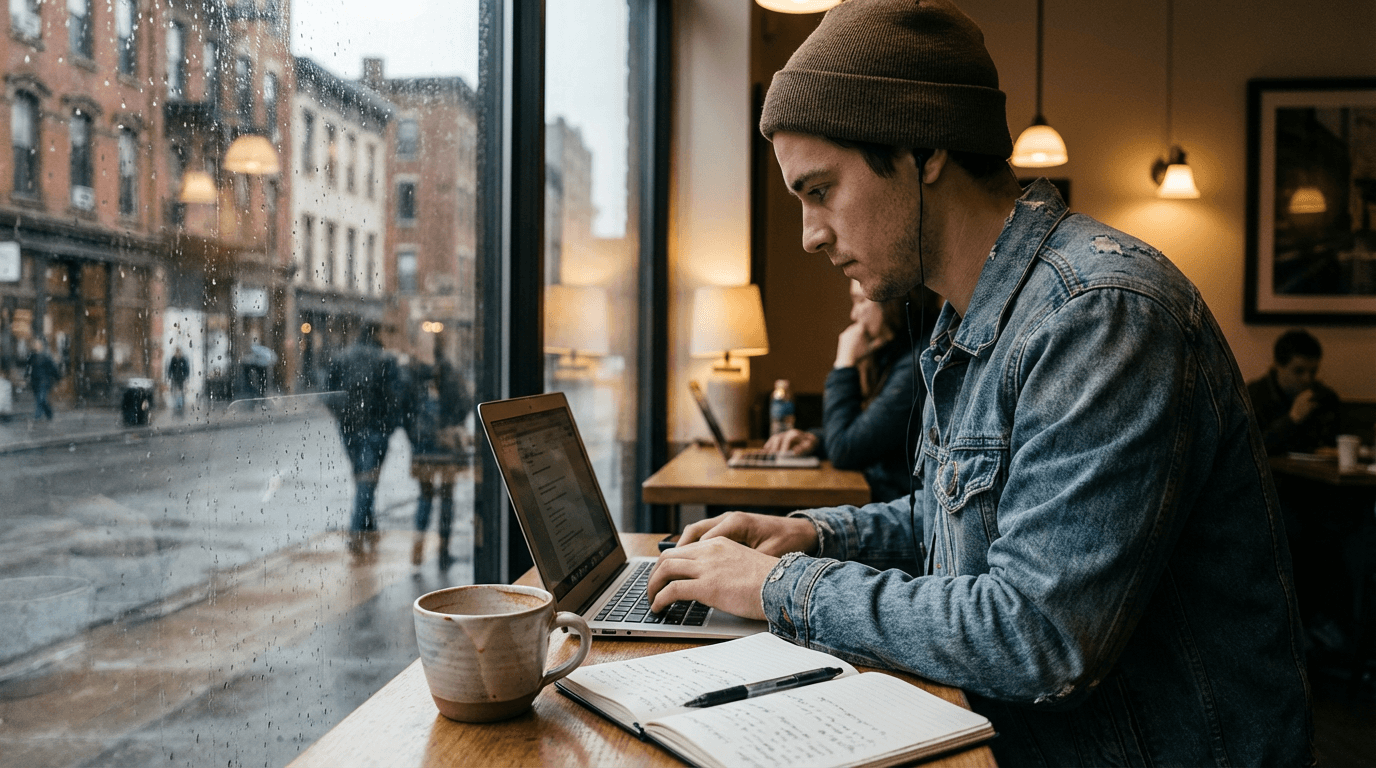
Prompt
photorealistic cafe photo of a creator working on a laptop near a street-facing window, cloudy afternoon light, ceramic coffee cup, slightly messy notebook, natural seated posture, soft city blur outside, candid productivity lifestyle photo
15. Bookstore weekend scene
Prompt
realistic lifestyle photo of a young woman browsing books in a bright independent bookstore, soft indoor daylight, wooden shelves, natural relaxed pose, subtle paper and fabric texture, candid editorial photo with shallow depth of field
4) Product prompts
16. Skincare bottle by window
Prompt
realistic product photo of a glass skincare bottle on a stone bathroom shelf near a frosted window, soft morning light, subtle condensation, clean neutral background, realistic reflections and shadows, premium ecommerce photography
17. Sneakers on concrete floor
Prompt
photorealistic product image of white sneakers placed on a slightly worn concrete floor near a wall, natural side light, realistic fabric texture and sole detail, minimal composition, subtle dust and shadow, believable ecommerce photo
18. Earbuds desk shot
Prompt
realistic product photo of wireless earbuds in an open case on a clean wooden desk, natural daylight from the side, laptop and notebook softly blurred in background, subtle reflections, believable textures, minimal tech ecommerce image
19. Coffee bag kitchen counter
Prompt
photorealistic product photo of a matte coffee bag on a bright kitchen counter, soft morning sunlight through blinds, ceramic mug and grinder in background, realistic packaging folds, modern lifestyle product photography
20. Candle bedside table scene
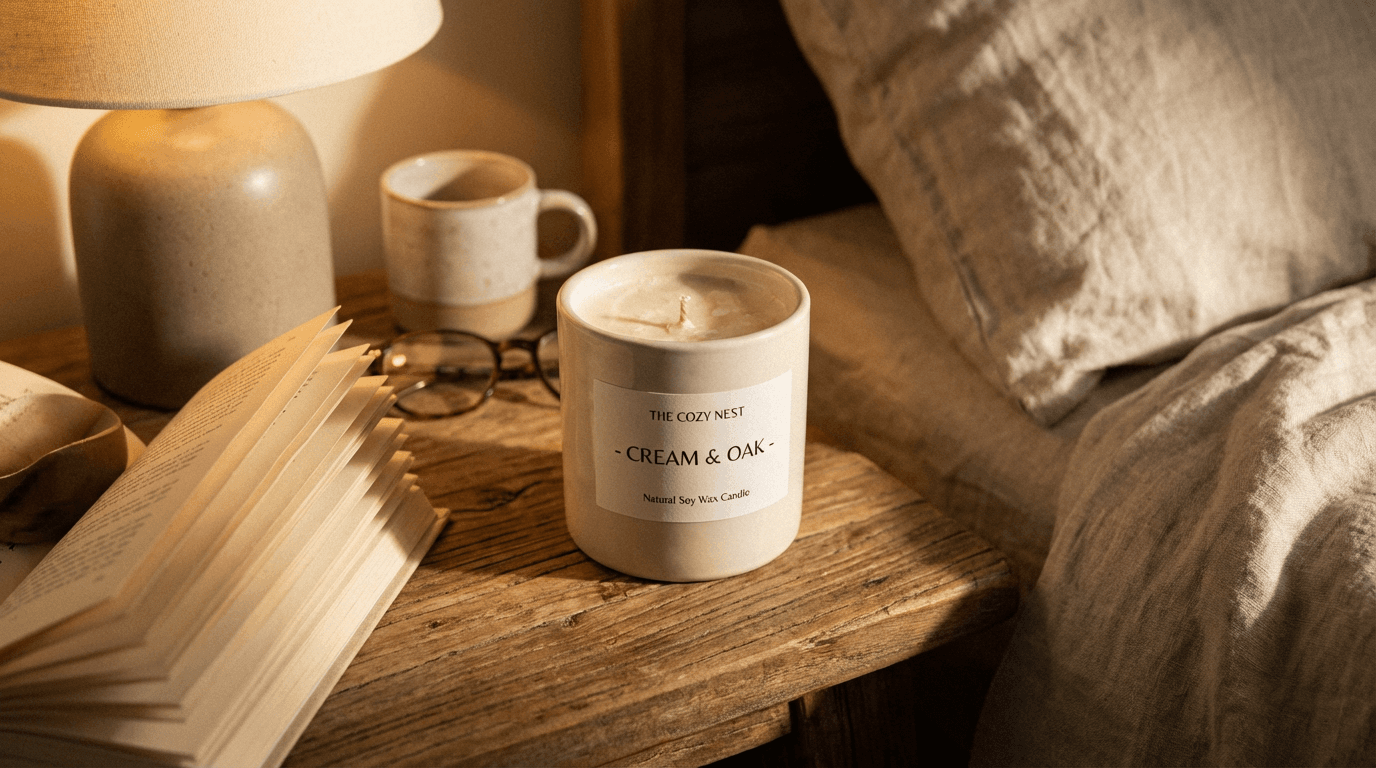
Prompt
realistic product photo of a cream candle jar on a wooden bedside table, soft evening lamp light, folded book and linen sheet nearby, natural wax texture, cozy premium home-product photography, shallow depth of field
5) Food prompts
21. Overhead brunch table
Prompt
overhead realistic food photo of a brunch table near a window, eggs, toast, salad, iced coffee, wrinkled linen napkin, ceramic plates with soft reflections, natural daylight, modern cafe atmosphere, not overly styled, believable editorial food photography
22. Restaurant pasta close-up
Prompt
photorealistic close-up food photo of fresh pasta on a white plate at a restaurant table, warm indoor light mixed with daylight, grated cheese scattered naturally, fork resting on edge of plate, shallow depth of field, realistic steam and texture
23. Bakery counter scene
Prompt
realistic photo of pastries displayed in a small bakery, warm morning sunlight through the front window, croissants and fruit tarts arranged naturally, believable glass reflections, handwritten labels, cozy local bakery documentary photo
24. Home dinner table
Prompt
photorealistic dinner table scene at home, grilled fish, rice, vegetables, simple ceramic plates and chopsticks, warm kitchen light, slightly imperfect arrangement, natural shadows, intimate everyday meal photo
25. Chef hands plating
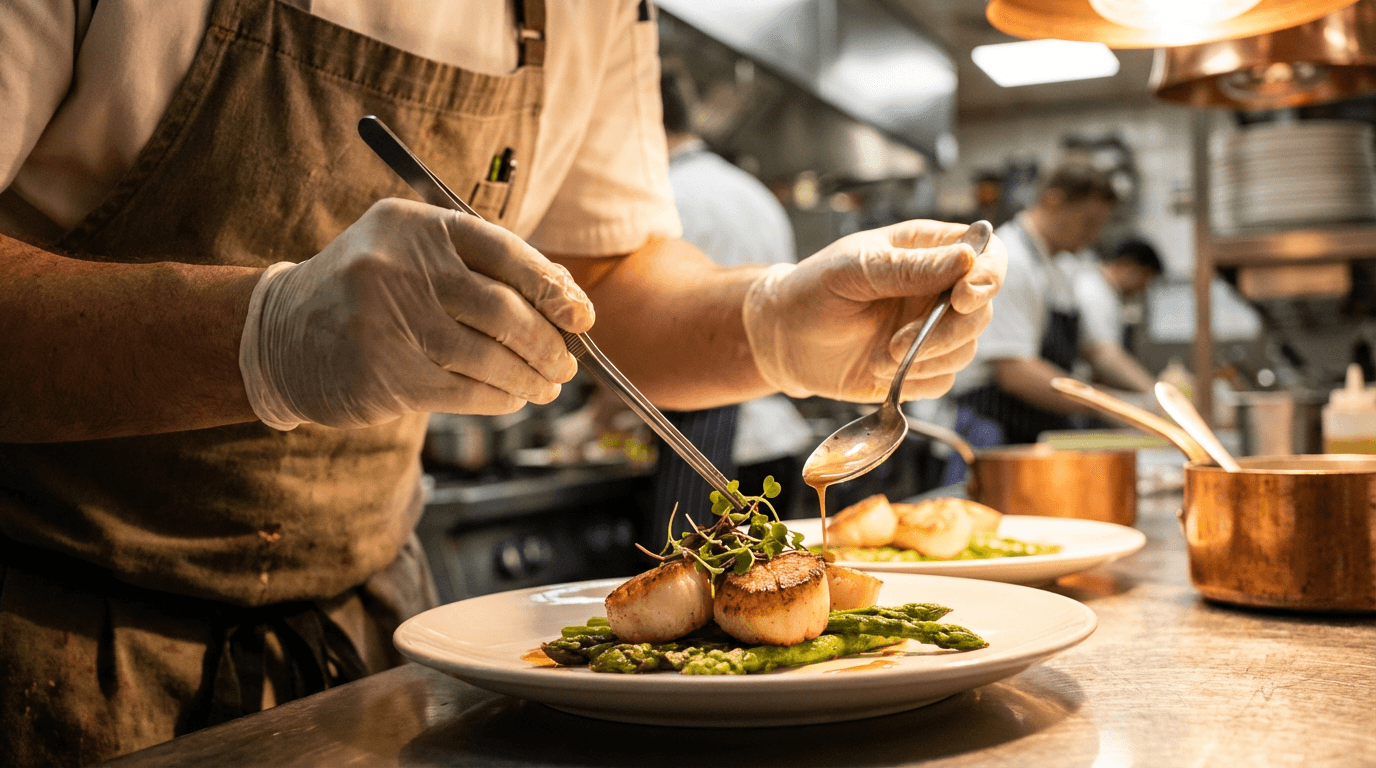
Prompt
realistic close-up photo of a chef’s hands plating a dish in a restaurant kitchen, warm overhead light, stainless steel surfaces softly blurred in background, fine food textures, authentic working atmosphere, editorial culinary photography
6) Home, pet, and everyday prompts
26. Sunlit living room
Prompt
photorealistic interior photo of a bright living room with cream sofa, wooden coffee table, stacked books, linen curtains, soft morning sunlight entering from the side, realistic shadows, slightly lived-in styling, warm home photography
27. Home office by window
Prompt
realistic interior photo of a home office desk beside a large window, laptop, notebook, ceramic cup, tidy charging cable, muted natural daylight, practical modern workspace, believable textures in wood and fabric, documentary interior shot
28. Dog on sofa
Prompt
realistic pet photo of a golden retriever resting on a light fabric sofa in a bright living room, natural daylight, realistic fur texture, casual home atmosphere, soft shadows, candid everyday pet photography
29. Parent and child baking
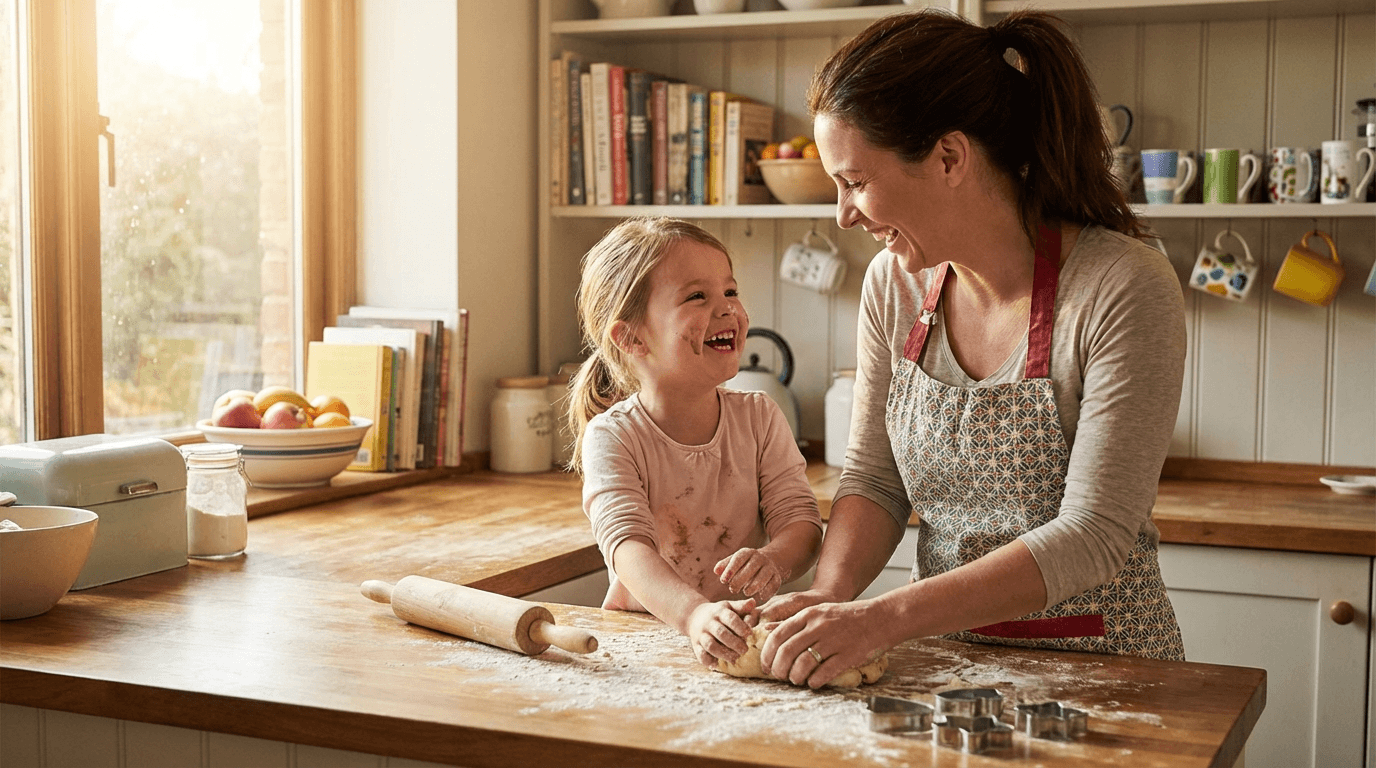
Prompt
photorealistic kitchen scene of a parent and child baking cookies together, flour on the countertop, warm natural daylight, genuine expressions, slightly messy but cozy environment, authentic family lifestyle photo
30. Grocery bags at home
Prompt
realistic lifestyle photo of someone setting grocery bags on a kitchen counter after shopping, fresh produce visible, natural afternoon light, casual everyday moment, believable home setting, documentary-style household photo
How to make these prompts look even more real
The easiest upgrades are:
1. Use believable light
Try:
- overcast daylight
- soft window light
- warm lamp light
- weak winter sun
- cloudy post-rain daylight
2. Add small imperfections
Try:
- faint pores
- slight fabric wrinkles
- soft reflections on glass
- rumpled bedding
- half-finished drinks
- subtle background clutter
3. Use composition language sparingly
Try:
- eye-level framing
- medium shot
- overhead shot
- shallow depth of field
- candid photo
- documentary photo
4. Give the background a job
Instead of:
- beautiful room
- nice cafe
- modern office
Try:
- small apartment kitchen with wooden stools
- neighborhood cafe with fogged window glass
- startup office with laptop and handwritten notes
That advice follows Google’s image prompt framework closely: define the image as a photo, clarify the subject, set the scene, describe the action, and choose the composition. The more concrete the details, the more control you usually get.
A weak prompt vs a stronger prompt
Weak:
beautiful woman drinking coffee in cafe realistic
Stronger:
photorealistic image of a young woman drinking coffee alone at a neighborhood cafe near the window on a cloudy morning, soft natural side light, relaxed posture, ceramic mug, subtle skin texture, blurred pedestrians outside, medium shot, candid lifestyle photo
The reason the second prompt is stronger is not just length. It gives the model clearer control points around photo type, lighting, setting, and composition, which is exactly how Google’s prompt guidance is structured.
How to use these prompts in a real workflow
These prompts work well for:
- blog hero images
- social media visuals
- YouTube thumbnail concepts
- ecommerce-style mockups
- lifestyle ad creatives
- creator brand visuals
A practical workflow is:
- generate a realistic still image
- refine lighting and framing
- create variations for thumbnails or blog visuals
- edit specific regions if needed
- reuse the winning image across multiple content assets
That is why realistic-photo prompt posts pair well with Best AI Prompts for YouTube Thumbnails 2026, AI YouTube Thumbnail Styles for More Views in 2026, and Nano Banana YouTube 2026 Intros, End Screens, Channel Art.
You can build that workflow inside the AI image generator in Miraflow AI, then adapt the same visuals into blog thumbnails, social assets, and short-form creative.
What most people misunderstand about “realistic” prompts
Most people think realism comes from adding the word realistic over and over.
Usually it does not.
Realism usually comes from:
- better scene logic
- better light
- better camera framing
- more believable textures
- more grounded background detail
That is an inference, but it matches the way Google’s own prompt documentation is organized. The company keeps pushing creators toward concrete description, not adjective stacking.
FAQ
What makes a Nano Banana 2 prompt look like a real photo?
Usually four things matter most: specifying that it is a photograph, defining the subject clearly, grounding it in a real setting, and describing the composition and lighting. That follows Google DeepMind’s own prompt framework.
Is Nano Banana 2 good for realistic photo prompts in 2026?
Yes. Google positions Nano Banana 2 as a high-quality, low-latency image generation and editing model with improved image quality and consistency, better text rendering, search grounding, and broader format support.
Should I write longer prompts?
Not automatically. More useful detail helps, but vague extra adjectives usually do not. Google’s prompt guide is really about adding relevant detail around style, subject, setting, action, and composition.
Can Nano Banana 2 handle wide banners and unusual crops?
Yes. Google’s documentation says it supports new 1:4, 4:1, 1:8, and 8:1 aspect ratios in addition to standard ones, along with 0.5K, 2K, and 4K output options.
Can I use reference images for more consistency?
Yes. Google’s image generation documentation says Gemini 3 image models can use up to 14 reference images, and Nano Banana 2 supports character resemblance for up to 4 characters and high-fidelity object use for up to 10 objects in one workflow.
Will this kind of prompt post help SEO?
It can, if the page is genuinely useful. Google says its ranking systems prioritize helpful, reliable, people-first content, and its AI search guidance emphasizes unique, non-commodity content that fulfills users’ needs.
Conclusion
If you want Nano Banana 2 images to look more like real photos, the fastest improvement is simple:
Stop prompting for vibes and start prompting for photographs.
That means naming the lighting, the scene, the framing, the texture, and the little imperfections that make an image feel captured instead of invented.
Use the 30 prompts above as your starting library. Then customize the setting, light, subject, and camera feel until the output looks like something a real person could actually shoot.