Threads' New Podcast Toolkit Explained: Banners, Link Cards, and Insights for Creators in 2026

Written by
Aerin Kim
Meta just gave Threads six new podcast tools, from profile banners to click-and-save insights. Here is exactly how each one works and how to actually use them.
If you host a podcast and you have been posting about it on Threads mostly by pasting a raw link into a text post, that changed on September 16, 2026. Meta announced an expanded set of podcast tools built directly into Threads, and it is a meaningfully bigger deal than a typical app update, because it is the first time Threads has shipped dedicated infrastructure for podcast discovery rather than treating a podcast link like any other URL.
The new toolkit adds six pieces: Profile & Post Banners, Episode Link Cards, Transcript & Guest Cards, Episode Saves, New Episode Reminders, and Podcast Insights. In Meta's own words announcing the update, "We're announcing new Threads tools for podcast creators and listeners, giving creators more ways to share their shows and listeners more ways to have conversations around the podcasts they love." The company was explicit that Threads itself is not becoming a podcast host or a Spotify competitor. It is positioning itself as the conversation and discovery layer that sits around your show, the place where a clip, a quote, or a guest moment turns into an actual listen.
This guide breaks down exactly how each of the six tools works, where the real edge cases and limitations are that a quick news roundup will not tell you, how this stacks up against distributing through Spotify, Apple Podcasts, or YouTube, and the workflow that makes these new cards actually worth using. A card built for "standout moments" and "guest highlights" is only as good as the moments you feed it, which is exactly the gap something like Miraflow's AI Clipping tool is built to fill: paste in a YouTube link of your episode and it finds and ranks the strongest moments automatically, instead of you scrubbing a ninety-minute recording by hand to find the ten seconds worth putting on a card.
Why This Announcement Matters Right Now
Timing is a real part of why this is worth paying attention to this week specifically rather than filing it away as a generic feature update. Meta announced this exactly one week before this post, on September 16, 2026, and Threads has real scale behind it now. The platform crossed 500 million monthly active users in June 2026, according to Meta's own announcement and independent reporting from outlets including TechCrunch and Forbes, up from 400 million just ten months earlier. That is not a niche audience anymore. It is a mainstream, fast-growing text-and-conversation platform that podcast creators have mostly been treating as an afterthought compared to Instagram or TikTok.
It also arrives at a moment when video podcasting has become the default assumption rather than the exception, and when every major platform is trying to own more of the conversation happening around shows rather than just hosting the audio file. Coverage of the announcement from outlets including MediaPost noted this rollout responds in part to competitive pressure, with X pushing its own creators toward posting video and podcast content, and TikTok building out its own podcast partnerships. Threads choosing this moment to build real podcast-specific surfaces, rather than another round of generic profile customization, is a signal about where Meta thinks engagement is actually happening on the app.
For a podcast creator, the practical upshot is that Threads just went from "a place I sometimes post a link" to a platform with dedicated discovery surfaces built around the actual shape of podcast content: episodes, guests, standout moments, and reminders to keep posting. Ignoring that shift for a few months is not catastrophic, but early movers on a new discovery surface consistently get outsized reach relative to creators who show up once the surface is crowded and the algorithm has already learned everyone else's patterns.
Profile & Post Banners: Making Your Show Visible Before Someone Reads a Word
The first piece of the toolkit is the most visible one. Profile & Post Banners let you display a dedicated podcast banner across your Threads profile and on individual posts, so a visitor lands on your profile and immediately sees that you host a show, without needing to read your bio or scroll your recent posts to figure it out.
Mechanically, this works the way a pinned visual identity element works on most platforms: it is a persistent, always-on graphic tied to your account rather than something you attach to one post and then forget about. Once it is set, it shows up consistently, on your profile and on the posts you make that are podcast-related, which is the detail that actually matters. A single banner buried on your profile page gets seen by people who already went looking for you. A banner that also surfaces on individual posts gets seen by people who stumbled onto one specific reply or quote-post from someone who has never visited your profile before, which is a genuinely different and larger audience.
Picture a concrete scenario: a guest on your show posts a quote from the episode and tags you. Anyone who sees that guest's post, most of whom have never heard of your show, now also sees a banner identifying that quote as coming from your podcast, not just a random reply. That is the exact moment banners are built for, converting an incidental reader into someone who knows a show exists and has a name to search for.

The genuine edge case worth knowing about is that a banner is a discovery aid, not a replacement for having a strong show identity in the first place. A banner with a blurry, low-resolution cover image or generic stock-photo art will not do the work a distinctive, legible one does, since the banner is small and often glanced at for under a second in a crowded feed. If your podcast cover art has not been touched since launch day, this update is a good forcing function to actually redo it before it is stretched across a banner format and shown to strangers at scale. The same instinct that goes into reordering an Instagram grid for a consistent first impression applies directly here, since a Threads profile with a banner is now making the same kind of split-second visual promise a curated grid makes.
Episode Link Cards: Turning a Bare URL Into Something Tappable
The second tool solves a problem every podcast creator on Threads has quietly lived with: a raw podcast episode link, pasted as plain text, looks identical to any other link and gives a scrolling reader almost no reason to tap it. Episode Link Cards fix this with an episode picker tool built into the post composer. Instead of copying a URL from Spotify or Apple Podcasts and pasting it in, you select the specific episode from a picker, and Threads renders it as a tappable card, with episode art, the title, and enough visual weight to actually register as podcast content rather than a generic hyperlink.
This matters more than it sounds like it should because of how attention actually works in a fast-scrolling feed. A plain text URL is competing with the surrounding text for a reader's eye and gives zero visual signal about what is on the other side of the tap. A card with real episode artwork and a title is doing the work a thumbnail does on YouTube: it is the difference between a reader's eye skipping past a link entirely and a reader's eye actually landing on it long enough to register what it is.
A practical scenario: you record an episode with a well-known guest and want to reshare it a week later when a related news story breaks. Without a link card, that repost is just another wall of text with a URL buried in it, easy to scroll past. With the episode picker, that same repost renders as a clean card with your guest's episode art front and center, giving the post a reason to stop someone's thumb that plain text never could. It is the same underlying logic behind YouTube adding custom thumbnails to Shorts: a strong, purpose-made image next to a piece of short-form content consistently beats an auto-generated frame or a bare link, because it is doing real work to earn the tap rather than just labeling what is already there.
The edge case to know here is that the episode picker only works cleanly with episodes properly registered in your podcast's RSS feed with real episode-level metadata. Shows with messy or inconsistent episode titles and missing artwork in their feed, a more common problem than creators think, will see that mess reflected directly in the card, since Threads is pulling from your actual feed data rather than letting you manually rewrite the card's title and image for each post. Cleaning up your RSS feed metadata is unglamorous work, but it is now directly visible on every card you generate from this point forward.

Transcript & Guest Cards: Where the "Standout Moment" Actually Lives
This is the feature with the most direct overlap with how creators already promote episodes, and it is worth spending real time on because it is also the one most creators will underuse if they treat it as just another post type instead of understanding what it is actually built for.
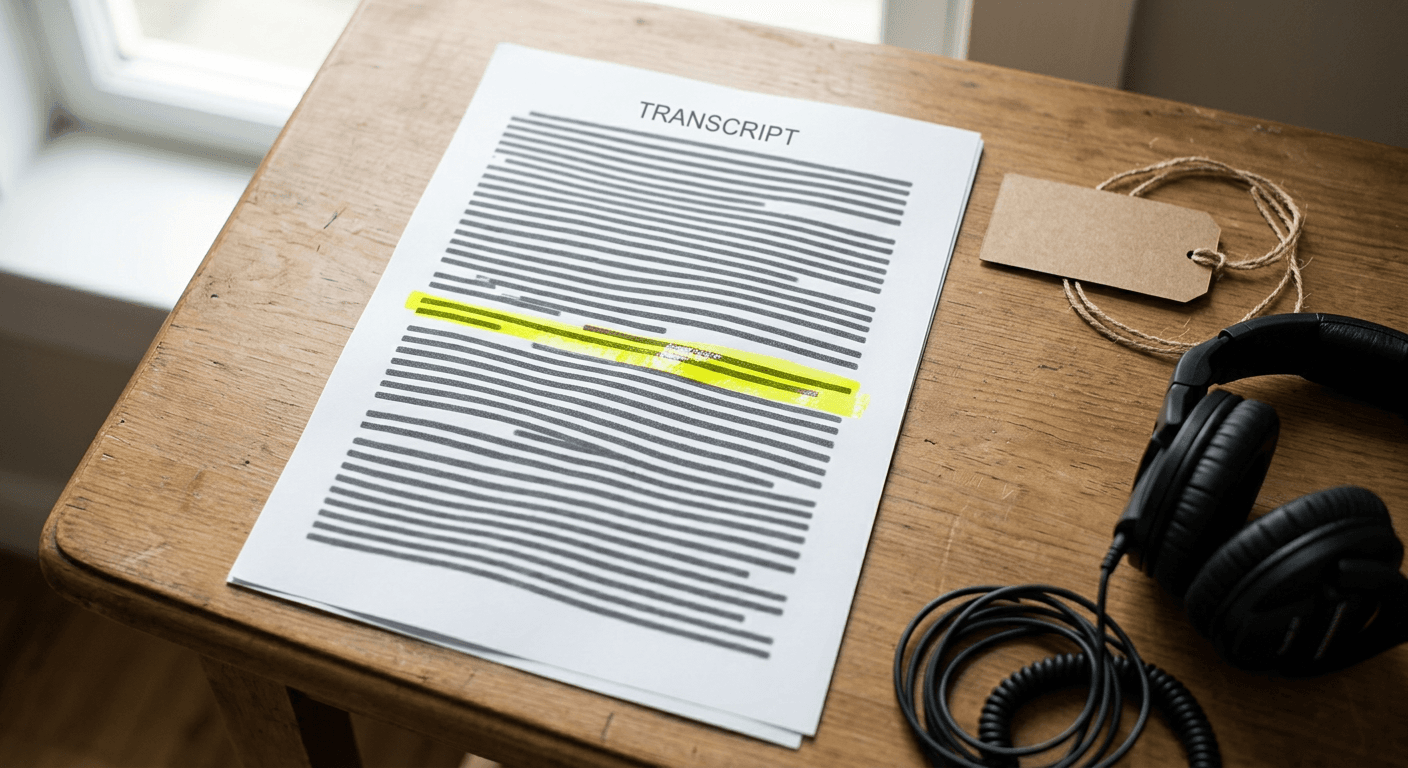
Transcript & Guest Cards let you share standout moments, featured guests, and transcript or video content as dedicated card posts, distinct from a regular text post or the episode link card above. Instead of copy-pasting a quote into a plain Threads post, which loses all the visual and contextual weight of where that line came from, a Transcript Card presents an actual excerpt from the episode with proper attribution back to the show and the specific timestamp. A Guest Card does something similar but centers the featured guest, giving them a dedicated, shareable card that both you and your guest can post, tagging each other and cross-pollinating both of your audiences at once.
The mechanism worth understanding is that this feature is explicitly built around the idea that a podcast's most valuable marketing asset is not the full episode, it is the handful of specific moments inside it that would actually make a stranger stop scrolling. Meta building a dedicated card format for exactly this kind of content is a tell about what performs on the platform: quotable, attributable, specific moments beat generic "new episode is out" posts by a wide margin, the same pattern that has driven short-form video clipping on TikTok and YouTube Shorts for the last few years, now arriving as a first-class Threads post type instead of something creators had to manually recreate.
Here is a concrete scenario that shows why this is genuinely useful and also where it gets hard in practice. Say your ninety-minute interview has one incredible five-minute stretch around the forty-minute mark where your guest says something sharp, specific, and quotable. A Transcript Card built around that exact excerpt, posted the same day the episode drops, does real work: it gives people a specific, legible reason to click through rather than a vague "check out this week's episode." The hard part is finding that five-minute stretch inside ninety minutes of raw audio or video without listening back to the whole thing, which is exactly the manual bottleneck that keeps a lot of creators from using a feature like this consistently, even when they know it works.
This is the natural point where a tool like Miraflow's AI Clipping fits directly into the new workflow. Paste in the YouTube URL of your episode, and it transcribes the whole thing, scores the moments most likely to land with a viral score, and hands back the ranked clips with captions already applied, so instead of scrubbing a two-hour timeline by ear you are reviewing a shortlist the AI already surfaced for you. The specific timestamps and lines that come back ranked highest are exactly the raw material a Transcript Card or Guest Card needs, a standout line with clear context around it, rather than an arbitrary thirty-second slice. Our step-by-step guide to turning a podcast into viral short-form clips with AI walks through that clipping workflow in more depth if you want the full process for TikTok, Reels, and Shorts, since once your episode is live on Threads you still need those same short clips to drive people back to the full conversation, not just a single quote card. If you also want a short, standalone promo piece pointing back to the full episode rather than a direct excerpt, Text2Shorts turns a key takeaway from the episode into its own short-form video with a script, visuals, and voiceover generated from a prompt, something you can post alongside the Transcript Card to give people two different entry points into the same episode.
The real edge case with Guest Cards specifically is that they require the guest's cooperation to fully work. A card tagging a guest who never engages with it, does not repost it, and has a small or inactive Threads presence themselves gets a fraction of the reach of one where the guest actually shares it to their own audience. Before an interview, it is worth briefly asking a guest whether they use Threads and would be open to a Guest Card, the same way a lot of shows already ask about cross-posting on other platforms, rather than building the card after the fact and hoping they notice.
Episode Saves: The Listener-Side Half of the Toolkit
Not every part of this update is aimed at creators directly. Episode Saves lets listeners save an episode they come across in their Threads feed, so they do not lose track of something that caught their attention mid-scroll but that they were not ready to listen to right then. It works the way a bookmark or a "save for later" function works on most content platforms: a single tap adds the episode to a personal saved list without leaving the feed or immediately opening a podcast app.
This sounds like a minor, purely listener-facing convenience, but it directly affects a creator's actual conversion numbers in a way worth understanding. Without a save mechanism, a listener who sees your episode card while commuting, mid-conversation, or simply not in listening mode has exactly one real option: tap through immediately or lose the moment entirely, since scrolling feeds are not built for someone to remember to come back to a specific post later. Most of that second group simply never returns. A save button converts what would have been a lost impression into a queued one, giving your episode a second, later chance at an actual listen instead of a single make-or-break moment in the feed.
The edge case creators should actually plan around is that a save is not a listen, and treating the two as equivalent in your own head will make your numbers look better than your actual growth. A high save count with a comparatively low click-through rate on Podcast Insights, covered next, usually means your card and hook are working, people are genuinely interested enough to want it later, but something about the follow-through experience, a confusing link, a slow-loading landing page, or simply forgetting, is losing them between the save and the actual play. That gap is worth watching specifically rather than folding saves and listens into one vague "engagement" number.
New Episode Reminders: Automating the Nudge Creators Used to Forget
The fourth tool flips the direction of the notification. Instead of reminding listeners, New Episode Reminders let creators opt in to receiving an automatic notification from Threads reminding them to actually post and share a new episode once it goes live. It sounds like a small thing, almost too obvious to be a real feature, but it is solving a genuinely common failure mode: a show records and publishes consistently but posts about each new episode inconsistently, because the actual publishing moment is a busy one and social promotion is the easiest task to quietly skip that week.
The mechanism is straightforward, it is tied to your show's actual publish schedule pulled from your RSS feed rather than a manual calendar reminder you have to set up yourself, so it stays in sync automatically as your publishing cadence shifts. A weekly show gets a weekly nudge tied to its real release day, not a fixed day of the week that quietly drifts out of sync the first time an episode ships a day late.
A realistic scenario: you run a biweekly show and, like most independent creators, wear every hat yourself, recording, editing, and promoting. The weeks you are behind on editing are exactly the weeks a Threads post about the new episode is most likely to fall through the cracks, since your attention is entirely on getting the episode out the door. An automatic reminder does not do the posting for you, but it closes the gap between "the episode published" and "I remembered to tell anyone," which is often measured in days for creators without a dedicated social manager.

The one thing worth being honest about here is that a reminder only closes the awareness gap, not the effort gap. Getting nudged to post is not the same as having something worth posting ready to go. This is where the reminder and the Transcript & Guest Card workflow above genuinely reinforce each other: if you already have a shortlist of ranked standout moments sitting ready from a tool like Miraflow's AI Clipping the moment an episode drops, the reminder becomes a five-minute task, pick a card, post it, rather than a scramble to find something clip-worthy from scratch while the reminder notification sits unanswered.
Podcast Insights: Finally Seeing What Threads Is Actually Doing for Your Show
The last piece is the one that changes how creators can justify the time spent on the other five. Podcast Insights now shows the reach and engagement Threads is driving for a podcast specifically, including clicks and saves attributable back to Threads activity, rather than creators having to guess whether their Threads posting habit is actually moving any real listens.
This closes a measurement gap that has quietly existed for years across every social platform a podcast creator posts on. You could always see how a Threads post performed in isolation, likes, replies, reposts, but almost never how many of those interactions actually turned into someone opening a podcast app and pressing play. Insights specifically tracking clicks and saves driven by Threads activity gives creators something concrete: not just "this post did well" but "this post is why fourteen people saved your latest episode and six of them clicked through."
A concrete way this changes behavior: imagine you post three different formats promoting the same episode in one week, a plain text post with your take on it, an Episode Link Card, and a Transcript Card built around your guest's best line. Without Insights, you are guessing which one actually drove listens based on likes and replies alone, numbers that correlate with engagement but not necessarily with someone opening a podcast app afterward. With Insights broken out by clicks and saves, you can see directly that the Transcript Card outperformed the plain text post on actual click-through by a meaningful margin, which is exactly the kind of signal that should change what you post next week, not a hunch based on which post felt more popular in the moment.

The edge case worth flagging is attribution windows and lag. A save recorded today does not necessarily convert to a listen today, someone might save an episode and not actually play it for a week, so a creator checking Insights the day after posting and concluding a card "did not work" based on a low same-day click number is drawing a conclusion the data does not actually support yet. Treat Podcast Insights the way you would treat any platform analytics with a save or watch-later mechanism in the mix, like YouTube Studio's Insights redesign, which faced a similar shift toward showing creators more granular, delayed-attribution engagement data rather than a single same-day number: look at trends over a week or two, not a single day's snapshot, before deciding a specific card format underperformed. It is a similar shift to what happened when Google Search Console started tracking Instagram Reels traffic: creators suddenly had a real, attributable number for traffic that used to be an invisible guess, and the honest next step in both cases is learning to read that number over a real window of time rather than reacting to it in isolation.
How This Fits Into a Creator's Broader Podcast Distribution Strategy
None of this replaces where podcasts actually live and get discovered as an app category. It is worth being precise about what Threads is and is not becoming, because conflating the two leads to wasted effort in the wrong place.
Spotify and Apple Podcasts remain the primary listening destinations for the overwhelming majority of actual episode plays, and neither platform is going anywhere. What they are comparatively weak at is discovery outside of an existing subscriber base and organic conversation around specific episodes, since both are fundamentally built as libraries and players, not social feeds. A new listener has to already be searching podcast categories or get a direct recommendation to find your show there. Threads' new toolkit is explicitly built for the opposite job: surfacing a specific moment or guest to someone who was not looking for a podcast at all, then handing them off to Spotify or Apple to actually listen. Treat Threads as the top-of-funnel discovery layer and Spotify or Apple Podcasts as the actual listening destination, not as competing places to "choose" between.
YouTube occupies a genuinely different, increasingly important middle ground, since a growing share of podcast consumption now happens as video directly on YouTube rather than through a dedicated podcast app at all. YouTube's own Shows format, covered in YouTube Shows Explained, organizes full episodes into seasons and playlists the way a podcast app organizes a feed, while YouTube Shorts built from the same episode functions almost identically to what Threads' Transcript & Guest Cards are trying to do: surface one specific moment to someone scrolling who was not looking for your show. The meaningful difference is that YouTube Shorts is a video-native discovery surface competing directly with TikTok and Reels for scroll time, while Threads' new cards are competing for attention inside a text-first conversational feed, a genuinely different context where a well-chosen quote can outperform a video because it fits the medium people are already reading in.
Instagram sits closer to Threads' actual competitive lane than YouTube does, since both are Meta properties built around short bursts of content and social proof rather than long-form library browsing. Instagram's own episodic content format, covered in Instagram Series Explained, shows Meta has clearly been thinking about serialized, episode-based content across more than one of its apps, not just Threads. The practical difference for a podcast creator is that Instagram promotion for a podcast has always meant translating audio into a Reel from scratch, while Threads' new cards work with your existing text-and-quote-native content directly, without requiring a video edit for every single post. If your team already has a Reels workflow built around Instagram's First Draft auto-editing tool, Threads' cards are a genuinely lower-effort parallel channel rather than a competing demand on the same editing time.
The comparison that actually matters for deciding where to invest your limited weekly promotion time looks something like this.
| Channel | Best for | What it cannot do well | Role in your strategy |
|---|---|---|---|
| Spotify & Apple Podcasts | The actual listen, subscriptions, ratings | Organic discovery outside your existing audience | The listening destination, not a discovery surface |
| YouTube (Shows & Shorts) | Video-native discovery, long and short form in one place | Text-first conversation and quote-based sharing | Video distribution and a second full-episode home |
| Instagram (Reels & Series) | Visual, edited short-form promo built from scratch | Working with raw text or quotes without an edit | Visual top-of-funnel content, higher production effort |
| Threads podcast toolkit | Quote and moment-driven discovery, guest cross-promotion | Hosting or playing the actual episode | Low-effort, text-native top-of-funnel discovery layer |
Common Mistakes Creators Will Make With the New Threads Podcast Tools
Treating the banner as a one-time setup task instead of a living asset. A banner set once at launch and never revisited will not reflect a rebrand, a new season, or updated cover art months later. Since the banner is one of the first things a new visitor sees, letting it go stale is a quiet, easy-to-miss mistake that undercuts an otherwise strong first impression.
Posting raw links out of habit instead of using the episode picker. Old habits are hard to break, and plenty of creators will keep pasting a Spotify URL directly into a post for weeks after this update ships, simply because that is what they have always done. Every one of those posts is a missed card, a missed thumbnail, and measurably lower click-through than the same post built with the episode picker.
Building Guest Cards without looping the guest in beforehand. As covered above, a Guest Card's reach depends heavily on the guest actually engaging with and resharing it. Creating one after the fact and hoping a guest notices leaves real reach on the table that a thirty-second heads-up during scheduling would have captured.
Reading Podcast Insights the day after posting and drawing conclusions too early. Saves do not convert to listens instantly, and a single day's numbers are not representative of a card's actual performance. Judge a format's success over a week or two of aggregate data, not a same-day glance.
Publishing every AI-surfaced moment instead of curating the strongest ones. Whether you are using Miraflow's AI Clipping or manually scrubbing a transcript, the goal of moment detection is to produce a shortlist worth reviewing, not a queue to publish blindly. A Transcript Card built around a technically-accurate but flat moment performs worse than a slightly less obvious but genuinely surprising one, and publishing every candidate dilutes the ones that would have actually worked. This is the same lesson covered in our comparison of AI clipping tools: the tool doing the scanning is only half the job, the editorial pass on top of it is what actually separates a strong account from a noisy one.
Ignoring the reminder notification instead of treating it as a trigger to act. An automatic nudge that gets dismissed out of habit provides zero value over having no reminder at all. Treat the New Episode Reminder as the actual cue to pull up your pre-built shortlist of clips and post something, not another notification to swipe away.

Building the Workflow: Turning Raw Episodes Into Threads-Ready Cards
Putting the pieces above together, the practical workflow for a creator who wants to actually use this toolkit well, rather than post the occasional link card and call it done, looks like this.
Start with the raw episode recording, ideally video if you record on camera at all, since a growing share of podcast discovery now happens through video-native platforms and a video source gives you far more usable material across every distribution channel, not just Threads. Run the full episode through Miraflow's AI Clipping: paste the YouTube URL or upload the file, and it transcribes the entire episode, identifies the moments most likely to work as standalone content, and ranks them with a viral score, with controls for max clips, minimum and maximum duration, and auto captions. What used to take an editor an hour of scrubbing to find now comes back as a reviewable shortlist in a few minutes.
From that shortlist, the strongest one or two moments become your Transcript Card material, the actual line, with timestamp and context, that goes up on Threads the day the episode drops. If your guest is Threads-active, that same moment becomes the basis of a Guest Card built with them tagged, ideally something you discussed setting up before the episode even recorded. If a guest spoke in a language your primary audience does not, or you are dubbing a highlight for a wider audience, our guide to AI voice cloning for content creators covers the workflow for adapting that same standout moment without re-recording anything. If you want a slightly longer promotional piece beyond a text-based card, one that walks through the key takeaway from the episode in a fully produced short, Text2Shorts builds that from a prompt describing the takeaway, generating a script, visuals, and voiceover without a manual edit, something you can post as a companion piece alongside the Transcript Card or repurpose on Instagram and YouTube Shorts from the same source material. A strong standalone Short built this way still benefits from a real, purpose-made cover image rather than an auto-generated frame, which is exactly what Miraflow's YouTube Thumbnail Maker is built for.
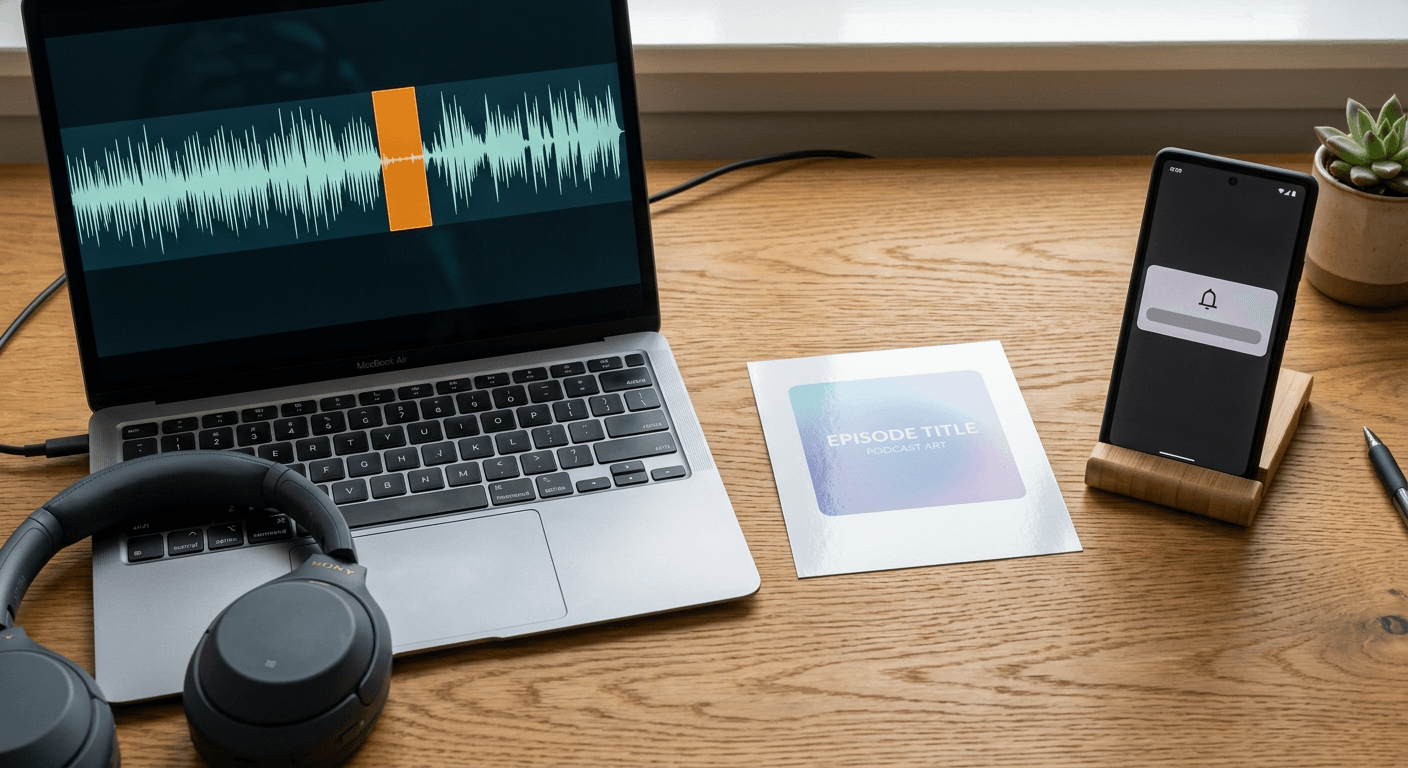
Once the episode link itself goes up as an Episode Link Card, and your Transcript or Guest Card is live, the New Episode Reminder becomes far easier to actually act on, since the hard creative work is already done before the notification even arrives. Over the following one to two weeks, Podcast Insights tells you which of these formats actually drove clicks and saves for that specific episode, feeding directly back into which moment you pick first next time. That loop, clip, card, post, measure, repeat, is what turns Threads from an occasional afterthought into a real, compounding part of a show's distribution rather than a channel you remember to use only when you happen to have time.
Frequently Asked Questions
Do I need a video podcast to use the new Threads podcast tools? No. Episode Link Cards, Profile & Post Banners, and Podcast Insights all work from your existing RSS feed data and do not require video. Transcript Cards work directly from text excerpts as well. Video helps specifically with Guest Cards and any clip-based content you choose to pair with a card, since a video source gives you a face and reaction to work with, but an audio-only show can use every core piece of this toolkit.
Does Threads become a podcast hosting platform with this update? No. Meta has been explicit that Threads is not launching its own podcast listening service. The new toolkit is built for discovery, conversation, and promotion around episodes that still live on Spotify, Apple Podcasts, YouTube, or wherever your show is actually hosted. Threads is the layer that gets people from a scroll to a click, not a replacement for your existing distribution.
How is this different from just posting a link the way creators already do? The core difference is that a raw pasted link renders as plain text with no visual weight, while the episode picker generates an actual card with artwork and a title pulled from your feed. Transcript and Guest Cards go a step further, presenting an actual excerpt or a featured guest as its own dedicated, attributable post type instead of a generic quote pasted into plain text. The mechanism behind why this matters is simple: a card gives a scrolling reader's eye something to actually land on, which a bare URL does not.
Can listeners who save an episode on Threads play it directly inside the app? Based on Meta's announcement, saving keeps an episode in a personal list inside Threads for later, functioning as a bookmark rather than an in-app player, since Threads is not building its own listening experience. The save is meant to prevent someone from losing track of an episode they noticed but were not ready to play, with the actual listen still happening on whatever app or service hosts your show.
Will my older episodes automatically get banners and link cards, or only new ones going forward? Profile & Post Banners apply at the account level once set up, so they show going forward regardless of episode age. Episode Link Cards and Transcript & Guest Cards depend on your existing episodes being properly represented in your RSS feed with clean metadata and artwork, which for most established shows means your back catalog is already eligible, not just newly published episodes.
Is it worth setting up New Episode Reminders if I already have a consistent posting habit? Yes, for most creators, since even a consistent habit benefits from an automatic trigger tied to your actual publish schedule rather than relying purely on memory during a busy publishing week. The real value shows up specifically during weeks where editing or life gets in the way and social promotion is the first task to slip.
How often should I check Podcast Insights to actually learn something useful from it? Checking once per episode, roughly a week to two weeks after it goes live, gives saves enough time to convert into actual clicks and gives you a large enough sample of posts and card types to compare fairly. Checking the day after every single post encourages overreacting to noise rather than spotting the real pattern in which formats are actually working.
Conclusion
Threads' expanded podcast toolkit is one of the more substantive, purpose-built updates the platform has shipped for a specific creator category, rather than another round of generic profile tweaks. Profile & Post Banners and Episode Link Cards solve real, previously annoying discovery problems. Transcript & Guest Cards give creators a dedicated format for exactly the kind of content that already performs best, specific, attributable, quotable moments, rather than forcing that content into a generic text post. Episode Saves and New Episode Reminders quietly close two gaps, one on the listener side and one on the creator side, that have cost shows real reach for years without anyone having a clean way to see it happening. Podcast Insights ties the whole loop together by finally showing creators which of their efforts are actually converting into clicks and saves instead of leaving that as a guess.
None of these tools do the creative work for you. A Transcript Card is only as strong as the moment you choose to put on it, and finding that moment reliably, episode after episode, is still the real bottleneck most creators face. That is exactly the gap a tool like Miraflow's AI Clipping is built to close, scanning a full episode and surfacing the ranked, standout moments worth turning into a card, with Text2Shorts ready alongside it for building a fully produced promo piece from the same episode's key takeaway. Both tools, along with the rest of the browser-based content pipeline at Miraflow, work directly from a script or a raw upload with no separate editing software to install. Get that workflow running once, and every piece of Threads' new toolkit, from the first banner a stranger sees to the insights showing whether your latest card actually drove a click, starts compounding instead of sitting half-used.