20 FLUX 3 Video Prompts to Try Black Forest Labs' New AI Video Model (Copy & Paste)

Written by
Aerin Kim
20 copy-and-paste prompts for FLUX 3 Video, Black Forest Labs' new native-audio model, covering product ads, talking-head clips, multi-shot scenes, and Shorts.
Black Forest Labs released FLUX 3 Video on August 4, 2026, and it does something most video models still cannot: it generates dialogue, ambient sound, and lip sync in the exact same pass as the video itself, instead of bolting audio on afterward. For creators, that means a single prompt can produce a clip that already sounds finished, not just looks finished.
This post is 20 ready-to-use FLUX 3 Video prompts, grouped by the kind of content they are built for: product ads, talking clips, full multi-shot scenes, and vertical Shorts. Every prompt is written to work as a standalone copy-paste, and several show off native audio and multi-shot sequencing specifically, since those are the two capabilities that set FLUX 3 Video apart from a typical silent video generator.
TL;DR: How to Use These Prompts
FLUX 3 Video supports clips from 5 to 20 seconds, at 720p or 1080p, and generates audio, including spoken dialogue with lip sync, in the same pass as the video. Every prompt below is written with duration and sound baked in, since leaving audio out of the prompt means you get a silent clip even though the model is fully capable of generating sound. Swap in your own product, setting, or line of dialogue wherever a prompt is generic, and keep the sound description in place, that is what tells the model to generate matching audio instead of a quiet clip.
If you want the technical story behind how one model generates video and audio together, our breakdown of FLUX 3 Video explained covers the Self-Flow research behind it.
How These Prompts Fit Into a Real Workflow
Native-audio clips like these work well as a starting point inside the cinematic AI video generator in Miraflow AI, where you can generate variations and refine a scene before it goes into a finished edit. If your final format is a vertical Short, Text2Shorts in Miraflow AI can turn a script into a full vertical video with voice and pacing already handled, which pairs well with the raw scene footage these prompts are built to generate.
If you want to see what these clips actually look like in motion before you start generating, this roundup of early FLUX 3 output is worth watching first:
1) Product Ad Prompts
These four prompts are built for short commercial-style shots, the kind that work as standalone posts or as B-roll cut into a longer product video.
1. Product hero shot with rising steam
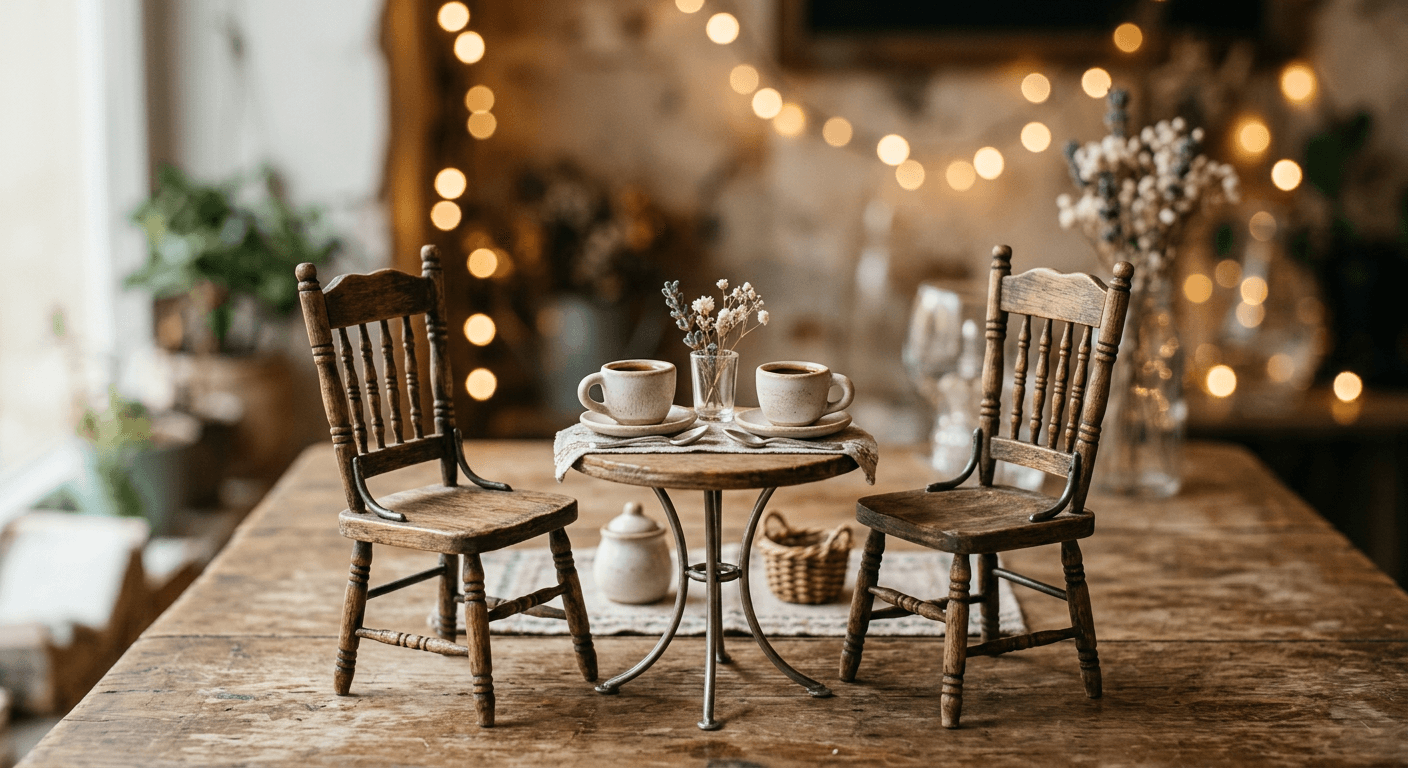
Product commercial, 8 seconds. A ceramic coffee mug sits on a rustic wooden table as morning light streams in. Steam rises slowly off the coffee. Camera pushes in gently from a wide shot to a close-up on the steam. Soft ambient cafe sound, a spoon gently clinks against the table once near the end. Warm color grade, shallow depth of field, no on-screen text, no people.

2. Self-opening unboxing shot
Product unboxing, 10 seconds. A plain cardboard box sits on a clean desk. Hands are not shown. The box lid lifts open on its own as if by a gentle breeze, revealing a folded product inside wrapped in tissue paper. Soft paper rustling sound as the lid opens. Bright, clean studio lighting, no on-screen text, no people.
3. Before and after wipe transition
Before and after transformation, 6 seconds. Left half of frame shows a cluttered desk, right half shows the same desk clean and organized. A soft wipe transition sweeps from left to right across the frame at the midpoint, ambient room tone throughout, a soft whoosh sound exactly as the wipe crosses center. Clean bright lighting, no on-screen text.
4. Side by side product comparison
Side by side product comparison, 8 seconds, split frame. Left side shows a plain version of an item, right side shows an upgraded version, both lit identically. A soft chime plays as a subtle glow briefly highlights the right side near the end. Clean bright studio lighting, no on-screen text, no people.
For more product visual ideas that pair well with these clips, see AI prompts for product photos and studio shots and AI prompts for high-end commercial photography. The before-and-after prompt above pairs naturally with 15 AI prompts for before and after comparison images if you want static stills alongside the transition clip.
2) Talking Clip and Dialogue Prompts
These prompts lean directly into FLUX 3 Video's native lip-synced dialogue, one of the clearest differences from a typical silent video model. Write the exact line you want spoken directly into the prompt.
5. English intro line
Talking head intro, 8 seconds, medium shot, warm indoor lighting, plain neutral background. A person looks directly at the camera and says in English, hey everyone, welcome back to the channel, today we're trying something new. Natural room tone in the background, lips synced clearly to the dialogue, casual friendly tone.
6. Spanish call-to-action line
Talking head call to action, 6 seconds, medium close shot, bright even lighting, plain background. A person looks at the camera and says in Spanish, si te gusto este video, no olvides suscribirte. Natural room tone, clear lip sync, warm confident tone, no on-screen text.
7. Genuine reaction shot
Reaction shot, 5 seconds, close up on a person's face against a plain background, eyes widen and eyebrows raise in genuine surprise as they look slightly off camera, a soft gasp sound synced to the exact moment of the expression change, warm even lighting, no dialogue, no on-screen text.
8. Founder or creator message
Founder message shot, 10 seconds, medium shot, warm office background softly out of focus. A person sits at a desk, looks at the camera, and says in English, we built this because we ran into the exact same problem you probably have right now. Natural room tone, clear lip sync, sincere calm tone, no on-screen text.
FLUX 3 Video supports dialogue in a long list of languages beyond English and Spanish, including Chinese, French, German, Japanese, Portuguese, Russian, Italian, Indonesian, Turkish, Hindi, and Punjabi, so the same prompt structure above works for a multilingual channel without changing anything but the line itself.
3) Multi-Shot Scene Prompts
Multi-shot scene creation generates several distinct camera angles as one coherent sequence in a single call, instead of requiring a separate generation and manual edit for every shot. These three prompts are written the way you would write a short storyboard.
9. Multi-shot cafe ad
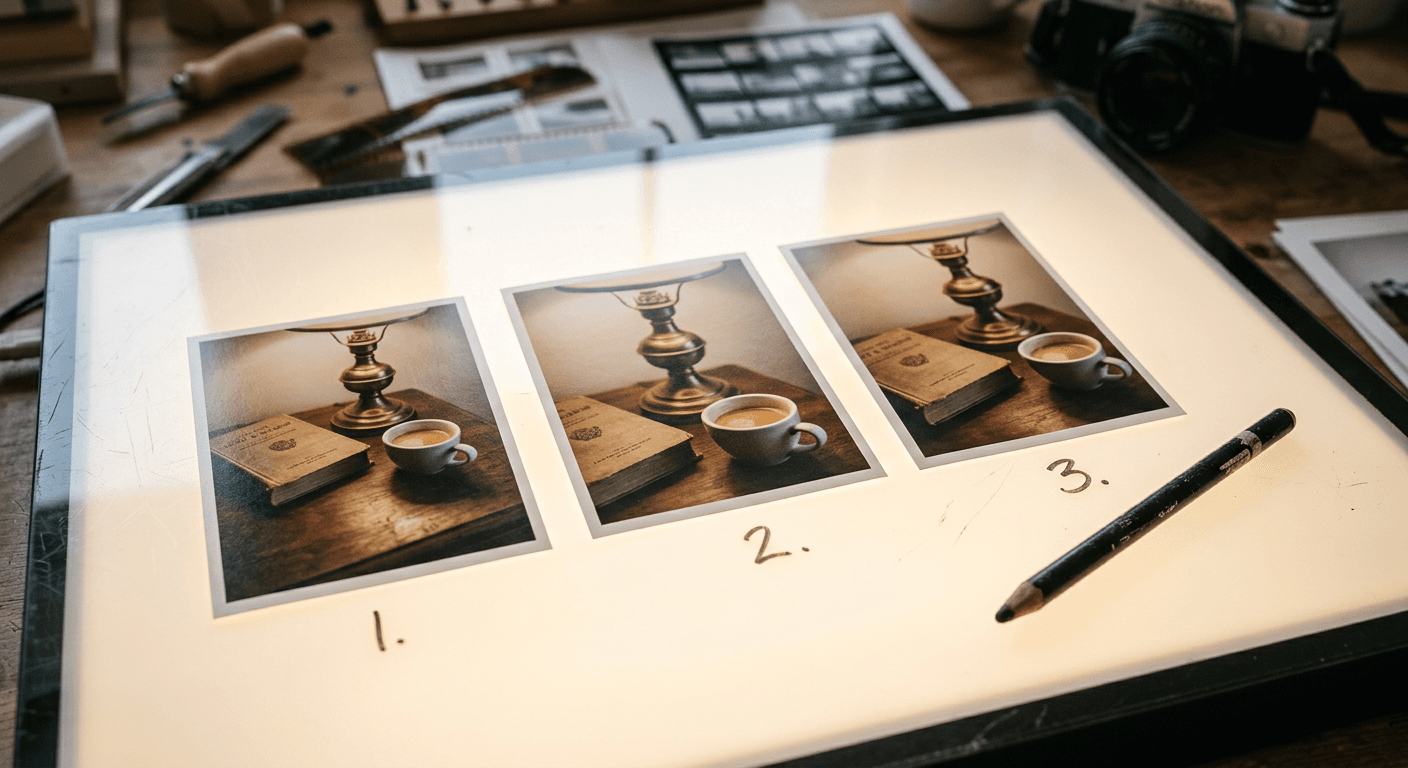
Multi-shot 12 second cafe ad. Shot 1, four seconds: close-up on coffee beans pouring into a grinder, mechanical whirring sound. Shot 2, four seconds: a cup fills with espresso under warm shop lighting, camera slowly pushes in, steam hissing. Shot 3, four seconds: the finished cup rests on the counter as a bell above the door chimes softly in the background, ambient cafe chatter throughout. Consistent warm lighting and shop setting across all three shots, synchronized native audio, no on-screen text.
10. Multi-shot morning routine sequence
Multi-shot 15 second morning routine sequence. Shot 1, five seconds: sunlight crosses a bedroom window, curtains sway gently, soft ambient morning sound. Shot 2, five seconds: a kettle on a stove starts to steam, a low simmering sound builds. Shot 3, five seconds: a notebook and pen sit on a desk as a page turns on its own in a light breeze, paper rustling synced to the turn. Consistent warm natural lighting across all three shots, no on-screen text, no people.
11. Multi-shot product reveal
Multi-shot 12 second product reveal. Shot 1, four seconds: a plain box on a pedestal in a dark studio, a single spotlight fades up. Shot 2, four seconds: the box lid lifts on its own, soft light spills out from inside, a rising ambient tone builds. Shot 3, four seconds: the product sits fully revealed under bright even light, a soft chime plays as the shot holds. Cinematic dramatic lighting throughout, synchronized native audio, no on-screen text, no people.
Writing each shot with its own duration and its own sound cue, the way these three prompts do, is what keeps a multi-shot generation coherent instead of producing three disconnected clips stitched into one. If you are scripting the shots out first, AI prompts for YouTube Shorts scripts is a useful companion for planning the beats before you generate.
4) Vertical Shorts Prompts
These four prompts are framed at 9:16 specifically, built for TikTok, Reels, and YouTube Shorts.
12. Vertical hook shot
Vertical short-form hook, 6 seconds, 9:16, close-up on a plain kitchen counter. A jar lid pops off on its own with a soft pneumatic sound, steam or light dust briefly puffs out, camera holds steady, bright punchy lighting, no on-screen text, no people, no logos.
13. Vertical talking clip
Vertical short-form talking clip, 8 seconds, 9:16, medium close shot, bright ring-light style lighting, plain colorful background. A person speaks directly to camera in English with energetic pacing, saying, okay so this actually worked and I was not expecting that. Natural room tone, clear lip sync, no on-screen text, no logos.
14. Vertical quick transition
Vertical short-form quick transition, 5 seconds, 9:16. A hand-drawn style curtain wipes across the frame from bottom to top revealing a new brightly lit scene underneath, a soft swoosh sound synced to the wipe, punchy saturated colors, no on-screen text, no people.
15. Outro with fade
Outro shot, 6 seconds, wide shot of a plain neutral background with soft ambient light. A gentle chime plays as the frame holds steady, then a soft fade to black begins in the final second. No on-screen text, no people, no logos.
If Shorts and Reels are your main format, AI Clipping in Miraflow AI can pull viral moments out of longer footage automatically and apply captions, which works well alongside freshly generated establishing or transition shots like these. For more format-specific prompt ideas, see AI prompts for TikTok video backgrounds and AI prompts for Instagram Reels covers.
5) B-Roll and Mood Prompts
The last five prompts round out a project with ambient footage that carries its own sound, useful for cutaways, transitions, and scene-setting.
16. Establishing street shot
Establishing shot, 8 seconds, a quiet city street at golden hour, a light breeze moves the leaves of a small tree in frame, distant ambient traffic and a bird call fade in and out naturally, camera holds a slow static wide shot, warm cinematic color grade, no on-screen text, no people.
17. Kitchen demo shot
Cooking demo shot, 10 seconds, overhead angle on a cutting board. A knife enters frame and slices through a tomato in three clean cuts, the sound of the blade on the board synced to each cut, bright natural kitchen lighting, no hands or people shown beyond the knife itself, no on-screen text.
18. Typing B-roll
B-roll shot, 6 seconds, overhead angle on a laptop keyboard, fingers are not shown, keys appear to depress in a natural typing rhythm as if unseen, soft mechanical keyboard clicking synced to each key press, warm desk lamp lighting, no on-screen text.
19. Plant windowsill B-roll
B-roll shot, 8 seconds, a small potted plant on a windowsill, leaves sway gently in a light breeze, soft ambient outdoor sound drifting in through the window, warm afternoon light shifting subtly across the frame, static camera, no on-screen text, no people.
20. Rainy mood shot
Mood establishing shot, 8 seconds, rain falling steadily outside a window at night, streetlights blurred in the distance, soft continuous rain sound with a distant car passing once, static camera, moody cinematic color grade, no on-screen text, no people.
How to Adapt These Prompts
- Always write your sound cue directly into the prompt. FLUX 3 Video generates audio by default, but a vague or missing sound description tends to produce a much quieter, less specific result than describing exactly what should be heard and when.
- For dialogue, write the exact line in quotes or as a direct statement, in the language you want spoken, rather than describing the topic and hoping the model improvises a line.
- Keep multi-shot prompts structured by numbered shot, each with its own duration, the same way the three multi-shot prompts above are written. That structure is what keeps the sequence coherent instead of drifting between shots.
- Match resolution to the platform. 1080p for a main video upload, and either resolution works fine for a 9:16 Short once it is cropped and re-encoded for the platform.
- For general prompt-writing fundamentals that apply beyond FLUX 3 Video specifically, see how to write AI prompts for visual content.
Common Mistakes Creators Make With FLUX 3 Video
- Leaving audio out of the prompt entirely, then being surprised the clip feels flat compared to the demo reels that shipped with the launch.
- Writing a single 20 second prompt with five unrelated beats crammed in, instead of using multi-shot mode with clearly separated shots.
- Forgetting that video continuation needs audio in the source clip to extend audio convincingly, since it conditions on the existing sound as well as the existing video.
- Treating every clip as a finished final product instead of a strong first pass to edit further, the same way you would treat any other raw footage.
Frequently Asked Questions
Do I need to write anything special to get FLUX 3 Video to generate sound? Describe the sound you want directly in the prompt, ambient noise, a specific sound effect, or a spoken line. FLUX 3 Video generates audio in the same pass as the video, so a specific sound description produces a much more intentional result than a purely visual prompt.
Can FLUX 3 Video generate spoken dialogue in languages other than English? Yes. It supports a wide range of languages including Spanish, Chinese, French, German, Japanese, Portuguese, Russian, Italian, Indonesian, Turkish, Hindi, and Punjabi, with lip sync generated alongside the audio.
What is the difference between a regular prompt and a multi-shot prompt? A regular prompt describes one continuous shot. A multi-shot prompt describes several distinct shots as separate numbered beats with their own duration, which FLUX 3 Video generates as one coherent scene instead of one continuous camera move.
How long can a single clip be? Up to 20 seconds per generation, in whole-second increments from 5 to 20, or left on auto for the model to decide.
Can I extend a clip that cuts off too early? Yes, using video continuation. Feed in up to 4 seconds of the existing clip, including its audio, and describe what should happen next.
Do these prompts work for vertical video too? Yes. The prompts in the Vertical Shorts section are already framed at 9:16, and any of the other prompts can be adapted the same way by describing a vertical framing instead of a wide one.
Conclusion
The most useful thing about FLUX 3 Video for a working creator is that sound stops being a separate production step. A product ad, a talking intro, or a full multi-shot scene can come out of one prompt already sounding finished, which changes how much time a first draft actually saves. Start with whichever category matches your next upload, the product ad prompts if you need a quick commercial cutaway, the talking clip prompts if you need a fast intro or CTA, and build from there. You can find more prompt packs and workflow breakdowns like this one on the Miraflow AI blog, and every tool mentioned above lives at miraflow.ai.