18 ChatGPT 80s Photo Trend Prompts for Instagram and TikTok (Copy & Paste, 2026)

Written by
Aerin Kim
The ChatGPT 80s photo trend is one of Instagram's fastest-spreading AI looks of 2026. Here are 18 copy-paste prompts across six styles, plus the technique to keep your face recognizable.
As of September 2026, timelines on Instagram and TikTok have quietly turned into a decades-spanning yearbook. Millions of people are uploading a current selfie and asking an AI image tool to send it back looking like it was shot in a real 1980s portrait studio, feathered hair, laser backdrop, film grain and all, while their actual face stays completely recognizable. It has spread fast enough that outlets covering AI and internet culture, including TechRadar, thenews.com.pk's technology desk, and InsideAI News, have all separately written it up as one of Instagram's fastest-spreading AI content trends of the year. It started as an Instagram "Add Yours" sticker chain, jumped to TikTok within days, and now shows up under tags like #ChatGPT80s, #80sPhotoTrend, and #RetroAIPortrait on both platforms.
Unlike a filter that just adjusts color and grain over your existing photo, this trend depends on a real image-to-image transformation: the AI has to change your hairstyle, clothing, backdrop, and lighting into something that looks like it belongs in 1987, while leaving your actual bone structure, eyes, and expression untouched enough that your friends still recognize you instantly. That specific combination, real transformation plus preserved identity, is exactly what image-to-image editing tools are built for, and it is the workflow behind Miraflow's AI Image Generator: upload a photo you already have, describe the era and style you want, and get back a version of you rather than a generic stranger in period clothing.
This post breaks the trend down properly instead of just dumping a prompt list on you. You will get 18 distinct, ready-to-copy prompts across six real sub-styles of the trend, why the format is working as well as it is right now, the specific technique for keeping your face intact instead of getting a stranger back, the mistakes that produce the "obviously fake" version of this look, and answers to the questions people keep asking about it.
Why the ChatGPT 80s Photo Trend Is Everywhere Right Now
Three separate things are stacking on top of each other to make this trend spread the way it has, and understanding them actually helps you get a better result, not just a better prompt.
The first is identity preservation itself. Earlier waves of AI photo trends, cartoon avatars, anime filters, full face-swap toys, produced a result that looked cool but did not look like you anymore. This trend is popular precisely because it does not do that. The output still needs to pass the "is that actually them" test from someone who knows your face, which means the AI is doing something genuinely harder than a full style transfer: changing the entire visual context around a face while leaving the face's actual geometry alone. That is a meaningfully different task than a cartoon filter, and it is why the wording of your prompt around preservation matters as much as the wording around the 80s styling itself.
The second is nostalgia that most users did not personally live through, or barely did. A large share of the accounts posting these images were small children or not yet born in the actual 1980s. The appeal is not "remember when," it is "what if," the same mechanism behind a related but distinct trend, the decade progression prompts that turn a single place into a 1986-to-2026 time capsule. Both trends are mining the same appetite for a specific, textured past rather than a vague retro vibe, and both work because the AI can render period detail (hairstyles, film stock, studio backdrops) with enough specificity to feel like a real photograph rather than a costume party.
The third is the format itself. An "Add Yours" sticker chain on Instagram is close to a perfect virality mechanism: every new post is also an invitation for the next person to post their own version, and a genuinely surprising or flattering result is the kind of thing people screenshot and send to friends unprompted. That loop is the same one that powered the AI action figure trend before it and the "meet your younger self" identity trend around it, and it is worth remembering when you post your own result: a clearly labeled before-and-after, your real current photo next to the 80s version, gets meaningfully more engagement than the transformed photo alone, because the "wait, that's really them" reaction only lands when the viewer can see both.
How to Get the Best Results With These Prompts
Every one of the 18 prompts below is written to do two things at once: change the era completely and protect the face. But the prompt is only half of the result. The source photo you feed in and how you phrase the preservation instruction matter just as much, and this is where most people who get a disappointing result are actually going wrong.
Start with a genuinely good source photo. A front-facing or slightly angled photo with even, soft lighting and no heavy shadow across half the face gives the model the clearest possible read on your actual features. Photos taken in harsh direct sunlight, backlit shots where your face is underexposed, or extreme close-ups that crop out your hairline all give the AI less real information to preserve, and it will improvise more than you want. If you only have a lower-quality source photo, expect to run it twice and pick the better result rather than assuming the first pass nailed it.
Be explicit about what should not change, not just what should. Every prompt in this pack includes a direct instruction to preserve facial features, bone structure, skin tone, and identity, and that phrasing is doing real work. A prompt that only describes the 1980s styling and leaves preservation implied gives the model more room to drift toward a generic, idealized face instead of your actual one. If a result comes back looking like a stranger who vaguely resembles you, the fix is almost always to make the preservation instruction more specific in your next attempt, not to switch to an entirely different prompt.
Watch for the two most common failure modes. The first is over-editing the face itself: skin gets smoothed into a plastic, doll-like texture, eyes get subtly reshaped, or the jawline shifts. This usually happens when a prompt leans too hard on words like "flawless" or "airbrushed" without a strong counter-instruction to preserve real features, which is why the prompts below pair any glow or softness language with an explicit preservation clause. The second is an obviously fake, overly clean result: perfect studio lighting with zero grain, colors that are too saturated and modern, or a backdrop that looks like a flat digital gradient instead of a photographed paper backdrop. Real 1980s studio photography had visible grain, slightly imperfect focus, and film-accurate color response, and a prompt that skips those details tends to produce something that reads as "AI filter" rather than "old photo," which somewhat defeats the point.
Iterate in small steps rather than starting over. If a result is close but the hair volume feels wrong, or the backdrop color is off, it is usually faster to re-run the same prompt with one adjusted clause than to write an entirely new prompt from scratch. Treat the templates below as a genuine starting point you can edit, not a fixed script.
These 18 prompts are grouped into six styles that cover the real range of what is circulating in the trend right now, and every single one includes an explicit facial preservation instruction. You can run any of them directly inside Miraflow's AI Image Generator, which supports both text-to-image generation and image-to-image editing from a photo you already have, exactly the workflow this trend needs.
1. Studio and Glamour Portrait Prompts
This is the style most people picture first when they think of this trend: the classic mall photo studio setup, laser backdrops and all. These three prompts cover the original mall-glamour look, the Bollywood-studio variant that shows how far this trend has spread internationally, and a softer, more restrained glamour headshot for anyone who wants the era without the full laser-beam backdrop.
1. Mall-Studio Laser Backdrop Glamour Portrait
Transform this photo into a classic 1980s mall-studio glamour portrait. Keep the person's facial features, bone structure, skin tone, and identity exactly recognizable throughout, and change everything else. Place the subject against a glowing blue-and-pink laser-beam studio backdrop with soft diagonal light streaks, restyle the hair into a voluminous, feathered, heavily hairsprayed shape, add period-accurate makeup with warm blush and glossy lips, dress the subject in a soft pastel or jewel-toned blouse with shoulder pads, light the face with a soft diffused studio strobe and a gentle airbrushed glow so skin looks smooth without losing real texture, add a faint warm haze around the backdrop lights, finish with light film grain and a slightly soft-focus vignette typical of a 1980s portrait studio package. No modern clothing, no modern hairstyle, no smartphone-quality sharpness, no warped facial features.
2. Bollywood-Style Studio Glamour Portrait
Transform this photo into a 1980s Bollywood-studio-style glamour portrait. Keep the person's facial features, bone structure, skin tone, and identity exactly recognizable throughout, and restyle everything around it. Give the hair a voluminous curled shape pulled back from the face, add gold jhumka earrings and a delicate gold necklace, dress the subject in a rich jewel-toned outfit with a subtle sheen, light the portrait with a soft warm key light from one side and a dimmer fill light so shadows stay gentle, place a plain warm-toned studio backdrop in muted maroon or teal behind the subject, add fine film grain and slightly warm, slightly faded color grading typical of a hand-printed studio photograph from that era. No modern jewelry, no digital sharpness, no distortion to the face or eyes.
3. Soft-Focus Vignette Glamour Headshot
Recreate this photo as a soft-focus 1980s studio glamour headshot. Keep the person's facial features, bone structure, skin tone, and identity exactly recognizable throughout, and transform the rest of the image. Place a smooth gradient backdrop behind the subject fading from dusty rose at the top to soft gray at the bottom, add a diffusion filter effect that softens edges slightly while keeping the eyes and face clearly sharp, restyle the hair with soft volume and a side part, use warm three-point studio lighting with a visible catchlight in each eye, add a subtle vignette darkening the corners, finish with fine grain and slightly warm color balance. No harsh modern lighting, no oversharpened skin texture, no facial reshaping.
2. Disco and Nightlife Portrait Prompts
The disco and nightclub variant leans into bright party clothing, statement accessories, and colored lighting rather than a plain studio backdrop. These three prompts cover a classic nightclub portrait, a roller-rink action shot, and a house-party candid for New Year's Eve energy.
4. Classic Disco Nightclub Portrait
Transform this photo into a vibrant late-1980s disco and nightclub portrait. Keep the person's facial features, bone structure, skin tone, and identity exactly recognizable throughout, and change the styling, setting, and lighting completely. Restyle the hair into a big, voluminous shape with visible texture and shine, dress the subject in bright metallic or sequined party clothing with bold statement jewelry, place colored dance-floor lighting in the background with soft red, blue, and gold light spilling across the frame, add a slight lens flare from an unseen light source, use flash-forward lighting on the face so it reads crisp against the moodier background, add fine grain and slightly oversaturated color typical of a nightclub snapshot from that decade. No modern club lighting like LED strips, no blurred or distorted facial features, no plastic-looking skin.
5. Roller Disco Action Shot
Recreate this photo as a candid 1980s roller disco snapshot. Keep the person's facial features, bone structure, skin tone, and identity exactly recognizable throughout, and transform the rest of the scene. Add a pair of classic quad roller skates with colorful wheels, dress the subject in bright high-waisted shorts or a colorful jumpsuit with striped tube socks, place the setting inside a roller rink with a polished wood floor reflecting overhead disco lights and a mirrored ball hanging above, light the scene with warm overhead rink lighting mixed with scattered colored light spots, add a candid slightly motion-blurred background while keeping the face sharp, finish with visible film grain and warm faded color typical of an instant snapshot from that era. No modern skate gear, no digital clarity in the background blur, no distorted limbs.
6. New Year's Eve Party Candid
Transform this photo into a candid 1980s New Year's Eve house party photograph. Keep the person's facial features, bone structure, skin tone, and identity exactly recognizable throughout, and restyle everything surrounding the subject. Add a paper party hat or tinsel headband, dress the subject in a shimmery party top with a bold shoulder-padded silhouette, place colorful balloons and paper streamers in the background along with a folding table holding punch glasses, light the scene with a direct on-camera flash that slightly overexposes the foreground while the background falls into warm shadow, add visible film grain, a warm yellow-orange color cast typical of indoor flash photography from that decade, and a slightly soft focus. No modern LED party lights, no digital sharpness, no facial distortion.
3. Yearbook and School Photo Prompts
The yearbook variant is popular precisely because it is instantly recognizable as a specific real object, a school photo package, rather than a vague "retro" vibe. These three prompts cover the classic posed yearbook shot, a candid hallway snapshot, and a formal prom-night portrait.
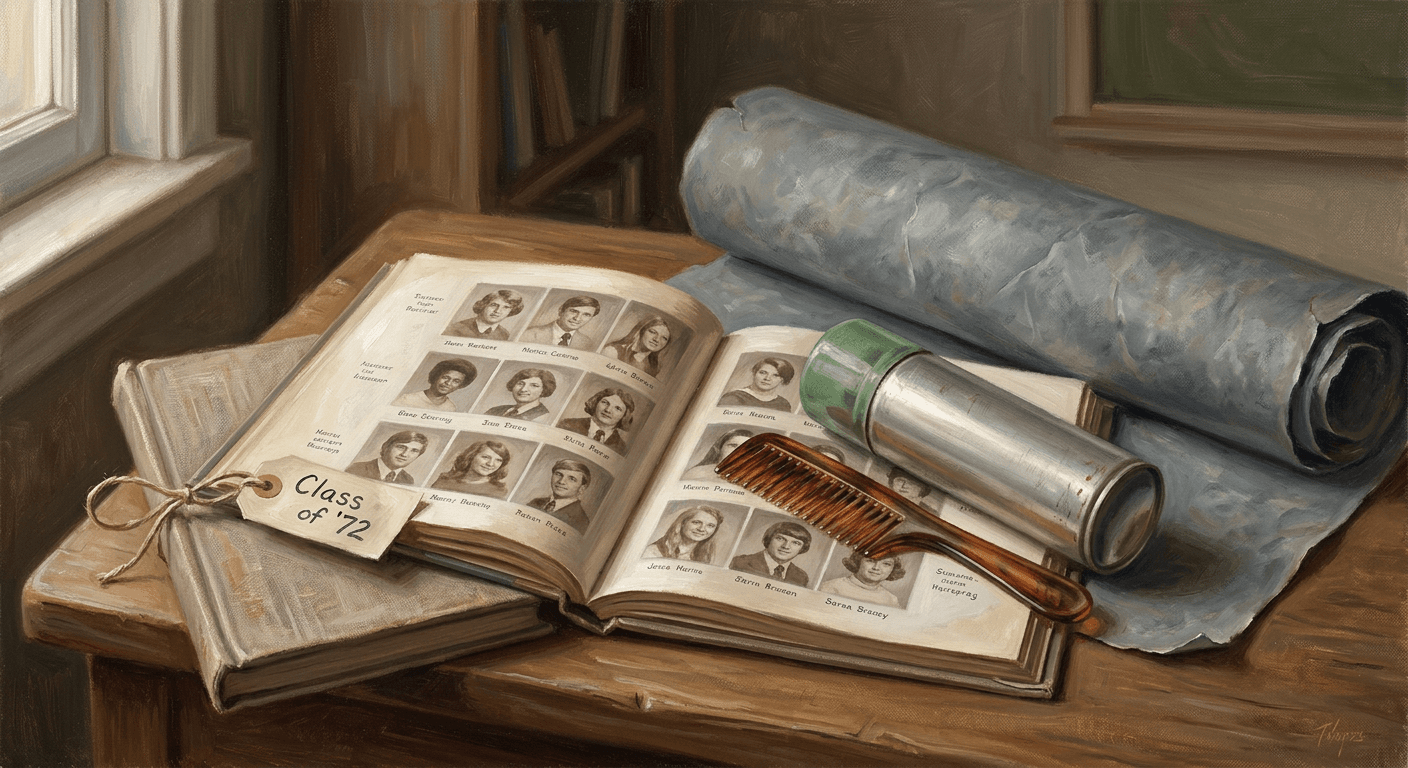
7. Classic High School Yearbook Portrait
Recreate this photo as a real 1980s high school yearbook portrait. Keep the person's facial features, bone structure, skin tone, and identity exactly recognizable throughout, and change everything else about the image. Restyle the hair into a feathered, layered shape typical of the decade, dress the subject in a simple collared shirt, cardigan, or knit sweater, place a plain mottled gray-blue studio backdrop behind the subject, use soft even flash photography lighting typical of school photo day with minimal shadow, add noticeable film grain, slightly faded and slightly warm color typical of a printed yearbook page, and a gentle softness to the overall focus. No modern clothing, no digital sharpness, no smoothed-over plastic skin, no changes to the person's actual facial structure.
8. Hallway Locker Candid
Transform this photo into a candid 1980s high school hallway snapshot, the kind found tucked into a yearbook's candid pages. Keep the person's facial features, bone structure, skin tone, and identity exactly recognizable throughout, and restyle everything around the subject. Dress the subject in period-accurate high-waisted jeans or a letterman jacket, add a row of metal school lockers in the background with a scuffed tile floor, light the scene with flat fluorescent overhead lighting typical of a school hallway, add a slight candid framing as if caught mid-conversation, finish with visible grain and a slightly faded, slightly green-tinted color cast typical of cheap film stock under fluorescent light. No modern locker design, no digital sharpness, no distorted facial features.
9. Prom Night Backdrop Portrait
Recreate this photo as a 1980s prom night portrait taken in front of a school's formal photo backdrop. Keep the person's facial features, bone structure, skin tone, and identity exactly recognizable throughout, and transform the rest of the image. Restyle the hair into an elaborate curled or teased formal style, dress the subject in a satin or taffeta formal outfit with puffed sleeves or a bow tie and cummerbund, add a flower corsage or boutonniere, place a painted backdrop behind the subject showing a soft airbrushed sunset or archway scene, light the portrait with a bright direct flash typical of a school-hired photographer, add fine grain and slightly warm, slightly faded color. No modern formalwear styling, no digital sharpness, no changes to the person's real facial features.
4. Family Album and Candid Snapshot Prompts
Not every version of this trend is a studio shot. A large share of what is circulating is the faded, slightly imperfect candid look of a photo that has sat in a family album for decades. These three prompts cover a living-room family snapshot, an instant Polaroid-style shot, and an outdoor road trip candid.
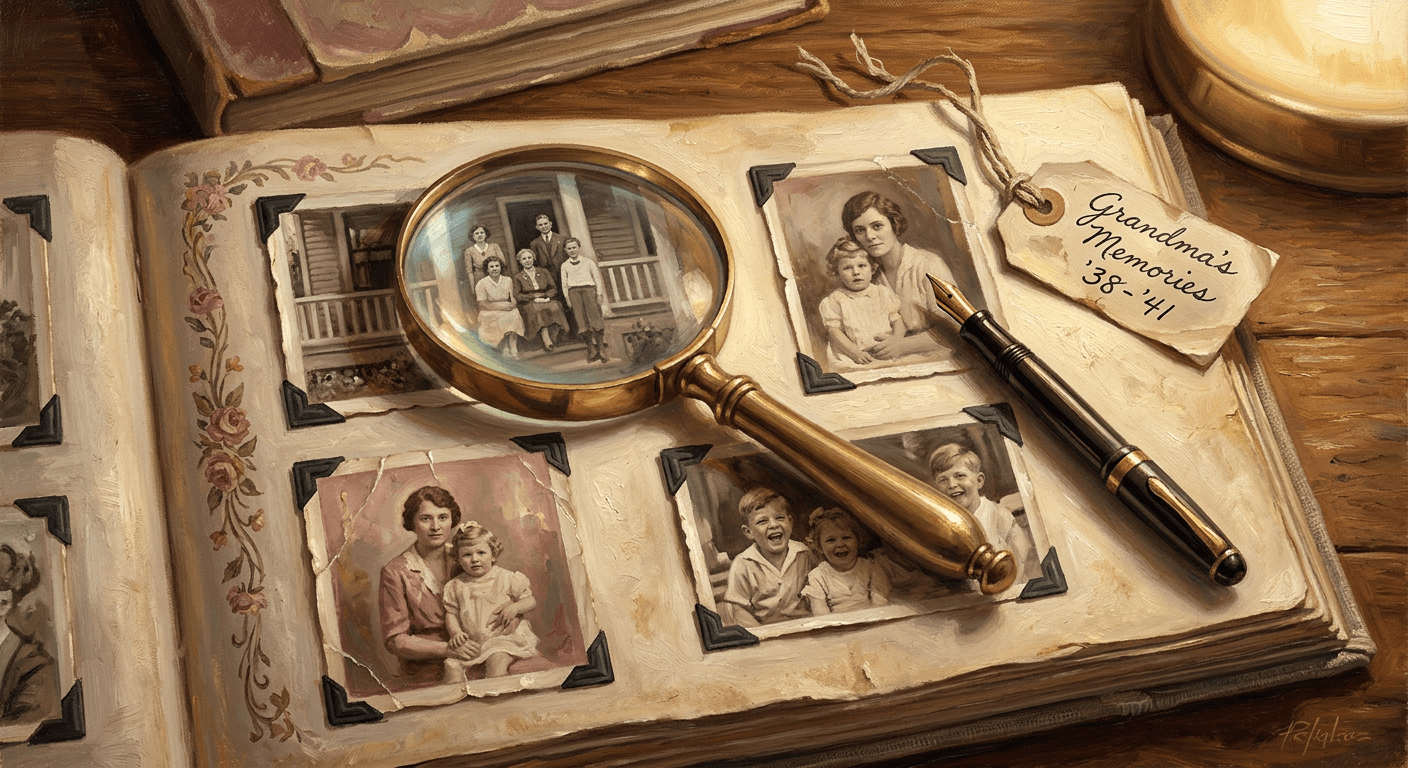
10. Faded Family Album Snapshot
Transform this photo into a faded, candid 1980s family photo album snapshot. Keep the person's facial features, bone structure, skin tone, and identity exactly recognizable throughout, and restyle the setting, clothing, and color completely. Dress the subject in simple period-accurate casual clothing like a striped polo or a printed cotton dress, place the setting inside a warmly lit 1980s living room with patterned wallpaper and a wood-paneled television visible in the background, light the scene with a direct on-camera flash that slightly overexposes the subject's face while the background falls softer, add visible film grain, slightly faded and yellowed color typical of a photo that has sat in an album for decades, and rounded soft corners reminiscent of a physical print. No modern furniture or electronics, no digital sharpness, no distortion to the person's face.
11. Instant Polaroid Snapshot
Recreate this photo as an instant Polaroid-style snapshot from the 1980s. Keep the person's facial features, bone structure, skin tone, and identity exactly recognizable throughout, and change everything else in the frame. Add the characteristic white Polaroid border frame with a thicker strip at the bottom, apply a slightly soft, slightly low-contrast instant-film look with muted colors and a faint warm color cast, dress the subject in simple period-accurate clothing, light the scene with a direct built-in flash that creates a soft circular falloff toward the edges of the frame, add fine grain and a few faint light streak imperfections typical of aging instant film. No digital sharpness, no modern framing, no changes to the actual facial structure.
12. Station Wagon Road Trip Candid
Transform this photo into a candid 1980s road trip snapshot taken beside a station wagon. Keep the person's facial features, bone structure, skin tone, and identity exactly recognizable throughout, and restyle the rest of the scene completely. Dress the subject in casual period clothing like a windbreaker or a printed t-shirt, place a wood-paneled station wagon with a roof rack in the background parked at a roadside rest stop, light the scene with bright natural daylight and slightly harsh midday shadows typical of an outdoor snapshot, add visible film grain, slightly faded color, and a hint of light leak near one corner of the frame typical of an inexpensive point-and-shoot camera. No modern vehicles, no digital clarity, no distortion to the person's face.
5. Music and Subculture Portrait Prompts
This trend also stretches into the music subcultures that actually defined a lot of 1980s visual identity: New Wave and punk, hair metal, and the early MTV broadcast look. These lean more dramatic and are a good pick if the straight glamour or yearbook styles feel too safe for what you want to post.
13. New Wave and Punk Portrait
Recreate this photo as a 1980s New Wave and punk subculture portrait. Keep the person's facial features, bone structure, skin tone, and identity exactly recognizable throughout, and transform the styling and setting around it. Restyle the hair into a spiked, asymmetric, or dramatically teased shape, add bold graphic eyeliner and a pale or contrast-heavy makeup look, dress the subject in a studded leather jacket, safety pins, or an asymmetric graphic top, place the setting against a rough brick wall covered in faded band flyers, light the portrait with a single hard side light creating strong contrast and defined shadows, add visible grain and slightly desaturated, slightly high-contrast color typical of a zine photograph from that scene. No modern streetwear, no digital sharpness, no changes to real facial features.
14. Hair Metal Rock Portrait
Transform this photo into a 1980s hair-metal rock portrait. Keep the person's facial features, bone structure, skin tone, and identity exactly recognizable throughout, and restyle everything else in the image. Give the hair extreme volume with a teased, back-combed shape, add bold makeup with dark smoky eyes, dress the subject in a bandana, a bedazzled denim vest, or a bold animal-print top, place a smoky stage-lit backdrop behind the subject with warm spotlight beams cutting through haze, light the face with dramatic side lighting and a strong rim light separating the subject from the background, add fine grain and slightly warm, slightly oversaturated color typical of a concert photo from the era. No modern stage lighting rigs, no digital sharpness, no facial distortion.
15. MTV VJ Broadcast Portrait
Recreate this photo as a 1980s MTV-style broadcast portrait, the kind used for an on-air video jockey introduction. Keep the person's facial features, bone structure, skin tone, and identity exactly recognizable throughout, and change the rest of the scene. Dress the subject in a bold graphic blazer with rolled sleeves over a plain t-shirt, add a chunky plastic wristwatch or statement earrings, place the setting in front of a colorful geometric studio backdrop with bold primary-color shapes, light the portrait with bright even studio lighting typical of a television broadcast set, add a very slight video-scan softness to the image and slightly oversaturated color typical of an analog broadcast feed. No modern broadcast graphics, no digital sharpness beyond a soft analog look, no distortion to the person's face.
6. Professional and Business Headshot Prompts
The last three prompts take the trend in a more corporate direction: the 1980s power-suit headshot, a real estate marketing photo, and a local news anchor broadcast portrait. These get shared less on Instagram but are genuinely useful if you want a period headshot for a specific bit or a LinkedIn banner joke.
16. Corporate Power Suit Headshot
Transform this photo into a 1980s corporate power-suit headshot. Keep the person's facial features, bone structure, skin tone, and identity exactly recognizable throughout, and restyle the wardrobe, setting, and lighting completely. Dress the subject in a structured blazer with prominent shoulder pads, a high-collared blouse or a bold-patterned tie, restyle the hair into a neat, voluminous professional style typical of the decade, place a plain gradient studio backdrop in muted gray or navy behind the subject, light the portrait with soft even studio lighting and a gentle catchlight in each eye, add fine grain and slightly warm, slightly muted color typical of a corporate directory photo from that era. No modern tailoring, no digital sharpness, no facial reshaping.
17. Real Estate Agent Headshot
Recreate this photo as a 1980s real estate agent headshot, the kind printed on a for-sale sign or business card from that decade. Keep the person's facial features, bone structure, skin tone, and identity exactly recognizable throughout, and transform everything else about the image. Dress the subject in a bright blazer with a pocket square or a bold patterned scarf, restyle the hair into a neat, slightly voluminous style, place a plain soft-focus outdoor background suggesting a suburban street with warm blurred greenery, light the face with soft flattering daylight and a gentle fill light, add fine grain and slightly warm, slightly faded color typical of a printed marketing photo from that decade. No modern signage or graphics, no digital sharpness, no changes to the actual face.
18. Local News Anchor Broadcast Portrait
Transform this photo into a 1980s local television news anchor broadcast portrait. Keep the person's facial features, bone structure, skin tone, and identity exactly recognizable throughout, and restyle the wardrobe, backdrop, and lighting. Dress the subject in a structured blazer with a bold tie or a bow-front blouse, restyle the hair into a neat, voluminous, camera-ready style, place a plain studio backdrop behind the subject in muted blue with a soft out-of-focus newsroom set visible behind it, light the portrait with bright, even three-point broadcast studio lighting, add a very slight analog video softness and slightly warm color balance typical of an early television broadcast. No modern broadcast graphics or digital sharpness, no distortion to the person's real facial features.
How to Customize These Prompts for Your Own Look
Treat every template above as a base you edit, not a fixed script. A few reliable adjustments:
Swap the era detail without touching the preservation clause. If you want an early-80s look instead of a late-80s one, change specific details like hair volume, backdrop color, or wardrobe silhouette rather than rewriting the whole prompt. Early 1980s styling tends to be a little more restrained (smaller hair, muted color) while late 1980s pushes volume and saturation harder.
Combine elements across categories. There is nothing stopping you from taking the disco lighting from prompt 4 and applying it to the wardrobe described in prompt 13 for a New Wave nightclub look. The prompts are modular by design.
Add a companion piece using an adjacent trend. A lot of creators are pairing their 80s portrait with a matching Y2K camcorder-style clip or an imperfect film grain edit of the same photo posted side by side, since the two looks are visually distinct decades but share the same "looks like a real old photo" appeal. It is worth noting the Y2K camcorder trend is about home-video and VHS artifacts specifically, not styled studio portraits, so pairing the two actually shows range rather than repeating the same effect.
Tune the grain and color grade separately from the styling. If a result looks too clean, add a specific instruction like "visible film grain most noticeable in shadow areas" rather than a vague "make it look old." If you want to go further into a fully authentic film-photo texture, the techniques in the imperfect film grain photo trend prompts and the general guide to making AI images look like real photos stack well on top of any prompt in this pack.
Batch a few variations before picking a favorite. Because the whole point of this trend is the "is that really them" reaction, it is worth generating two or three versions of the same prompt and picking whichever one struck the best balance between period accuracy and facial likeness, rather than posting your very first result.
Common Mistakes to Avoid
Skipping the preservation instruction entirely. The single most common failure is a prompt that only describes the 1980s aesthetic and assumes the model will figure out to keep the face the same. It often will not, especially with a strong style prompt pulling in the opposite direction. Always state explicitly what should not change.
Using a low-quality or heavily angled source photo. A photo where half your face is in shadow, or where you are looking almost fully sideways, gives the model too little real information to preserve accurately, and it will fill in the gaps with something generic. A clear, evenly lit, mostly front-facing photo is worth the extra thirty seconds to find or take.
Overloading one prompt with too many competing eras. Trying to cram feathered 80s hair, a Y2K digicam flash, and hair-metal wardrobe into a single instruction usually produces a muddled result that does not commit to any of them convincingly. Pick one style per generation and run a second pass if you want to compare looks.
Ignoring the grain and color grade. A perfectly sharp, zero-grain, oversaturated result reads as an obvious digital filter rather than an old photograph, which undercuts the entire appeal of the trend. Real film had texture, and the prompts above are written to ask for it explicitly rather than leaving it to chance.
Posting only the transformed image. Because the appeal of this trend is specifically the contrast between now and then, a lone 80s-style photo with no context reads as a nice picture rather than the "wait, is that actually you" moment that drives real engagement. A simple side-by-side of your real current photo and the transformed one, similar to how creators post before-and-afters for the pet-to-human transformation trend, consistently performs better.
Once you have a batch of results you like, Miraflow's AI Image Generator also makes it easy to keep iterating on the same photo across multiple prompts from this pack without starting from zero each time, and if you want to turn a strong result into a piece of standalone content, Miraflow's YouTube Thumbnail Maker can drop the same transformed photo into a finished thumbnail layout with text in a couple of extra steps.
Frequently Asked Questions
Is the ChatGPT 80s photo trend actually real, or is it AI-generated hype?
It is a genuinely real, currently trending format, not a fabricated story. It has been separately covered by outlets including TechRadar, thenews.com.pk's technology section, and InsideAI News as one of the fastest-spreading AI content trends on Instagram this year, and it is actively spreading on TikTok under tags like #ChatGPT80s and #80sPhotoTrend as of September 2026.
Do I need ChatGPT specifically to do this, or can I use another AI image tool?
The trend got its name because a lot of the earliest posts used ChatGPT's image generation feature, but the underlying technique, image-to-image editing that restyles a photo while preserving the subject's face, works in any capable AI image tool, including Miraflow's AI Image Generator. What matters is that the tool supports uploading your own photo and editing it, rather than generating a new image from text alone.
Why does the AI sometimes give me back a different-looking face?
This usually comes down to either a weak or missing preservation instruction in the prompt, or a low-quality source photo that did not give the model enough clear information about your actual features. Every prompt in this pack includes an explicit instruction to preserve facial features and identity, which meaningfully reduces this, but a clear, evenly lit, front-facing source photo still matters more than any single word choice in the prompt.
Can I use this trend with a photo of my pet or a group photo?
The core technique works on any clear subject, but the preservation instructions in these prompts are written for a single human face, since keeping bone structure and identity consistent is the specific challenge this trend is built around. If you want a pet-focused version of a similar identity-preserving transformation, the pet-to-human transformation prompts are built for exactly that instead. For group photos, run each person's version separately for the most reliable identity preservation, then combine the results if your editing tool supports layering.
How is this different from the Y2K camcorder trend?
They look similar in spirit, both are "make my photo look like it is from a specific past decade," but they are technically different effects. The Y2K camcorder trend adds home-video and VHS artifacts like timestamp overlays, scan lines, and flash overexposure to simulate footage from a camcorder. This 80s trend restyles the entire scene, hair, wardrobe, backdrop, and lighting, into a studio or candid still-photograph look from a full decade earlier. See the Y2K camcorder prompt pack if you specifically want the camcorder and VHS effect instead.
Will this work well on an older or lower-resolution photo?
Generally yes, since the whole point of image-to-image editing is that the model works from whatever detail your source photo already has. A lower-resolution photo may give a slightly less precise read on fine facial detail, but a clear, well-lit lower-resolution photo will usually outperform a sharp photo taken in bad lighting or at an extreme angle.
Do I need to caption my post a specific way for it to do well?
There is no required format, but posts that clearly show the transformation, either as a before-and-after side by side or with a caption that makes clear this is an AI edit of a real current photo, tend to get the strongest reaction, since the surprise of recognizing someone in a completely different context is the actual hook driving this trend's spread.
Conclusion
The ChatGPT 80s photo trend has stuck around long enough, and spread widely enough across Instagram and TikTok, to be worth treating as more than a passing filter. The reason it works is specific: real stylistic transformation combined with real identity preservation, which is a genuinely harder task than a simple color filter and part of why it feels impressive when it lands well. The 18 prompts in this pack cover the real range of what is circulating right now, mall-studio glamour, disco and nightlife, yearbook and school, family and candid snapshots, music subculture looks, and professional headshots, and every one of them is written to protect your actual face while changing everything around it.
Start with a clear, well-lit source photo, keep the preservation language in place even as you customize the styling, and expect to run a couple of variations before you land on the one worth posting. You can generate every prompt in this pack directly inside Miraflow's AI Image Generator, upload your own photo, pick a prompt above, and see your own 1987 self in a couple of minutes.