Google Ads Vehicle Top Ads: Automotive Model Feeds on Search (2026)

Written by
Aerin Kim

Google Ads is testing automotive model feeds on Search ads, also called Vehicle Top Ads. See who qualifies, the feed fields, how it differs from dealer vehicle ads, and how to prepare.
If you work on a car brand's Google Ads account, you have probably spent years watching Search results get busier while your own text ads stayed the same three lines of copy. Shoppers typing "electric SUV" or "compact hybrid" see a headline, a description and maybe some sitelinks, and then they have to click through to find out whether the car you are advertising costs 28,000 or 48,000. In mid October 2026 Google began testing a fix for that gap: automotive model feeds on Search ads, also labeled Vehicle Top Ads (Beta), which put your model and trim lineup with images, starting prices and features directly under your text ad.
Barry Schwartz reported it at Search Engine Roundtable on October 15, 2026, and PPC News Feed covered it a day earlier. Everything specific in this guide comes from Google's own help page, About automotive model feeds on search ads (Beta), which includes the full feed specification. I read that page line by line so you can see the attribute names, the image rules and the setup path before you talk to your Google representative.
The short version is that this format is only for vehicle manufacturers (OEMs), it is in a closed beta you join through a Google sales rep, and it works at the model and trim level rather than the individual car on a dealer lot. That last point matters because Google already has a separate system for dealers and marketplaces, and the two get confused constantly. Below you will find what the ad looks like, who qualifies, how it differs from dealer vehicle ads, the exact feed fields, a step-by-step onboarding plan, how to measure it, two worked scenarios, how to produce the supporting visuals, and the mistakes most likely to get a feed rejected or a price mismatched.
TL;DR: What You Need to Know About Vehicle Top Ads
- What it is: a Search ad format where a model feed adds a carousel, list or single model card (images, model, trim, starting price, features) below your standard text ad.
- Who can use it: vehicle manufacturer brands with an active Search campaign and a valid automotive model feed, in the US, Canada, Australia and the UK.
- How you get it: it is a beta, so you contact your Google sales representative and get allowlisted first.
- What you do not need: new campaigns or new targeting. The feed is attached at the account level and Google matches it to your existing Search campaigns.
- Who cannot use it: dealers and aggregators that sell individual VIN-level cars from a Merchant Center vehicle feed. Those advertisers use Vehicle Feeds on Search Ads or vehicle ads instead.
- Where your visuals come in: the feed needs accurate front or side images of the real vehicles, and everything around the feed (video, social, landing pages) can be produced faster with tools like Miraflow's AI image generator.
What Automotive Model Feeds on Search Ads Actually Are
Google describes the format as a new Search ad type for vehicle manufacturers that shows your lineup with images and key details so you can build awareness and consideration. In practice, a shopper who searches something like a model name or a category such as "full-size SUV" sees your normal text ad first. Below it, Google can attach a row of model tiles built from your spreadsheet. Each tile can carry an image, the model name, the trim and a starting price.
The layout is flexible. Google says the unit can render as a carousel, a list or a single model, typically two to five tiles on mobile. The decision is made by Google per query, which means you cannot force a carousel for a query that only matches one model. What you control is the data, the images and the URLs behind each tile.
The click behavior is worth memorizing because it changes how you build landing pages. Clicking a tile or its image opens the model specification page or the Build and Price page that you defined in the feed. Clicking the headline of the text ad still goes to the landing page set in the ad creative. So a single impression can send traffic to two very different destinations: a brand-level campaign page from the headline and a model-level configurator from the tile.
Here is a mental picture of the stack. The text ad is the pitch, the model tiles are the showroom floor, and the tile click is the walk toward a specific car. That is why Google positions it as an upper-funnel to mid-funnel format. Users who tap a model have already seen a starting price, which is the filter that the format's promised "qualified leads" idea relies on. Treat that as Google's claim about intent rather than a guaranteed result, because the help page does not publish performance benchmarks.

One useful detail for planning: the format only appears alongside text ads on Google Search. That includes Search campaigns and the search-based text ads that Performance Max can serve. It does not run on YouTube, Gmail, Discover or the Google Display Network, so you should not expect it to replace your video or Demand Gen inventory.
Who Qualifies, and Who Does Not
Google's eligibility list is short and strict. You must be a vehicle manufacturing brand, you need an active Search campaign, your automotive model feed has to meet the formatting specification, and you have to operate in the United States, Canada, Australia or the United Kingdom. Allowlisting happens before setup begins, so the checklist does not mean much until your rep has switched it on for your account.
A few groups tend to assume they qualify and do not:
- Franchise dealers and dealer groups. They sell individual cars with VINs and run local inventory. Google points them to Vehicle Feeds on Search Ads or vehicle ads, covered next.
- Used-car marketplaces and aggregators. Their product is an inventory of specific vehicles, so the model-level feed is the wrong shape for them.
- Agencies working for dealers. The agency account can help an OEM client, but the format is tied to the OEM brand status of the advertiser.
- Commercial or non-passenger brands. The related vehicle ads page limits that program to non-commercial passenger vehicles, and the OEM page does not list a broader allowance, so confirm scope with your rep before building a feed for vans or work trucks.
If you are a regional OEM importer, a distributor or a brand that sells under another company's name, ask your rep whether your account counts as a vehicle manufacturing brand. That is the sort of edge case where an early allowlisting conversation saves weeks.
OEM Model Feeds vs Dealer Vehicle Ads: The Difference That Trips People Up
Google runs three vehicle-related systems that sound alike. Mixing them up is the most common source of wasted time in this category, so here is how I would separate them.
Vehicle ads are a performance-focused, lower-funnel format for promoting inventory. Each ad shows a vehicle image with its make, model, price, mileage and advertiser name, and a click opens that vehicle's page on the advertiser's site. You build a vehicle data source in Google Merchant Center, enable the Vehicle ads add-on, link your accounts, and serve through Performance Max or Standard Shopping campaigns. Google's page says the audience is auto advertisers, dealerships, agencies and marketplaces with new or used inventory, and that includes OEMs with inventory. It also lists countries: a full release in Australia, Canada, Japan and the United States, an open beta in the UK, Germany, France, Italy, Spain and the Netherlands, and a closed beta by sales contact in other cases.
Vehicle Feeds on Search Ads (VFSA) adds offers from your Merchant Center vehicle feed to standard text ads in Search campaigns, showing make, model, price and images. Google says it is available only to US advertisers, and you need an active Search campaign, a valid Merchant Center vehicle feed and a link between Merchant Center and Google Ads.
Automotive model feeds on Search ads (Vehicle Top Ads) is the new OEM-only format. It uses a spreadsheet uploaded in the Business data area of Google Ads rather than a Merchant Center vehicle feed, it works per model and trim instead of per VIN. Google's FAQ states that VINs are not required, unlike vehicle ads with Performance Max vehicle feeds.
| Automotive model feeds (Vehicle Top Ads, Beta) | Vehicle Feeds on Search Ads (VFSA) | Vehicle ads | |
|---|---|---|---|
| Who it is for | Vehicle manufacturer (OEM) brands | Advertisers with a Merchant Center vehicle feed | Dealerships, marketplaces, agencies and OEMs with inventory |
| Data level | Model and trim, no VINs required | Vehicle inventory offers | Individual vehicles with price, mileage and advertiser name |
| Where the data lives | Spreadsheet uploaded in Business data in Google Ads | Google Merchant Center vehicle feed | Google Merchant Center vehicle data source |
| Campaign type | Existing Search campaigns, no new campaign | Search campaigns, attached to standard text ads | Performance Max or Standard Shopping |
| Markets (per Google's pages) | US, Canada, Australia, UK (beta) | US only | Full release in AU, CA, JP, US; open beta in UK and several EU markets |
| Access | Contact your Google sales rep for the beta | Active Search campaign, valid feed, linked Merchant Center | Enable the Vehicle ads add-on in Merchant Center |
| Typical goal | Awareness and consideration with model and trim details | Enrich text ads with vehicle offers | Lower-funnel leads and sales for specific cars |
The practical consequence is that the feed owner differs. In a typical manufacturer setup, the national marketing team and its agency own the model feed, and the dealer network's marketing teams own VIN-level inventory feeds. A shopper's search can trigger both worlds, and they should not fight each other: the OEM tile says "starting at" a number, and a dealer ad says this exact car on this exact lot costs a different number. Align your messaging so neither feels misleading to the shopper. For more background on how the Merchant Center side is changing right now, read our breakdown of Google's Merchant Center shopping policy consolidation and the update on local inventory ads becoming a default Shopping behavior.
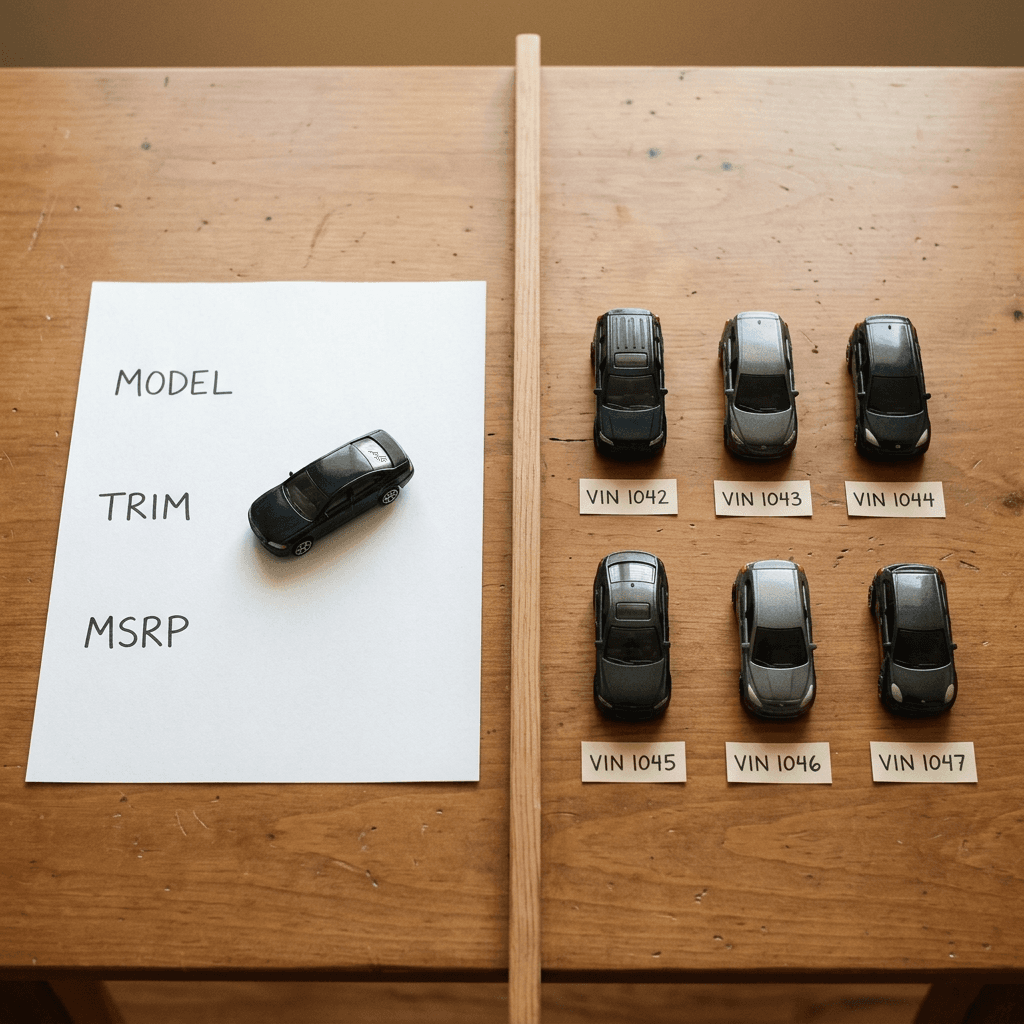
The Feed Specification, Attribute by Attribute
The feed is a spreadsheet. Google's page lists the attributes, whether each is required, and the expected format. Here are the ones that decide whether your upload works.
| Attribute | Required? | What to enter | Example from Google's page |
|---|---|---|---|
| Automotive model ID | Required | Unique alphanumeric row ID per model and trim | Ford_F150_Lariat_2024 |
| Make | Required | Brand name | Toyota Canada |
| Model | Required | Model name without make or body style unless part of the official name | Pathfinder |
| MSRP or Price | Required | Currency code then number, no symbols. MSRP for US and Canada, Price for UK and Australia | USD 35980, GBP 44000 |
| Final URL and Final mobile URL | Required | Full model or trim specification page, and its mobile version | Full URLs |
| Front view or side view image URL | At least one required | Direct link to a landscape image file | Direct image link |
| Year, Trim, Features | Optional | 4-digit year, trim level, features separated by semicolons | 2025; Lariat; All-wheel drive; Heated seats |
| Engine type, Body style | Optional | Must match Google's allowed values | electric; compact suv |
| Build and Price page URL | Optional | Configurator or build-to-order page | Full URL |
| Extra images, lifestyle, video, 360 | Optional | Three-quarter views, interior, lifestyle (no monochrome background), video under 60 seconds with no audio | MP4, MPG or YouTube link |
A few details deserve extra attention because they are easy to get wrong.
Price format. Google asks for a currency code followed by a number, for example USD 35980 or GBP 44000, with no dollar or pound symbols. The column is called MSRP for the US and Canada and Price for the UK and Australia. If your agency has a shared template across markets, check that the column naming follows the market.
No repeated words across make, model and trim. Google's own example is a make called "Verito" and a model called "Excella": the Model value should be Excella and not Verito Excella. If your CMS joins make and model into one display name, split them before exporting.
Semicolons for features. Google specifies a semicolon between features, for example all-wheel drive; heated seats. Commas can merge several features into one string and produce an awkward tile.
Allowed values for engine type and body style. Engine type must match gasoline, diesel, electric, hybrid, plug in hybrid or other. Body style must match one of Google's list, which includes compact suv, crossover, sedan, hatchback, truck, ute, minivan and others. The optional fields matter because Google says filling them in improves matching for category searches such as "electric SUV."
Two URLs per row. Both the Final URL and the Final mobile URL are required. If you do not have a separate mobile site, use the same responsive page in both fields. The Build and Price page URL is optional, but if you have a configurator, include it because it gives the tile click somewhere to go that sits closer to purchase intent.
Image Requirements and Data Hygiene
The images are where most feeds will succeed or fail visually. Google's requirements are specific:
- Formats: JPEG, PNG or static GIF. WebP is not supported.
- Aspect ratio: landscape at 1.78 to 1, which is the same as 16:9.
- Size: at least 600 by 337 pixels, with 1200 by 675 recommended.
- Links: a direct link to the image file, not to a page or viewer, and crawlable without a login.
- Required views: at least one of the front view or the side view. Three-quarter front, three-quarter rear, interior, lifestyle, video and 360-degree assets are optional.
- Lifestyle images: shown in a natural or scenic setting, and Google specifies no monochrome background.
- Video: MP4 or MPG, no audio, under 60 seconds and 16:9, with YouTube links allowed.
Google's best practices add taste guidance on top of the hard rules. Natural or lifestyle backgrounds tend to perform better than plain studio shots, although studio shots are supported. Provide several angles, and keep images free of text, badges and watermarks. A tile with a "0% APR" sticker burned into the picture is a feed problem even if the offer is real.
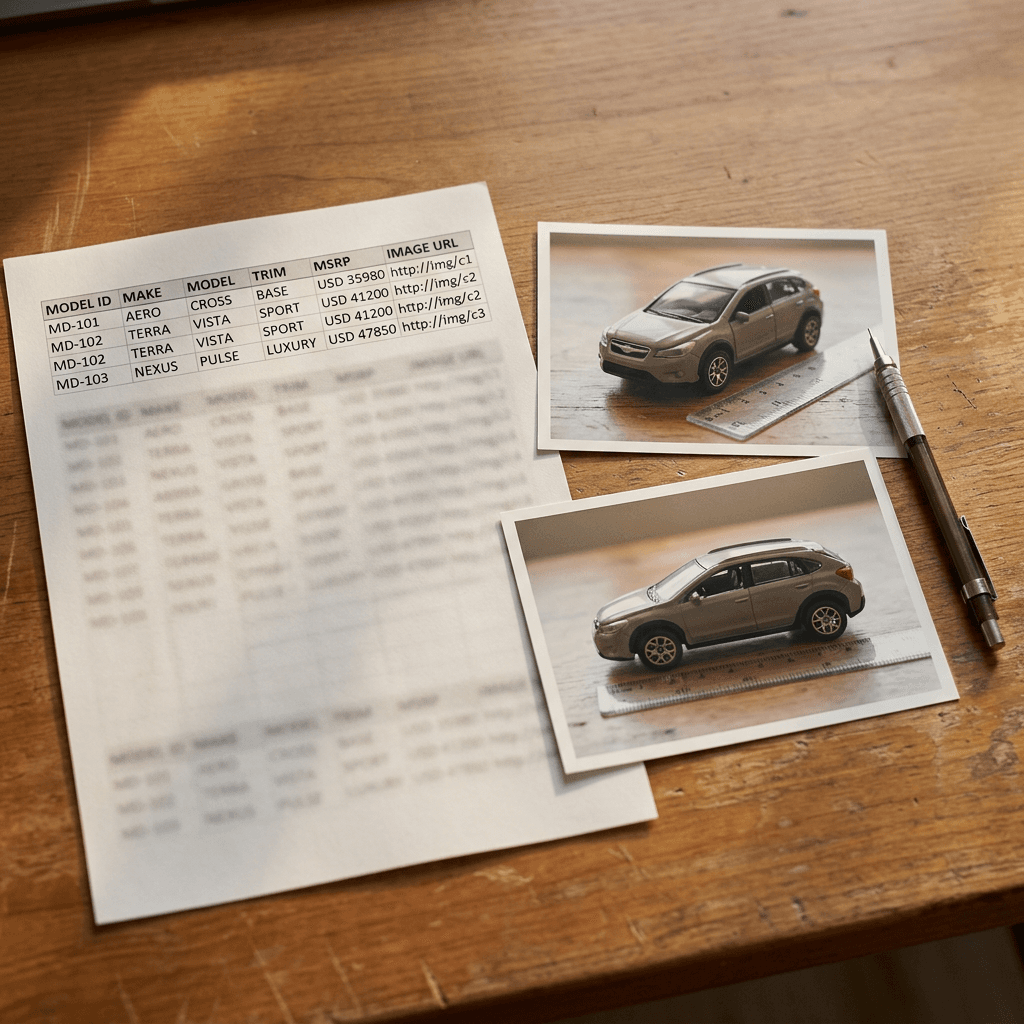
Beyond the image specs, data hygiene is mostly about consistency across three places: the feed, the landing page and the text ad. Google says to keep prices, availability and final URLs in line with your live website, and to update the feed whenever the price on the site changes. Use scheduled uploads from Google Sheets, HTTPS or SFTP so the update does not depend on someone remembering to re-upload. If your website pulls its prices from a pricing system, point the feed export at the same source rather than maintaining a second spreadsheet by hand.
A practical hygiene routine looks like this:
- Model ID convention. Use a stable alphanumeric pattern such as make_model_trim_year so every row is unique and traceable. Google's example is Ford_F150_Lariat_2024.
- Trim naming. Use the exact trim names printed on your own build and price page. If the website says "GT Line" and the feed says "GT-Line", a shopper who compares the two will notice.
- At least three trims per model. Google's best practices recommend it, which also gives the carousel enough tiles to look intentional.
- Model year clarity. Year is optional, but if you advertise a current model year and a carryover model year at the same time, include it so the rows do not collide.
- A monthly image audit. Open every image URL in a private browser window. A broken link, a login wall or a moved CDN path is the quiet cause of tiles that never appear.
Step-by-Step Onboarding Plan
Google's published setup is three clicks, but the real work happens before and after those clicks. Here is the full plan I would run.
Step 1: Confirm eligibility and ask for allowlisting. Contact your Google sales representative, confirm that your brand and market are covered, and request access to the beta. Setup starts only after allowlisting.
Step 2: Audit your Search campaigns. The feature attaches to existing campaigns, so check that your model-level campaigns have responsive search ads that mention the model or category names. Google says its system matches models to search queries and to text ad creatives that mention the corresponding model or trim. Put model and category keywords such as "full-size SUV" or "compact hybrid" into headlines and descriptions, and consider pinning a headline with the make, model or category name in ad groups focused on a specific model.
Step 3: Build the feed. Create a spreadsheet using the attribute names above. Start with required fields, then add engine type, body style, features, extra angles and the Build and Price URL.
Step 4: Prepare the images. Export or commission landscape images at 1200 by 675, host them at stable public URLs, and keep text and badges out of the frame. If you want to reuse an image already stored in Google Ads, Google's FAQ explains you can copy the image address from the Assets section and paste that URL into the feed.
Step 5: Upload it in Google Ads. In Tools, open Business data, select the plus button, choose Automotive model feed, upload your spreadsheet and select Apply. Then set up a scheduled upload from Google Sheets, HTTPS or SFTP so the feed refreshes on its own.
Step 6: Check matching and delivery. Eligibility does not guarantee display. Google lists ad rank, device, query specificity and feed quality as factors, so use a few branded and category test queries on mobile and desktop, and document what appears.
Step 7: Record a baseline. Before launch, note the last four weeks of Search click-through rate, conversion rate on model pages and configurator starts per click. You will need them to judge the beta.
Step 8: Know how to leave. If the format does not suit you, remove the automotive model feed from the Business data section of your account.

How to Measure Vehicle Top Ads
Google gives you a direct reporting path. In Campaigns, select the Segment icon, choose Click type, and look for the Vehicle asset row. That row separates tile clicks from ordinary headline clicks, which lets you ask the question that matters: what did a click on a model tile do compared with a click on a headline?
Conversions are tracked through your existing tags, such as Floodlight or the Google tag, aligned with your Search conversion actions. This is good news for tracking, since you do not need a second conversion setup, and it is a reminder to audit what you count. For an OEM the valuable actions usually are not purchases at all. Typical ones are:
- Build and Price starts and completions, which show that the tile click reached the configurator.
- Lead form submissions such as a test drive request, a brochure download or a dealer locator search. If you are rebuilding lead qualification at the same time, our explainer on lead form qualifying responses shows how Google now handles lead quality.
- Model page engaged sessions, measured with a threshold such as scroll depth or time on page, if your analytics supports it.
Billing is worth modeling too. Google says tile clicks are charged on a standard CPC basis, the same as headline clicks, and that you will not be charged for more than two clicks per ad impression. Because a single impression can generate a headline click and a tile click, your cost per impression can rise relative to a plain text ad, and your cost per qualified outcome is the number to judge.
To judge the beta fairly, compare equivalent model campaigns before and after, and where possible use a controlled test. A good starting point is our guide to Search experiments across multiple campaigns, which shows how to split budgets and read the result without fooling yourself. Also keep an eye on feed health, since Google's own page recommends contacting support with your customer ID and feed details if uploads, image rendering or ad delivery misbehave.
A note on data strength: if your conversion signals are thin because configurator starts are barely tracked, fix that first. Our walkthrough of the Data strength uplift metric explains why measurement gaps limit what automation can learn.
Worked Scenario 1: An OEM Launching a New EV Trim
Imagine a fictional manufacturer, Aldermere, adding a performance trim to its electric crossover in the US. All names and prices below are illustrative, not from Google.
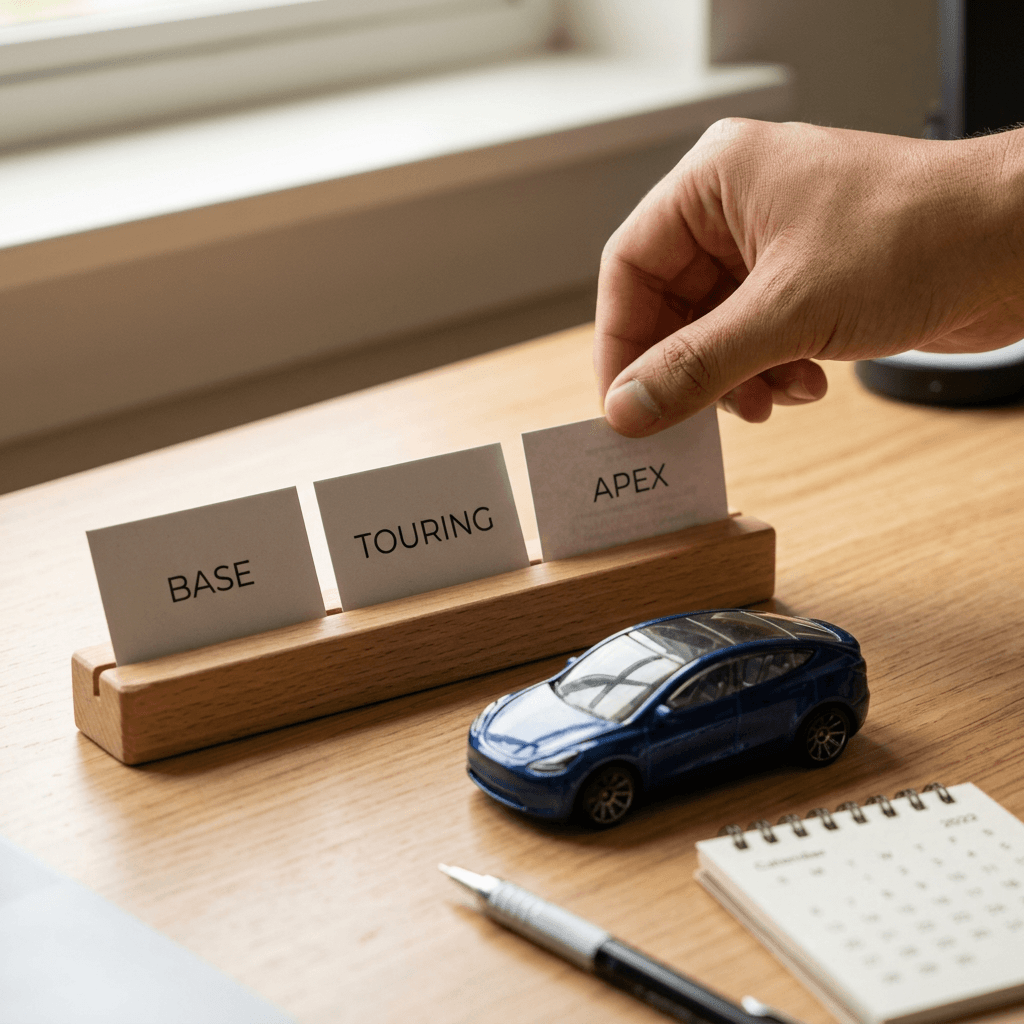
The current feed has the crossover in three trims: Base, Touring and Summit, each with a front and side image at 1200 by 675. The new trim, Apex, launches in two weeks. The team plans to do five things.
First, they add an Apex row with a unique model ID, the Model value set to the plain model name, the Trim set to Apex, engine type electric, body style crossover, and an MSRP in the format USD followed by the number. Because the website will show the same starting price on launch day, the price is scheduled to go live with the landing page and not before. Publishing a price early is the exact situation Google warns about when it tells advertisers to keep the feed in line with the site.
Second, the features field lists three or four items separated by semicolons, such as dual motor all-wheel drive; adaptive suspension; 20 inch wheels. The team resists listing everything because tiles are small.
Third, they provide front, side, three-quarter front and interior images, plus one lifestyle image with a color background. The press renders already exist, and a photographer is booked for road shots. Since every image must show the real Apex, they do not use illustrative concepts in the feed.
Fourth, they review the Search campaign copy. The responsive search ad for electric crossover queries gets headlines mentioning the model name, "electric crossover" and "see all trims", with one pinned headline for the model name.
Fifth, they set measurement: the Build and Price URL for Apex carries a tracked destination, and the team notes baseline configurator starts per click for the other trims. After two weeks they open the Vehicle asset row in Click type and compare Apex tile clicks to Touring and Summit tile clicks. A strong Apex number may reflect launch interest rather than tile design, so they compare it against the launch-week lift in plain headline clicks before drawing a conclusion.
Worked Scenario 2: A Regional Dealer Group That Is Not Eligible
Now take a regional group with eleven rooms in the US, selling several brands, new and used. They read the headline and ask their agency to set up Vehicle Top Ads. The answer is that the format is for OEM brands, so they are not eligible. That does not leave them without options.
For US dealers, the relevant system is the inventory one. They would manage a vehicle data source in Merchant Center with the attributes Google requires, enable the Vehicle ads add-on, link Merchant Center to Google Ads, and run Performance Max or Standard Shopping with the vehicle feed. Because they also run Search campaigns, they can use Vehicle Feeds on Search Ads, which adds offers from the same Merchant Center vehicle feed to their standard text ads. Google lists VFSA as US-only, so a Canadian or UK sibling store would rely on vehicle ads where their market is supported.
Meanwhile, they can prepare for the day an OEM tile appears above or near their own ads. The tile advertises a model starting price, so their landing pages should explain how a dealer price differs from MSRP, whether incentives apply and what is in stock. That framing helps shoppers who arrive after seeing a manufacturer's number. Our guide on Performance Max optimization controls is a good companion for tightening the inventory campaigns, and the post on AI Max for Shopping covers how Google is extending automation to feed-based campaigns.

What dealers and agencies should do in the meantime:
- Ask your OEM partner what is being launched. A brand running model tiles will update starting prices and trim names, and your local ads should not contradict them.
- Clean your own feed first. Vehicle ads depend on accurate inventory attributes, and dirty data is the main reason inventory ads underdeliver.
- Refresh your vehicle photography. Real photos of your actual inventory remain essential. Our AI prompts for automotive dealership marketing and car photography visuals cover the supporting creative around those photos.
- Check Local services and local inventory options where your business model fits. Our post on Local Services Ads moving into Performance Max is worth a read if your service department advertises there.
Producing Visuals for Model and Trim Tiles
Visual production splits into two buckets, and the line between them matters.
Bucket 1: feed images. These show up as the model tiles, and they have to be accurate. A front view or side view in the feed represents a real trim with a real price. For that reason, the feed should use manufacturer-approved photography or official renders that depict the actual vehicle, correct wheels, correct color and correct trim details. If you generate any image with AI for a feed, treat it as a rendering of a real product that must match the real product, and check the relevant Google Ads policies and your own legal approval process first. Google's vehicle ads image guidelines and policies pages are linked from the main help article, and they are the right place to confirm what is allowed. When in doubt, keep AI out of the feed.
Bucket 2: everything around the feed. Here AI helps a lot. A model tile gets a click, the shopper lands on a page, and the surrounding campaign needs supporting material: launch teasers for social, a landing page hero that is not a tile image, a short video for YouTube and Shorts, thumbnails, and a set of variations for testing.
With Miraflow's AI image generator you can produce clean tabletop and showroom-style concept visuals, background plates, launch cards and storyboard frames for campaigns, which is especially handy for a brand with no photographer on call for the concept stage. For motion, the cinematic video generator turns a prompt into a short clip, and Text2Shorts builds a vertical script-to-video short, useful for quick model explainers on Shorts and Reels. If you already film dealer walk-arounds or launch events, Miraflow's AI Clipping can cut the long recordings into captioned vertical clips.
Here is a prompt you can adapt for a supporting launch visual that is clearly a concept image and not a feed image. Replace the bracketed parts with your own details.
A photoreal tabletop still life of a detailed unbranded die-cast electric crossover model in matte graphite paint on a pale oak table, beside a printed spec card with the short labels "TRIM: APEX" and "MSRP" and a small paper key tag, soft warm window light from the left, shallow depth of field with the model sharp, close three-quarter view, no real car brand logos, no garbled or illegible text, no watermark.
And a video prompt for the social teaser side of a launch.
A slow cinematic dolly shot around a generic unbranded electric crossover in matte graphite parked on a quiet coastal road at golden hour, warm late-afternoon light, gentle reflections on the paintwork, calm confident mood, no logos or badges visible, no text overlays, smooth camera motion.
If you want a deeper library of automotive prompt ideas, the earlier post on AI prompts for automotive dealership marketing has dozens. For Display-style variations to support the campaign, the Google Ads display banner prompt templates are a useful companion, and the Performance Max AI video resizing opt-out guide helps if your video assets also run in Performance Max.

Common Mistakes With Automotive Model Feeds
- Treating it as a dealer product. The format is OEM-only. A dealer group that asks for it burns weeks. Use vehicle ads or VFSA.
- Price drift. The feed says one MSRP, the website says another after a mid-month update. Google explicitly says to update the feed whenever the website price changes, so schedule the upload.
- Currency symbols in the price field. Use the currency code and number, such as USD 35980, with no symbol.
- Repeating the make in the model. Verito Excella as a model under make Verito is exactly the duplication Google calls out.
- Commas between features. Use semicolons.
- WebP images or page links. WebP is not supported, and the link must point straight at the image file with no login.
- Text and badges in the image. Keep banners, offers and watermarks out of the frame.
- Ignoring text ad copy. Matching depends in part on ads that mention the model or trim. If the text ads are generic, the tiles have less to attach to.
- Judging by impressions alone. Delivery is not guaranteed on every search, so measure downstream outcomes through the Vehicle asset row and conversion actions.
- Mismatched destinations. Sending a tile to a generic homepage wastes the format. Tile clicks should go to the model spec page or Build and Price page that you set in the feed.
How Miraflow Fits Into an Automotive Campaign Workflow
Miraflow is a browser-based platform for creators and marketers, so a small automotive marketing team can go from idea to script to visual to video without hopping between tools. For an OEM tile launch, the typical split looks like this. The feed gets approved real photography. The surrounding creative gets built in the browser: concept stills in the AI image generator, a launch teaser in the cinematic video generator, a vertical explainer in Text2Shorts, a YouTube cover in the YouTube Thumbnail Maker and a sound bed from the AI music generator. You can start from the Miraflow home page and move through each tool.
Because every format has a different policy tolerance, label your assets by purpose in your folder structure: feed-approved, ad creative and social-only. That one habit makes it easy to keep an AI concept image from slipping into a feed upload.
Frequently Asked Questions
What is Vehicle Top Ads in Google Ads?
Vehicle Top Ads is another name for automotive model feeds on Search ads, a beta format where vehicle manufacturers show models and trims with images, pricing and features alongside standard text ads on Google Search.
Who can use automotive model feeds on Search ads?
Vehicle manufacturer brands with an active Search campaign and a valid automotive model feed, in the US, Canada, Australia and the UK. It is a beta, so you contact your Google sales representative to be allowlisted.
Can car dealers use Vehicle Top Ads?
No. Google's page says dealers and aggregators selling individual vehicles with VINs through a Merchant Center vehicle inventory feed should use Vehicle Feeds on Search Ads instead. Vehicle ads through Performance Max or Standard Shopping are the other dealer path.
Do I need a new campaign?
No. The feed is set up at the account level and Google matches it to your existing Search campaigns, so you do not need new campaigns or complex targeting.
Do I need VINs?
No. This format is at the model and trim level, unlike vehicle ads that run on a Performance Max vehicle feed.
Where do I upload the feed?
In Google Ads, open Tools, then Business data, select the plus button, choose Automotive model feed, upload your spreadsheet and select Apply.
What are the required feed fields?
Automotive model ID, make, model, MSRP or price, final URL, final mobile URL, and at least one of a front view or side view image URL. Everything else, such as year, trim, features, engine type and body style, is optional but recommended.
What image size does Google want?
Landscape at 1.78 to 1, with a minimum of 600 by 337 pixels and 1200 by 675 recommended. JPEG, PNG or static GIF are accepted and WebP is not.
Where do the ads show?
Only alongside text ads on Google Search, including Search campaigns and search-based text ads from Performance Max. Not on YouTube, Gmail, Discover or the Google Display Network.
How am I charged?
Clicks are charged on a standard CPC basis, the same as headline clicks, with no more than two clicks charged per ad impression.
How do I see results?
In Campaigns, select the Segment icon, choose Click type and look for the Vehicle asset row. Conversions come through your existing tags.
How do I opt out?
Remove the automotive model feed from the Business data section of your Google Ads account.
Can I use AI-generated images in the feed?
Feed images represent real vehicles at real prices, so they should be accurate, manufacturer-approved visuals. Check Google's vehicle image guidelines and policies before using any generated image, and use AI mainly for supporting creative such as social teasers, video and landing page visuals.
Conclusion
Automotive model feeds on Search ads give OEMs a way to put real models, trims and starting prices in front of shoppers at the moment they search, without building new campaigns. The format is a closed beta in four countries, it is OEM-only, and it lives in a spreadsheet that has to match your website to the dollar. Dealers and marketplaces are better served by Merchant Center vehicle feeds with vehicle ads or Vehicle Feeds on Search Ads.
If you are eligible, the work is mostly preparation: request allowlisting, tighten your model-level text ads, build a clean feed with at least three trims per model, host correct landscape images, and set a baseline so you can read the Vehicle asset row honestly. If you are not eligible, use the time to clean your inventory data and your photography.
For the creative around the feed, Miraflow lets you produce launch visuals, short videos and thumbnails from the browser, while the feed itself stays on approved, accurate vehicle imagery. Start with the AI image generator and build the rest of your campaign from there.