YouTube Shorts Thumbnail Strategy in 2026

Written by
Jay Kim

Do YouTube Shorts thumbnails still matter in 2026? This guide explains where they show up, how they impact clicks, and how to design clean, mobile-first thumbnails that actually help your Shorts perform.
For a long time, creators argued about one thing:
“Do thumbnails even matter for YouTube Shorts?”
In 2026, the answer is basically: yes, but not in the way they matter for long-form.
Thumbnails don’t decide whether your Short gets shown in the main Shorts feed. But they do affect:
- How many people click when they find you via search
- How many people click from your channel page or playlist
- How strong your brand impression is across your channel
And with YouTube planning to bring still photos and image posts directly into the Shorts feed in 2026, visuals outside the video frame are becoming even more important.
This guide breaks down how Shorts thumbnails work now, what’s changed recently, and how to design thumbnails that actually help you get more views and clicks in 2026.
Where YouTube Shorts Thumbnails Actually Show Up
First important clarification: your custom thumbnail is not what viewers see in the main Shorts feed.
In the vertical swipe feed, YouTube shows an auto-generated frame from the Short itself. But your thumbnail does show up in several key places:
- YouTube Search results (desktop & mobile)
- Channel page (Videos tab / Shorts shelf)
- Suggested video carousels (especially on desktop and TV)
- Hashtag or topic pages
That means a strong thumbnail won’t magically “fix” a Short with weak retention, but it can:
- Get you more clicks when someone searches for “how to…”
- Make your Shorts stand out in the Shorts row on your channel
- Improve overall CTR from browse/suggested surfaces
As one 2025 Shorts article puts it, thumbnails are not a direct ranking factor in the Shorts feed, but they improve performance through secondary signals like click-through and watch session quality.
Why Thumbnails Still Matter in a Swipe-First World
If most Shorts views are from the vertical feed, why bother with thumbnails at all?
Three main reasons:
- Search & evergreen content
- Tutorials, how-tos, and problem-solving Shorts are often discovered via search or suggested, where thumbnails are visible and clickable.
- Channel page performance
- New viewers might tap your channel and quickly scan your Shorts row. Good thumbnails make it obvious which Short to watch first and help you turn one view into multiple.
- Click-through amplification
- Multiple guides and tools report that well-designed thumbnails can boost CTR by significant margins (often quoted in the 30–70% improvement range), especially when the default frame is messy or unclear.
In 2026, views are increasingly competitive. If a clean, intentional thumbnail gives you even a 10–20% edge in search or browse, it’s worth the extra 1–2 minutes.
Technical Specs: Thumbnail Size & Format for Shorts in 2026
YouTube doesn’t require a special Shorts thumbnail size. It uses the same specs as regular video thumbnails:
- Resolution: 1280 × 720 px
- Aspect ratio: 16:9
- Minimum width: 640 px
- Formats: JPG, PNG, etc.
That means your thumbnail is landscape, even though your Short is vertical.
YouTube simply crops and scales the thumbnail into different containers (search results, suggested rows, channel page). So design with 16:9 in mind, but make sure the main subject and text are centered and readable even when the image is quite small.
How to Set or Edit a YouTube Shorts Thumbnail
YouTube has improved Shorts thumbnail controls since 2024, but it’s still a bit confusing. Here’s the current situation:
1. Selecting a Frame as a Thumbnail
On mobile (YouTube app):
- Go to Your videos → find your Short
- Tap the three dots → Edit
- Tap the thumbnail with the pencil icon
- Use the frame slider at the bottom to choose a frame
- Tap Done to save
This doesn’t change what appears in the Shorts feed, but it does change the image people see in search, on your channel, and in suggestions.
2. Custom Thumbnail Options
As of 2025–2026:
- YouTube supports post-upload editing and thumbnail tweaks in some regions.
- However, there still isn’t a fully universal 'upload any image as a Shorts thumbnail' flow that works for every account and every device. Some creators rely on:
- Uploading via desktop and choosing a specific frame
- Workarounds in the mobile app where you pick a designed frame baked into the video
Because YouTube is iterating on this quickly, the safest rule is:
Always include at least one strong, thumbnail-worthy frame inside the Short itself.
That way, even if you can’t upload a fully custom image, you can still select a clean frame instead of a random blurry moment.
Design Principles for High-Performing Shorts Thumbnails
The good news: almost all classic thumbnail rules still apply in 2026.
The twist: they must work even smaller and even faster than long-form.
Recent best-practice guides for Shorts thumbnails consistently emphasize:
1. Make the Topic Obvious in Half a Second
Your thumbnail should answer:
- What is this about?
- Is this for me?
Good examples:
- A clear image of a phone screen + YouTube UI → Shorts / YouTube tip
- A split before/after face or product → transformation or tutorial
- A person pointing at an object that relates directly to the topic
Bad examples:
- Random zoomed-in textures
- A cluttered screen with no focal point
2. One Idea, One Image
Shorts thumbnails are seen smaller than long-form ones in many surfaces, so:
- Stick to one focal subject
- Avoid tiny logos in every corner
- Avoid 3–4 mini scenes inside one thumbnail
You want someone scrolling quickly to understand the promise instantly.
3. Big, Minimal Text (If You Use Text at All)
Recent 2025–2026 guides recommend:
- 3–4 words maximum
- Large, high-contrast fonts
- No paragraphs or long phrases
- Hook in 3 words
- Fix Your Audio
- Shorts Hook Mistake
- AI Thumbnail Trick
And always check how it looks shrunk down, a lot of creators now design at full res and then preview it at home-feed size to see if it still makes sense.
4. Contrast & Color That Pop on Mobile
Your thumbnail is competing against an entire sea of other bright rectangles.
Best practices:
- Use contrasting colors between background and subject
- Make sure text stands out from both background and subject
- Avoid muddy mid-tones that blend into YouTube’s dark UI
A simple approach:
- Background: bright, flat color or soft gradient
- Subject: clearly lit, strong silhouette
- Text: white or yellow on a dark strip / dark outline
5. Faces & Emotion
Multiple thumbnail guides still show that faces perform very well, especially with:
- Clear, readable expressions
- Eye contact
- Emotion that matches the video (shock, curiosity, satisfaction)
This isn’t mandatory (especially in product or design channels), but when possible, an expressive face can be your fastest scroll-stopper.

Shorts Thumbnails vs Long-Form Thumbnails: Key Differences
Some important differences for 2026:
- More mobile-biased:
A higher share of Shorts traffic is mobile, so tiny details are even less useful. - Less time to communicate:
For long-form, users might scan the page. For Shorts, thumbnails are often seen in small carousels or side rows. They must be readable instantly. - Different role in discovery:
Long-form relies heavily on thumbnails for the first impression in recommendations. Shorts rely more on the video itself in the feed, but thumbnails still matter in search, channel browsing, and external surfaces.
When to Invest Extra Time in a Shorts Thumbnail
Not every Short needs a thumbnail treated like a movie poster. But there are situations where it’s absolutely worth the extra effort:
- Evergreen How-To / Tutorial Shorts
- How to remove background in 5 seconds
- 3 settings to fix your mic
These often show up in search for months. A strong thumbnail can permanently lift CTR.
- Shorts Repurposed from Long-Form
- If you’re clipping key moments from longer videos, matching the thumbnail style keeps your branding consistent across formats.
- Channel Page Visual Hierarchy
- Pin or feature Shorts that represent your best topics, and design their thumbnails to clearly communicate:
- Topic
- Value
- Your brand style
For quick, reactive trend Shorts, you might just pick the best frame and move on. For anything meant to earn views long after upload, a proper thumbnail is usually worth it.
Using AI Tools for Shorts Thumbnails
AI-generated thumbnails exploded in 2024–2025, and then got controversial.
In 2026, the smart approach many creators use is:
- Let AI handle variation and speed, but
- Keep human control over concept, clarity, and ethics
You can use AI design tools or image generators to:
- Rapidly explore 5–10 visual variations for the same idea
- Test different:
- Color schemes
- Framing styles (close-up vs mid shot)
- Background moods (clean vs textured)
Then you pick the one that:
- Makes the topic obvious
- Reads clearly at small size
- Actually fits your brand
Thumbnails are still about clear communication and trust. AI should help you get there faster, not make them more confusing or clickbait-y.

Designing Shorts Thumbnails with Miraflow AI (Nano Banana Pro)
If you want to take thumbnails seriously but don’t want to spend 30 minutes in Photoshop for every Short, this is where Miraflow AI can help.
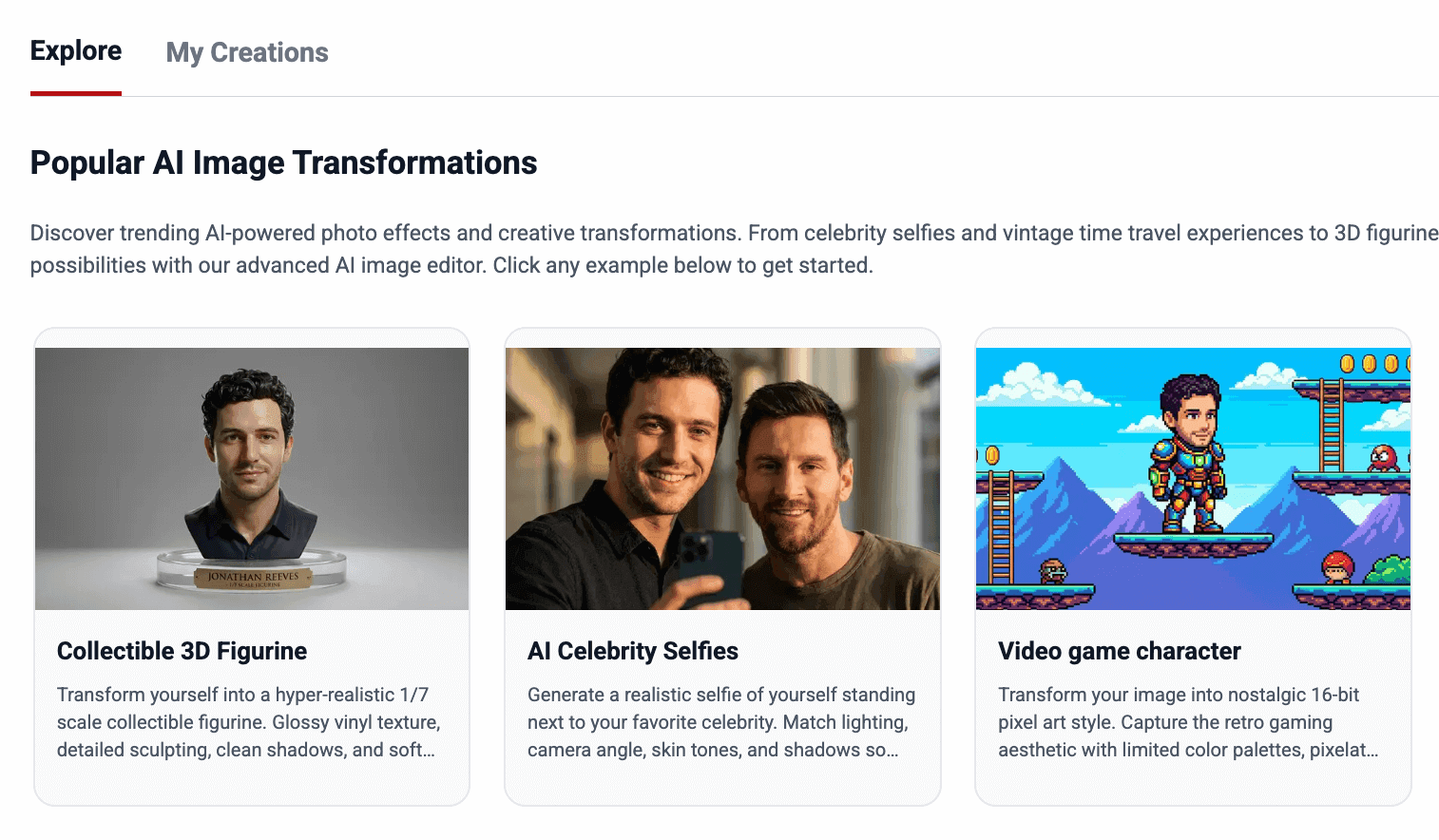
Inside Miraflow, the Nano Banana image generator lets you:
- Create clean, scroll-stopping thumbnail concepts from a simple text prompt
- Turn a frame from your Short into a more polished, stylized thumbnail
- Quickly explore multiple visual directions (color, framing, background) before you commit
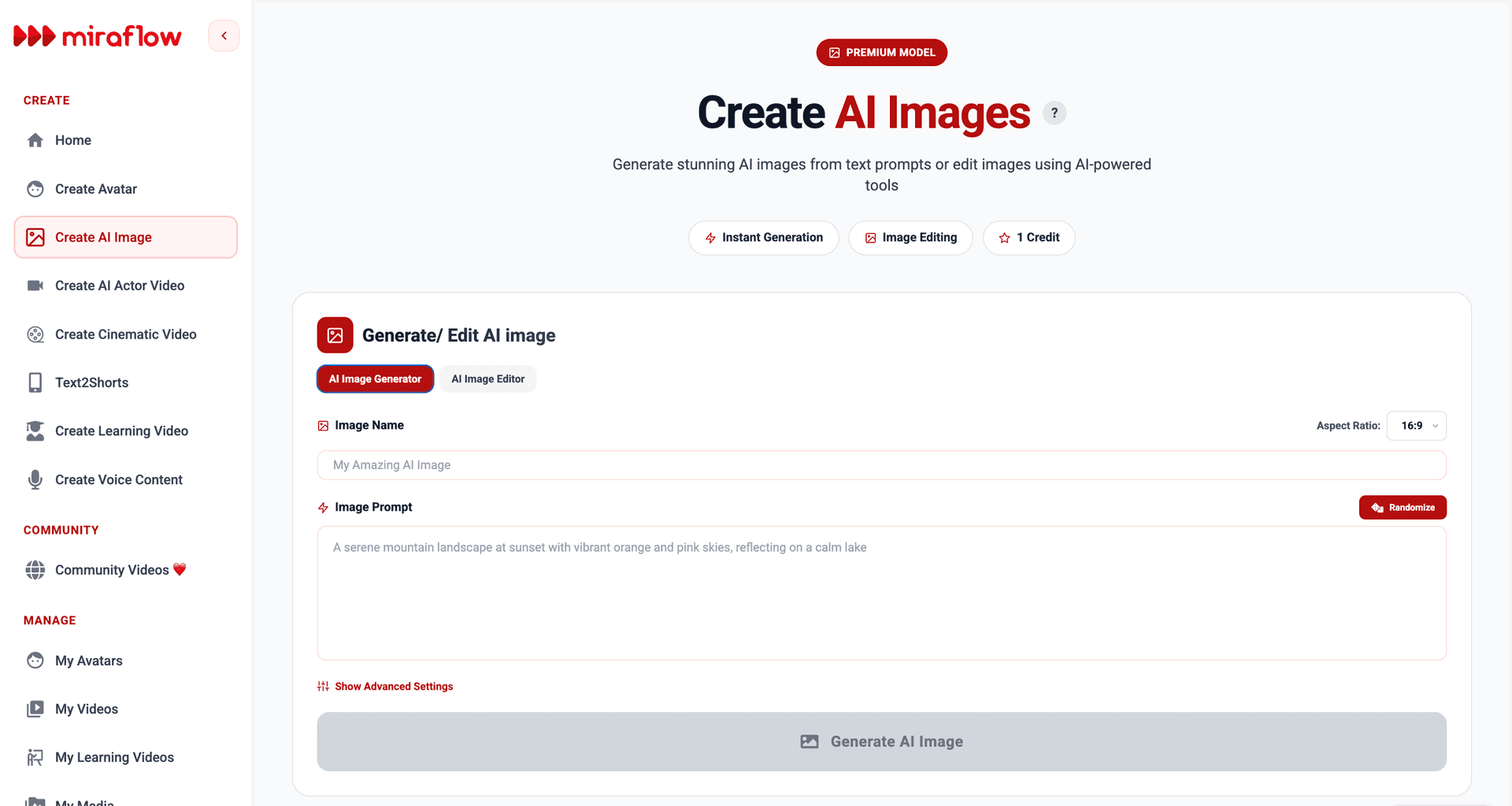
A simple workflow looks like this:
1. Grab a strong frame from your Short
- Pick the moment that best represents the topic: the “after” result, the main object, or your most expressive facial reaction.
2. Upload it to Miraflow’s AI Image Editor
- Use it as a base image and refine the background, lighting, or style while keeping your face or subject recognizable.
3. Generate a few variations
- A clean, bright background vs a darker, more dramatic one
- Closer crop on the face vs more context around the subject
- Slight style changes (cinematic, flat, minimal) that still feel on-brand
4. Pick the version that reads best at small size
- Before you upload, zoom out or preview the thumbnail at a tiny size to mimic how it appears on mobile. The winning version is usually the one with:
- One clear subject
- Strong contrast
- No tiny details that disappear when shrunk
Because the AI handles the heavy lifting, such as backgrounds, polish, lighting, you can focus on the part that actually matters: what the thumbnail is saying about the video.
If you want ready-made ideas, you can also check this guide for Nano Banana prompt inspiration:
👉 The Ultimate Nano Banana Prompt Guide: Viral Prompts That Actually Work
How Shorts Thumbnails Will Evolve in 2026
YouTube is already planning to add still photos and image posts into the Shorts feed itself in 2026.
That means:
- Your thumbnail design language and your image post style will start to blend.
- Clean, bold, mobile-first visuals will matter not just around the video but inside the Shorts experience too.
In other words, if you learn to design strong thumbnails now, which are simple, clear, high-contrast, mobile-native, you’re also preparing for a world where image posts, Shorts, and vertical posts all compete in the same feed.
How Miraflow AI Makes Daily Uploads Realistic
The hardest part about uploading Shorts daily isn’t the algorithm, it’s the workload.
With Miraflow AI, you can keep up with a consistent upload schedule without turning your life into an editing timeline:
- Use Text2Shorts to turn a single topic into a ready-to-use short-form script.
- Generate vertical visuals with Veo3 / Veo3.1 inside Miraflow, so you don’t have to film or source B-roll for every idea.
- Design simple, clean thumbnails or covers for search and channel pages using Nano Banana Pro
A practical workflow looks like this:
- List 10–20 topics your audience cares about.
- Drop each topic into Text2Shorts and generate a structured script for a 20–40 second Short.
- Use Veo3 / Veo3.1 inside Miraflow to create the visual, or combine with your own footage.
- Quickly create a thumbnail or channel image using Nano Banana Pro.
- Schedule or upload consistently and let the algorithm learn who your content is for.
If you want to see exactly how Text2Shorts works from prompt to finished short-form video, check this guide:
👉 From Prompt to Reel: Text2Shorts AI Shorts
Key Takeaways for YouTube Shorts Thumbnails in 2026
To wrap it up:
- Thumbnails don’t control what users see in the main Shorts feed, but they still matter for:
- Search
- Channel page
- Suggested carousels
- Good thumbnails boost click-through and help Shorts that already perform well in the feed get even more views.
- Design for:
- One clear idea
- Big, minimal text
- Strong contrast and mobile readability
- A thumbnail-worthy frame inside your Short, in case custom uploads are limited
- Use AI tools to generate options quickly, but keep human judgment for clarity and honesty.
- The more Shorts behave like search + evergreen content, the more your thumbnails matter long-term.
Think of Shorts thumbnails in 2026 as amplifiers rather than magic bullets.
Your video still lives or dies on hook, pacing, and retention, but a thumbnail that makes people care enough to click will always be worth the effort.