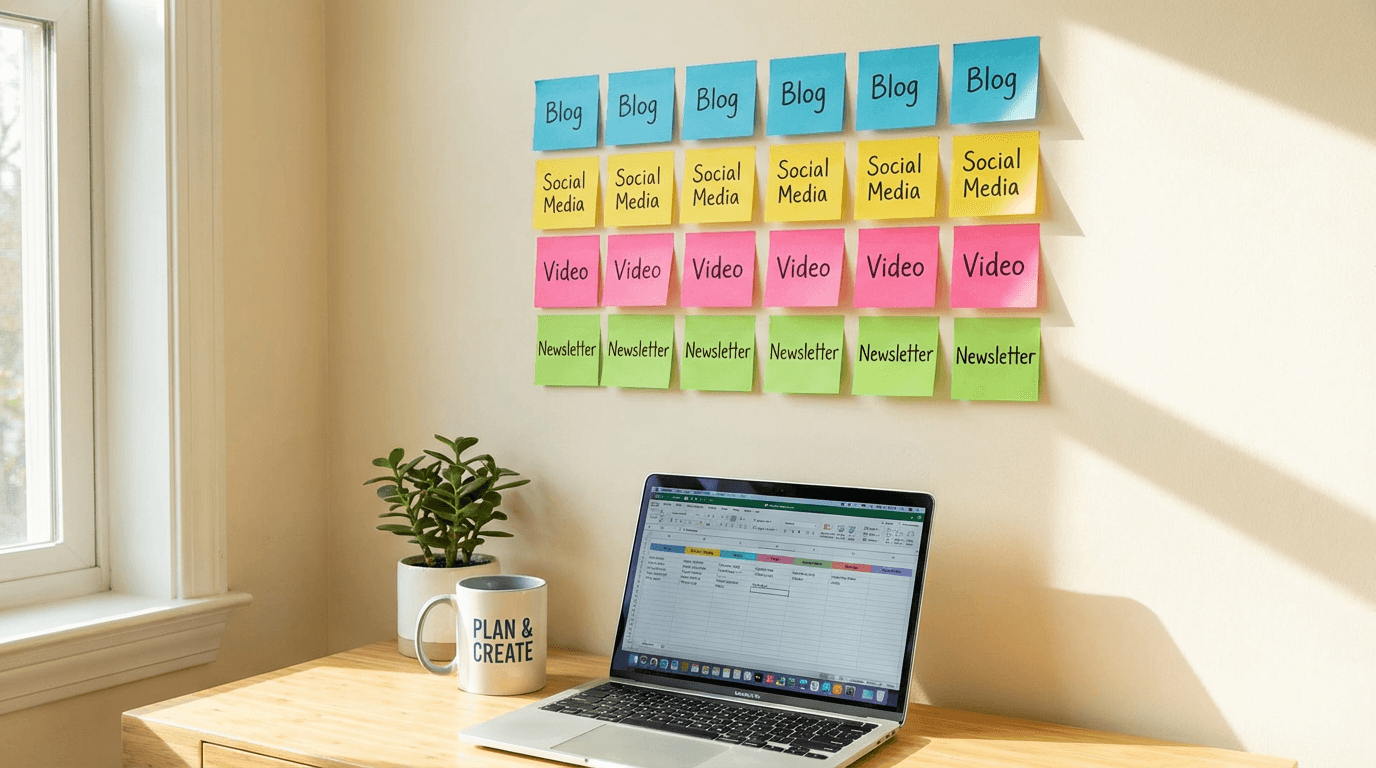
How to Write Blog Posts That Rank #1 on Google in 2026

Written by
Jay Kim
Learn how to write blog posts that rank number one on Google in 2026. Covers keyword research, content structure, visuals, featured snippets, and promotion strategies that actually work.
You can write a 3,000-word blog post, optimize every heading, include all the right keywords, and still get zero organic traffic. It happens every day to bloggers and businesses who follow outdated advice.
The problem is not effort. It is approach.
Ranking on Google in 2026 is fundamentally different from what worked even two years ago. Google now evaluates content based on how well it answers the actual question behind a search, how credible the source appears, and how the content compares to everything else already ranking. Surface-level SEO tricks no longer move the needle. What works is a combination of genuine depth, structural precision, and visual quality that most content creators overlook.
This guide breaks down the complete process of writing blog posts that reach the top of Google search results. From keyword research to content structure to visual assets to technical optimization. Every section is based on what is actually working right now, not recycled tips from 2022.
Why Most Blog Posts Never Reach Page One
Before we get into what works, it helps to understand why most content fails to rank.
The single biggest reason is that most blog posts are written for a topic, not for a search query. There is a critical difference. A topic is broad. A search query is specific. Google ranks pages that answer specific queries better than pages that loosely cover a topic.
A post titled "Social Media Marketing Tips" is a topic. A post titled "How to Get Your First 1,000 YouTube Subscribers in 2026" is a search query answer. The second one has a clear intent, a clear audience, and a clear promise. Google knows exactly when to show it.
The second reason is thin content. Not thin in word count, but thin in value. A 2,500-word post that repeats the same three points in different ways provides less value than a 1,500-word post that gives the reader something they cannot find elsewhere. Google's systems have gotten remarkably good at detecting when content is padded versus when it is genuinely comprehensive.
The third reason is poor structure. Google increasingly relies on passage-based ranking, which means it can surface specific sections of your post as answers to search queries. If your content is not structured in clear, logical sections with descriptive headings, Google has a harder time understanding what each part of your post covers.
How Google Evaluates Content in 2026
Google's ranking system has evolved significantly. Understanding what it prioritizes helps you make better decisions about every element of your blog post.
Relevance to search intent is the foundation. Google categorizes search intent into informational, navigational, transactional, and commercial investigation. Your content needs to match the intent behind the keyword you are targeting. If someone searches "best AI tools for content creators," they want a comparison, not a tutorial. If they search "how to use AI for thumbnails," they want step-by-step instructions, not a listicle.
Depth relative to competing content matters more than absolute length. Google compares your page against what is already ranking. If the top results are 2,000-word guides with examples and templates, your 800-word overview will not compete. Look at what currently ranks and make sure your content covers everything those pages cover, plus something they miss.
E-E-A-T signals continue to influence rankings. Experience, expertise, authoritativeness, and trustworthiness. This does not mean every blog post needs to be written by a PhD. It means the content should demonstrate real knowledge. Including specific examples, original insights, practical templates, and clear attribution of claims all strengthen E-E-A-T.
User engagement metrics indirectly influence rankings. If users click your result and immediately return to the search results, that is a signal your content did not satisfy the query. If users stay, scroll, and engage, that signals quality. This makes your content's readability, structure, and visual presentation critical ranking factors even though they are not technically part of the algorithm.
Visual content quality has become more important as Google integrates more visual elements into search results. Posts with original images, diagrams, and visual examples tend to perform better than text-only content. This is where custom blog thumbnails and section images make a real difference.
Step 1: Find Keywords That You Can Actually Rank For
Keyword research is the starting point, but most people do it wrong. They target high-volume keywords with massive competition and wonder why their posts never appear.
The strategy that works for most blogs, especially newer ones, is targeting keywords with clear intent, moderate search volume, and gaps in existing content quality.

Start with question-based keywords. Phrases that begin with "how to," "why does," "what is the best," and "when should" signal strong informational intent. These queries have clear answers, which means you can write content that directly satisfies them.
Look for keywords where the current top results are weak. Search for your target keyword and evaluate the first page. Are the top results outdated? Are they thin listicles that do not actually answer the question? Are they from forums rather than dedicated blog posts? If you see weakness in the current results, that is your opportunity.
Target long-tail variations. Instead of "YouTube thumbnails," target "how to create YouTube thumbnails that get clicks in 2026." The long-tail version has less competition, clearer intent, and attracts a more qualified reader. You can learn more about visual strategies that connect to these queries in the YouTube thumbnail styles guide.
Group related keywords into one post. A single blog post can rank for dozens of related keywords if it covers the topic comprehensively. Instead of writing separate posts for "blog post structure," "blog post formatting," and "how to organize a blog post," write one definitive post that covers all three angles.
Free tools like Google Search Console, Google Trends, and AnswerThePublic give you enough keyword data to find viable targets without spending money on premium tools.
Step 2: Analyze Search Intent Before Writing a Single Word
This step is where most content creators skip ahead and pay for it later with zero rankings.
Before you write anything, search your target keyword on Google and study the results. This tells you exactly what Google considers the correct answer for that query.

Look at the content format. Are the top results how-to guides, listicles, comparisons, or opinion pieces? Match your format to what is already working. If every top result is a step-by-step guide, do not write an opinion essay.
Look at the content depth. How long are the top results? How many sections do they include? What subtopics do they cover? Your post needs to be at least as comprehensive as the best current result, preferably more so.
Look at the content angle. What unique perspective or approach does each result take? If every top result covers the same generic advice, you have an opportunity to stand out by offering something different. A fresh angle, real examples, original templates, or a more specific focus on a niche audience.
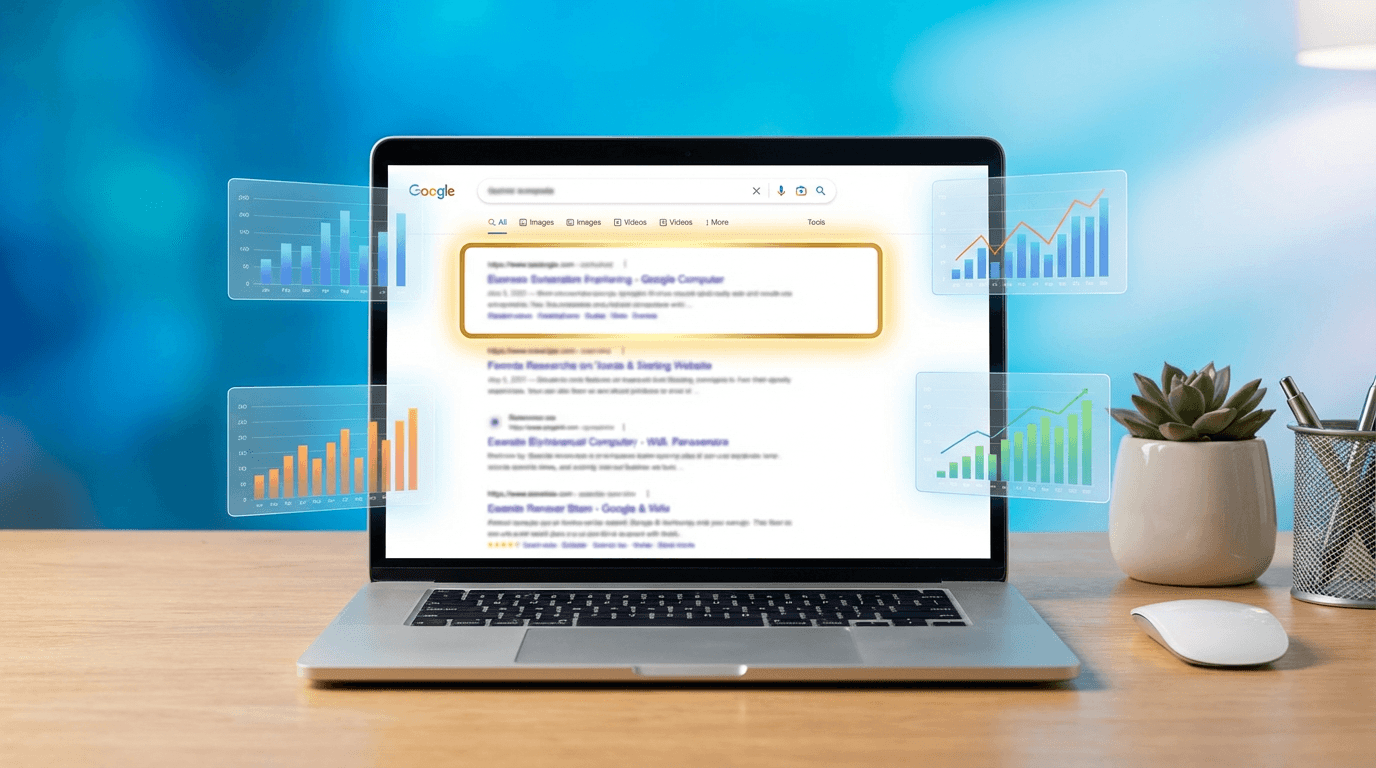
Look at the featured snippet. If there is a featured snippet for your keyword, study its format. Is it a paragraph, a list, or a table? Structure a section of your post to match that format exactly. This gives you a chance to capture the featured snippet position, which sits above the standard first result.
This analysis usually takes 15 to 20 minutes but saves hours of wasted writing on content that never had a chance of ranking.
Step 3: Build a Content Outline That Covers Everything
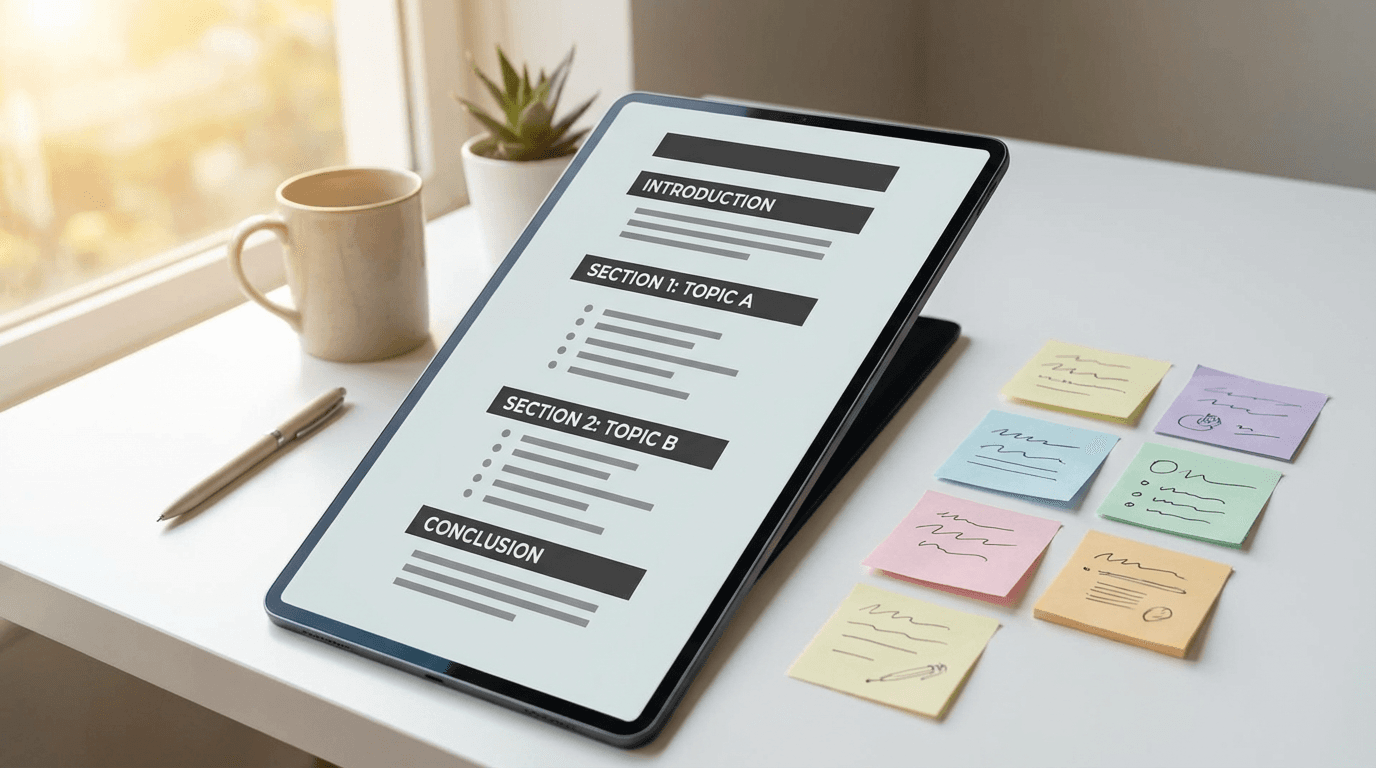
Once you understand the keyword and the intent, build a detailed outline before writing.
A strong outline includes the main heading, every subheading, and a brief note about what each section will cover. This prevents you from going off track, ensures comprehensive coverage, and creates a logical flow that readers and Google can follow.
Your introduction should state the problem and the promise. Do not start with a vague sentence about the industry. Start with the specific problem your reader faces and tell them what they will learn. This reduces bounce rate because readers immediately see that the content is relevant to them.
Each section should cover one distinct subtopic. Avoid sections that try to cover multiple ideas. One clear idea per section is easier to read, easier to scan, and easier for Google to index as a passage.
Include practical elements in every section where possible. Examples, templates, prompts, steps, or frameworks. Content that gives readers something actionable performs better than content that only explains concepts. This is why prompt packs and template-style posts tend to generate high engagement. Posts like the AI prompts for YouTube titles guide perform well because they provide immediately usable content.
Plan your visual elements during the outline phase. Decide where images, diagrams, or examples will go. Planning visuals in advance ensures they support the content rather than feeling like afterthoughts.
End with a conclusion that summarizes key takeaways. Many readers scroll to the bottom first. A strong conclusion gives them a reason to read the full post.
Step 4: Write the Post With Structure Google Loves
How you structure your content directly impacts ranking. Google parses your headings, paragraphs, and lists to understand what your page covers and how it relates to search queries.
Use one H1 tag per page. This is your blog post title. It should include your primary keyword and clearly state what the post covers.
Use H2 tags for major sections and H3 tags for subsections. This creates a hierarchy that helps Google understand the relationship between different parts of your content. Think of it as a table of contents that is embedded in the HTML.
Keep paragraphs short. Two to four sentences per paragraph is ideal for web reading. Long, dense paragraphs discourage scanning and increase bounce rate. On mobile, a paragraph that looks short on desktop can fill an entire screen.
Use bullet points and numbered lists for scannable information. Lists are easier to read, easier to remember, and more likely to appear in featured snippets. But use them strategically. If your entire post is bullet points, it feels like an outline rather than a complete piece of content.
Include your primary keyword in the first 100 words. This signals to Google what the page is about early on. Do not force it. Work it into your opening naturally.
Use related keywords throughout the post. Google understands semantic relationships between words. If your post is about "blog posts that rank on Google," related terms like "search intent," "keyword research," "content structure," and "organic traffic" should appear naturally throughout the text.
Internal links should connect to relevant content. Every blog post should link to related content on your site. This helps Google discover and understand the relationship between your pages, and it keeps readers on your site longer. Both of these factors influence rankings positively.
Step 5: Create Visuals That Improve Rankings
Blog posts with original, relevant images outperform text-only posts in search rankings and user engagement. This is not just about aesthetics. It is about providing a better experience and signaling content quality.
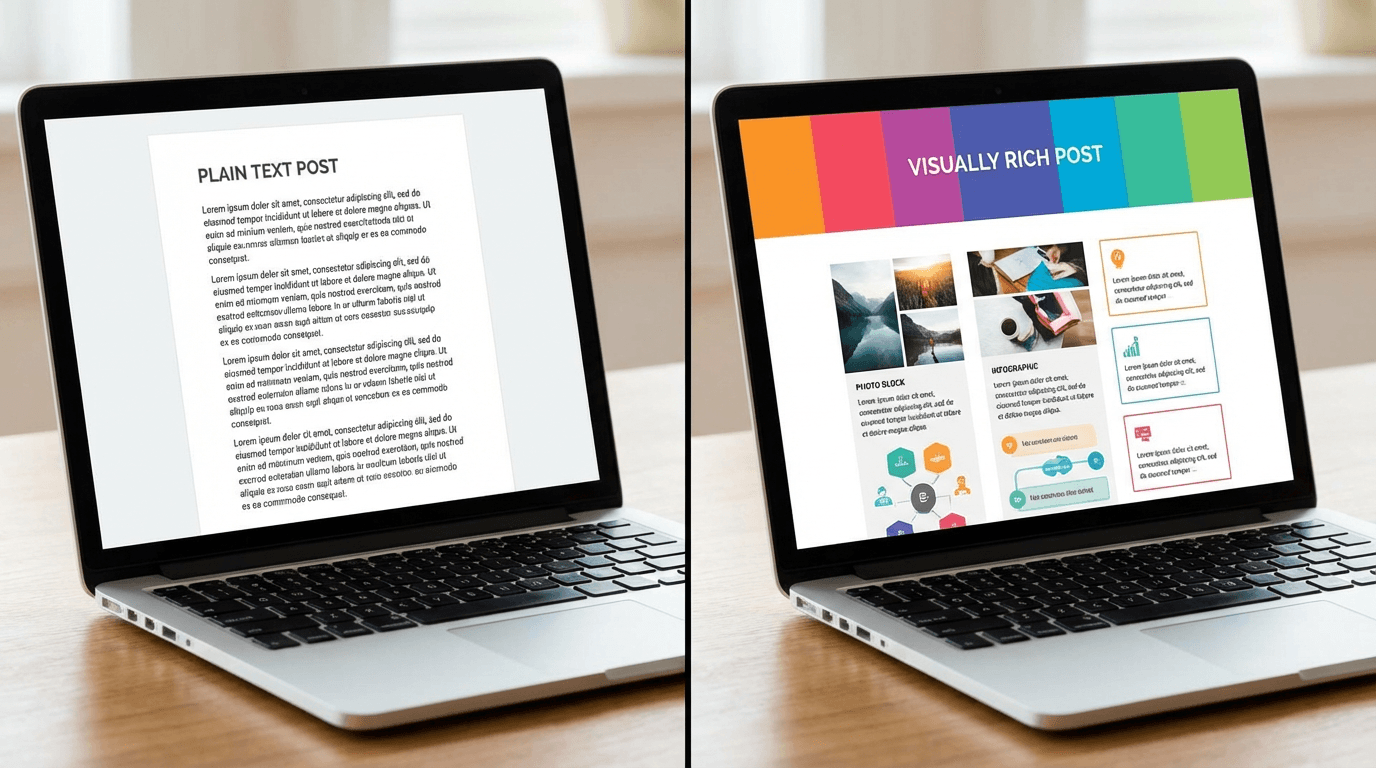
Custom thumbnails and featured images set the first impression. When your post appears in search results, social media shares, or content feeds, the thumbnail determines whether someone clicks. A generic stock photo does not differentiate your content. A custom, branded image does.
You can create these visuals directly in browser-based AI tools without design skills. For example, the AI image generator on Miraflow AI lets you produce custom blog images from text prompts, which is faster than searching through stock photo libraries and produces more unique results.
Section images break up long content and give readers visual anchors. A 3,000-word post without images feels like a wall of text on mobile. Adding an image every 300 to 500 words improves readability and keeps readers scrolling.
Diagrams and frameworks are especially valuable for ranking because they provide information in a format that text alone cannot. If you are explaining a process, a visual diagram communicates it faster and more clearly. These visual assets also get shared and linked to, which builds backlinks.
Optimize your images for SEO. Use descriptive file names, include alt text with relevant keywords, compress file sizes for fast loading, and use modern formats like WebP. Image SEO is a ranking factor that most bloggers ignore completely.
Consistent visual style builds brand recognition. If every blog post on your site has a consistent thumbnail style and visual treatment, readers begin to associate that style with your brand. This builds trust and increases click-through rates over time. The consistent YouTube thumbnail style guide explains how visual consistency works for thumbnails, and the same principle applies to blog images.
Step 6: Write Headlines That Earn Clicks in Search Results
Your blog post can rank number one and still get fewer clicks than the result below it. The difference is almost always the title and meta description.
Include the primary keyword near the beginning of the title. Google bolds matching keywords in search results, which draws the eye. Titles that start with the keyword tend to perform better than titles that bury it at the end.
Use numbers when possible. Titles with numbers consistently earn higher click-through rates than titles without them. "10 Strategies" is more compelling than "Strategies." "2026" signals freshness and relevance.
Create curiosity without being misleading. The best titles make the reader feel like they will miss something valuable if they do not click. But do not use clickbait that the content does not deliver on. Google tracks when users click and immediately bounce back, and that behavior hurts rankings.
Keep titles under 60 characters. Google truncates titles longer than approximately 60 characters in search results. If your main keyword and promise get cut off, your click-through rate drops. Write the most important words first.
Write a meta description that reinforces the title. The meta description should expand on the title's promise and include a clear benefit statement. Keep it between 120 and 155 characters. While meta descriptions do not directly affect rankings, they heavily influence click-through rate, which does affect rankings indirectly.
The YouTube CTR benchmarks guide covers click-through rate principles in a video context. Many of the same psychological principles apply to blog post titles in search results. Clarity, specificity, and relevance beat cleverness every time.
Step 7: Optimize for Featured Snippets
Featured snippets are the boxed answers that appear above the first organic result. Capturing a featured snippet effectively gives you position zero, which drives significantly more traffic than a standard first-place ranking.

Identify keywords with existing featured snippets. Search your target keywords and note which ones display featured snippets. These are your opportunities.
Match the snippet format. If the current featured snippet is a numbered list, structure your answer as a numbered list. If it is a paragraph, write a concise paragraph answer. If it is a table, use a table. Google selects snippets that match the format it has already determined works best for that query.
Place your snippet-optimized answer directly under a relevant heading. Google often pulls snippet content from text that immediately follows a heading matching the search query. If someone searches "how to write blog posts that rank," having an H2 or H3 with similar wording followed by a clear, concise answer increases your chances.
Keep snippet answers between 40 and 60 words for paragraph snippets. This is the sweet spot that Google tends to display. Write a concise summary, then expand with more detail in the following paragraphs.
Use "is" and "are" definitions when targeting "what is" queries. Google prefers clean definitional answers for these queries. Example: "A featured snippet is a boxed search result that appears above the standard organic results, displaying a direct answer to the user's query."
Step 8: Build Internal Links Strategically
Internal linking is one of the most underutilized ranking strategies. It costs nothing, takes minimal effort, and directly helps Google understand your site structure and content relationships.
Link from high-authority pages to newer content. If you have an older post that ranks well and receives steady traffic, linking from that post to your newer content passes authority and helps the new post get indexed and ranked faster.
Use descriptive anchor text. Instead of "click here" or "read more," use anchor text that describes the destination page. "YouTube Shorts best practices guide" is better anchor text than "this article." Descriptive anchor text tells Google what the linked page is about.
Create content clusters. Group related blog posts around a central topic. For example, if you write about YouTube growth, you might have posts about Shorts analytics, watch time requirements, and titles and descriptions. Linking these posts to each other and to a central pillar post creates a topic cluster that signals topical authority to Google.
Link to your new post from at least 3 to 5 existing posts. Every time you publish a new blog post, go back to your existing content and find natural places to add links to the new post. This helps Google discover the new content faster and understand where it fits in your site's content ecosystem.
Do not overlink. Three to eight internal links per post is a healthy range for most content. Linking every other sentence makes the content feel spammy and dilutes the value of each link.
Step 9: Technical SEO That Most Bloggers Ignore
Content quality gets you most of the way, but technical SEO ensures Google can properly crawl, index, and display your content. These factors are not glamorous but they directly impact rankings.
Page speed matters. Google uses page experience as a ranking signal. Compress images, minimize code, use a fast hosting provider, and avoid bloated page builders. If your blog takes more than 3 seconds to load on mobile, you are losing both visitors and ranking potential.
Mobile responsiveness is mandatory. Google uses mobile-first indexing, meaning it evaluates the mobile version of your page for ranking. If your content looks great on desktop but is broken or hard to read on mobile, your rankings will suffer.
Use schema markup. Structured data helps Google understand your content type and display rich results. Article schema, FAQ schema, and how-to schema are especially useful for blog posts. Rich results like FAQ dropdowns and how-to steps increase your visibility in search results and improve click-through rate.
Fix broken links regularly. Broken internal or external links create a poor user experience and signal neglect to search engines. Audit your links periodically and fix or remove broken ones.
Submit your sitemap to Google Search Console. This ensures Google knows about all your pages and can crawl them efficiently. Monitor your Search Console account for indexing errors and fix them promptly.
Use canonical URLs. If you have similar content on multiple pages or if your CMS creates duplicate URLs, canonical tags tell Google which version to index. This prevents duplicate content issues that can dilute your ranking potential.
Step 10: Promote Your Post to Accelerate Rankings
Publishing is not the finish line. New content needs initial signals to start ranking, and promotion generates those signals.
Share on social media immediately after publishing. Post on Twitter/X, LinkedIn, Reddit, and relevant Facebook groups. Social shares do not directly affect rankings, but they drive traffic, which generates engagement signals that do influence rankings.

Repurpose the post into other formats. Turn key sections into short-form videos for YouTube Shorts, Instagram Reels, or TikTok. This drives traffic back to your blog from multiple platforms. Tools like Text2Shorts let you generate short-form video content from text, which makes repurposing faster.
Email your list. If you have an email newsletter, share the new post with your subscribers. Email traffic generates real engagement signals because subscribers tend to read more deeply and spend more time on the page.
Reach out for backlinks. Identify bloggers and publishers who cover related topics and share your post with them. If your content offers something genuinely useful, like original research, comprehensive templates, or unique insights, other sites are more likely to link to it. Backlinks remain one of the strongest ranking factors in 2026.
Update and republish older posts. Google favors freshness for many queries. Regularly updating your existing content with new information, examples, and data keeps it competitive. When you make significant updates, change the publication date and reshare the post.
The Blog Post Checklist for Ranking in 2026
Before publishing any blog post, run through this checklist.

- Primary keyword appears in the title, first 100 words, and at least two subheadings
- Search intent matches the content format and depth
- Content is at least as comprehensive as the current top-ranking results
- Every section covers one clear idea with practical value
- Paragraphs are short and scannable, especially on mobile
- Custom featured image and section images are included with proper alt text
- Internal links connect to 3 to 8 relevant pages on your site
- Meta title is under 60 characters and includes the primary keyword
- Meta description is 120 to 155 characters and includes a clear benefit
- At least one section is optimized for featured snippet format
- Page loads in under 3 seconds on mobile
- Schema markup is implemented
- Post has been shared on social media and repurposed into at least one other format
Common Mistakes That Kill Blog Rankings
Even well-written posts fail to rank when these mistakes are present.
Writing for a keyword instead of a reader. Keyword stuffing died years ago, but a subtler version still exists. Posts that awkwardly repeat a keyword phrase feel unnatural and turn readers off. Write for humans first. Use your keyword naturally and let semantic variations do the rest.
Ignoring the competition. If you do not analyze what is already ranking, you are guessing about what Google wants. Every successful blog post starts with competitive analysis.
Skipping visuals. In 2026, text-only blog posts are at a disadvantage. Original images, custom thumbnails, and visual frameworks improve engagement metrics across the board. You can produce these assets in minutes using AI image generators, so there is no excuse for publishing without visuals.
Publishing and forgetting. Blog posts are not static assets. They need updates, fresh examples, and ongoing link building to maintain rankings. Schedule quarterly reviews of your top-performing content.
Targeting keywords beyond your authority. A brand new blog is unlikely to rank for "best laptops 2026" against established tech publications. Start with lower competition keywords, build topical authority with consistent publishing, and gradually move to more competitive terms as your site gains credibility.
How AI Tools Fit Into the Blog Writing Workflow in 2026
AI does not replace good writing. It accelerates the parts of the workflow that used to slow writers down.
Outlining and research happen faster with AI assistance. You can generate comprehensive outlines, identify subtopics to cover, and draft initial sections in a fraction of the time it takes manually.
Visual content creation is where AI saves the most time. Instead of searching stock photo libraries for 20 minutes to find a mediocre image, you can generate a custom, on-brand blog thumbnail in seconds. The AI blog thumbnail generation guide walks through this process in detail.
Repurposing is faster with AI. Turning a blog post into a short-form video, a social media carousel, or an email newsletter summary can be done with AI tools that handle scripting and visual generation automatically.
Editing and refinement still require a human eye. AI can draft, but the final voice, accuracy check, strategic framing, and quality control should always involve the writer. The posts that rank best in 2026 are the ones where AI handles the heavy lifting and human judgment handles the finishing.
Creators who use platforms like Miraflow AI can handle the entire visual pipeline for their blog content, from featured images to section visuals to social share graphics, in one place without switching between tools.
What Separates a Post That Ranks From One That Doesn't
After all the strategies and checklists, the difference usually comes down to three things.
The post that ranks answers the search query more completely than anything else on page one. It does not just cover the basics. It anticipates follow-up questions and answers them too.
The post that ranks is easier to read and navigate. Clear headings, short paragraphs, visual breaks, and logical flow make it the page readers stay on instead of bouncing back to search.
The post that ranks earns trust. Real examples, specific advice, honest recommendations, and transparent expertise make readers feel like they found the right resource. And when readers trust your content, they stay longer, share it more, and come back, all of which reinforce your ranking over time.
Conclusion
Ranking number one on Google in 2026 is not about tricks or shortcuts. It is about creating the best answer to a specific search query, presenting it in a format that is easy to read and navigate, supporting it with original visuals, and promoting it consistently.
The process is systematic. Research the keyword. Analyze the competition. Build a comprehensive outline. Write with clear structure. Add original visuals. Optimize for featured snippets. Build internal links. Handle technical SEO. Promote across channels. Update regularly.
Every step in this guide is something you can implement today with free tools and focused effort. The blogs that dominate Google search results in 2026 are not the ones with the biggest budgets. They are the ones that execute this process consistently and refuse to publish anything less than the most helpful resource available for their target query.
Start with one keyword. Write one post that is better than everything currently ranking. Then do it again.