How to Use AI to Plan a Month of YouTube Content in One Hour

Written by
Jay Kim

Learn how to use AI to plan a full month of YouTube content in one hour, including topics, scripts, thumbnails, Shorts, and background music for consistent publishing.
Planning a full month of YouTube content usually takes days. You have to brainstorm topics, research what performs well in your niche, write scripts, figure out thumbnails, and then schedule everything so it flows logically across the month. Most creators either spend an entire weekend doing this or skip planning altogether and end up posting randomly, which leads to inconsistent uploads, missed trends, and slow channel growth.
The good news is that AI tools in 2026 have matured to the point where you can realistically plan, outline, and even begin producing a full month of YouTube content in about an hour. The entire workflow, from topic generation and scripting to thumbnail concepts and background music, can be handled with the right process and the right tools. This guide walks you through the exact steps to go from zero ideas to a complete 30-day content calendar with scripts, visual concepts, and thumbnail plans ready to execute.
Why Most Creators Struggle With Content Planning
The biggest reason creators fall behind on content is not a lack of ideas. It is the overwhelming number of decisions that go into each video before you even hit record. For every upload, you need to decide on a topic, validate that topic against what is currently performing, write or outline a script, plan the visual approach, design a thumbnail concept, and think about how that video connects to the rest of your content strategy.
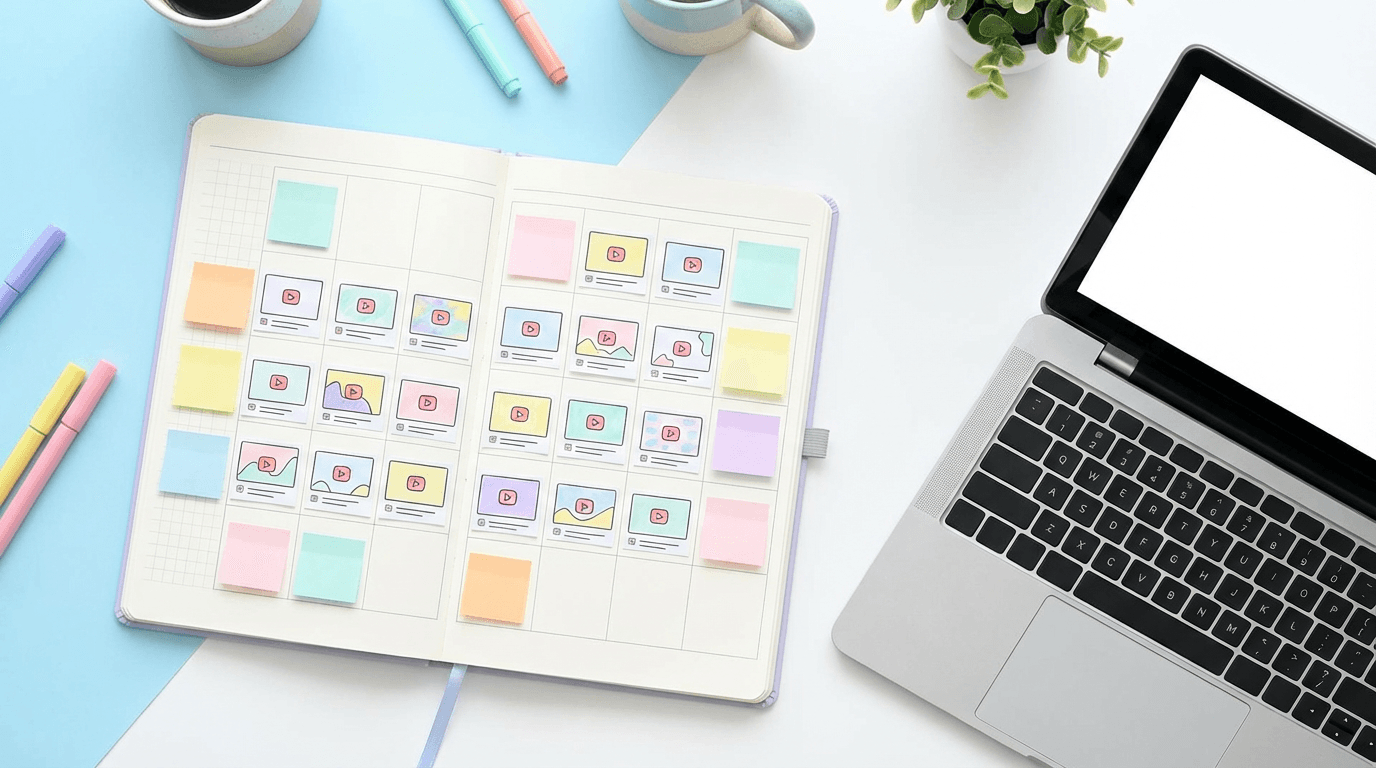
When you multiply those decisions by 8 to 12 videos per month (or more if you include Shorts), the planning process becomes a full-time job on top of your actual production work. This is why so many channels start strong and then slow down after a few weeks. The creative energy it takes to plan consistently is enormous, and without a system, burnout is almost inevitable.
AI changes this equation by compressing the decision-making process. Instead of staring at a blank page trying to come up with topics, you can generate dozens of validated ideas in minutes. Instead of writing each script from scratch, you can produce first drafts that you refine and personalize. Instead of designing thumbnails one at a time, you can generate visual concepts for every video on your calendar before you produce a single piece of content.
The guide to YouTube Shorts versus long-form content for channel growth covers how to balance both formats within your monthly plan, which is an important decision to make before you start filling in your calendar.
Step 1: Generate 30 Topic Ideas in 10 Minutes
The first step in planning a month of content is generating a large pool of topic ideas that you can filter and organize. Most creators try to think of topics one at a time, which is slow and leads to tunnel vision. A better approach is to generate a large batch of ideas at once, then select the strongest ones based on search potential, audience interest, and variety.
Start by opening any AI chat tool and giving it context about your channel. Include your niche, your target audience, the type of content you create, and any recent topics that performed well. Then ask it to generate 30 to 40 topic ideas that cover a mix of content types.
A useful framework for your topic batch is to include three categories of content. The first category is search-driven topics, which are videos that answer specific questions your audience is already searching for on YouTube. These videos build long-term evergreen traffic that compounds over time. The second category is trend-responsive topics, which are videos that tie into current events, seasonal moments, or trending conversations in your niche. The third category is community-driven topics, which are videos that directly address comments, questions, or requests from your existing audience.
Having a mix of all three categories ensures your content calendar serves multiple growth objectives at the same time. Search content brings in new viewers passively. Trend content generates spikes in impressions and subscribers. Community content deepens loyalty with your existing audience and improves engagement metrics that YouTube's recommendation system values.
The guide to evergreen YouTube video ideas for 2026 includes formats that consistently generate long-term search traffic, which makes it a useful reference when building out the search-driven portion of your calendar.
Once you have your list of 30 to 40 ideas, spend five minutes reviewing and filtering. Remove any topics that feel too similar to each other, that you have already covered recently, or that do not excite you enough to produce a quality video. Aim to keep 20 to 30 strong ideas, which gives you enough content for the month plus a buffer for swapping topics if something more timely comes up.
Step 2: Validate Topics With Search and Trend Data
Having 30 ideas is only useful if those ideas have actual demand behind them. The next step is to quickly validate your topics by checking whether people are searching for them and whether the competition is manageable for your channel size.
Open YouTube search and start typing the first few words of each topic. The autocomplete suggestions that appear are real search queries that viewers are actively using. If your topic closely matches an autocomplete suggestion, that is a strong signal of search demand. If YouTube does not suggest anything close to your topic when you start typing, the search volume is likely very low, which means the video would need to rely entirely on Browse or Shorts feed distribution.
For Shorts topics specifically, validation looks a little different because Shorts are primarily distributed through the algorithmic feed rather than search. For Shorts, check what is currently trending in your niche by browsing the Shorts feed, looking at what your competitors are posting, and reviewing the YouTube Shorts trends page guide to identify sounds and formats that are gaining momentum.
Spend about 10 minutes on this validation step. You do not need to do deep keyword research for every single topic. The goal is to quickly filter out topics with zero demand and prioritize the ones that have clear search interest or trend potential.
Step 3: Organize Your Content Calendar
Now that you have a validated list of topics, the next step is to organize them into a publishing schedule. This is where many creators make a critical mistake by filling their calendar randomly without thinking about flow, variety, or strategic sequencing.
A strong content calendar follows a few principles. First, alternate between content types so your channel feels dynamic rather than repetitive. If you post three tutorial videos in a row, your audience may start skipping uploads because they assume every video will be similar. Mixing tutorials with opinion pieces, listicles, comparisons, and Shorts keeps viewers curious about what is coming next.
Second, cluster related topics near each other to build topical authority and create natural binge sessions. If you plan three videos about YouTube thumbnails, schedule them within the same week or two rather than spreading them across the month. This allows you to link them together in end screens and descriptions, which increases session time and signals to the algorithm that your channel covers that topic deeply. The YouTube playlists strategy for building binge sessions explains how to structure content clusters for maximum algorithmic benefit.
Third, plan your Shorts around your long-form content. Each long-form video should have at least one or two companion Shorts that cover a specific subtopic, highlight a key point, or tease the full video. This creates a content ecosystem where your Shorts drive traffic to your long-form videos and vice versa, which strengthens both formats in the algorithm.
A simple monthly structure for a channel posting two long-form videos and three Shorts per week might look like this:
- Week 1: Search-driven tutorial (long-form) plus two related Shorts, one trend-responsive opinion video (long-form) plus one related Short
- Week 2: Listicle or comparison video (long-form) plus two topical Shorts, one community Q&A or response video (long-form) plus one standalone Short
- Week 3: Deep-dive educational video (long-form) plus two Shorts pulled from the deep-dive topic, one trend-responsive video (long-form) plus one Short
- Week 4: Compilation or "best of" style video (long-form) plus two promotional Shorts, one search-driven tutorial (long-form) plus one experimental Short format
This structure gives you 8 long-form videos and 12 Shorts for the month, which is a sustainable pace for most creators while providing enough content variety to keep the algorithm engaged with your channel.
Step 4: Generate Script Outlines for Every Video
This is the step where AI saves you the most time. Writing full scripts from scratch for 8 to 12 long-form videos would normally take days. With AI, you can generate detailed outlines for every video on your calendar in about 15 to 20 minutes.
For each topic on your calendar, provide the AI with the title, a brief description of the angle you want to take, your target audience, and the desired video length. Ask it to generate a structured outline that includes the hook (first 15 to 30 seconds), the main sections with key points for each, and a strong closing that includes a call to action.
The hook section is the most important part of every outline because it directly affects your retention rate, which is one of the strongest signals YouTube uses to decide whether to recommend your video. The guide to saving the first 30 seconds of your YouTube videos covers hook formulas that prevent early drop-off, and you should cross-reference those formulas when reviewing your AI-generated outlines.
For your Shorts scripts, the process is even faster. Since Shorts are typically 30 to 60 seconds long, each script is only a few sentences. You can generate all 12 Shorts scripts in a single batch by providing the AI with your list of Shorts topics and asking for a script for each one that hooks in the first two seconds, delivers the core value in the middle, and ends with a loop or call to action.
Creators who use Text2Shorts on Miraflow AI can skip the separate scripting step entirely for Shorts. You enter a topic, select a visual style (animation or realistic), and the platform automatically generates the script, scene visuals, and voice narration. You can review and edit the script before generating the final video, which means you have full creative control while skipping the blank-page problem completely.
Once you have outlines for all your long-form videos and scripts for all your Shorts, spend a few minutes reviewing each one. Look for places where the hook could be stronger, sections that feel redundant, or gaps where additional information would make the video more valuable. These outlines are starting points, not finished scripts, and the personalization you add during this review is what makes the final content feel authentic rather than generic.
Step 5: Plan Thumbnail Concepts for Every Video
One of the most overlooked parts of content planning is thumbnail strategy. Most creators design their thumbnails after the video is already filmed and edited, which means the thumbnail is an afterthought rather than a strategic asset. Planning your thumbnails during the content planning phase gives you a major advantage because you can ensure every thumbnail on your calendar is visually distinct, follows high-CTR design principles, and accurately represents the video it is paired with.
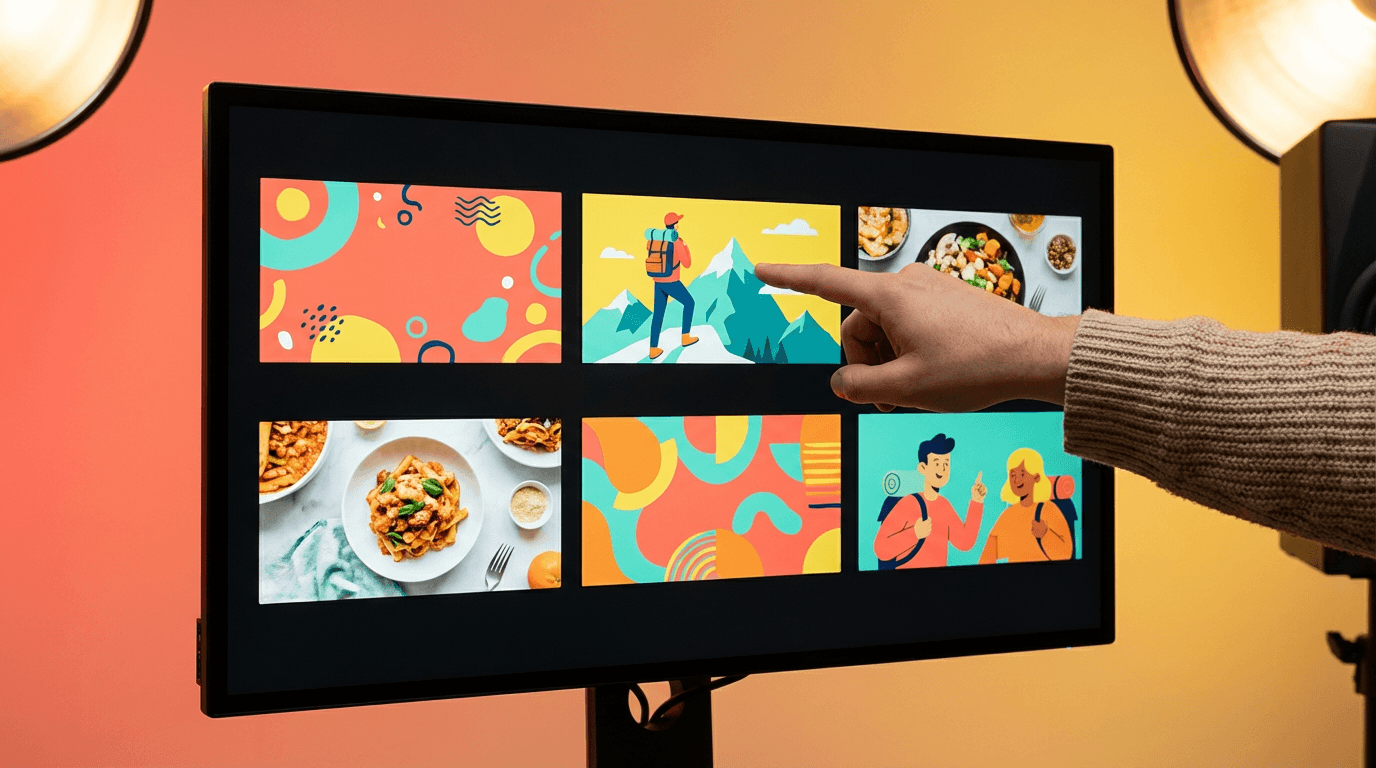
For each video on your calendar, write a one-sentence thumbnail concept that describes what the thumbnail should look like. Include the key visual element, the emotion or expression, the color palette, and any text overlay you want to include.
Here are example thumbnail concepts for different content types:
For a tutorial video about YouTube SEO, the concept might be: a person pointing at a laptop screen showing a YouTube search results page with a magnifying glass visual element, bright blue and white color scheme, with the text "Rank #1" in bold.
For a comparison video between two editing tools, the concept might be: split-screen composition with each tool's interface on opposite sides, one side glowing green and the other glowing red, surprised face in the center, with "vs" text in the middle.
For a Shorts thumbnail about a quick productivity tip, the concept might be: a vertical composition showing a hand holding a phone with a timer on screen, bright yellow background, clean minimal design with no text.
The 10 rules for YouTube thumbnails that actually get clicks provides a checklist you can run each thumbnail concept through to make sure it follows proven design principles before you produce it.
You can generate these thumbnail visuals directly inside the YouTube Thumbnail Maker on Miraflow AI. The tool supports both 16:9 thumbnails for standard videos and 9:16 thumbnails for Shorts, and it includes professionally designed templates for niches like finance, entertainment, gaming, vlogging, fitness, cooking, and education. You can enter your thumbnail concept as a prompt, optionally upload your face or a reference image, add text, and generate the thumbnail instantly. Running through all your thumbnail concepts in one sitting means you can have every thumbnail for the month ready before you even start filming.
For channels that operate without showing a face on camera, the 10 YouTube thumbnail ideas for faceless channels offers specific visual strategies that maintain high CTR without relying on facial expressions.
Step 6: Plan Audio and Music for Your Content
Background music and audio design are often the last things creators think about, but they have a real impact on viewer retention. The right music sets the emotional tone of your video, maintains energy during slower sections, and prevents the kind of dead silence that causes viewers to click away.
During your planning session, make a note for each video about what kind of audio it needs. A high-energy tutorial might need upbeat electronic music at low volume. A storytelling video might need ambient cinematic music that builds tension. A cooking video might need light acoustic background music that stays out of the way.
The AI Music Generator on Miraflow AI lets you generate custom background tracks by describing the style, mood, and instruments you want. In Simple Mode, you type a description like "upbeat lo-fi hip hop with soft piano and gentle drums, relaxing study vibe" and the platform generates a full track in under a minute. In Custom Mode, you can set specific parameters like duration, BPM, and key to get a track that perfectly matches your video's pacing.
Generating background music for all your videos in one batch during your planning session means you never have to pause mid-edit to search for the right track. You will have a library of custom tracks ready to drop into each video as you produce it throughout the month.
Step 7: Create a Production Checklist for Each Video
The final step in your one-hour planning session is to create a brief production checklist for each video that captures everything you have planned. This checklist serves as your execution guide for the rest of the month so you never have to wonder what you are supposed to be working on.
Each checklist should include the video title, the topic category (search, trend, or community), the script outline or link to the full script, the thumbnail concept description, the audio mood or link to the generated track, any special production notes like filming locations or props needed, and the planned publish date.
Having this level of detail for every video on your calendar transforms your production process from a series of creative decisions into a straightforward execution plan. Instead of spending 30 minutes at the start of each production day figuring out what to make, you open your checklist, see exactly what needs to happen, and start working immediately.
For your Shorts, the production checklist is even simpler because platforms like Text2Shorts on Miraflow AI handle the entire production pipeline from topic to finished video. Your Shorts checklist might simply be: topic, visual style preference (animation or realistic), and publish date. The actual production of each Short takes just a few minutes when you use AI to handle the script generation, scene visual creation, voice narration, and final assembly.
What a Complete One-Hour Planning Session Looks Like
To put the entire process together, here is what a focused one-hour planning session looks like from start to finish:
- Minutes 1 to 10: Generate 30 to 40 topic ideas using AI, filtered to 20 to 30 strong options across search, trend, and community categories
- Minutes 11 to 20: Validate topics using YouTube autocomplete, competitor analysis, and trend research
- Minutes 21 to 30: Organize topics into a monthly calendar with strategic sequencing, content type variety, and Shorts paired with long-form videos
- Minutes 31 to 45: Generate script outlines for all long-form videos and scripts for all Shorts
- Minutes 46 to 55: Write thumbnail concepts for every video and generate initial thumbnail visuals
- Minutes 56 to 60: Create production checklists and generate background music descriptions
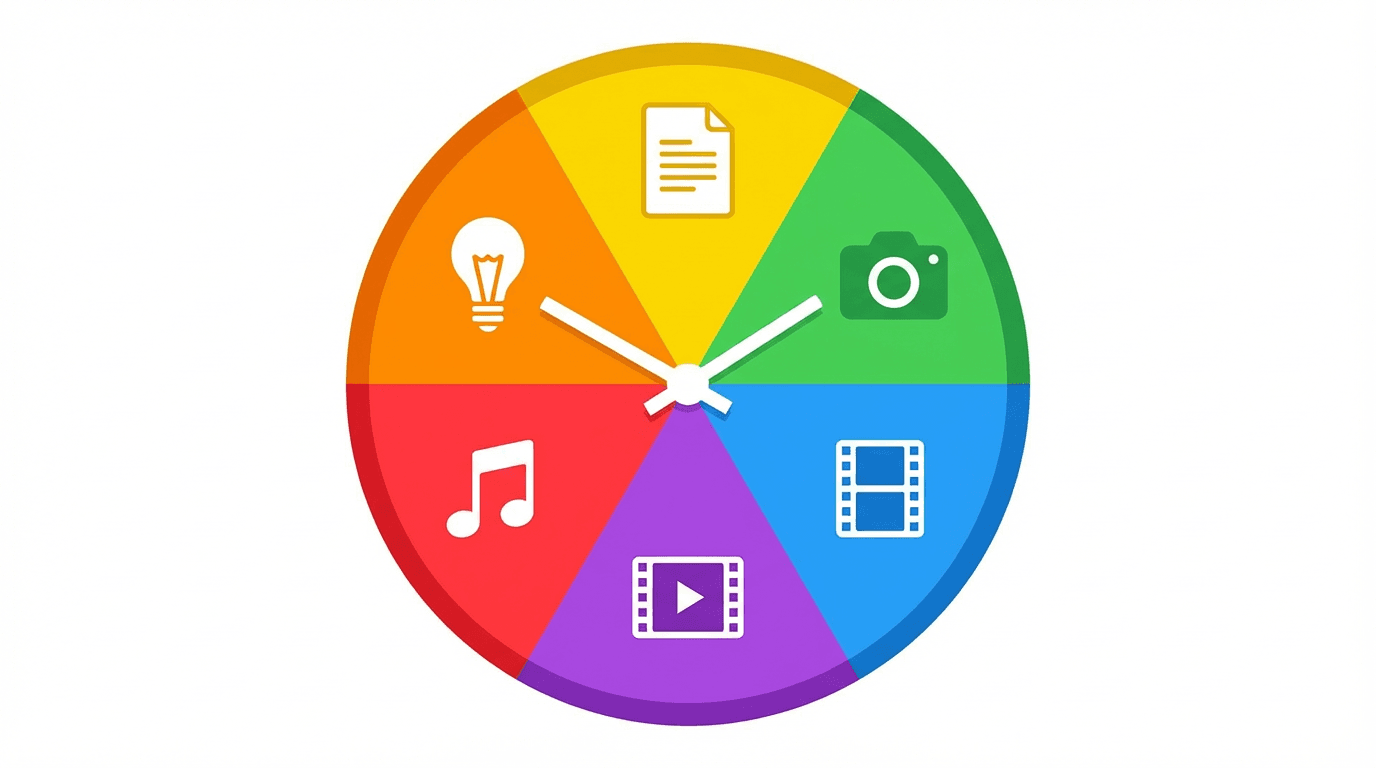
At the end of this session, you have a complete content calendar with validated topics, structured scripts, thumbnail plans, audio direction, and a clear production schedule for the entire month. The rest of your time throughout the month goes toward actual production, filming, editing, and publishing, which is where your creative energy should be focused.
Common Mistakes Creators Make When Batch Planning Content
Even with a solid system, there are a few pitfalls that can undermine your content planning efforts. Knowing what to avoid saves you from having to redo your calendar mid-month.
The first mistake is planning too rigidly. Your content calendar should be a guide, not a contract. If a major trend emerges in your niche during week two, you should be willing to swap out a planned video for something more timely. Build flexibility into your calendar by having two or three backup topics that can replace any planned video without disrupting the overall structure.
The second mistake is ignoring your analytics when choosing topics. Before you start planning, review your YouTube Analytics to identify which recent videos performed best in terms of CTR, retention, and overall views. Topics that are similar to your best-performing videos have a higher probability of success because the algorithm already has data showing that your audience responds to that type of content. The YouTube CTR benchmarks for 2026 help you assess whether your click-through rates are healthy or need improvement, which should inform what types of topics and thumbnails you prioritize.
The third mistake is creating all the same content type. If every video on your calendar is a tutorial, your channel becomes predictable and viewers start watching selectively rather than clicking on every upload. Variety in format keeps viewers curious and engaged, and it gives the algorithm more diverse signals about what audience your content serves.
The fourth mistake is neglecting the thumbnail and title during planning. Your thumbnail and title are the packaging that determines whether viewers click on your video, which directly affects how the algorithm distributes it. Planning your thumbnails and titles during the content planning phase, rather than as an afterthought after production, ensures that every video is designed for maximum click-through rate from the start. The 25 YouTube thumbnail text ideas that get more clicks is a useful reference when writing the text overlay portion of your thumbnail concepts.
How to Use AI Images to Enhance Your Content Plan
Beyond thumbnails, AI-generated images can be used throughout your monthly content for social media promotion, community posts, video b-roll, and blog companion visuals. During your planning session, you can generate promotional images for each video that are ready to post on Instagram, Twitter, or your YouTube community tab when the video goes live.
The AI Image Generator on Miraflow AI supports multiple aspect ratios including 16:9 for standard thumbnails and blog headers, 9:16 for Instagram Stories and Shorts promotions, and 1:1 for social media posts. You can create promotional images that match the visual style of your thumbnails, giving your channel a cohesive visual identity across platforms.
For creators who use b-roll footage in their videos, the Cinematic Video Generator on Miraflow AI can produce hyper-realistic 8-second video clips from text prompts. If your content calendar includes a video about space exploration, for example, you can generate cinematic clips of rocket launches, space stations, and planetary surfaces without sourcing stock footage. Planning these visual assets during your content planning session means they are ready and waiting when you sit down to edit each video.
Scaling Your Content With Shorts and Long-Form Together
One of the most powerful strategies you can build into your monthly content plan is using Shorts as a discovery engine that feeds viewers into your long-form videos. The algorithm treats Shorts and long-form content as separate recommendation surfaces, which means a Short can reach viewers who would never have found your channel through long-form search or Browse.
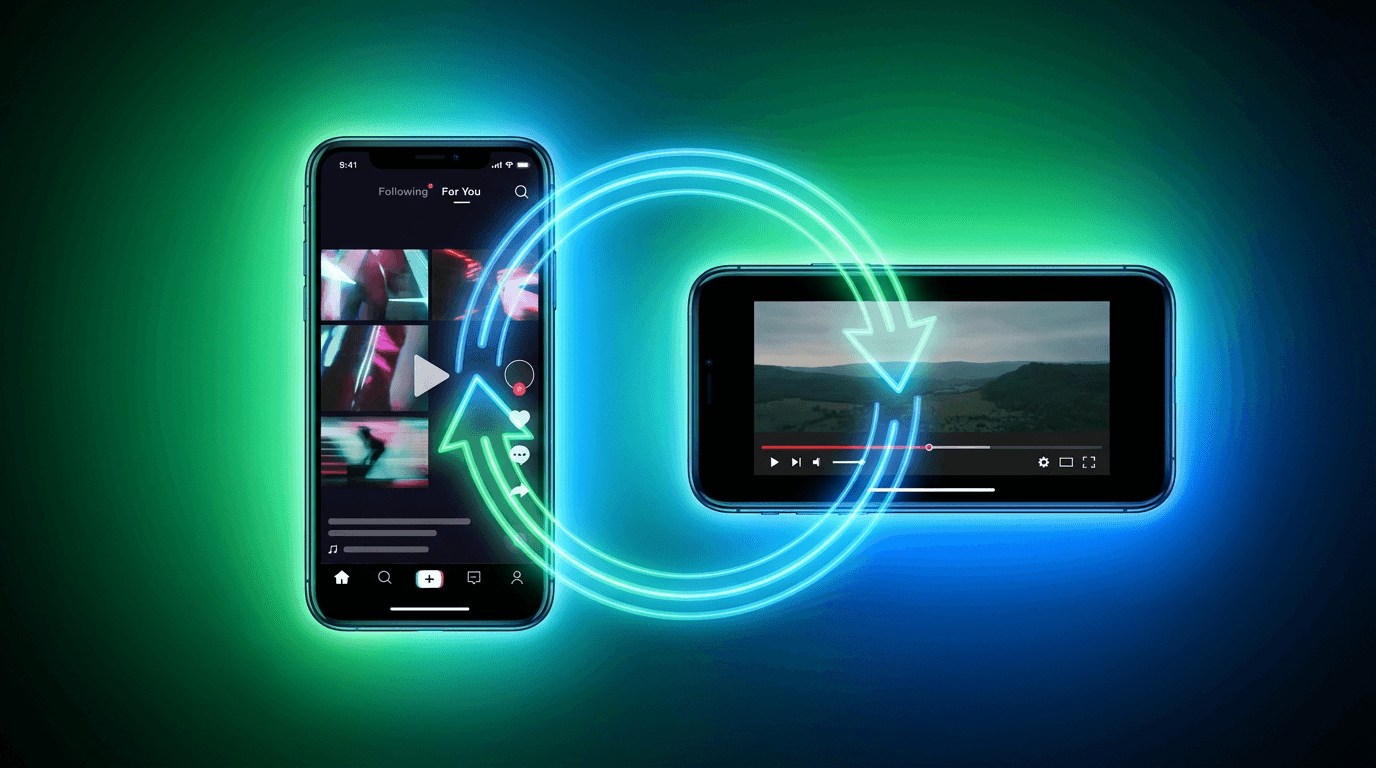
When those viewers watch your Short, enjoy it, and visit your channel page, they are exposed to your long-form content. If they subscribe, your future long-form videos start appearing on their Home feed. This creates a growth flywheel where Shorts bring in new audiences and long-form content converts them into loyal subscribers.
To make this work within your content calendar, plan each Short to connect thematically to a long-form video. If you are publishing a 15-minute tutorial on Tuesday, schedule a 45-second Short on Monday that covers one specific tip from the tutorial and ends with a teaser that makes viewers want the full breakdown. The guide to whether you should post daily Shorts explores how publishing frequency affects the algorithm and helps you find the right pace for your channel.
For creators who want to maximize this strategy, the content pillar approach for short-form creators provides a framework for organizing Shorts and long-form content around central themes that reinforce each other in the algorithm.
How This Workflow Fits Into the Miraflow AI Ecosystem
The reason a one-hour planning session is possible in 2026 is that platforms like Miraflow AI consolidate the entire content creation pipeline into a single browser-based workspace. Instead of switching between separate tools for scripting, image generation, video production, thumbnail design, and music creation, you can handle every step from one dashboard.
During your planning session, you can generate Shorts scripts and full videos in Text2Shorts, create thumbnail visuals in the YouTube Thumbnail Maker, produce cinematic b-roll clips in the Cinematic Video Generator, design promotional images in the AI Image Generator, and compose custom background tracks in the AI Music Generator. Everything you create is saved in your account under My Videos, My Thumbnails, My Creations, and My Music, which means your entire month of content assets are organized and accessible from one place.
This integrated approach eliminates the friction that slows down most creators. When every tool you need lives in the same platform, the gap between planning and production shrinks dramatically. You can go from a topic idea to a finished Short in minutes, or from a thumbnail concept to a polished visual in seconds, which is what makes a one-hour planning session realistic rather than aspirational.
Frequently Asked Questions
Can I really plan a full month of YouTube content in one hour?
Yes, if you follow a structured process and use AI tools to handle the time-consuming parts like topic generation, script outlining, and thumbnail creation. The one-hour session produces your plan and initial assets. Actual production, filming, and editing happen separately throughout the month.
How many videos should I plan per month?
This depends on your niche, your available production time, and whether you are publishing Shorts, long-form, or both. A sustainable starting point for most creators is 6 to 8 long-form videos and 10 to 15 Shorts per month, but some channels grow faster with fewer high-quality uploads rather than a high volume of average content.
Should I plan Shorts and long-form videos separately?
Planning them together is more effective because it allows you to create thematic connections between formats. A Short can serve as a teaser, a highlight, or a companion piece to a long-form video, which creates cross-promotion opportunities that benefit both formats in the algorithm.
What if a trending topic comes up mid-month that is relevant to my niche?
Build flexibility into your calendar by having two or three backup topics that can be swapped in if something more timely emerges. Trend-responsive content often generates higher impressions than planned content, so being willing to adjust your calendar is a strength rather than a sign of poor planning.
Do I need to write full scripts during the planning session?
For long-form videos, detailed outlines are usually sufficient during the planning phase. You can flesh out full scripts closer to your production date when the topic is fresher in your mind. For Shorts, the scripts are short enough to write in full during the planning session, especially if you are using Text2Shorts on Miraflow AI to generate them automatically.
How do I know which topics will perform best?
Use YouTube autocomplete to check search demand, review your analytics to identify what has worked in the past, and check competitor channels to see what topics are generating views in your niche right now. No method guarantees performance, but combining these three data points gives you the best odds of choosing topics that resonate with your audience.
Can I use AI-generated thumbnails for my actual videos?
Absolutely. AI-generated thumbnails produced with tools like the YouTube Thumbnail Maker on Miraflow AI are used by thousands of creators for their actual uploads. The templates and generation quality are designed specifically for YouTube's display requirements, including the small sizes thumbnails appear at in search results and on mobile devices. The 10 YouTube thumbnail trends in 2026 covers current visual styles that are generating high CTR across different niches.
How far in advance should I plan my content?
Planning one month at a time strikes the best balance between strategic consistency and flexibility. Planning further ahead, like two or three months, risks creating content that feels outdated by the time you publish it. Planning only one week ahead does not give you enough runway to batch-produce assets or maintain a coherent content strategy.
Conclusion
Planning a full month of YouTube content in one hour is entirely achievable when you use AI to handle the most time-consuming parts of the process. By batching your topic generation, validation, calendar organization, script outlining, thumbnail planning, and audio selection into a single focused session, you free up the rest of your month to focus on production and creative execution rather than constant decision-making.
The key to making this work is following a structured process rather than approaching planning casually. Generate topics in batches, validate them against real search data and trends, organize them into a strategic calendar that balances content types and formats, and use tools like Miraflow AI to produce the scripts, thumbnails, visuals, and music you need so that every asset is ready before production begins. The creators who grow fastest on YouTube in 2026 are the ones who treat content planning as a system rather than an improvisation, and AI makes that system faster and more effective than ever before.