How to Use “Make Me Move” on YouTube Shorts

Written by
Jay Kim
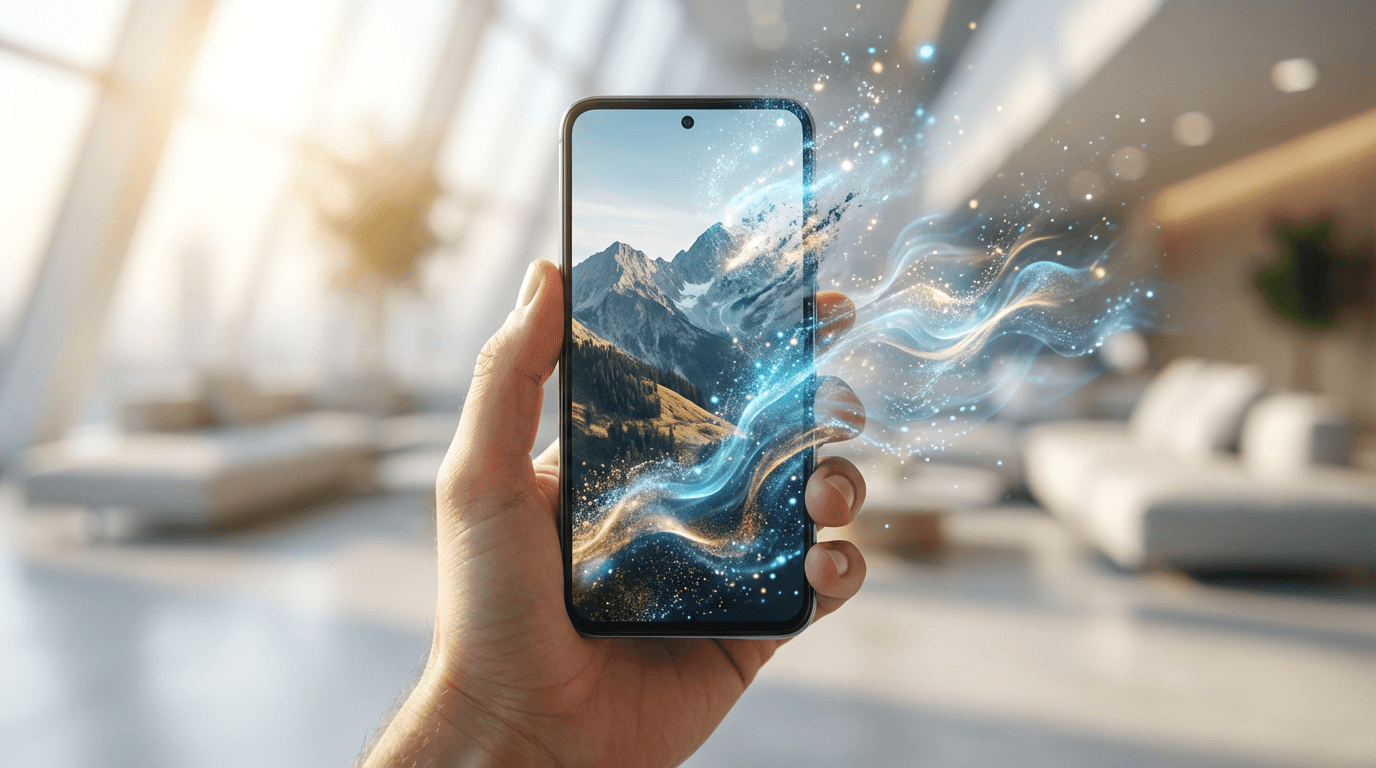
Make Me Move lets YouTube Shorts creators turn still images into animated videos using AI. Here is how the feature works, which images animate best, and how to build it into a content workflow.
If you have been scrolling through YouTube Shorts and noticed creators turning still images into fluid animated videos, you have probably already seen "Make Me Move" in action without knowing what it was called.
"Make Me Move" is YouTube's AI-powered animation feature for Shorts, designed to let creators take a static image and generate motion from it, turning a single frame into a moving, living scene that plays like a video in the Shorts feed. For creators who have strong visual ideas but limited video production resources, this changes the production equation significantly. You no longer need footage to make a Short that moves.
The feature has become one of the more discussed tools in the Shorts creator community because it opens the door to content formats that were previously either expensive, technically complex, or both. But like most AI creation tools, the results vary enormously depending on how you use it. This guide covers how the feature actually works, what it produces best, which formats perform well in the Shorts feed, and how to build it into a content workflow that generates consistent results.
What "Make Me Move" Actually Does
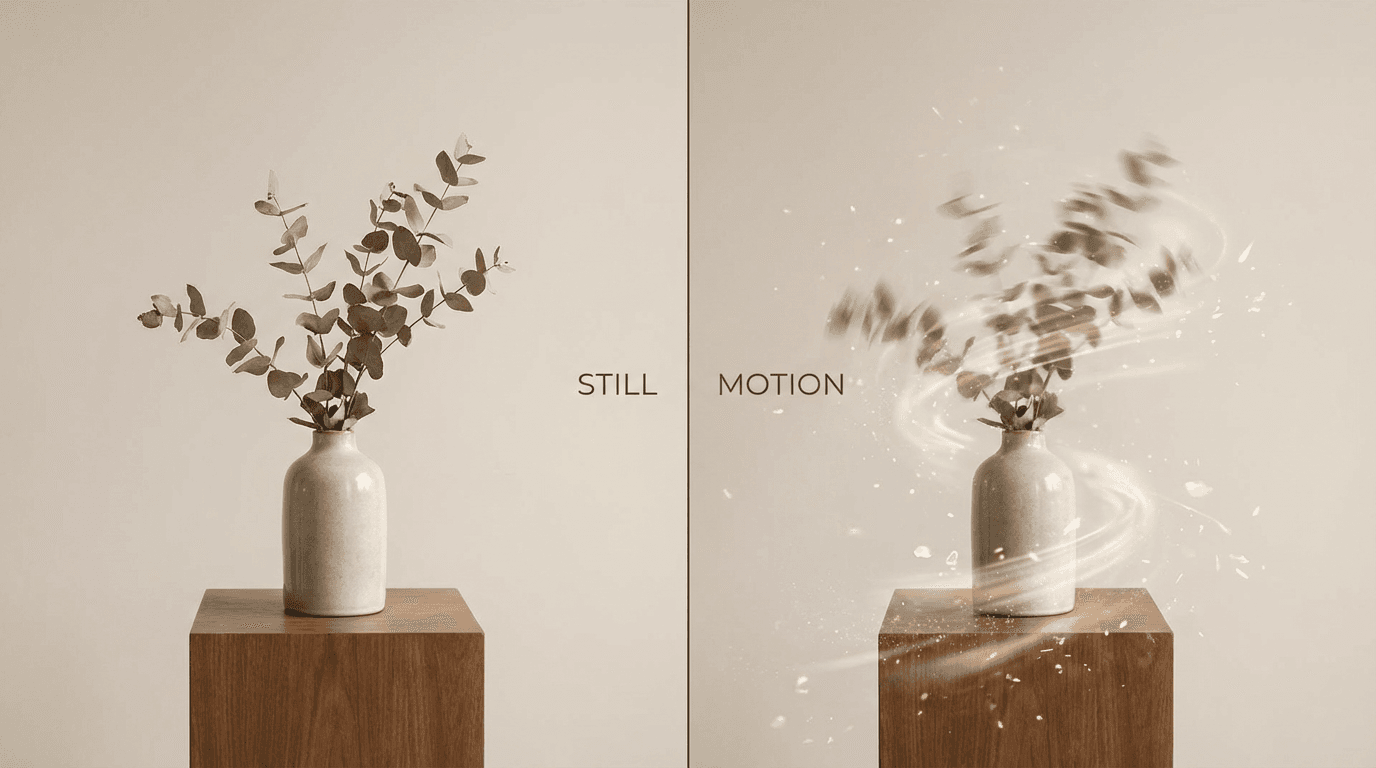
At its core, Make Me Move takes a static image you provide and applies AI-generated motion to it, producing a short animated video clip. The motion is generated by the AI based on the content of the image and, where the feature supports it, any directional prompt you add to guide how the movement should look.
The result is not a simple zoom or pan effect of the kind you could produce in any basic editing app. The AI interprets the image content and generates physically plausible motion based on what is in the frame. Water flows, hair moves, flames flicker, clouds drift, and figures can appear to breathe or shift slightly. The motion feels generated from within the image rather than applied on top of it, which is what makes it visually different from older animation techniques.
For Shorts creators, the immediate practical implication is that any high-quality still image can become the source material for a Short. A photograph, an AI-generated image, a digital illustration, a product shot, or a piece of artwork can all be animated through the feature and turned into a piece of content that plays natively in the Shorts feed.
The starting image quality matters significantly. Make Me Move produces better results with images that have clear subjects, defined depth layers, and visual elements that naturally suggest movement. A landscape with clouds, water, or foliage will animate more convincingly than a flat graphic with hard geometric edges.
Why This Feature Matters for Shorts Creators in 2026
The timing of this feature in the Shorts ecosystem is not coincidental. YouTube has been expanding its AI creation toolset for Shorts in a clear direction: lowering the technical barrier to producing high-quality short-form video content.
Make Me Move fits into that direction by solving a specific problem that a large segment of Shorts creators face. Not every creator has access to video footage, a camera setup, or the skills to produce polished video content. Many creators have strong visual concepts, graphic design skills, or the ability to generate great still images, but the jump from a still image to a compelling video felt like a significant production leap.
The feature removes that leap. A single strong image is now enough starting material to produce a Short, as long as the creator understands how to select and generate images that the tool can work with effectively.
This also changes the economics of content production for faceless channels, AI content creators, and anyone running a high-volume Shorts strategy. Generating a strong image and animating it through Make Me Move is considerably faster than shooting, recording, or sourcing video footage. For channels that need to maintain consistent publishing frequency without a full production team, that efficiency shift is meaningful.
For creators already using AI image generation as part of their workflow, the path from image to animated Short becomes even more direct. If you are generating images through tools like Miraflow AI's image generator, you can produce the source material and animate it through the same content pipeline without switching between platforms or tools.
How to Access and Use Make Me Move on YouTube Shorts
The workflow for using Make Me Move follows the general pattern of YouTube's Shorts creation tools, though the exact interface positioning has evolved as YouTube has updated its creator experience.
Step 1: Open the Shorts camera or creation interface Access Shorts creation from the YouTube app on mobile, either through the camera button or through the Shorts tab. On some versions of the app, creation tools including Make Me Move are also accessible through the remix and creation features within the Shorts feed itself.
Step 2: Select your starting image You can either upload an image from your camera roll or, where supported, generate one using YouTube's built-in Dream Screen tool. The image you use as your starting point is the single most important variable in how the final animation looks, so choosing or generating the right image for the result you want is worth doing deliberately.
Step 3: Apply Make Me Move Within the Shorts creation interface, Make Me Move appears as one of the AI enhancement options. Selecting it initiates the AI animation process on your uploaded or generated image. Depending on the version of the feature and your device, you may have options to add a motion prompt that guides the direction and style of the animation.
Step 4: Preview and adjust Once the animation is generated, preview it before committing. The AI does not always produce exactly the motion you anticipated, and previewing lets you decide whether to regenerate with a different prompt, choose a different source image, or proceed with what was generated.
Step 5: Add audio, captions, and a call to action The animated clip becomes the visual layer of your Short. Add a voiceover, choose background music, include on-screen text, and set your hook at the opening of the video the same way you would for any other Short. The animation is the visual, not the entire content. The editorial layer is still yours to add.
The Image Types That Animate Best
Not every image produces a compelling animated Short through Make Me Move. Understanding which image characteristics lead to better results saves you iteration time and helps you plan your content with the right visuals from the start.
Natural environments with multiple moving elements Landscapes, seascapes, forests, and sky scenes tend to animate beautifully because they contain multiple natural elements that have inherent movement logic. Clouds drift, water ripples, leaves shift, and the AI has enough visual information to generate convincing physical motion. These animations often feel cinematic in a way that is disproportionately impressive relative to the production effort.
Portraits with soft backgrounds A portrait against a soft, slightly blurred background gives the AI a clear subject to animate subtly while generating gentle ambient motion in the background. Hair, fabric, and slight shifts in expression or posture all animate naturally in well-composed portrait images. For faceless channels, this can work with illustrated or AI-generated character portraits rather than real photographs.
Single-subject product images with lifestyle context A product placed in a lifestyle environment, a candle on a wooden surface, a pair of sneakers on an outdoor path, a skincare item beside natural elements, gives the AI both a clear focal point and surrounding elements that can animate to create environmental depth. These work particularly well for shoppable content or brand partnership Shorts.
Fantasy and concept art with layered depth Digital illustrations and concept art that have multiple depth layers, foreground, midground, and background, tend to animate with a parallax-like effect that feels intentional and visually compelling. Fantasy environments, architectural concepts, and stylized landscapes in this category often produce animation results that look like something from a much more expensive production.
Cityscapes and architectural scenes Urban environments have natural motion sources in traffic, pedestrians, weather, and ambient light. The AI tends to generate convincing environmental animation in cityscape images, which makes them effective for location-based, travel, or documentary-style Shorts content.
Images that tend to work less well include flat graphic designs with hard vector edges, images with very dense text, heavily filtered or stylized images that have lost natural depth information, and anything with highly complex detail where the AI cannot cleanly identify subject from background.
Content Formats That Work With Make Me Move
The animation capability opens up specific content formats that either were not possible before or are now dramatically easier to produce. Here are the ones that are performing well in the Shorts feed.
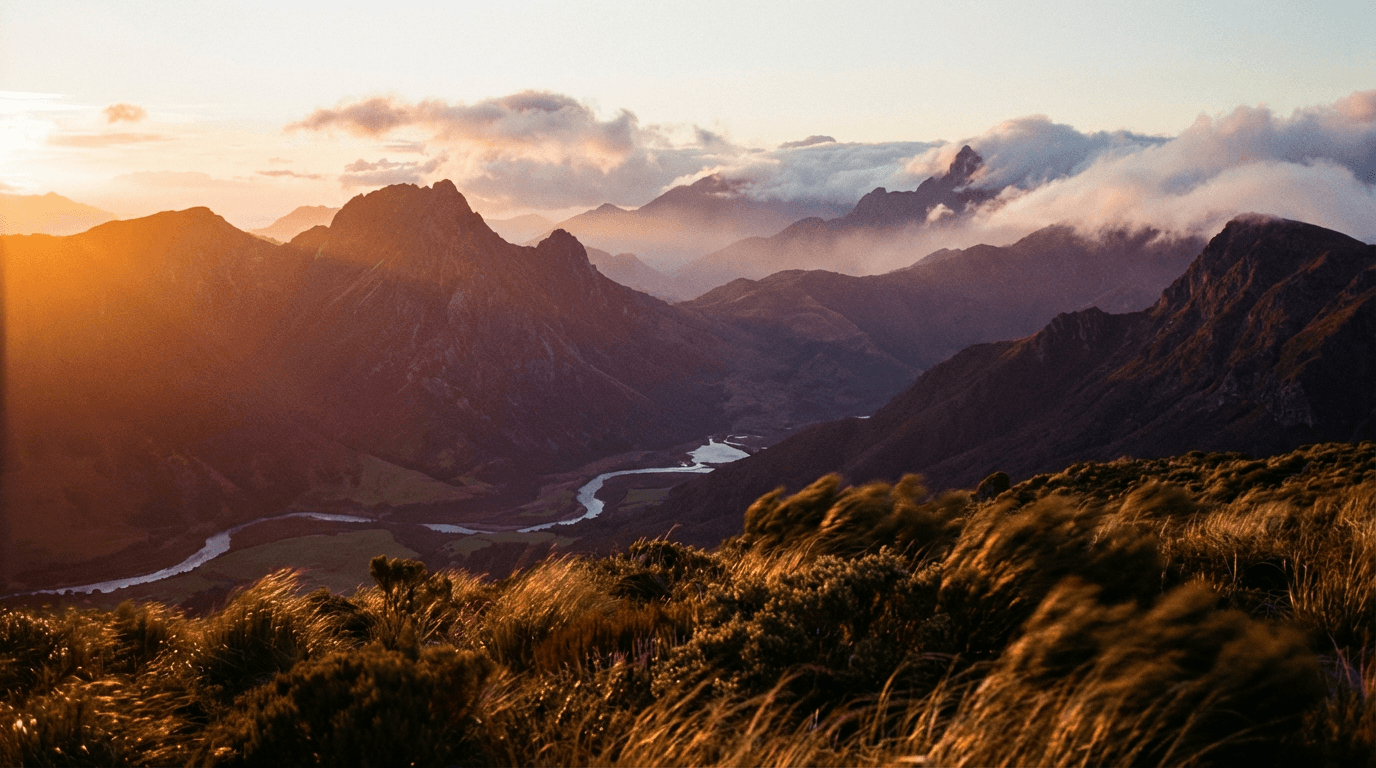
Atmospheric scene-setting Shorts A beautifully animated environment used as the visual backdrop for a voiceover or narrative. The scene is not the story, it is the context. A rain-swept city street animation beneath a voiceover about resilience, a mountain landscape animating while a creator talks about perspective, a glowing forest environment beneath an audio story. The animation gives the visual layer cinematic quality without requiring any actual filmmaking.
Before and after reveal with animation Generate two images representing a before and after state, animate both, and cut between them. Home renovation, design makeovers, style transformations, and landscape changes all work in this format. The animation makes each state feel more alive than a static comparison would.
AI-generated world Shorts Fully AI-generated scenes, characters, or environments animated through Make Me Move and presented as visual storytelling without live footage. These Shorts function like micro-films and tend to earn strong watch-through because the visual quality is high and the content is genuinely novel. For creators covering fantasy, sci-fi, history, or mythology topics, this format is particularly well-suited.
Mood and ambient content Animated nature scenes, architectural visualizations, and atmospheric environments with carefully chosen audio perform well as ambient content, the Shorts equivalent of lo-fi playlists. This category has a dedicated audience and the formats tend to earn high save rates as viewers bookmark them to return to.
Educational topic visualization Animating concept illustrations for educational content makes abstract topics more engaging than a static diagram would. A scientific concept, a historical scene, a geographic visualization, or a biological process can all be illustrated as a still image and then animated to add the motion that helps the concept land. For educational Shorts creators, this expands the visual vocabulary available without requiring animation expertise.
How to Write Prompts for Images That Will Animate Well
If you are generating your source images with AI rather than using photographs, the prompts you use to create those images directly affect how well they animate. Images built for animation need different characteristics than images built purely for visual composition.
Here is a practical prompt framework for generating animation-ready images.
For landscape and environment animations
Prompt wide cinematic landscape with layered depth showing foreground grass in detail, a midground river with soft reflections, and distant mountains fading into atmospheric haze, golden hour light, photorealistic, multiple motion-ready elements, no text no logos
For portrait and character animations
Prompt single figure standing in a lightly blurred natural environment, soft fabric clothing with visible texture, gentle wind-blown hair, deep bokeh background with subtle color variation, cinematic lighting, realistic skin texture, no text no logos
For product and lifestyle animations
Prompt luxury skincare product placed on a dark stone surface beside scattered flower petals and soft candlelight, atmospheric depth with warm glowing background, product as clear focal point, photorealistic texture detail, no text no logos no real branding
For fantasy and concept art animations
Prompt multi-layered fantasy forest scene with bioluminescent plants in the foreground, a misty pathway through ancient trees in the midground, and glowing sky visible through the canopy in the background, painterly realism style, rich color palette, deep atmospheric depth, no text no characters
For urban and cityscape animations
Prompt rainy night cityscape from a slightly elevated angle, reflective wet streets, warm window lights creating bokeh, light traffic streaks in the midground, clear foreground elements like a lamppost or railing, cinematic atmosphere, no text no logos no readable signage
All of these can be generated inside Miraflow AI's image generator before bringing the resulting image into YouTube's Make Me Move feature. The image inpainting tool inside Miraflow AI also lets you refine specific parts of an image before animating, which is useful for removing unwanted elements or adjusting depth before the animation step. The image inpainting guide for Miraflow AI covers how to use that feature effectively.
Combining Make Me Move With a Full Shorts Workflow
Make Me Move handles the visual animation layer, but a complete Short still needs a script, audio, pacing, and a hook. Treating animation as one component in a broader workflow rather than the entirety of your production process is what separates effective use of the feature from superficial use.
Here is how a complete workflow looks when Make Me Move is integrated into it:
Stage 1: Concept and script Define the topic, angle, and hook before generating any imagery. The script determines what kind of visual environment will serve the content best, which informs what image you generate or select. Building the script first ensures the image and animation serve the story rather than the story being reverse-engineered from whatever image you happened to generate.
Miraflow AI's Text2Shorts can generate a structured script from your topic with scene-by-scene descriptions that tell you exactly what visual context each segment needs. Once you have those scene descriptions, you know what to generate for the animation stage.
Stage 2: Image generation Using your script's scene requirements, generate source images built for animation using the prompt frameworks above. Generate several options for each scene and choose the one with the best depth layering and natural motion potential before moving to animation.
Stage 3: Animation via Make Me Move Apply Make Me Move to your selected images, preview the results, and where the feature allows motion prompting, guide the direction of animation to match the mood and content of your script.
Stage 4: Audio layering Add voiceover, on-screen text, and background music. For background music that matches the atmospheric quality of animated visuals, generating original music rather than using library tracks gives you control over mood, tempo, and energy that pre-made tracks rarely match precisely. Miraflow AI's music generator lets you generate original tracks with controls for mood, key, and structure that you can match directly to the pacing and tone of your animated Short.
Stage 5: Hook review and cover frame selection Before publishing, review your Short as a viewer. Confirm that the hook lands in the first two seconds and that the cover frame you select for the video thumbnail reflects the strongest visual moment in the animation. The YouTube Shorts thumbnail strategy for 2026 covers how to select and optimize cover frames for maximum click-through in the Shorts feed.
The Hook Problem for Animated Shorts
Animated visuals are compelling, but they do not automatically solve the hook problem. A beautiful animation of a forest scene that opens with five seconds of ambient movement and no clear reason to keep watching will still lose viewers at the same rate as any other Short with a weak hook.
The animation is the visual. The hook is the editorial. Both have to work together.
For Make Me Move Shorts, hooks that work best tend to create an immediate question or tension that the animated visual amplifies rather than answers. Examples across different formats:
A nature scene animation where the voiceover opens with: "Most people never figure out the difference between being alone and being lonely. Here is what it actually is."
A cityscape animation where the text on screen reads: "This city has 4 million people in it. Here is why that number is shrinking."
A fantasy environment animation with the hook: "Every major civilization in history collapsed for the same three reasons."
In each case, the animation creates atmosphere and holds attention visually while the editorial hook creates the intellectual tension that keeps viewers watching to the end. The two layers work together in a way that neither could achieve alone.
For more on building hooks that carry viewers through the full length of a Short regardless of the visual format, YouTube video hooks in 2026 covers the structural approach in detail.
What Performs Well in the Algorithm With Make Me Move Content
Animated Shorts using Make Me Move tend to have a few natural performance advantages in the current algorithm environment if the content is structured well.
High visual novelty The Shorts feed is dominated by talking heads, screen recordings, and repurposed footage. A fluid, cinematic animation stands out visually in a feed of conventional content, which improves the probability of a scroll-stop. Visual novelty alone does not carry a Short, but it earns the first few seconds of attention that give your hook a chance to land.
Strong rewatch potential Well-animated scenes with atmospheric depth and movement are inherently rewatchable. Viewers who find the visual quality compelling will replay the Short, which is one of the strongest positive signals in the current algorithm environment. Building your animated Shorts with visual richness that rewards a second viewing is a structural advantage that most other content formats do not have.
High save rate from ambient formats Ambient and atmospheric animated Shorts tend to get saved at above-average rates because viewers treat them as content they want to return to, similar to how people save music playlists. A high save rate signals value to the algorithm and contributes to ongoing distribution long after the initial publishing date.
Understanding how these signals connect to your broader channel growth is important context for why the format matters beyond just looking good. The YouTube Shorts algorithm update for 2026 explains how these engagement signals are being weighted in the current recommendation system.
Mistakes to Avoid When Using Make Me Move
Starting with the wrong image The most common mistake is generating an image primarily for visual appeal without considering whether it will animate well. An image that looks beautiful as a still can produce awkward or unnatural motion if it lacks depth layering or natural motion cues. Always assess images for animation potential before committing them to the workflow.
Letting the animation substitute for editorial content A Short where the entire value proposition is "look at this cool animation" will not hold viewer attention or convert views into subscribers. The animation serves the content, it does not replace it. Every Make Me Move Short still needs a clear topic, a hook, and a reason for the viewer to watch beyond the visual novelty.
Using audio that does not match the visual atmosphere Animated atmospheric visuals with jarring or mismatched audio creates a sensory disconnect that undermines both elements. A cinematic nature animation with fast-paced pop music does not work. Matching the energy, tempo, and mood of your audio to the quality of your animation is what makes the Short feel cohesive and intentional.
Neglecting the cover frame The animated content only plays after someone clicks. The cover frame is what drives that click. A blurry or mid-motion freeze frame as your cover image will underperform even if the animated content inside is excellent. Choose or generate a cover frame that represents the visual quality of the animation clearly enough that it sells the click from the Shorts feed.
Ignoring the pacing of the animation relative to your script If your script moves quickly through multiple points but your animation is a slow atmospheric scene that does not change, the mismatch between audio pacing and visual pacing creates tension for the viewer. Either match your script's energy to your animation's rhythm or cut between multiple animated scenes to maintain visual momentum.
Make Me Move for Different Niches: Practical Applications
The feature is useful across a wide range of content categories, but the way you apply it changes significantly by niche. Here is how it maps to some of the most common Shorts content areas.
History and documentary Historical scenes, period environments, and archival-style illustrations can be animated to create a documentary aesthetic without actual historical footage. An animated recreation of an ancient city, a battle landscape, or a historical portrait carries the visual authority of documentary content while being fully AI-generated.
Mental health and philosophy Atmospheric animations of natural environments work exceptionally well as visual backdrops for reflective, philosophical, or mental wellness content. The visual quality creates a meditative quality that supports the tone of the content and earns replays from viewers who return to the Short for the combined audio-visual experience.
Travel and geography Animated cityscapes, landscapes, and cultural environments allow travel creators to produce content about destinations without being physically present. For creators covering travel planning, geography, or cultural topics, this significantly expands the locations and contexts they can represent visually.
Science and education Scientific concepts, biological processes, and physical phenomena can be illustrated as images and animated to add the motion that helps educational concepts land. A water cycle illustration, a cellular diagram, or a weather pattern concept all become more engaging with thoughtful animation than as static diagrams.
Motivation and personal development Powerful visual metaphors, mountain climbs, open roads, sunrise landscapes, clearing storms, animate beautifully and work as visual language for motivational content. These formats have consistent audiences in the Shorts feed and the visual quality of good animation distinguishes your content from the sea of talking-head motivational videos.
For faceless channel creators specifically, Make Me Move is one of the most practical tools available for producing visually compelling content without on-screen presence. The faceless YouTube Shorts AI niches guide for 2026 covers which topic areas are producing the strongest results for faceless AI content channels right now.
How Miraflow AI Fits Into a Make Me Move Workflow
The production chain for Make Me Move content involves three key stages where AI tools add meaningful value: image generation, content scripting, and audio production. Miraflow AI covers all three within a single browser-based platform, which makes it a practical home base for this type of workflow.
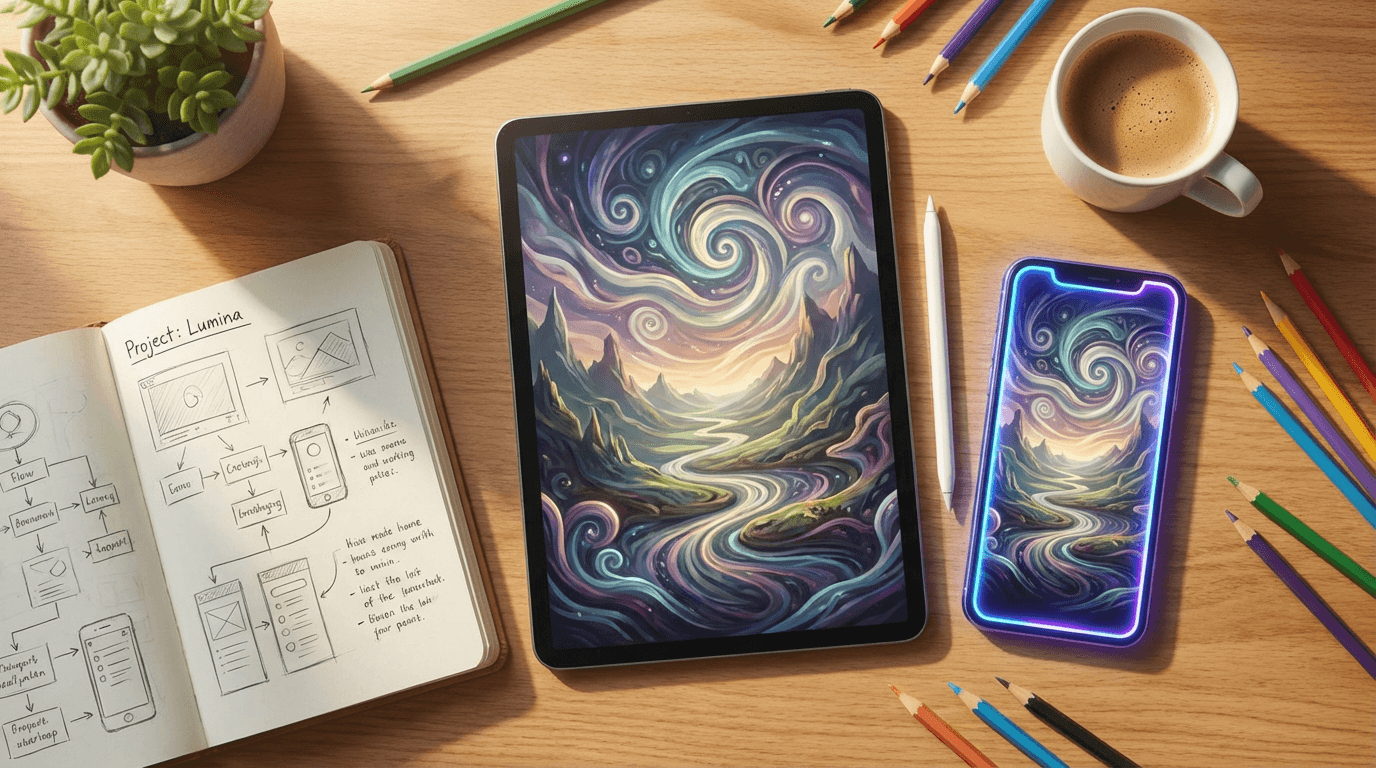
For image generation, the AI image generator lets you generate starting images using detailed prompts, edit specific regions through inpainting, and produce multiple variations until you have an image with the depth and composition that will animate well. You can also use image-to-image generation to take a reference image and transform its style while preserving the depth structure that makes it animation-ready.
For cinematic source footage that goes beyond still animation, the cinematic video generator produces original video clips that can be used as standalone Shorts or combined with Make Me Move animated segments for a mixed approach.
For audio, the music generator in Miraflow AI produces original tracks tuned to the mood and pacing of your content, which solves the audio-visual matching challenge that Make Me Move Shorts often face. You can generate music that is specifically atmospheric, specifically energetic, or specifically contemplative to match whatever animation you have produced.
The full workflow from concept to finished Short can run inside Miraflow AI for the production stages and then move into YouTube's Shorts creation interface for the Make Me Move animation step, with all source material already prepared.
Prompt Pack: Visual Prompts for Make Me Move Source Images by Format
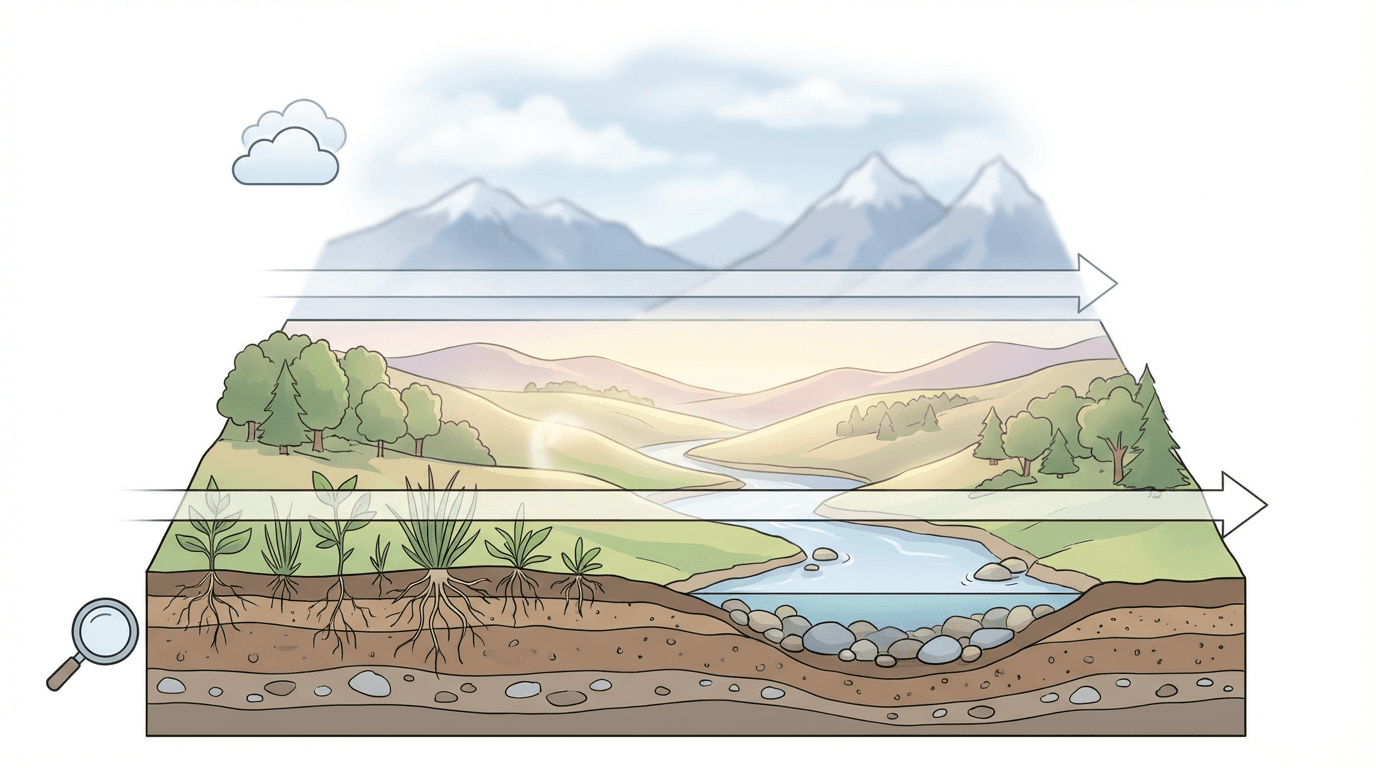
Here is a set of ready-to-use prompts organized by the content format they are designed to support.
History and documentary format
Prompt ancient stone city at twilight with torchlit streets and towering columns, layered architectural depth from detailed foreground steps to distant hazy skyline, painterly realism, warm amber atmospheric light, no people, no text no logos
Mental health and philosophy format
Prompt solitary figure standing at the edge of a mountain overlook facing a vast cloud-filled valley at sunrise, dramatic depth from sharp foreground rocks to soft glowing horizon, cinematic mood, backlighting, peaceful and contemplative atmosphere, no text no logos
Science and education format
Prompt cross-section illustration of a forest ecosystem showing underground roots in the foreground, tree trunks and undergrowth in the midground, and a sunlit canopy in the background, educational diagram aesthetic with photorealistic textures, rich depth layering, no text no labels
Motivation and personal development format
Prompt winding mountain road disappearing into morning mist, golden sunrise breaking over the peaks in the background, sharp foreground wildflowers in focus, cinematic wide aspect, rich warm color palette, no vehicles, no text no logos
Travel and geography format
Prompt elevated view of a coastal village with terracotta rooftops in the foreground, a turquoise harbor in the midground, and hazy hills rising in the background, warm Mediterranean afternoon light, layered depth, photorealistic, no text no logos no readable signage
Conclusion
Make Me Move is one of the more genuinely useful additions to the YouTube Shorts creation toolkit because it solves a real production problem rather than adding complexity for its own sake. The gap between a strong visual idea and a publishable Short used to require either video footage or animation expertise. The feature closes that gap in a way that opens the format to creators who work primarily in images, concepts, and ideas rather than video production.
The creators who will get the most from it are the ones who understand that the animation is a visual layer, not a content strategy. Pairing strong animated visuals with sharp hooks, well-structured scripts, and matched audio produces Shorts that stand out in the feed and earn the kind of genuine engagement that drives algorithmic distribution in 2026.
If you are building a Shorts channel that prioritizes visual quality and want to maintain publishing consistency without a full production setup, integrating Make Me Move into an AI-assisted workflow gives you a practical path to both. Generate your source images with strong depth and motion potential, animate them through the feature, layer editorial content on top, and build a content library that reflects genuine creative intent at every stage.
For a broader look at which AI-powered Shorts formats are producing the strongest results right now, AI Shorts formats that go viral in 2026 covers the full landscape of what is working across different creator categories and content styles.
FAQ
What is Make Me Move on YouTube Shorts? Make Me Move is a YouTube AI feature that animates a still image into a moving video clip for use as a Short. The AI generates natural motion based on the content of the image, creating fluid animation from a single frame without requiring any video footage or traditional animation skills.
How do I access Make Me Move on YouTube? Make Me Move is accessible within the YouTube Shorts creation interface on the mobile app. It appears as an AI enhancement option when you upload or generate a source image for your Short. The exact location within the interface may vary depending on your app version and region availability.
What kind of images work best with Make Me Move? Images with clear subjects, multiple depth layers, and natural motion elements such as water, foliage, clouds, fabric, or hair tend to animate best. Flat graphic designs, hard vector shapes, and heavily filtered images with lost depth information produce less convincing results.
Can I use AI-generated images with Make Me Move? Yes. AI-generated images work well with Make Me Move as long as they are built with depth layering and natural motion elements in mind. Prompting specifically for depth, atmospheric layers, and natural textures when generating source images improves animation quality significantly.
Does Make Me Move work for all content niches? It is broadly applicable across niches, but it is most powerful for content that benefits from atmospheric or cinematic visuals, such as history, travel, philosophy, nature, education, and motivation. Niches that depend on real human presence or product demonstration will need to integrate it alongside other content formats rather than using it exclusively.
How long can a Make Me Move animation be? The animation duration aligns with YouTube Shorts format, generally up to 60 seconds, though the animated clip length depends on how the feature generates and loops motion from your source image. Adding voiceover, text, and audio on top of the animation determines the final Short length.
Do I need to disclose that my Short uses AI animation? YouTube's disclosure requirements apply when AI is used to generate realistic content that could mislead viewers about real events or people. A clearly stylized or atmospheric AI animation typically does not require disclosure, but if the content deals with sensitive topics or could be mistaken for real footage, applying the disclosure toggle in the upload settings is the right approach.