YouTube Shorts SEO in 2026: How to Rank Shorts in Search

Written by
Jay Kim
Learn how to optimize YouTube Shorts for search in 2026. This guide covers titles, descriptions, keywords, thumbnails, and a repeatable workflow for ranking Shorts in YouTube search results.
Most creators treat YouTube Shorts like feed-only content. They post, hope the algorithm picks it up in the swipe feed, and move on. If the Short doesn't get pushed in the first 24 hours, they assume it failed.
That was a reasonable assumption in 2023 or 2024. It is not reasonable in 2026.
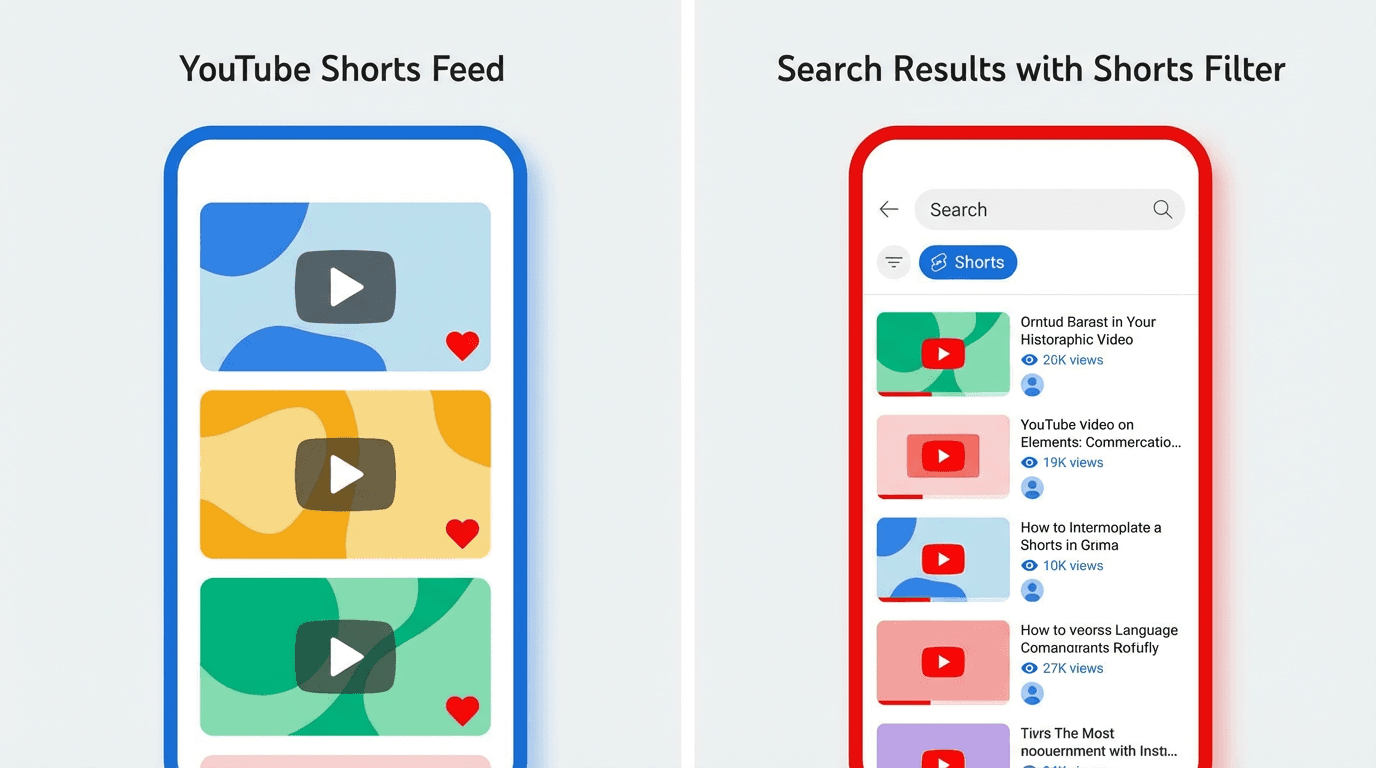
YouTube now has a dedicated Shorts filter in search results. Users can explicitly choose to see only Shorts when they search for a topic. That means your Shorts are no longer competing just inside the vertical swipe feed. They are competing in search, right alongside long-form videos, and sometimes winning.
If you are not optimizing your Shorts for search, you are leaving one of the biggest distribution channels on YouTube completely untouched.
This guide breaks down how YouTube Shorts SEO works in 2026, what signals actually influence search ranking for Shorts, how to write titles and descriptions that show up in results, and a repeatable workflow for creating Shorts that rank and stay discoverable for weeks or months after upload.
Why Shorts SEO Matters More in 2026 Than Ever Before
For most of YouTube's history, Shorts discovery happened almost entirely through the Shorts feed. The algorithm decided who saw your content based on viewer behavior signals like watch time, swipe-away rate, and engagement. Search was a long-form game.
That changed in January 2026 when YouTube rolled out new search filters that include a dedicated Shorts type. Users can now filter search results to show only Shorts, only long-form videos, or both. This update, covered in detail in our breakdown of the YouTube Shorts algorithm update from January 2026, fundamentally shifted how Shorts can be discovered.
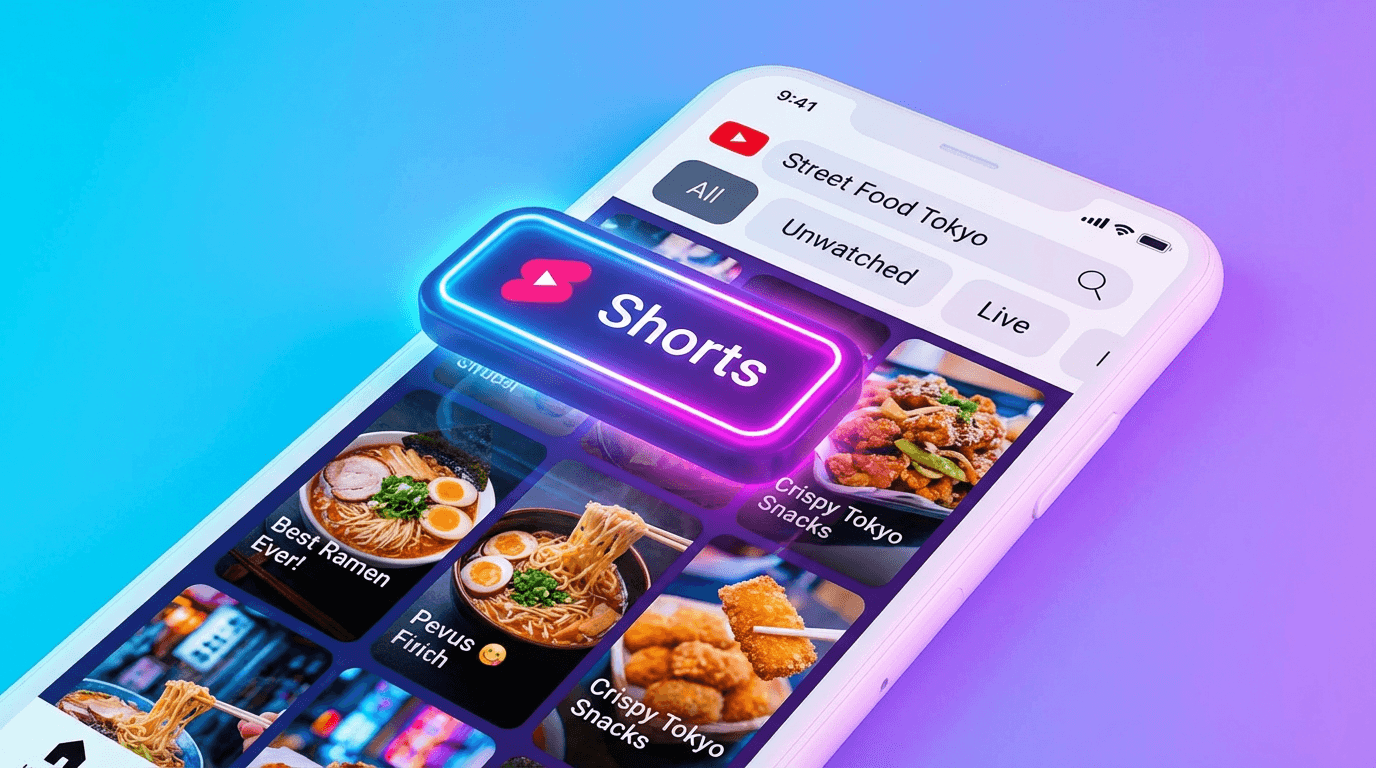
The practical impact is significant. A Short that answers a specific question or covers a searchable topic now has two separate distribution paths: the algorithmic feed and search. Feed distribution can be unpredictable and often spikes quickly then fades. Search distribution is slower but can deliver consistent views for weeks or months, similar to how evergreen long-form videos perform.
This means Shorts SEO is no longer optional for creators who want sustainable growth. It is a real, measurable channel that compounds over time.
How YouTube Search Works for Shorts in 2026
YouTube's search system evaluates Shorts using many of the same signals it uses for long-form content, but with adjustments that reflect how short-form videos are consumed.
The search algorithm considers relevance, engagement, and quality. Relevance is determined by how well your title, description, and spoken or on-screen content match what the user searched for. Engagement includes signals like click-through rate from search results, watch-through rate once someone starts watching, and post-view actions like likes, shares, and subscribes. Quality is assessed through broader patterns around your channel's authority on a topic and how satisfied viewers tend to be after watching your content.
For Shorts specifically, a few things work differently than long-form search. Thumbnails show up in search results but are not the primary visual in the Shorts feed itself, so your thumbnail needs to work as a search asset even if most of your Shorts feed views never see it. Watch-through rate carries extra weight because Shorts are short enough that most viewers should finish them if the content is relevant to their query. And because Shorts now appear in their own filtered search category, they compete primarily against other Shorts rather than against 20-minute deep dives on the same topic.
YouTube's own documentation and creator guidance confirm that Shorts are ranked in search based on relevance and engagement signals, the same core principles that govern long-form search but applied to the short-form format.
The Difference Between Feed Shorts and Search Shorts
Not every Short needs to be optimized for search. But understanding the difference between feed-first and search-first Shorts helps you decide where to invest your SEO effort.
Feed-first Shorts are designed to perform in the swipe feed. They rely on strong visual hooks, high retention, and algorithmic distribution to reach new viewers. Trending topics, reaction content, and entertainment-focused Shorts often fall into this category. Their shelf life is usually short. They spike, plateau, and fade within a few days.
Search-first Shorts are designed to answer a question or solve a problem that people actively search for. They use clear, keyword-aware titles and descriptions. They deliver specific value in a compact format. And they tend to accumulate views slowly but steadily over time, similar to how tutorial blog posts perform in Google.
The best strategy in 2026 is a mix of both. Use feed-first Shorts to grow reach and test ideas quickly. Use search-first Shorts to build a library of discoverable content that keeps working long after upload.
If you want to understand how the feed side of the algorithm evaluates your Shorts, our guide on how the YouTube Shorts algorithm responds to daily uploads covers that system in depth.
How to Find Keywords for YouTube Shorts
Keyword research for Shorts is simpler than for long-form videos because the content is shorter and more focused. You are not trying to rank for broad, competitive head terms. You are targeting specific, narrow queries that can be answered in 15 to 45 seconds.
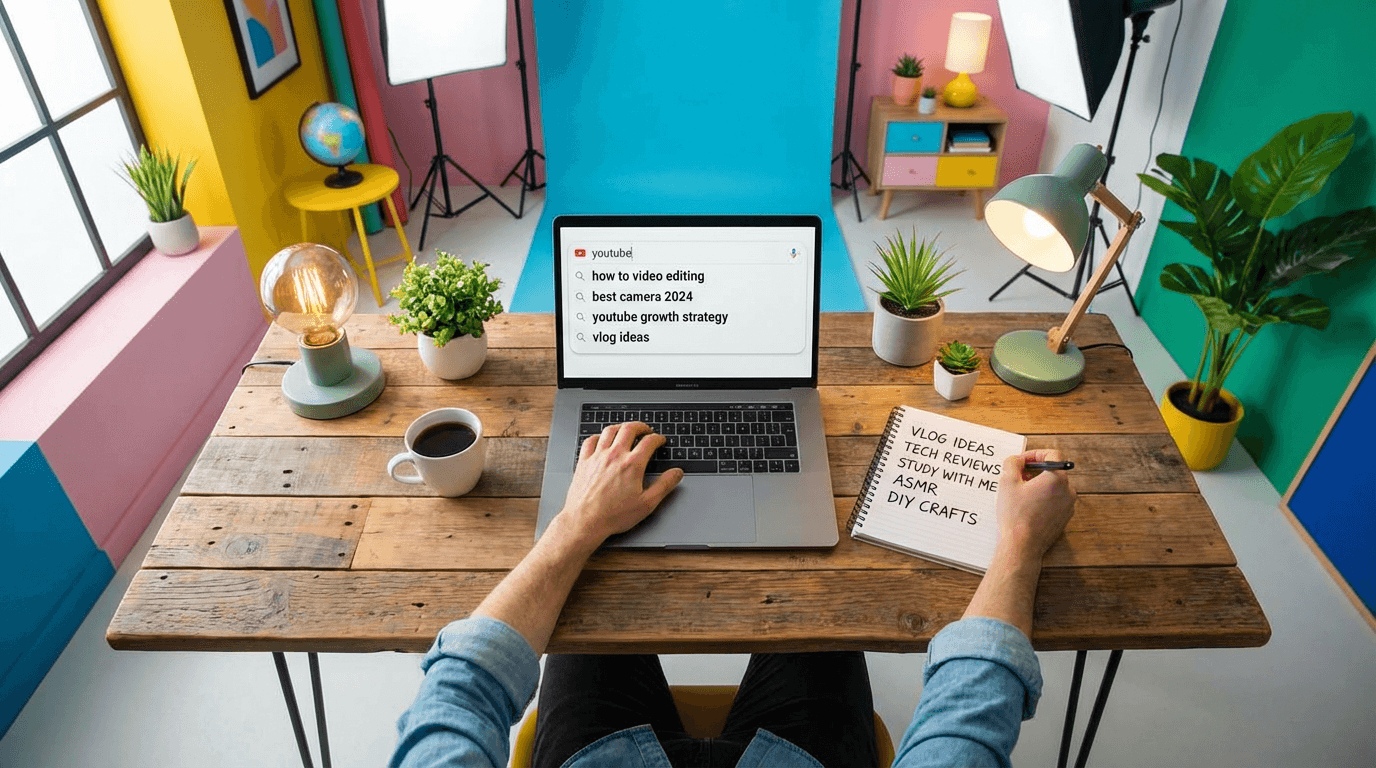
The easiest method is YouTube's own search suggest. Open YouTube, start typing a topic related to your niche, and look at the autocomplete suggestions. These suggestions are based on real search volume. If YouTube suggests it, people are searching for it.
Pay attention to suggestions that include question words like how, why, what, and when. These indicate informational intent, which is exactly the kind of query a Short can answer quickly.
Another method is checking the Shorts filter in search results for topics in your niche. Search for a keyword, tap the Shorts filter, and see what comes up. If the results are sparse or low quality, that is an opportunity. If the results are already packed with strong Shorts from established creators, you may need a more specific angle.
You can also mine your own analytics. Look at the search terms that already drive traffic to your channel in YouTube Studio. If any of those terms could be answered in a Short, create one. You already have signal that your channel is relevant for that query.
Google Trends is useful for identifying whether a topic is growing or declining. For time-sensitive keywords like those containing 2026, Google Trends helps you confirm that search interest exists and is active.
Title Optimization for Shorts SEO
Your title is the single most important metadata element for Shorts search ranking. It tells YouTube what your Short is about and helps the system match it to relevant queries.
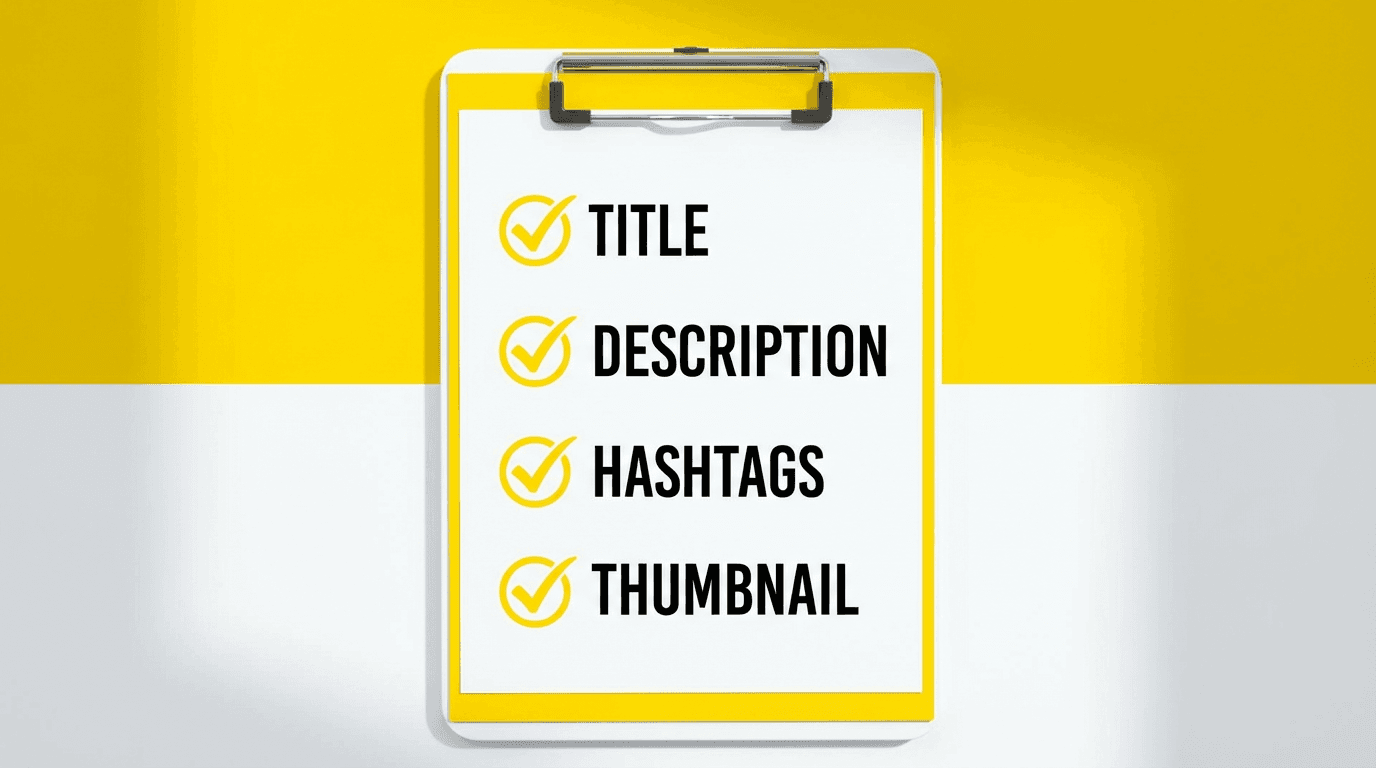
The best Shorts titles for search follow a few consistent patterns. They include the primary keyword early in the title, ideally within the first five to seven words. They are specific enough that a viewer knows exactly what they will learn or see. And they are short enough to display fully on mobile, which means roughly 40 to 60 characters.
Strong search-optimized Shorts titles look like this:
How to Remove Background in YouTube Shorts
3 YouTube Shorts Hooks That Stop the Scroll
YouTube Shorts SEO: How to Rank in Search 2026
Best Length for YouTube Shorts in 2026
Weak titles that hurt search performance look like this:
This Changed Everything
You Need to See This
My Secret Trick
The weak titles contain no keywords, no topic signal, and no reason for a searcher to click. They might work in the feed where the visual hook does the heavy lifting, but they are invisible in search.
For a deeper dive into title strategy with copy-paste templates, check our guide on YouTube Shorts titles and descriptions in 2026.
Description and Hashtag Strategy for Search
Descriptions are underrated for Shorts SEO. Many creators leave the description blank or write a single emoji. That is a missed opportunity.
YouTube reads your description to understand context, topic, and relevance. A description does not need to be long. Two to four sentences that naturally include your target keyword and related terms are enough. The goal is to give YouTube additional text signals that confirm what the Short is about.
A good Shorts description structure:
One sentence that restates the main topic or question the Short answers. One sentence that adds context or mentions a related subtopic. One sentence with a light call to action or pointer to related content.
Example:
Here is how to optimize YouTube Shorts for search in 2026. This covers titles, descriptions, and the new Shorts search filter that changed discovery. More Shorts SEO tips on my channel.
Hashtags still serve a categorization role for Shorts. Use two to four relevant hashtags. Always include #Shorts or #YouTubeShorts plus one or two niche-specific tags. Avoid walls of 15 or 20 hashtags. YouTube uses hashtags as topic signals, not ranking boosters. More is not better.
Misleading hashtags or descriptions can trigger negative feedback signals. YouTube tracks whether viewers who clicked from search actually watched the Short and found it relevant. If your metadata promises one thing and the Short delivers something else, the algorithm learns to stop showing it. This aligns with the broader feedback changes YouTube introduced in early 2026, where dislike and not interested signals were consolidated to give viewers a clearer way to tell the system when content does not match expectations.
Spoken Words and On-Screen Text as SEO Signals
YouTube's content analysis systems do not rely only on your title and description. They also analyze what is said in the video and what text appears on screen.
This matters for Shorts SEO because it means your spoken content and captions are effectively additional keyword signals. If your title says "How to Fix YouTube Shorts Audio" and you also say those words in the first five seconds of the Short, YouTube has stronger confidence that your content matches that query.
On-screen text works similarly. Bold captions or text overlays that include your target keyword reinforce the topic signal. This is one reason why Shorts with burned-in captions tend to perform better in search. They give YouTube more data to work with when classifying the content.
The practical takeaway is straightforward. Say your keyword or topic clearly in the first few seconds of the Short. Use on-screen text that matches the topic. And make sure your captions are accurate if you use auto-generated subtitles. Mismatched captions can confuse the classification system.
This ties directly into why the first 3 seconds of YouTube Shorts matter so much. The opening seconds are not just about retention. They are also where YouTube captures the strongest content signals for search classification.
Thumbnail Strategy for Shorts in Search
In the Shorts swipe feed, viewers see the video itself, not a thumbnail. But in search results, on your channel page, and in suggested carousels, the thumbnail is what people see before they decide to click.
This makes thumbnails a critical SEO asset for search-optimized Shorts. A clean, readable thumbnail with a clear subject and minimal text can significantly improve click-through rate from search, which in turn improves your ranking for that query.
Design principles for search-friendly Shorts thumbnails:
One clear subject that communicates the topic visually. High contrast and bold colors that stand out at small sizes on mobile. Three to four words of text maximum if you use text at all. No clutter, no tiny details, no busy backgrounds.
Because Shorts thumbnails are 16:9 format (even though the video is 9:16), you need to design with that landscape crop in mind. Keep key elements centered and make sure nothing important gets cut off at the edges.
If you want a full breakdown of how to approach Shorts thumbnails, including when they matter and when you can skip the extra effort, our YouTube Shorts thumbnail strategy guide covers everything.
You can also generate search-optimized thumbnails quickly using Miraflow AI's YouTube Thumbnail Maker, which lets you enter a prompt, optionally upload a reference image, add text, and generate a clean thumbnail in seconds.
Content Structure That Ranks: How to Build a Search-Optimized Short
The actual content of your Short matters more than any metadata trick. A perfectly optimized title will not save a Short that does not deliver what the searcher wanted.
Search-optimized Shorts follow a simple structure:
State the topic or question immediately in the first one to three seconds. Deliver the answer or value in the middle section. End with a clear conclusion, payoff, or call to action.
This structure works for search because it aligns viewer intent with content delivery. Someone who searched "how to add captions to YouTube Shorts" wants the answer fast. If your Short opens with the answer and walks through the steps cleanly, the viewer watches to the end, which sends strong satisfaction signals back to the algorithm.
The ideal length for search-optimized Shorts depends on the complexity of the topic. Simple answers work well at 15 to 25 seconds. Tutorials with two to three steps fit naturally in 25 to 40 seconds. More detailed explanations can go up to 45 to 60 seconds if the pacing stays tight.
Our guide on how long YouTube Shorts should be in 2026 breaks down recommended durations by content type, which is directly relevant when deciding how long your search-optimized Shorts should run.
15 Searchable YouTube Shorts Topic Formats That Rank Well
Certain types of Shorts are naturally better suited for search than others. Here are formats that consistently appear in Shorts search results across many niches.
How to [do X] in [Y] seconds. This is the most common search-friendly Short format. The title signals exactly what the viewer will learn, and the Short delivers it quickly.
What is [concept or tool]. Definitional Shorts that explain a term or idea in under 30 seconds rank well because the query is specific and the answer is compact.
[X] vs [Y] which is better. Comparison Shorts attract searches from people deciding between two options. Keep the comparison focused and give a clear recommendation at the end.
Best [tool or setting] for [task]. Recommendation Shorts target buying intent or decision-making queries. They tend to rank well and attract viewers who are more likely to subscribe or click through to longer content.
[Number] tips for [topic]. Listicle-style Shorts perform well in both feed and search. The number in the title sets expectations and the tips provide clear value.
Fix [common problem] in [X] seconds. Problem-solution Shorts target high-intent queries from people actively looking for help.
[Tool or feature] tutorial in 30 seconds. Micro-tutorials for specific software features or settings are highly searchable and evergreen.
Why [something] happens and how to fix it. Diagnostic Shorts that explain a problem and offer a solution rank for both the problem query and the solution query.
[Year] update: what changed about [topic]. Time-stamped update Shorts rank for queries that include the current year, which is a growing search pattern.
Beginner guide to [topic] in 60 seconds. Overview Shorts that cover the basics of a topic attract new learners who often search with beginner-level queries.
[Myth] debunked in 30 seconds. Myth-busting Shorts attract curiosity clicks and rank for queries that contain common misconceptions.
Before and after [process or tool]. Transformation Shorts are visually compelling and rank for queries where people want to see results.
One setting that changes [outcome]. Single-tip Shorts with a specific promise rank well because the title matches a very focused query.
[Topic] explained simply. Simplification Shorts target queries from people who tried to understand something elsewhere and could not. Clean, fast explanations win.
Do this instead of [common mistake]. Correction Shorts rank for queries where people search for the wrong approach and discover the right one through your content.
These formats work across virtually any niche. The key is matching the format to a query that people actually search for. For more format ideas that work across platforms, our roundup of 10 AI Shorts formats that actually go viral in 2026 includes templates you can adapt for search-optimized content.
How to Track Whether Your Shorts Are Ranking in Search
Publishing search-optimized Shorts is only half the process. You also need to track whether they are actually showing up in search results and attracting clicks.
YouTube Studio provides the data you need. Go to the analytics for any individual Short and check the traffic sources report. If YouTube Search appears as a meaningful traffic source, your Short is ranking for at least some queries. If the traffic is coming almost entirely from Shorts feed, your SEO efforts have not taken hold yet.
For Shorts that do get search traffic, look at the specific search terms that drove views. YouTube Studio shows you which queries led viewers to your Short. This data is incredibly valuable because it tells you exactly what language your audience uses when searching, which you can use to optimize future titles and descriptions.
Compare the performance of your search-optimized Shorts against your feed-first Shorts over a 30-day window. Feed-first Shorts typically spike in the first 48 hours and then decline. Search-optimized Shorts may start slower but maintain a steady trickle of views over weeks. If you see that pattern, your SEO strategy is working.
For a broader look at how to read your Shorts analytics and understand what the graphs are telling you, check our guide on how to read YouTube Shorts analytics in 2026.
Common YouTube Shorts SEO Mistakes
Several common mistakes prevent Shorts from ranking in search even when the content is good.
The first mistake is using vague or clever titles instead of descriptive ones. Titles like "This blew my mind" or "Game changer" contain no keywords and give YouTube zero information about the topic. Search requires clarity, not mystery.
The second mistake is leaving the description empty. A blank description means YouTube has fewer text signals to work with when deciding what your Short is about. Even two sentences make a meaningful difference.
The third mistake is not saying the topic out loud in the Short. If your title targets a keyword but you never mention that keyword in the video itself, the content signal is weaker. YouTube cross-references spoken content with metadata.
The fourth mistake is targeting keywords that are too broad. Trying to rank a Short for "YouTube" or "AI" is unrealistic. Target specific, long-tail queries like "how to add music to YouTube Shorts" or "best AI tools for thumbnails in 2026" where a focused Short can actually compete.
The fifth mistake is ignoring the thumbnail for search-targeted Shorts. In the feed, your thumbnail is less important. In search, it is the first thing a viewer sees. A weak or auto-generated thumbnail reduces click-through rate, which reduces ranking.
Many of these mistakes overlap with the reasons videos get zero views in general. Our diagnostic guide on why videos get 0 views walks through the broader distribution issues that affect both feed and search performance.
A Repeatable Workflow for Search-Optimized Shorts
The most effective way to build a library of search-ranking Shorts is to follow a consistent workflow instead of optimizing randomly.
Start by identifying five to ten searchable topics in your niche each week. Use YouTube search suggest, your own analytics, and Google Trends to find queries with real search volume.
For each topic, write a clear, keyword-focused title before you create the Short. The title should read like a search result that someone would want to click. If the title does not make the topic obvious, rewrite it.
Script the Short with the keyword or topic mentioned in the first three seconds. Structure the content as: state the question, deliver the answer, close with a takeaway or call to action.
Create the Short in vertical 9:16 format with burned-in captions. Make sure on-screen text reinforces the topic.
Write a two to four sentence description that includes the keyword naturally. Add two to four relevant hashtags.
Design or select a clean thumbnail that communicates the topic visually, especially if this Short targets an evergreen query.
After publishing, check analytics at 48 hours and again at 7 days. Look at traffic sources. If search traffic appears, the SEO is working. If not, review whether the title, description, and content alignment could be tighter.
For creators who want to produce search-optimized Shorts at volume without spending hours scripting each one, AI workflows can handle much of the heavy lifting. Miraflow AI's Text2Shorts lets you enter a topic, automatically generates a structured script with a hook, core content, and conclusion, and produces a complete vertical Short with visuals and narration. You can generate multiple Shorts from different search-focused topics in the time it would normally take to script one manually.
How Search-Optimized Shorts Feed Your Broader Channel Growth
Search-optimized Shorts do not just bring in views. They serve as entry points to your entire channel.
When someone finds your Short through search and watches it to the end, YouTube learns that your channel is relevant for that topic cluster. Over time, this builds topical authority, which makes it easier for your other Shorts and long-form videos to rank for related queries.
Search-optimized Shorts also tend to attract higher-quality viewers. Someone who searched for a specific topic and found your Short is more likely to subscribe, watch another video, or click through to a longer piece of content than someone who passively swiped past your Short in the feed. This is why search traffic often converts better for subscriber growth and session time.
The ideal setup is to pair search-optimized Shorts with related long-form content. A Short that answers "How to fix low CTR on YouTube thumbnails in 30 seconds" can point viewers toward a 15-minute deep dive on the same topic. The Short handles discovery, and the long-form video handles depth, trust, and monetization.
This approach is part of the YouTube Shorts best practices for 2026 that we cover in detail, including how to connect Shorts traffic to long-form content and build sustainable channel growth.
YouTube Shorts SEO Checklist for 2026
Use this checklist every time you publish a search-targeted Short:
Title includes the primary keyword within the first seven words. Title is 40 to 60 characters and reads like a search result someone would click. Description is two to four sentences and includes the keyword naturally. Two to four relevant hashtags are included. The keyword or topic is spoken aloud in the first three seconds of the Short. On-screen text or captions reinforce the topic. The Short delivers what the title promises within the first 10 seconds. A clean, topic-relevant thumbnail is set. The Short is vertical 9:16 with no black bars. Content length matches the complexity of the topic, not padded or rushed.
Conclusion
YouTube Shorts SEO in 2026 is a real, functional distribution channel that most creators are still ignoring. The introduction of dedicated Shorts search filters means your Shorts can now be discovered by people actively looking for the exact topic you cover. That is fundamentally different from hoping the algorithm picks your Short up in the feed.
The creators who benefit most from this shift are the ones who treat some of their Shorts like search assets. Clear titles, keyword-aware descriptions, spoken topic mentions in the first few seconds, and clean thumbnails all contribute to search visibility. None of these optimizations are difficult. They just require intentionality.
Build a mix of feed-first Shorts for reach and search-first Shorts for durability. Use your analytics to track which Shorts are pulling search traffic and double down on those topics. And if production speed is the bottleneck, tools like Miraflow AI can help you generate scripts, visuals, and thumbnails fast enough to publish search-optimized Shorts consistently without burning out.
Search traffic compounds. Every search-optimized Short you publish is another entry point that can keep bringing viewers to your channel for weeks or months. Start building that library now, and by the end of 2026, you will have a search presence that most Shorts-only creators never develop.