How to Go Viral on YouTube Shorts in 2026

Written by
Jay Kim
Learn how to go viral on YouTube Shorts in 2026. This guide covers the algorithm, proven formats, AI creation tools, and daily strategies that actually work.
Most YouTube Shorts never break 500 views. Creators post every day, follow trending sounds, copy popular formats, and still get stuck at zero traction. The feed moves fast, the algorithm is selective, and standing out feels nearly impossible.
But virality on Shorts is not random. Creators who consistently get 100K, 500K, or millions of views on their Shorts are following specific patterns. Those patterns involve how the first few seconds are structured, what format the Short uses, how long it is, what the thumbnail looks like, and how quickly new content is produced.
This guide breaks down exactly how to go viral on YouTube Shorts in 2026. Every strategy here is based on how the algorithm currently works, what formats are performing well, and how creators are using AI tools to produce Shorts faster without sacrificing quality.
Whether you film everything yourself or create faceless content with AI, this is the playbook.
What "Going Viral" Actually Means on Shorts in 2026
Before diving into tactics, it helps to define what viral means in the context of YouTube Shorts.
A viral Short is not just one that gets a lot of views. It is a Short that the algorithm actively pushes to new audiences because it consistently passes performance thresholds. Those thresholds are based on signals like swipe-away rate, watch-through rate, engagement (likes, comments, shares), and whether the Short leads to more watch time on the platform.
In 2026, a Short that gets 50K to 100K views in 48 hours is performing well above average. One that crosses 500K or 1M views within a week is genuinely viral. But the mechanics that get a Short there are the same whether the goal is 50K or 5M. The algorithm rewards the same behaviors at every scale.
The key insight is this: YouTube does not decide whether your Short goes viral. Viewers do. The algorithm just watches how viewers respond and amplifies accordingly.
How the YouTube Shorts Algorithm Works in 2026
The Shorts algorithm has evolved significantly. In early YouTube Shorts, the system was simpler and more unpredictable. In 2026, the algorithm is more refined and rewards specific creator behaviors more consistently.
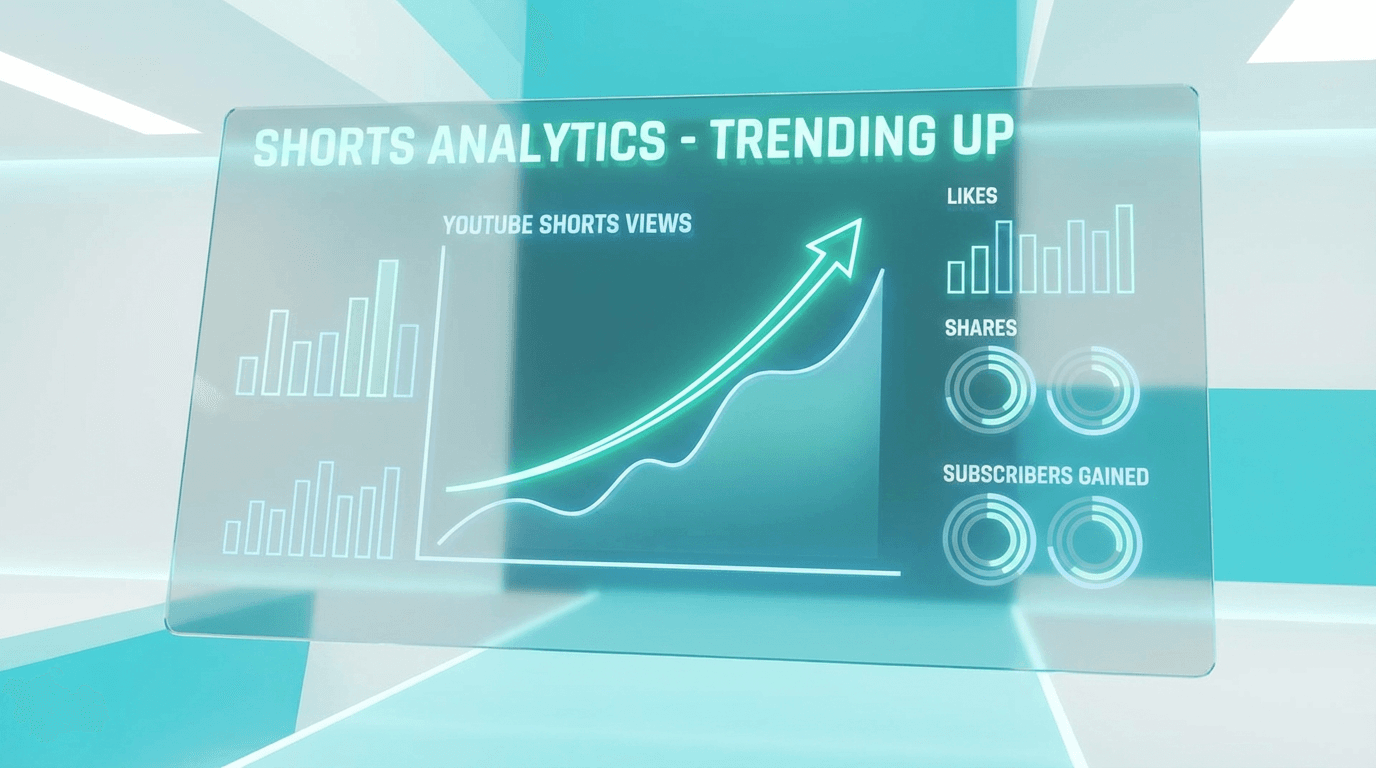
Here is what matters most.
The algorithm evaluates every Short based on early viewer signals. When a Short is first shown to a small test audience, the system watches how people react. If viewers watch most or all of the Short, engage with it, and do not swipe away quickly, YouTube expands distribution. If viewers swipe away in the first second or two, the Short gets buried.
This is why the first 3 seconds of a YouTube Short matter more than almost anything else. The algorithm does not care how good the ending is if nobody stays long enough to see it.
YouTube also factors in session time. Shorts that lead viewers to watch more content on the platform get a distribution boost. This means Shorts that hook viewers into watching more of your content or simply keep them scrolling within the Shorts feed are rewarded.
The January 2026 algorithm update introduced new search filters and sorting options for Shorts, which means discoverability through search is now more important than it was a year ago. Titles, descriptions, and metadata matter more than they used to.
The First 3 Seconds: Where Virality Is Won or Lost
Every viral Short has one thing in common. It earns attention immediately.
The Shorts feed is a swipe environment. Viewers decide in under two seconds whether to keep watching or move on. If your Short starts with a slow intro, a logo, or a vague setup, most people will never see your actual content.

Effective opening strategies include starting with a bold visual, an unexpected statement, a question that creates curiosity, or movement that draws the eye. The goal is not to explain the video. The goal is to make the viewer pause and stay.
Here are opening patterns that consistently perform well in 2026:
- Pattern interrupt. Start with something visually unexpected. A strange image, a sudden zoom, a dramatic color shift. Anything that breaks the scroll pattern.
- Direct question. Open with a question the viewer wants answered. "Did you know YouTube actually pays more for Shorts now?" The viewer stays to find out.
- Mid-action start. Begin the Short in the middle of the action instead of building up to it. If the Short is about a recipe, start with the food sizzling, not with the ingredients laid out on a counter.
- Text hook. A bold text overlay in the first frame that communicates the value of the Short instantly. "3 things YouTube changed this month" appearing before any narration starts.
For a deeper breakdown of opening techniques, see the full guide on why the first 3 seconds of YouTube Shorts matter.
7 Shorts Formats That Go Viral in 2026
Not all Shorts formats perform equally. Some structures are inherently more shareable, more rewatchable, and more likely to hold attention. In 2026, these are the formats that consistently go viral.
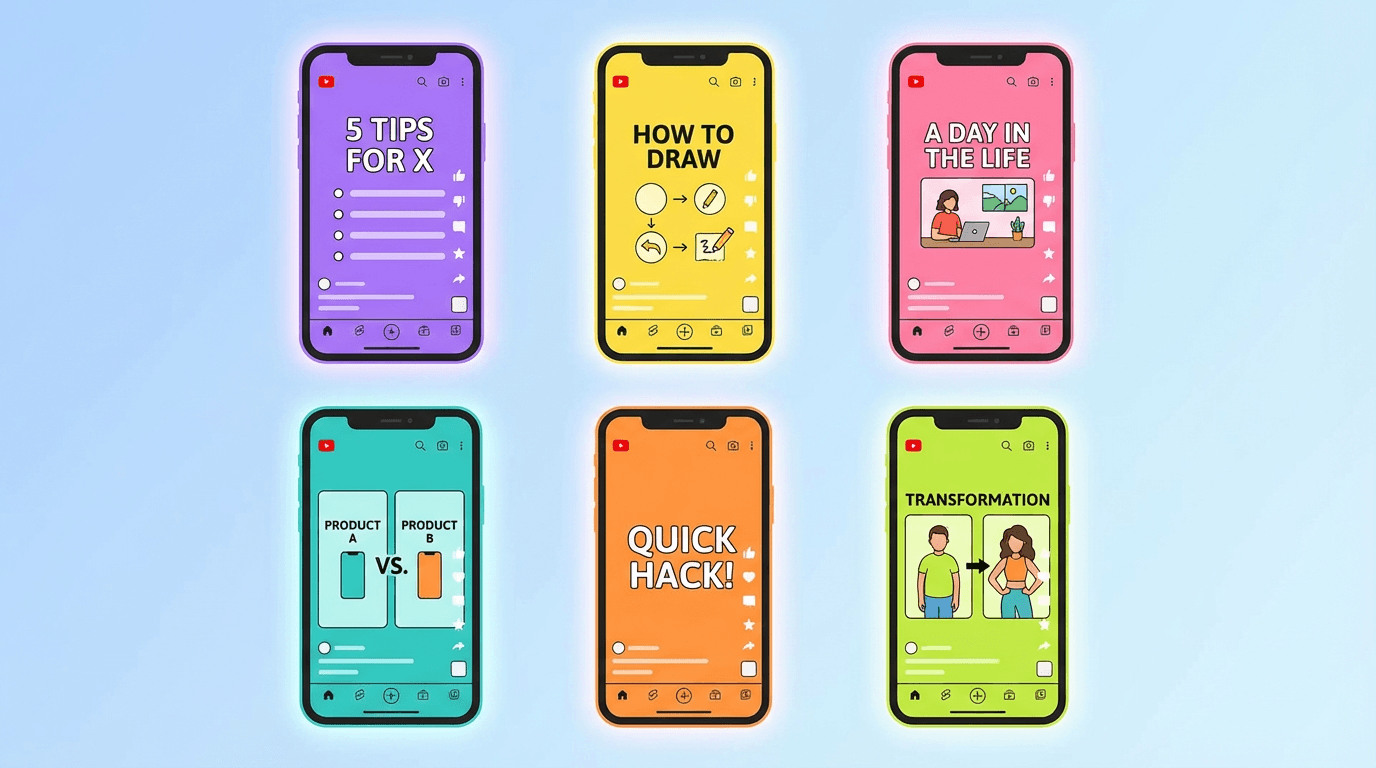
1. The listicle Short. A countdown or ranked list delivered quickly. "5 apps nobody talks about" or "3 AI tools that replaced my editor." Each item gets 5 to 10 seconds. The pacing keeps viewers watching to see the next item.
2. The before and after. A dramatic transformation shown side by side or in sequence. This works for fitness, design, editing, cooking, fashion, and AI-generated content.
3. The unexpected fact. A single surprising piece of information delivered with strong visuals. "This country has no capital city" paired with a map animation.
4. The tutorial in under 60 seconds. A complete how-to compressed into a tight format. Viewers save and share these, which boosts engagement signals.
5. The storytelling Short. A mini narrative with a beginning, tension, and resolution. This works especially well for faceless channels using AI visuals or animation.
6. The reaction or comparison. Showing two things side by side and reacting to the difference. "Free version vs paid version" or "beginner vs expert."
7. The trend remix. Taking a trending format and adding a unique twist. The base trend provides familiarity, and the twist provides novelty. Both are needed for virality.
For a more detailed breakdown with examples of each format, check out the guide on AI Shorts formats that go viral in 2026.
How Long Should a Viral Short Be
Length matters more than most creators realize.
YouTube Shorts can be up to 3 minutes long in 2026, but longer does not mean better. The ideal length depends on the format and how well you can hold attention.
For most viral Shorts, the sweet spot is between 30 and 60 seconds. This gives enough time to deliver value without losing viewers. Shorts under 15 seconds can go viral but are harder to monetize because the watch time is too short to generate meaningful revenue.
Shorts over 90 seconds tend to have higher swipe-away rates unless the content is genuinely compelling throughout. The longer the Short, the more each second needs to earn its place.
The rule of thumb is simple. Make the Short exactly as long as the content requires and not a second longer. If the idea fits in 25 seconds, do not stretch it to 60. If it needs 50 seconds, do not cut it to 30.
For a data-informed guide on length strategy, see how long YouTube Shorts should be in 2026.
Thumbnails Still Matter for Shorts
YouTube now shows custom thumbnails for Shorts in more placements than before. When Shorts appear in search results, on channel pages, and in suggested feeds, the thumbnail is what viewers see before deciding to click.
A strong Shorts thumbnail follows the same principles as a long-form video thumbnail. It should be visually clear at small sizes, use high contrast, include a recognizable subject or focal point, and communicate the topic instantly.
In 2026, many creators are generating thumbnails with AI to move faster and test more variations. Instead of designing each thumbnail manually, they describe the visual concept and generate multiple options in seconds. This makes it easier to A/B test and find what actually gets clicks.
If you want to explore this workflow, the guide on YouTube Shorts thumbnail strategy in 2026 covers the full approach.
Creators using Miraflow AI's YouTube Thumbnail Maker can generate thumbnails by entering a prompt, uploading a reference image, and adding thumbnail text. There are also pre-built templates designed specifically for Shorts thumbnails in 9:16 format.
Titles and Descriptions That Help Shorts Get Discovered
With the 2026 algorithm changes, Shorts are now more discoverable through YouTube search. That means titles and descriptions carry more weight than they did a year ago.
A strong Shorts title should be concise, include the primary keyword naturally, and create enough curiosity to earn a click. Avoid clickbait that does not deliver. YouTube tracks whether viewers watch through or swipe away, and misleading titles lead to poor retention signals.
Descriptions should include relevant keywords, a brief summary of the Short, and any relevant hashtags. The description does not need to be long, but it should be intentional.
For ready-to-use templates, see the full guide on YouTube Shorts titles and descriptions in 2026.
Why Posting Daily Changes Everything
Volume is one of the most underrated factors in going viral on Shorts. Creators who post daily give the algorithm more content to test, more opportunities to find an audience, and more data to learn from.
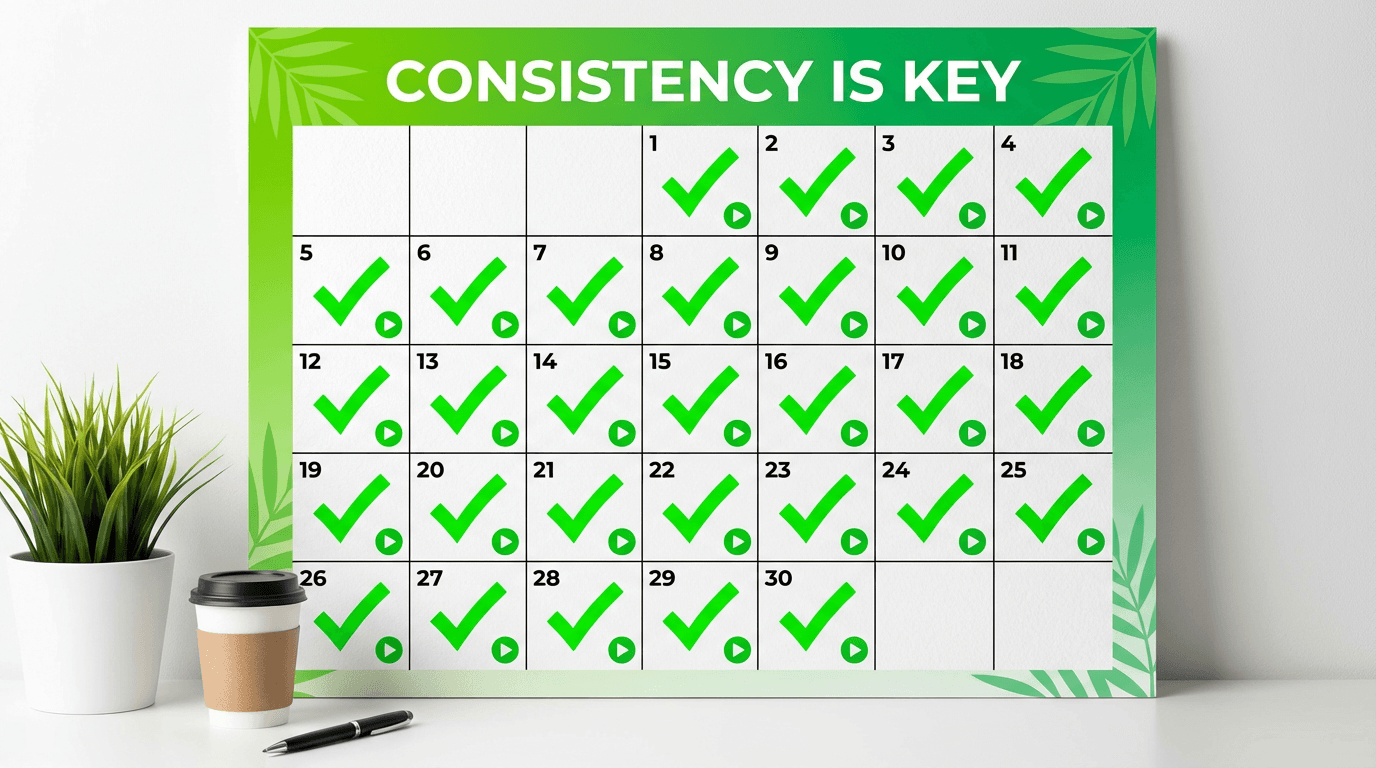
This does not mean every Short needs to be perfect. The goal of daily posting is to increase the number of chances the algorithm has to push your content. One out of every 10 or 20 Shorts might take off. If you post once a week, that viral moment might come in 5 months. If you post daily, it might come in 2 weeks.
Daily posting also trains the algorithm to recognize your channel as active, which can improve how quickly new uploads are distributed to test audiences.
The full breakdown of how the algorithm responds to daily uploads is covered in how YouTube Shorts algorithm responds to daily uploads.
The biggest challenge with daily posting is production speed. This is where AI tools become practical. Instead of filming, editing, and producing every Short manually, creators can use prompt-based workflows to generate Shorts from ideas directly.
How to Create Viral Shorts with AI
Creating Shorts manually works, but it is slow. For creators who want to post daily or test multiple ideas quickly, AI-powered creation tools make that possible.
The workflow looks like this. You start with a topic or idea. The AI generates a script, creates matching visuals for each scene, and combines everything into a vertical video with narration and pacing built in. You review the result, adjust if needed, and publish.
This is exactly how Text2Shorts works on Miraflow AI. You enter a topic, choose between animation or realistic visuals, select a voice, and generate a complete Short. The system handles script structure, scene visuals, pacing, and narration automatically.
For creators who want more control, there is also a step-by-step mode where you can edit the script before visuals are generated, adjust individual scene descriptions, and fine-tune the voice and speed settings.
This approach is especially useful for faceless channels, educational content, storytelling formats, and any niche where visual quality matters but filming is not practical.
For cinematic clips that can be used inside Shorts, the Cinematic Video Generator on Miraflow AI lets you create 8-second hyper-realistic clips from text prompts. These clips can be combined into longer Shorts or used as standalone content.
10 Viral Short Ideas You Can Create Today
Here are 10 Short concepts that are performing well in 2026. Each one includes the format, a description, and a visual prompt you can use to generate the thumbnail or scene visuals.
1. "3 AI tools that replaced my entire workflow"
Format: Listicle. Show each tool with a quick visual and one-sentence explanation.
Thumbnail prompt:
creator sitting at a futuristic desk with three glowing holographic screens, each showing a different AI tool interface, bright studio lighting, vibrant teal and orange color palette, clean composition
2. "What happens when you post YouTube Shorts every day for 30 days"
Format: Storytelling. Walk through the journey with real or illustrated data points.
Thumbnail prompt:
split composition showing day 1 with a small audience on the left and day 30 with a massive crowd on the right, calendar in the center, bright gradient background, energetic and motivational visual style
3. "This one mistake kills most YouTube Shorts"
Format: Educational. Open with the mistake, explain why it matters, and show the fix.
Thumbnail prompt:
a person looking shocked at a phone screen showing zero views, red warning icons floating around, bright yellow background, dramatic lighting, clean and bold composition
4. "How I made my first dollar from YouTube Shorts"
Format: Personal story. Quick timeline from first upload to first payment.
Thumbnail prompt:
a hand holding a single glowing coin above a phone playing a YouTube Short, bright celebratory background with confetti particles, warm golden lighting, clean and focused framing
5. "Free vs paid AI video tools, honest comparison"
Format: Comparison. Show both side by side with quick judgments.
Thumbnail prompt:
two laptops side by side on a clean desk, one labeled free with simple visuals and one labeled pro with cinematic visuals, bright split background in blue and gold, sharp product photography style
6. "5 hooks that stop the scroll every time"
Format: Listicle. Demonstrate each hook with a quick example.
Thumbnail prompt:
a giant fishhook catching a glowing phone from a stream of scrolling content, vibrant neon background, dynamic composition, bright and eye-catching visual style
7. "I let AI write my YouTube script and this happened"
Format: Experiment. Show the process and the result.
Thumbnail prompt:
a robot hand typing on a keyboard with a video script appearing on screen, surprised human watching from the side, bright purple and white background, clean futuristic studio setting
8. "YouTube Shorts algorithm explained in 45 seconds"
Format: Educational. Fast-paced visual explainer.
Thumbnail prompt:
a glowing algorithm flowchart floating above a phone playing YouTube Shorts, bright teal background with soft particle effects, clean infographic style, modern and minimal composition
9. "POV you finally go viral on YouTube"
Format: Storytelling or humor. Show the moment analytics explode.
Thumbnail prompt:
a phone screen showing a YouTube analytics graph shooting upward like a rocket, bright explosion of light behind it, vibrant orange and pink background, celebratory and energetic mood
10. "The easiest way to make YouTube Shorts without filming"
Format: Tutorial. Walk through a prompt-to-video workflow step by step.
Thumbnail prompt:
a laptop screen showing a text prompt transforming into a vertical video, glowing transition effect between text and video, bright clean workspace background, modern creator setup
The Creator Stack for Viral Shorts in 2026
Creators who consistently go viral on Shorts are not doing everything manually. They are building what is sometimes called a creator stack, a set of tools that handle different parts of the production pipeline so the creator can focus on ideas and strategy.
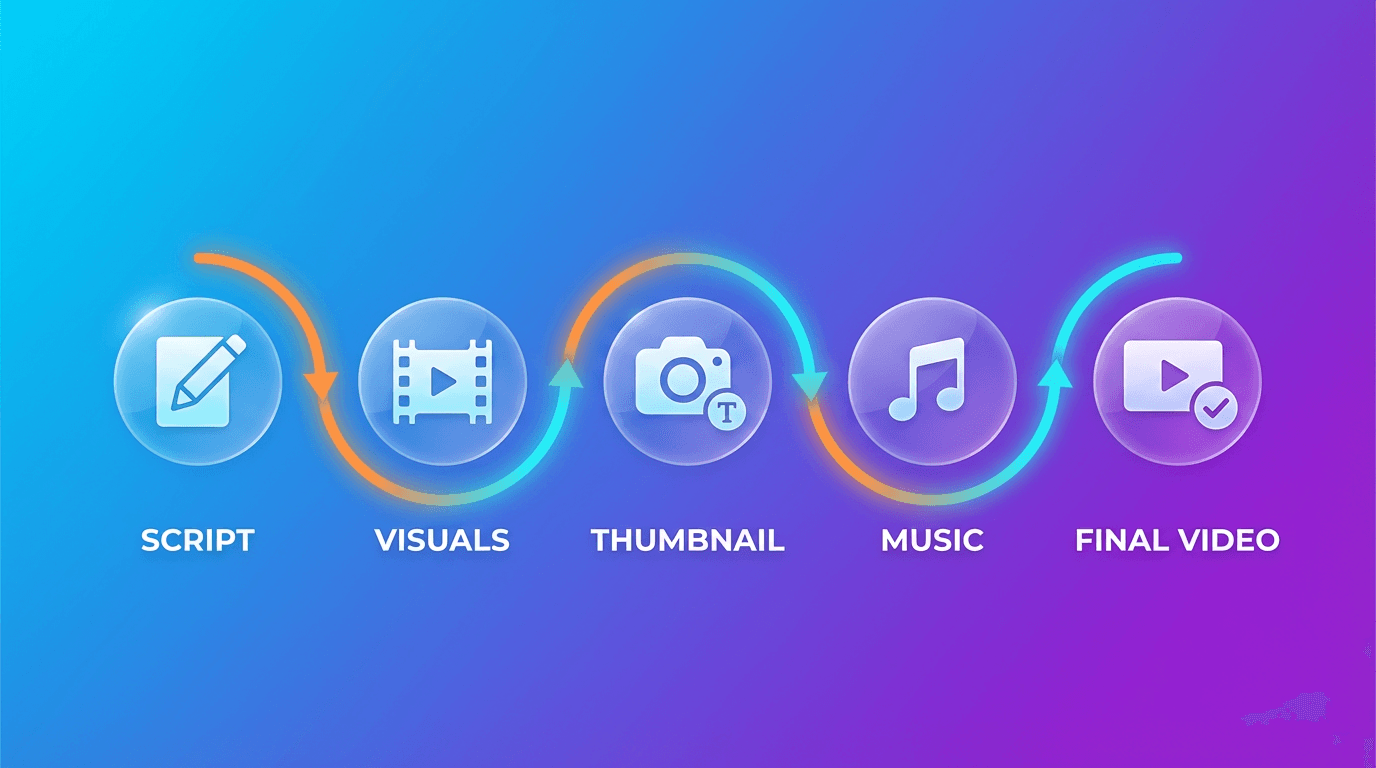
A typical 2026 creator stack for Shorts includes a tool for generating scripts, a tool for creating visuals, a tool for producing thumbnails, and a tool for background music. Ideally, these tools work together or exist on the same platform so the workflow stays fast.
Miraflow AI covers most of this pipeline in one place. Creators can generate Shorts with Text2Shorts, create thumbnails with the YouTube Thumbnail Maker, produce cinematic clips with the Cinematic Video Generator, generate visuals with the AI Image Generator, and create background music with the AI Music Generator. Everything runs in the browser.
For a deeper look at how this stack fits together, see the new creator stack for AI Shorts, Reels, and TikTok.
Common Mistakes That Prevent Shorts From Going Viral
Even with the right tools and strategy, certain mistakes can kill a Short's chances before the algorithm ever gets a chance to push it.
Slow openings. Starting with an intro, a logo, or a greeting wastes the most critical seconds. Get to the point immediately.
No clear hook. If a viewer cannot tell what the Short is about within 2 seconds, they will swipe. The hook should be visual, textual, or verbal, but it must be immediate.
Too long for the content. Stretching a 20-second idea into a 60-second Short creates dead time. Viewers leave during dead time, and the algorithm notices.
Ignoring thumbnails. Even though Shorts autoplay in the feed, thumbnails matter for search, channel pages, and suggested placements. A weak thumbnail means fewer clicks from those surfaces.
Inconsistent posting. Posting 5 Shorts one week and then nothing for two weeks confuses the algorithm and slows momentum. Consistency matters more than volume spikes.
No call to action. Viral Shorts often end with a reason to engage. A question, a prompt to comment, or a teaser for part two. Without this, viewers watch and move on without interacting.
Poor audio quality. Even for AI-generated Shorts, the voiceover or music needs to sound clean. Low quality audio is one of the fastest reasons viewers swipe away. Creators can generate royalty-free background music using AI music tools to ensure audio quality stays high without licensing headaches.
Measuring What Works
Going viral is not just about one Short. It is about building a system that produces viral-potential content repeatedly.
To do that, you need to track what is working and what is not. YouTube Studio provides analytics for every Short, including impressions, swipe-away rate, watch time, and engagement. The most important metrics for Shorts are swipe-away rate in the first 3 seconds and average percentage viewed.
If swipe-away rate is high, the opening needs work. If average percentage viewed is low but the opening is strong, the middle section is losing people. If engagement is low but views are decent, the Short is not giving viewers a reason to interact.
Review analytics weekly. Look for patterns across your best-performing Shorts. What format did they use? How long were they? What was the opening? These patterns become your formula.
How to Build Momentum Toward Your First Viral Short
Most creators do not go viral on their first upload. It takes experimentation, iteration, and consistency. Here is a realistic path to building toward viral Shorts.
During the first week, focus on finding your format. Post 5 to 7 Shorts using different formats from the list above. See which ones get the most views and the best retention.
During weeks two and three, double down on what works. Take the format that performed best and create variations. Change the topic but keep the structure. Test different hooks and different lengths.
By week four, you should have enough data to identify your strongest format, your best hook style, and your ideal length. This is when consistency starts compounding. The algorithm recognizes active channels with improving metrics and begins distributing content more aggressively.
For a full 30-day plan that walks through this process in detail, check out the 30-day YouTube Shorts plan for 2026.
Start Creating Viral Shorts Today
Going viral on YouTube Shorts in 2026 is not about luck. It is about understanding how the algorithm evaluates content, structuring Shorts to pass those evaluations, and producing enough content to give the algorithm opportunities to push your work.
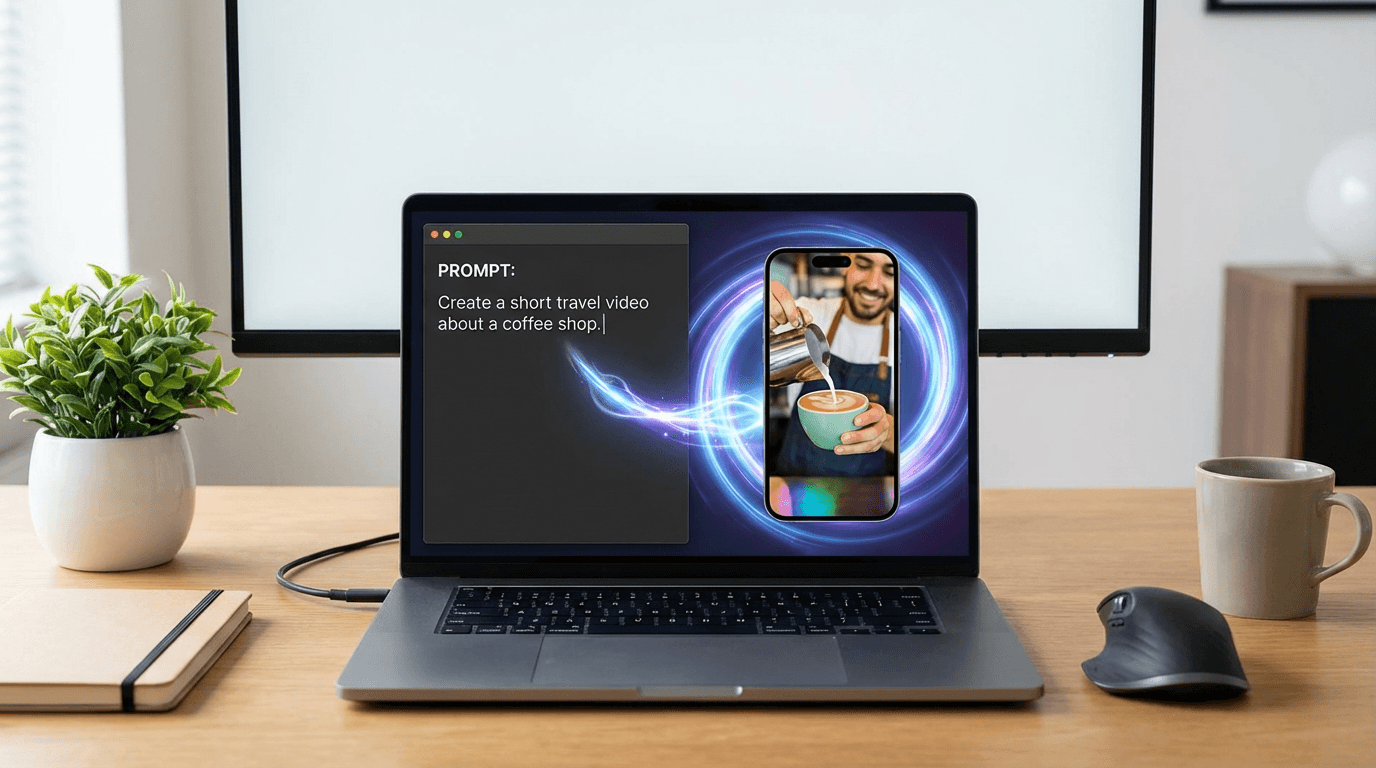
The creators who go viral consistently are the ones who hook viewers instantly, use proven formats, post daily, learn from their analytics, and iterate fast. AI tools make this process faster by handling production so creators can focus on ideas.
If you have an idea for a Short, you already have everything you need. Visit Miraflow AI and start turning that idea into a complete vertical video today.
FAQ: How to Go Viral on YouTube Shorts in 2026
How do you go viral on YouTube Shorts in 2026?
To go viral on YouTube Shorts in 2026, creators need to hold attention immediately, keep viewers watching, and give the algorithm strong early performance signals. The biggest factors are a strong first 3 seconds, a format people want to finish, the right video length, and consistent posting. Virality is usually the result of repeatable structure, not luck.
What does the YouTube Shorts algorithm look for in 2026?
The YouTube Shorts algorithm looks at early viewer response first. That includes swipe-away rate, watch-through rate, likes, comments, shares, and whether the Short helps keep people on YouTube longer. If viewers stay and engage, the platform is more likely to expand distribution to larger audiences.
How important are the first 3 seconds of a YouTube Short?
The first 3 seconds are critical because Shorts is a swipe-based feed. If the opening feels slow, unclear, or visually weak, viewers leave before the main content starts. Strong hooks usually begin with movement, curiosity, a direct question, bold text, or a surprising visual.
What is the best length for a viral YouTube Short?
For most creators, the best length for a viral YouTube Short is between 30 and 60 seconds. That range is often long enough to deliver value while still keeping retention high. The best rule is to make the Short only as long as the idea needs and remove every second that does not add momentum.
Can short videos under 15 seconds go viral on YouTube Shorts?
Yes, very short Shorts can absolutely go viral. In many cases, ultra-short videos spread fast because they are easy to finish and rewatch. The tradeoff is that shorter videos often give you less room for storytelling, teaching, or monetizable watch time.
Do thumbnails matter for YouTube Shorts?
Yes, thumbnails still matter for YouTube Shorts, especially in search results, suggested placements, and on channel pages. A good Shorts thumbnail should be clear at small size, visually bold, and instantly explain the topic. Even when Shorts autoplay in the feed, thumbnails still affect clicks from discovery surfaces outside the main swipe feed.
Do titles and descriptions help YouTube Shorts rank in search?
Yes, titles and descriptions matter more in 2026 because Shorts are more visible in YouTube search than before. A clear title with the main keyword can help users understand what the Short is about before they click. Descriptions can reinforce the topic with related keywords, hashtags, and a short summary without feeling stuffed.
How often should you post YouTube Shorts to go viral?
Posting consistently gives the algorithm more chances to test your content and find the right audience. Many creators see better momentum when they post daily or close to daily, because more uploads mean more experiments and more performance data. Consistency usually matters more than occasional bursts of high volume.
Why are my YouTube Shorts getting views but not going viral?
A Short can get some views without breaking out if the early performance signals are only average. Common reasons include a weak opening, low average percentage viewed, poor rewatch value, weak engagement, or a topic that does not create enough curiosity. In many cases, the content is good, but the hook or pacing is not strong enough for broader distribution.
What kind of YouTube Shorts go viral most often?
Some of the best-performing Shorts formats in 2026 are listicles, before-and-after transformations, fast tutorials, surprising facts, comparison videos, storytelling Shorts, and trend remixes. These formats work because they create built-in curiosity and give viewers a reason to keep watching until the end. The structure often matters as much as the topic itself.
Can AI help you make viral YouTube Shorts faster?
Yes, AI can help creators move faster by generating scripts, visuals, voiceovers, thumbnails, and even music. That makes it easier to test more ideas, post more consistently, and improve production speed without building everything manually. AI does not guarantee virality, but it can make the experimentation process much faster.
How do you know if a YouTube Short is performing well?
The best way to judge Shorts performance is through YouTube Studio. Watch metrics like swipe-away rate, average percentage viewed, watch time, and engagement. When one Short clearly outperforms your others, study its hook, length, format, and pacing, then make more variations based on that pattern.